


A clean halftone dot reads as a filter. The same dot sitting a few pixels off its own black plate, resting on ink that's bled a hair into the paper fibre, reads like a job that came off a real press. The gap between those two things is everything, and almost nobody talks about how to build it on purpose.
Start with the mechanics, because the whole technique falls out of them. A printed colour image is four ink layers stacked on white paper: cyan, magenta, yellow, black. Each one is screened into its own halftone dot pattern, and the four patterns combine optically into a full-colour picture. On a real press, those four plates never land perfectly on top of each other, so the dots from adjacent layers creep past each other at the edges and go slightly gooey where they overlap. The paper adds its own noise on top: fibre, dust, uneven absorption, the places where the ink soaked in deeper than it should have. Registration drift and surface grain are both accidents. A press produces them for free. A designer has to produce them on purpose, and the order you produce them in is what separates a convincing print surface from a pile of effects fighting each other.
The stack has a logic. Halftone first, drift second, grain last, because that's the sequence in which ink meets paper in the physical world. Run it out of order and each layer undercuts the one below it.
Halftone goes down first because it's the structure
The dot pattern is what the eye reads as "print" at all. Nothing else in the stack means anything without it. Drift needs a grid to throw out of register; grain needs a surface to sit on. The halftone is both, so it's the foundation you build everything else on top of.
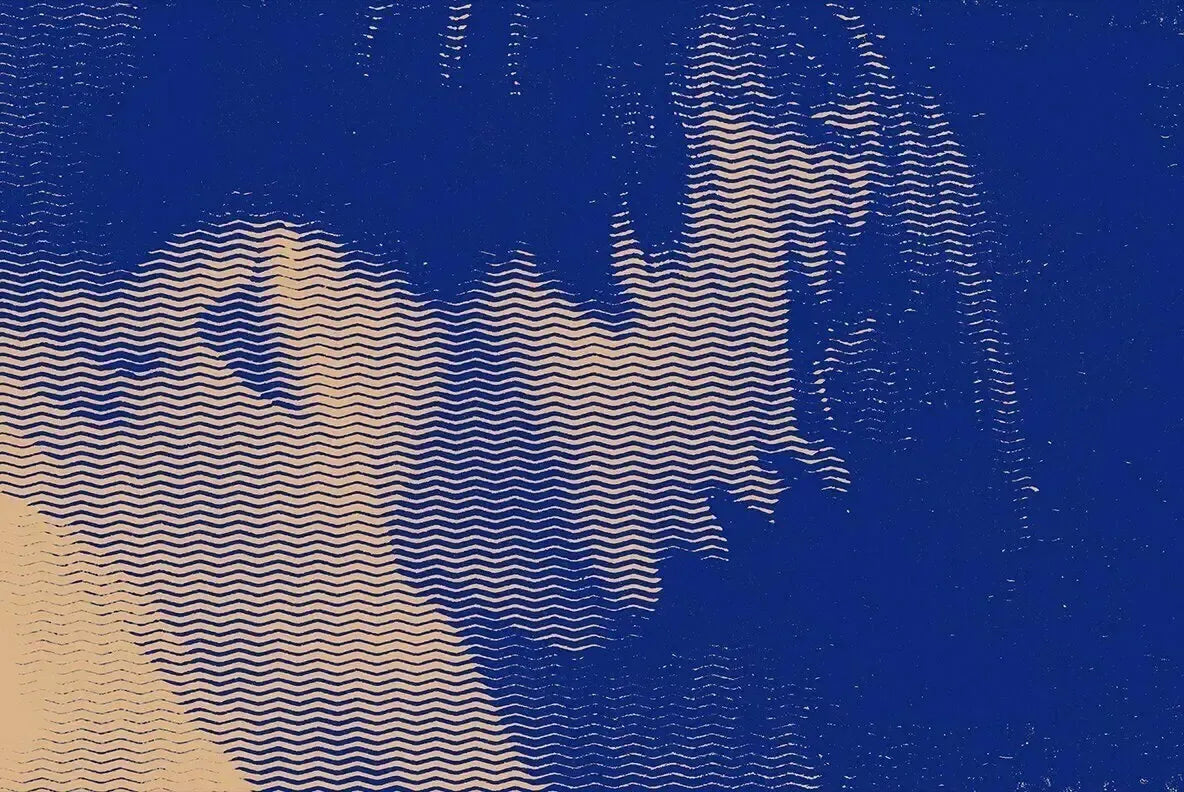
Halftoner is the workhorse for this stage. One 4000x4000px PSD with five pattern variations, line, wave and dot, plus twenty gradient maps and full control over pattern scale and colour. The scale slider is the part that matters most here, because dot size is the single decision that sets the character of the whole piece. Big coarse dots push you into newsprint and gig-poster territory; fine dots read as magazine stock. It runs non-destructively, spitting out a fresh PSD each time so your source image stays clean, which means you can audition three dot scales against the same photo before you commit the rest of the stack to one of them.

When you want the halftone to behave like a background rather than something applied over a photo, reach for Color Halftone Gradient Textures by dokudokunomi. Twelve PSD gradient textures that fold bright colour transitions into the dot pattern itself, usable as standalone panels or dropped under type and illustration with blending modes and opacity. This is the one you want when the dot is the artwork, a halftone field sitting behind a headline, a coloured gradient panel anchoring a layout, rather than a treatment running on top of an image. It also gets you close to that acid-poster look going around right now, a heavy halftone field with loud type sitting over the top.

Misprint drift goes second, once there's a grid to knock loose
Drift only reads as drift when there's a registered structure to throw out of alignment. Apply channel misregistration to something with no underlying grid and you get blur, not a misprint. That's why this stage waits for the halftone. You're taking a pattern the eye has already accepted as "printed" and showing it the moment the plates slipped.
Misprint Effect by Pixelbuddha lands square in small-press zine territory. It knocks the colour channels out of register so red and green edges creep past the linework, and coarse grain settles over the frame while it's at it. Smart Object driven, two PSD files, a landscape 4500x3000 and a portrait 3000x4500, both at 300dpi. The grain riding along with it means this one already does some of the work of the final stage, so keep that in mind before you pile more on top.

For type specifically, Duo Color Print Effect by Pixelbuddha shows the technique applied where it's hardest to fake. A red plate and a green plate print slightly off each other, so lettering, ornamental flourishes, decorative borders and damask fills pick up a soft chromatic halo on an aged, speckled paper base. Single PSD, 4500x3000px at 300dpi. Drift on a photo is forgiving; drift on a headline is where the amateur versions fall apart, because type has hard edges the eye checks against. Getting the two plates to sit a believable distance apart on a word is the real test, and this handles it.

A middle move: reproduction loss, not registration error
There's a different failure mode worth knowing. When a print gets reproduced again down the chain, a flyer photocopied off a flyer photocopied off the original, you lose information at every generation. Edges clog, midtones blow out, fine detail dies. That's reproduction loss, a separate thing to a slipped plate.
CopyCat by MiksKS is the Photoshop action for it, a worn-out photocopy degradation pass built for posters, album covers, zines, typography compositions and photos. Slot it in as an alternative middle stage when the brief wants "found on a telephone pole" rather than "bad press run," or stack it after the misprint when you want both stories at once: a job that printed badly and then got photocopied to death. The two read differently to anyone who grew up near a Xerox, so pick the one that matches the lie you're telling.

Grain goes last because it's the paper
Grain is the physical surface, the final layer that sits on top of the ink in reality. Put it down before the halftone and it ends up underneath the dots, which is backwards and looks it. It goes on top, last, closing the stack the way paper texture closes a real print.
Risoprint by Studio 2am handles the overprint end of this. One high-res 300dpi PSD at 6000x6000px, your own images combined with your choice of colours and three grain intensity levels. Worth flagging: this one can reintroduce colour overprint, so it can loop you back toward the misprint stage if you want to close that circle and build the drift and the grain in one move. Start with the lightest grain setting and climb only if the surface needs it.

When your base is a photograph rather than type or illustration, Grain Shade Photo Template by Sko4 is the tool built for that case. Two PSD templates in portrait and landscape at 3000x2000px, nine colour presets, three customisable grain texture options, and smart object photo replacement so you drop your shot straight in. The duotone options make it a natural partner to a two-colour drift upstream, keeping the whole piece on a tight palette.

Where to stop, and how to know you've gone too far
This is the part the tutorials skip, because restraint doesn't make a good thumbnail. One pass of drift reads as a deliberate print accident. Three passes reads as a file that's broken. The chromatic halo on your type should sit a few pixels off, enough that the eye clocks the slip and still reads the word; push the offset past that and you've made illegible noise that nobody will squint through. A readable misprint and a ruined one are separated by a very small number.
Grain has its own ceiling. It should sit lighter than the halftone structure underneath it, because the moment the grain density competes with your dot scale, it swallows the dot pattern whole and you lose the thing that made it read as print in the first place. If you built a beautiful coarse halftone and then can't see it under the noise, the noise won. Pull it back until the dots breathe again. The dot is the signal; the grain is the atmosphere around it, and atmosphere doesn't get to drown the signal.
The test for whether the stack is done comes down to reading order: a viewer should clock the print before they clock the effect. If the technique announces itself first, one layer is overcooked, usually the drift or the grain. If the surface reads as printed and the method only shows up on a closer look, the balance is right. Two layers or four, the count matters less than whether the result tells a believable physical story about ink and paper.
Why this is worth getting right in 2026
Print imperfection is having a moment, and it's not nostalgia driving it. Design commentary this year has landed on a name for it, the Neo-Print Aesthetic, built around exactly these ingredients: ink bleed, misaligned registration, and the dot as the core unit of the whole look. The rave and event poster world is already deep in it, high-contrast desaturated photos buried under heavy halftone with safety-orange or neon-green type over the top.
The deeper reason it matters is what it signals. As AI-generated images arrive visually polished by default, hand-built surface imperfection has become one of the clearest tells of human production. A slipped plate and a grain field that sits right carry provenance; they say a person made decisions about ink and paper. Risograph studios have taken this to its logical end, selling one-off misprints as unique objects, each printing accident available exactly once and priced on the uniqueness of the accident itself. The flaw became the value. Build this stack well and you're working in that same language, putting a human thumbprint back on the surface at the precise moment everything else is getting too clean to trust.