CopyCat - Photocopy Effect

MiksKS
Description
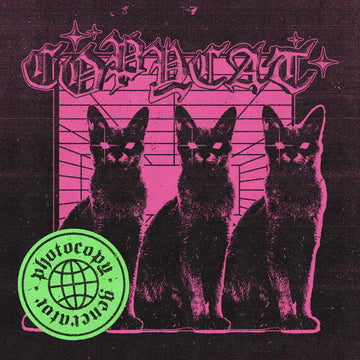
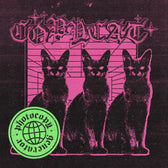
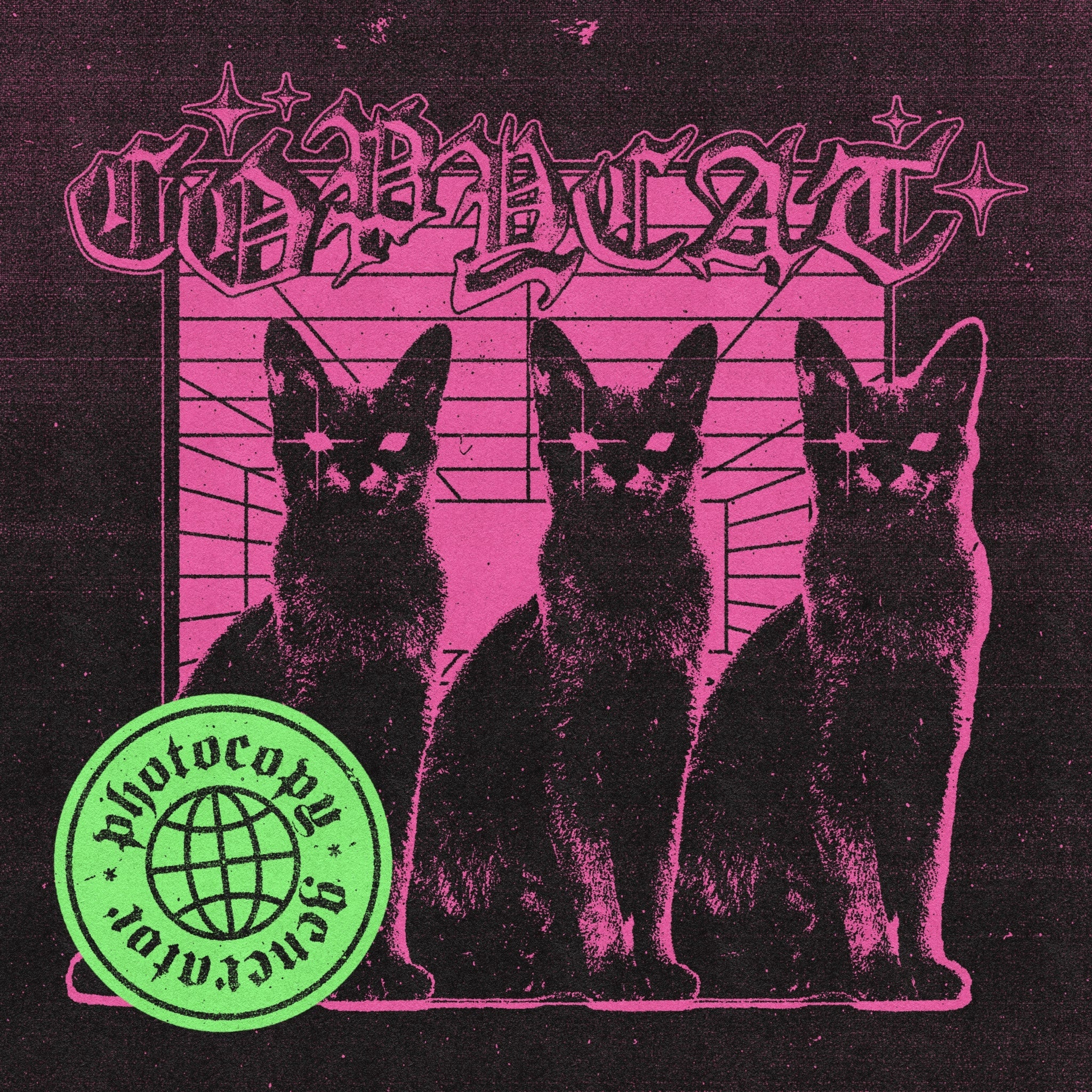
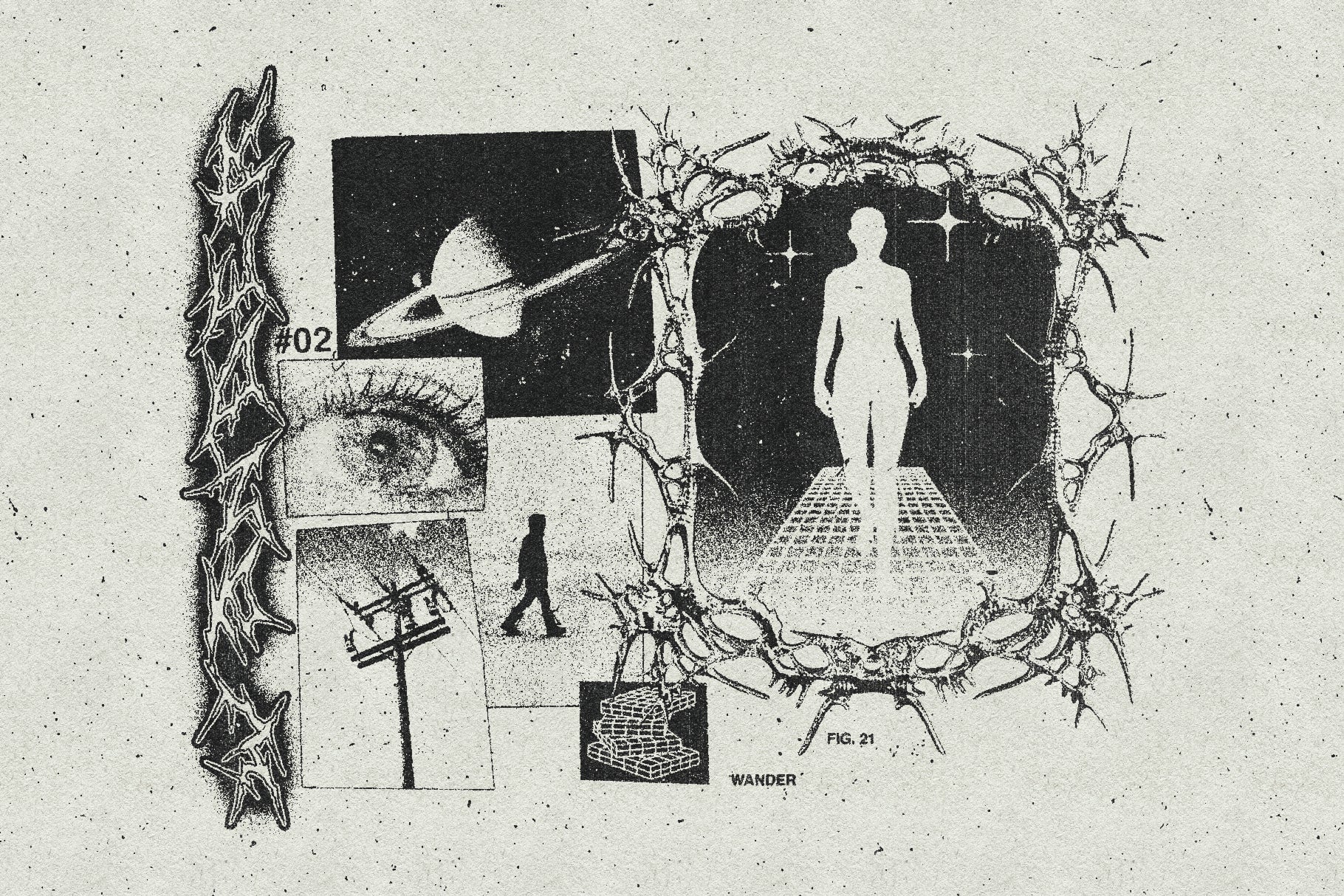
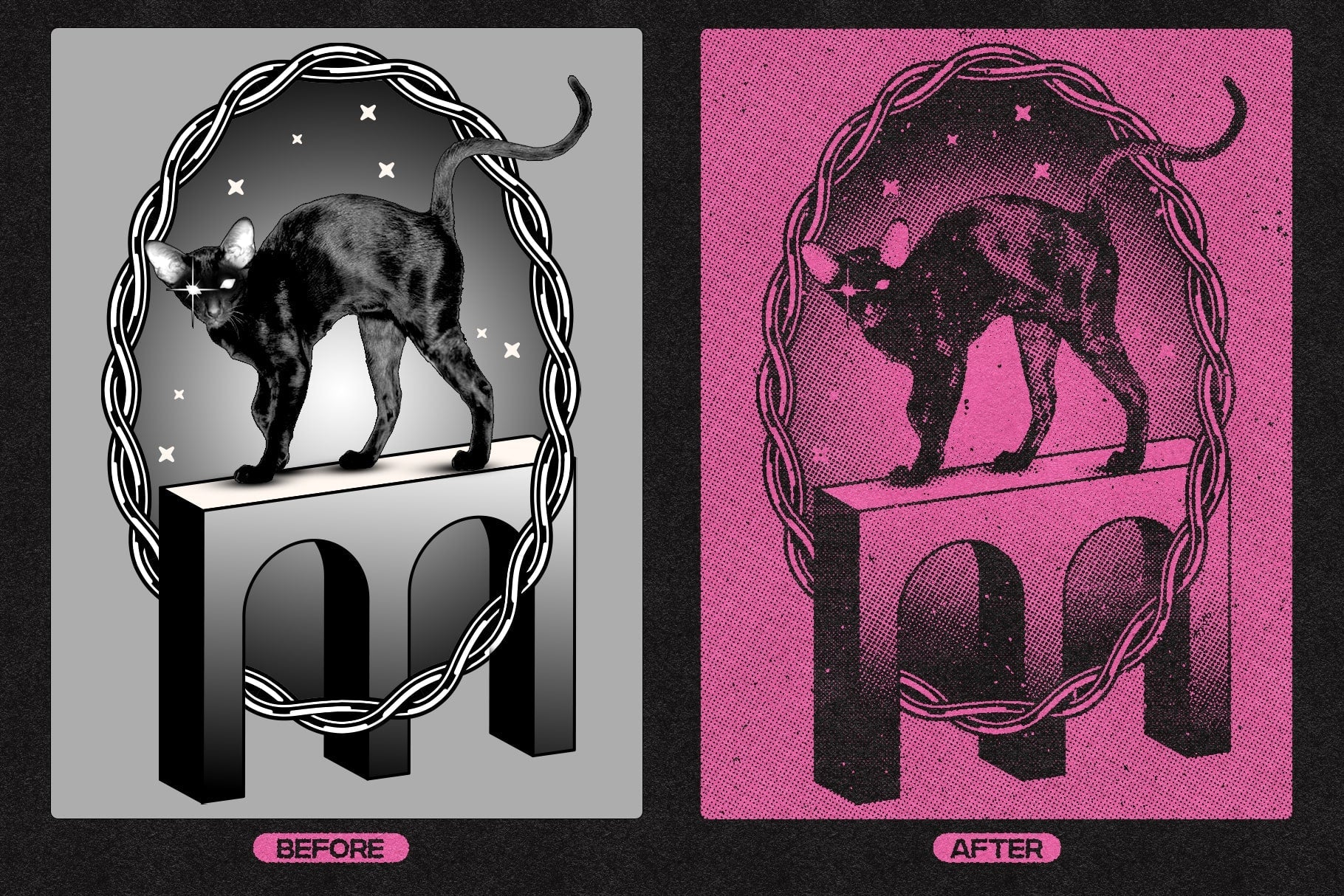
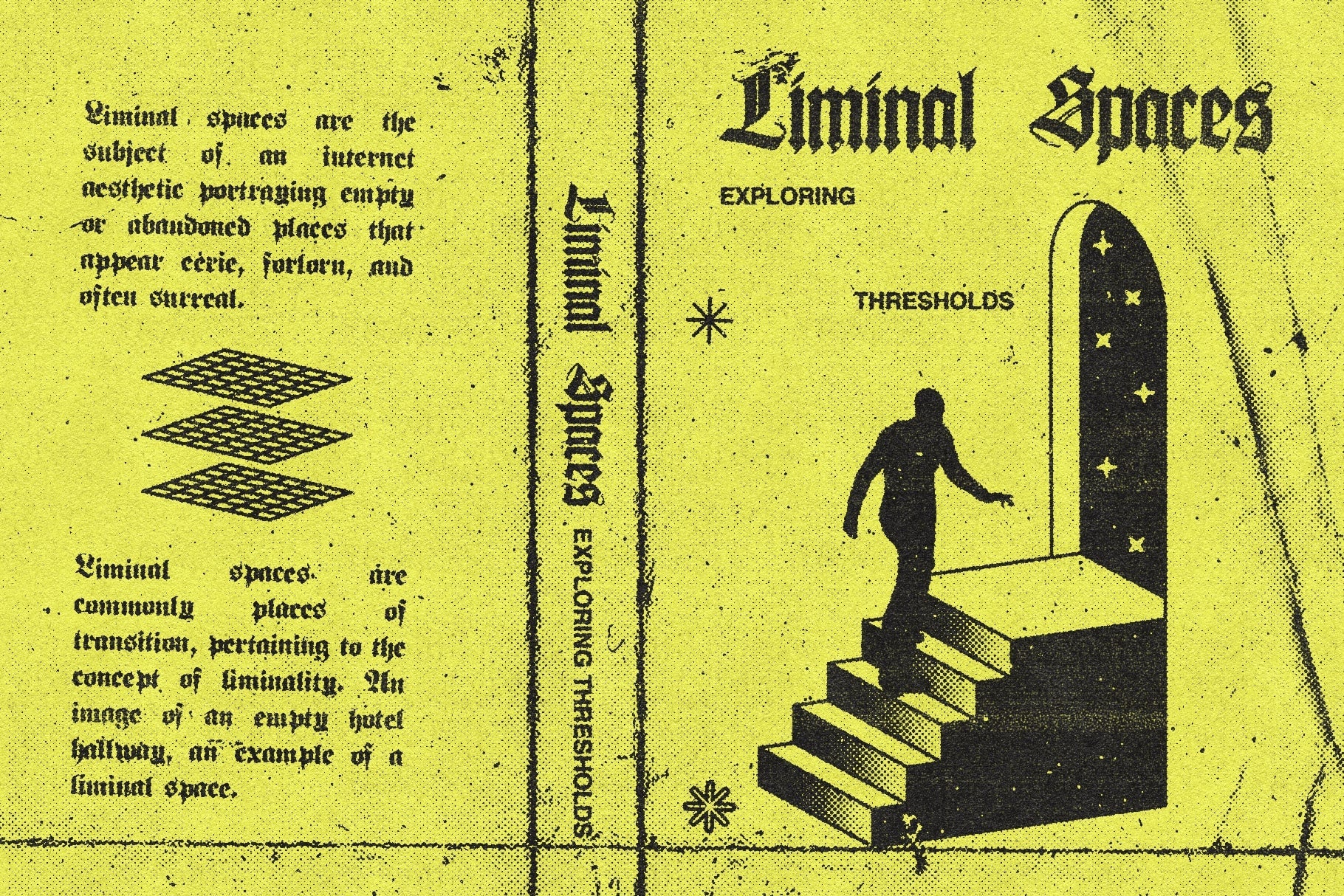
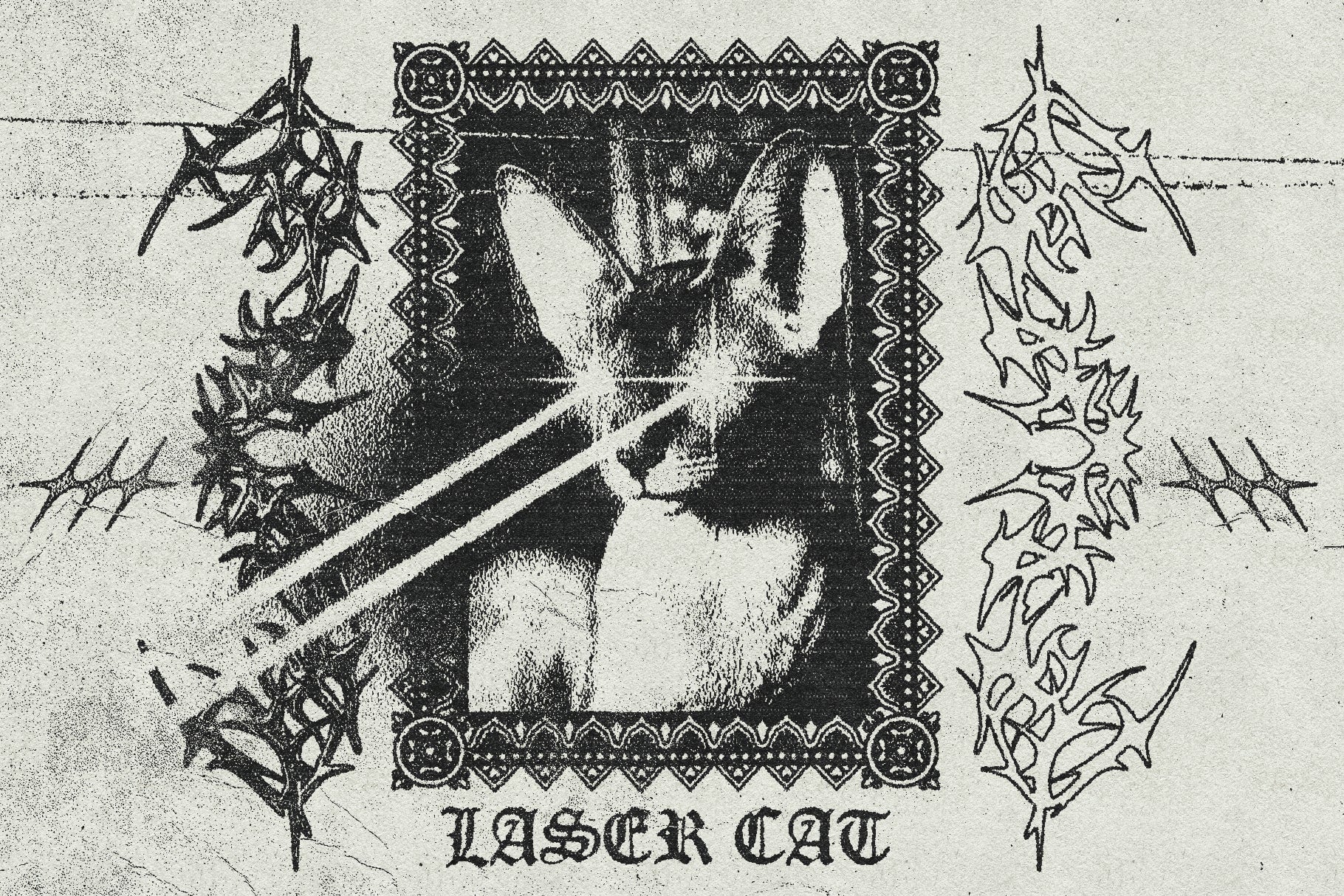
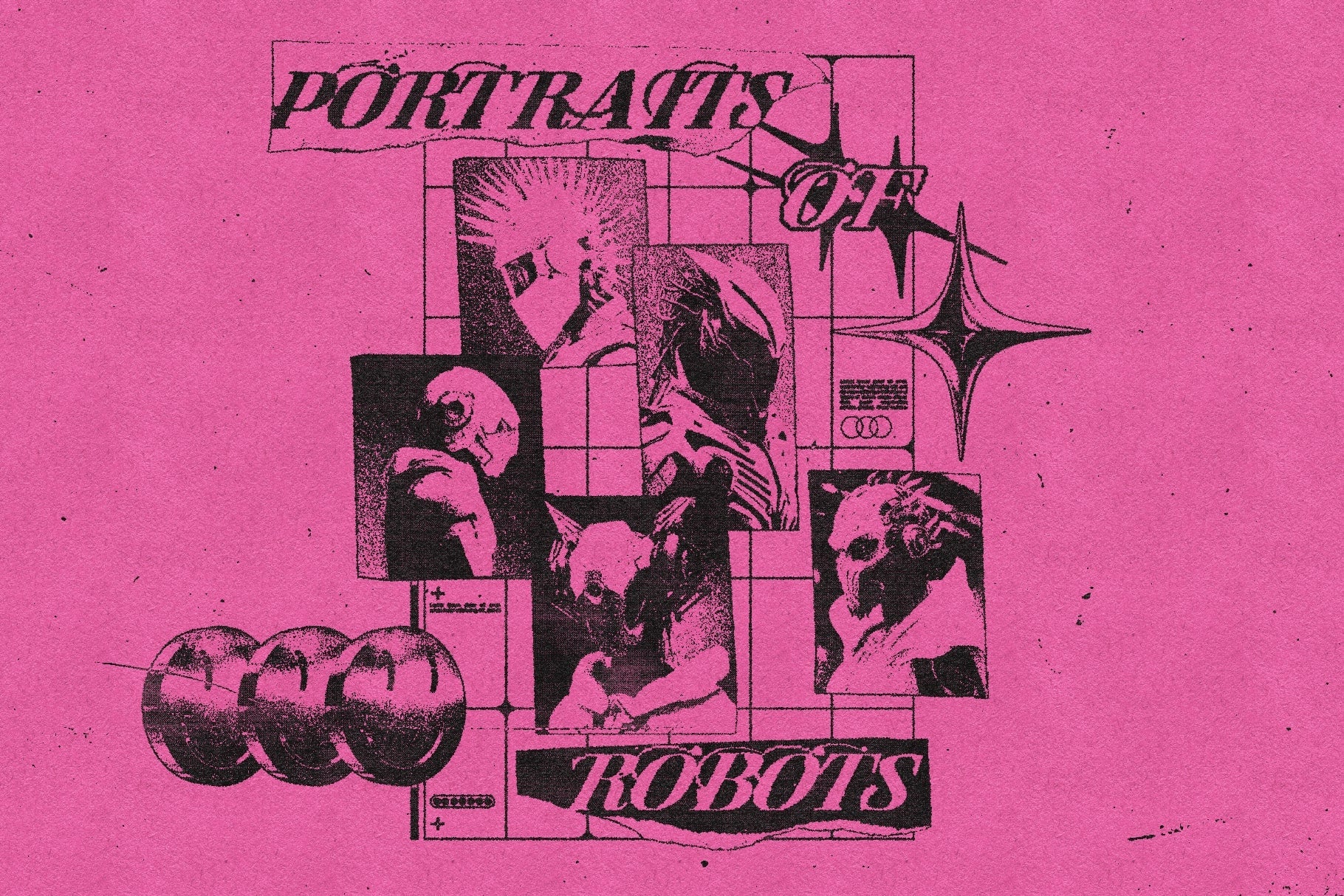
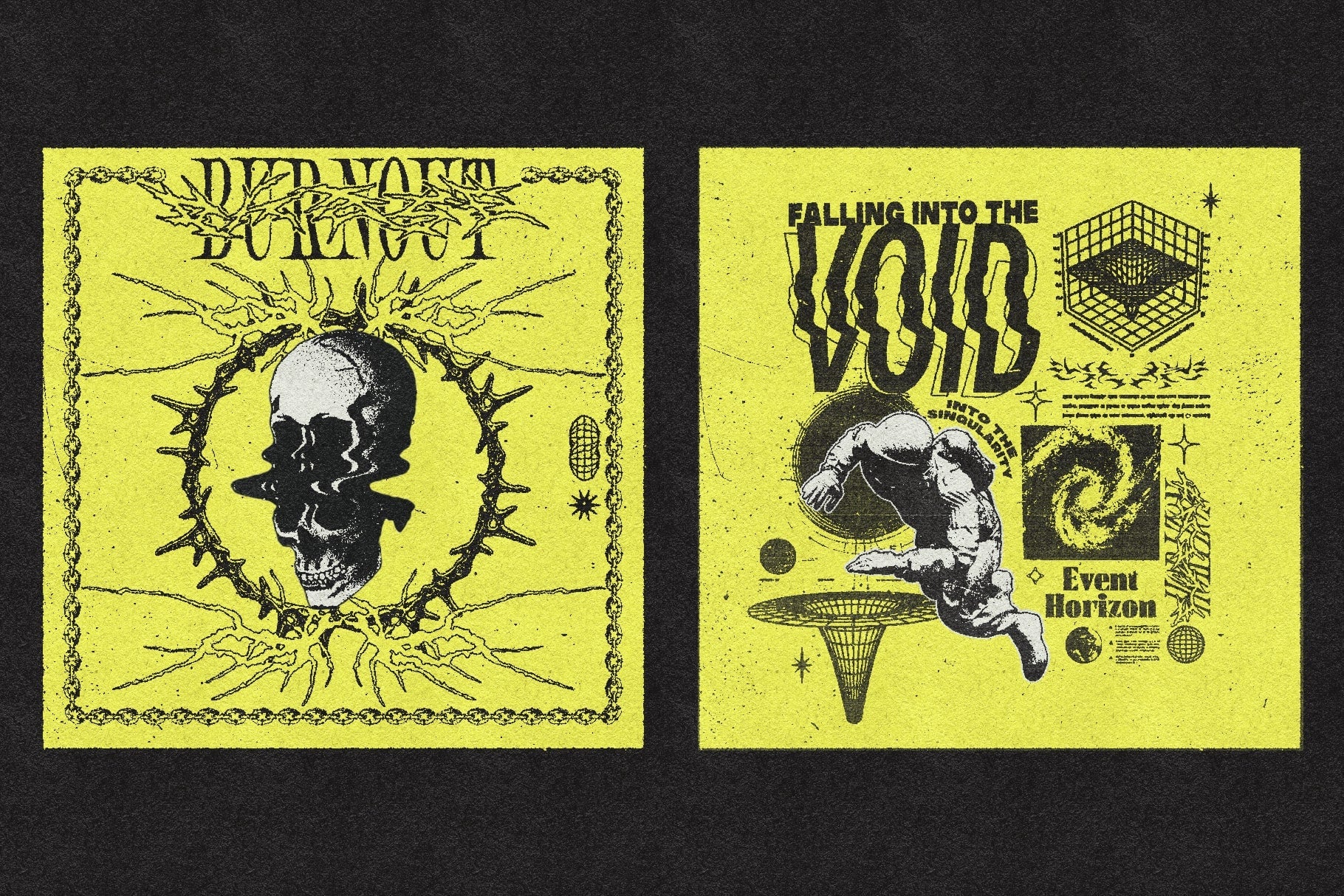
Introducing CopyCat, a Photoshop action that replicates the look of worn out photocopies - whether you are looking to apply this effect to posters, album covers, zines, typography compositions or photos, this tool will help you get cool looking copies without having to go to the local print shop.
Features:
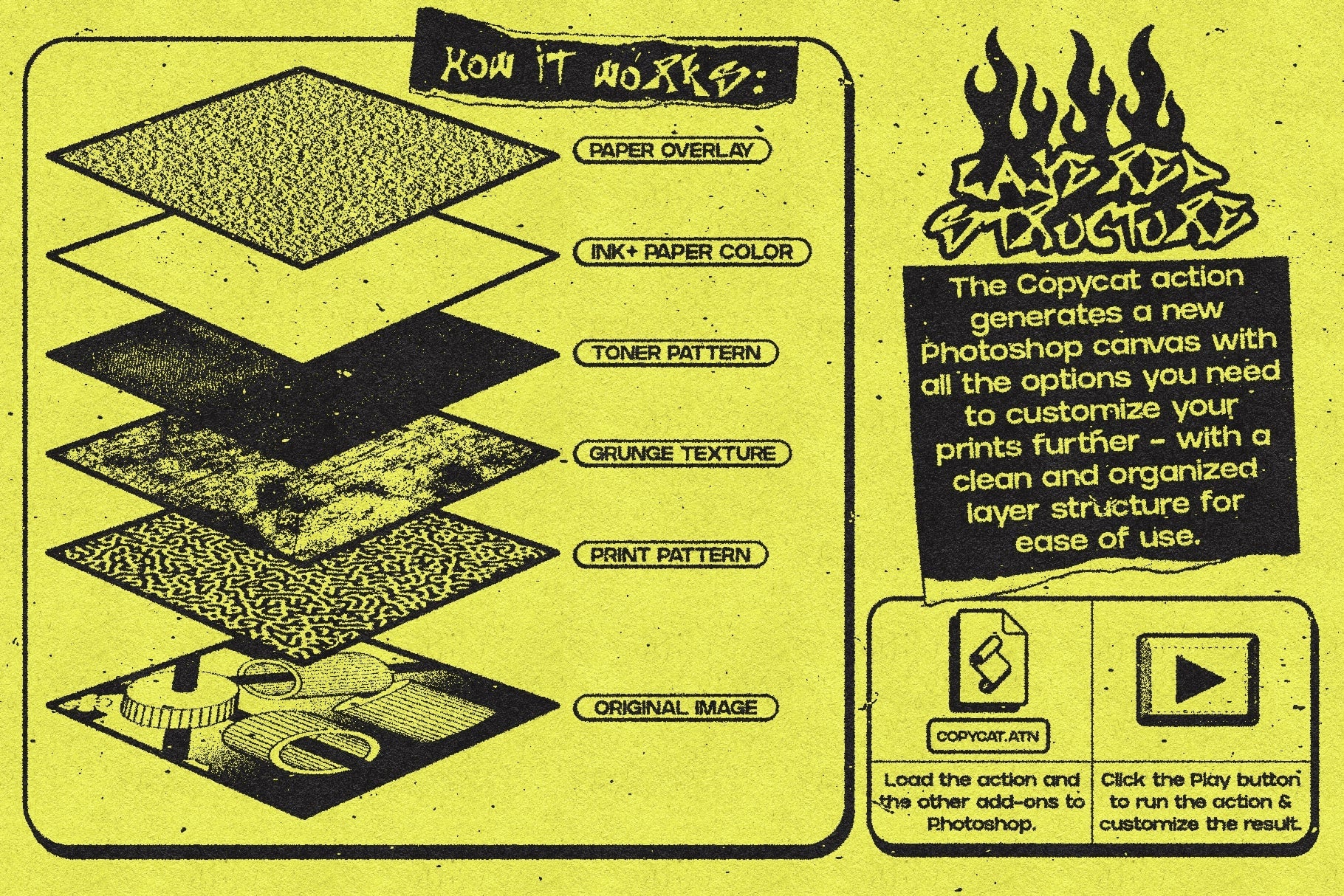
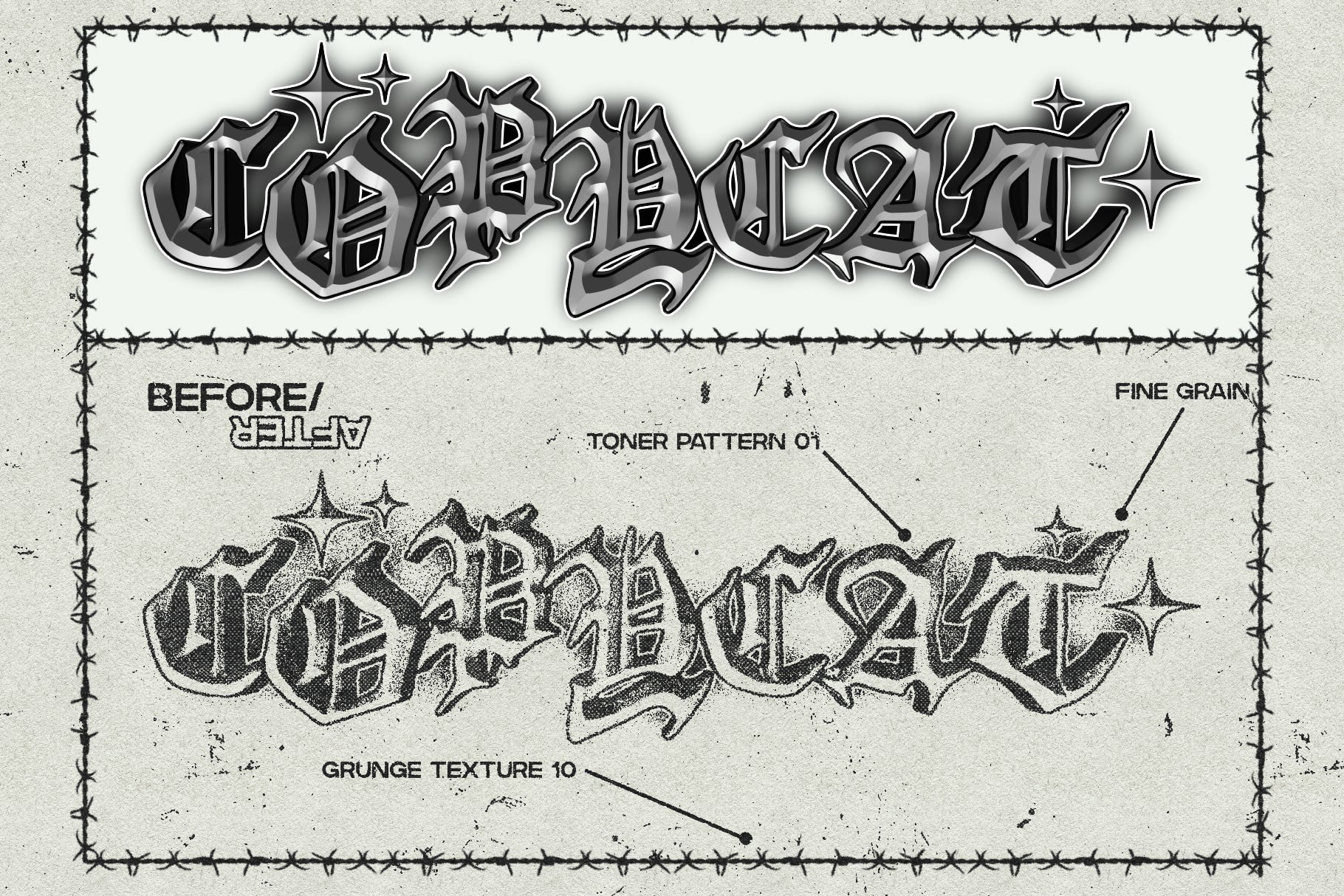
Realistic Photocopy Effect: Easily achieve the photocopy look with just a few clicks. This action meticulously replicates the grainy textures, contrast and toner marks found in old photocopies, with elements sampled from real toner marks and grunge textures for a more realistic result.
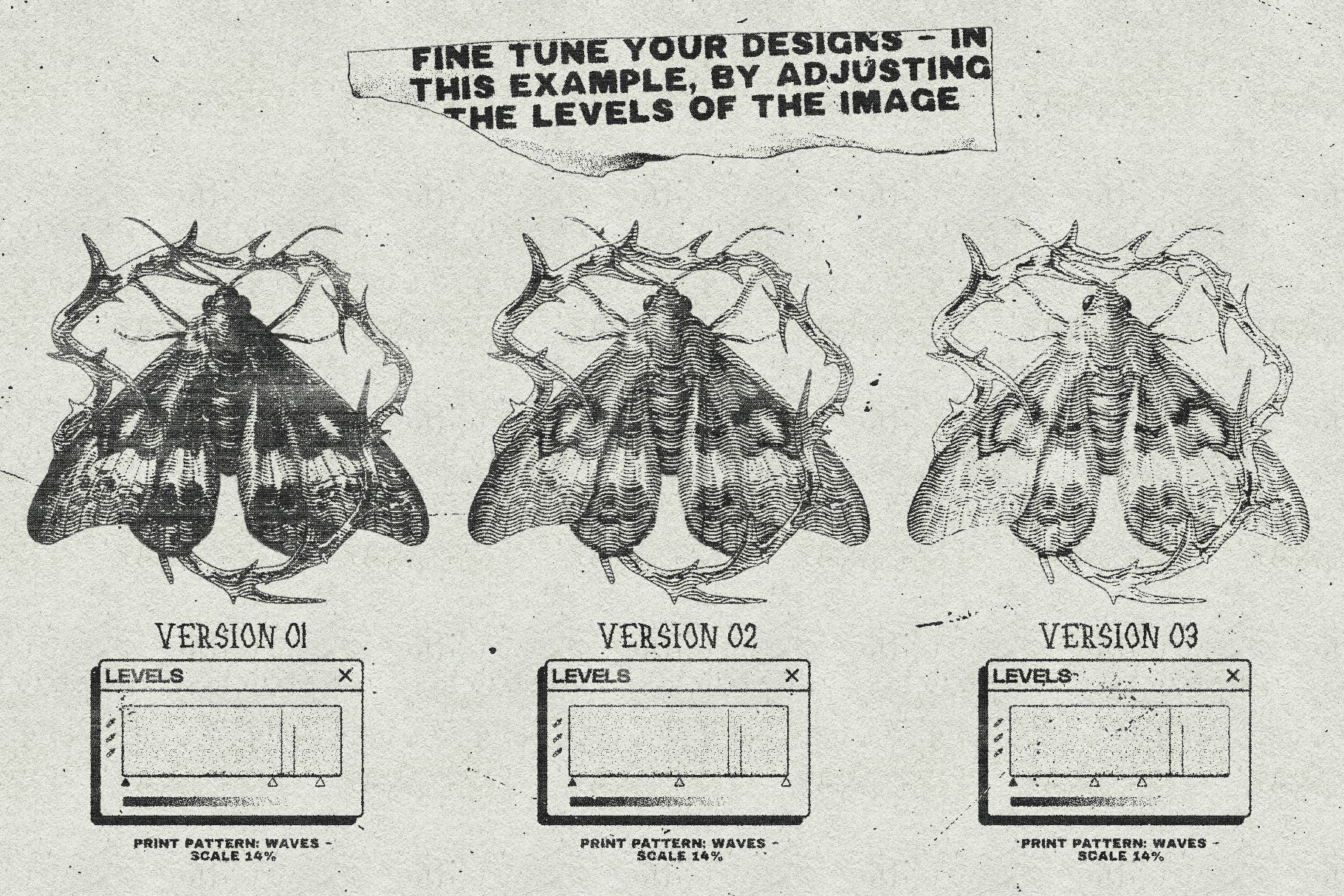
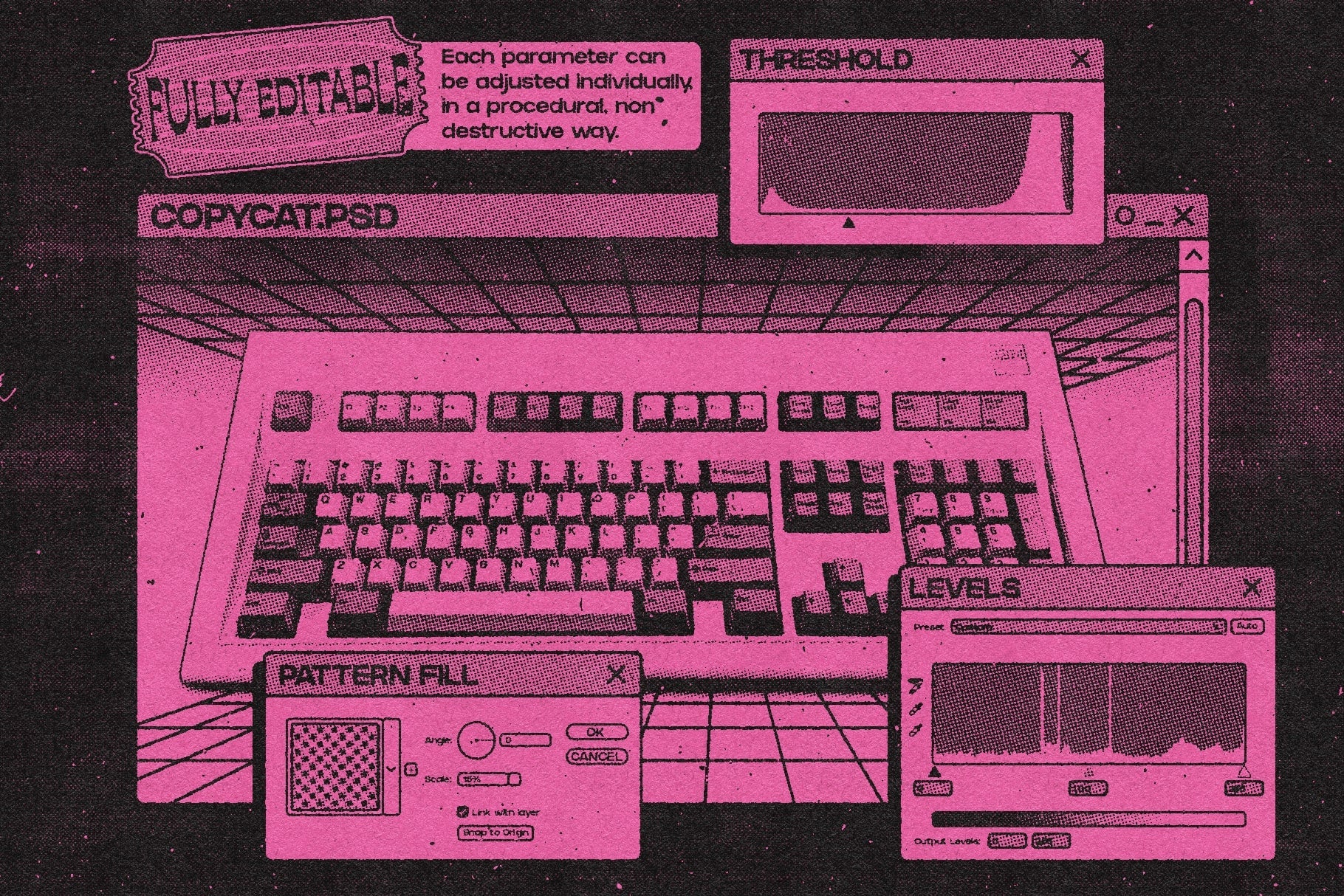
Customizable settings: Fine tune the effect to suit your artwork - adjust the intensity, texture, grit amount, print pattern, and image levels using the parameters generated by the action.
Non-destructive workflow: Your original image remains untouched. Each time you run the action, it will generate a brand new Photoshop document with all your original layers intact (if you select the Layered option), and converted to a Smart Object so you can keep working on the source material even after the effect is applied.
User friendly: The action creates a clean template with color coded groups and well organized layers for ease of use. You will also get a detailed user guide video with captions to follow along and get a full overview of all the action features, as well as a speed art process video for a more practical approach.
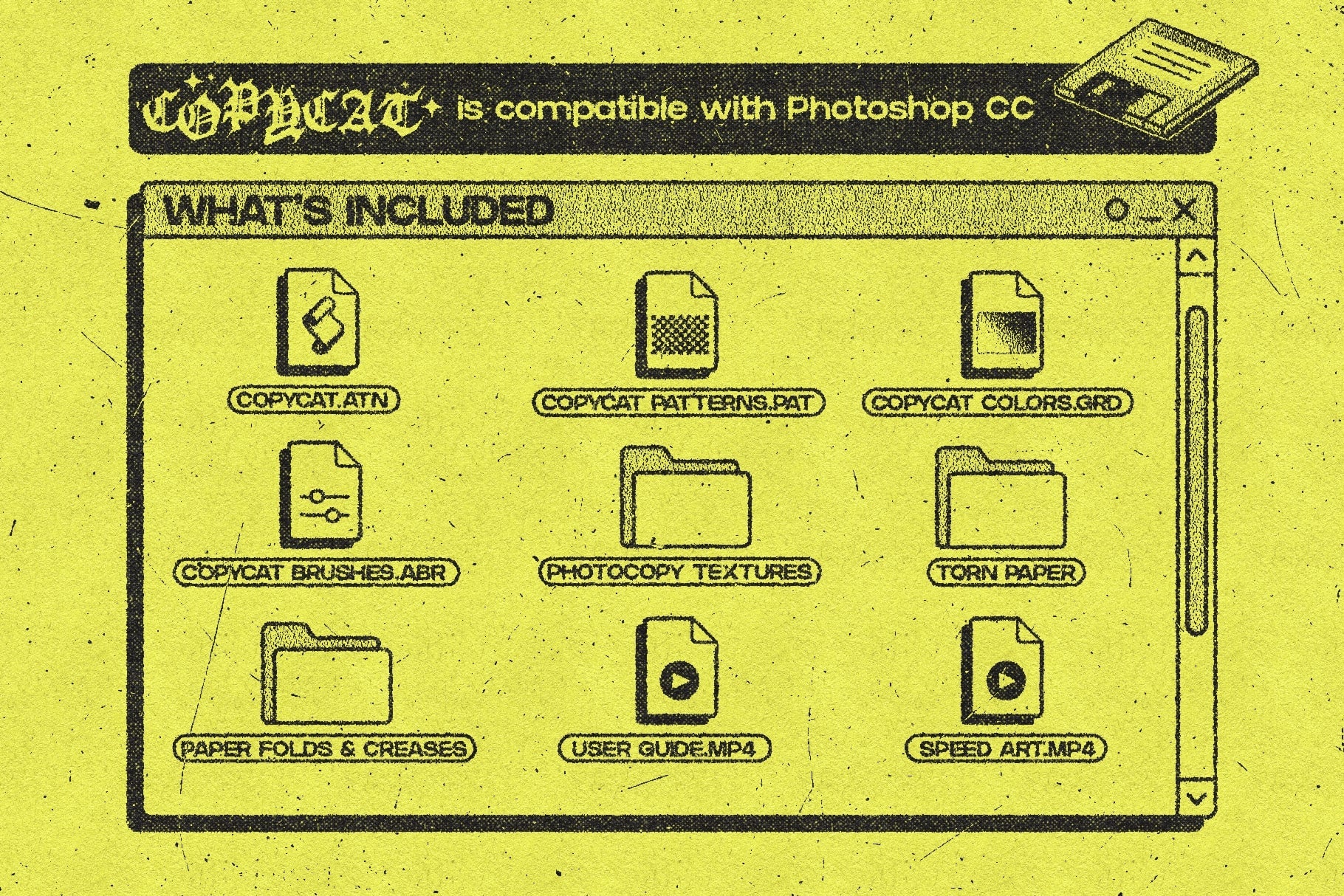
What's included: **
**CopyCat action: This action contains all the steps to recreate the photocopy effect as many times as you want, in a fully automated way.
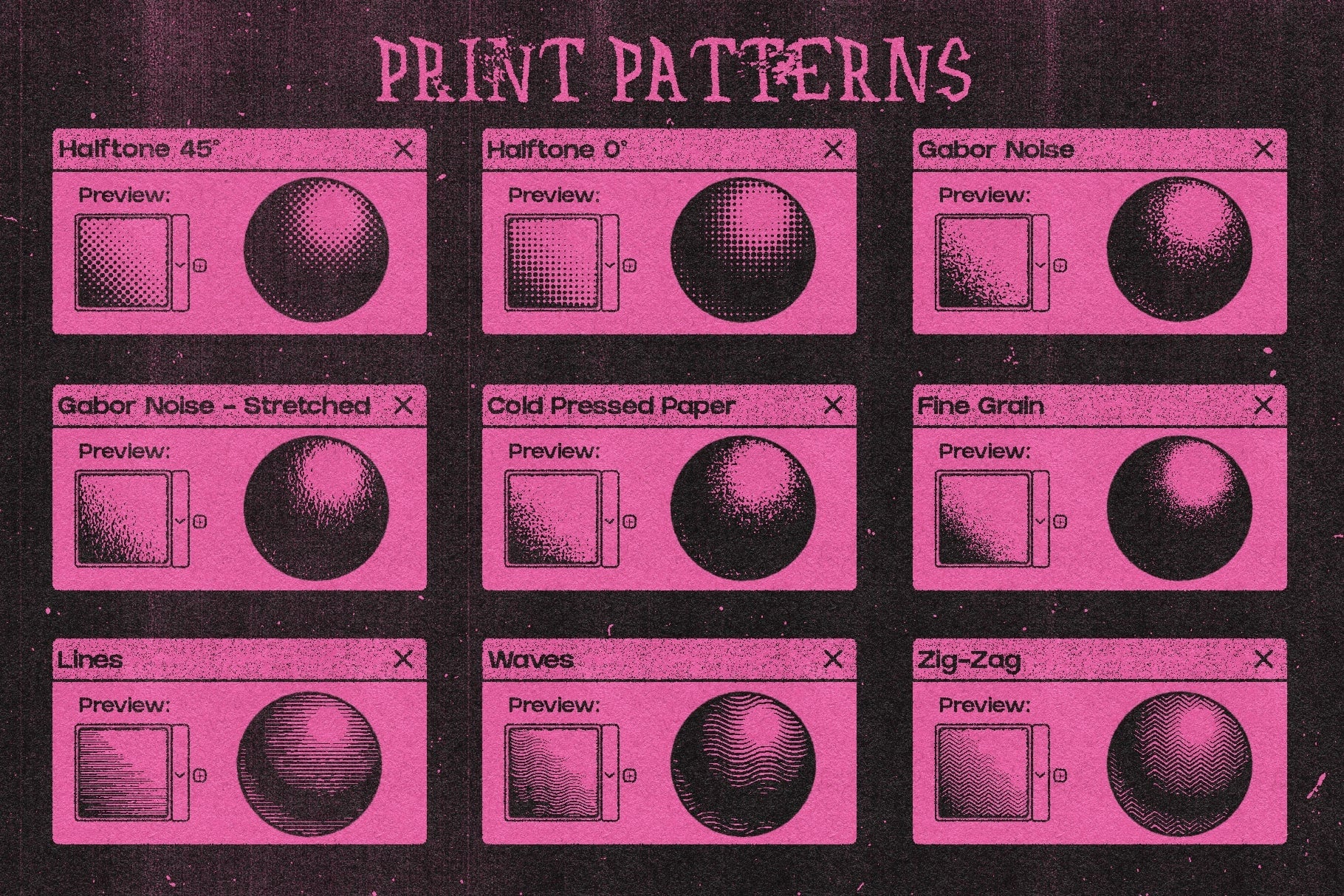
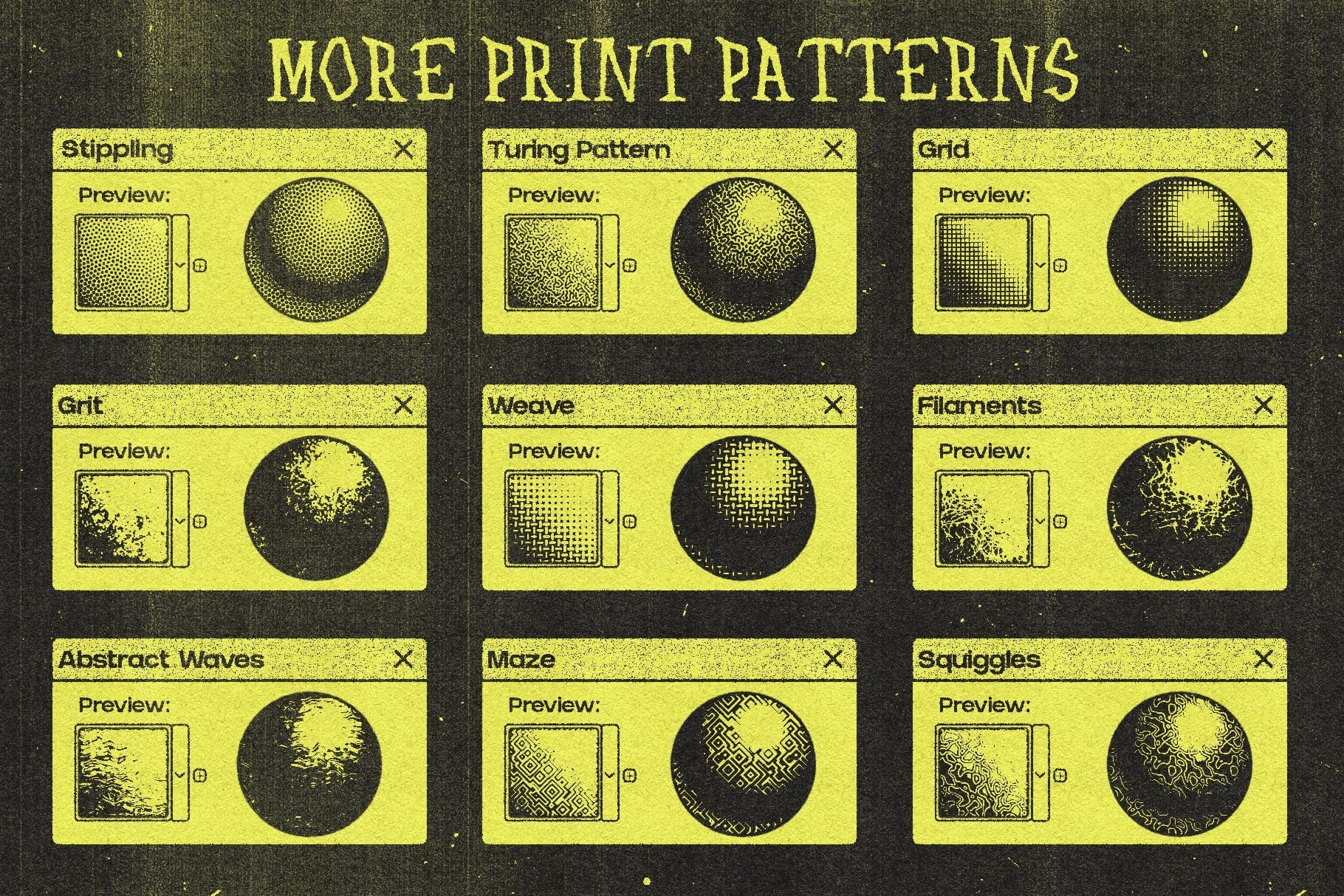
Print patterns: Choose from a selection of 18 seamless patterns, ranging from the standard noise, grain and halftone textures, to more abstract ones that work well for experimental work.
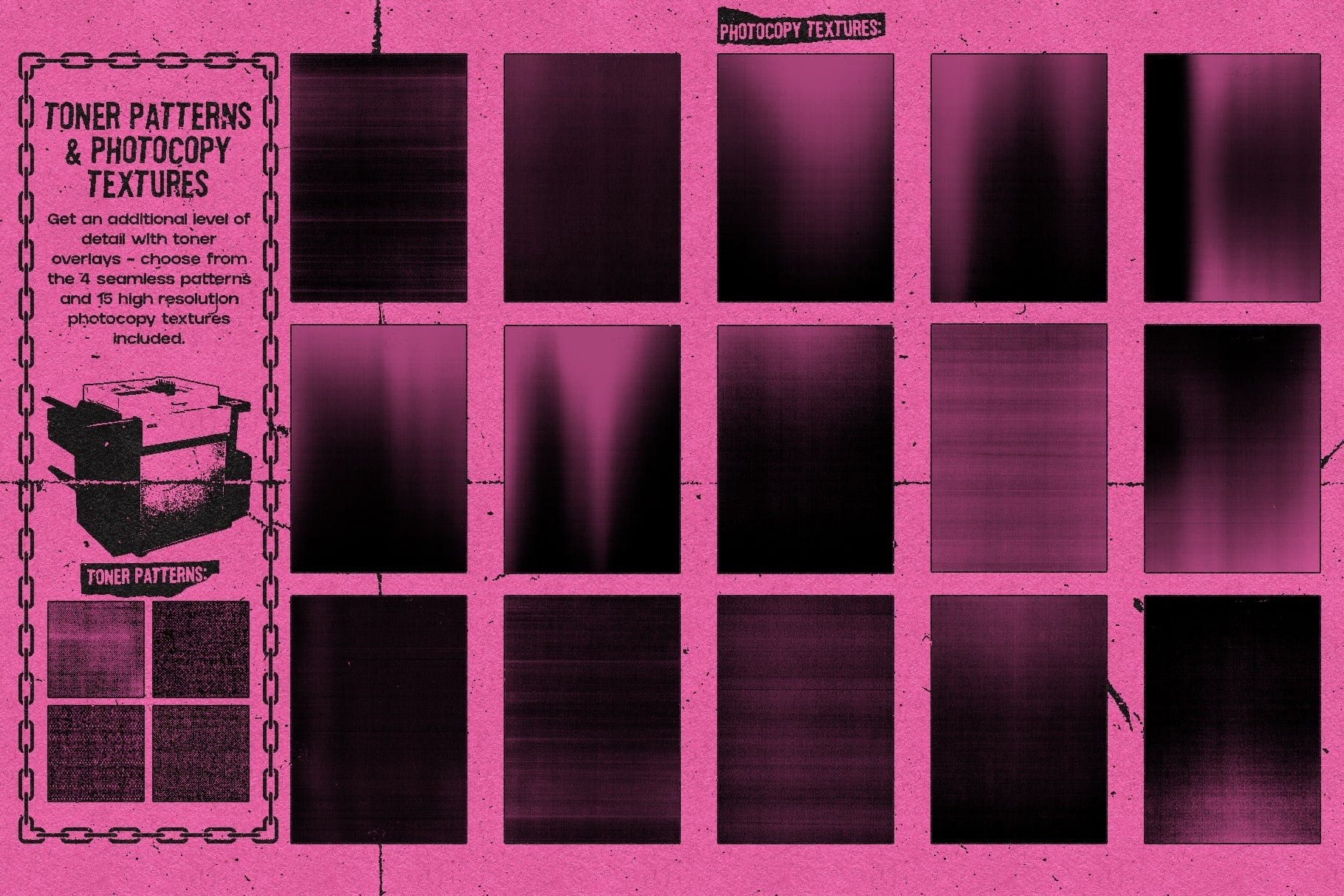
Toner textures: You will get 15 high resolution tif photocopy textures as well as 4 seamless toner patterns.
Color schemes: 17 Gradient Maps presets for the print + paper colors (you can also create your own custom color schemes).
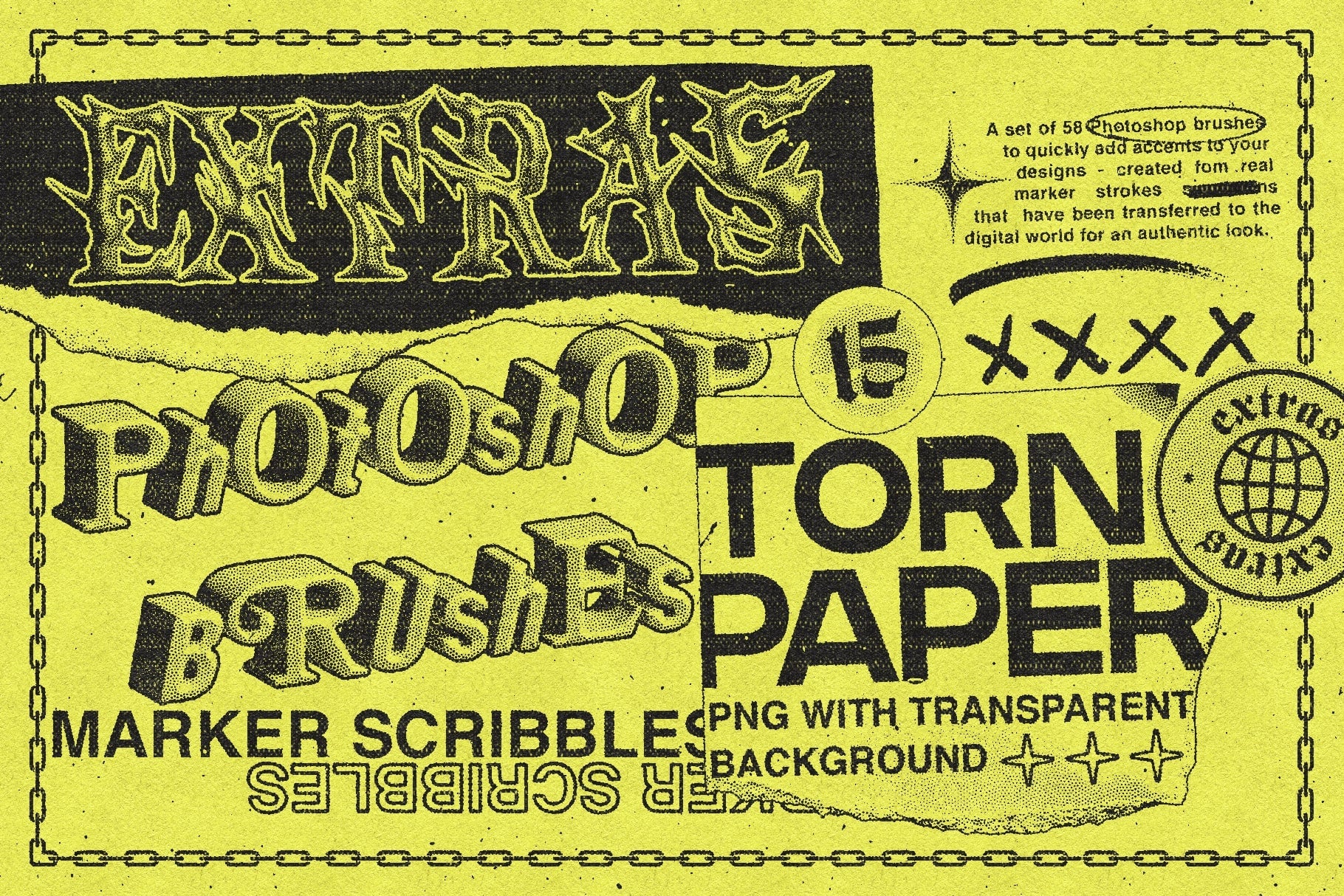
Brushes: 58 marker scribbles brushes sampled from real specimens, to add as accents.
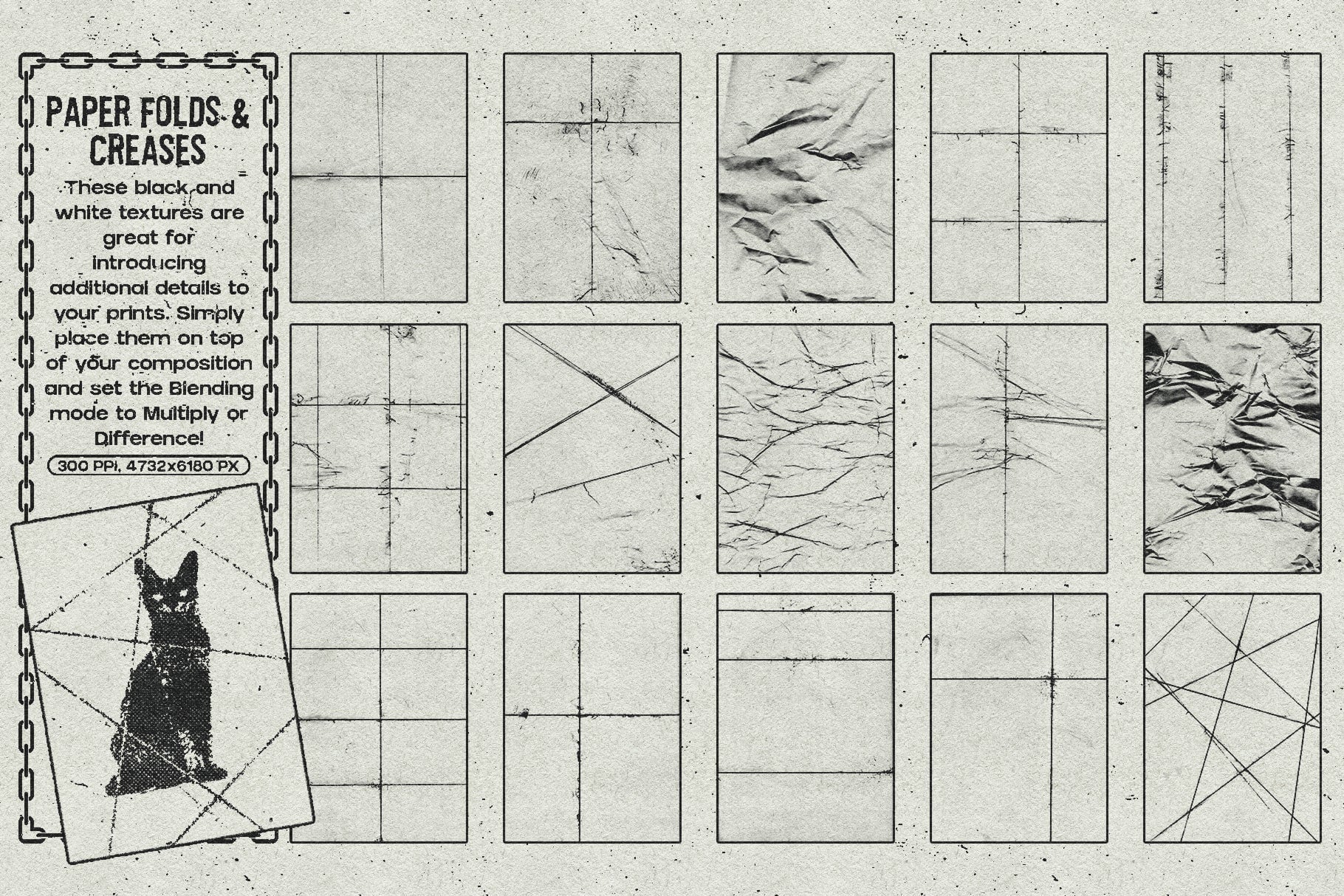
Paper folds & creases: 15 high resolution jpg textures to get an additional layer of details in your work.
Torn paper: 14 transparent PNG torn paper pieces to add as accents.
Compatibility:
Photoshop CC
AI Overview
CopyCat - Photocopy Effect is a Photoshop action tool designed to replicate the appearance of worn-out photocopies. It offers customizable settings for adjusting the intensity, texture, and image levels, and features a non-destructive workflow, leaving the original image untouched. The product includes a variety of print patterns, toner textures, color schemes, brushes, and paper details, and is compatible with Photoshop CC.
What's Included
Compatibility

File Size: 1.2GB
Uploaded: June 20, 2024


Instant
Download

Premium
Quality

Lifetime
Support
 Frequently Asked Questions
We want you to be happy with your purchase! We do offer refunds for digital products if you experience a technical issue that our support team cannot resolve. Just reach out to us within 30 days of your purchase, and we'll be here to help.
After your purchase is complete, you'll receive a confirmation email with a link to download your files. You can also log into your account and access your downloads from the 'My Downloads' section.
Our products come with different licensing options that allow for many types of use cases. Our licenses page includes detailed information about the available licenses, so you can choose the one that fits your project. Click here to view licence details.