
Motion Energy Gradient Textures

Pixelbuddha
Description
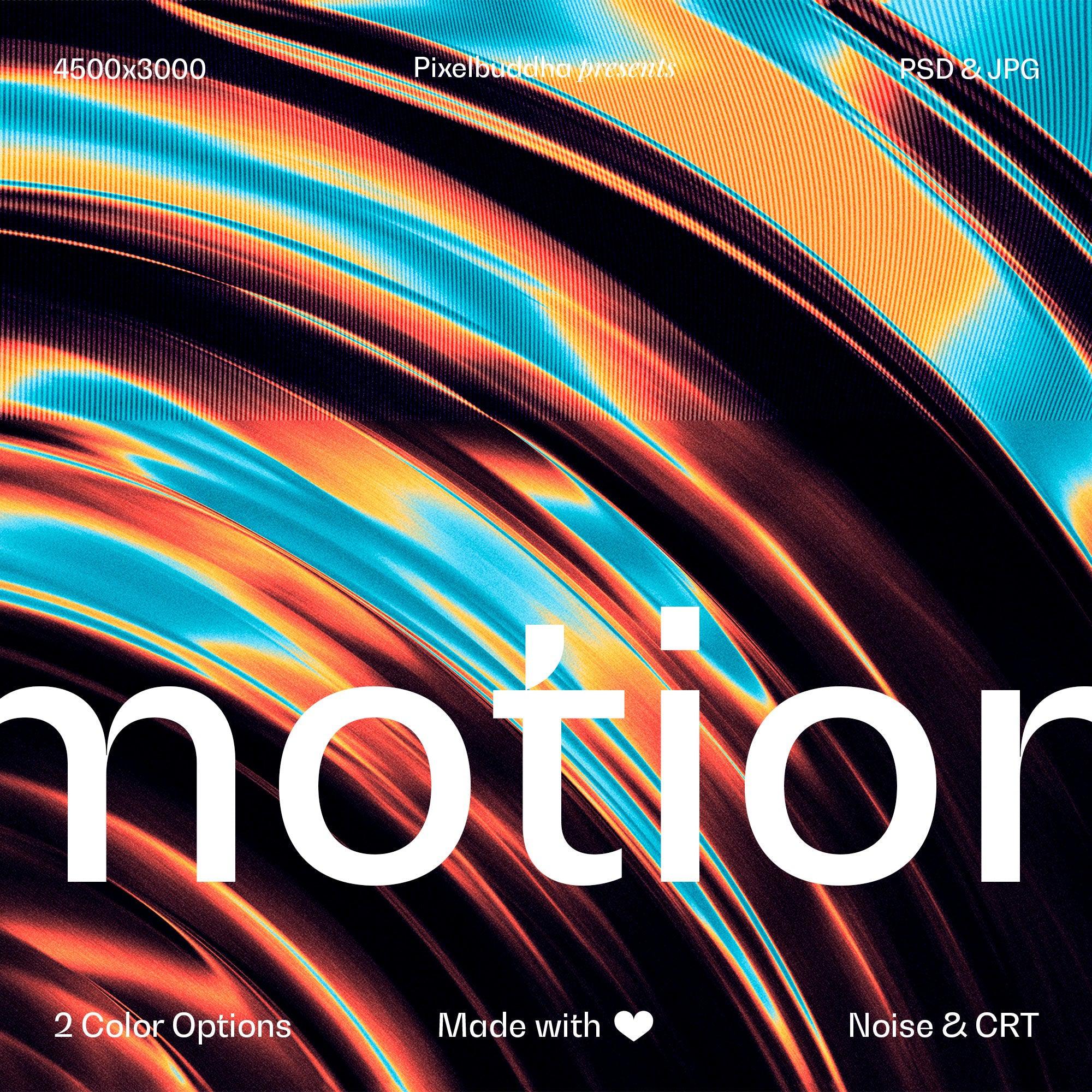
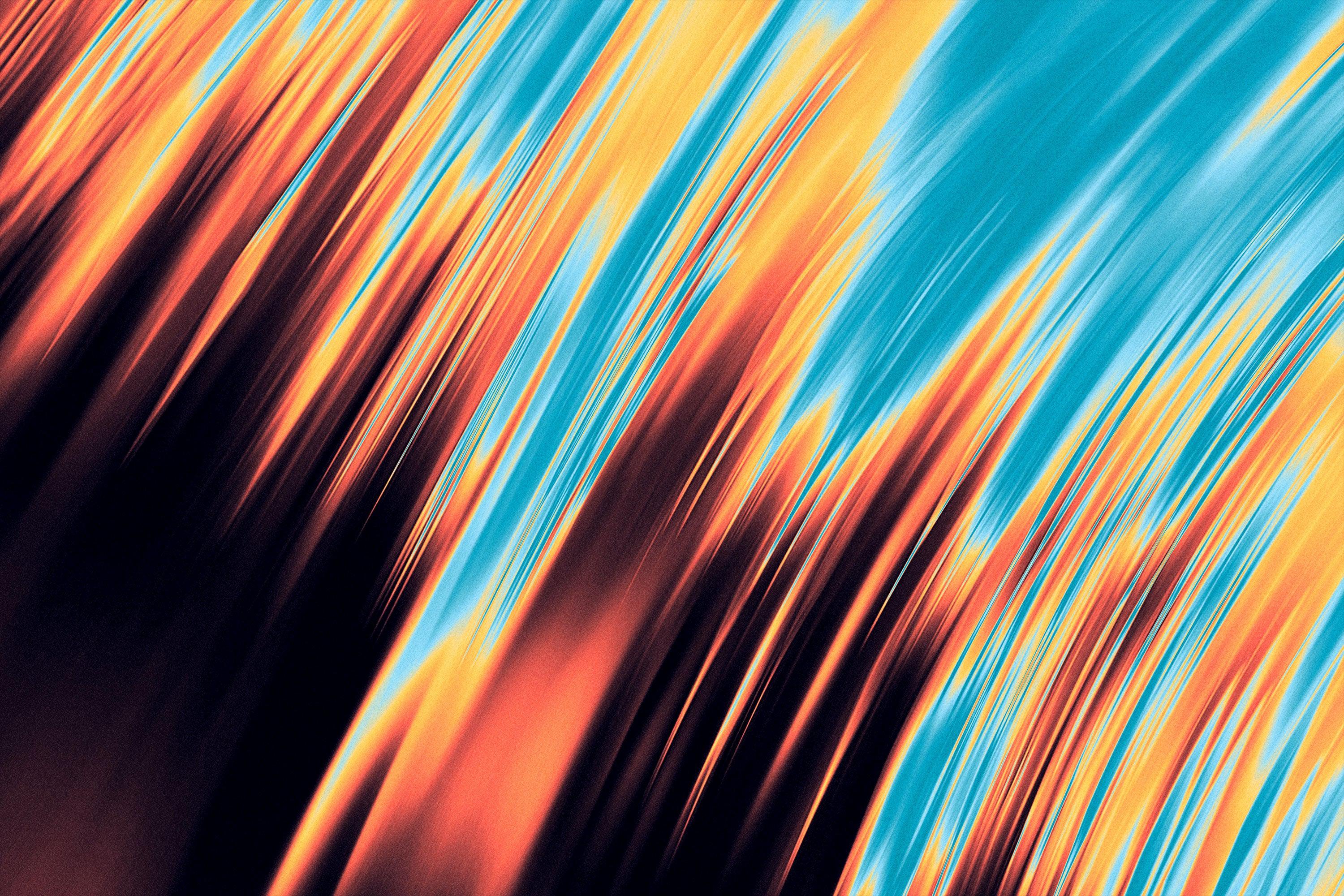
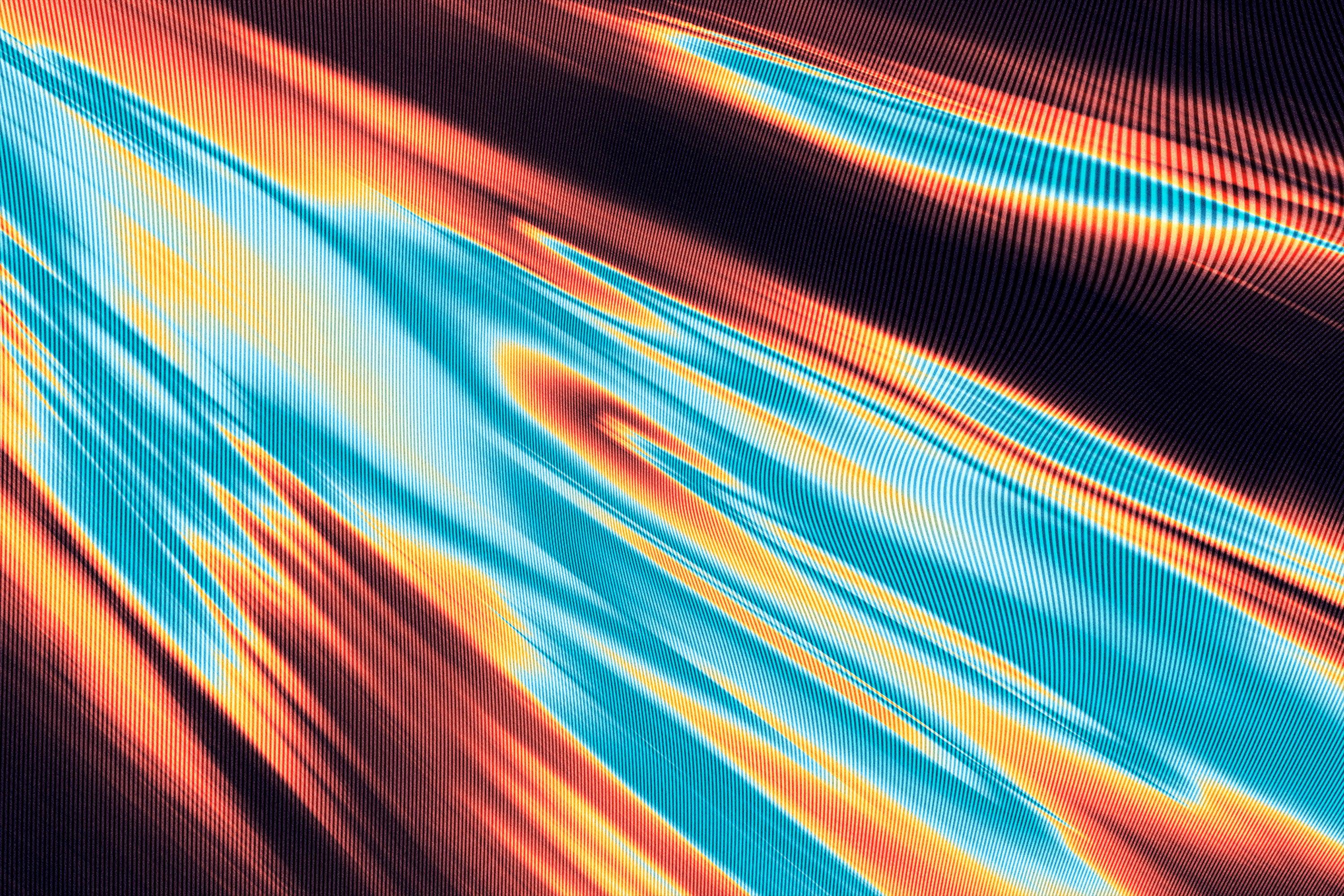
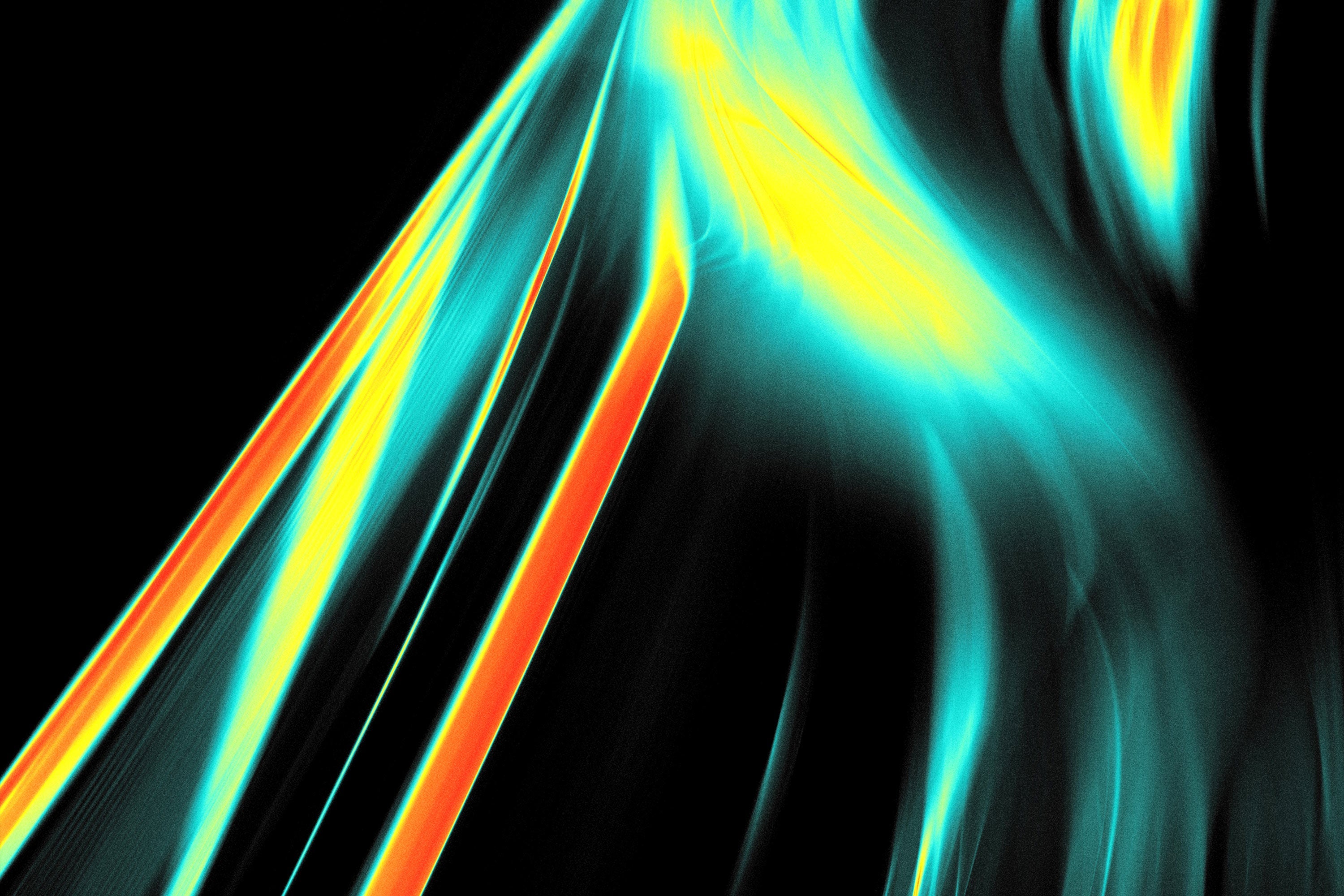
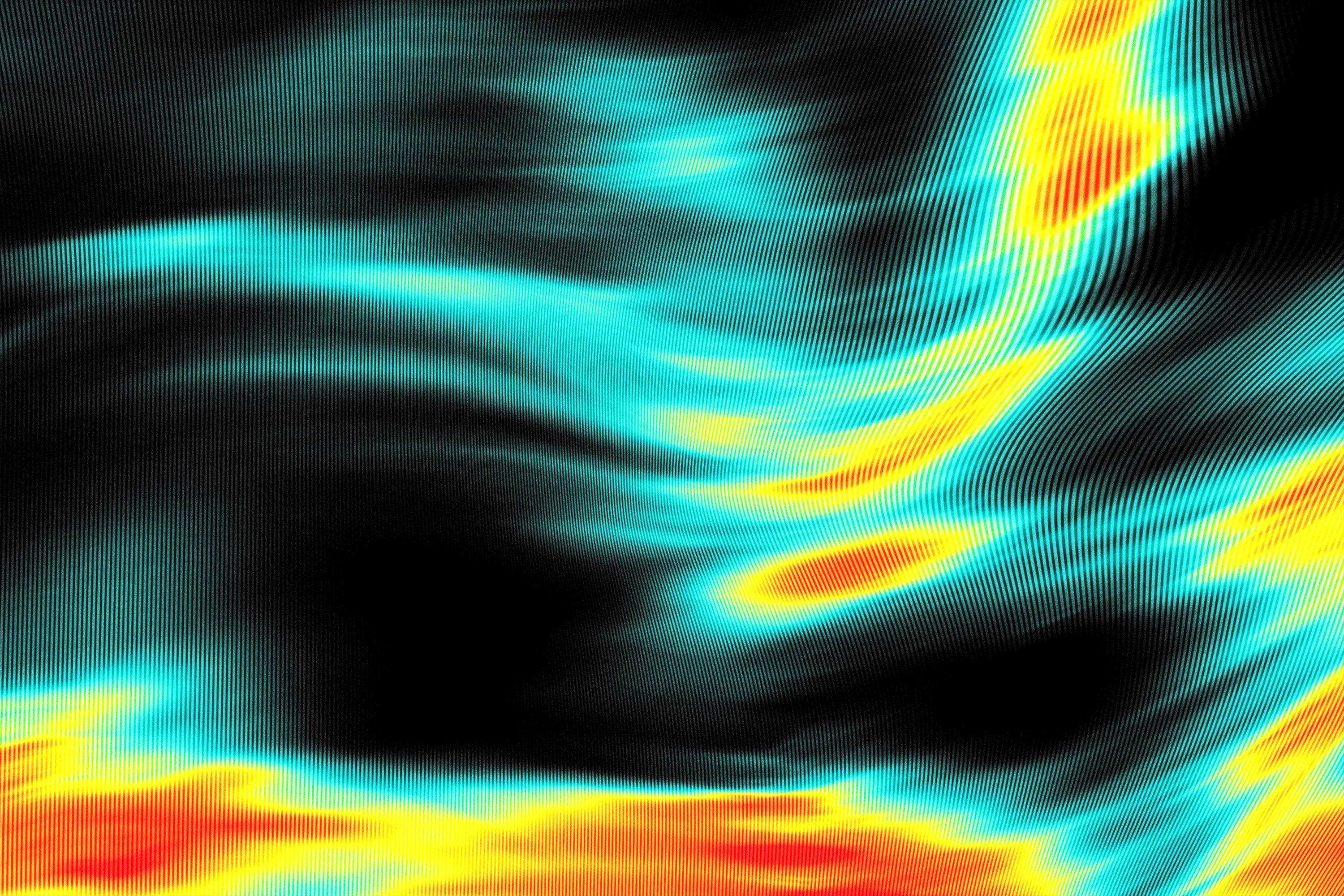
Your eyes run up from multiple colors and patterns while lurking at various design add-ons. You've already witnessed a great boom of pastel abstraction but you realized not every background was perfect for more exuberant projects — so you need more motion and assertiveness in lines. While elaborating on abstract gradients, we thought of a trippy acid color palette that looks like a screen from an infrared camera. Here comes the Motion Energy Gradient Textures set that will perfectly fit into another bold project of yours.
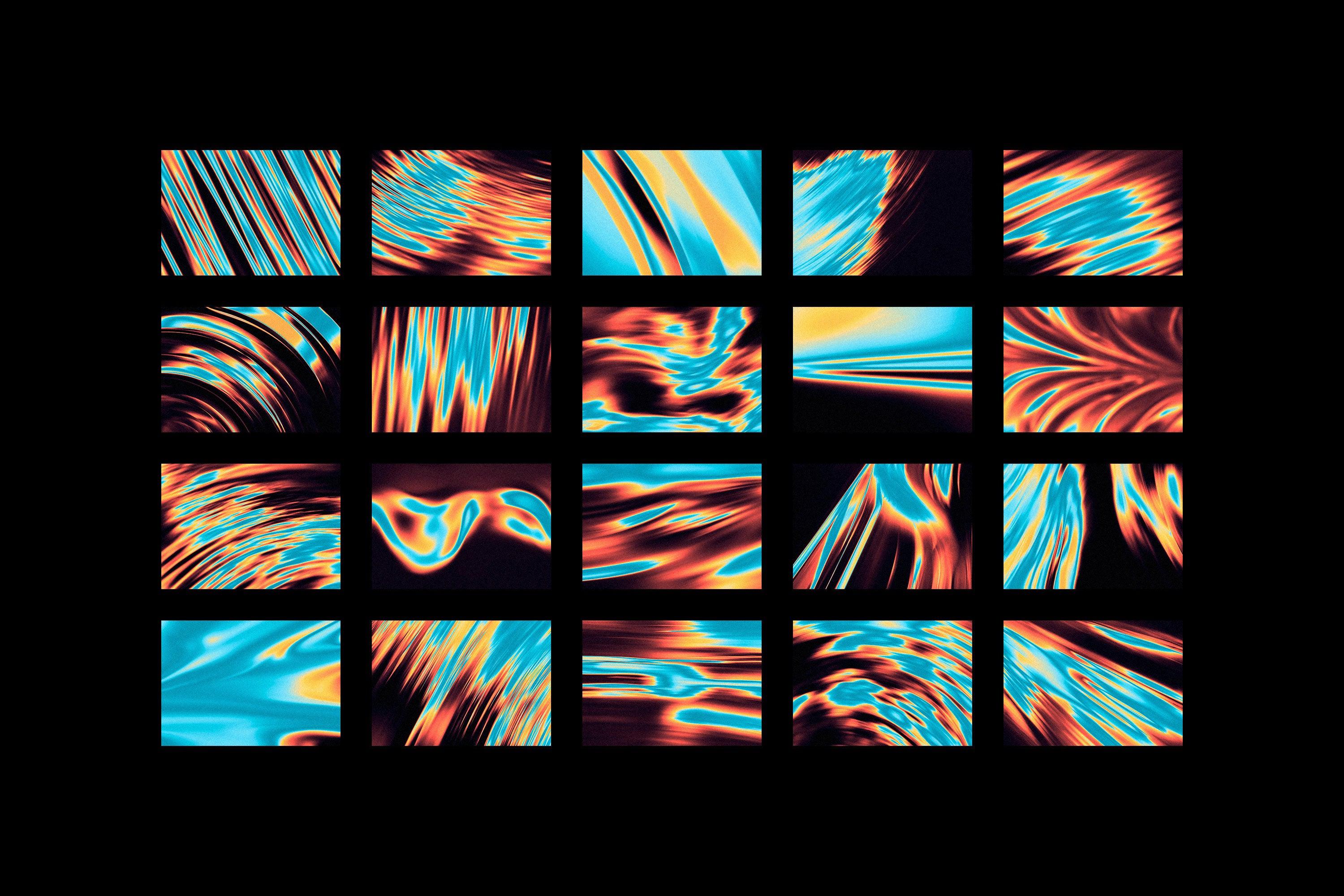
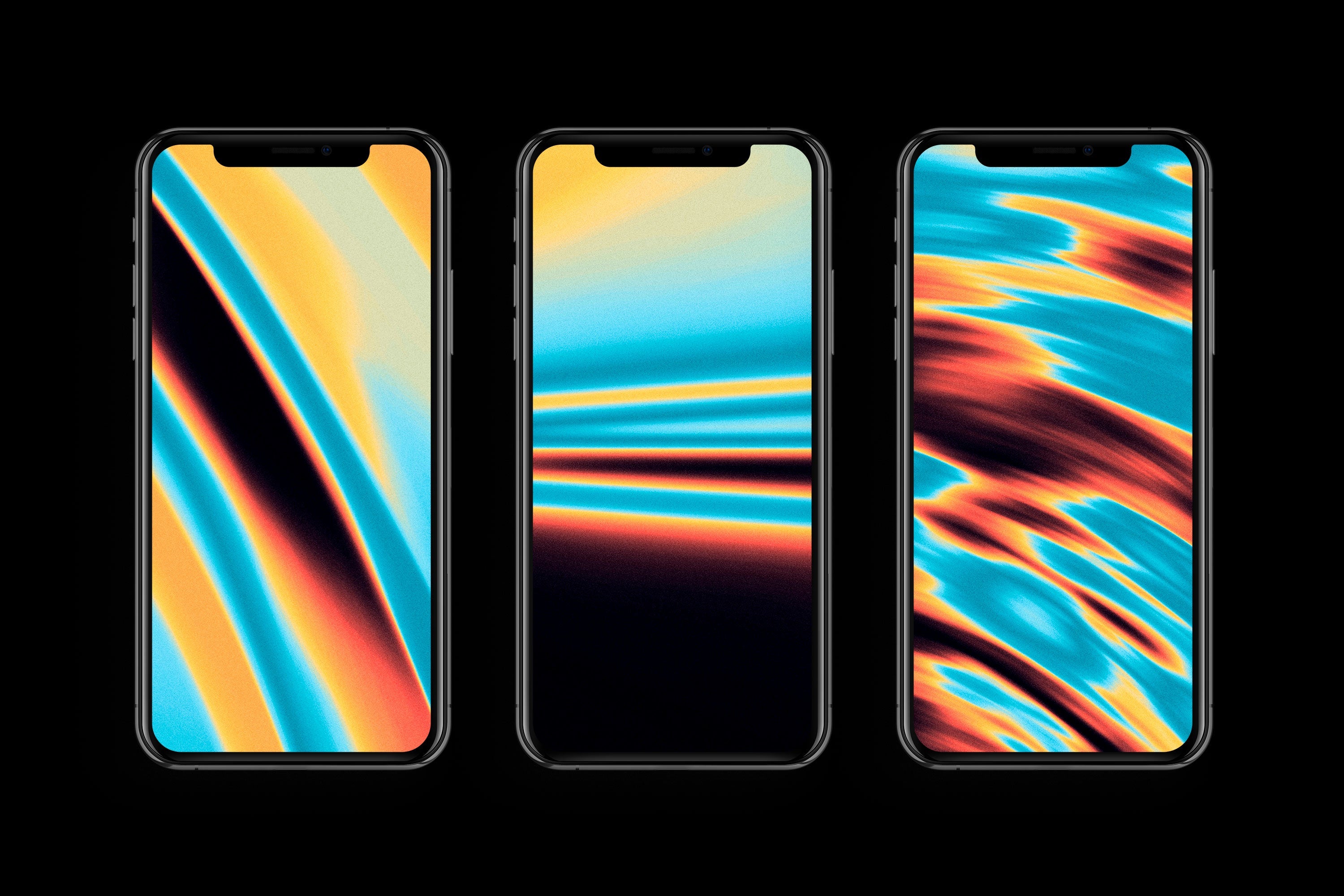
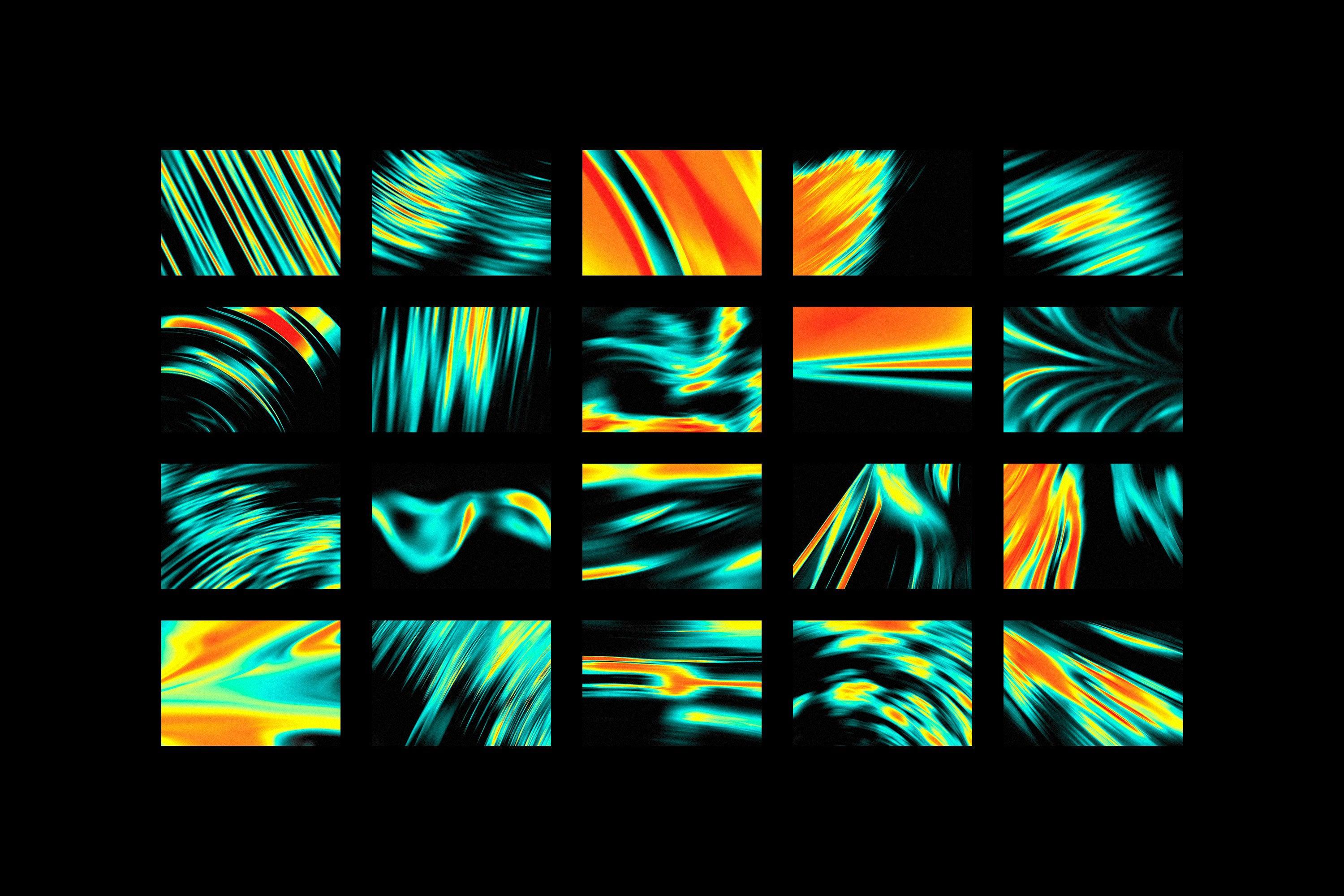
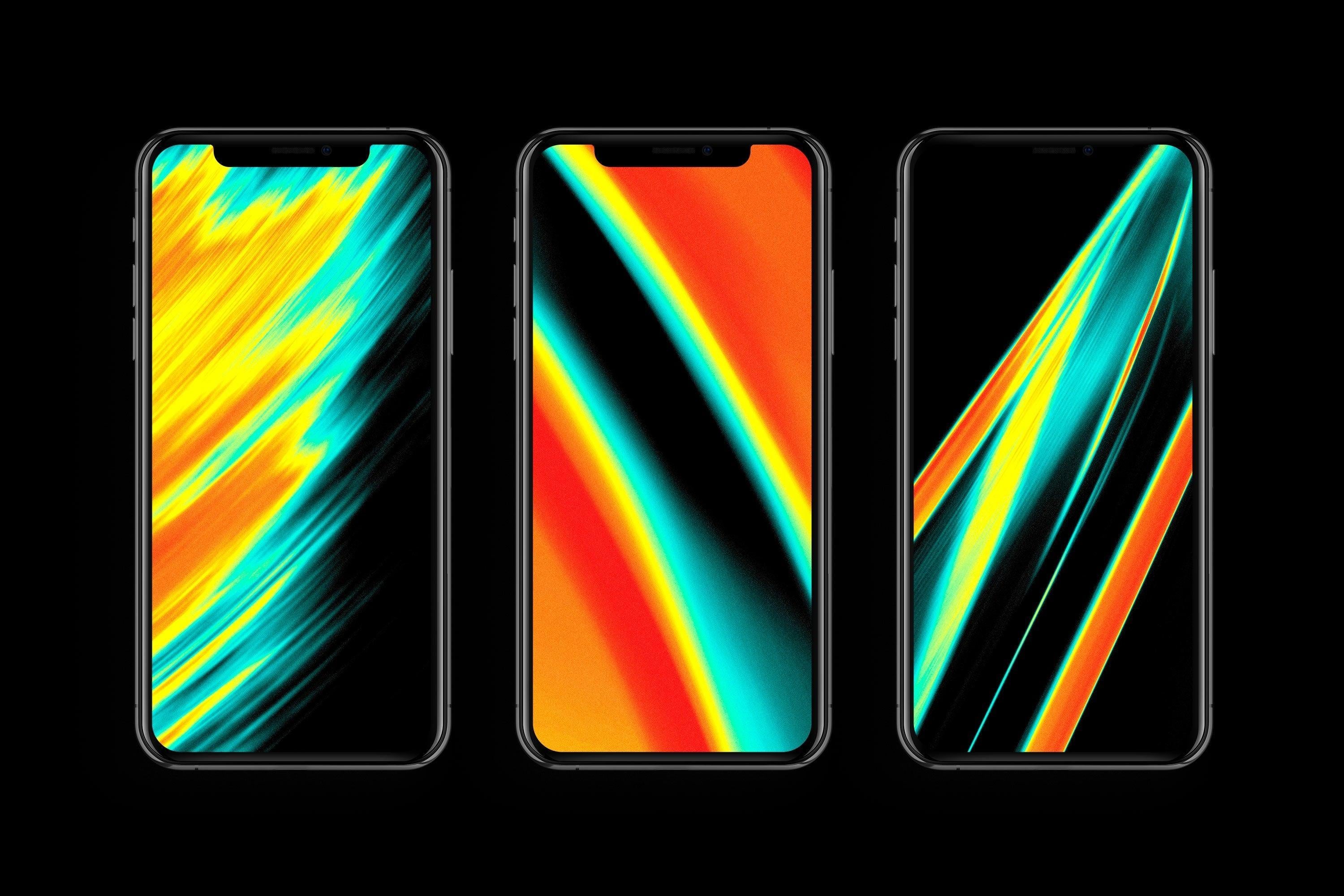
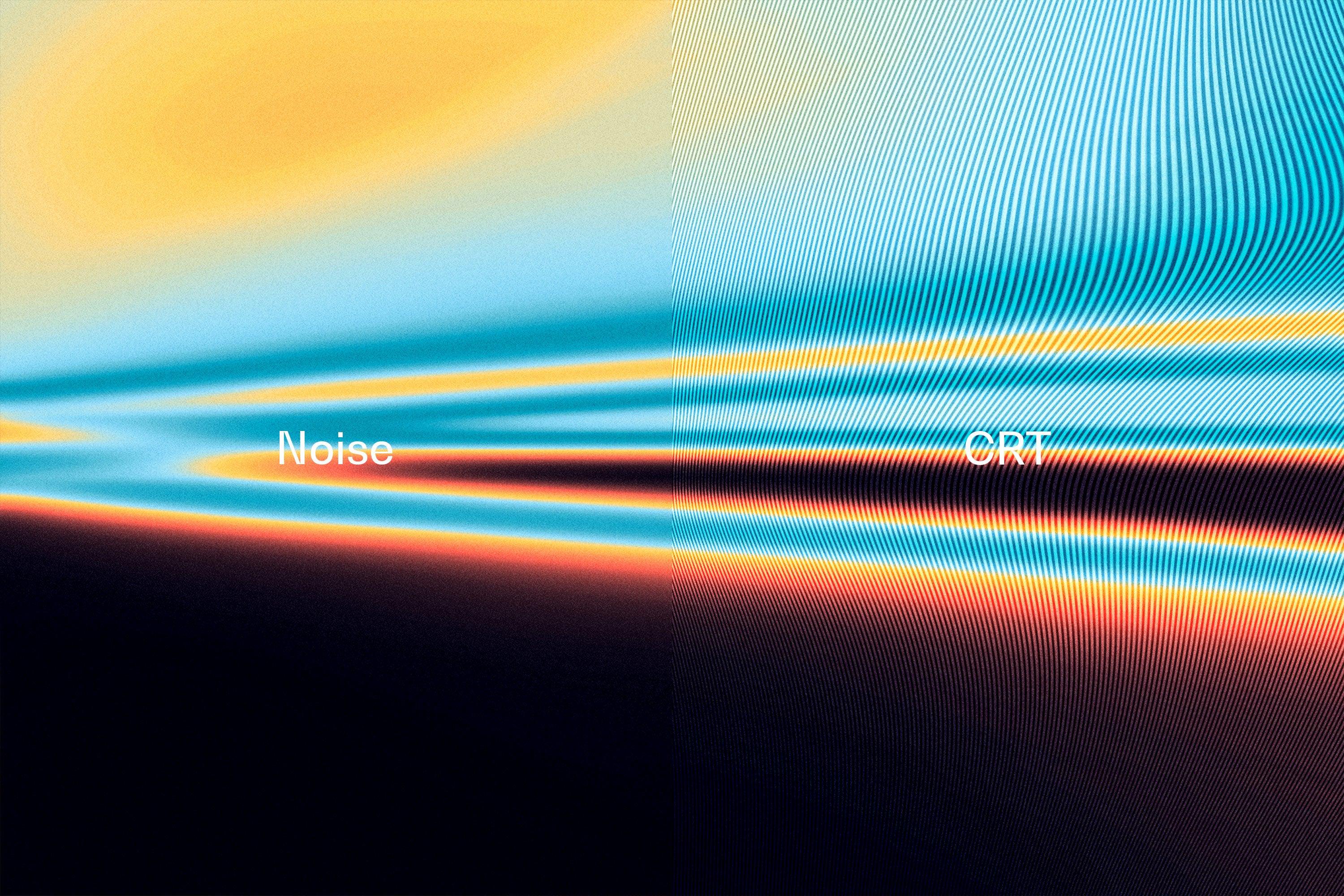
The set of rushing toxic lines and shapes is presented in 20 JPG textures. It’s also packed in a high-end PSD file where you can mix and overlay the backgrounds the way your design soul longs for. It allows for easy customization, enabling you to adjust opacity, blend modes, and more to achieve the look. Besides two color options, you will find CRT and noise variants for any stylistic occasions, so you can experiment with retro aesthetics or pop up your designs with a gritty feel. The textures are suitable for web design, wallpapers, and conceptual banners, ads, and different types of ads.
What’s inside?
- high-quality PSD file;
- 4500x3000 px, 300 dpi;
- noise and CRT options;
- 20 JPG textures;
- 2 color options.
AI Overview
The Motion Energy Gradient Textures is a set of 20 JPG textures, presented in a high-quality PSD file for easy customization. It features a trippy acid color palette with two color options, noise and CRT variants, and allows for adjustments in opacity and blend modes. The textures are 4500x3000 px, 300 dpi, and are compatible with Photoshop.
What's Included
Compatibility

File Size: 1012.3MB
DPI: 300
Dimensions: 4500x3000px
Uploaded: September 26, 2024


Instant
Download

Premium
Quality

Lifetime
Support
 Frequently Asked Questions
We want you to be happy with your purchase! We do offer refunds for digital products if you experience a technical issue that our support team cannot resolve. Just reach out to us within 30 days of your purchase, and we'll be here to help.
After your purchase is complete, you'll receive a confirmation email with a link to download your files. You can also log into your account and access your downloads from the 'My Downloads' section.
Our products come with different licensing options that allow for many types of use cases. Our licenses page includes detailed information about the available licenses, so you can choose the one that fits your project. Click here to view licence details.