



The Neon Toolbox

MiksKS
Description
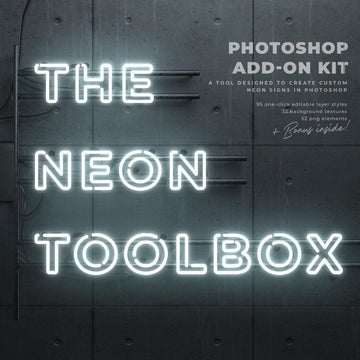
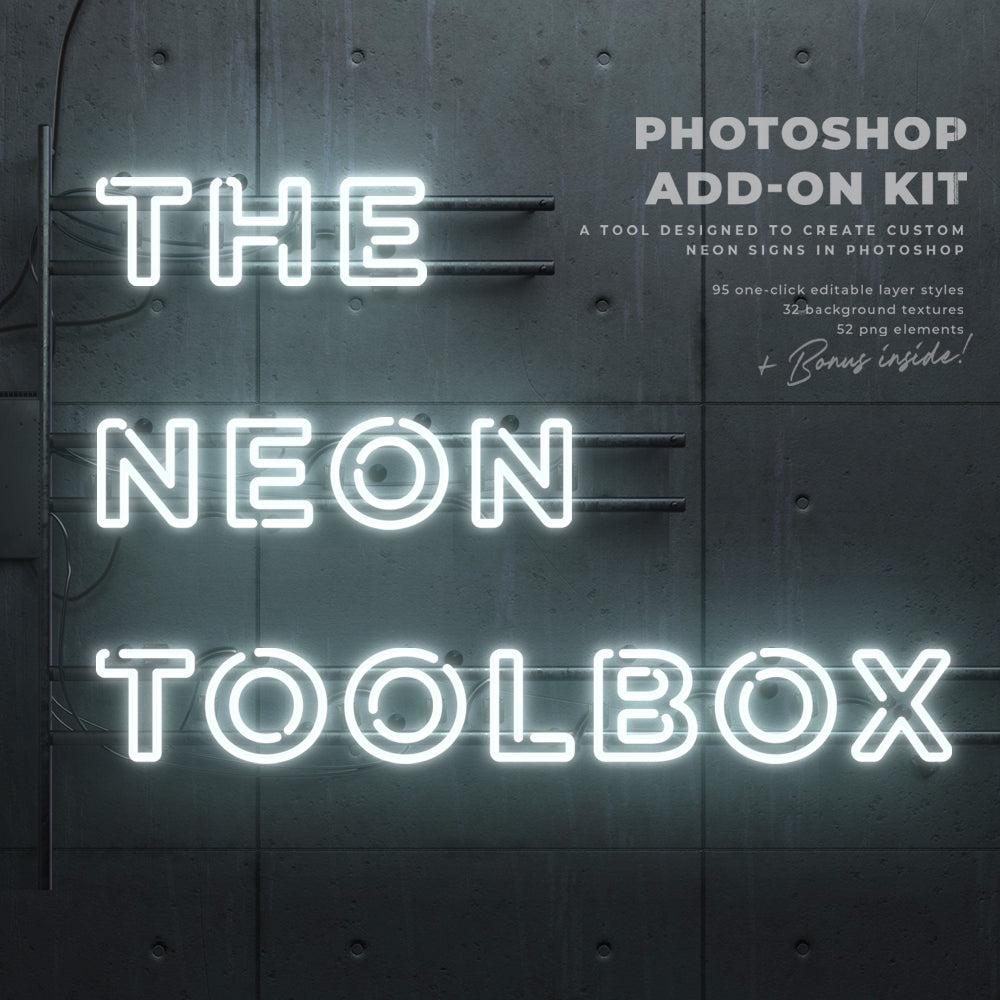
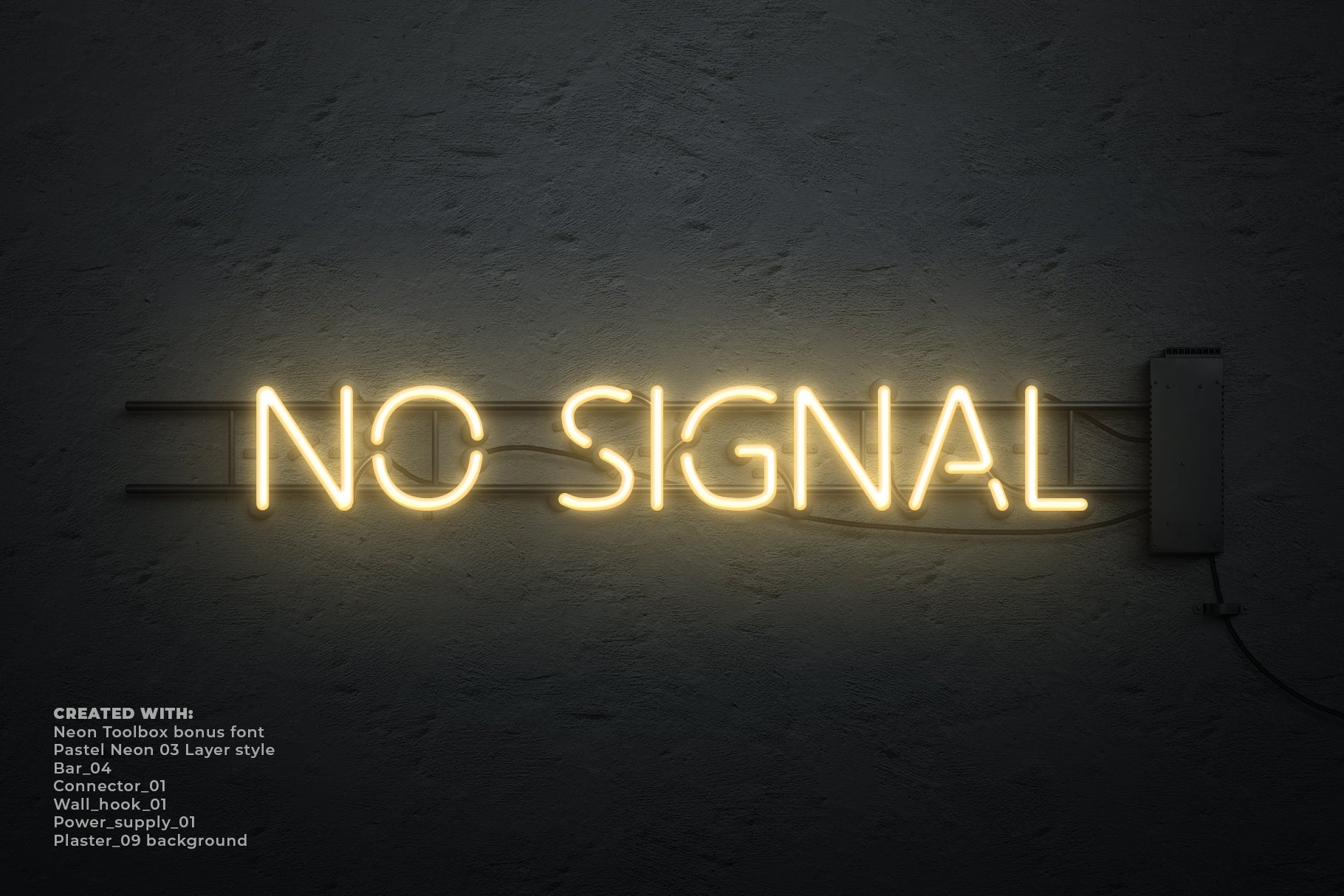
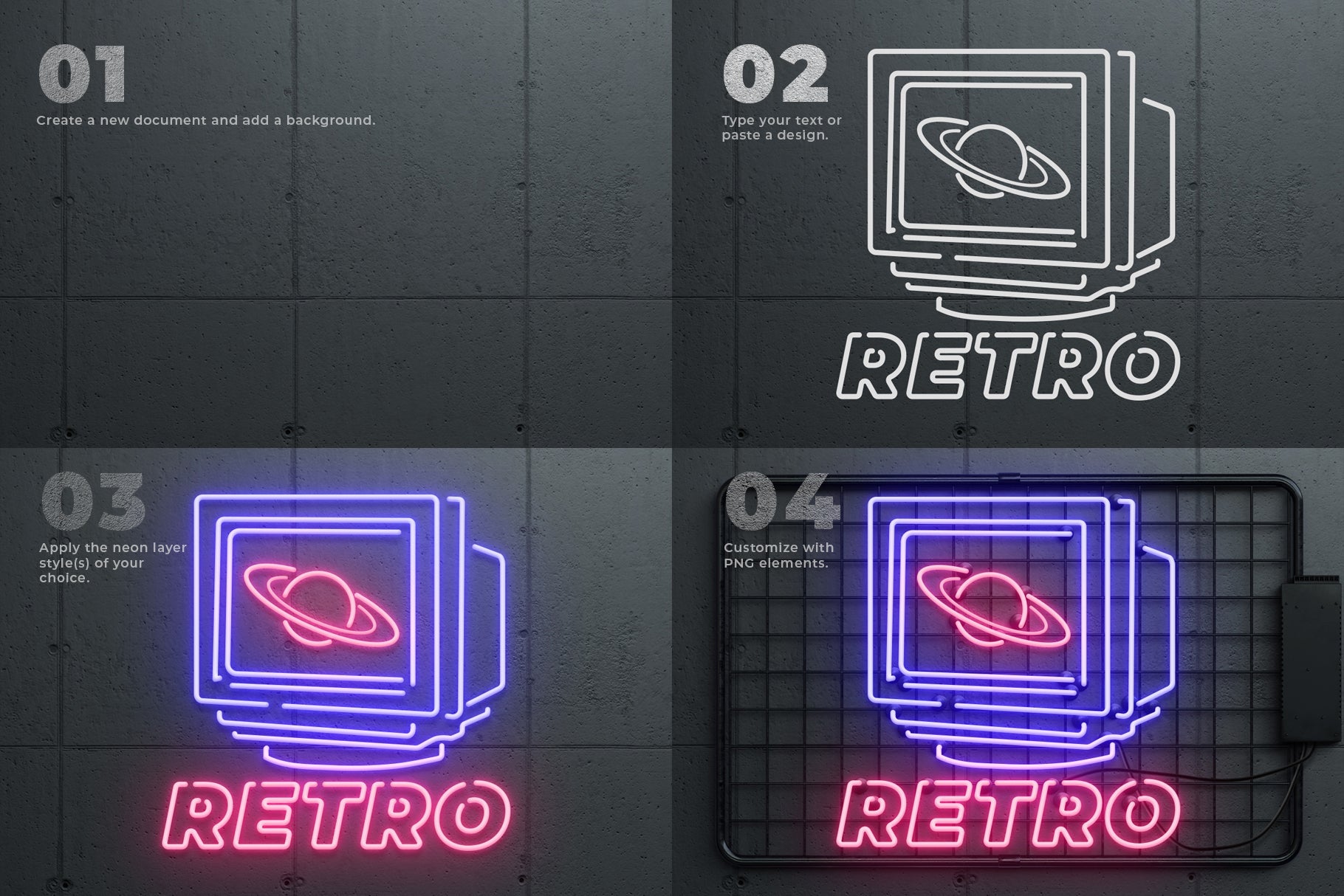
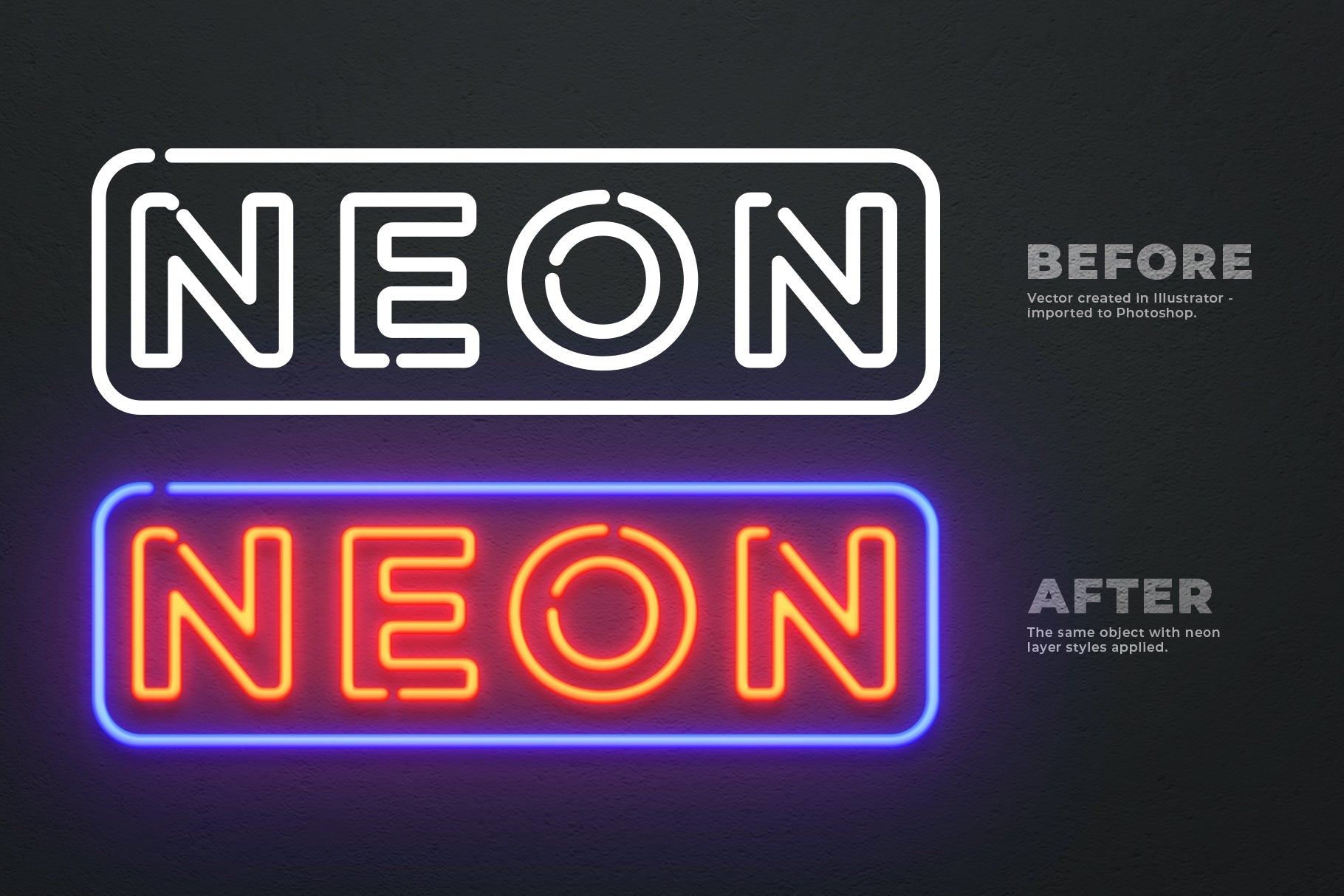
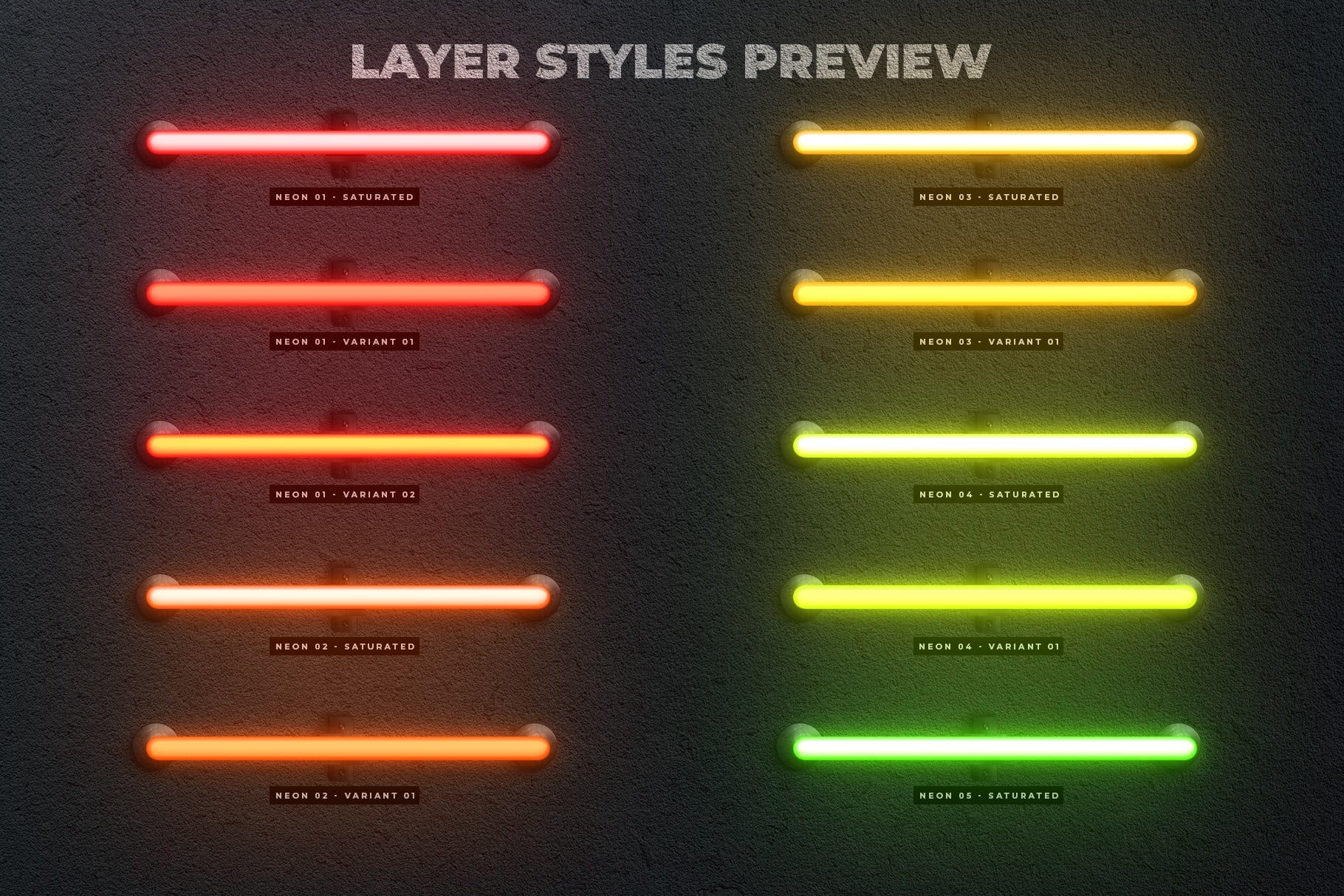
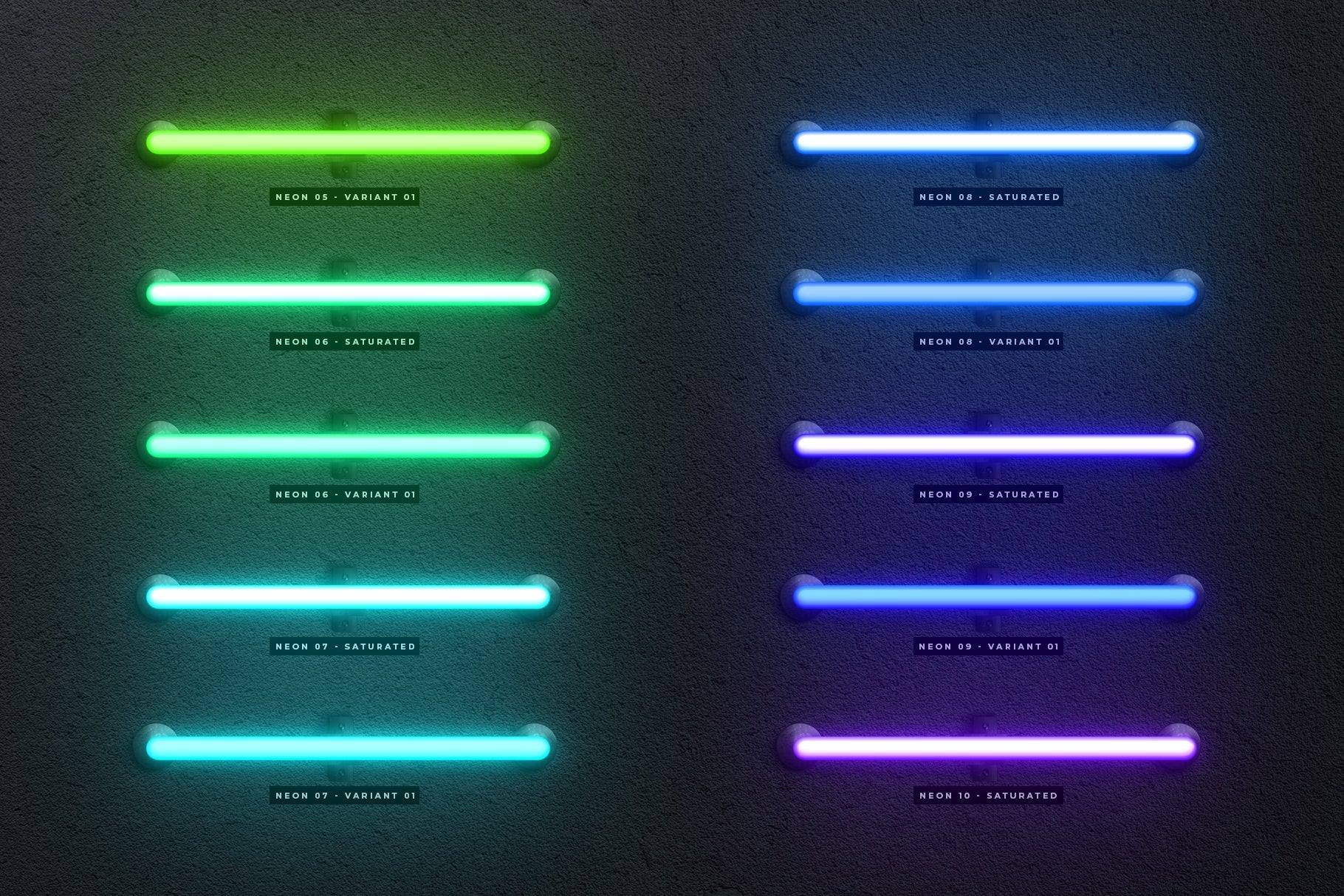
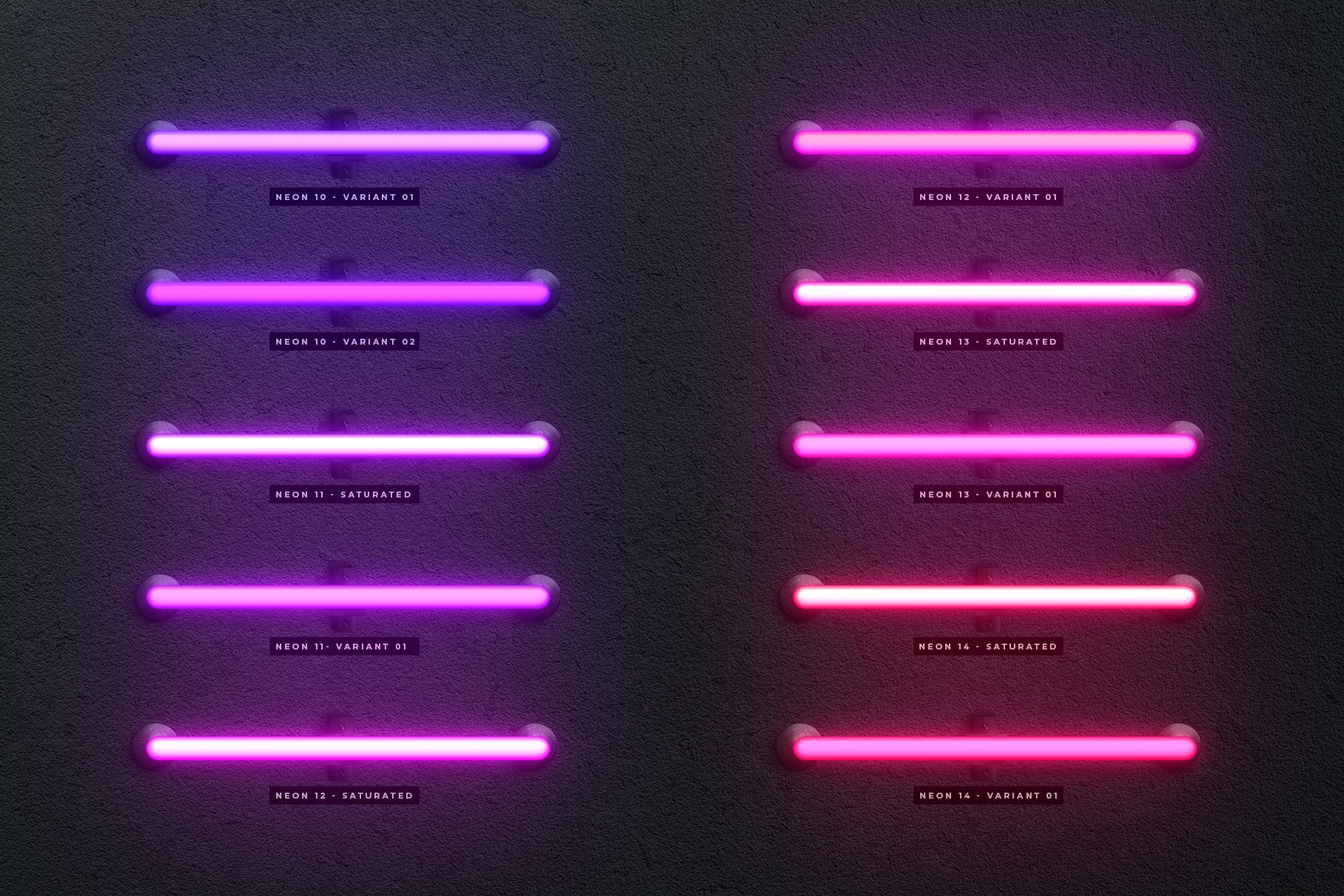
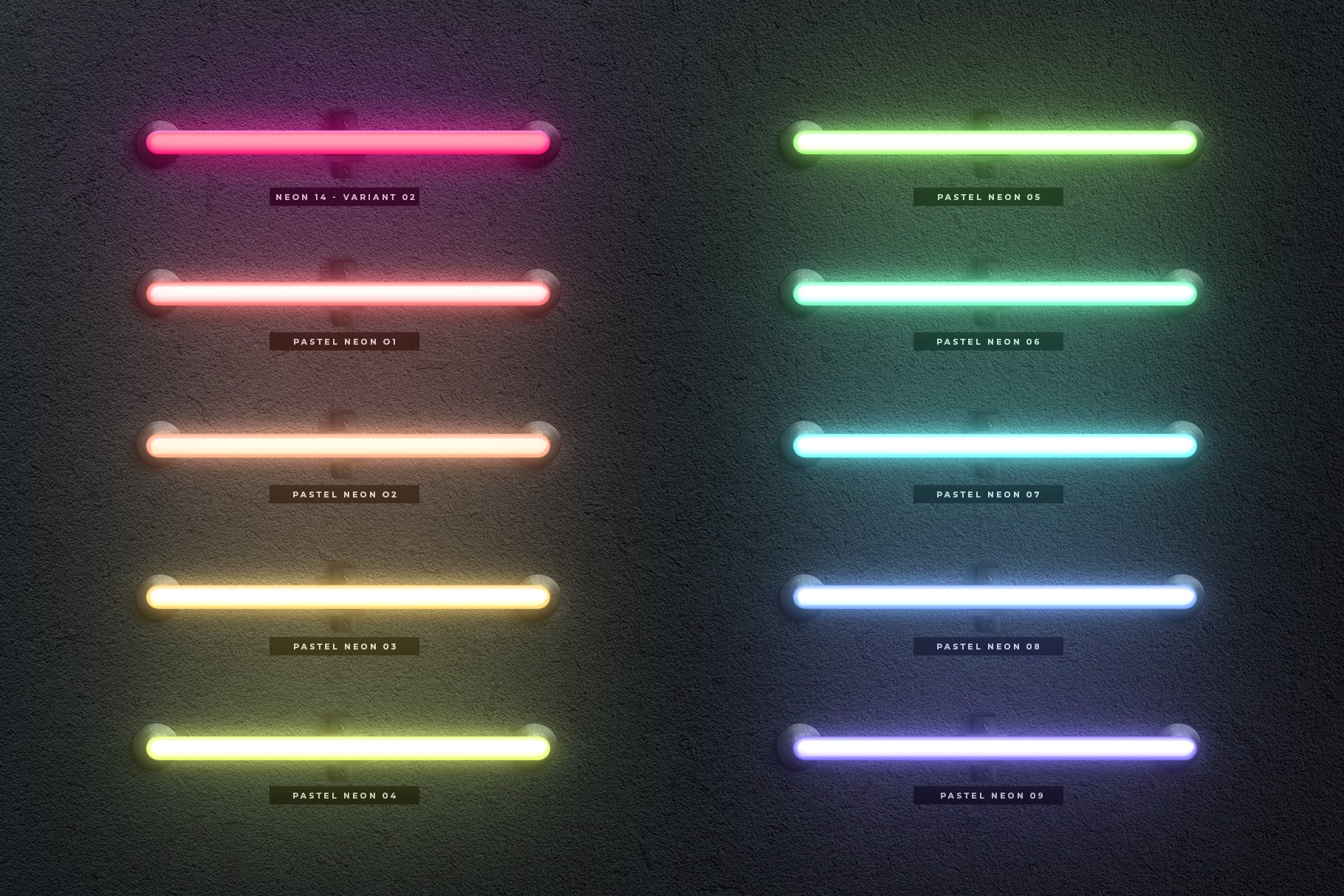
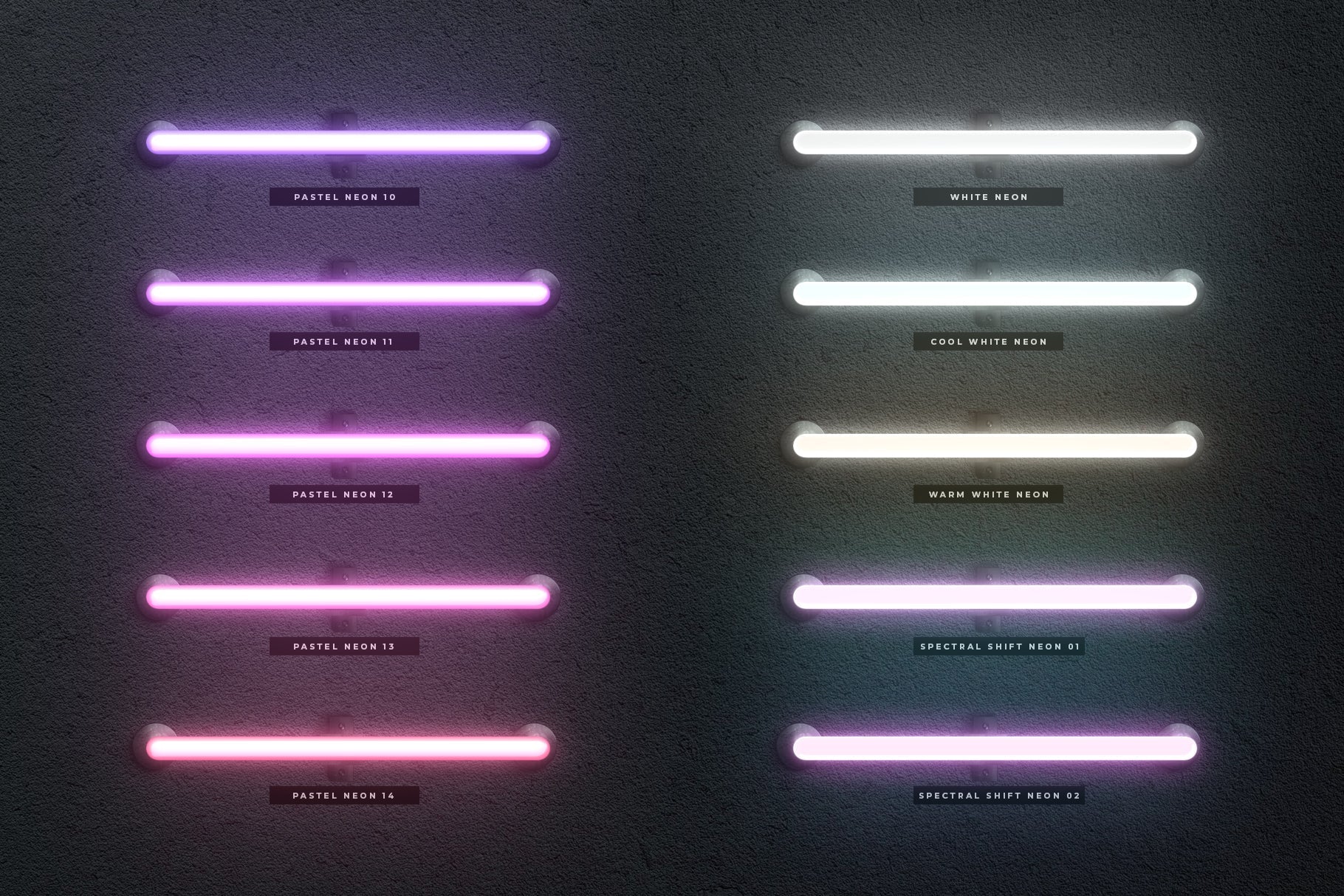
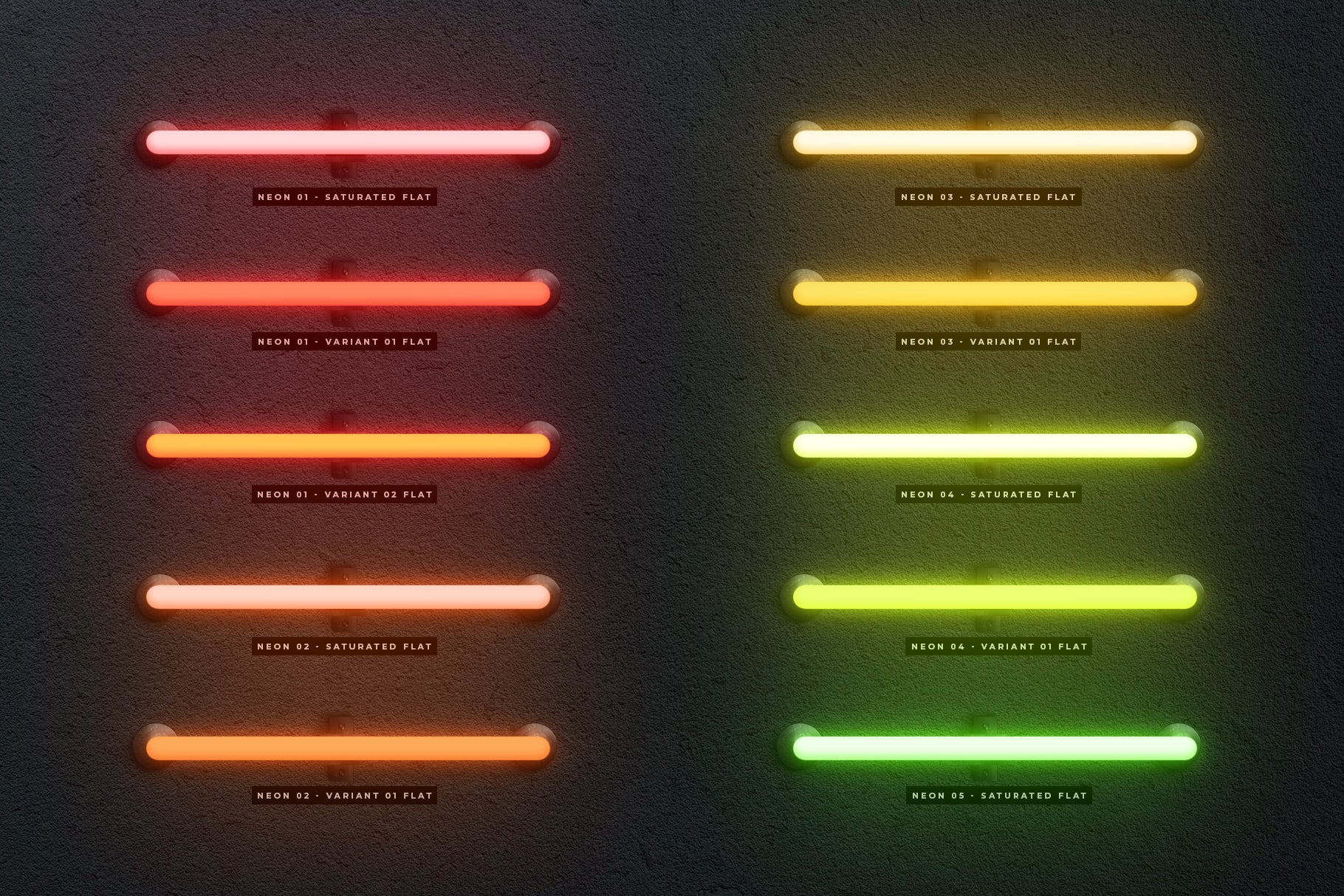
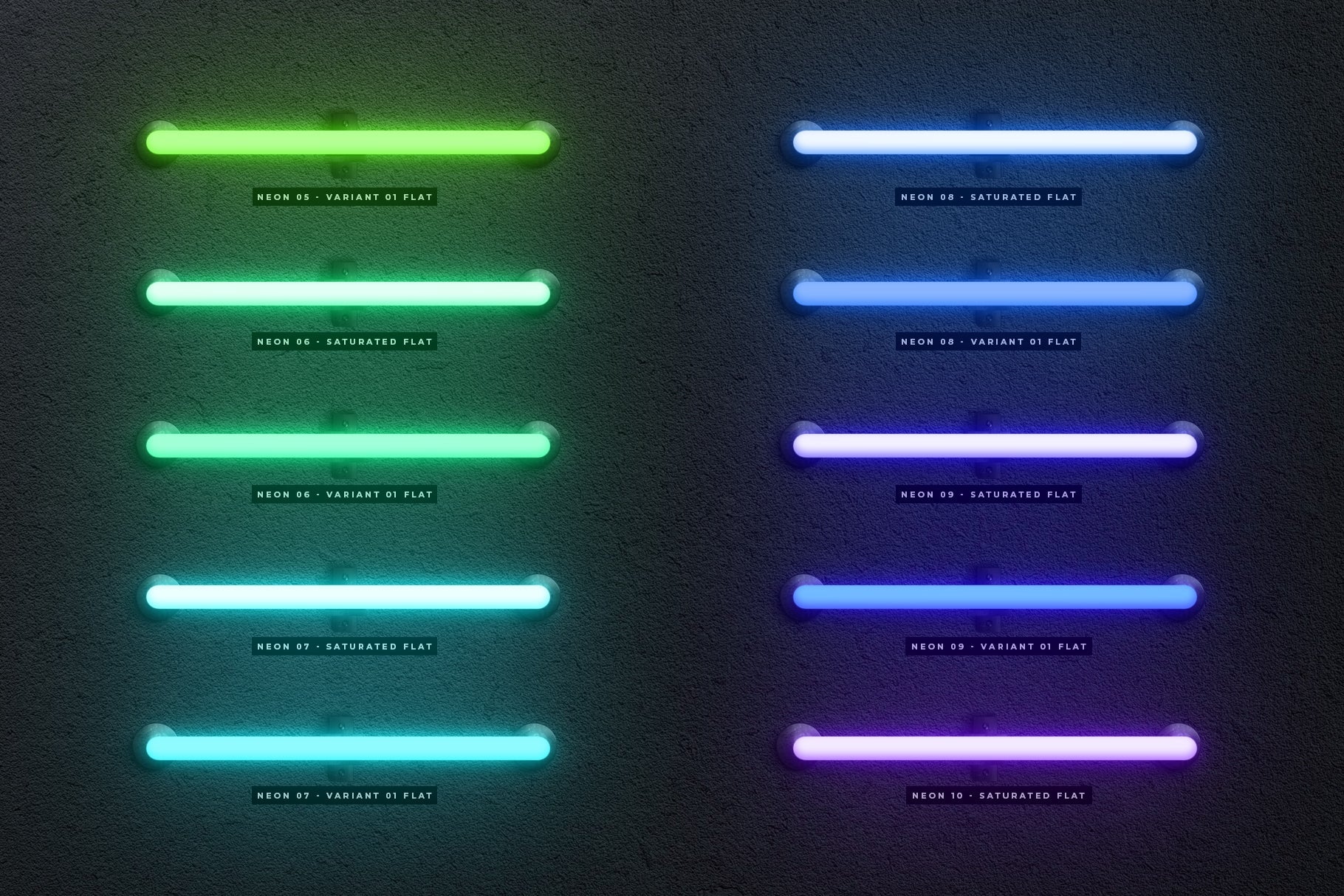
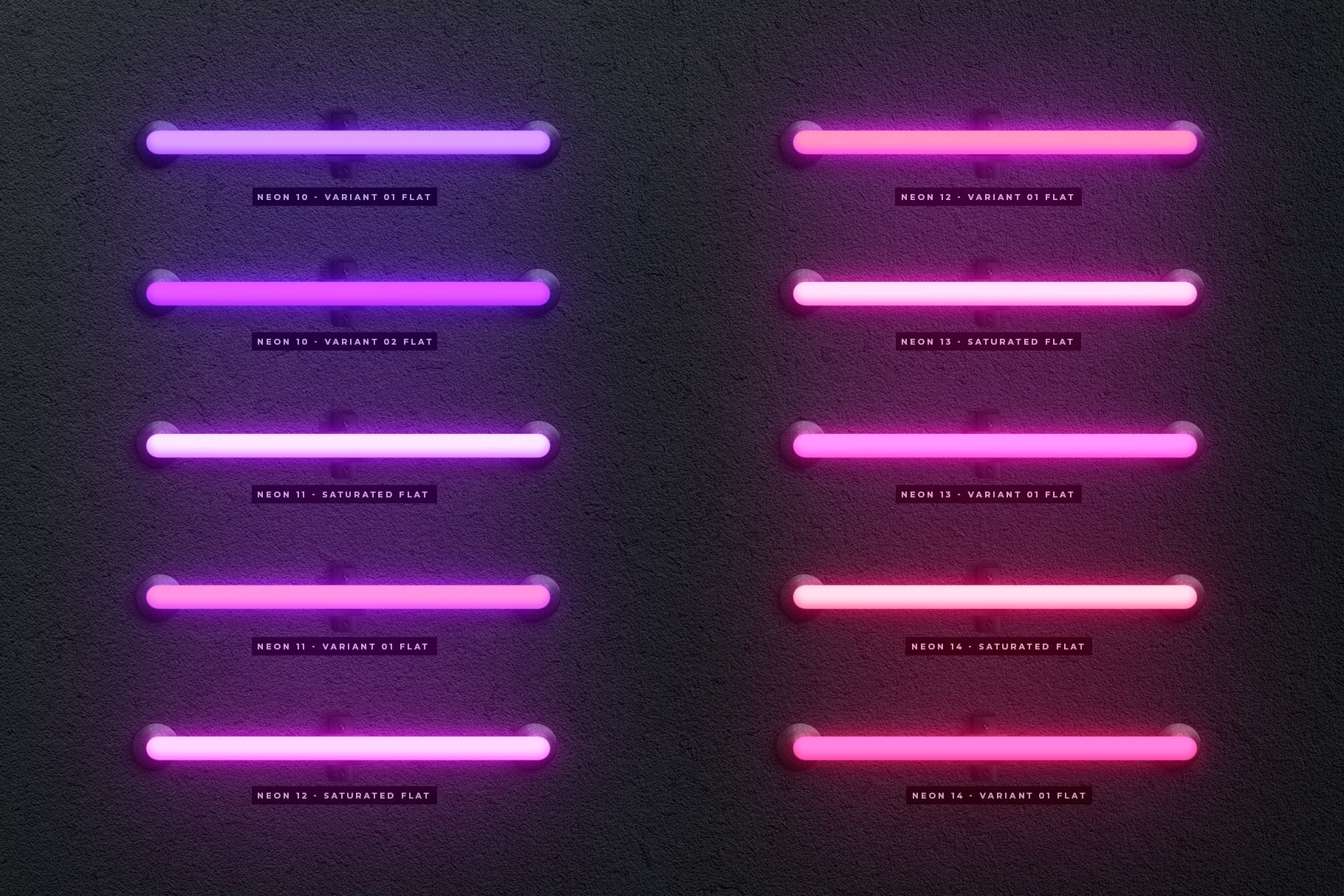
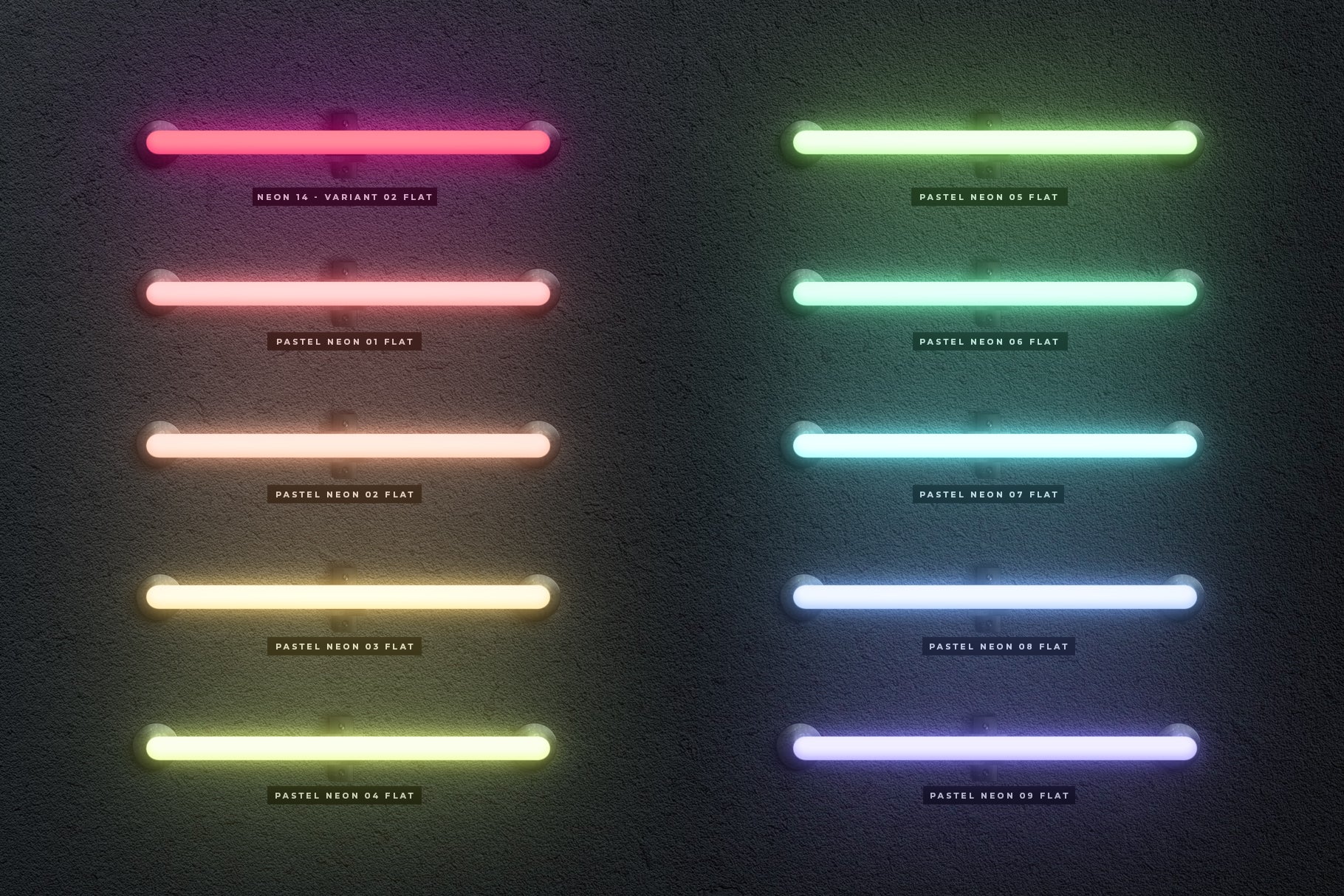
Introducing The Neon Toolbox, a tool designed to create custom neon signs in Photoshop!
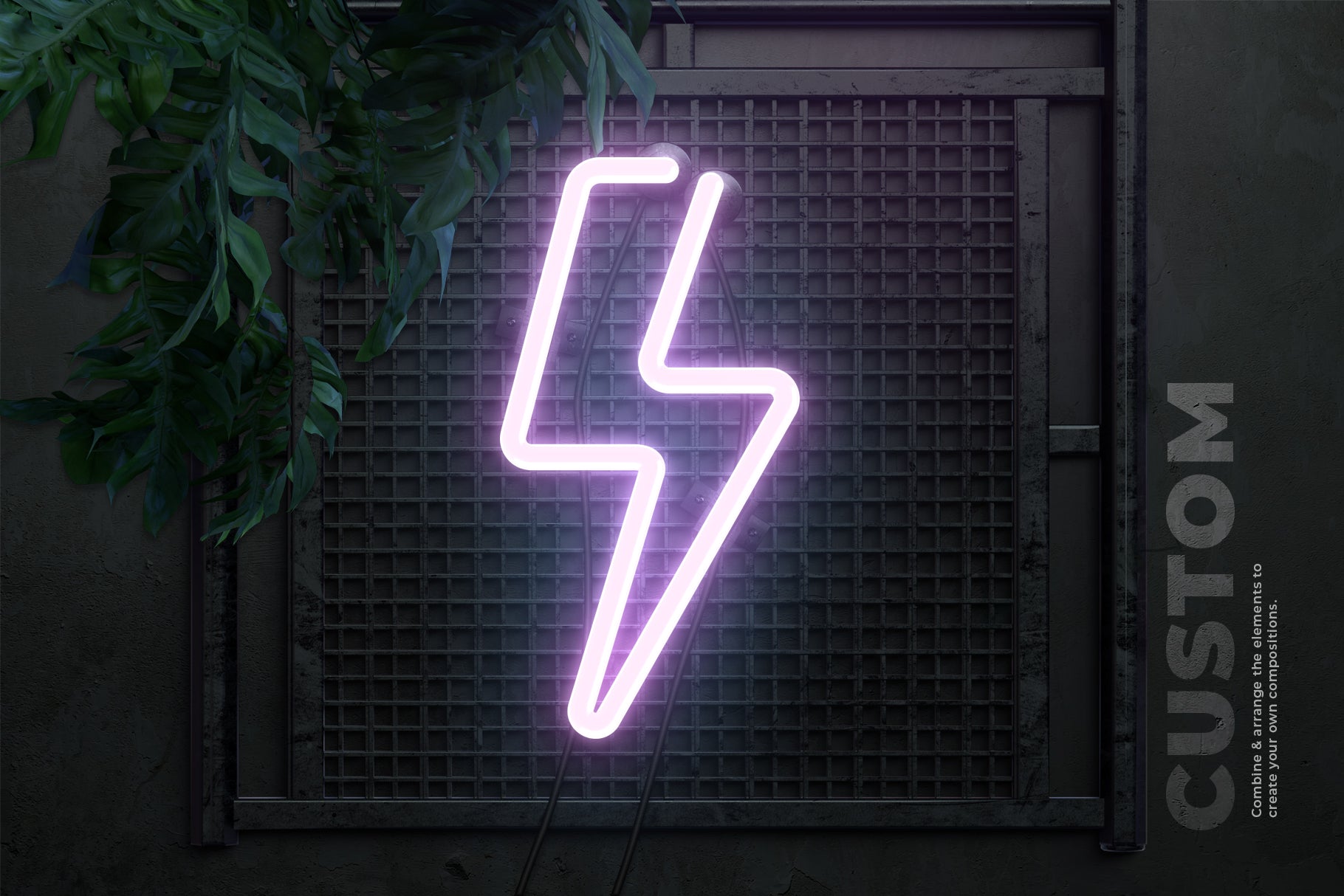
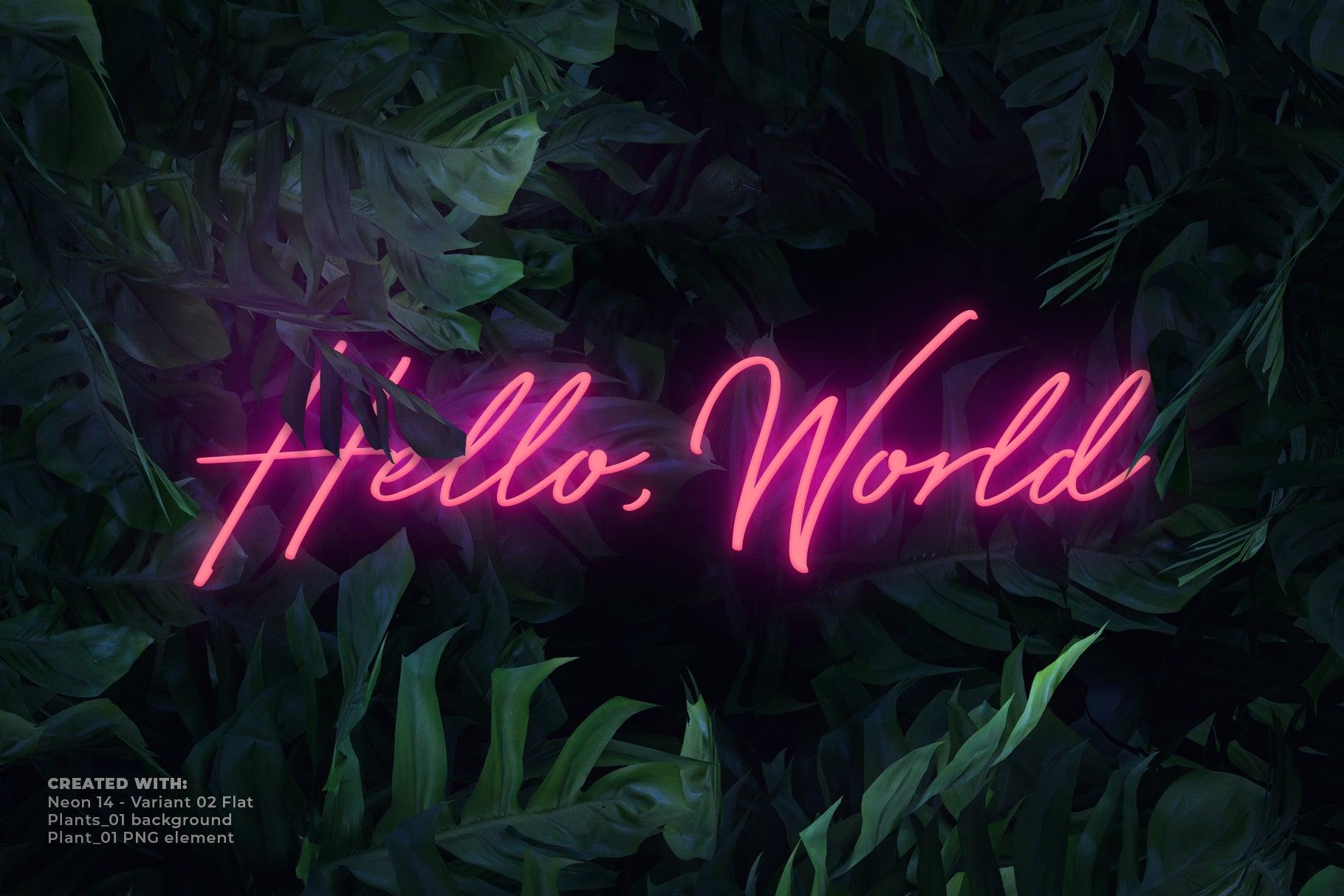
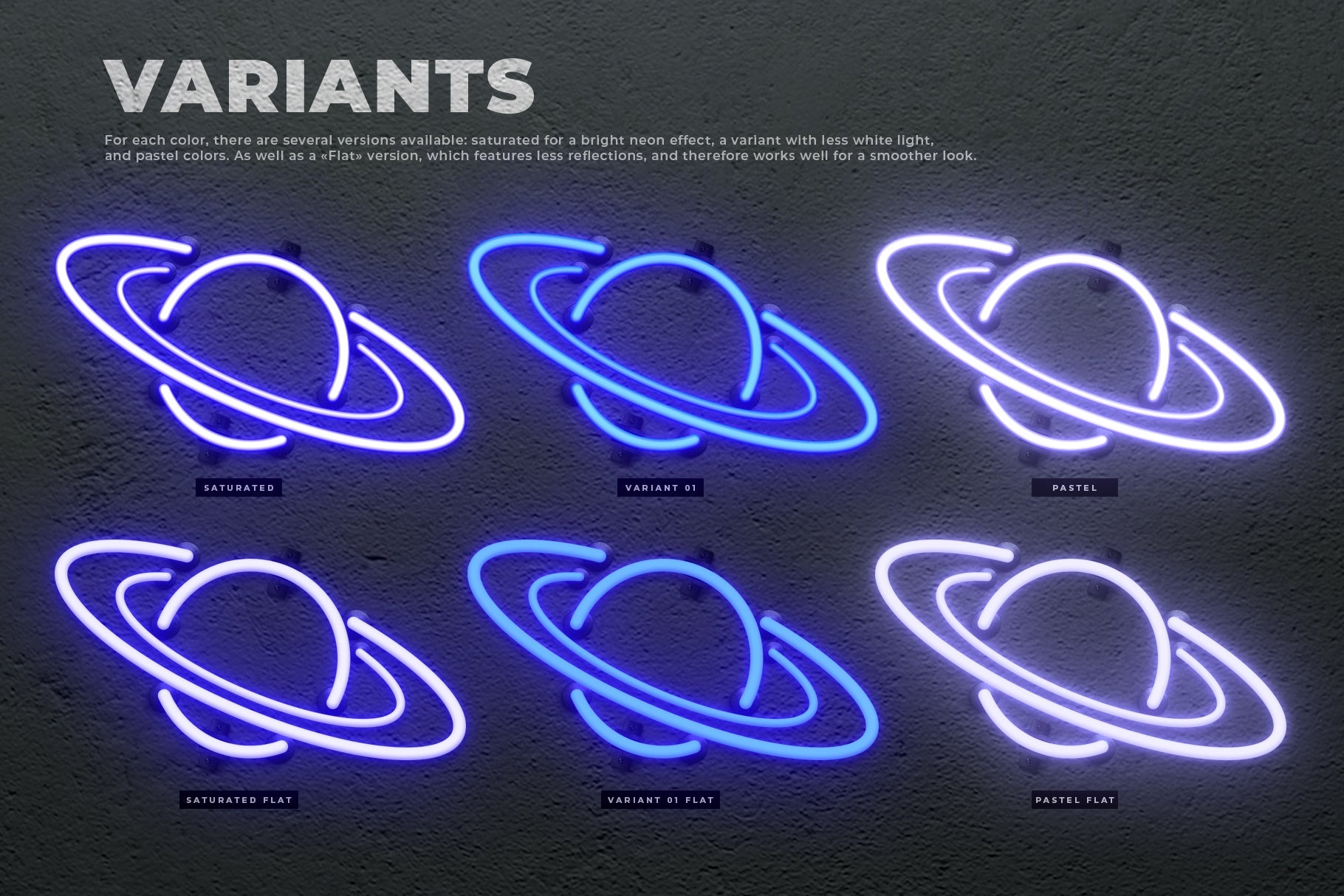
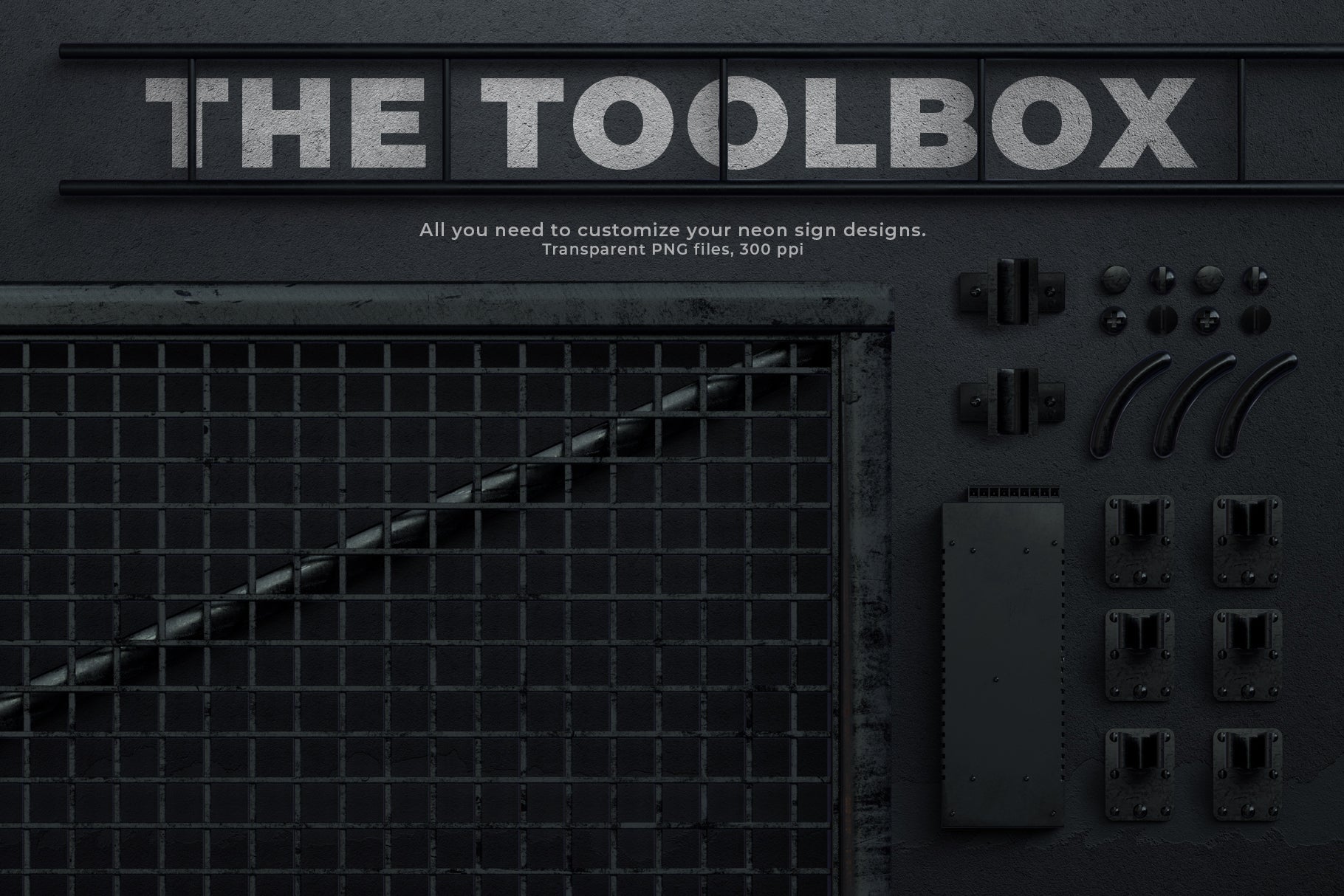
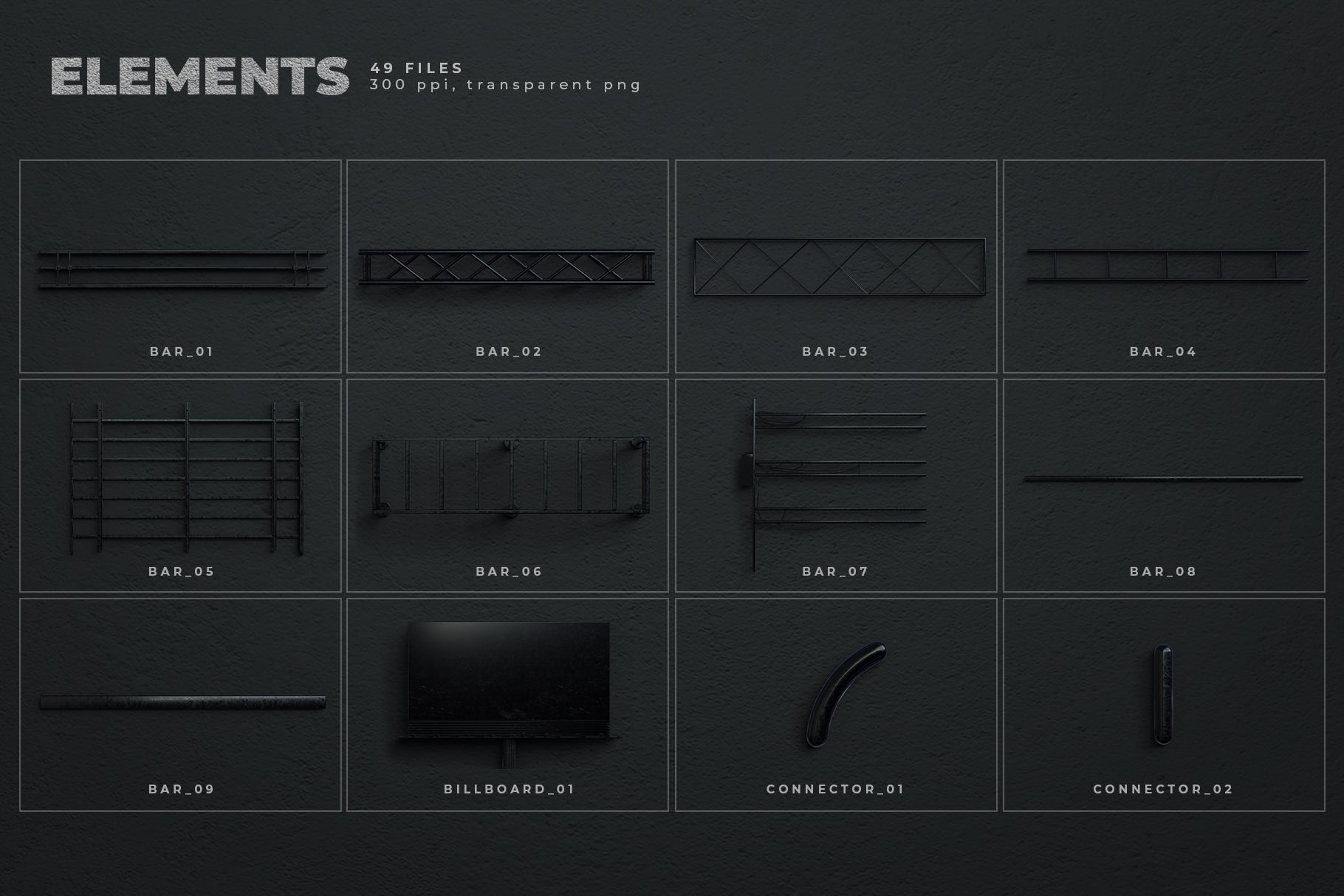
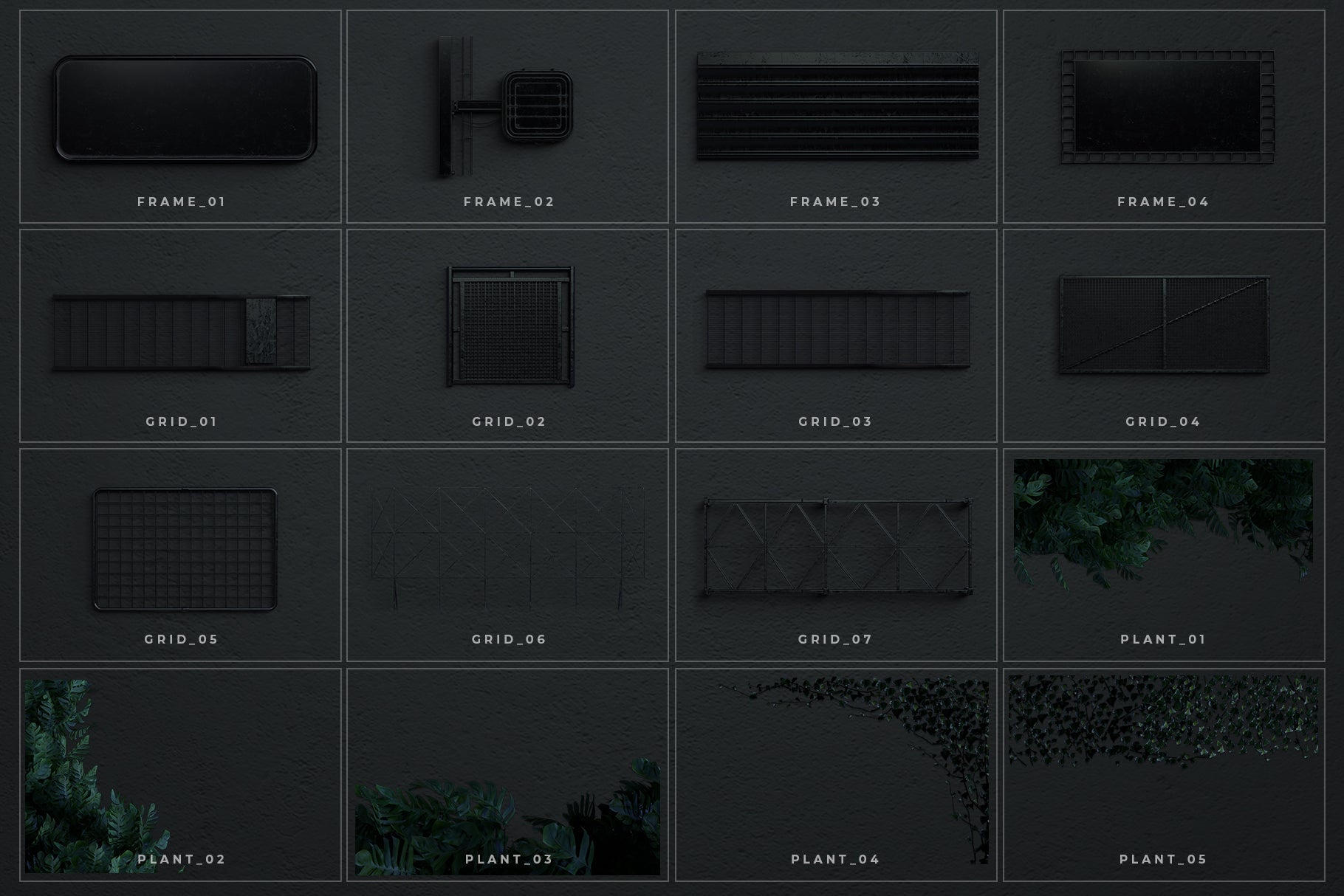
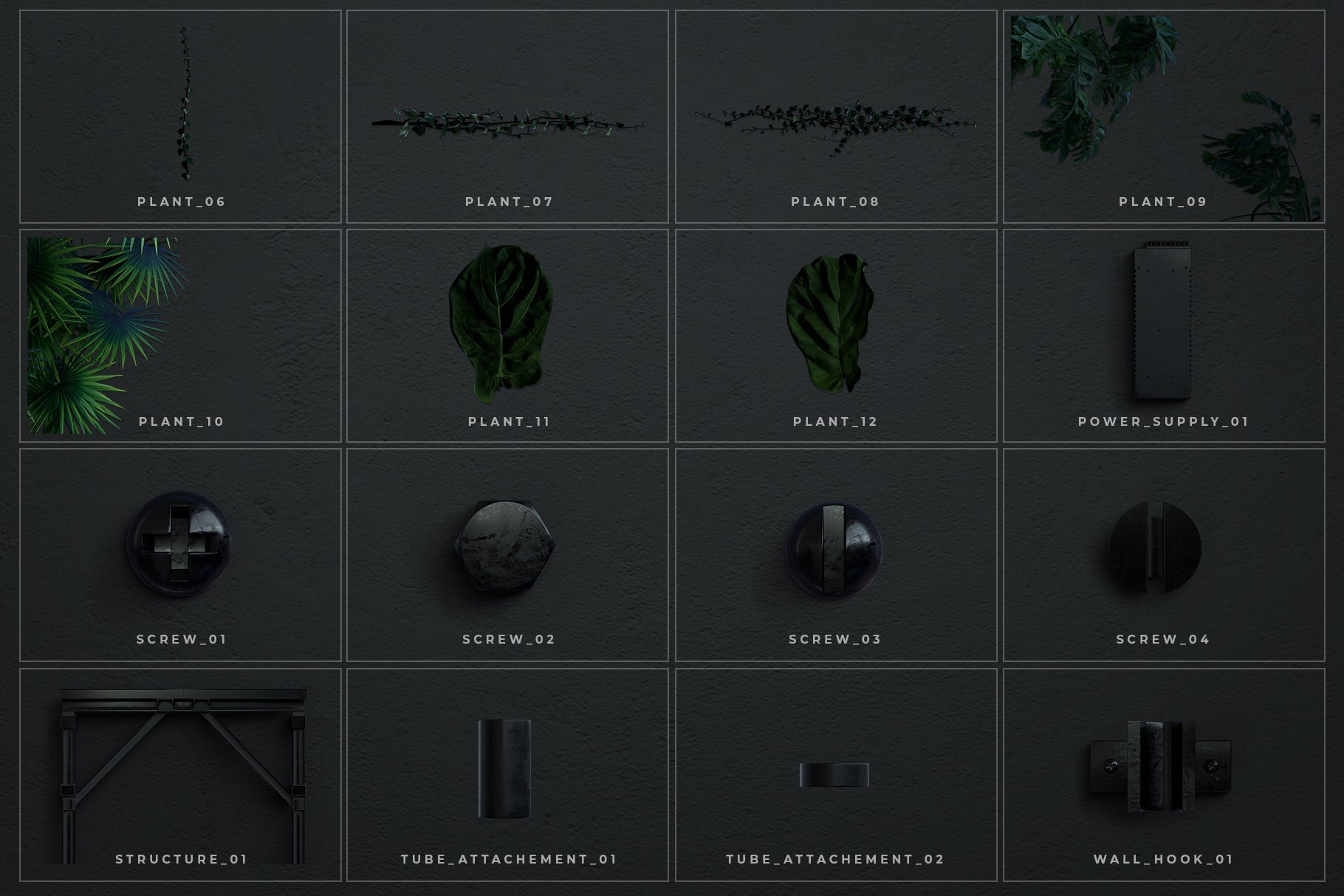
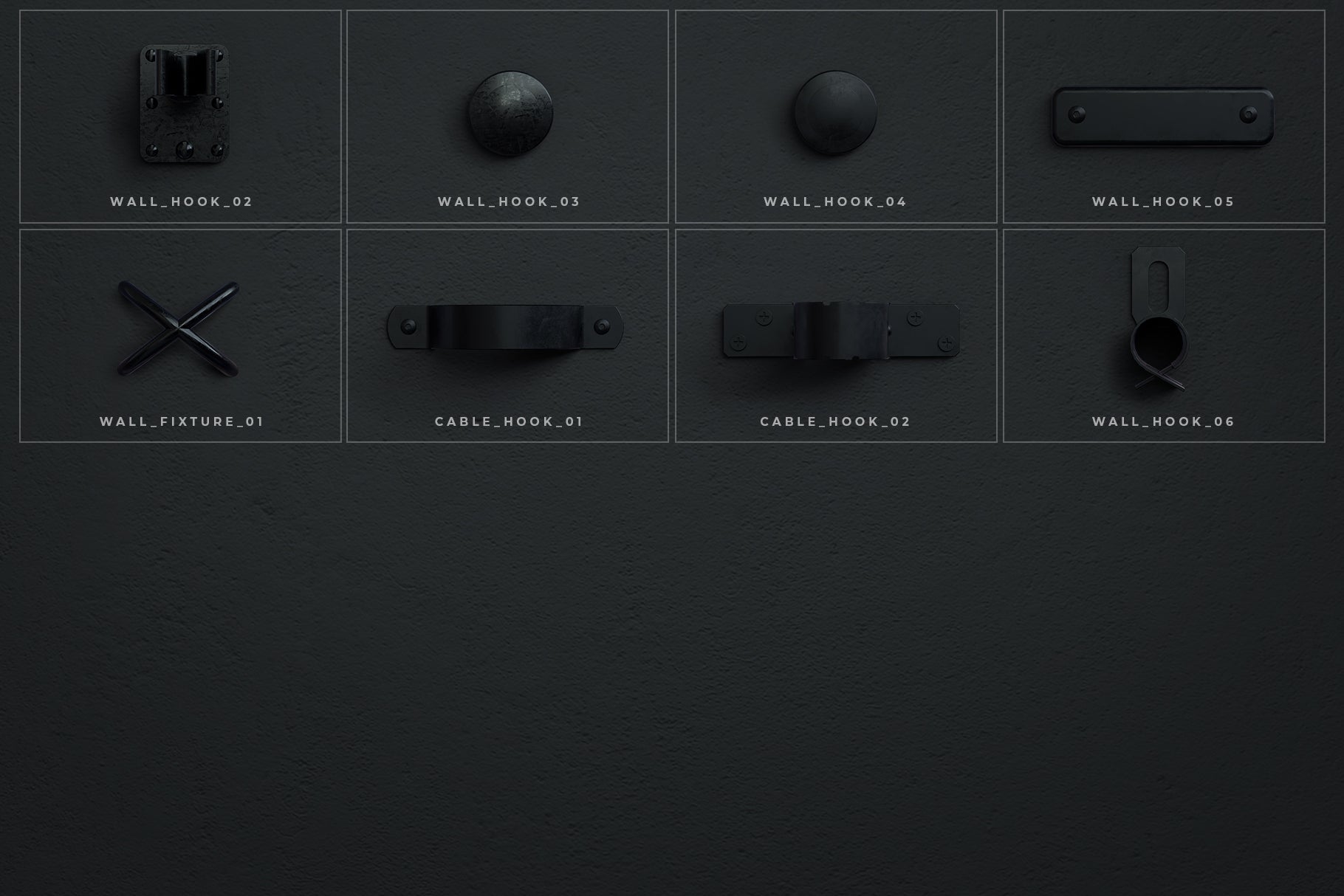
Simply type your text or place your design, and apply the layer style of your choice for an (almost) instant neon effect. You can then customize your scenes further by adding a wall backdrop and a choose from a variety of elements such as supports, bars, grids, wall hooks, etc.
** Features:**
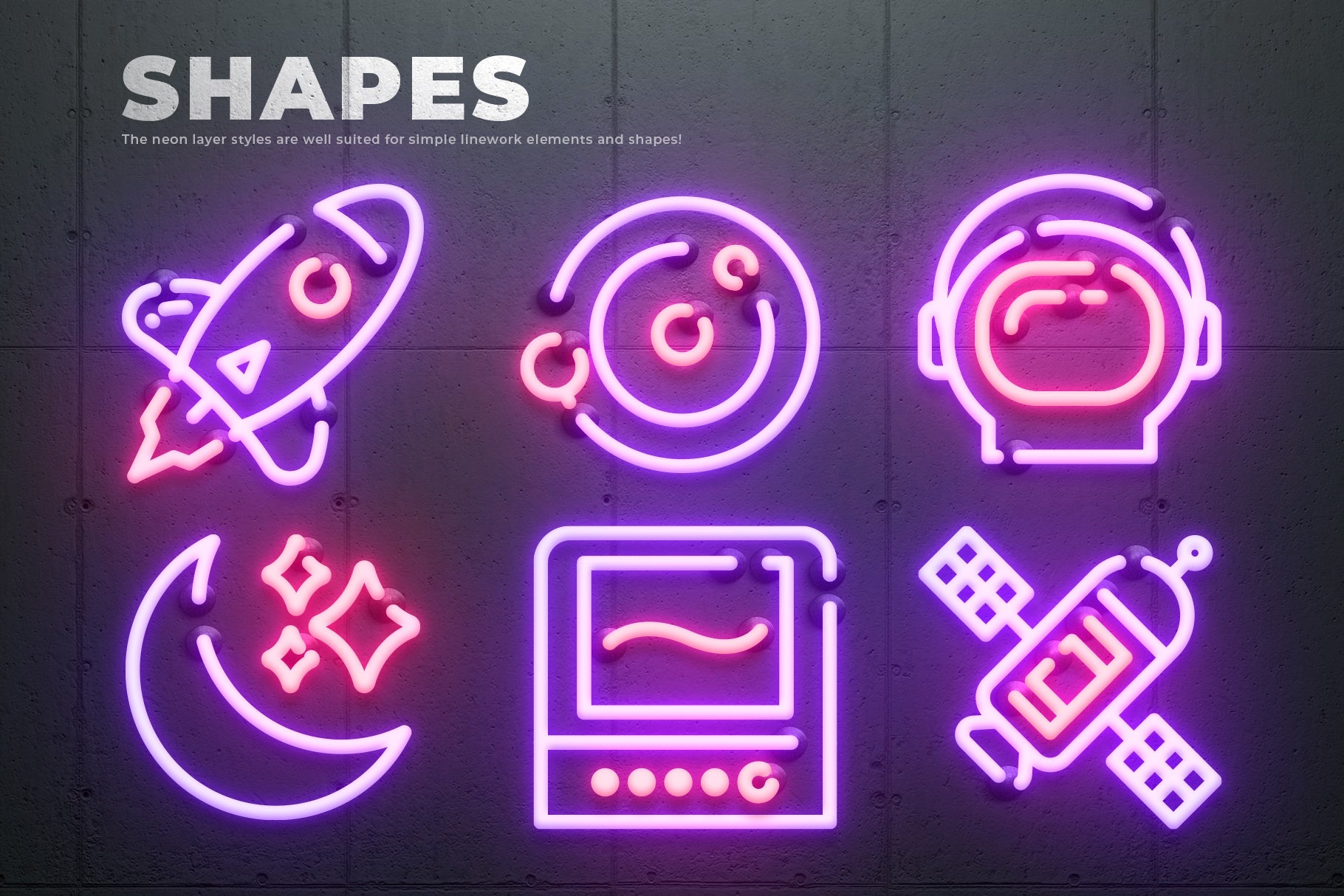
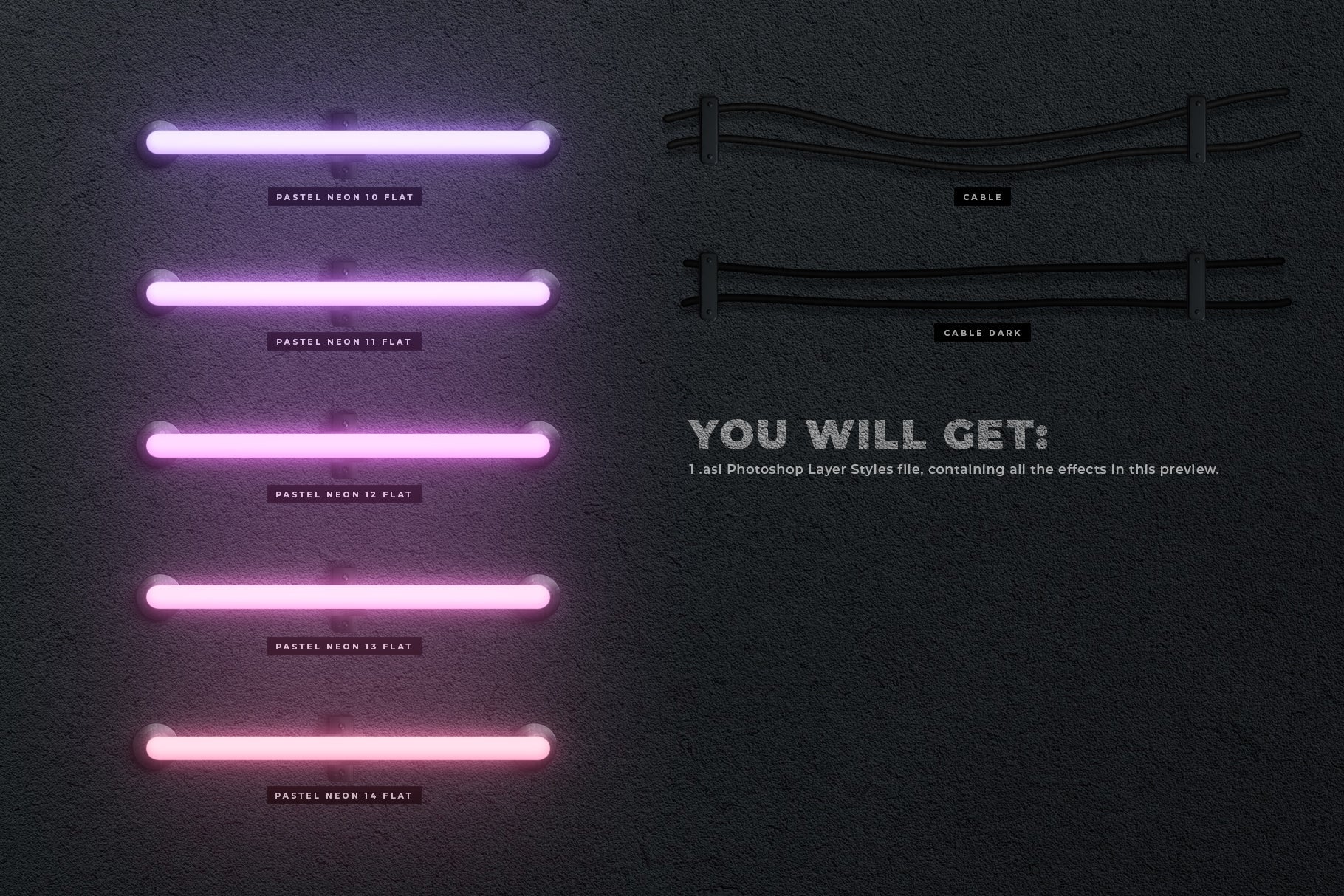
- One click layer styles: can be applied to both text and shapes.
- Fully editable layer styles: all the effects can be tweaked - from the general scale of the effect to the intensity of the neon glow.
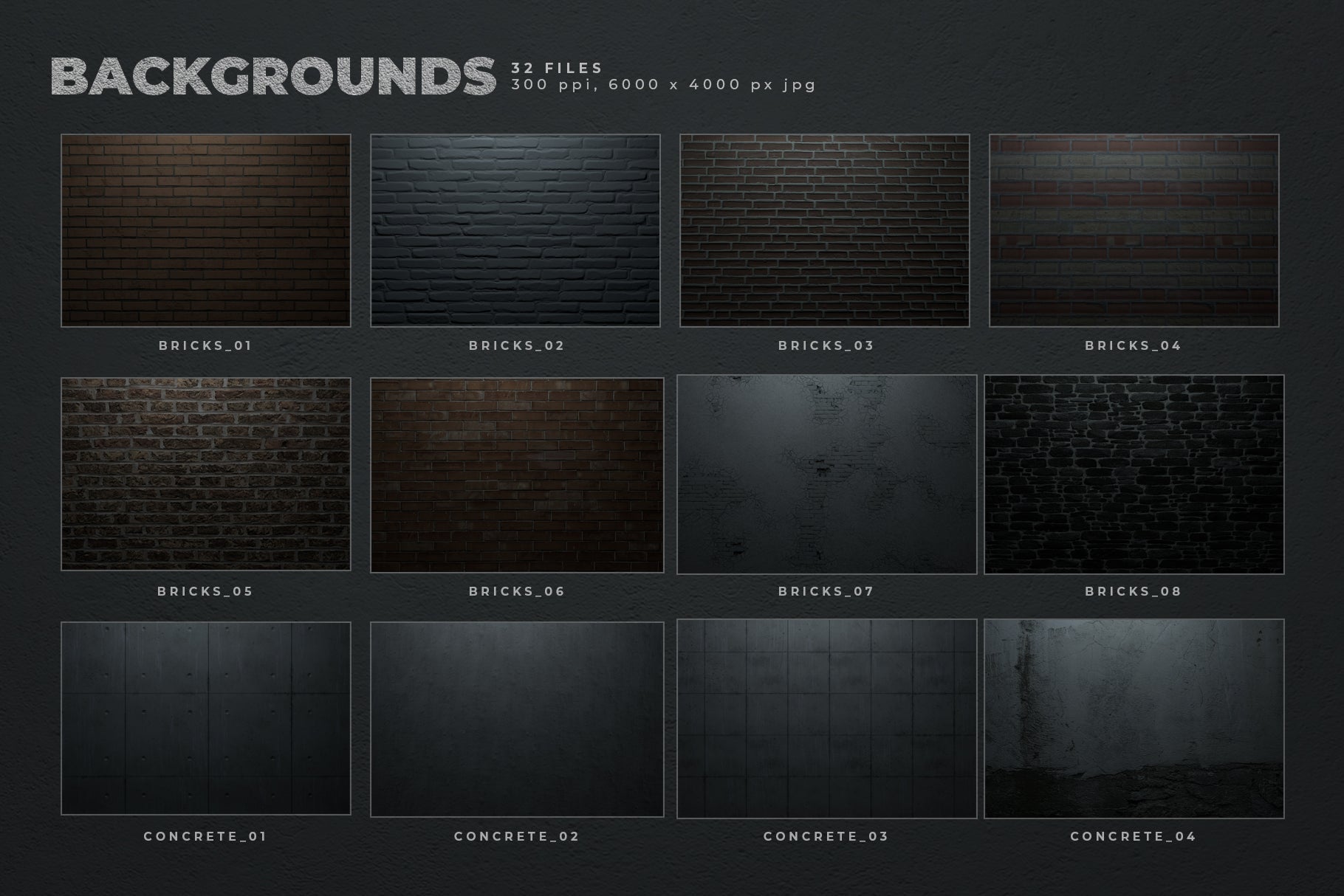
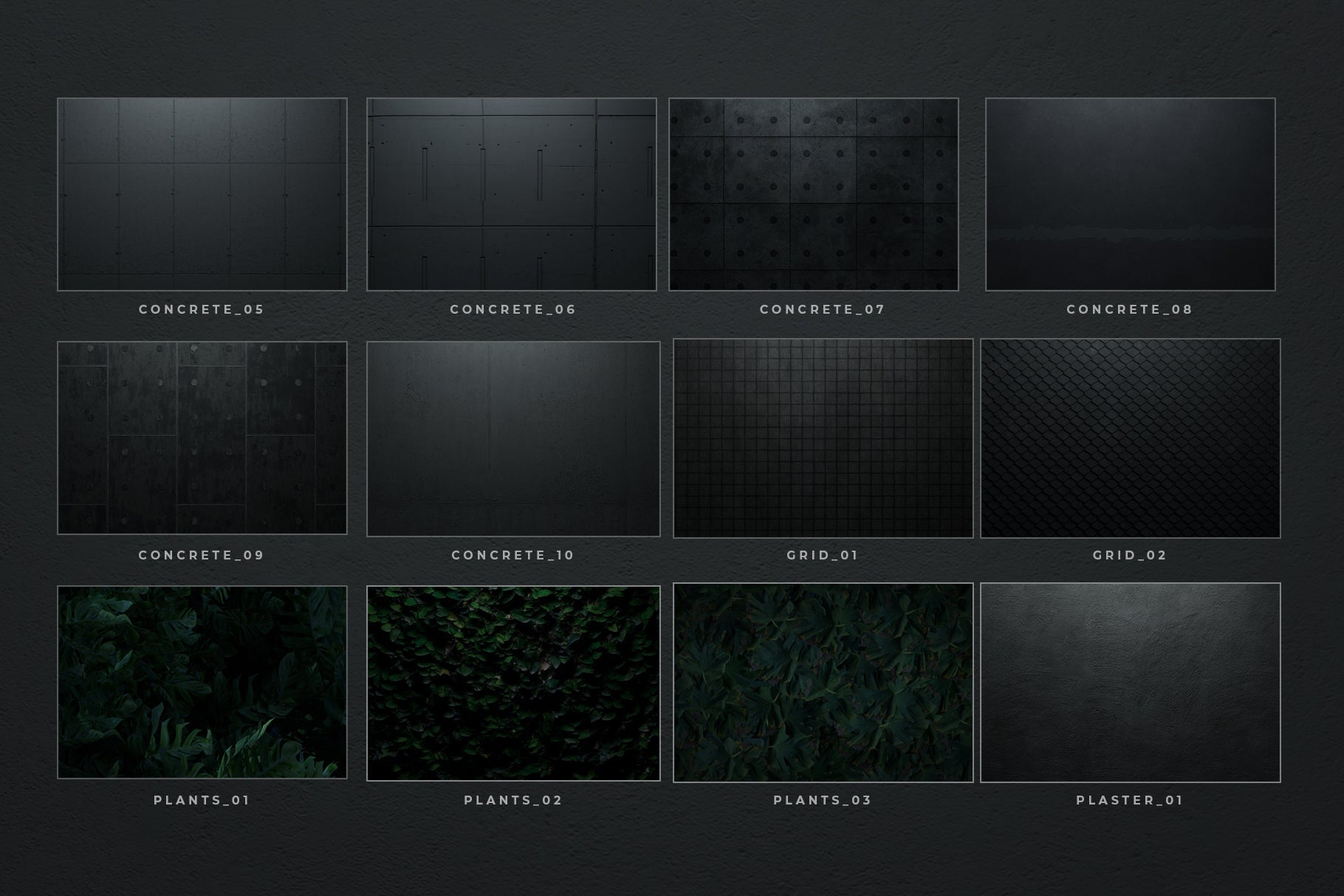
- High resolution backgrounds & elements
- User guide with pictures that explains how to use the Neon Toolbox and includes a tutorial to get started.
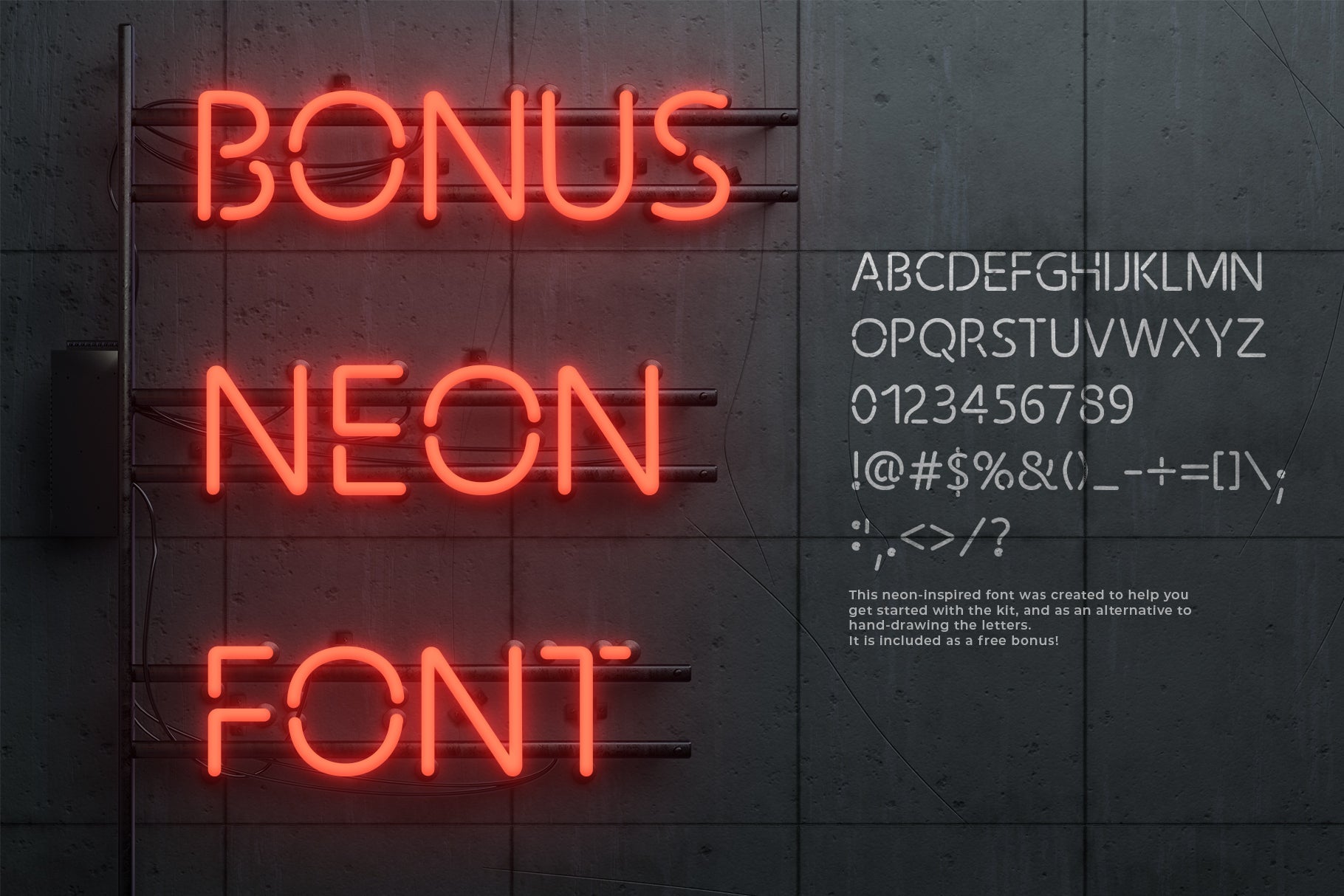
- Bonus: a neon-inspired font that works great with the layers styles. Included for free in the kit!
What's included:
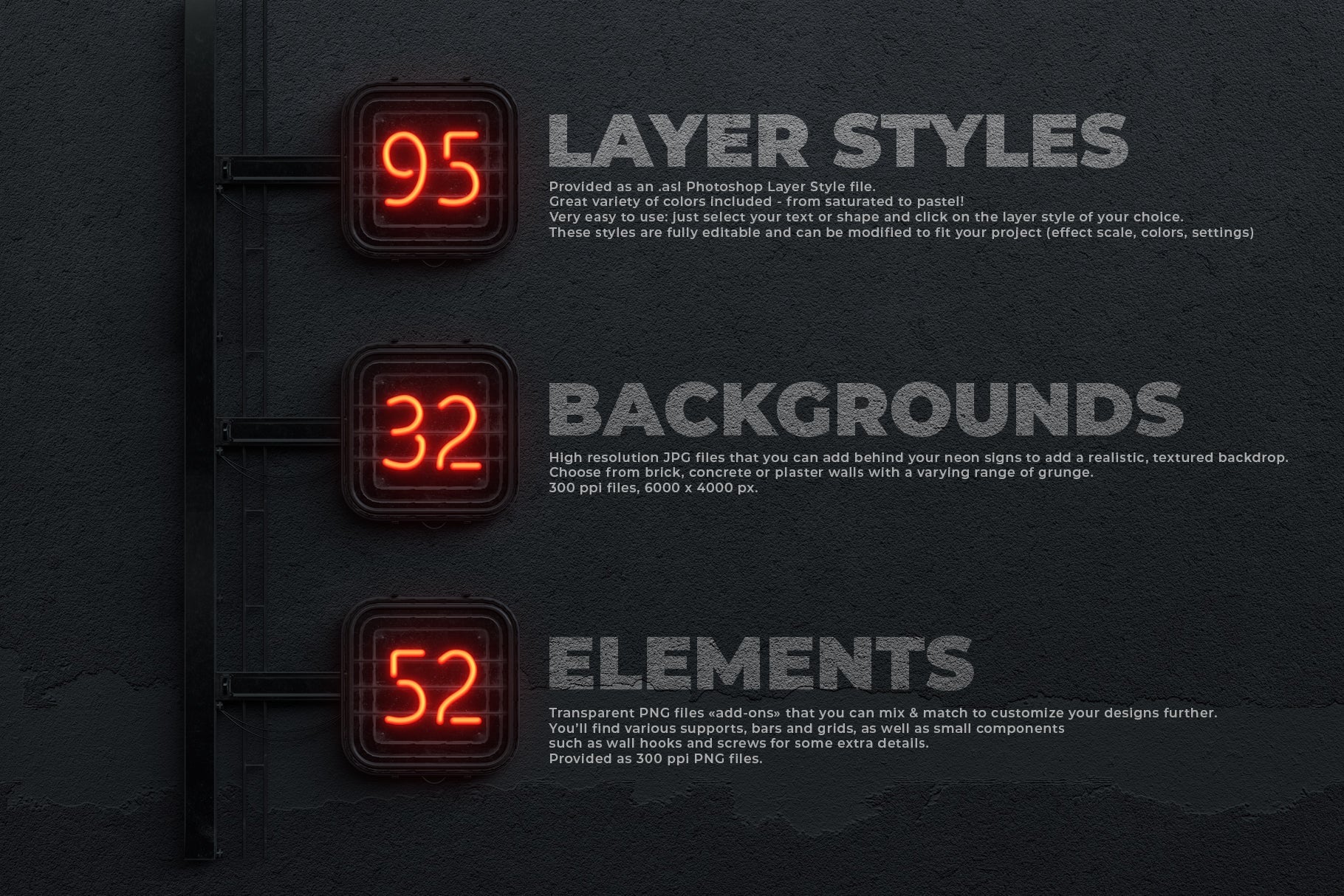
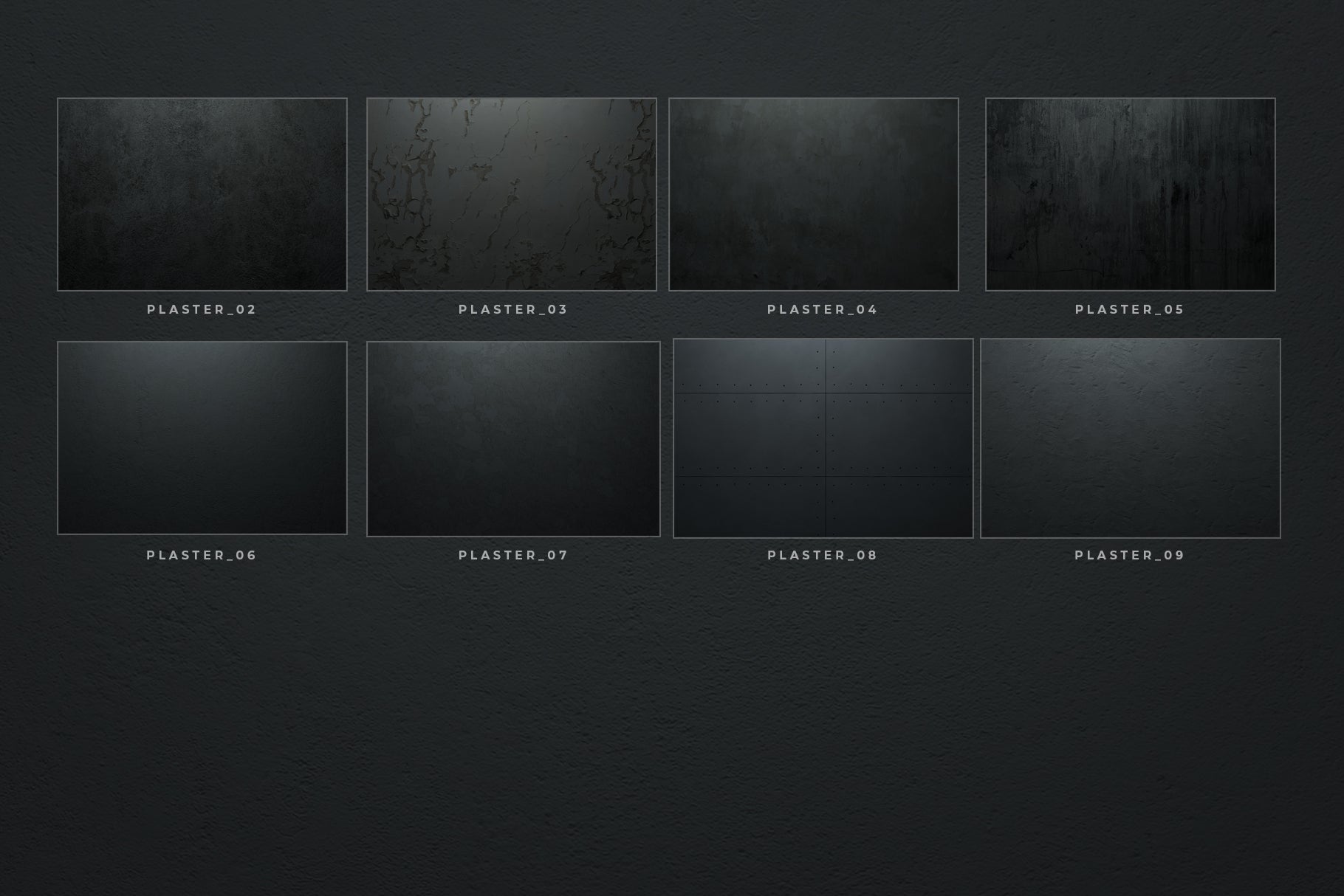
- 32 backgrounds textures (JPG format, 6000 x 4000 px),
- 52 elements (transparent PNG format)
- Neon Photoshop Layer Styles file (asl format)
- Bonus NeonToolbox font (otf format)
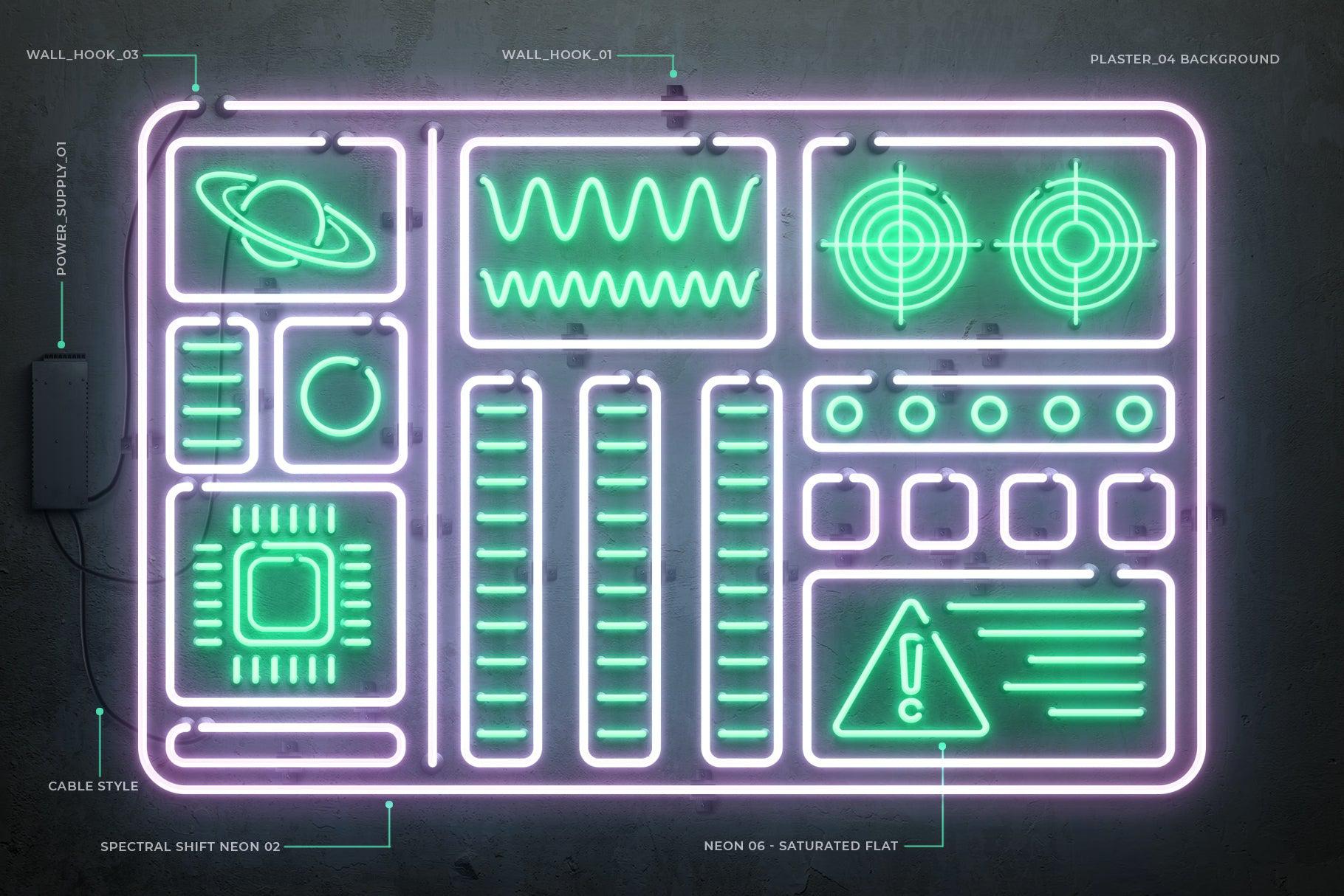
- Bonus retro computer sign (AI and PNG formats)
- PDF user guide
Compatibility:
Photoshop CC
AI Overview
The Neon Toolbox is a Photoshop-compatible tool designed for creating custom neon signs. It offers one-click, fully editable layer styles applicable to text and shapes, high-resolution backgrounds and elements, and a user guide with a tutorial. The package includes 32 background textures, 52 elements, a Neon Photoshop Layer Styles file, a bonus NeonToolbox font, and a retro computer sign.
What's Included
Compatibility

File Size: 1.1GB
Uploaded: June 14, 2024


Instant
Download

Premium
Quality

Lifetime
Support
 Frequently Asked Questions
We want you to be happy with your purchase! We do offer refunds for digital products if you experience a technical issue that our support team cannot resolve. Just reach out to us within 30 days of your purchase, and we'll be here to help.
After your purchase is complete, you'll receive a confirmation email with a link to download your files. You can also log into your account and access your downloads from the 'My Downloads' section.
Our products come with different licensing options that allow for many types of use cases. Our licenses page includes detailed information about the available licenses, so you can choose the one that fits your project. Click here to view licence details.