

Halftone Effects Creator

Pixelbuddha
Description
The pixelated grit of vintage comic books collides with grim fantasy — we've just crafted a tool precisely suited to inject texture into visuals. Each PSD file comes preloaded with a layered structure that includes paper overlays, dust & scratches, and color settings, loaded with a richly aged aesthetic.
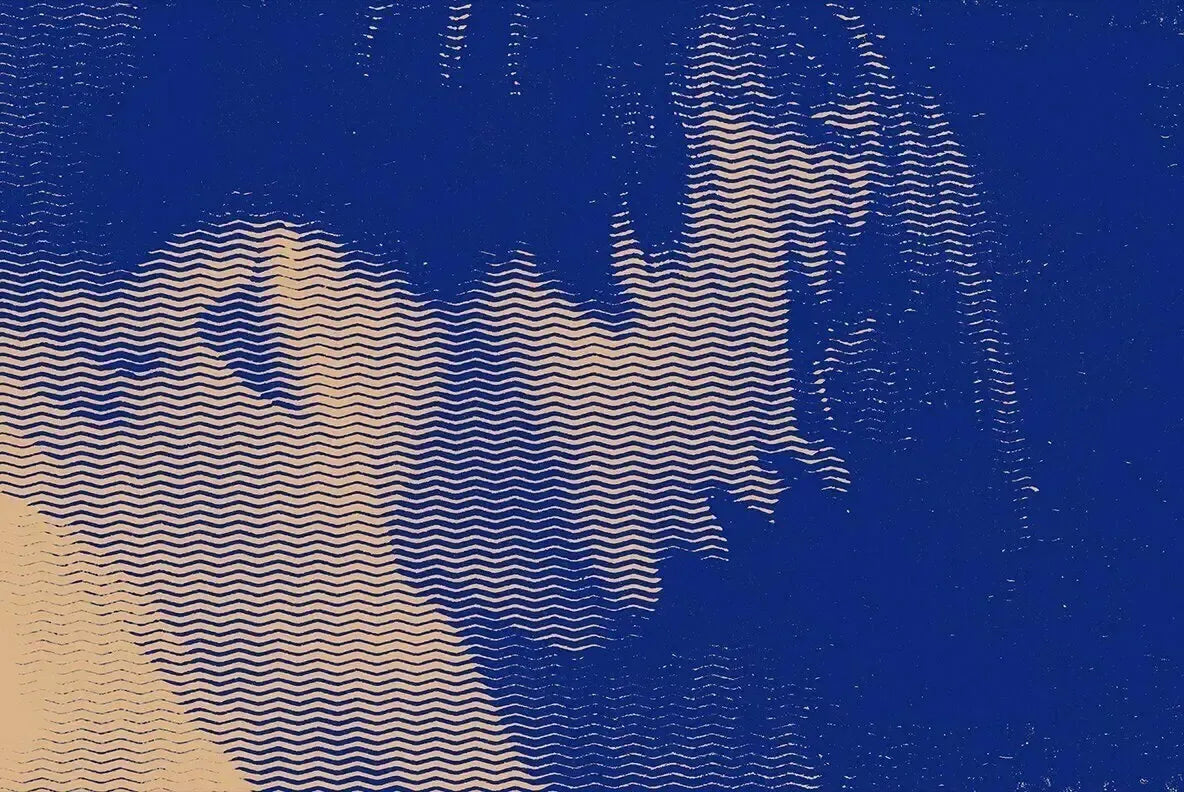
The real centerpiece here is the pattern collection: 20 halftone options ranging from dots, tiles, and serifs to more unusual picks like zig-zags, cubes, and soft tires. They allow working around stark portraits, medieval landscapes, printed ephemera, or gothic packaging. We've made sure the previews show how dramatically your image can shift depending on the chosen overlay — from clean grids to chaotic grain.
The patterns scale easily thanks to high-resolution formatting. Application takes minutes. Drop your image into the PSD, toggle through pattern styles, adjust scale, and recolor directly within the canvas. Each file is Smart-Object ready.
This resource is created, and fully compatible with Adobe Photoshop. For the best experience, we recommend to use the latest Creative Cloud version of the app.
What’s inside?
3 high-quality PSD files;
10 gradients;
20 halftone patterns;
4500x3000 px, 300 dpi;
3000x4500 px, 300 dpi;
4000x4000 px, 300 dpi;
help file.
Featured images are for presentation purposes and are not included in the item.
AI Overview
The Halftone Effects Creator is a Photoshop-compatible tool designed to add texture to visuals, featuring three high-quality PSD files with a layered structure, including paper overlays, dust and scratches, and color settings. It includes 20 halftone patterns, 10 gradients, and is available in multiple high-resolution formats (4500x3000 px, 300 dpi; 3000x4500 px, 300 dpi; 4000x4000 px, 300 dpi), along with a help file for user guidance.
What's Included
Compatibility

File Size: 1.5GB
DPI: 300
Uploaded: September 17, 2025


Instant
Download

Premium
Quality

Lifetime
Support
 Frequently Asked Questions
Our products come with guarantees under the Australian Consumer Law. If a file is faulty or isn't as described, you're entitled to a fix, a replacement or a refund. We don't refund a change of mind. Bought a bigger size than you need, or Extended when Standard would do? Within 14 days, we'll swap it and refund the difference. Read our refund policy.
After your purchase is complete, you'll receive a confirmation email with a link to download your files. You can also log into your account and access your downloads from the 'My Downloads' section.
Every product comes with the Studio 2am License. Choose Standard or Extended, and the size of your business. Which license do I need?