


B&W Ink Toned Photo Effect

Pixelbuddha
Description
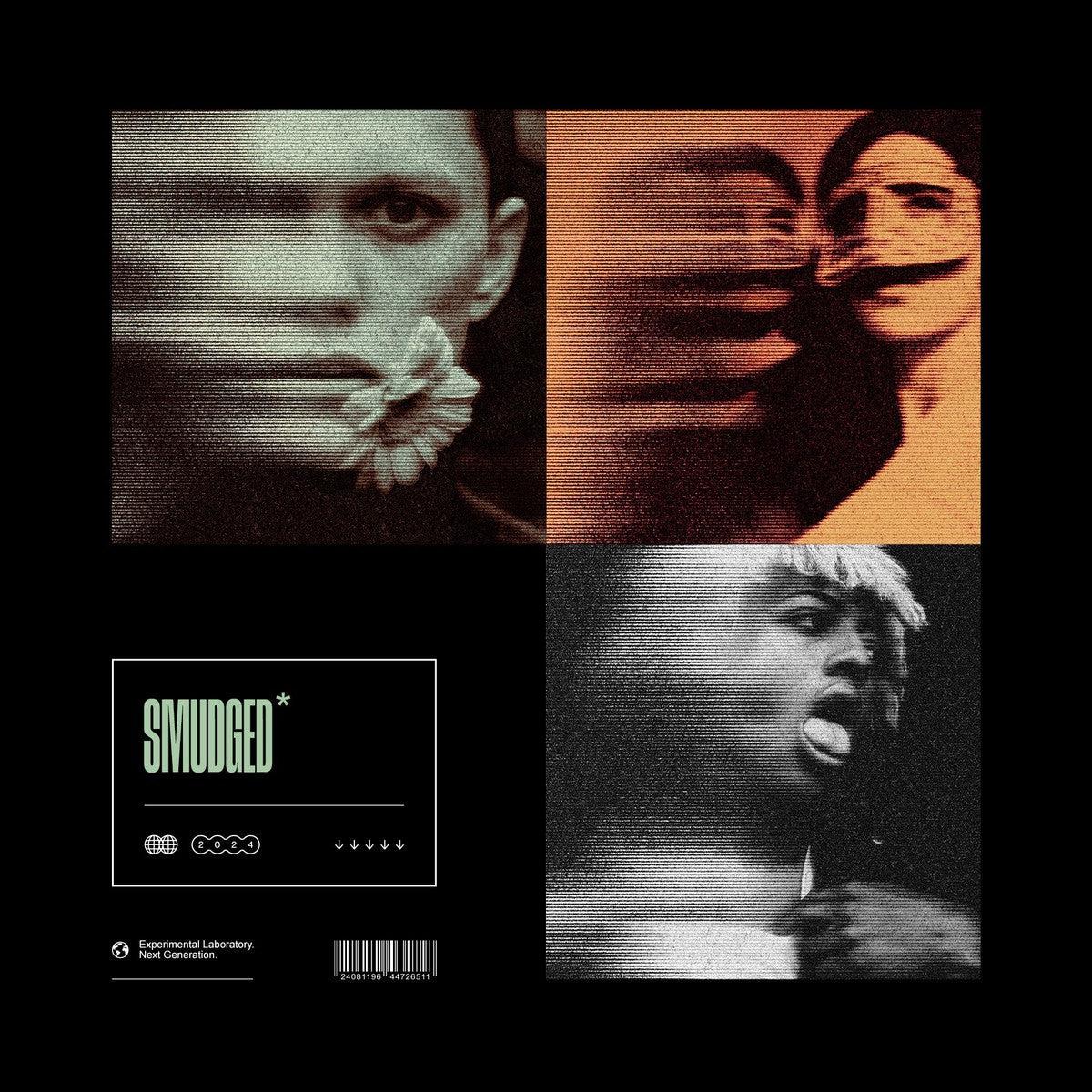
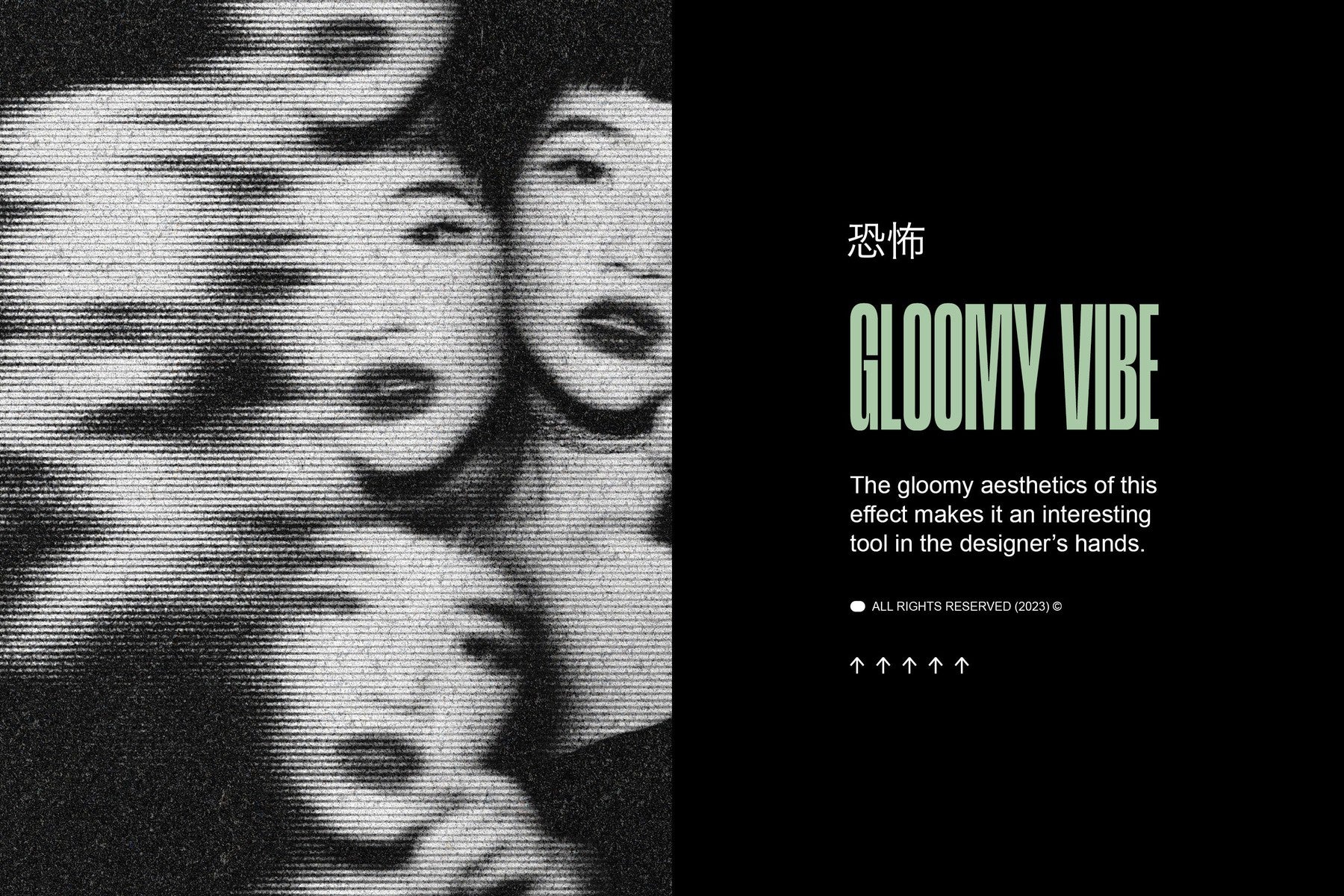
This grainy photo effect tones an image into a dusty black-and-white print, flooding the frame with heavy film grain, scattered dust, and hairline scratches, while the whole shot picks up a warm sepia-to-ink wash. The photo drops into the Smart Object and the aged print rebuilds around it, holding the toned grain from the highlights down into the shadows.
Usage: album covers, editorial portraits, gig posters, zine spreads, poster art, photobook layouts, music branding, book covers, and moody social campaigns
Details:
high-quality PSD file;
4500x3000 px, 300 dpi;
editable via Smart Object;
help file.
This resource is created for Adobe Photoshop and works best with the latest Creative Cloud version for full Smart Object support.
Featured images are for presentation purposes and are not included in the item.
AI Overview
The B&W Ink Toned Photo Effect is a Photoshop PSD file that converts images to black-and-white with sepia-to-ink toning, film grain, dust, and scratches. The file is 4500x3000 px at 300 dpi, uses an editable Smart Object for image placement, and includes a help file.
What's Included
Compatibility

File Size: 254.7MB
DPI: 300
Dimensions: 4500x3000px
Uploaded: September 06, 2026


Instant
Download

Premium
Quality

Lifetime
Support
 Frequently Asked Questions
We want you to be happy with your purchase! We do offer refunds for digital products if you experience a technical issue that our support team cannot resolve. Just reach out to us within 30 days of your purchase, and we'll be here to help.
After your purchase is complete, you'll receive a confirmation email with a link to download your files. You can also log into your account and access your downloads from the 'My Downloads' section.
Our products come with different licensing options that allow for many types of use cases. Our licenses page includes detailed information about the available licenses, so you can choose the one that fits your project. Click here to view licence details.