


Vintage Blur Photo Effect

Pixelbuddha
Description
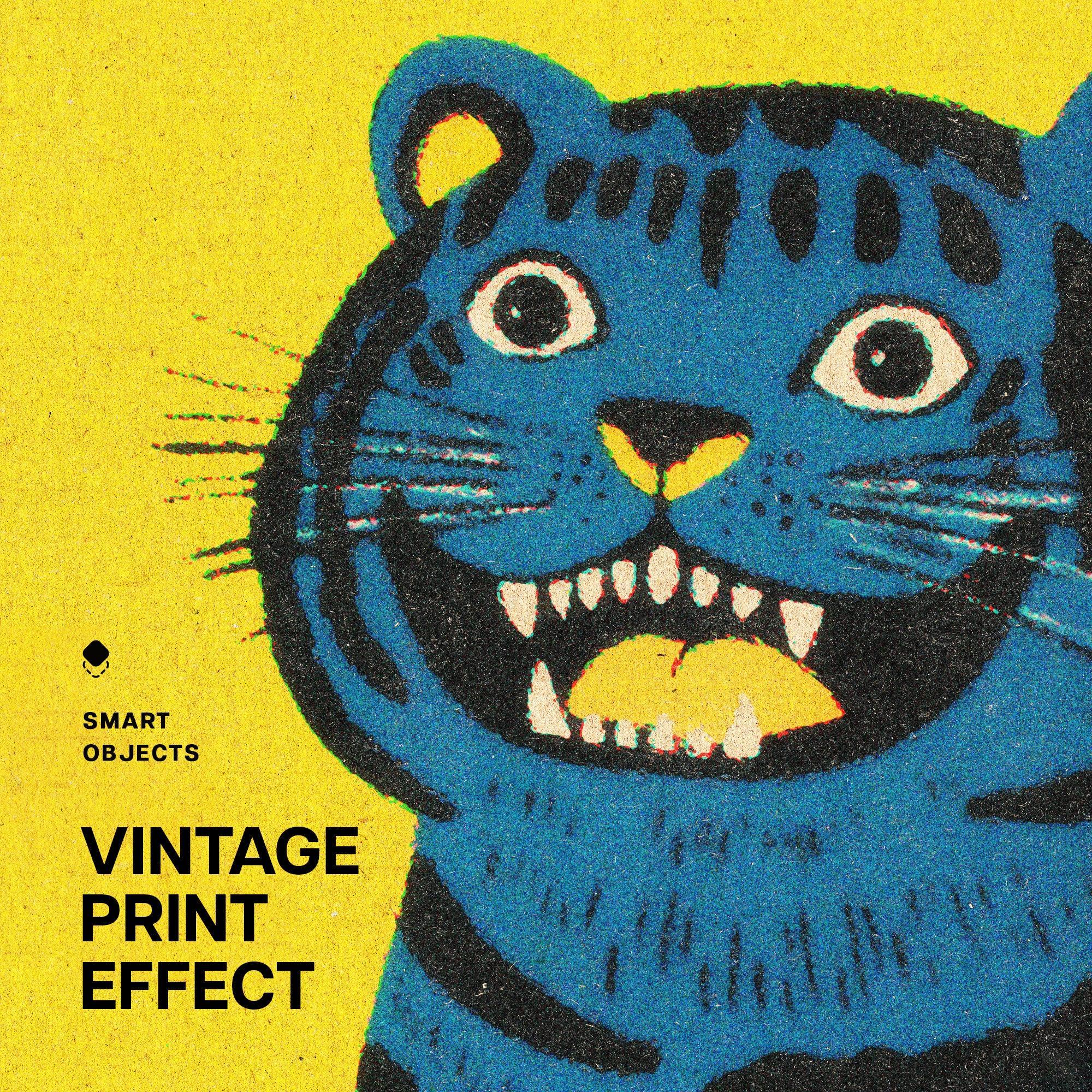
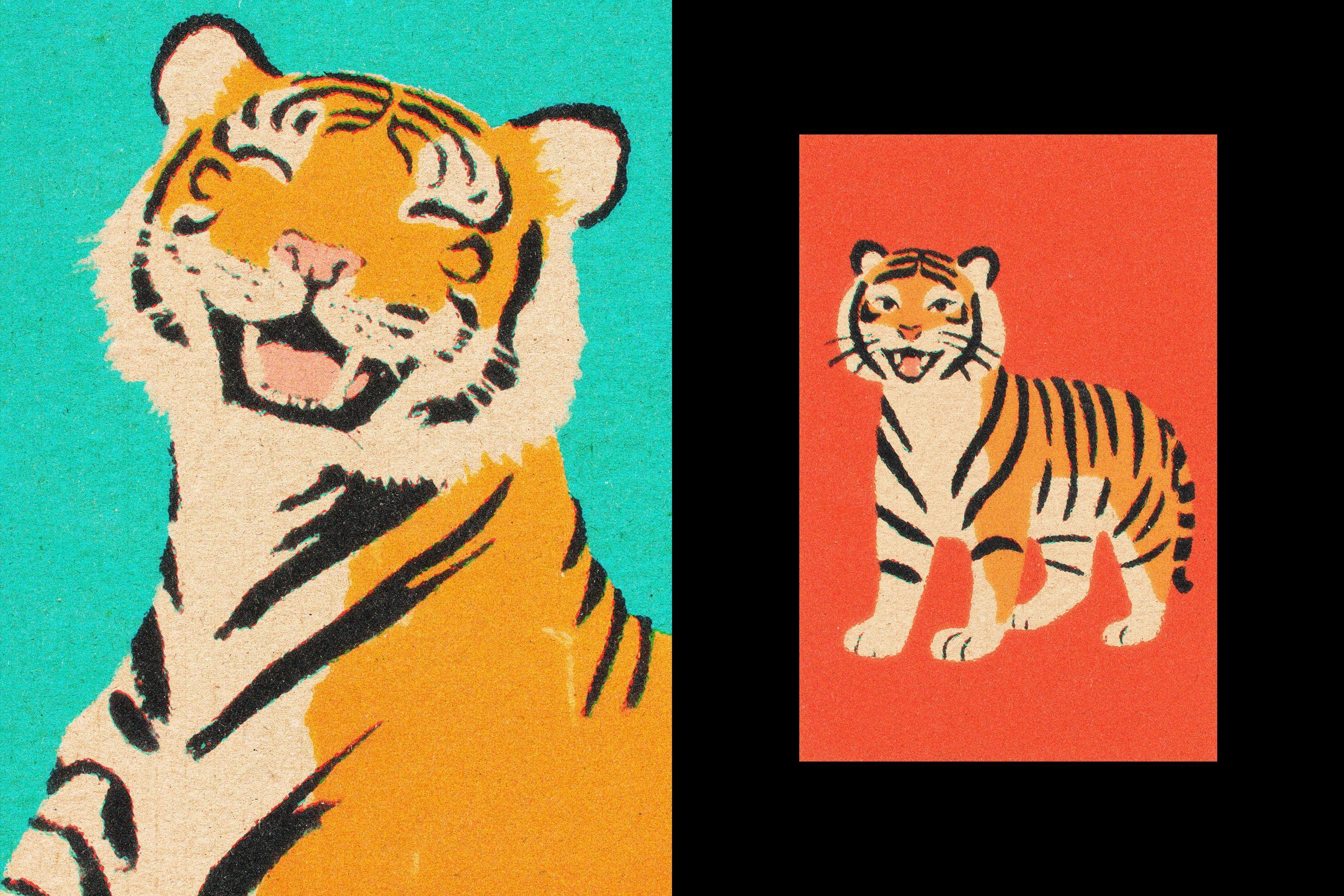
The effect softens the image with a gentle blur and overlays a fine halftone pattern. Details fade into a misty texture and contrast stays controlled, giving the scene a printed postcard feel with subtle grain. It’s perfect for travel posters, editorial layouts, book covers, branding concepts, and social visuals.
Details:
2 high-quality PSD files;
4500x3000 px, 300 dpi;
3000x4500 px, 300 dpi.
This resource is created for Adobe Photoshop and works best with the latest Creative Cloud version for full Smart Object support.
Featured images are for presentation purposes and are not included in the item.
AI Overview
The Vintage Blur Photo Effect includes two high-quality PSD files (4500x3000 px and 3000x4500 px, both at 300 dpi) that apply a gentle blur and a fine halftone pattern to images, creating a soft, misty texture with controlled contrast. This effect is designed for use in Adobe Photoshop, specifically optimized for the latest Creative Cloud version for full Smart Object support.
What's Included
Compatibility

File Size: 112.4MB
DPI: 300
Uploaded: March 07, 2026


Instant
Download

Premium
Quality

Lifetime
Support
 Frequently Asked Questions
We want you to be happy with your purchase! We do offer refunds for digital products if you experience a technical issue that our support team cannot resolve. Just reach out to us within 30 days of your purchase, and we'll be here to help.
After your purchase is complete, you'll receive a confirmation email with a link to download your files. You can also log into your account and access your downloads from the 'My Downloads' section.
Our products come with different licensing options that allow for many types of use cases. Our licenses page includes detailed information about the available licenses, so you can choose the one that fits your project. Click here to view licence details.