




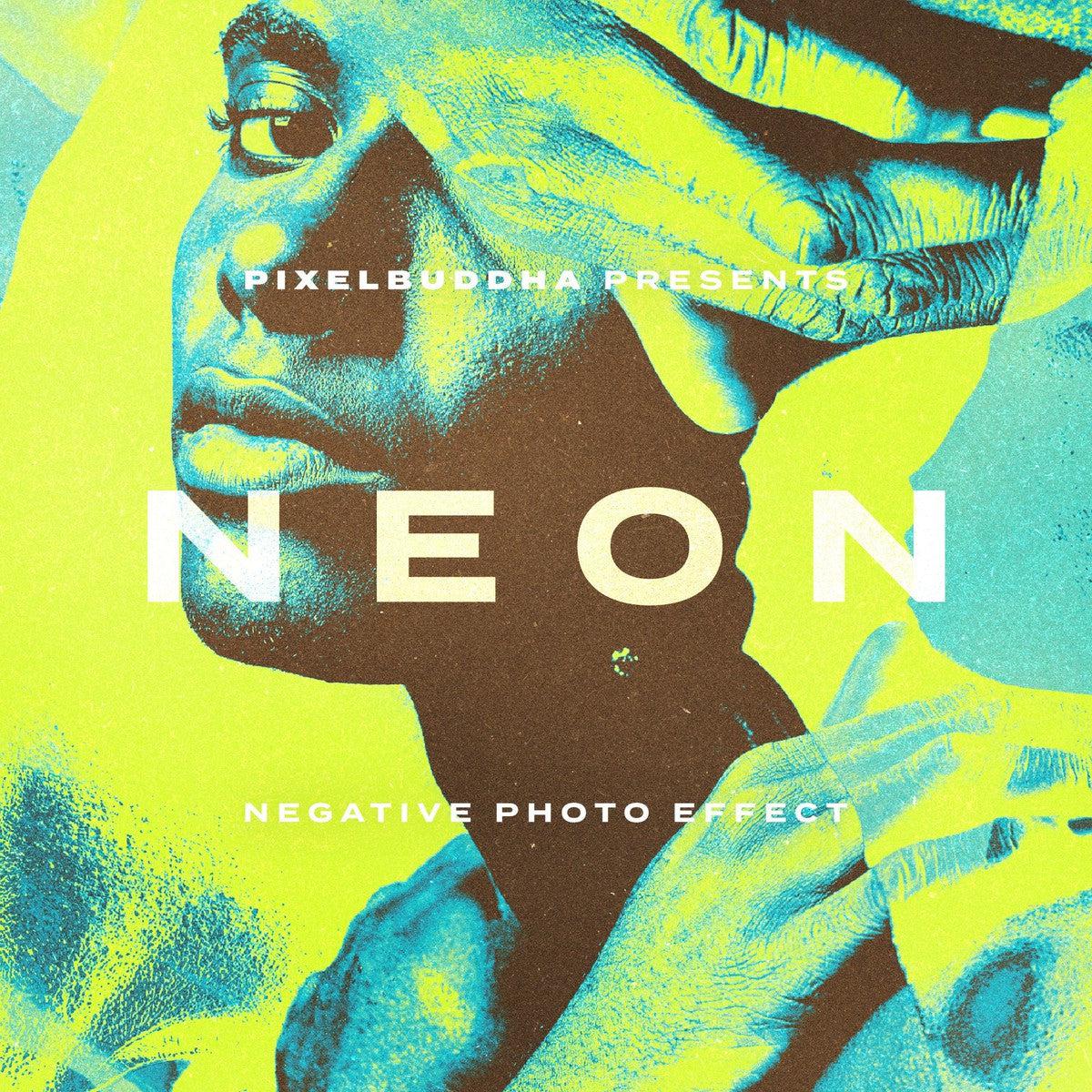


Neon Negative Photo Effect

Pixelbuddha
Description
Don't forget to close the door on the way into this film-developing lab: something good is cooking up! The intricate technique of processing the old camera film required the most heroic reserves of patience to result in a peerless quality of printed photos. Anyone can become a deft darkroom expert once gaining access to Neon Negative Photo Effect!
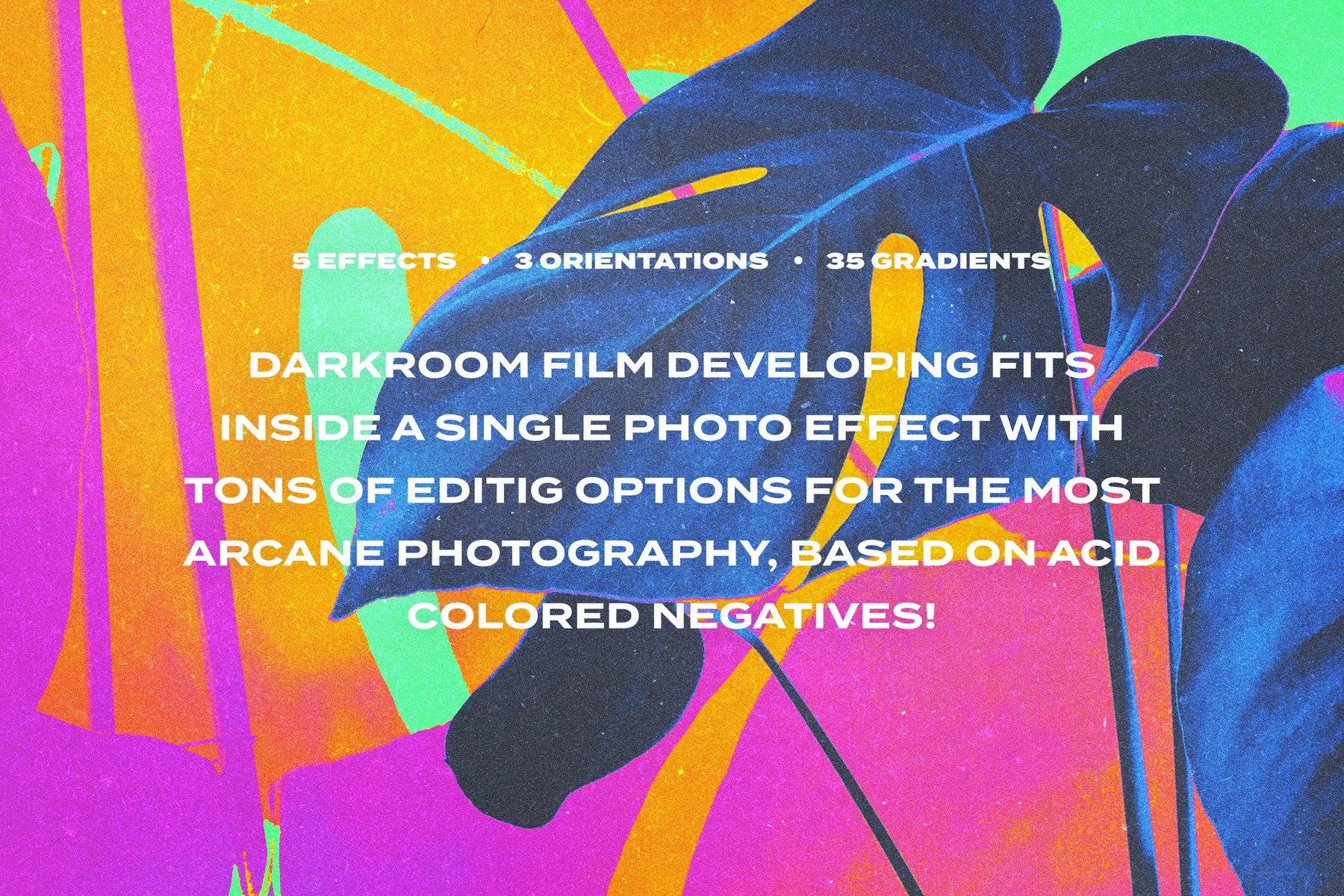
Topsy-turvy colors, extraordinary depictions, and unexpected compositional solutions — sounds much like a commercial for the arcane amusement park, but there are no other words to describe this release. You'll get transfixed by 5 effect styles soaked in the acid-like palette like someone has messed up the darkroom chemicals. The photo diversity also hinges on 35 prepared gradients congenial to glitch or pop art themes. No strict policy about the source image: square, portrait, or landscape originals will definitely get their turn on a creative conveyor.
What’s inside?
- 5 effect styles;
- 35 gradients (in .grd file);
- 3 orientations (square, vertical, horizontal);
- 4000 x 4000 px, 300 dpi;
- 3000 x 4500 px, 300 dpi;
- 4500 x 3000 px, 300 dpi;
- help file.
AI Overview
The Neon Negative Photo Effect is a photo processing tool that offers five effect styles and 35 gradients in a .grd file, compatible with Photoshop, Affinity Photo, and Procreate. It supports three orientations (square, vertical, horizontal) and provides high-resolution outputs (4000 x 4000 px, 3000 x 4500 px, 4500 x 3000 px) at 300 dpi.
What's Included
Compatibility


File Size: 433MB
Uploaded: May 24, 2024


Instant
Download

Premium
Quality

Lifetime
Support
 Frequently Asked Questions
We want you to be happy with your purchase! We do offer refunds for digital products if you experience a technical issue that our support team cannot resolve. Just reach out to us within 30 days of your purchase, and we'll be here to help.
After your purchase is complete, you'll receive a confirmation email with a link to download your files. You can also log into your account and access your downloads from the 'My Downloads' section.
Our products come with different licensing options that allow for many types of use cases. Our licenses page includes detailed information about the available licenses, so you can choose the one that fits your project. Click here to view licence details.


















