

Multi-App Texture Brushes

Pixelbuddha
Description
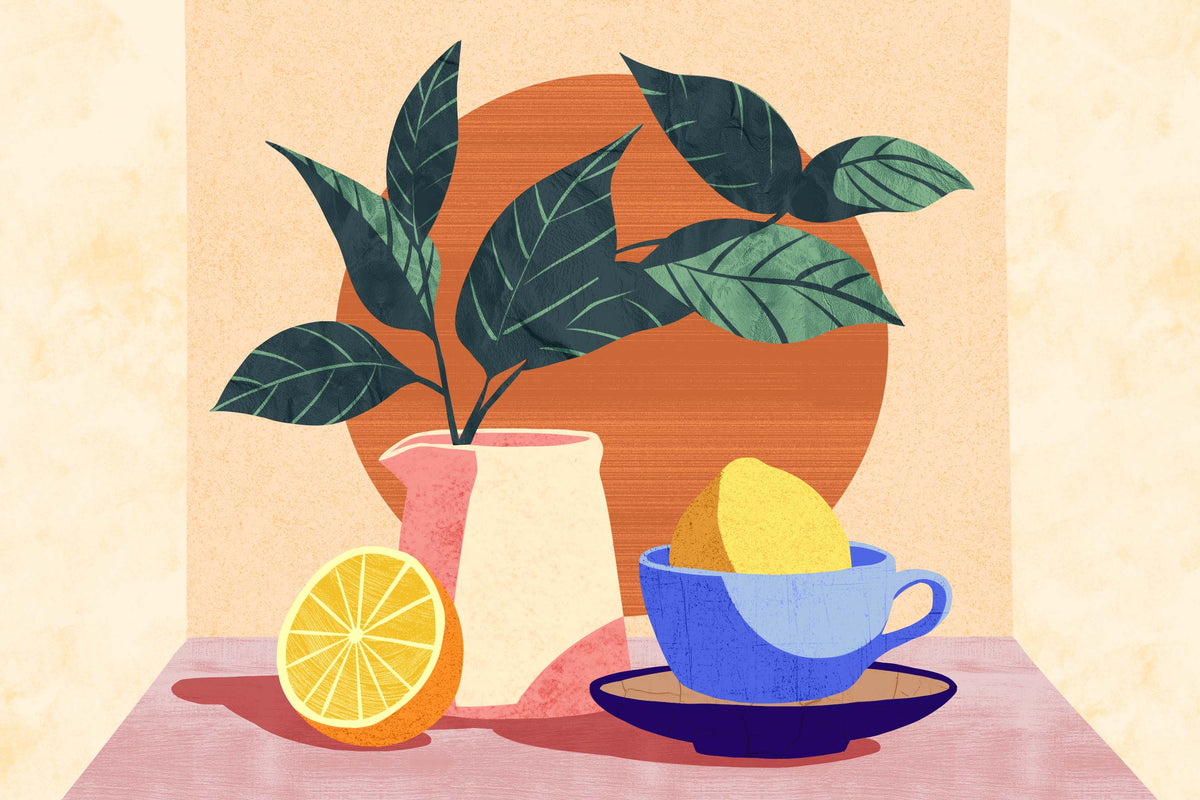
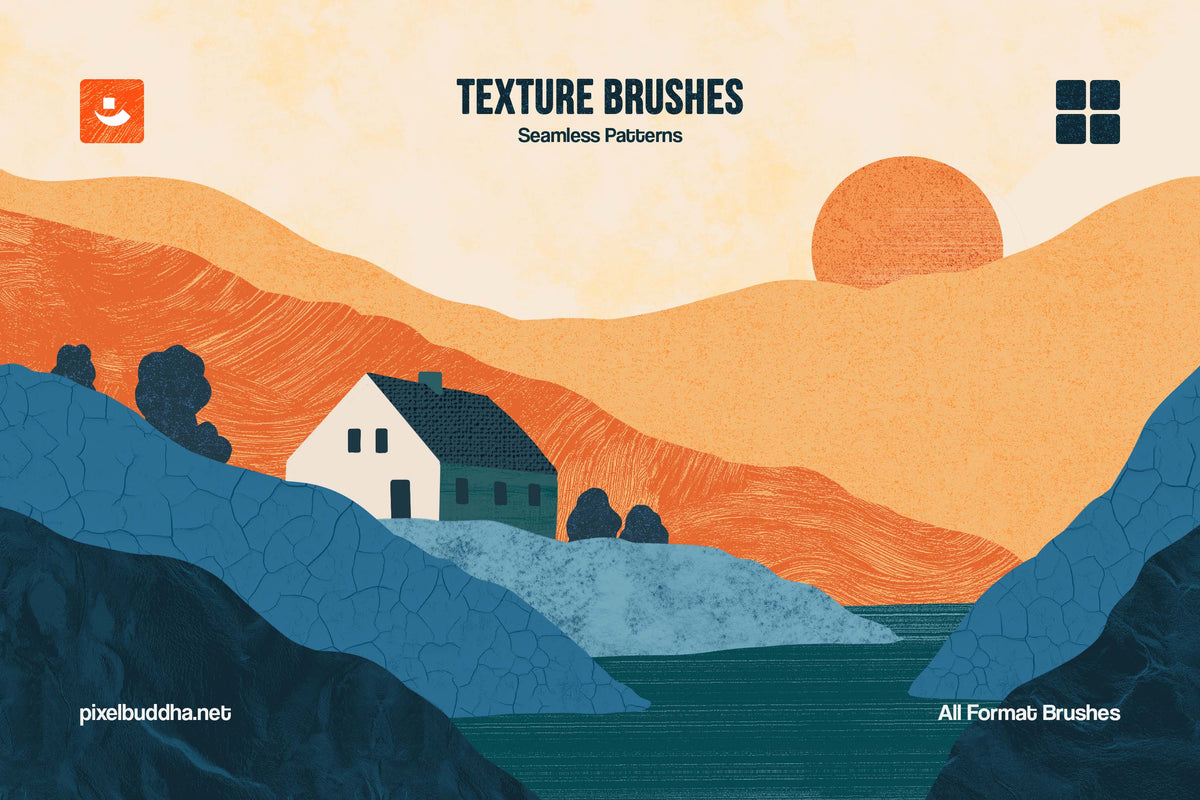
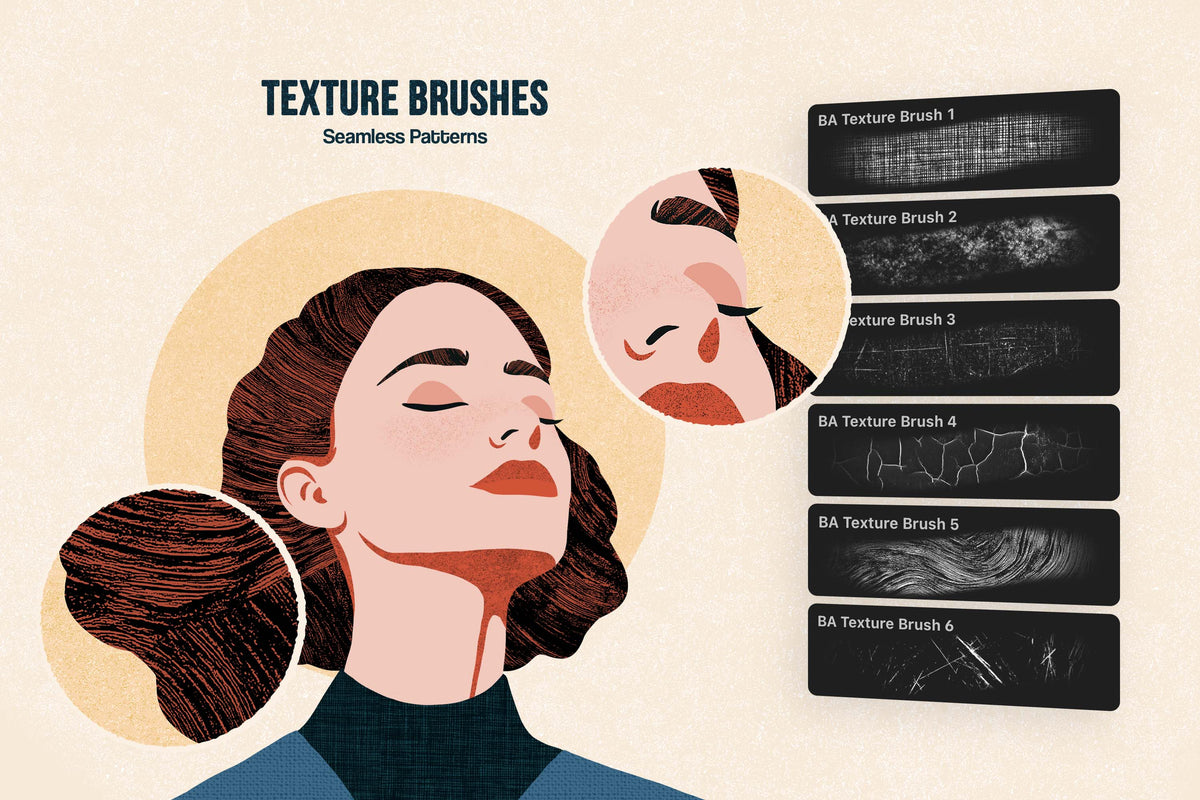
It’s a fantastic tool for you to shine in modern folk illustration. The brushes offer the perfect balance to blend flat design, rich textures, and warm, earthy color palettes reminiscent of mid-century aesthetics. Thanks to its visible grain and hand-drawn imperfections, they work seamlessly for modern naive art.
What’s inside?
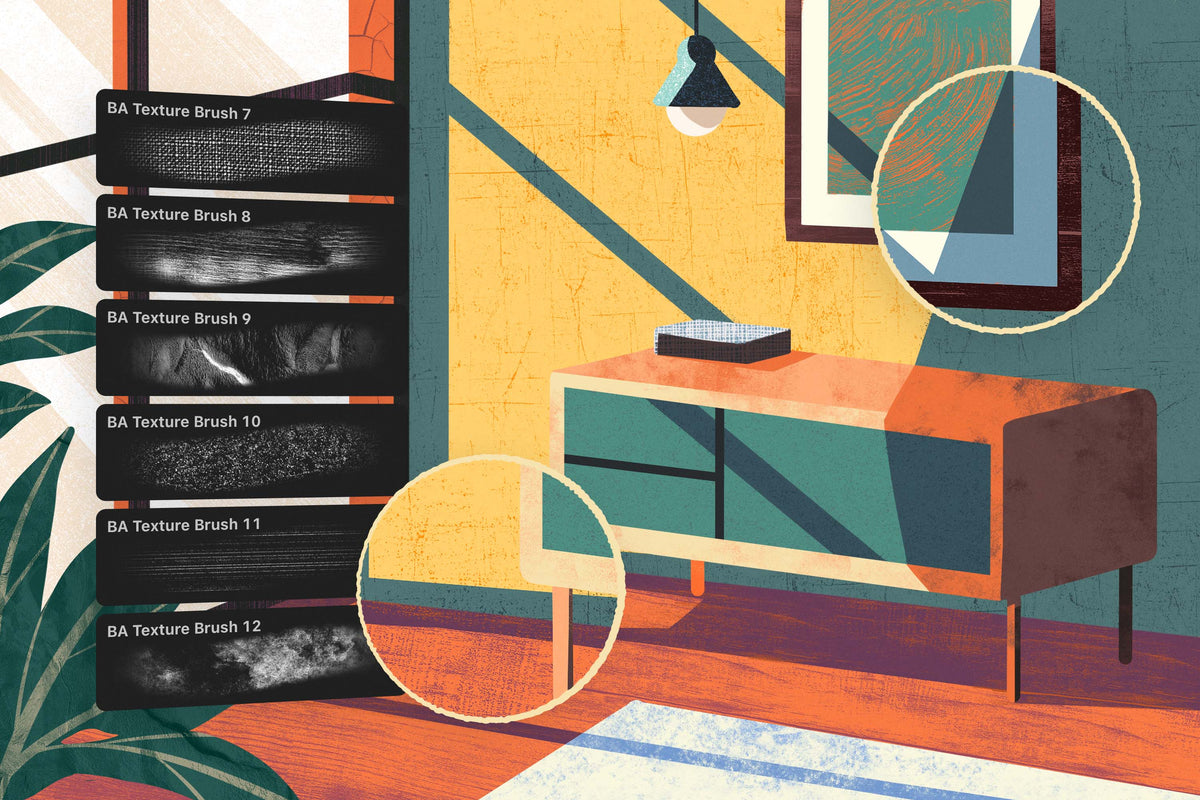
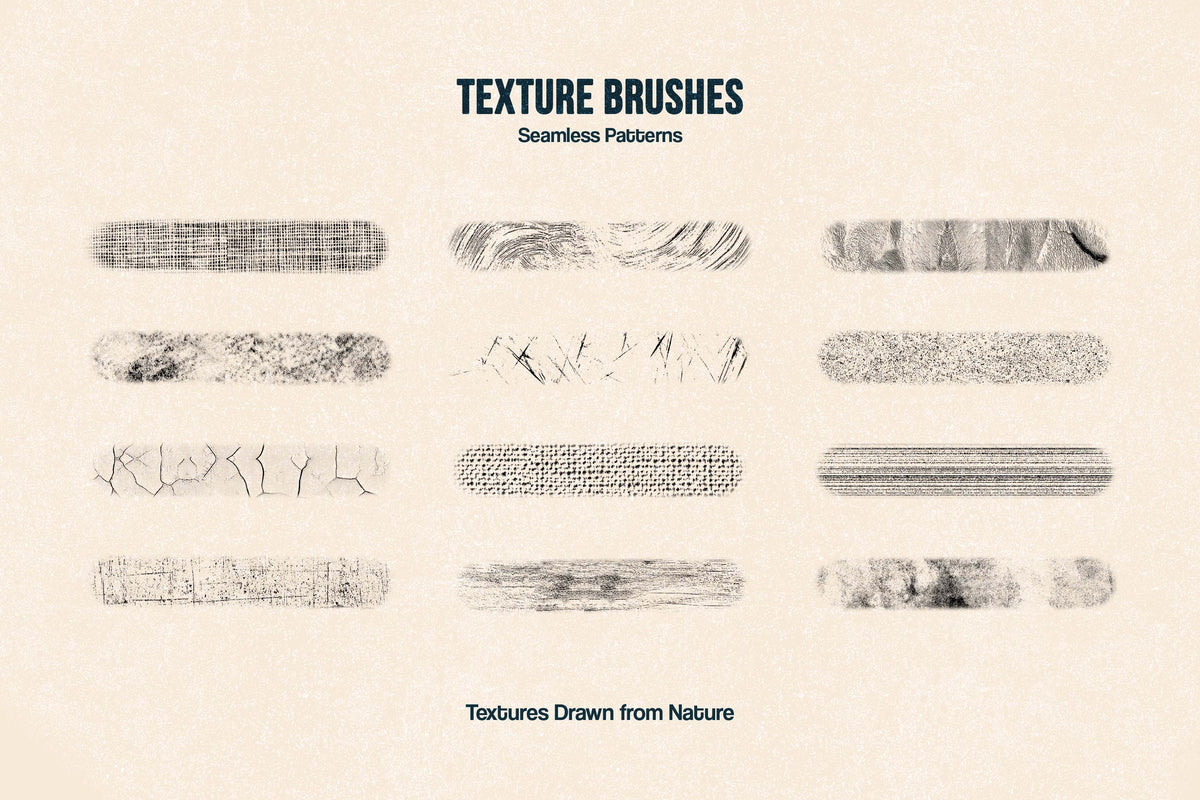
12 texture brushes;
installation guide.
The collection is suitable for refining watercolor, acrylic, gouache, or linocut-inspired digital illustrations. The brushes’ shabby aesthetics bring an edge to editorial work, packaging, decorative prints, stationery, and book covers.
Compatible with:
Adobe Photoshop;
Adobe Illustrator;
Procreate;
Clip Studio;
Affinity Designer (vector & raster).
AI Overview
The Multi-App Texture Brushes collection includes 12 texture brushes designed for digital illustration, featuring visible grain and hand-drawn imperfections. It is compatible with Adobe Photoshop, Adobe Illustrator, Procreate, Clip Studio, and Affinity Designer, and comes with an installation guide.
What's Included
Compatibility


File Size: 842.7MB
Uploaded: December 04, 2025


Instant
Download

Premium
Quality

Lifetime
Support
 Frequently Asked Questions
Our products come with guarantees under the Australian Consumer Law. If a file is faulty or isn't as described, you're entitled to a fix, a replacement or a refund. We don't refund a change of mind. Bought a bigger size than you need, or Extended when Standard would do? Within 14 days, we'll swap it and refund the difference. Read our refund policy.
After your purchase is complete, you'll receive a confirmation email with a link to download your files. You can also log into your account and access your downloads from the 'My Downloads' section.
Every product comes with the Studio 2am License. Choose Standard or Extended, and the size of your business. Which license do I need?