





Emergency Glass Plugin

Disrupted Studio
Description
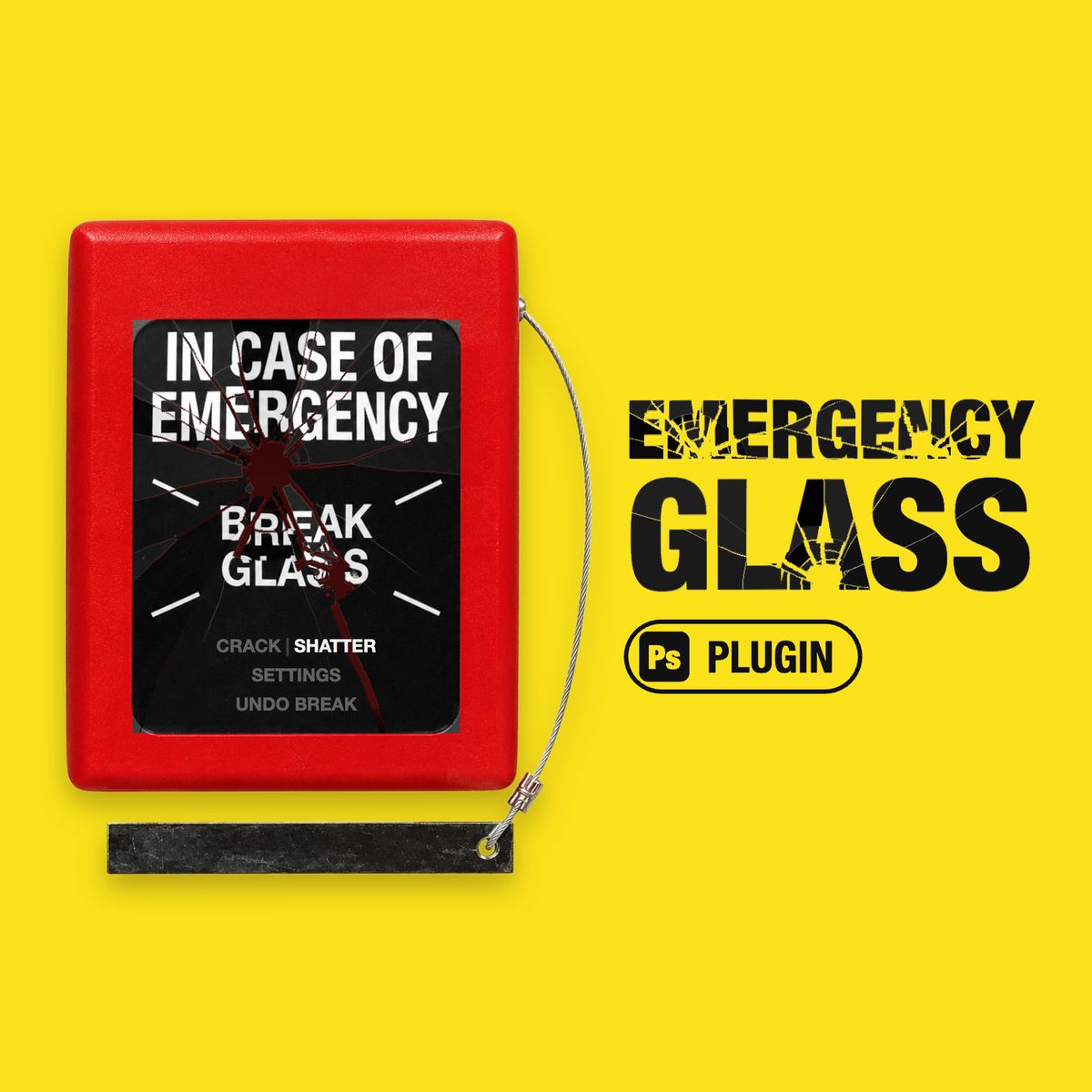
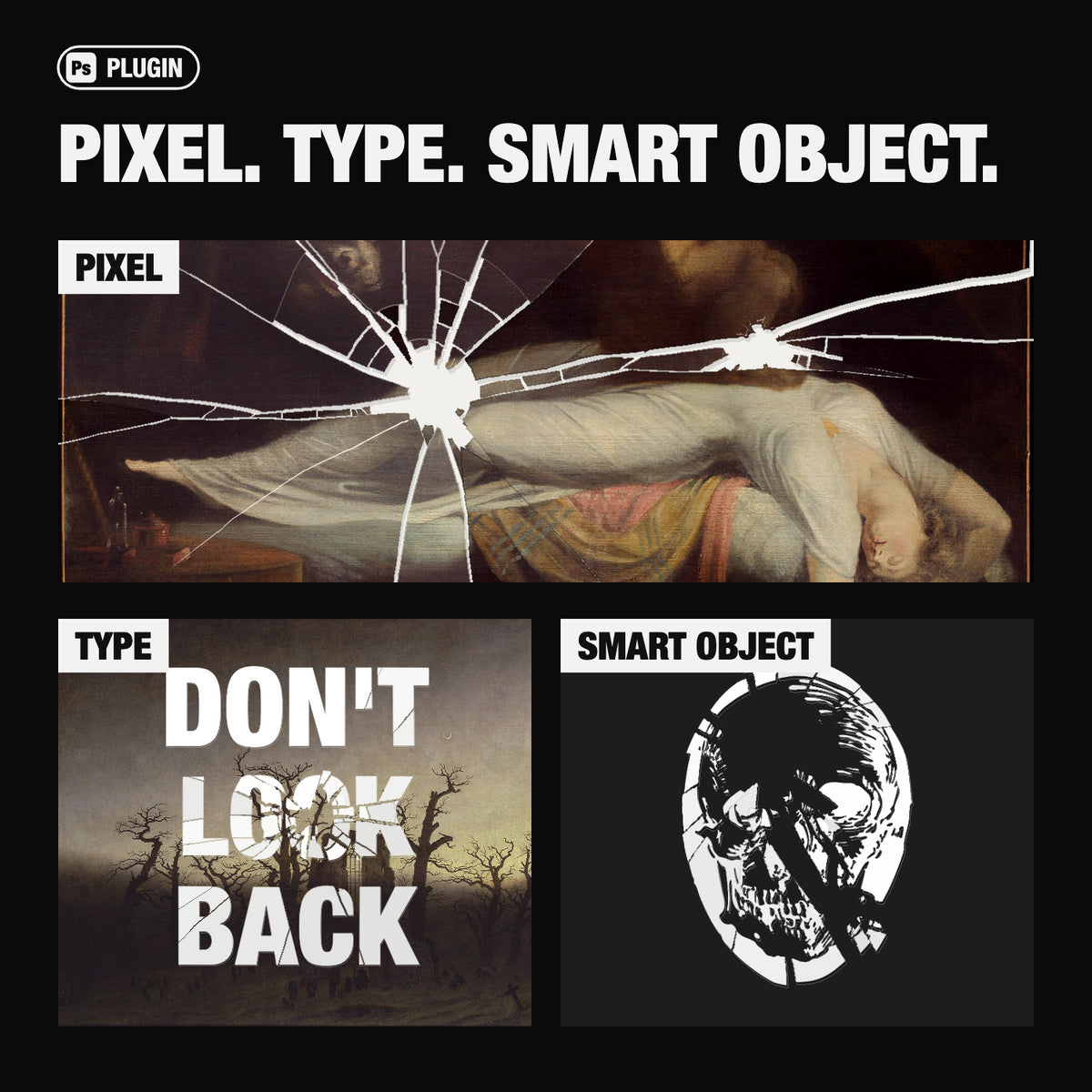
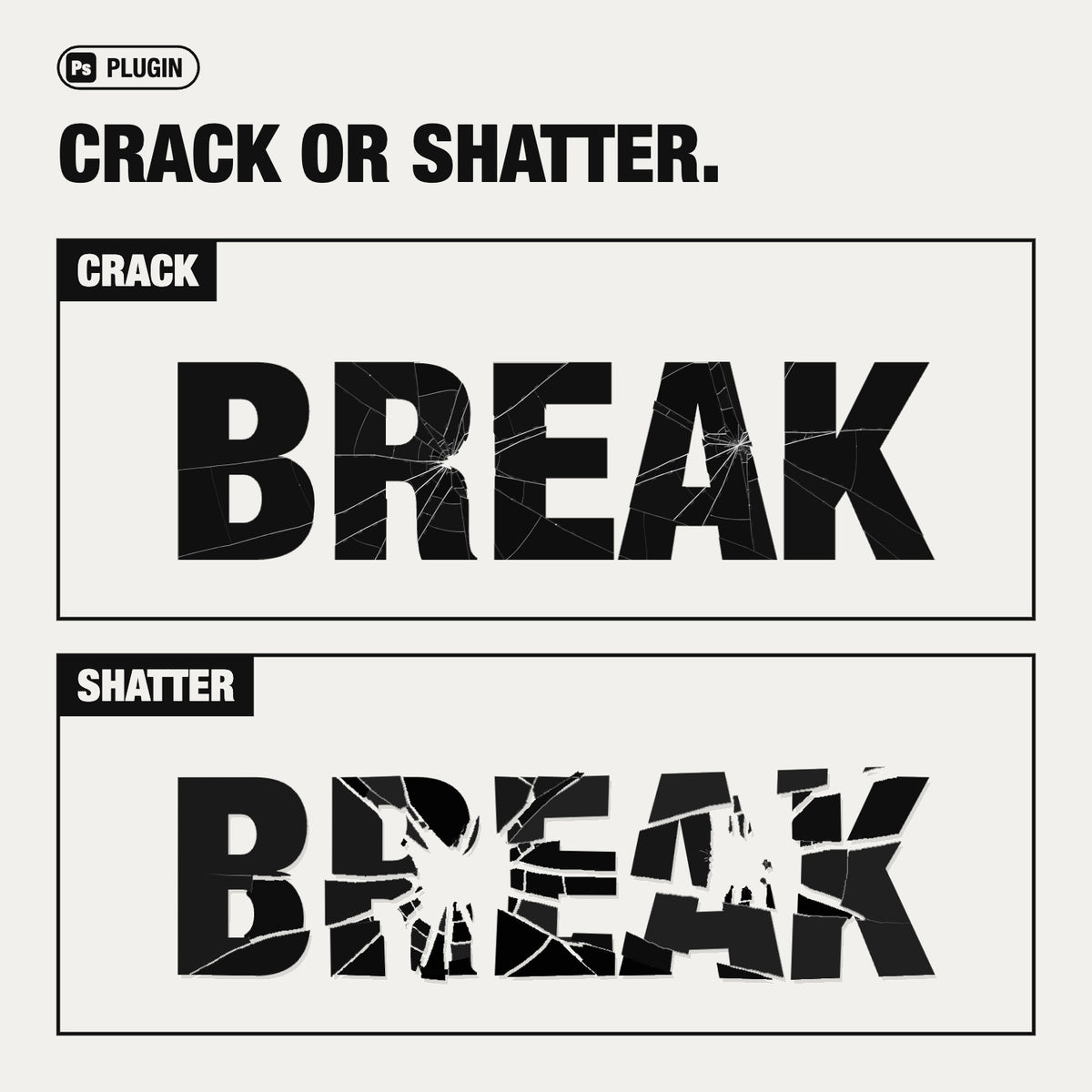
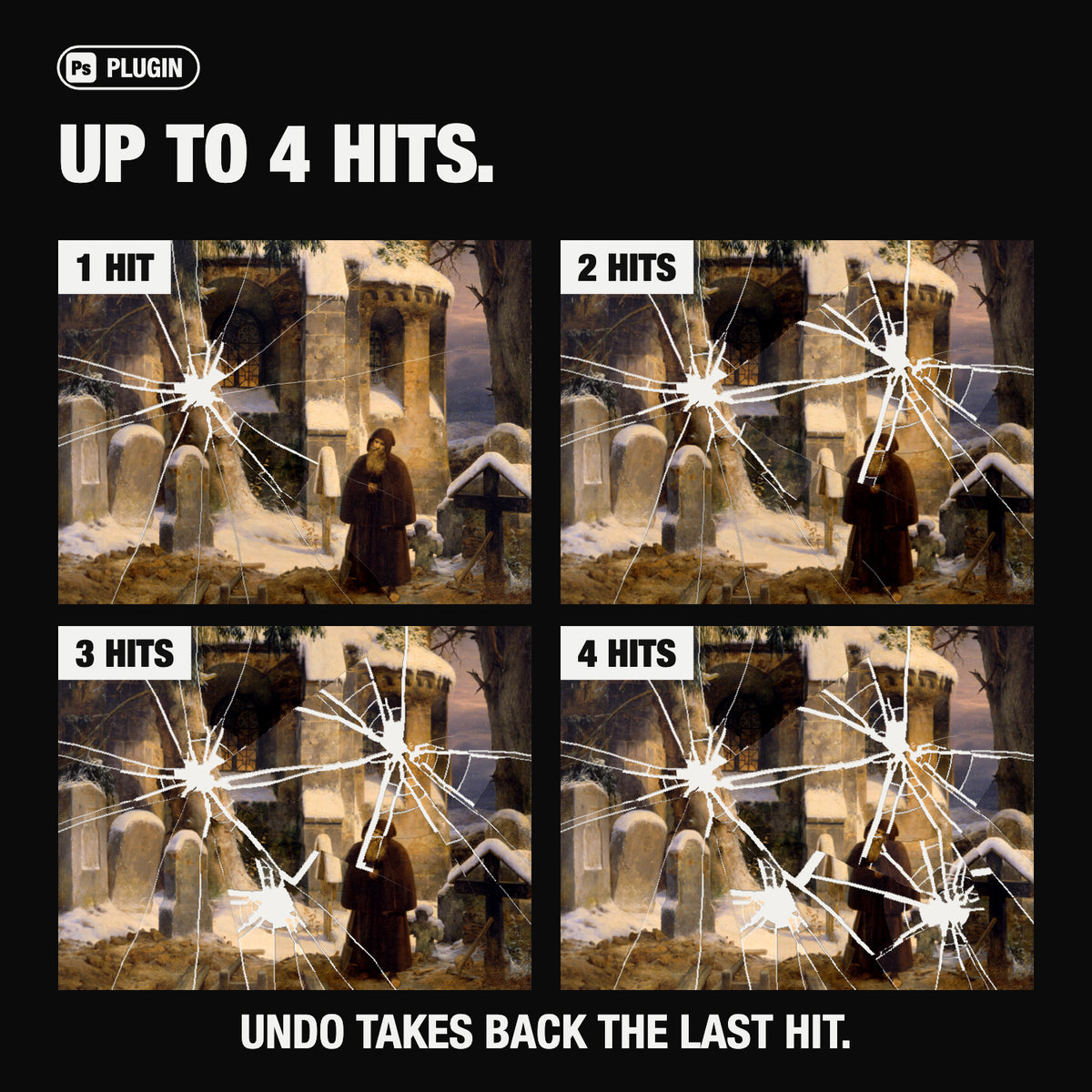
A plugin that breaks any layer like real glass. Click the glass in the panel where you want the layer to break. Crack it in place or shatter it, hit it again (up to 4 times), and take any hit back. Output is one real layer above your original, which stays untouched underneath.
Includes
Click-to-aim impacts: the spot you click on the panel’s glass is where the layer breaks
Up to 4 hits per layer; later cracks stop where they meet earlier ones
Crack mode (breaks in place) and Shatter mode (pieces separate, tilt and fall away)
Normal and Bullet patterns (Bullet looks best in Crack mode); Force sets the size of the break, Spread how far the pieces travel
Flat shatter: face-on pieces with clean, even gaps, for a graphic look
Real broken glass edges, lit by Photoshop’s Global Light
Undo any hit from the panel; each hit is a single Photoshop undo step
The break is saved in the PSD, so you can come back and keep hitting it
Works on pixel, type and smart object layers
10 panel colours: click the background
Specs
Photoshop 2026 (27.8) on Mac
RGB documents
One-time purchase
All v1.x updates included
AI Overview
Emergency Glass Plugin is a Photoshop tool that breaks pixel, type, or smart object layers with click-to-aim impacts, offering up to 4 hits per layer in Crack or Shatter mode with adjustable Force and Spread settings. It generates a separate, editable layer above the original, saves break data within the PSD for later edits, and includes 10 panel colors; compatible with Photoshop 2026 (27.8) on Mac for RGB documents.
What's Included
Compatibility

File Size: 1MB
Uploaded: October 27, 2026


Instant
Download

Premium
Quality

Lifetime
Support
 Frequently Asked Questions
We want you to be happy with your purchase! We do offer refunds for digital products if you experience a technical issue that our support team cannot resolve. Just reach out to us within 30 days of your purchase, and we'll be here to help.
After your purchase is complete, you'll receive a confirmation email with a link to download your files. You can also log into your account and access your downloads from the 'My Downloads' section.
Our products come with different licensing options that allow for many types of use cases. Our licenses page includes detailed information about the available licenses, so you can choose the one that fits your project. Click here to view licence details.