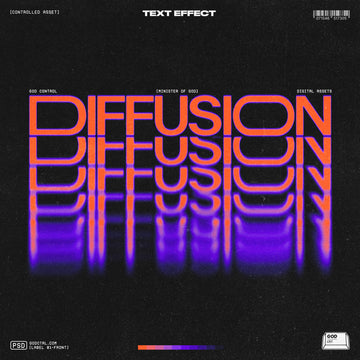

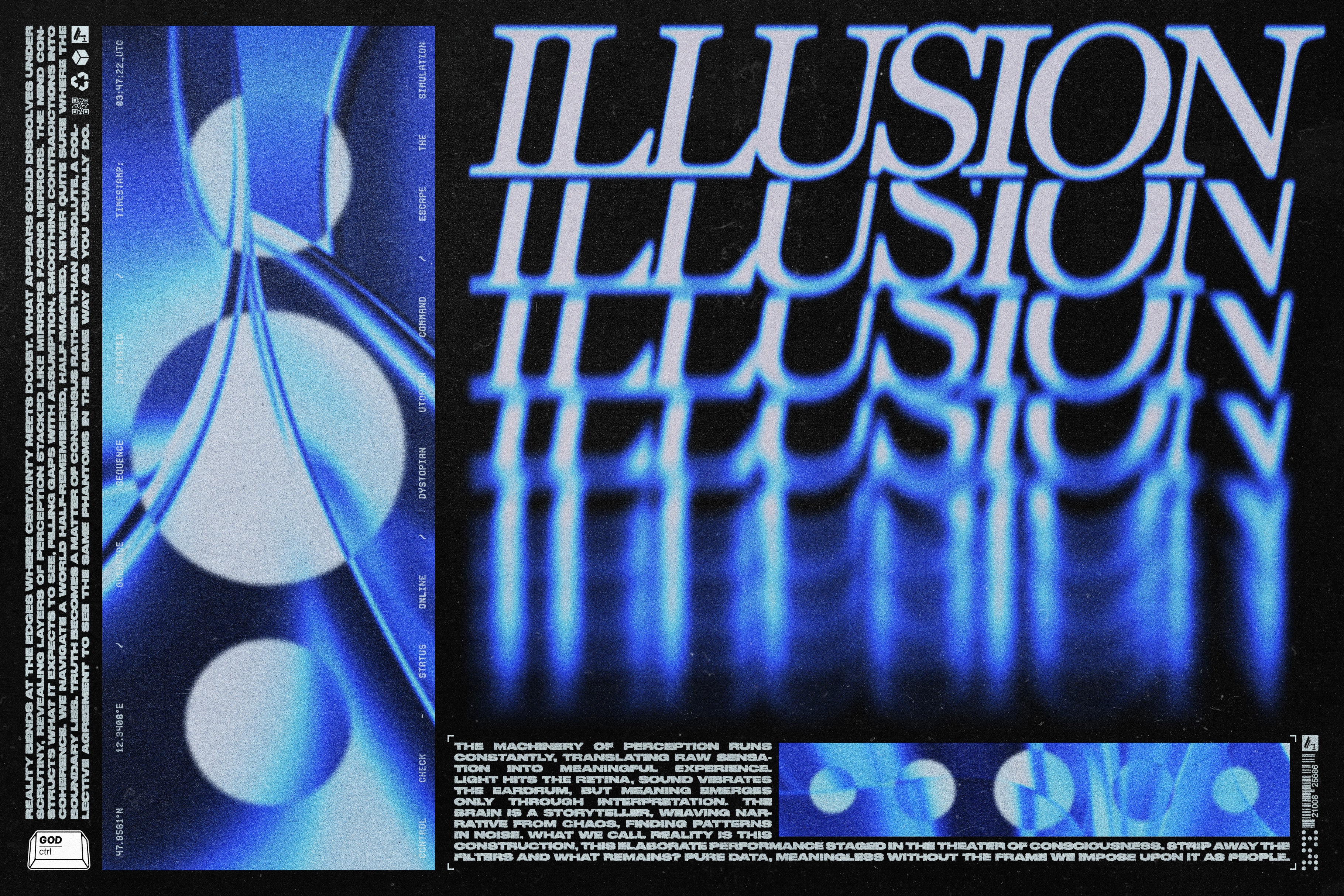
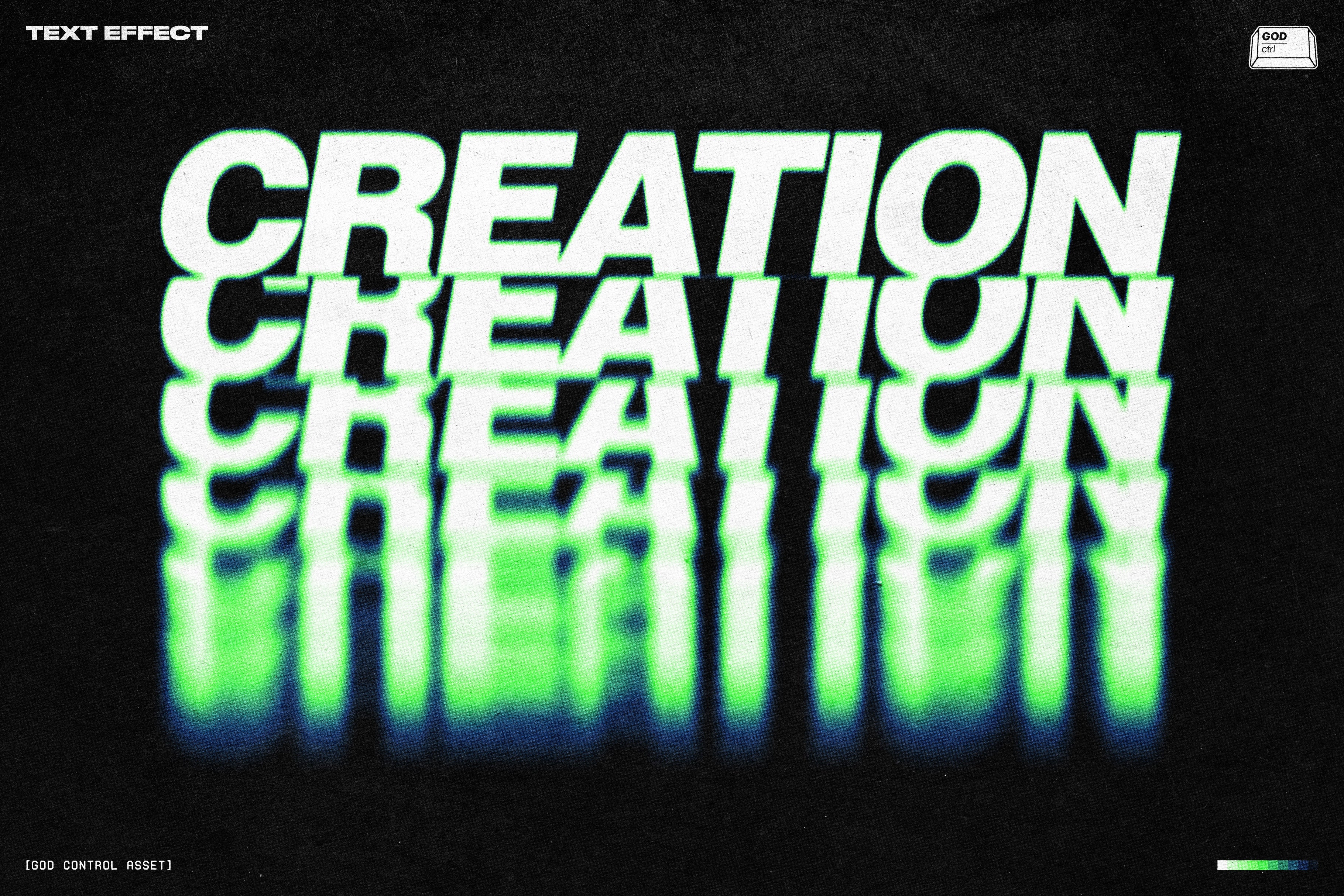
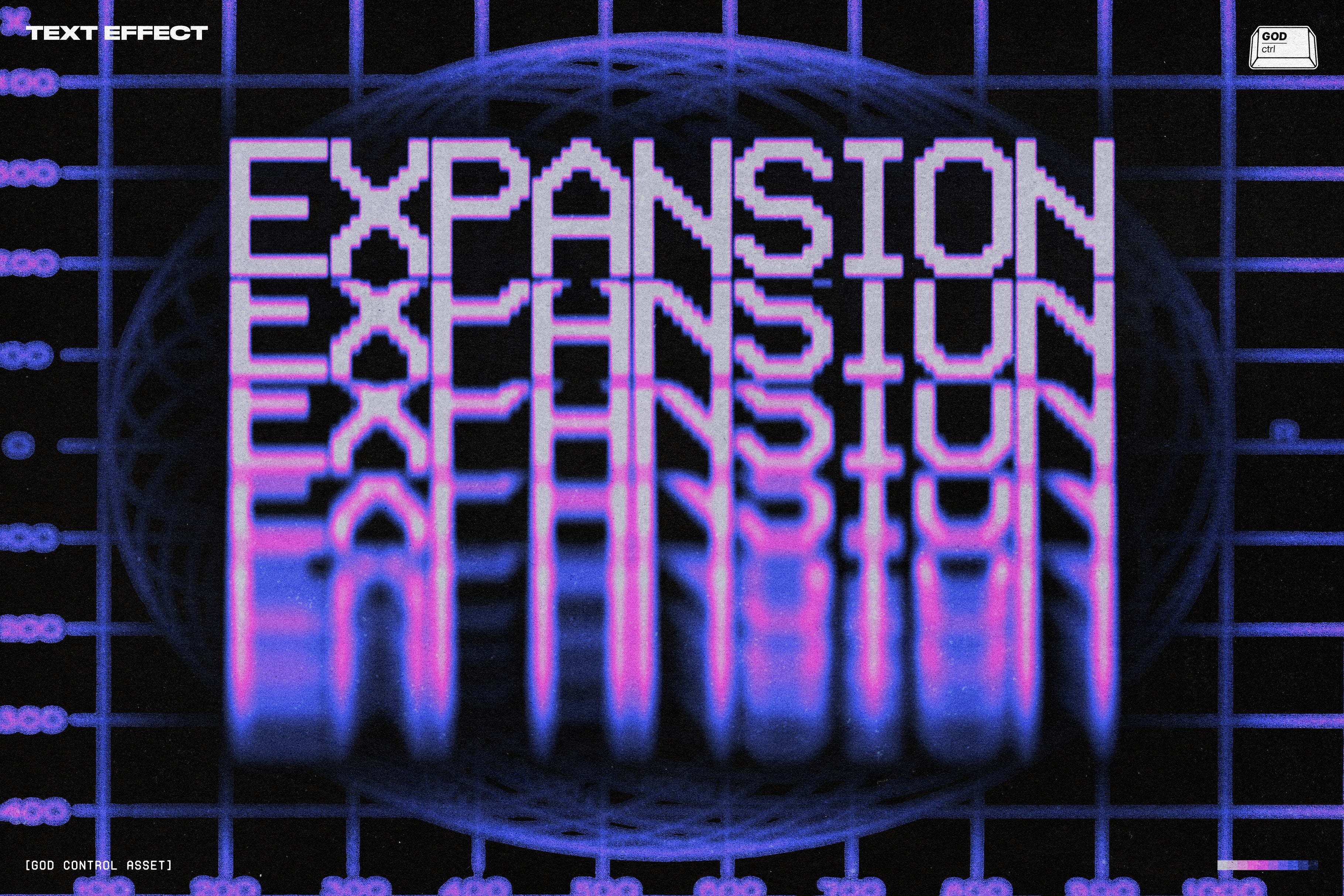
Diffusion Text Effect

God Control
Description
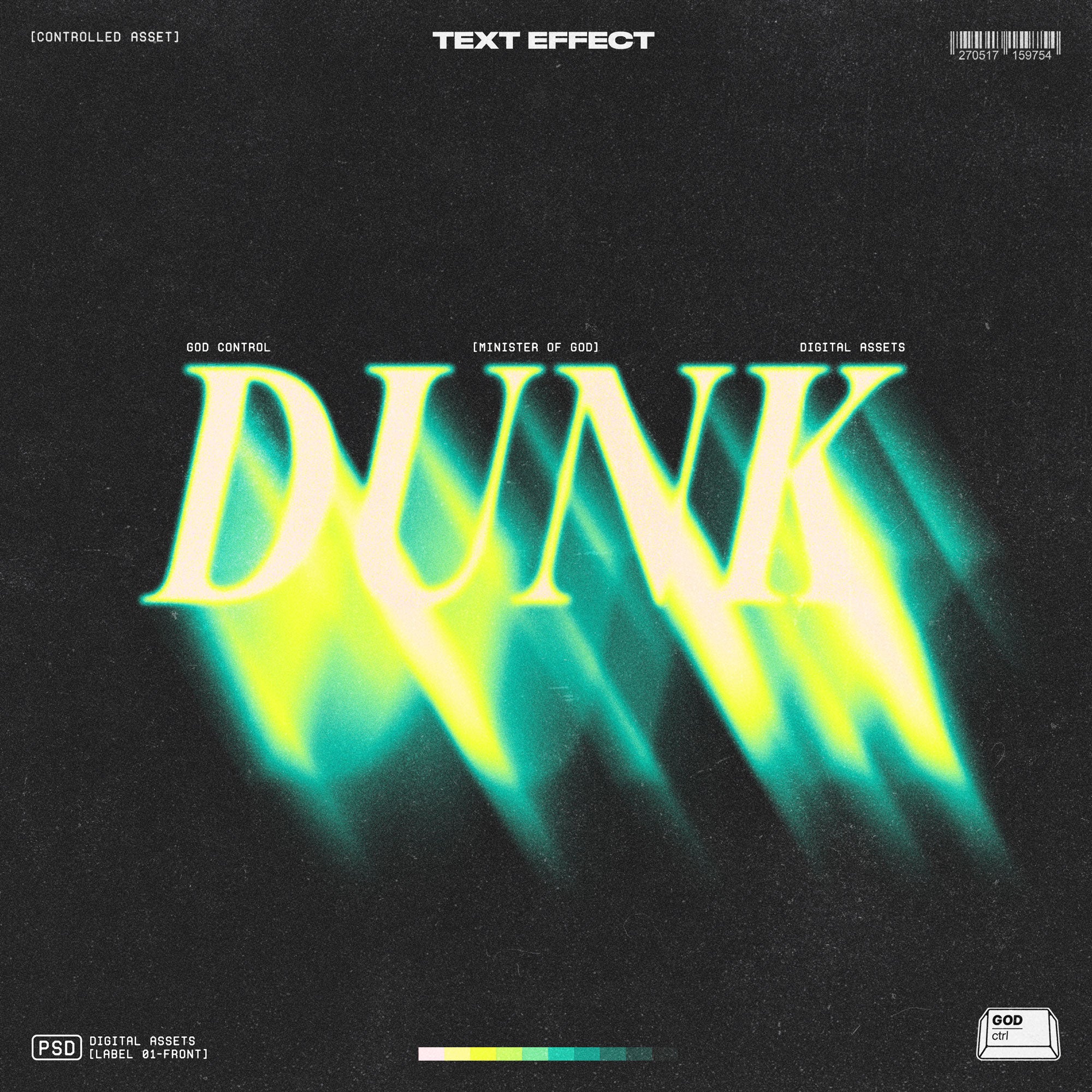
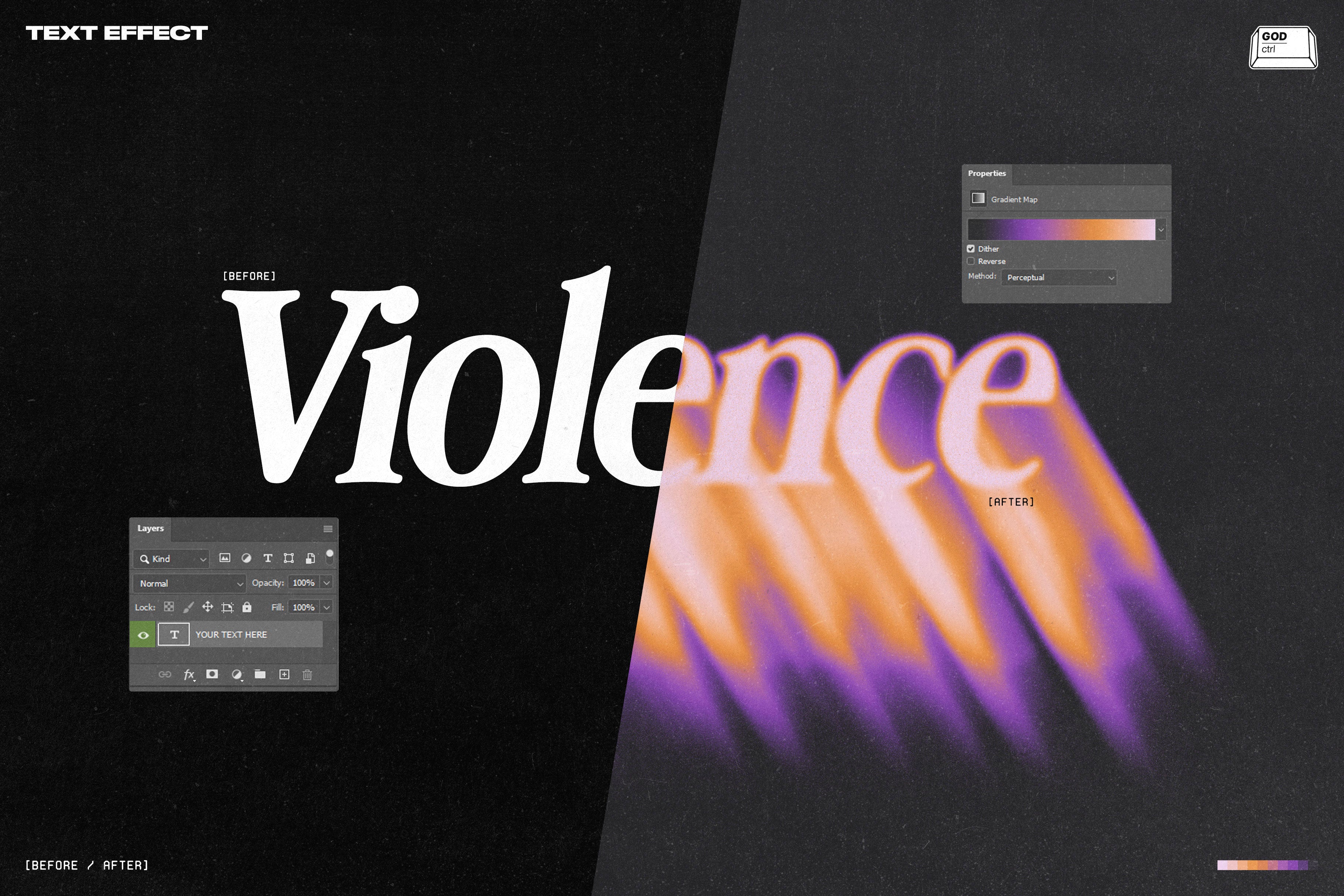
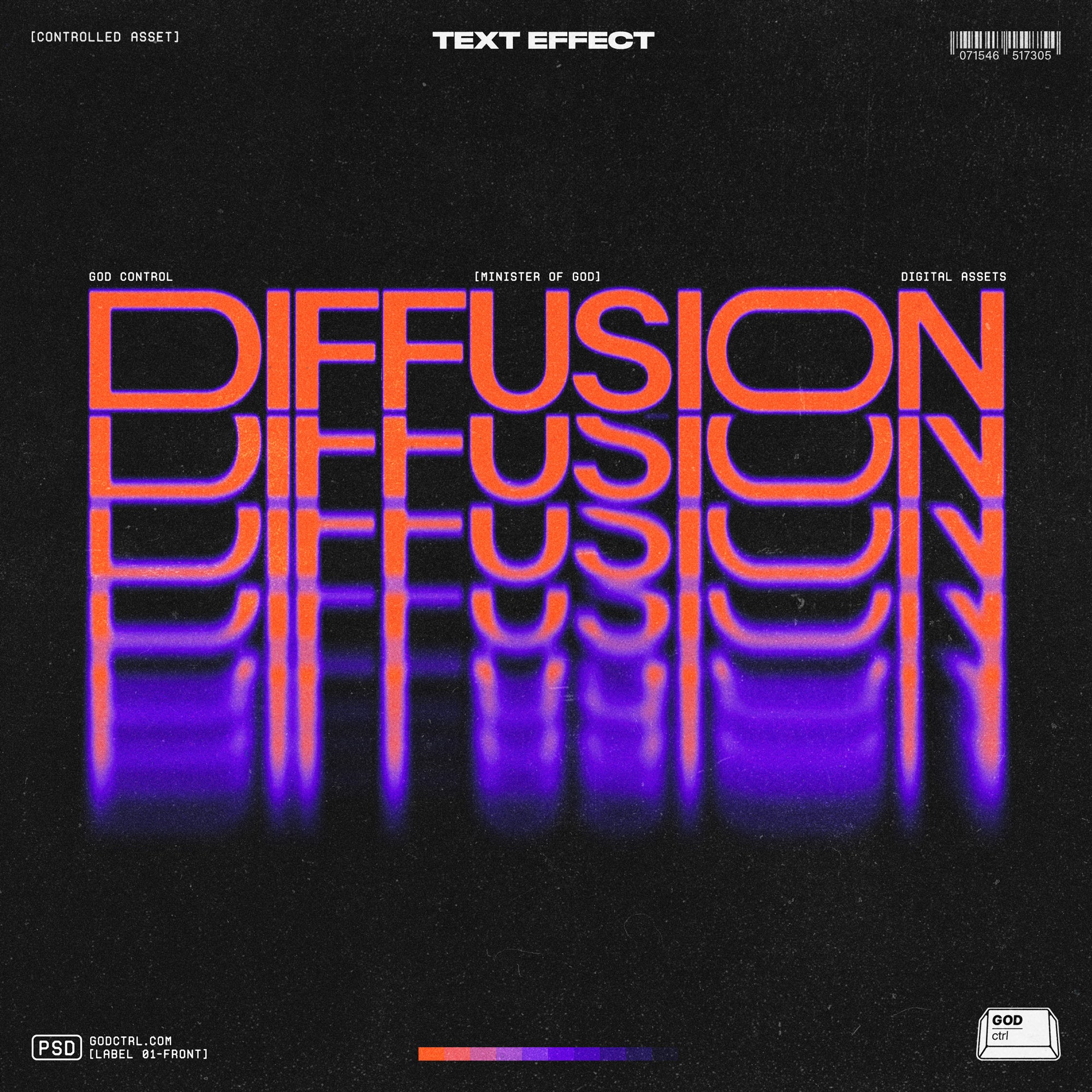
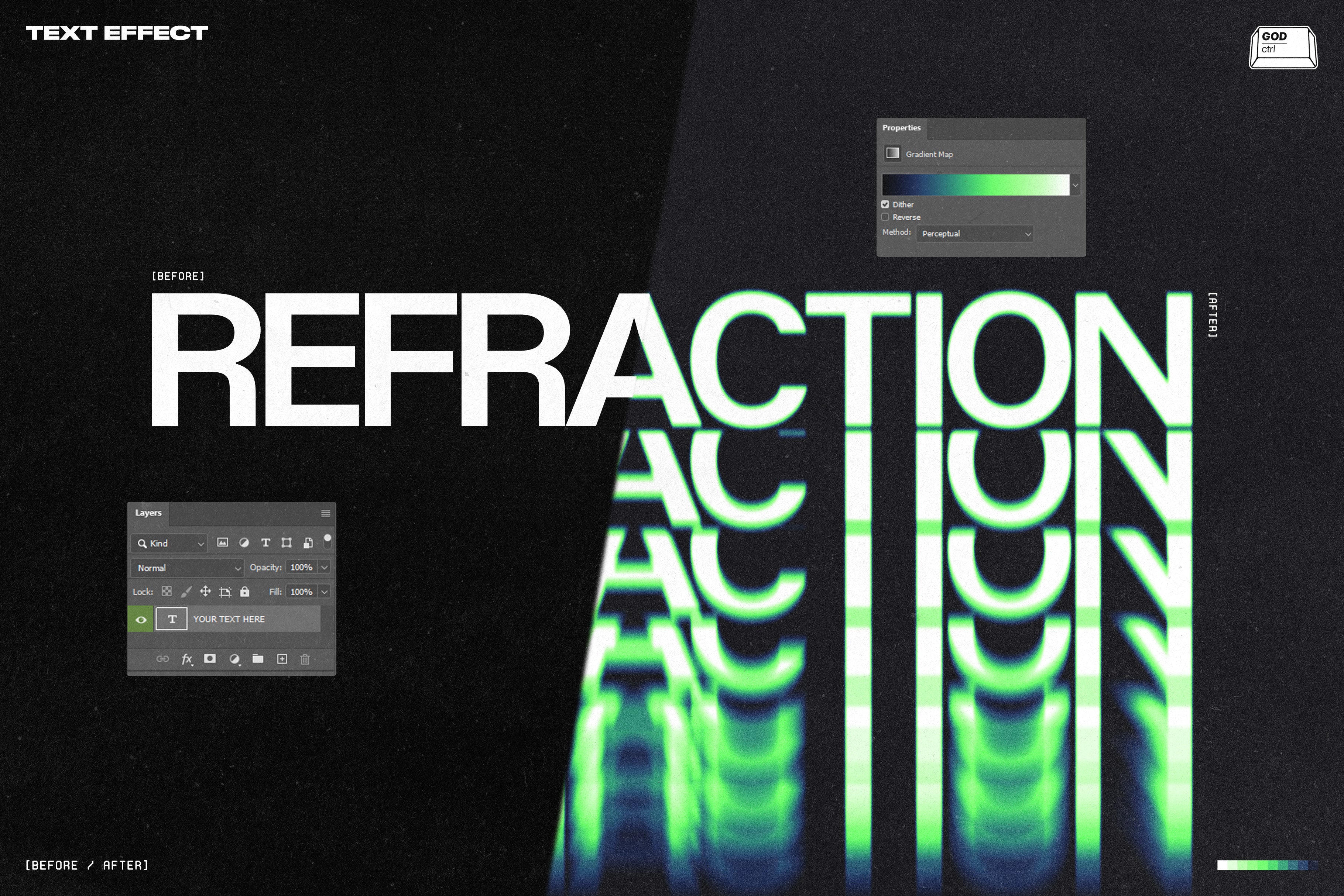
Diffusion Text Effect pushes your typography into soft distortion mode — glowing edges, vertical stretch, subtle grain, and that smooth neon fade that feels straight out of a late-night sci-fi broadcast. Just open the smart layer, paste your text, save, and it transforms instantly. No overcomplicated setup. Everything is layered, organized, and fully customizable.
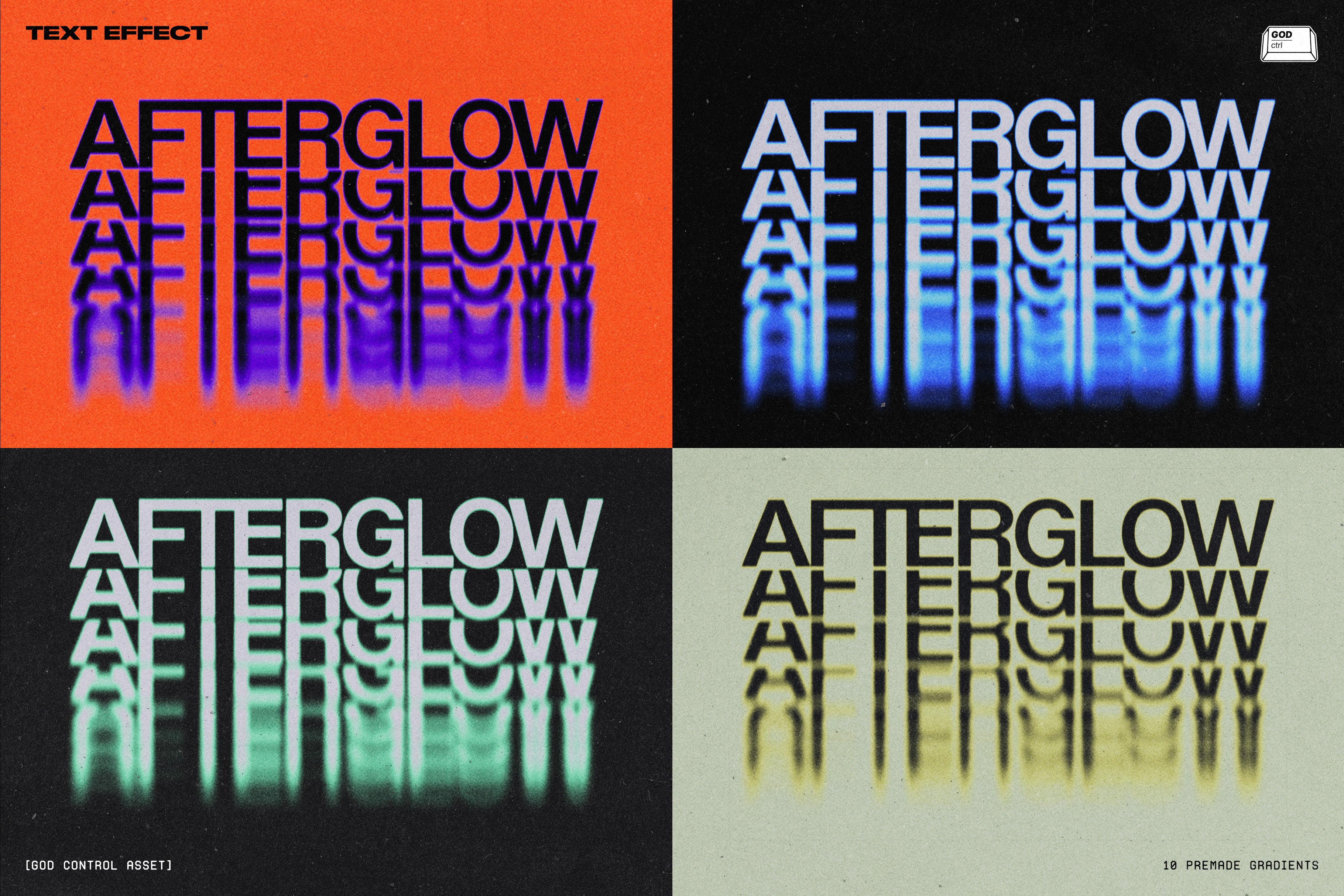
Inside the PSD, you’ll find 11 high-quality textures and 10 fully customizable gradients, ready to tweak as you want. We also included a workflow guide with some extra tips & tricks. Designed for posters, experimental layouts, cover art, artworks, or anything that needs that retro/afterglow style.
Click. Save. Let it glow.
WHAT YOU GET
Photoshop PSD Files
Smart Object Workflow
Fully Editable Layers
4K Resolution – 300DPI
11 High-Quality Textures Included
10 Customizable Gradients
Instructions + Tips & Tricks
SUPPORT
We know how frustrating it is to have a problem and not finding any kind of solution...for this reason we are committed to giving the best possible support to each of our clients. If you have issues with our products or any kind of general inquiries, just drop us your message at godctrl.com or send an email at support@godctrl.com
AI Overview
The Diffusion Text Effect is a Photoshop PSD file that allows users to create soft distortion typography with glowing edges, vertical stretch, and smooth neon fades. It includes 11 high-quality textures, 10 customizable gradients, fully editable layers, and a smart object workflow, all organized for easy use, along with a workflow guide for additional tips.
What's Included
Compatibility

File Size: 316.1MB
DPI: 300
Dimensions: 3840x2560px
Uploaded: February 25, 2026


Instant
Download

Premium
Quality

Lifetime
Support
 Frequently Asked Questions
We want you to be happy with your purchase! We do offer refunds for digital products if you experience a technical issue that our support team cannot resolve. Just reach out to us within 30 days of your purchase, and we'll be here to help.
After your purchase is complete, you'll receive a confirmation email with a link to download your files. You can also log into your account and access your downloads from the 'My Downloads' section.
Our products come with different licensing options that allow for many types of use cases. Our licenses page includes detailed information about the available licenses, so you can choose the one that fits your project. Click here to view licence details.