
Photocopy Machine | Photoshop Action

God Control
Description
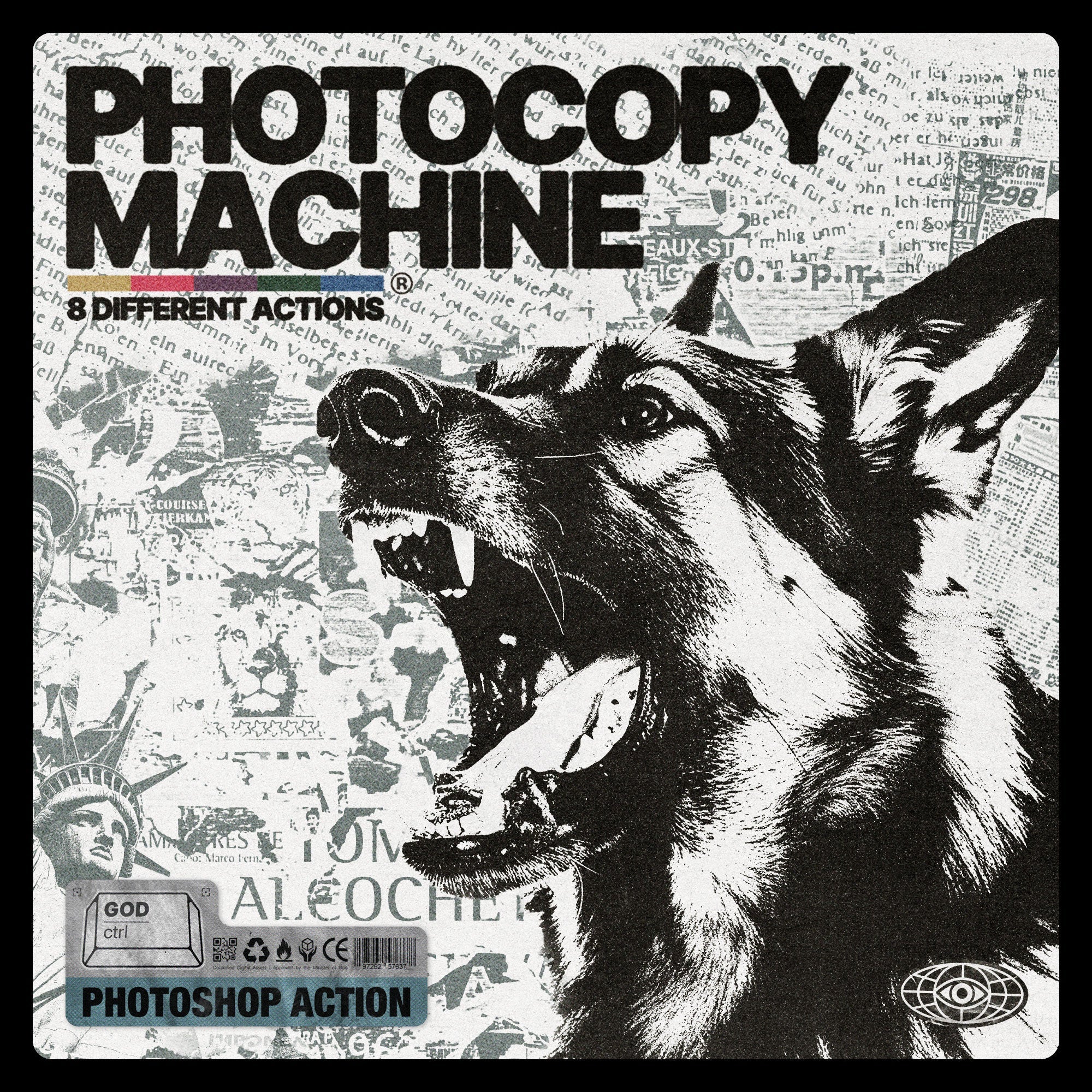
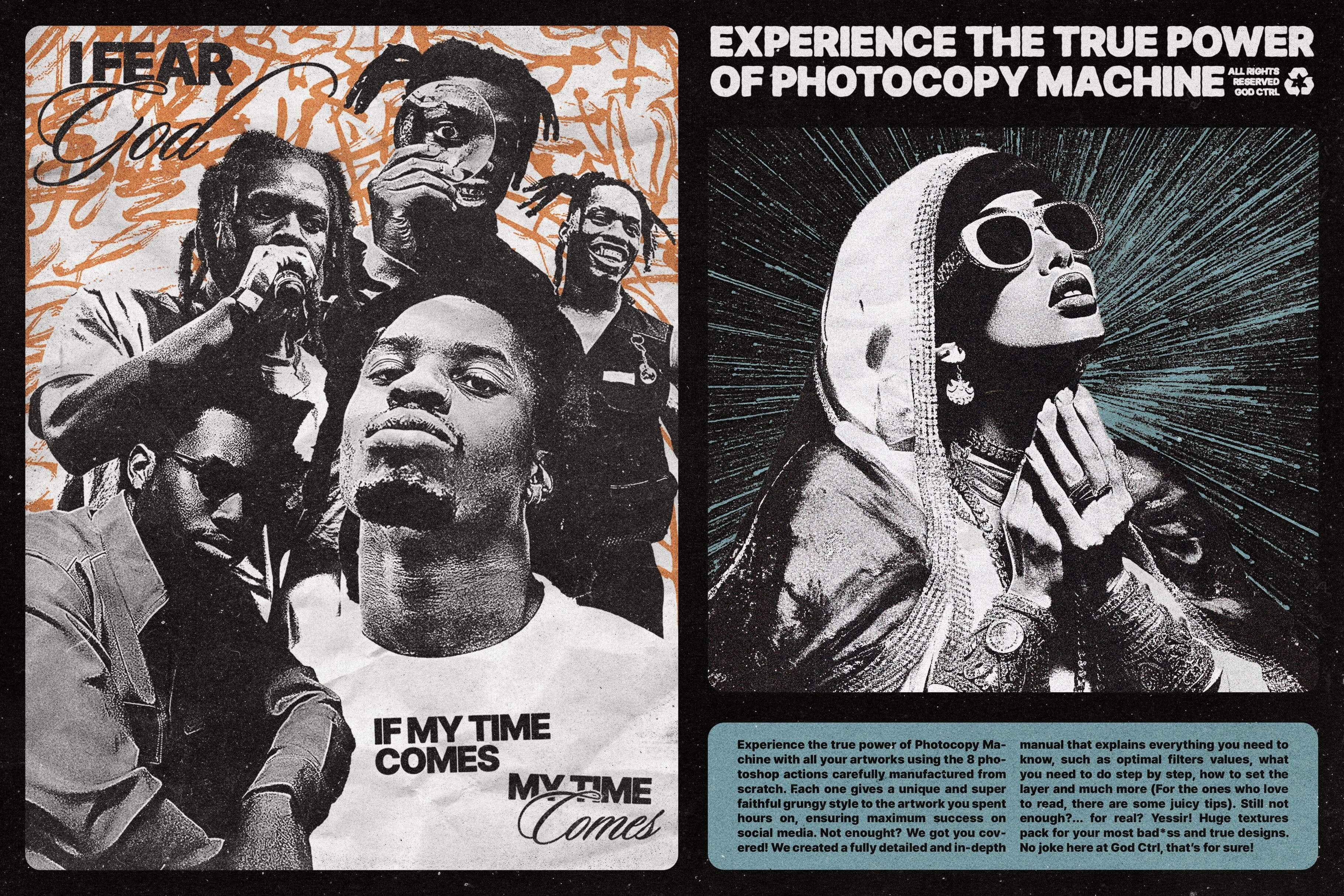
Designers in the house, are you on the hunt for something that'll make your artworks pop? Say hello to your new secret weapon – Photocopy Machine!
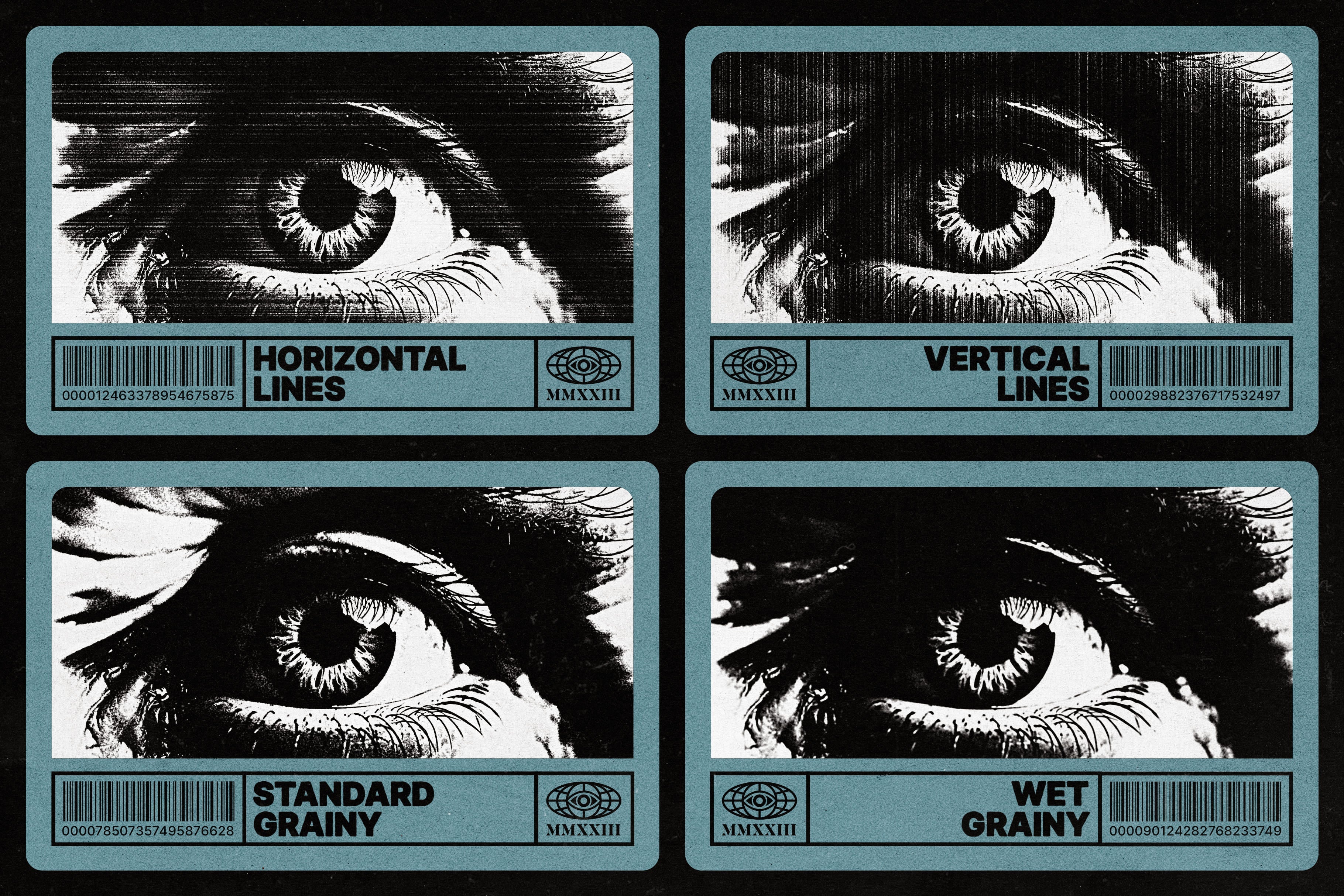
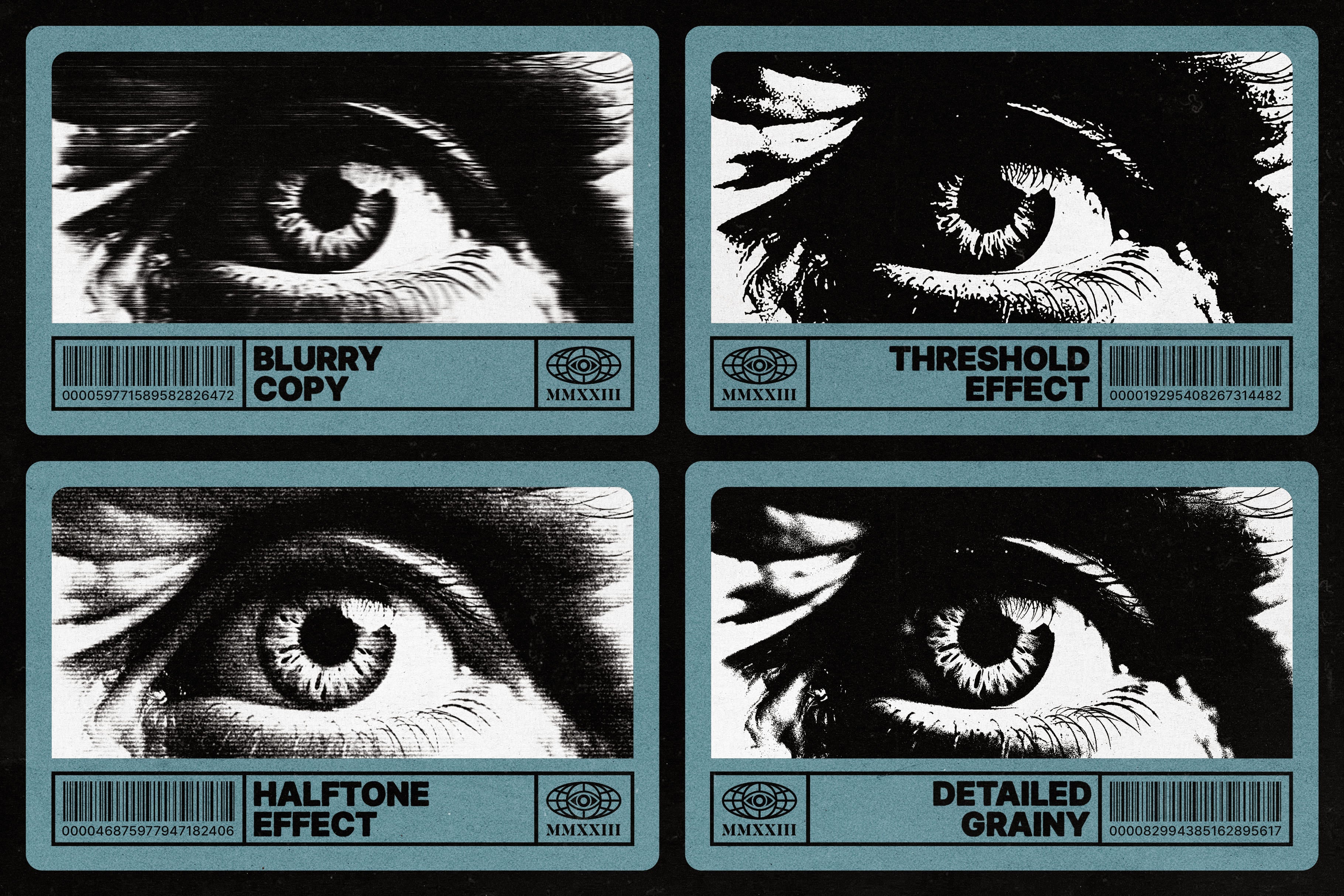
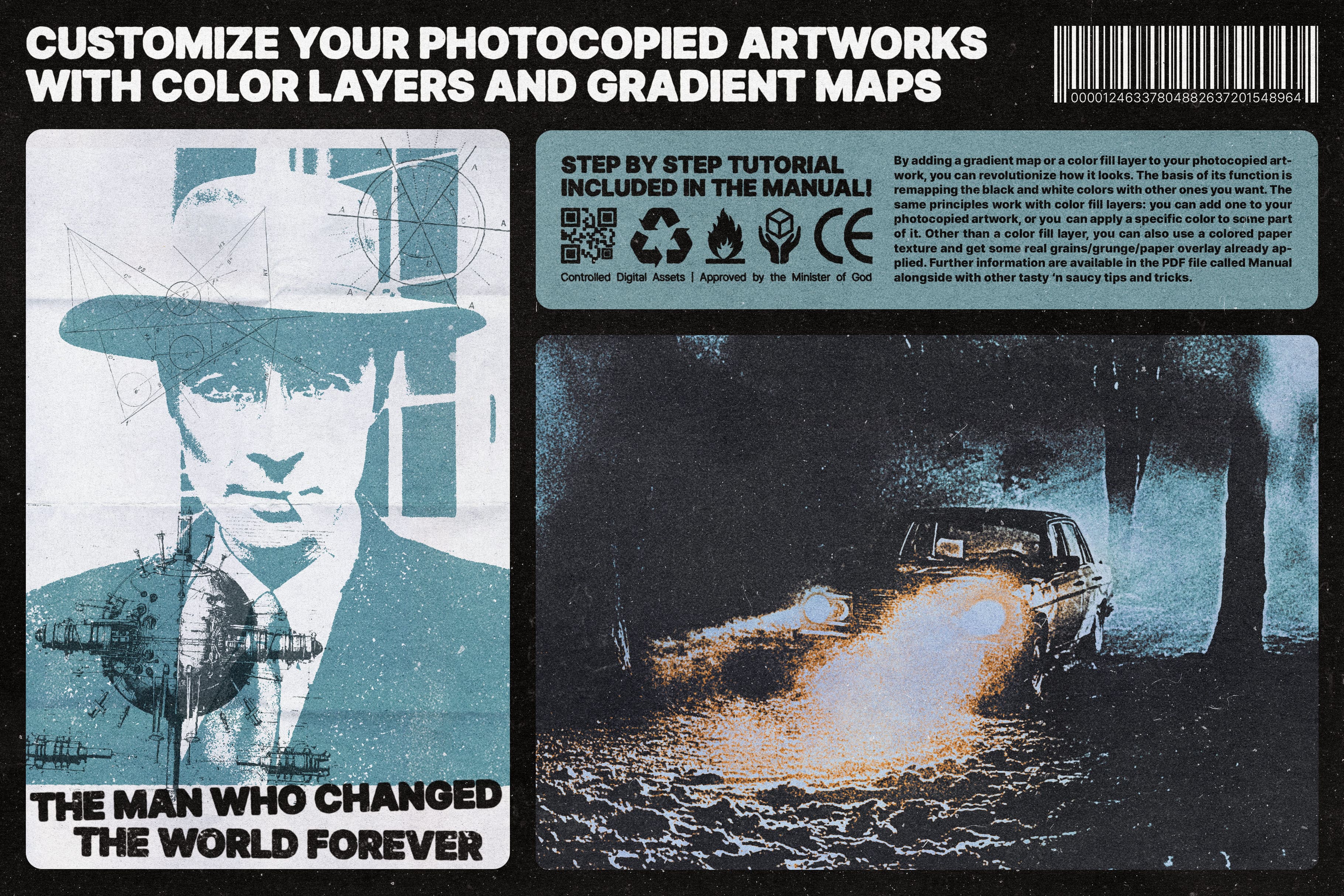
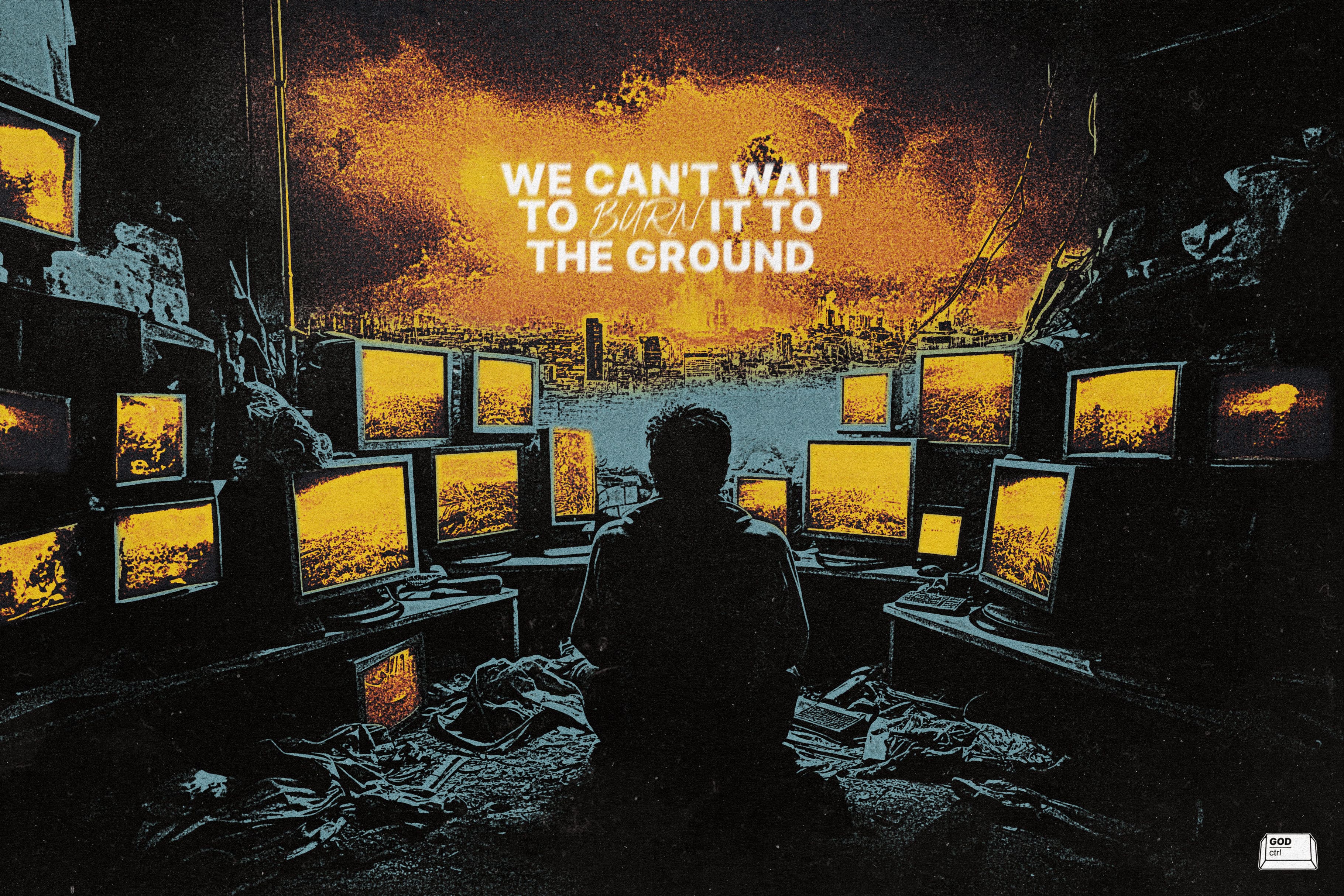
Photocopying might be old-school, but we're about to make it the coolest thing in your design toolkit. We created this powerhouse of 8 Photoshop actions, designed from the ground up to mimic the quirks of a real photocopied sheet with different styles.
But hold on, this ain't your grandma's photocopy. We've cranked up the creativity with gnarly Photoshop actions that'll make your designs scream “bad*ss”, we gave you full control of the machine and every feature you could ever need - you name it, we have it!
Your graphics are about to go from “meh” to “heck yeah!” with this product, so it's time to Ctrl Your Creativity and enter our Ctrl Zone.
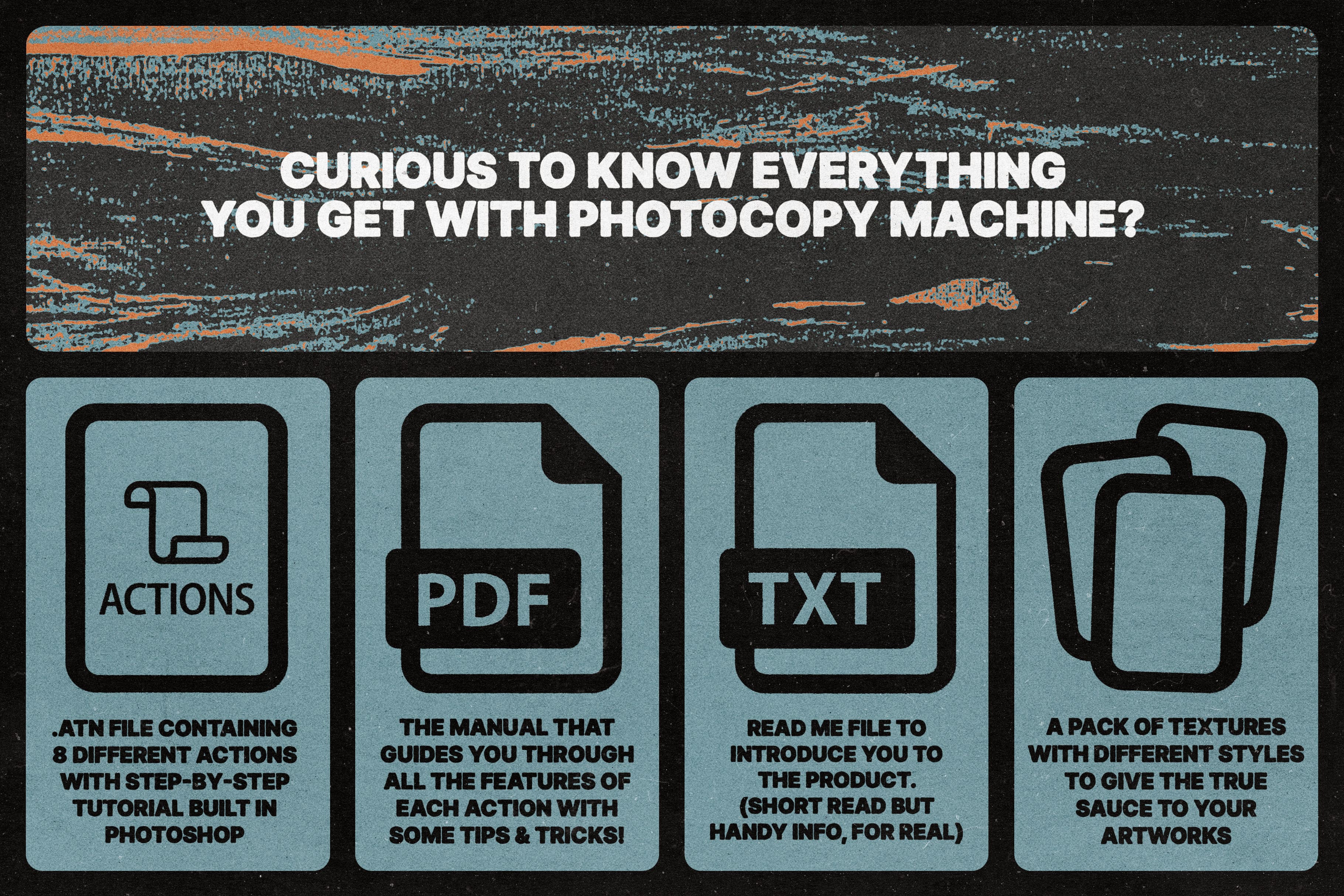
WHAT YOU GET:
- One atn Photoshop file containing the 8 actions of Photocopy Machine with built-in step-by-step tutorial
- PDF of the Manual that guides you through all the features of each action with some extra tips & tricks
- Read Me file to introduce you to the product (Short read but useful info, we swear)
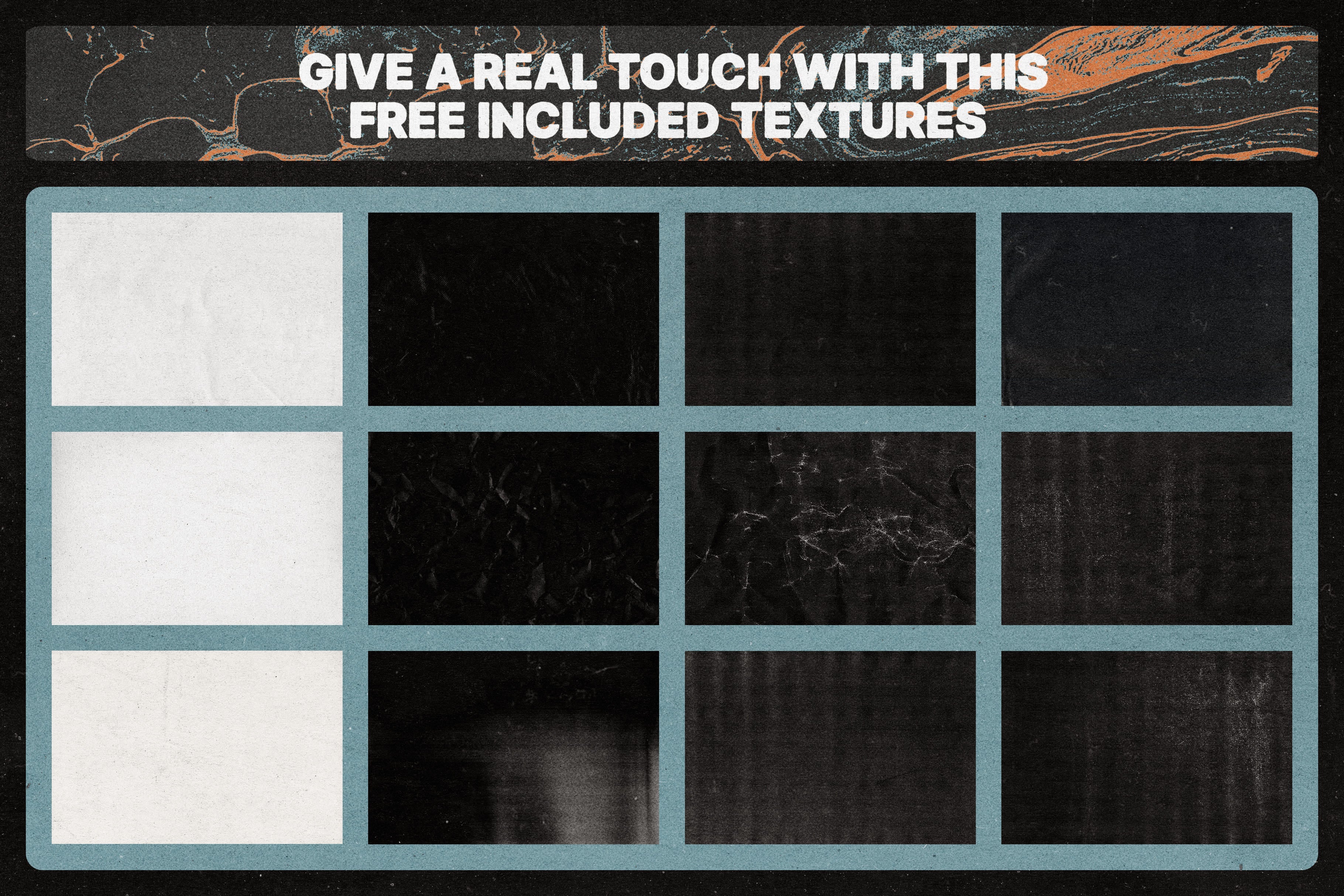
- A pack of different textures to give the true sauce to your artworks
WHY PHOTOCOPY MACHINE?
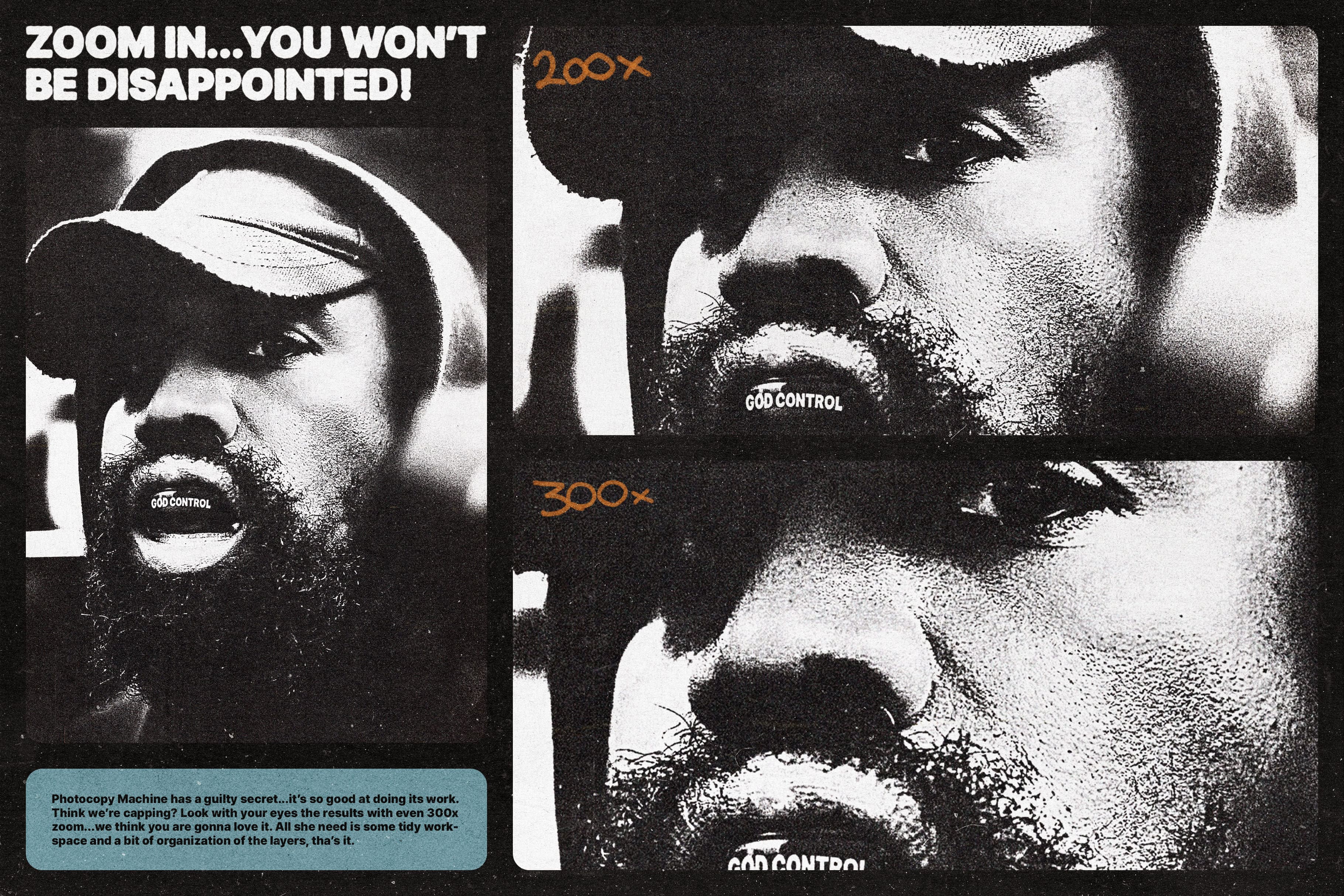
- Get that authentic photocopy effect, and get it fast
- Choose between 8 different styles for every kind of artwork
- Just a few clicks for the final result - No complicated stuff or tech headaches
- For those who prefer a more “hands-on” approach, each action comes with its own built-in, step-by-- step tutorial right inside Photoshop
- Endless possibilities of customization with live and editable filters
- Make it yours! Add textures, gradients, filters and everything else is going through your mind, - Photocopy Machine can handle it!
SUPPORT
We know how frustrating it is to have a problem and not find any kind of solution...for this reason, we are committed to giving the best possible support to each of our clients. If you have issues with our products or any kind of general inquiries we are always available here, just drop us your message, or send an email at godcontrolled@gmail.com
AI Overview
The Photocopy Machine | Photoshop Action is a set of 8 Photoshop actions designed to replicate the look of a photocopied sheet in various styles. The product includes a Photoshop file with built-in tutorials, a manual PDF, a Read Me file, and a pack of textures. It offers customization options with live and editable filters and is compatible with Photoshop.
What's Included
Compatibility

File Size: 57.5MB
Uploaded: December 11, 2024


Instant
Download

Premium
Quality

Lifetime
Support
 Frequently Asked Questions
We want you to be happy with your purchase! We do offer refunds for digital products if you experience a technical issue that our support team cannot resolve. Just reach out to us within 30 days of your purchase, and we'll be here to help.
After your purchase is complete, you'll receive a confirmation email with a link to download your files. You can also log into your account and access your downloads from the 'My Downloads' section.
Our products come with different licensing options that allow for many types of use cases. Our licenses page includes detailed information about the available licenses, so you can choose the one that fits your project. Click here to view licence details.