


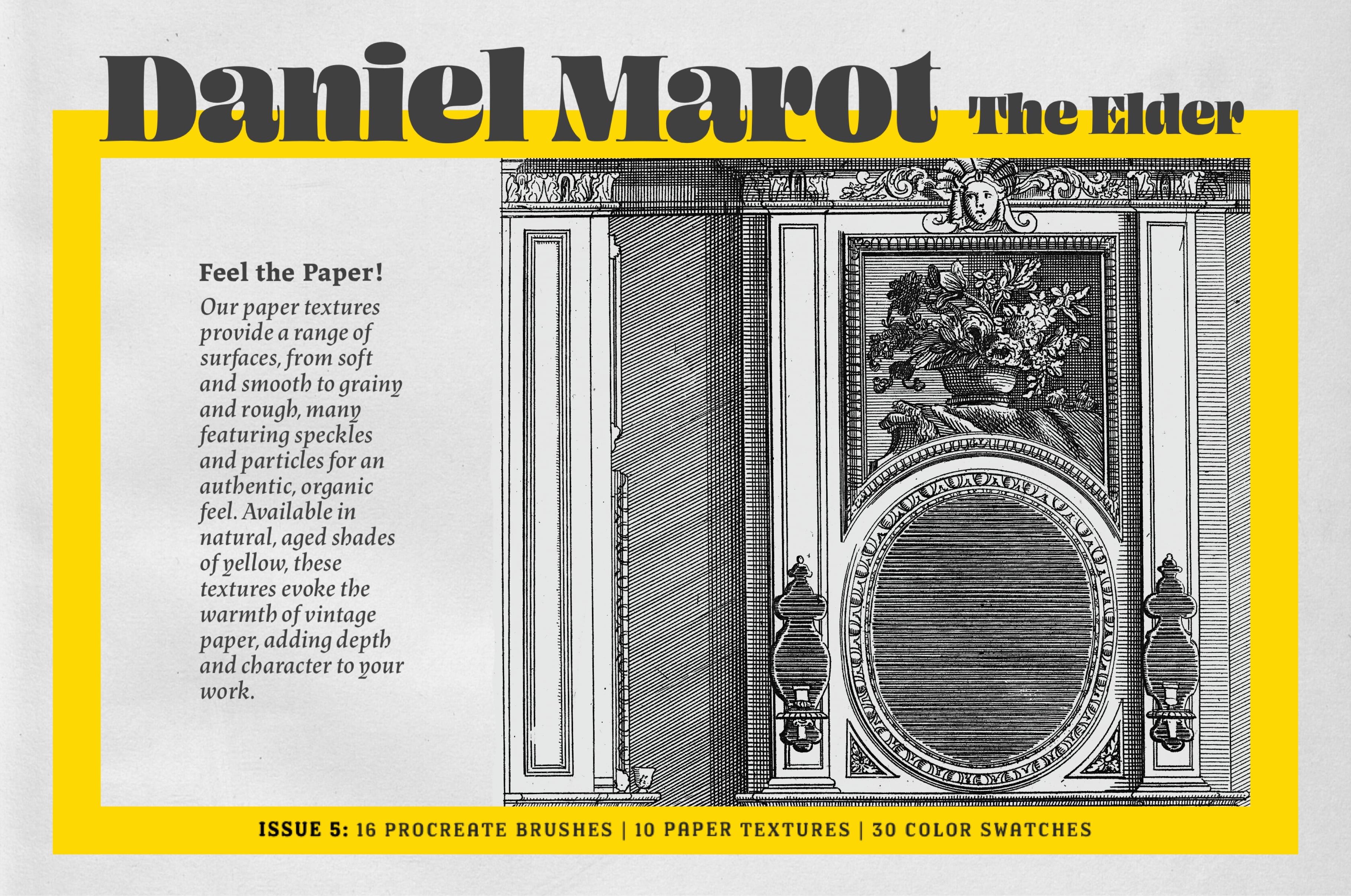
Daniel Marot Procreate Kit

Digi Life
Description
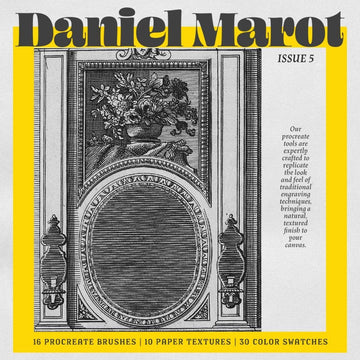
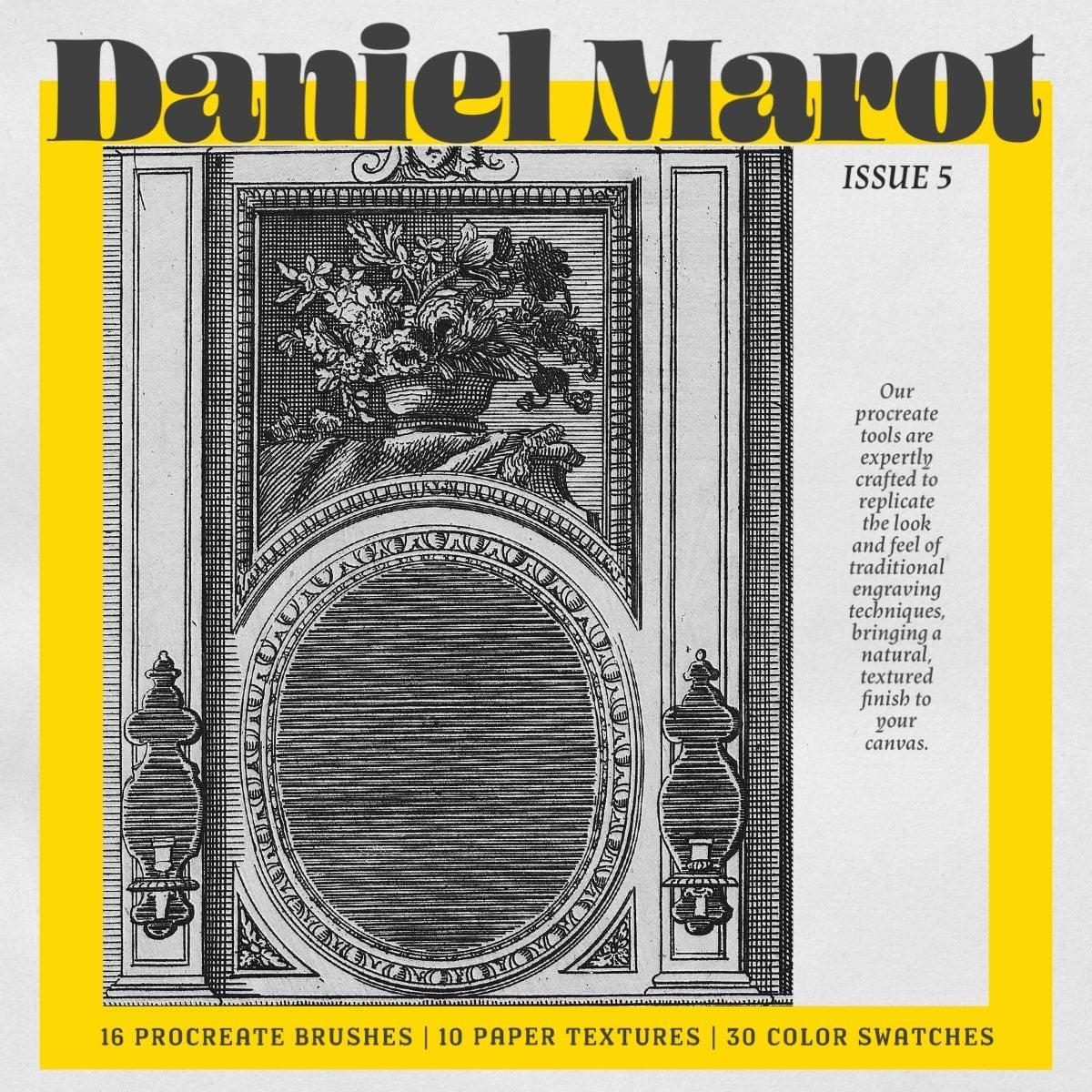
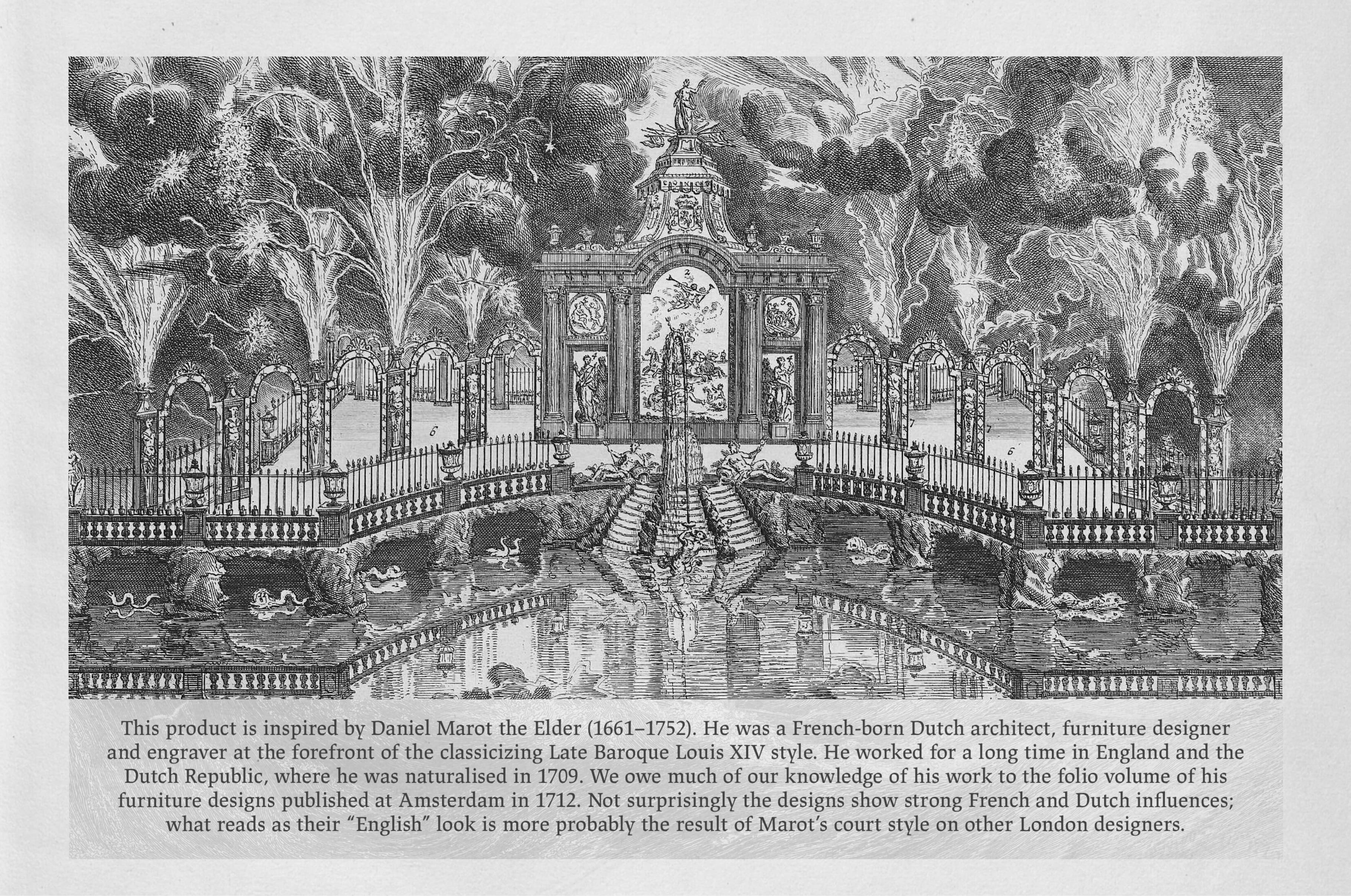
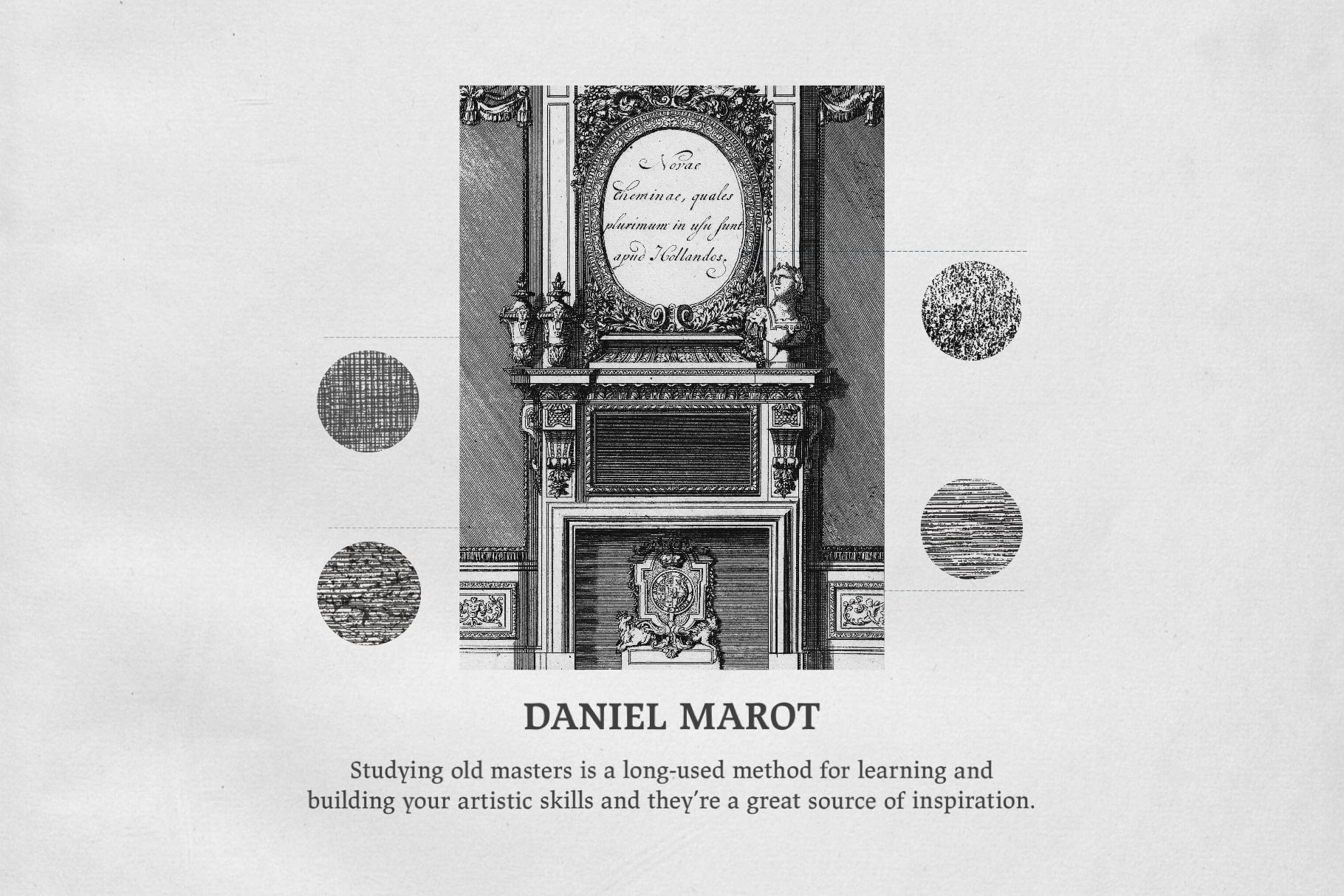
Daniel Marot or Daniel Marot, the Elder was a French-born Dutch architect, furniture designer and engraver at the forefront of the classicizing Late Baroque Louis XIV style.
THE ENGRAVING COLLECTION (2024): ISSUE 5 - Daniel Marot
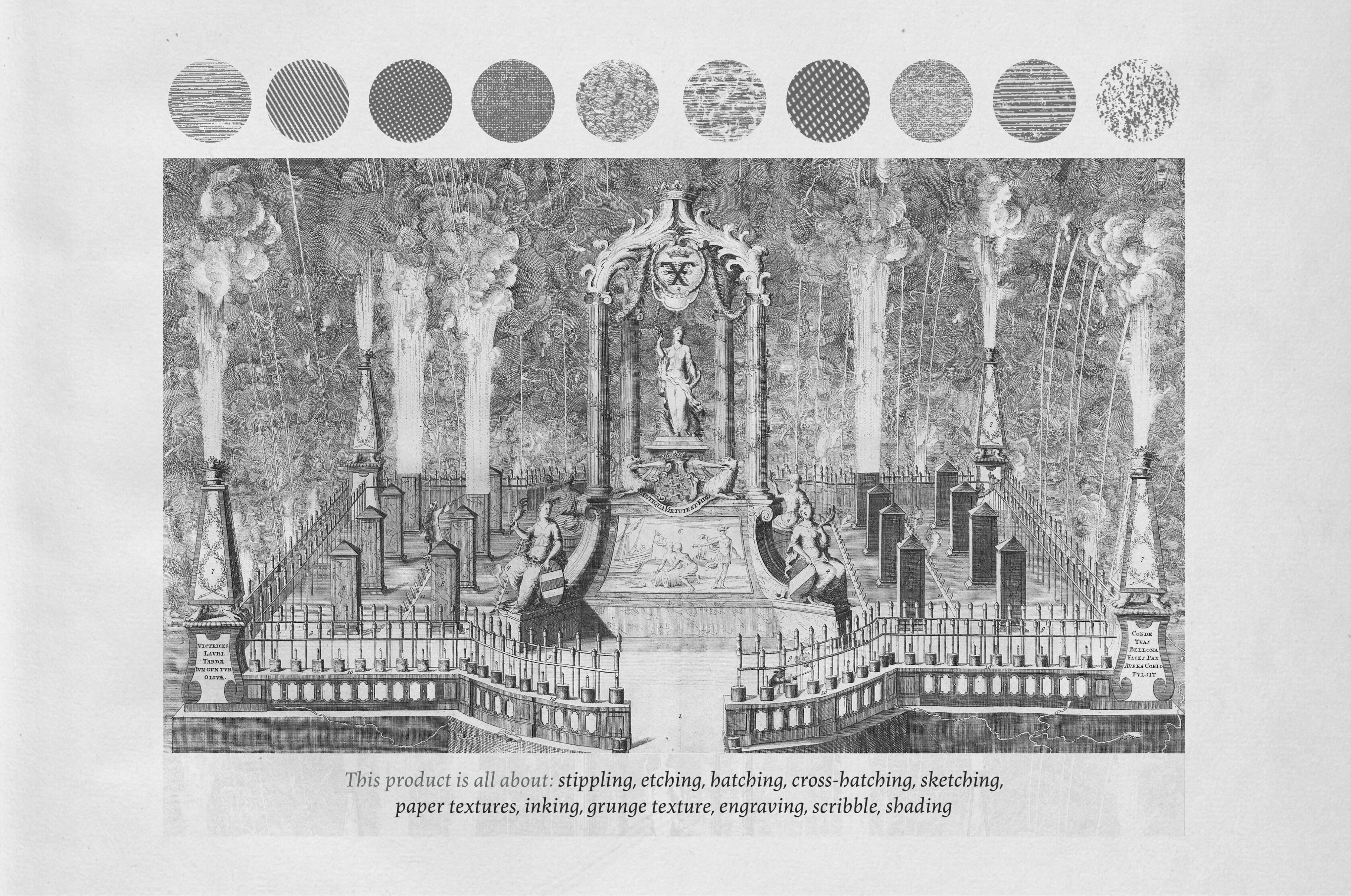
This product is all about: etching, hatching, cross-hatching, sketching, old paper texture, inking, grunge texture, grain, engraving, shading, print, dotting
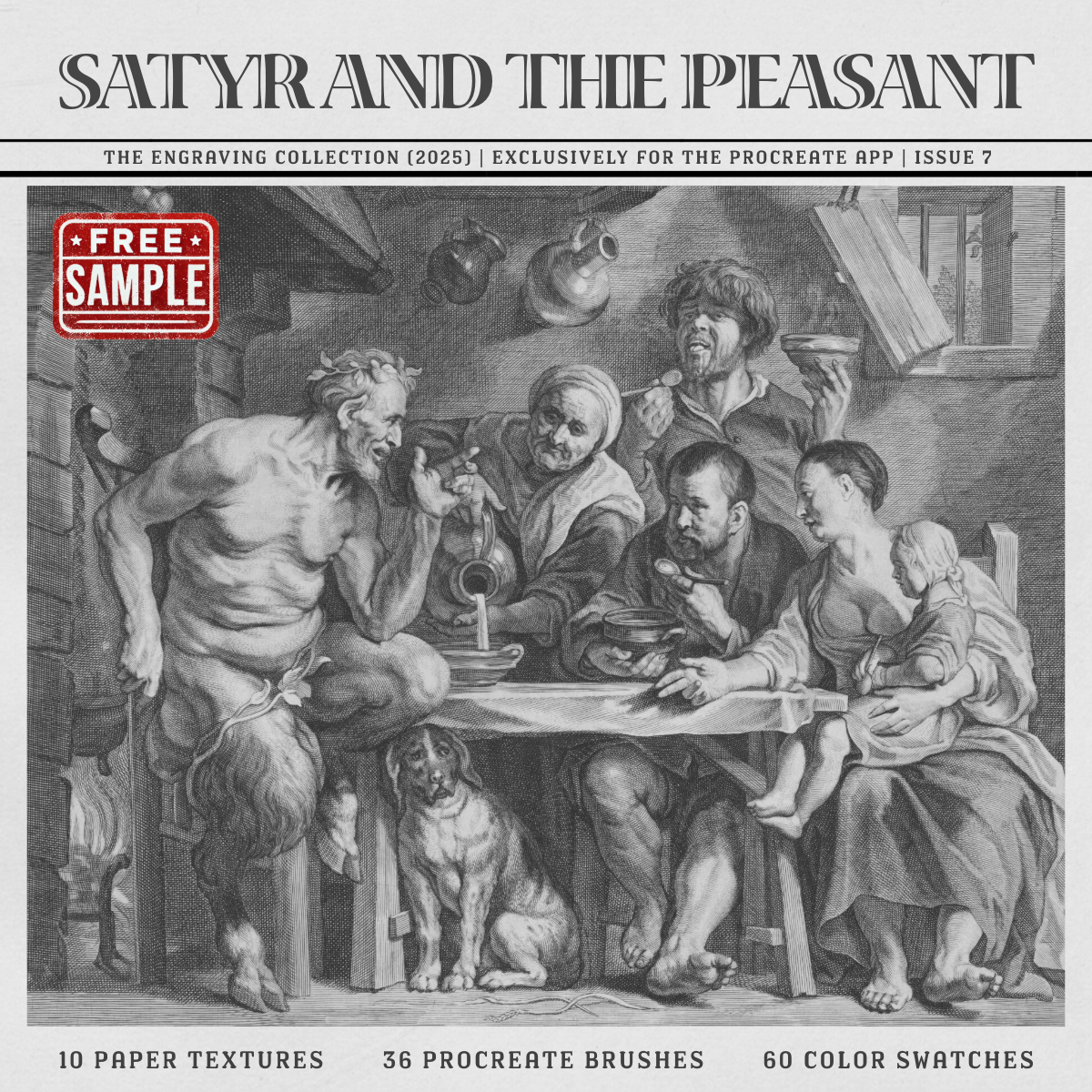
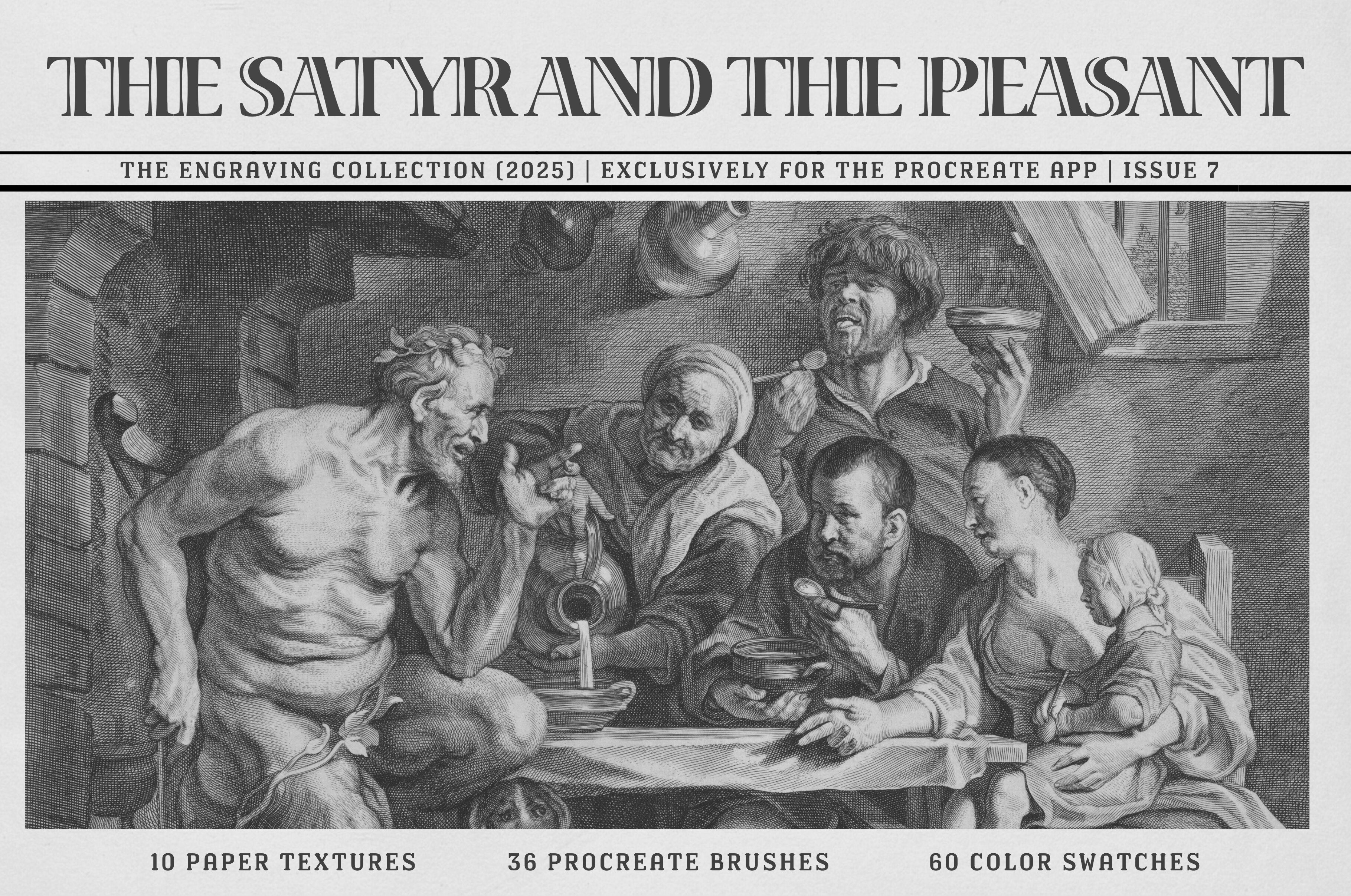
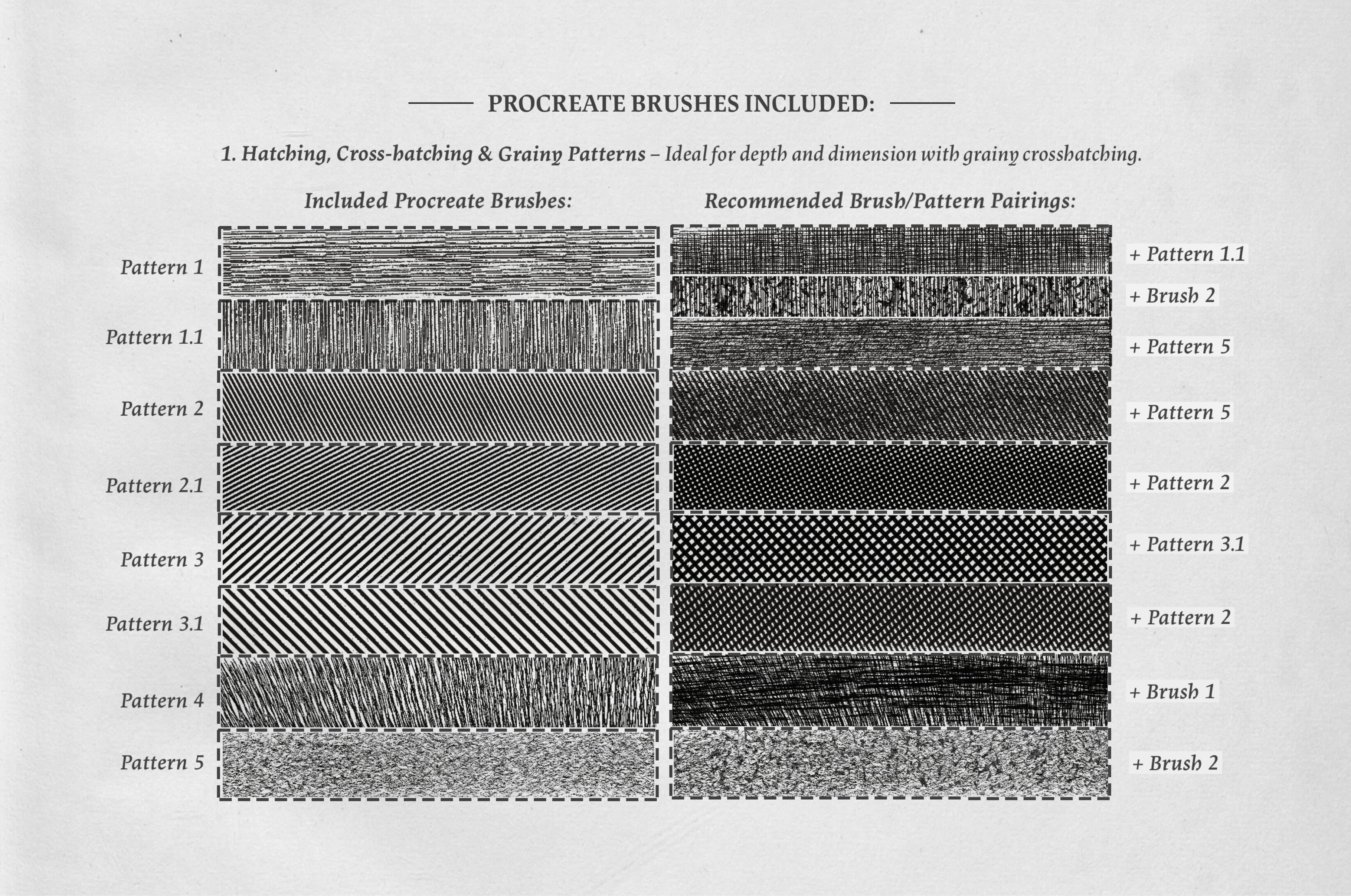
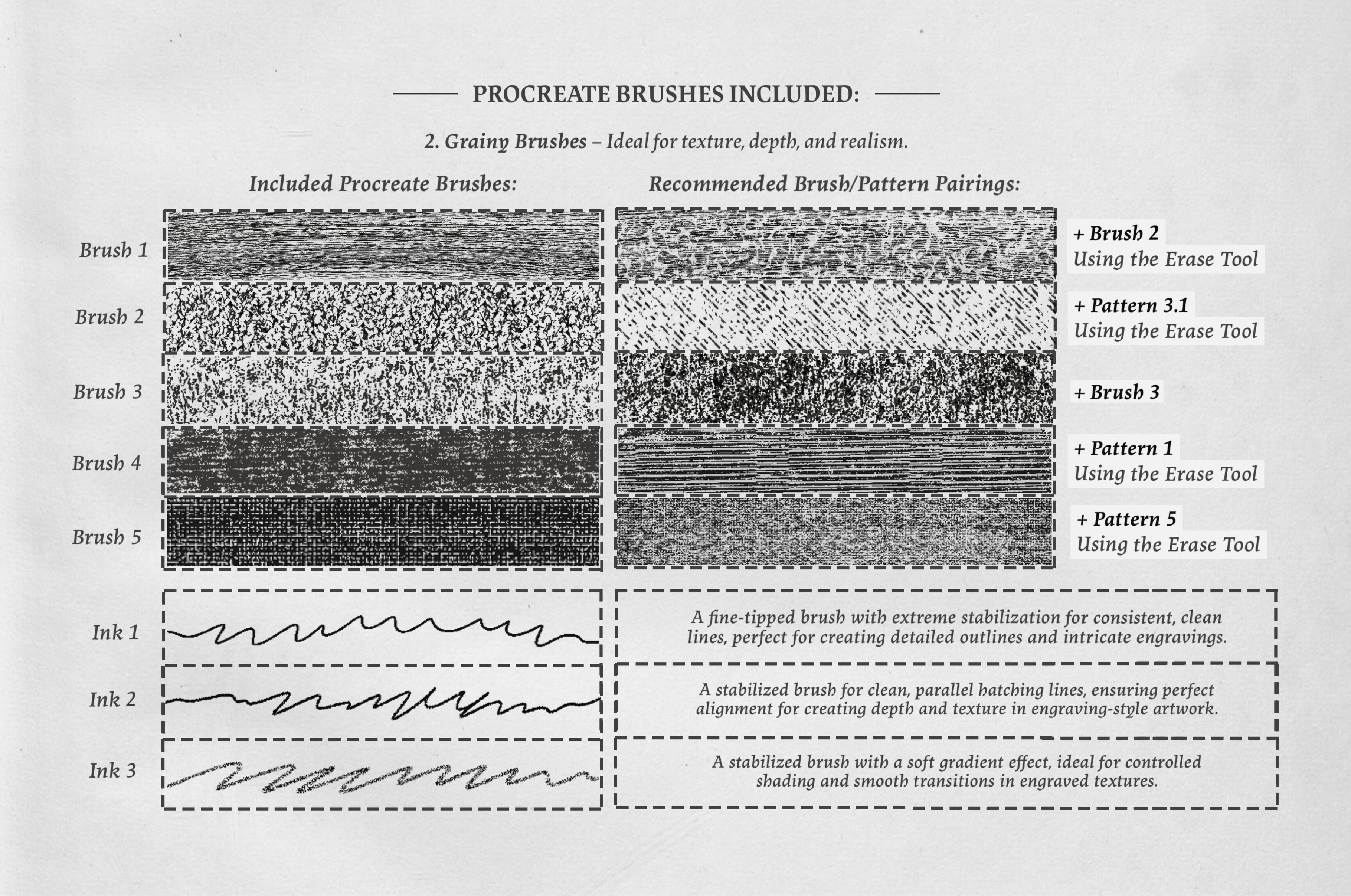
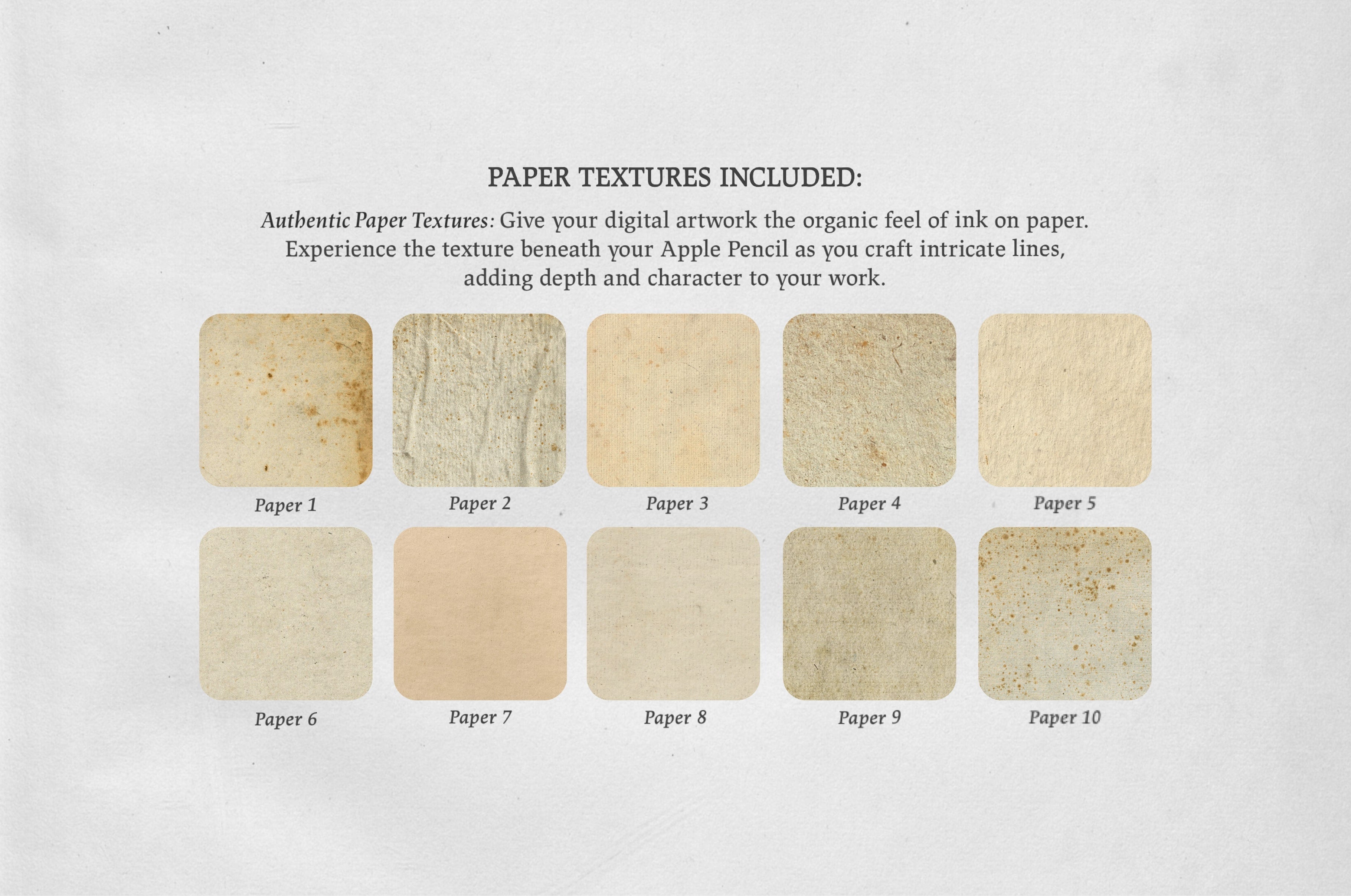
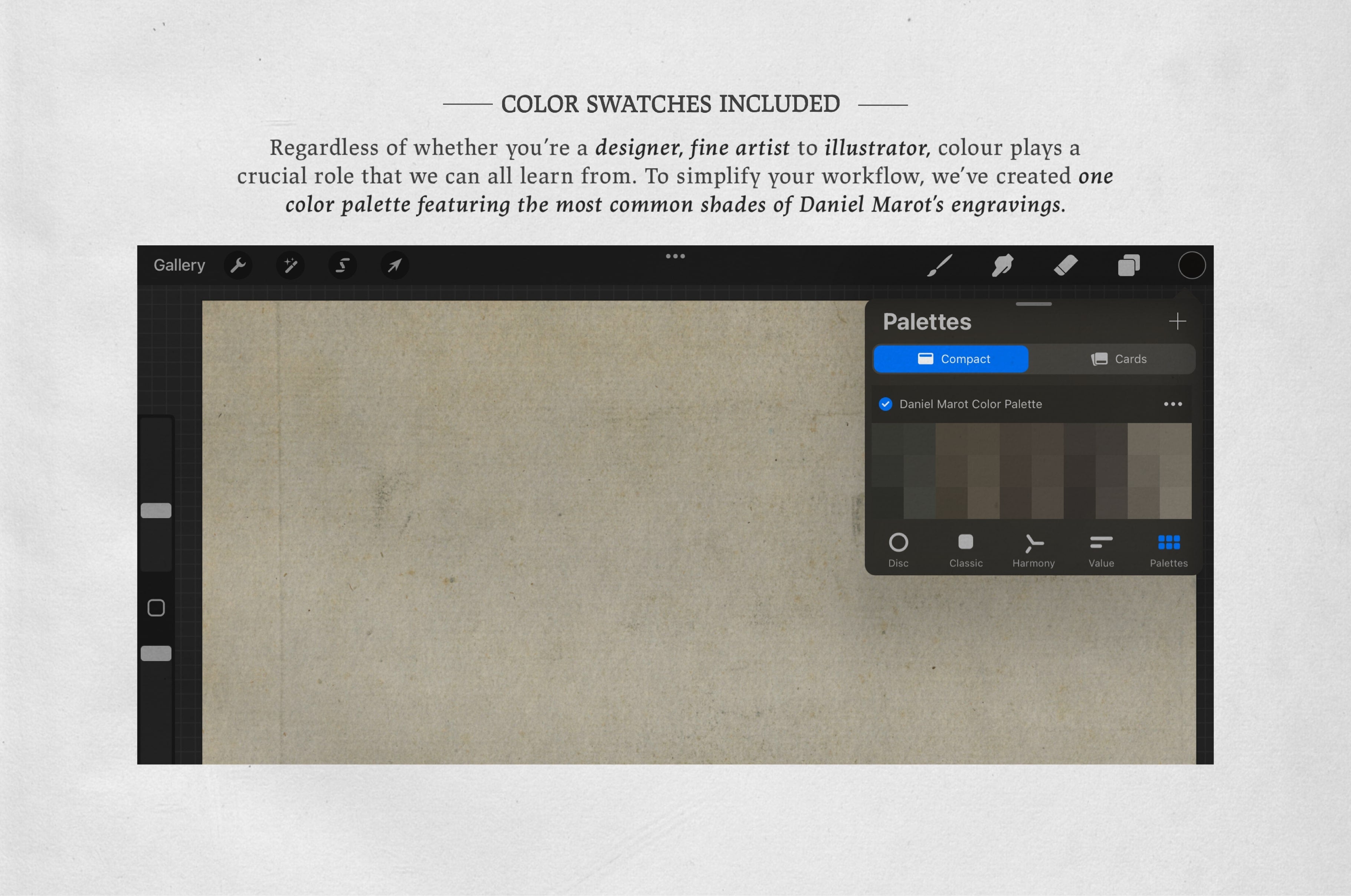
Offering sixteen procreate brushes, thirty color swatches and ten paper textures we bring you the aesthetic of these remarkable illustrations into your iPad.
INCLUDED:
- 30 Procreate Color Swatches
- 16 Procreate Brushes (.brush & .brushset)
-
10 Paper Textures (.PNG files)
- 2,550 x 3,300 px - 500 DPI
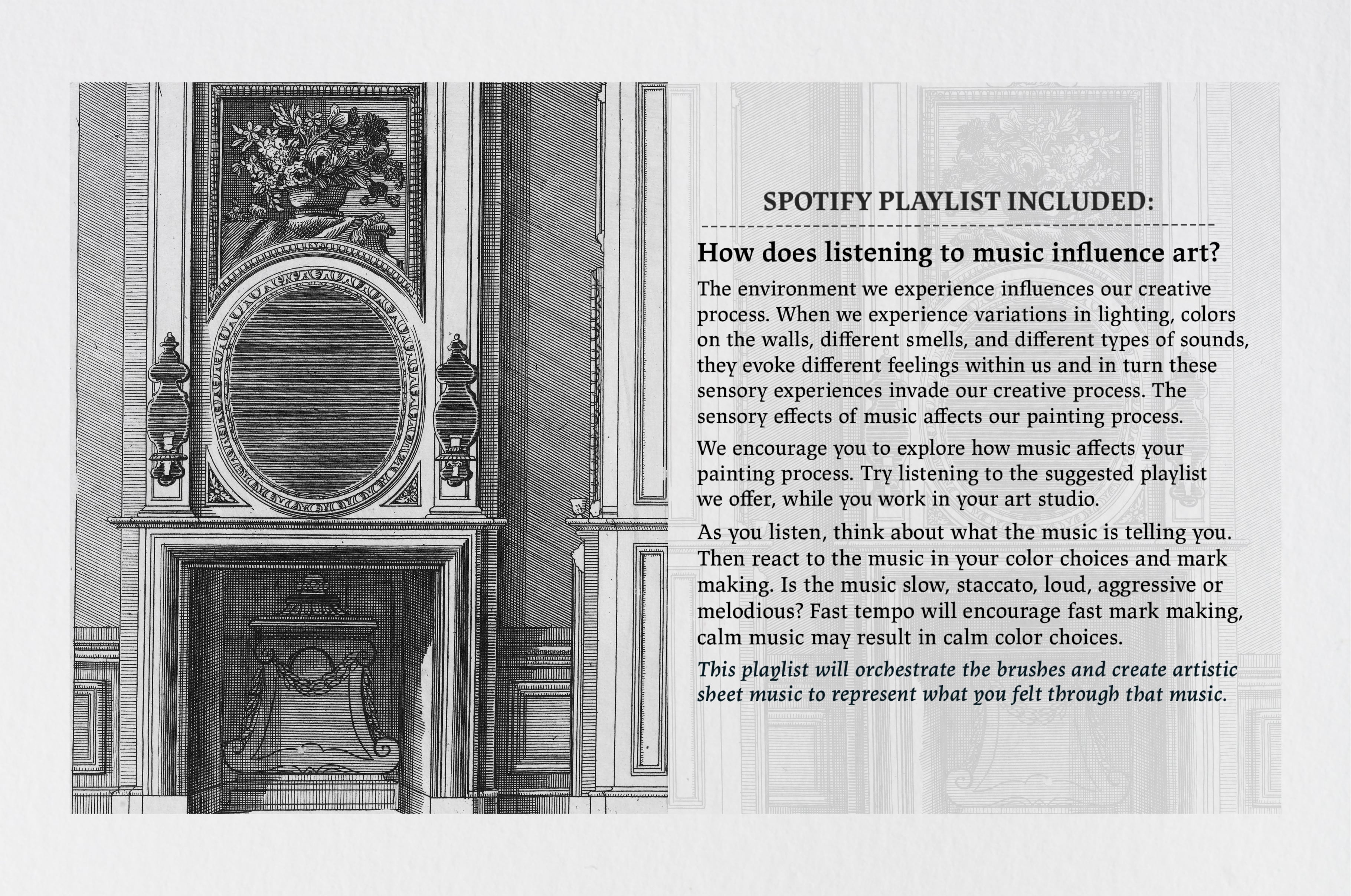
- Spotify Playlist Link - Experience the effect of blues classics on sketching
- Free Support 24/7
-
Watch in the attached YouTube Video the Procreate Kit in action.*
https://youtu.be/F5Lx8QPGHog - Requirements:*
- Apple iPad or iPhone
- Apple Pencil
- Procreate App for iPad or Procreate Pocket for iPhone
- All images used in the preview are licenced under the Creative Commons CC0 designation (Public Domain Dedication)*.
- IMPORTANT:* These brushes are compatible only with Procreate for iPad. They won't work in Photoshop or other painting programs.
- © 2024 Digi Life*
AI Overview
The Daniel Marot Procreate Kit includes 16 Procreate brushes, 30 color swatches, and 10 paper textures designed to replicate classic engraving techniques. It is compatible with Procreate on iPad and requires an Apple Pencil for use.
Skill Level
Beginner to Intermediate — Easy to use with a slight learning curve; basic skills are sufficient, though some experience may enhance outcomes.
Use Cases
Ideal for classic engraving and illustration styles in digital art. Perfect for creating detailed posters, elegant branding, and intricate album covers, ensuring authentic textures and shading that elevate your creative projects.
Compatibility

File Size: 216.86MB
Uploaded: March 10, 2025


Instant
Download

Premium
Quality

Lifetime
Support
 Frequently Asked Questions
We want you to be happy with your purchase! We do offer refunds for digital products if you experience a technical issue that our support team cannot resolve. Just reach out to us within 30 days of your purchase, and we'll be here to help.
After your purchase is complete, you'll receive a confirmation email with a link to download your files. You can also log into your account and access your downloads from the 'My Downloads' section.
Our products come with different licensing options that allow for many types of use cases. Our licenses page includes detailed information about the available licenses, so you can choose the one that fits your project. Click here to view licence details.