



The Inktober Challenge (2026) Procreate Kit

Digi Life
Description
What is the Inktober Challenge?
Inktober is a month long art challenge created by artist Jake Parker that is focused on improving skill and developing positive drawing habits. Every day for the month of October anyone participating in the Inktober challenge creates an ink drawing and posts it online.
INCLUDED:
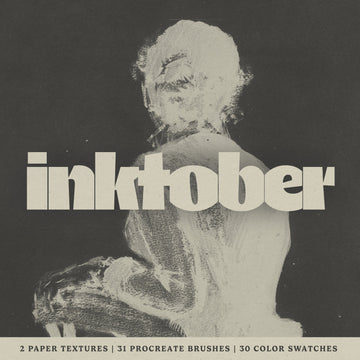
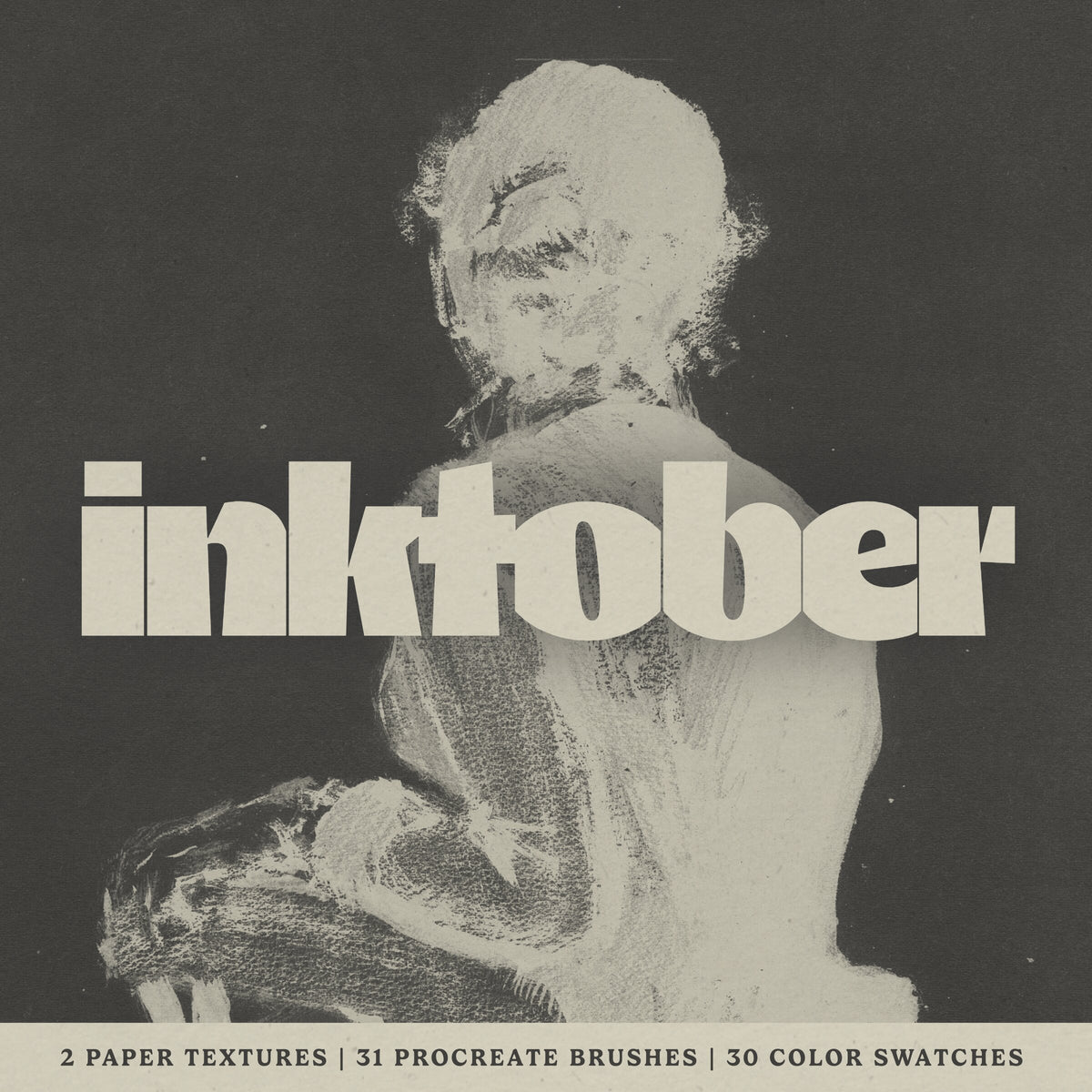
30 Procreate Color Swatches (.swatches)
31 Procreate Brushes (.brush & .brushset)
2 Paper Textures (.png files)
31-Day Inktober Challenge Plan (2026) (.png, .procreate, .pdf)
Free Support 24/7
Watch the Inktober Challenge (2026) Procreate Kit in action on the attached YouTube Video.
Requirements:
Apple iPad
Apple Pencil
Procreate App for iPad
All images used in the preview are licenced under the Creative Commons CC0 designation (Public Domain Dedication).
IMPORTANT: These brushes are compatible only with Procreate for iPad. They won't work in Photoshop or other painting programs.
© 2026 Digi Life
AI Overview
The Inktober Challenge (2026) Procreate Kit includes 30 color swatches, 31 brushes, 2 paper textures, and a 31-day challenge plan (available in .png, .procreate, and .pdf formats). It is compatible with Procreate for iPad and requires an Apple iPad and Apple Pencil.
What's Included
Compatibility

File Size: 1.1GB
Uploaded: August 26, 2026


Instant
Download

Premium
Quality

Lifetime
Support
 Frequently Asked Questions
Our products come with guarantees under the Australian Consumer Law. If a file is faulty or isn't as described, you're entitled to a fix, a replacement or a refund. We don't refund a change of mind. Bought a bigger size than you need, or Extended when Standard would do? Within 14 days, we'll swap it and refund the difference. Read our refund policy.
After your purchase is complete, you'll receive a confirmation email with a link to download your files. You can also log into your account and access your downloads from the 'My Downloads' section.
Every product comes with the Studio 2am License. Choose Standard or Extended, and the size of your business. Which license do I need?