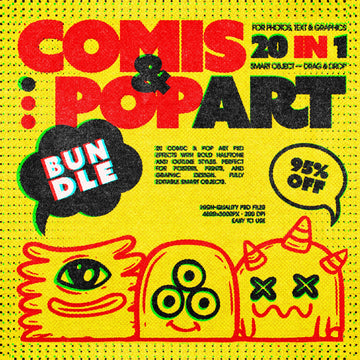
Comic & Pop Art Bundle

Pixelbuddha
Description
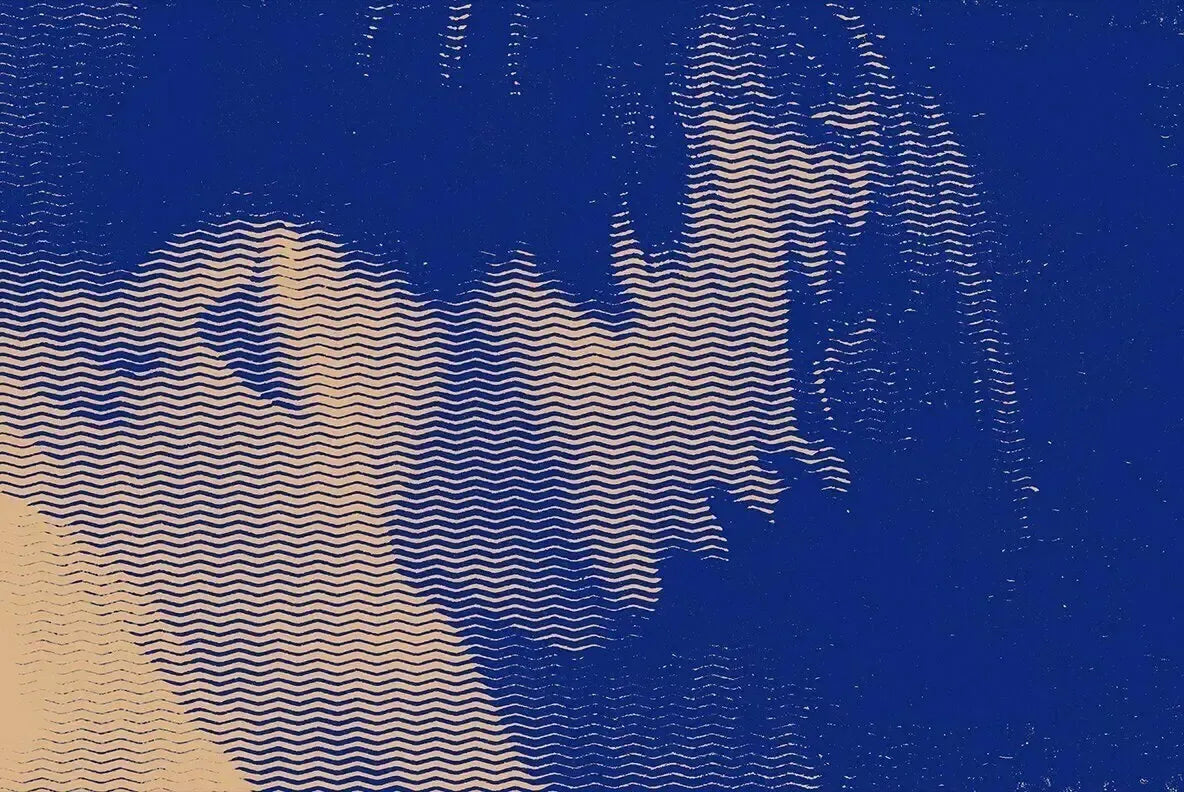
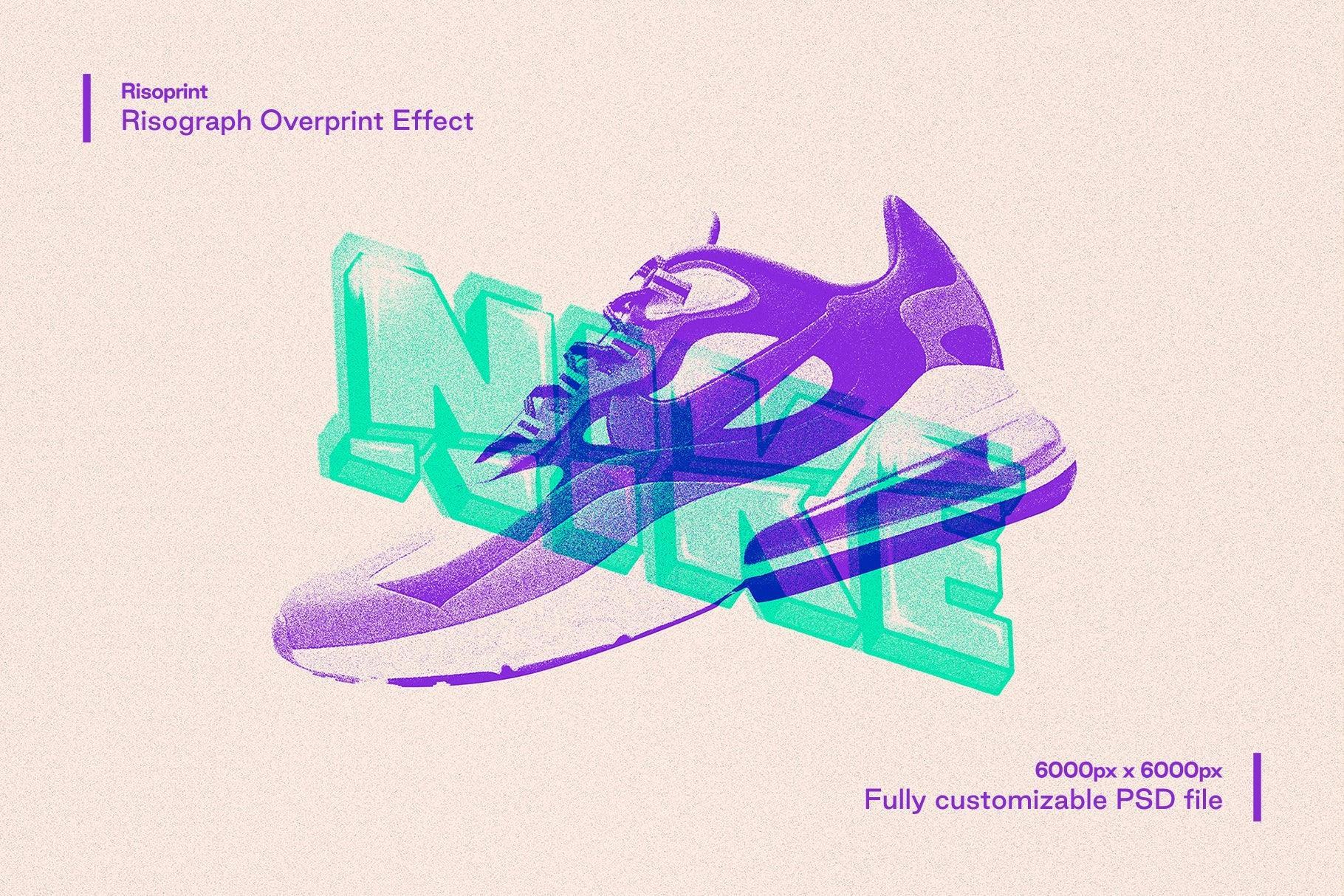
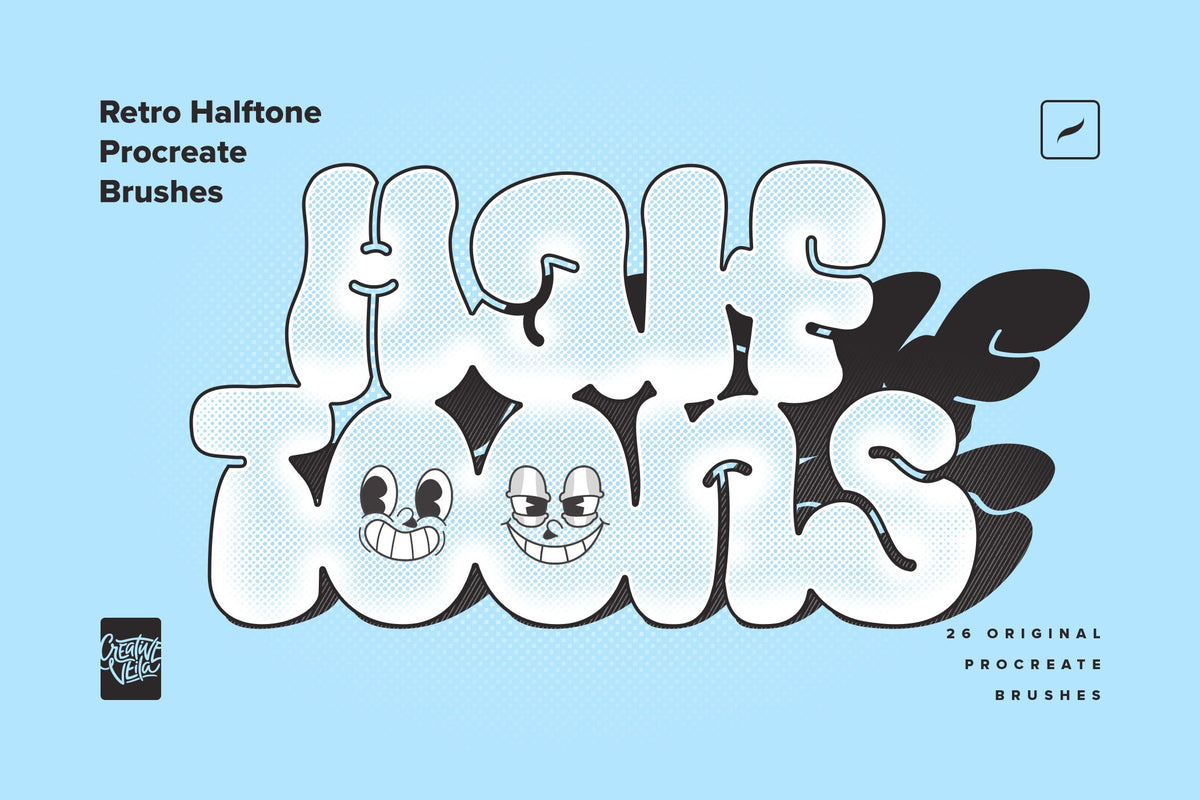
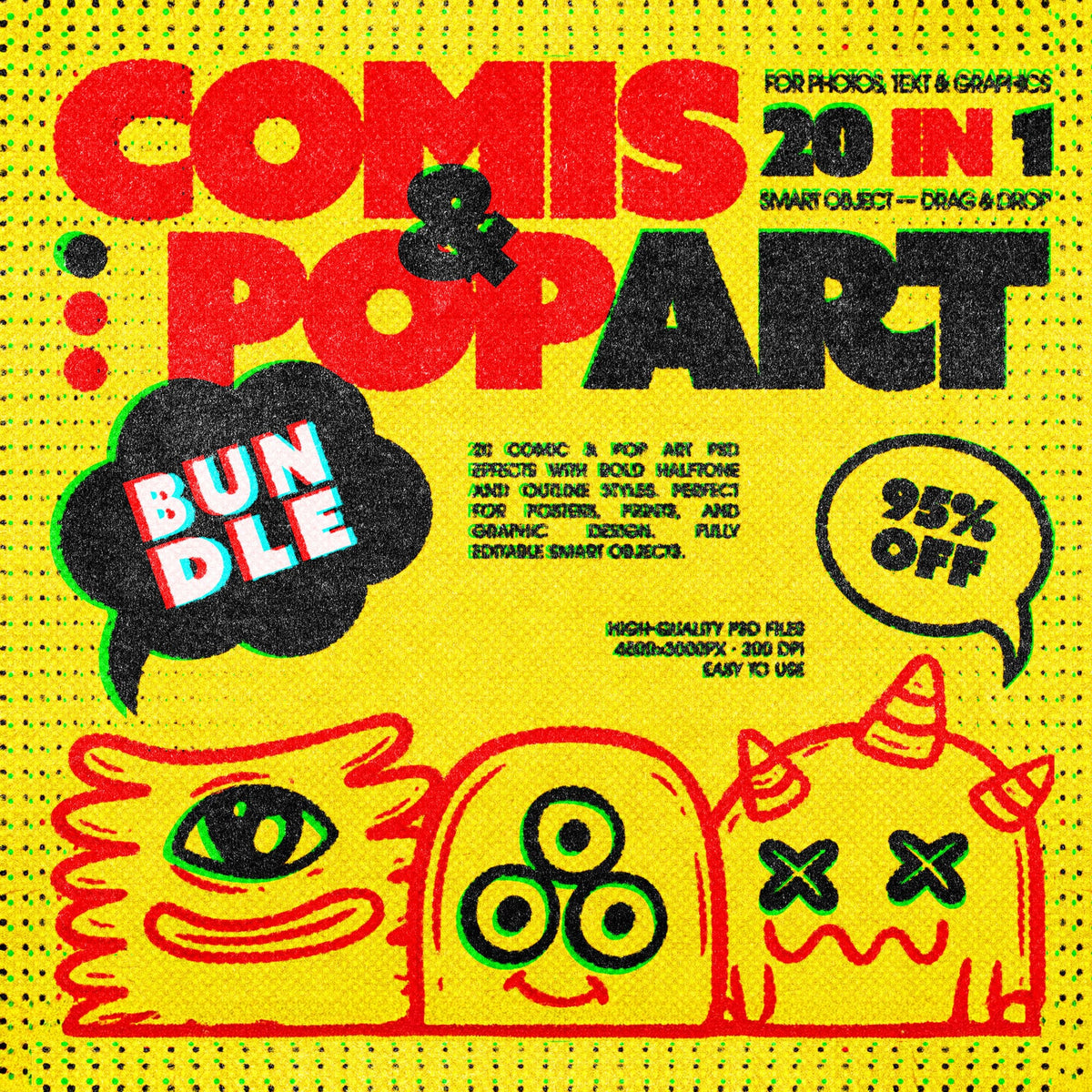
Both сomics and pop art came off cheap four-color presses running fast on cheap paper. Twenty effects rebuild that press across its whole range — cel-style cartooning, flat pop-art color, halftone screens from fine to coarse, high-contrast noir, and the grubby end where zine photocopying and punk ink take over.
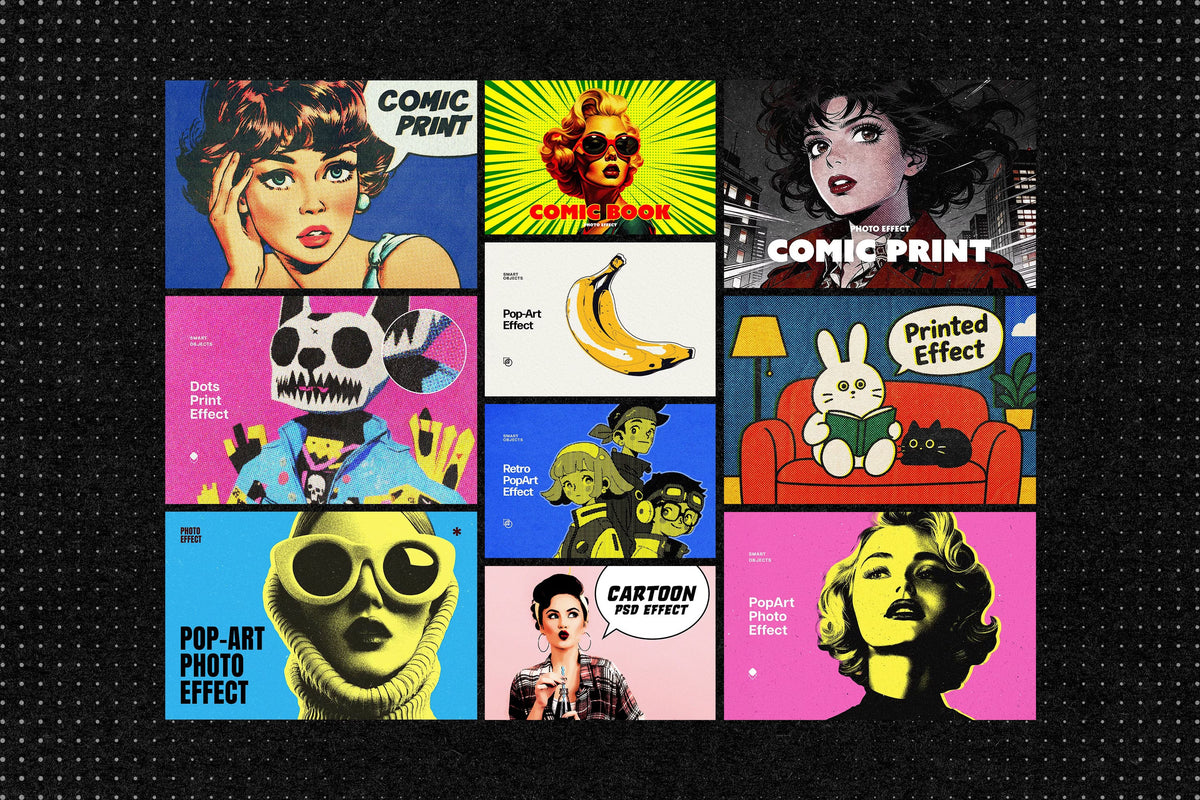
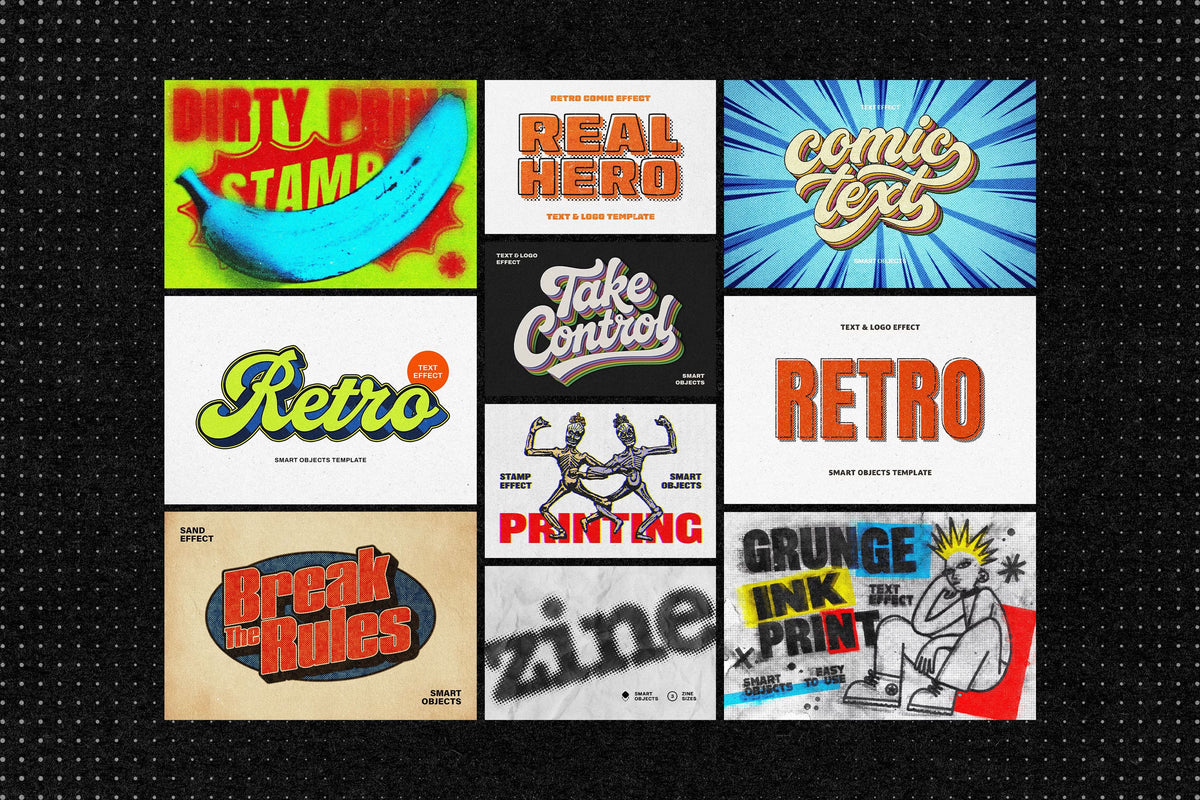
The set splits down the middle. Ten effects work on photographs and artwork, turning a portrait into a comic panel or a product shot into a printed poster. Ten work on text and logos, for cover lettering, sticker type, and logotypes that need to look stamped rather than rendered. Every file runs the same way: drop your work into the Smart Object, replace the placeholder, save.
What's inside?
20 Photoshop effects in total;
10 photo and image effects: cartoon, pop art, comic halftone, noir comic, retro pop art;
10 text and logo effects: comic, retro cartoon, paper cut-out, zine halftone, punk and grunge ink;
PSD files, 4500x3000 px, 300 dpi;
Smart Object workflow;
help files included.
Usage: apply the photo effects to portraits, product shots, and illustrations, and the text effects to headlines, logotypes, and lettering. Stacking a halftone over a pop-art pass gets you the full cheap-press look, misregistration included.
Featured images are for presentation purposes and are not included in the item.
AI Overview
The Comic & Pop Art Bundle contains 20 Photoshop effects (10 for photos/images, 10 for text/logos) using Smart Object workflows, including cartoon, pop art, halftone, noir, and distressed zine/punk styles. Files are provided as PSDs at 4500x3000 px, 300 dpi, with help documentation included.
What's Included
Compatibility

File Size: 19.7MB
DPI: 300
Dimensions: 4500x3000px
Uploaded: October 02, 2026


Instant
Download

Premium
Quality

Lifetime
Support
 Frequently Asked Questions
Our products come with guarantees under the Australian Consumer Law. If a file is faulty or isn't as described, you're entitled to a fix, a replacement or a refund. We don't refund a change of mind. Bought a bigger size than you need, or Extended when Standard would do? Within 14 days, we'll swap it and refund the difference. Read our refund policy.
After your purchase is complete, you'll receive a confirmation email with a link to download your files. You can also log into your account and access your downloads from the 'My Downloads' section.
Every product comes with the Studio 2am License. Choose Standard or Extended, and the size of your business. Which license do I need?