


Acid Motion Photoshop Kit

Pixelbuddha
Description
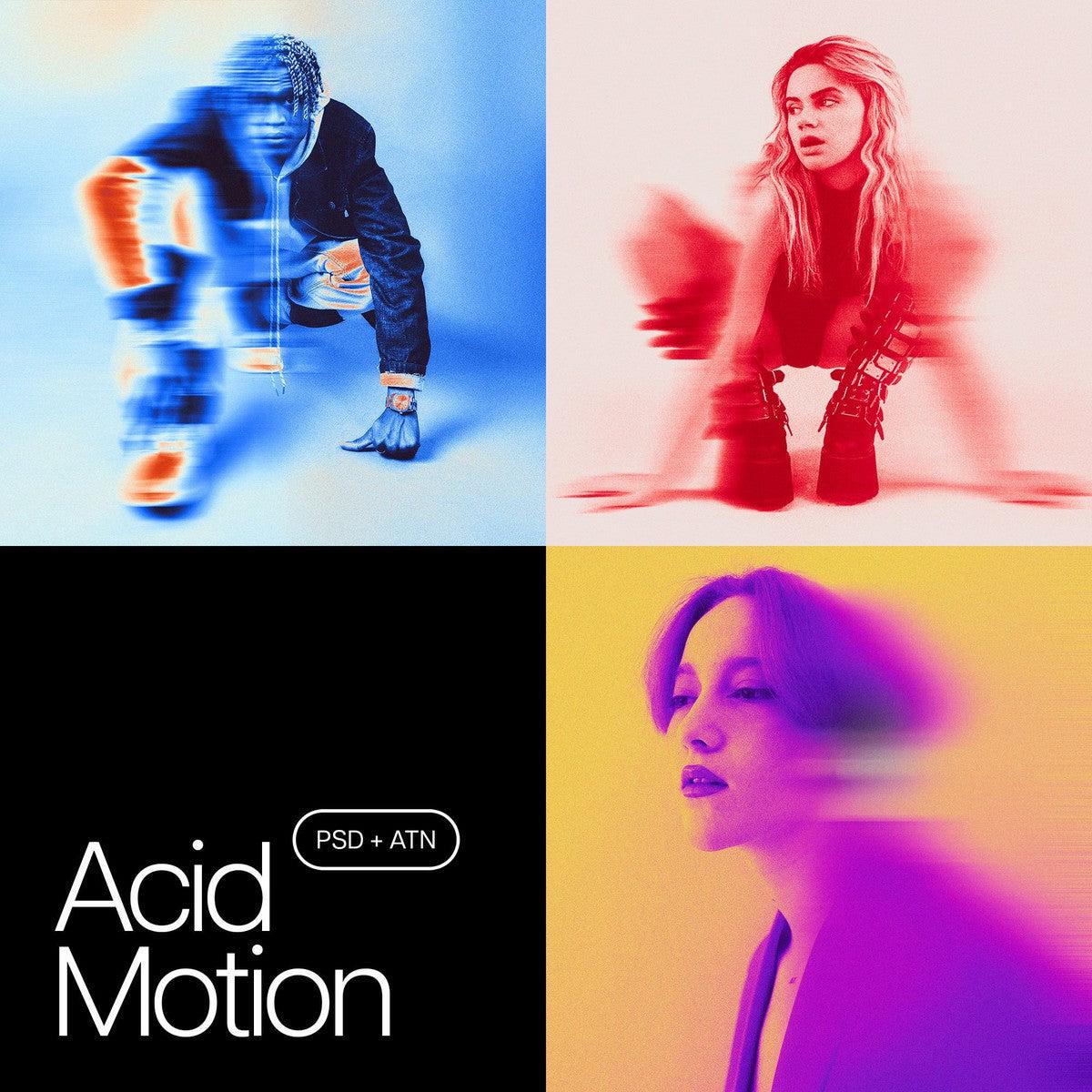
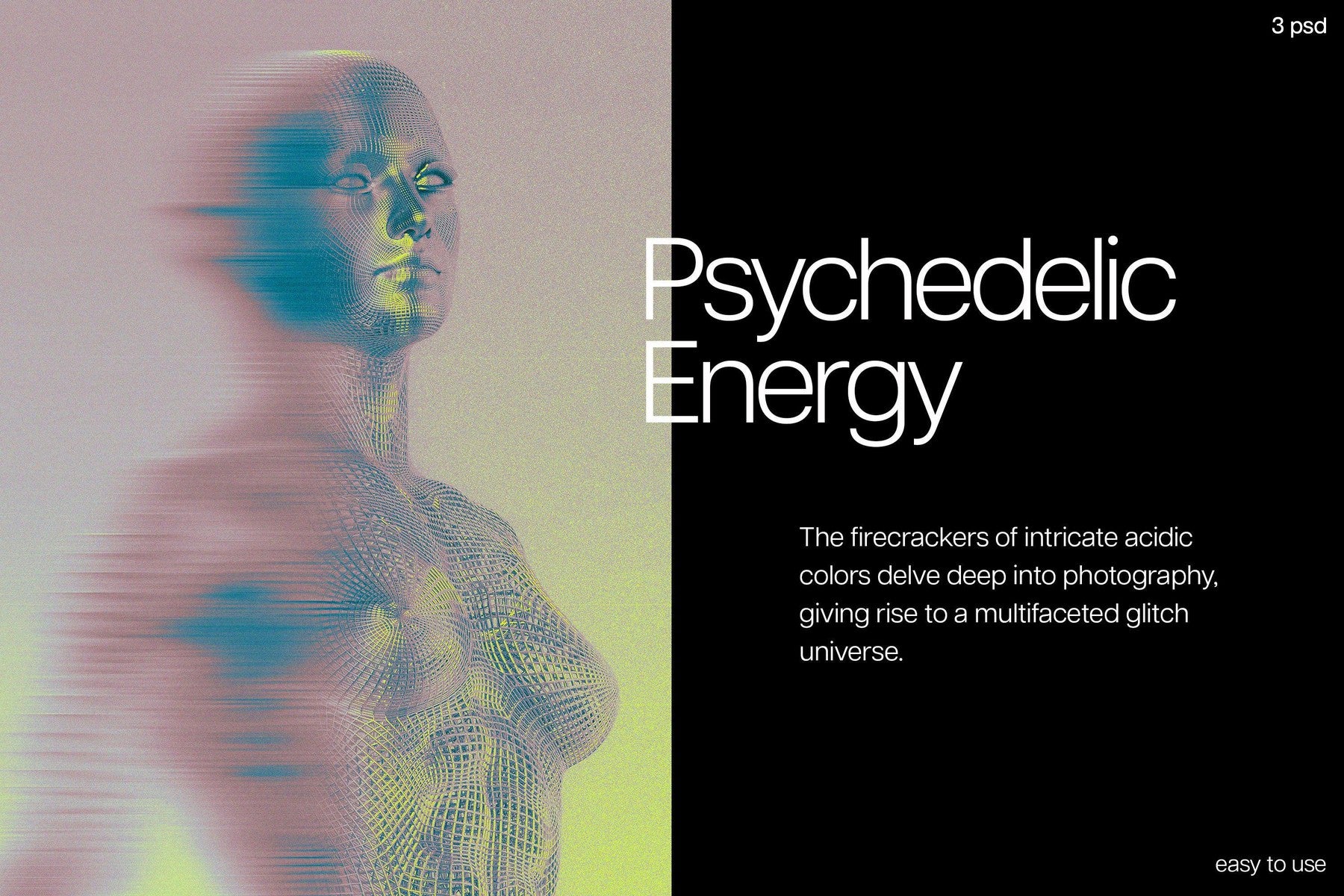
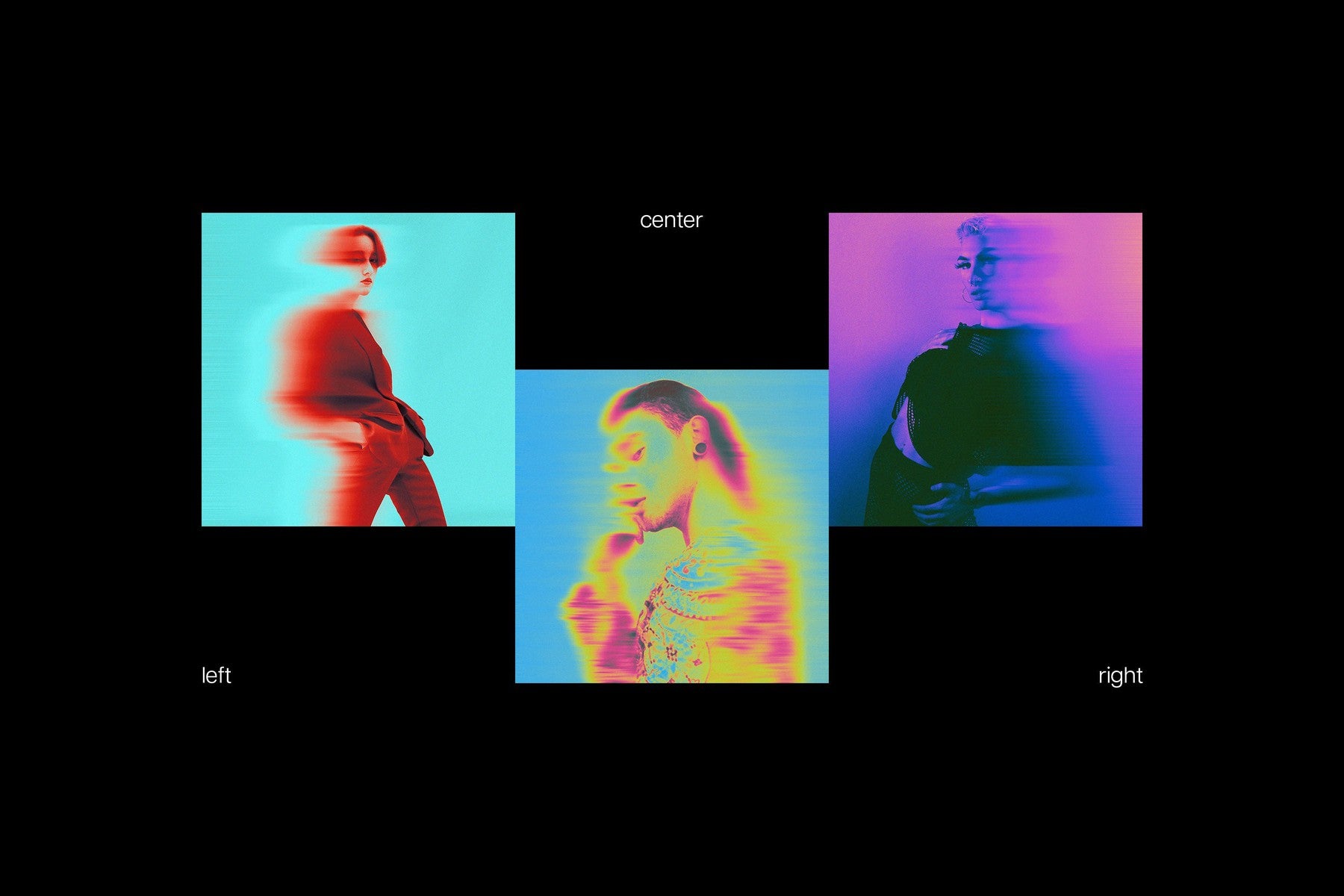
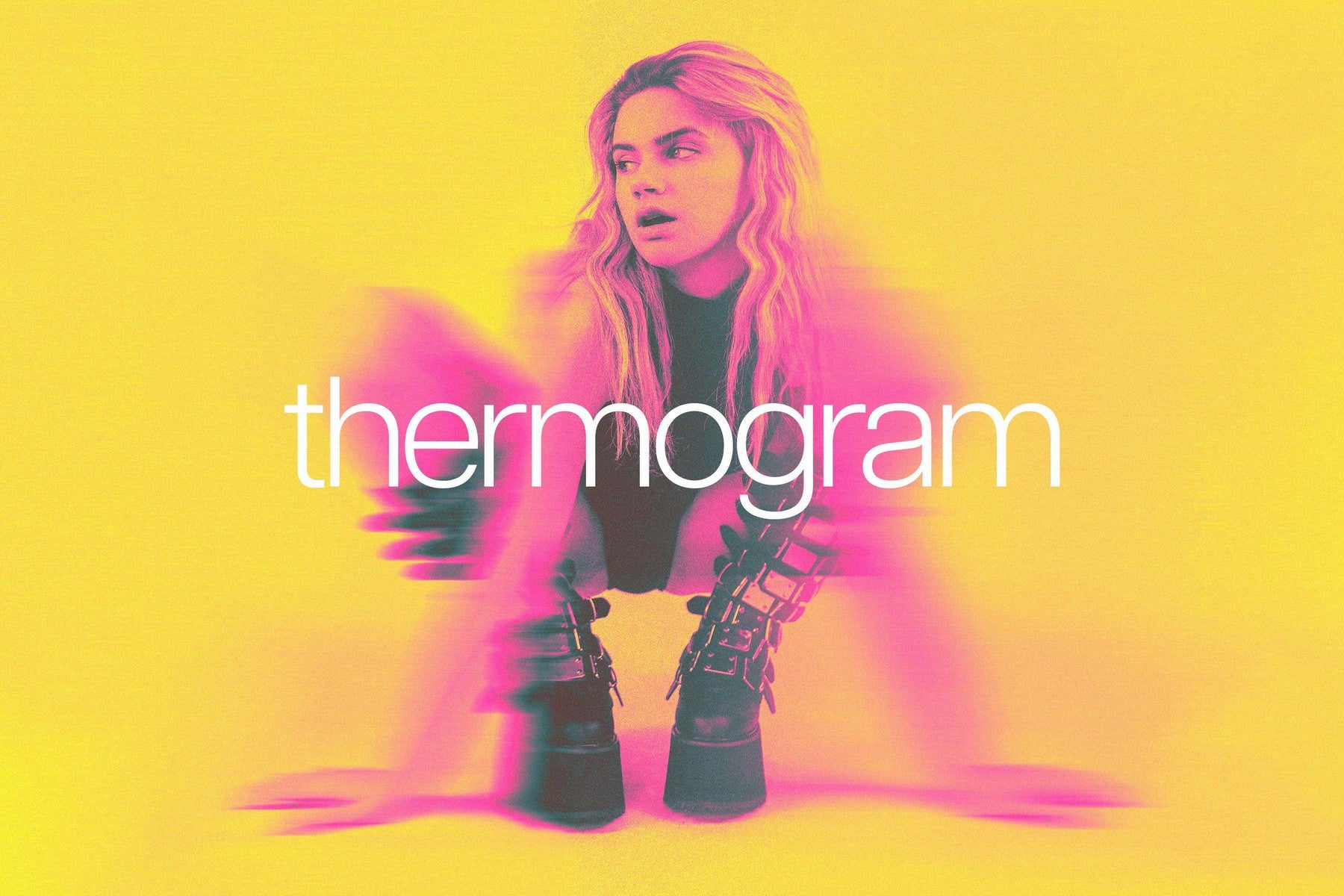
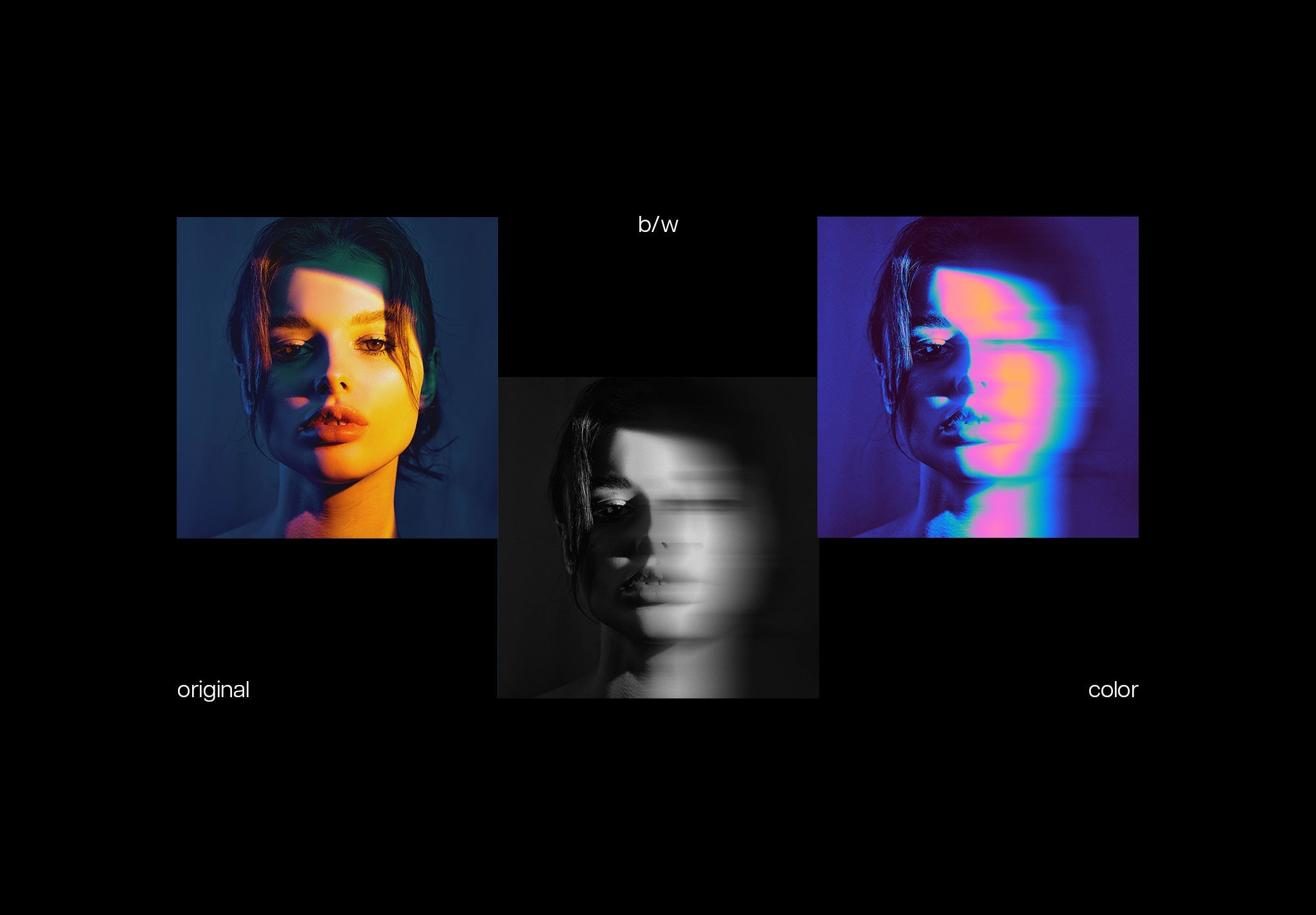
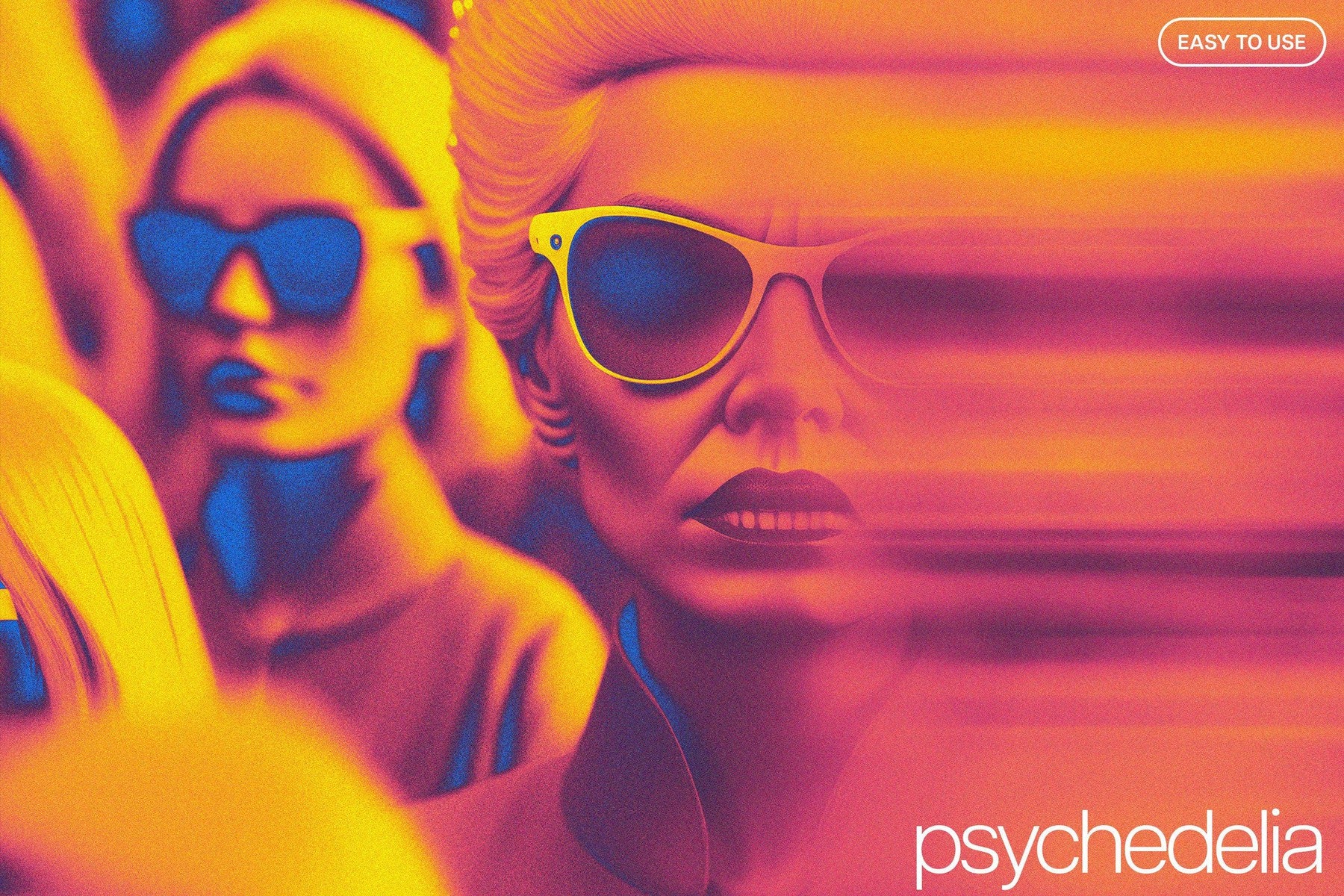
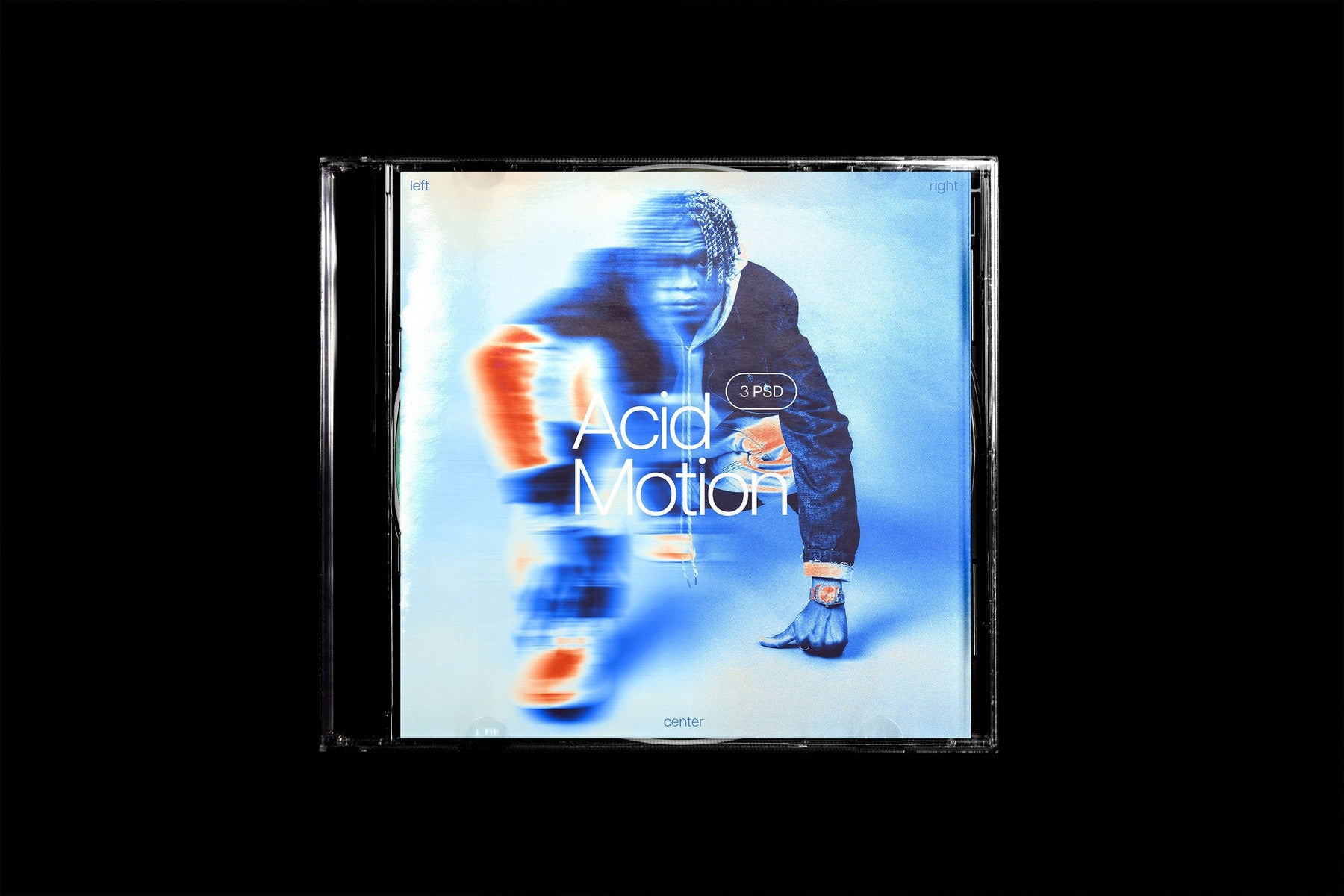
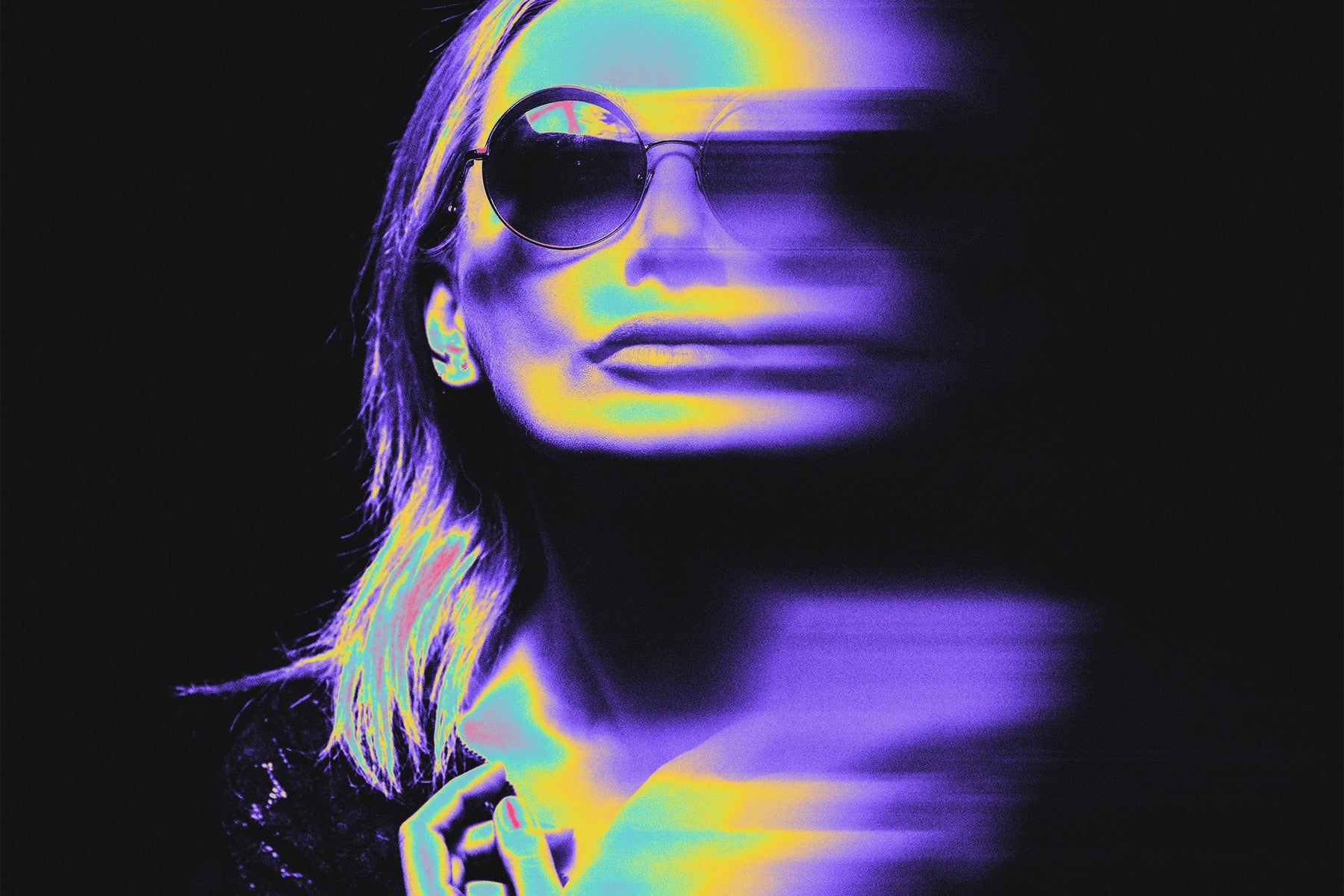
It's not your eyes going crazy, you see it right. The whole kit of photo effects paired with a Photoshop action is here! They were made by capturing and melting all the rich colors to become well-balanced images, but it takes time to see all of them: there is plenty of space to explore. Combining two vibes — mysterious and psychedelic — they allow you to create vivid, bright artworks and diversify your projects with a somehow trippy feeling.
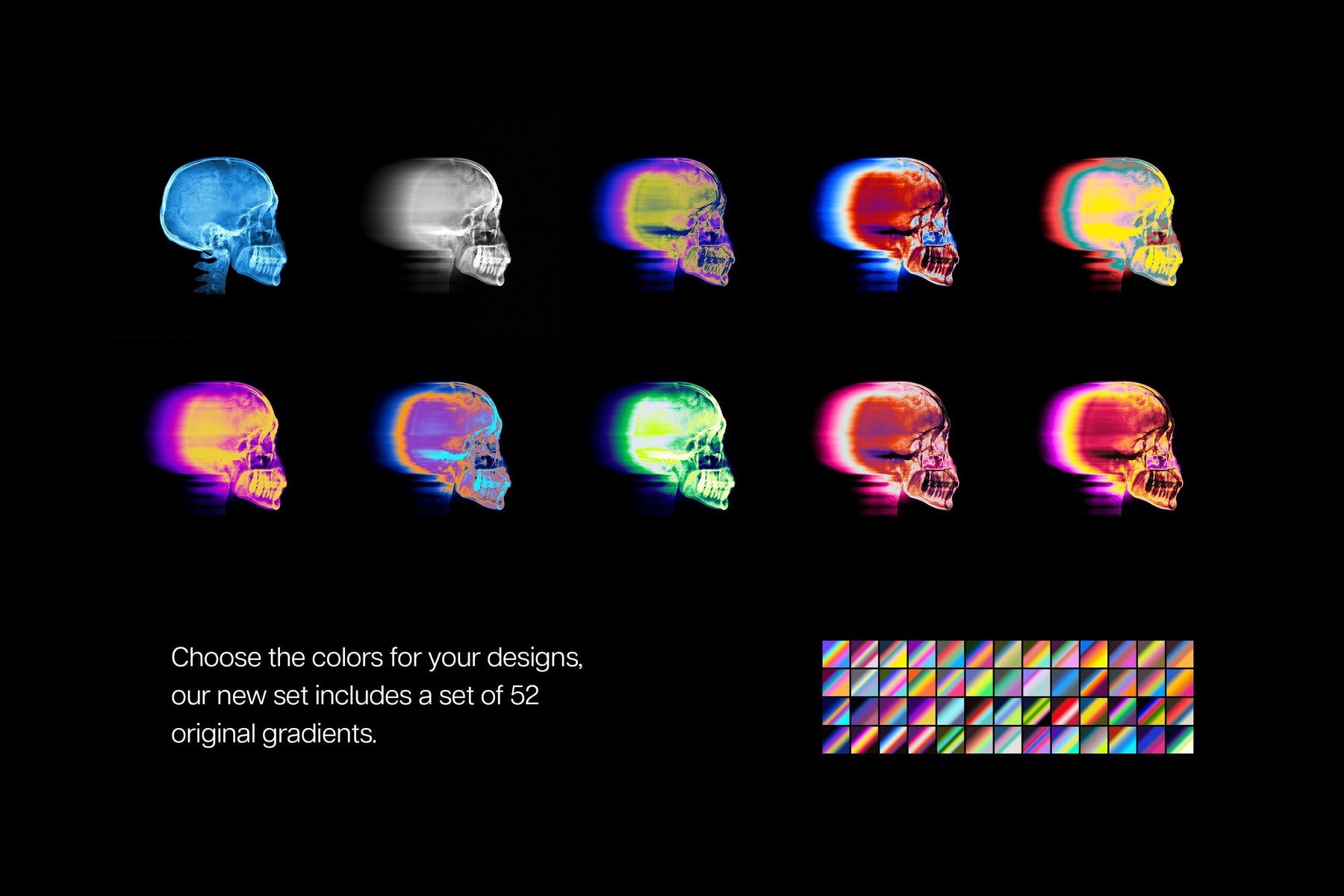
However, the preview pictures are just the tip of the iceberg, you can get much deeper with these tools. And the provided 52 gradients will give the twist to your artwork you couldn’t even think of. It's up to you how to mix them, but there is no need to worry — they were crafted to work well both individually and coupled with each other. To add some personality and uniqueness to the artwork, you can also check out the editable blur option, which may slightly wash out any part of the canvas. Beware dizziness, though, as these vibrant, saturated colors may blow your creative mind.
What’s inside?
- 3 high-quality PSD files;
- 4000x4000 px, 300 dpi;
- high-quality action;
- editable blur option;
- 52 gradients (.GRD);
- help file.
AI Overview
The Acid Motion Photoshop Kit is a comprehensive set of photo effects and a Photoshop action. It includes three high-quality PSD files, an editable blur option, 52 gradients, and a help file, all designed to work individually or in combination. The kit offers a range of vibrant and saturated colors for creating diverse projects, with a resolution of 4000x4000 px and 300 dpi. Compatible with Photoshop.
What's Included
Compatibility

File Size: 2.3MB
Uploaded: April 30, 2024


Instant
Download

Premium
Quality

Lifetime
Support
 Frequently Asked Questions
Our products come with guarantees under the Australian Consumer Law. If a file is faulty or isn't as described, you're entitled to a fix, a replacement or a refund. We don't refund a change of mind. Bought a bigger size than you need, or Extended when Standard would do? Within 14 days, we'll swap it and refund the difference. Read our refund policy.
After your purchase is complete, you'll receive a confirmation email with a link to download your files. You can also log into your account and access your downloads from the 'My Downloads' section.
Every product comes with the Studio 2am License. Choose Standard or Extended, and the size of your business. Which license do I need?