


Perfect Grids: Layout Building Plugin for Photoshop

Gromov Design
Description
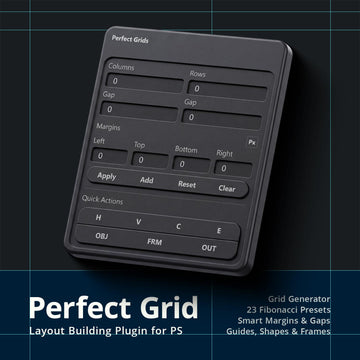
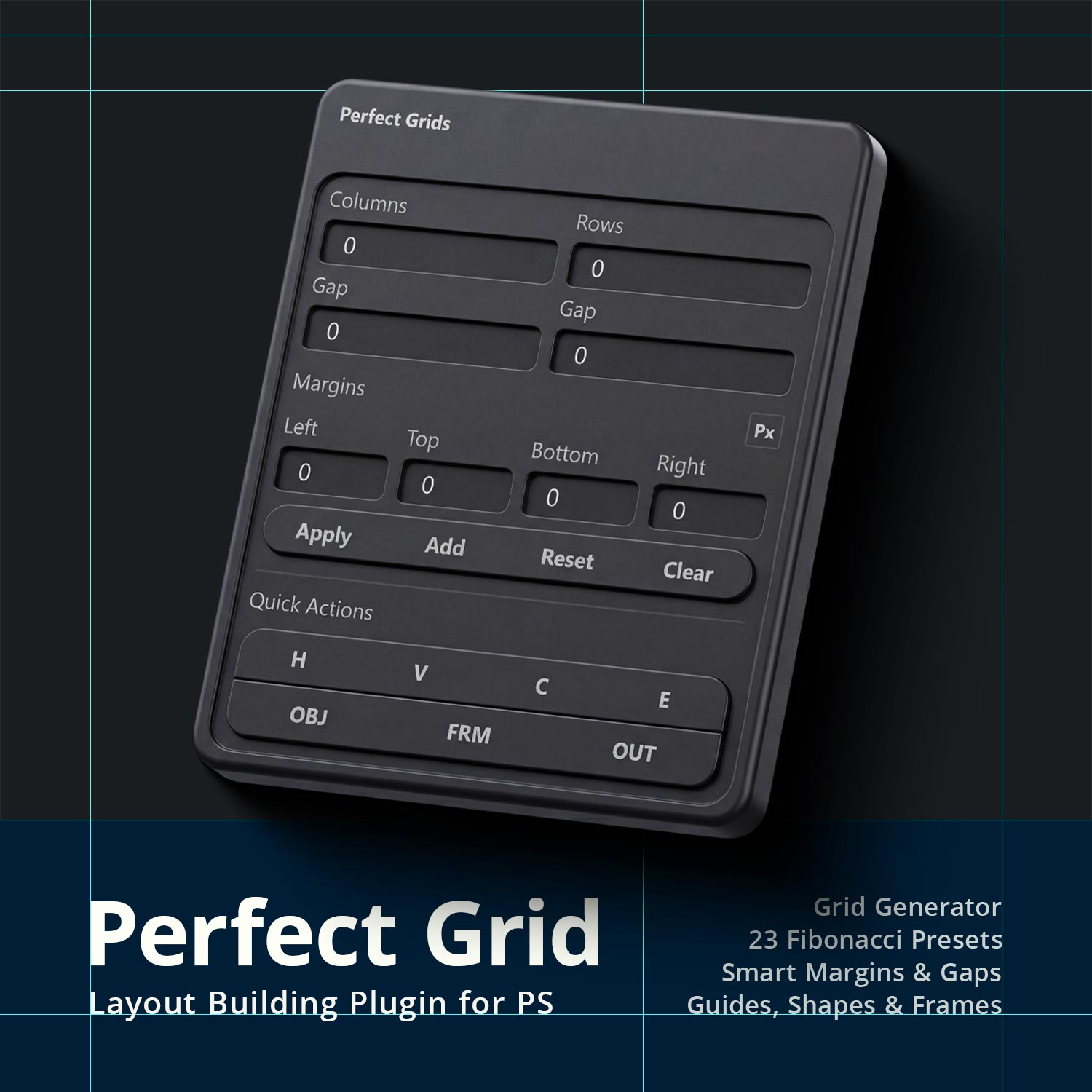
Perfect Grids is a lightweight Photoshop plugin that lets you create professional layout grids in seconds.
It helps designers quickly generate guides, frames or rectangles based on classic composition systems and custom layouts - all inside a small, unobtrusive panel.
Designed to be fast, minimal and practical, Perfect Grids integrates directly into your workflow and helps you build structured layouts.
Custom grid builder
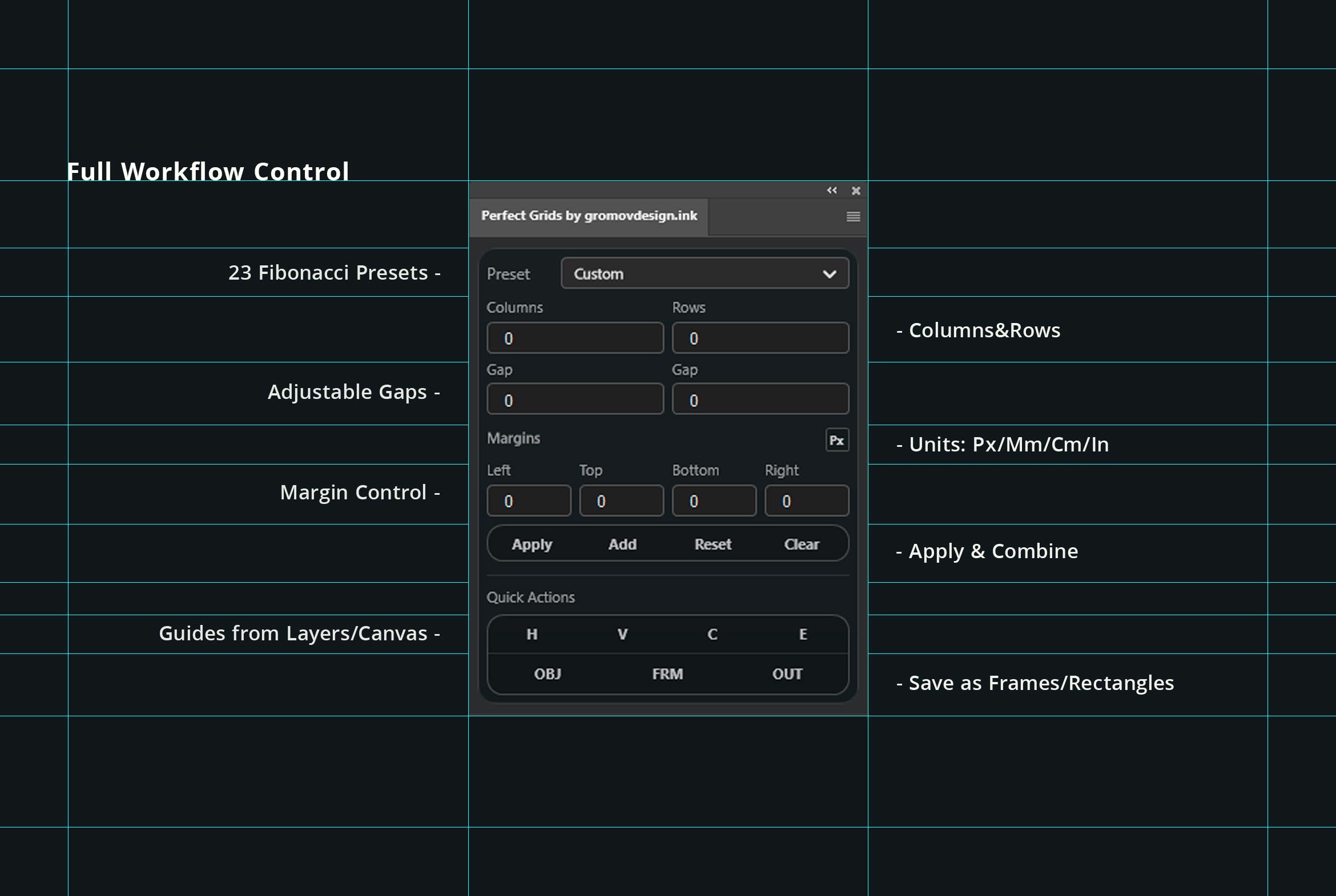
Create your own grid structure with full control over:
Columns & Rows
Gaps
Margins
You can also change the measurement units for gaps and margins, allowing you to work in pixels, centimeters, millimeters or inches.
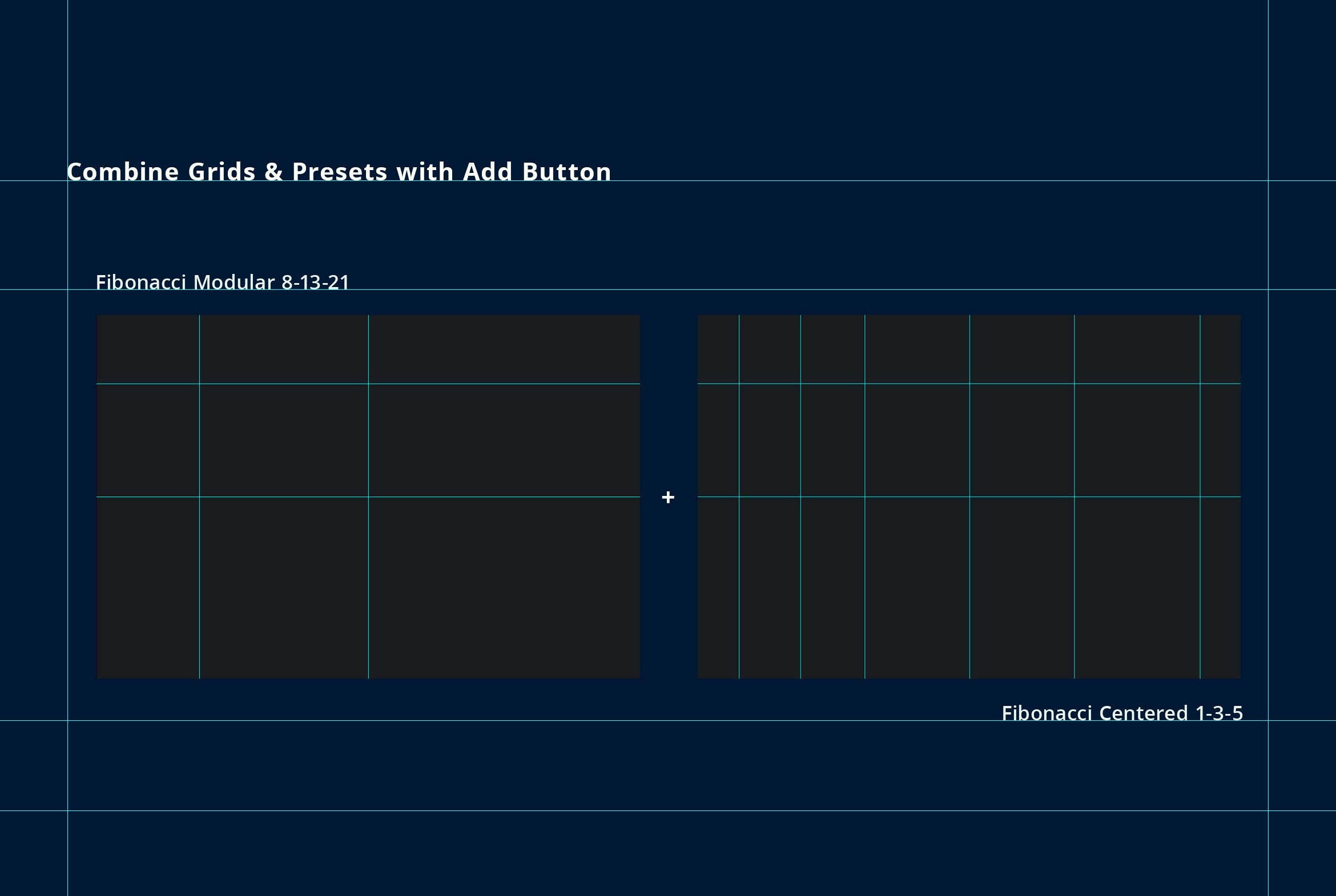
23 useful presets:
Rule of Thirds, Golden Ration etc.
These grids are ideal for layout design, poster composition, and photography alignment.
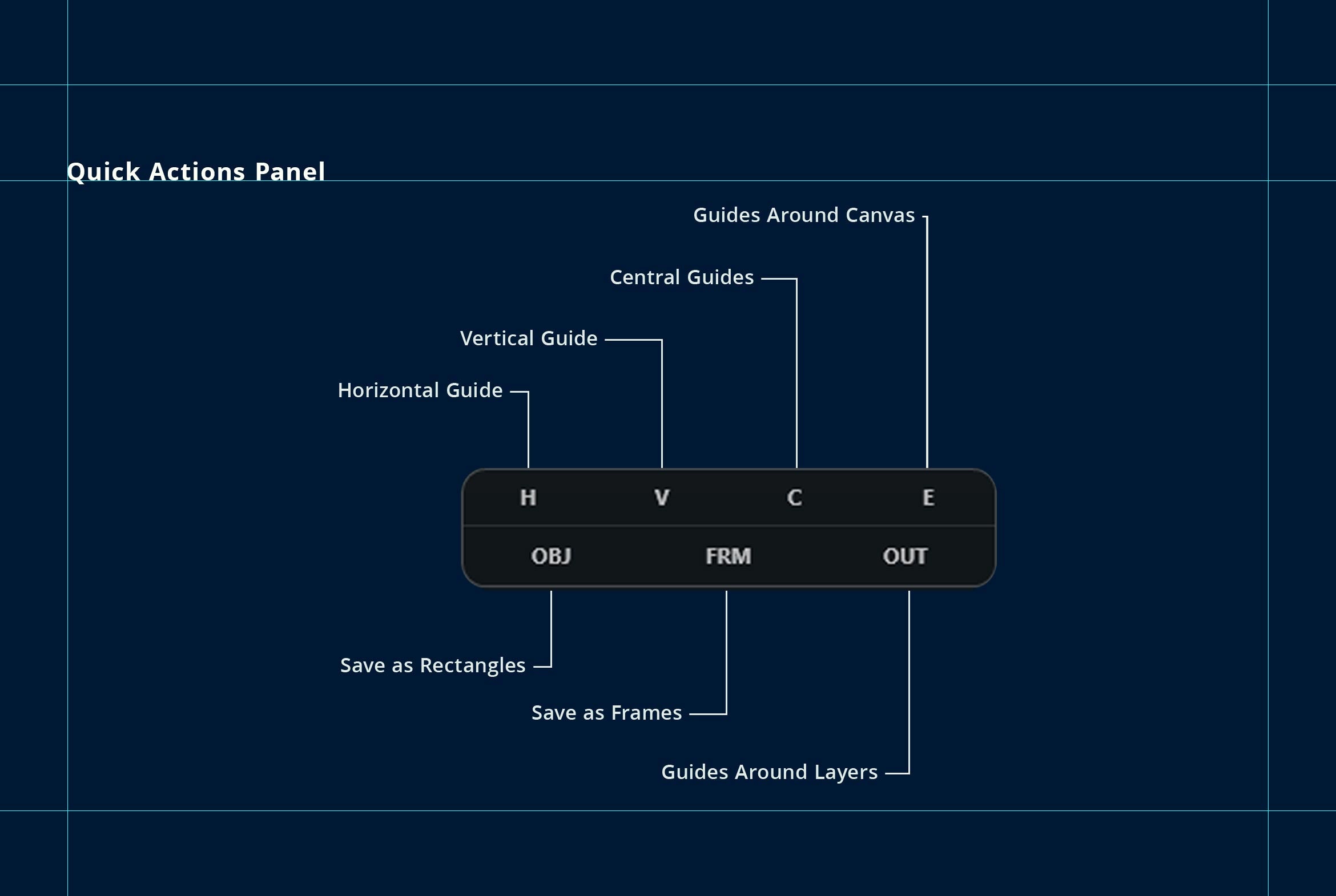
Multiple output modes
Perfect Grids lets you create different types of layout elements depending on your workflow:
Guides
Creates Photoshop guides for precise alignment.
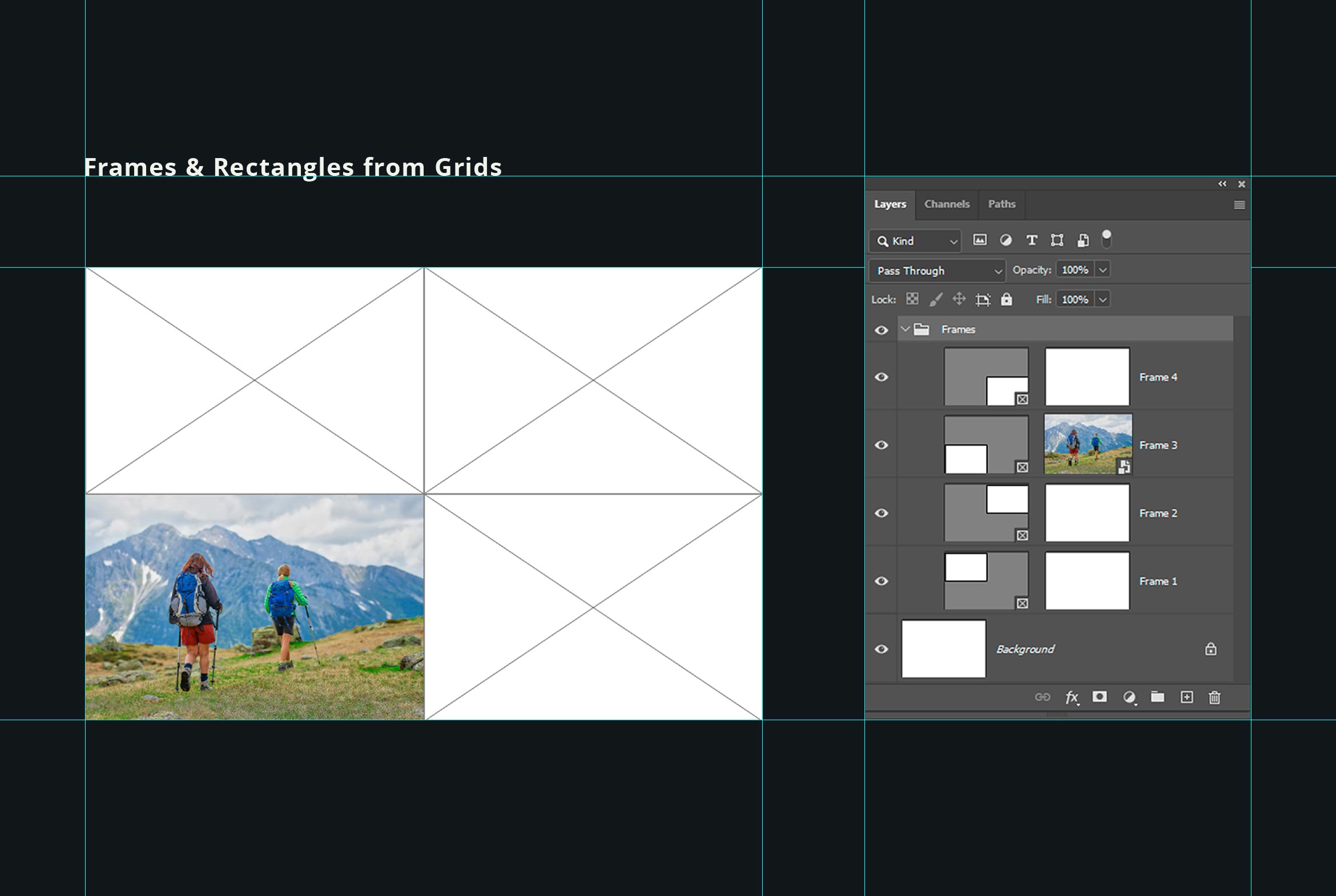
Rectangles (OBJ)
Generates vector rectangles based on the grid structure.
Frames (FRM)
Creates frames suitable for editorial and photography layouts.
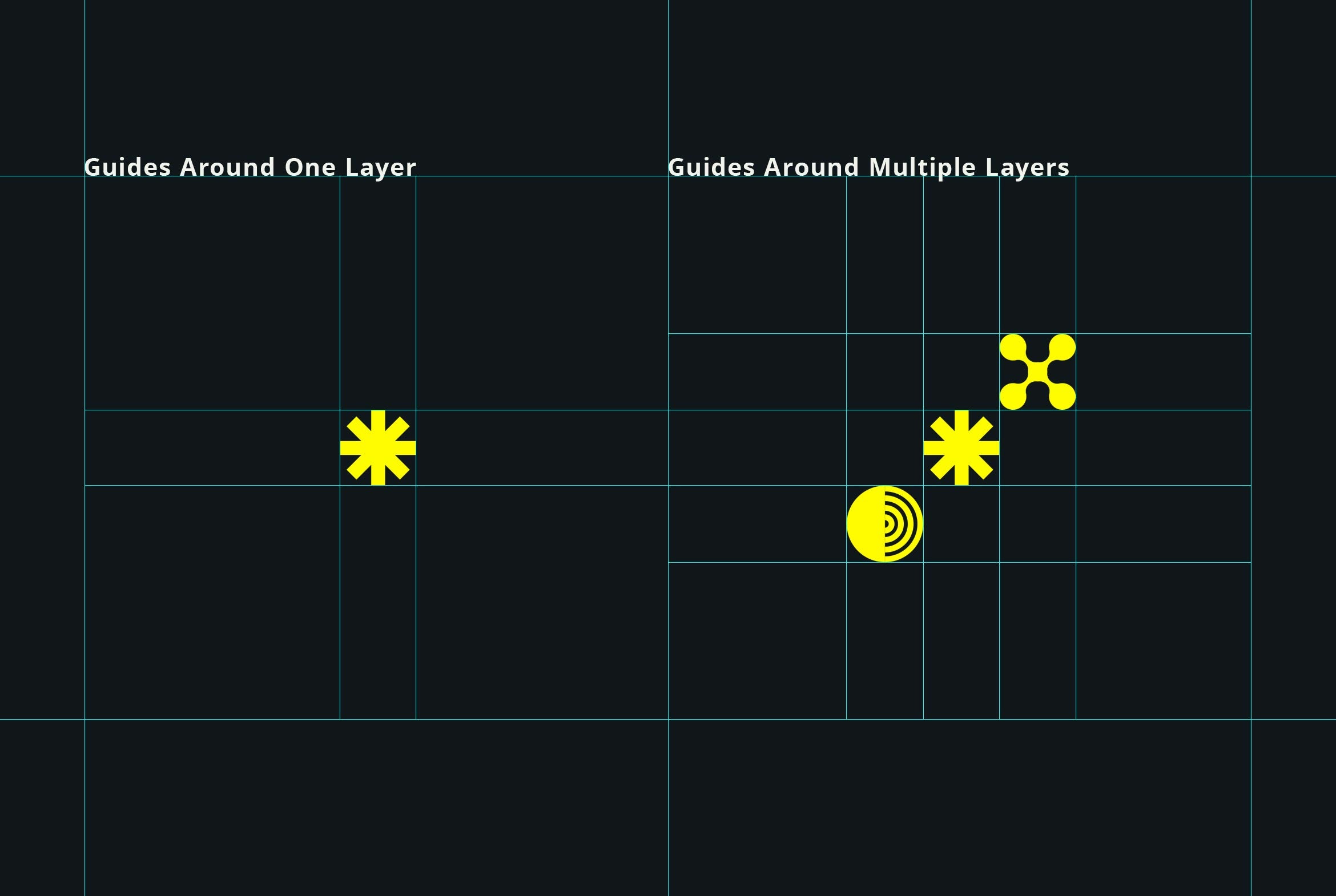
Outline (OUT)
Creates guides around one or multiple selected layers.
Created for designers
No unnecessary features, just a fast and practical tool for building structured layouts in Photoshop.
AI Overview
Perfect Grids is a lightweight Photoshop plugin that enables users to create professional layout grids quickly and efficiently. It offers customizable grid structures with control over columns, rows, gaps, and margins, along with 23 useful presets and multiple output modes for guides, rectangles, frames, and outlines, all within a compact panel designed for seamless integration into your workflow.
What's Included
Compatibility

File Size: 54.6MB
Uploaded: March 13, 2026


Instant
Download

Premium
Quality

Lifetime
Support
 Frequently Asked Questions
We want you to be happy with your purchase! We do offer refunds for digital products if you experience a technical issue that our support team cannot resolve. Just reach out to us within 30 days of your purchase, and we'll be here to help.
After your purchase is complete, you'll receive a confirmation email with a link to download your files. You can also log into your account and access your downloads from the 'My Downloads' section.
Our products come with different licensing options that allow for many types of use cases. Our licenses page includes detailed information about the available licenses, so you can choose the one that fits your project. Click here to view licence details.