



Paper Copy Photo Effect

Pixelbuddha
Description
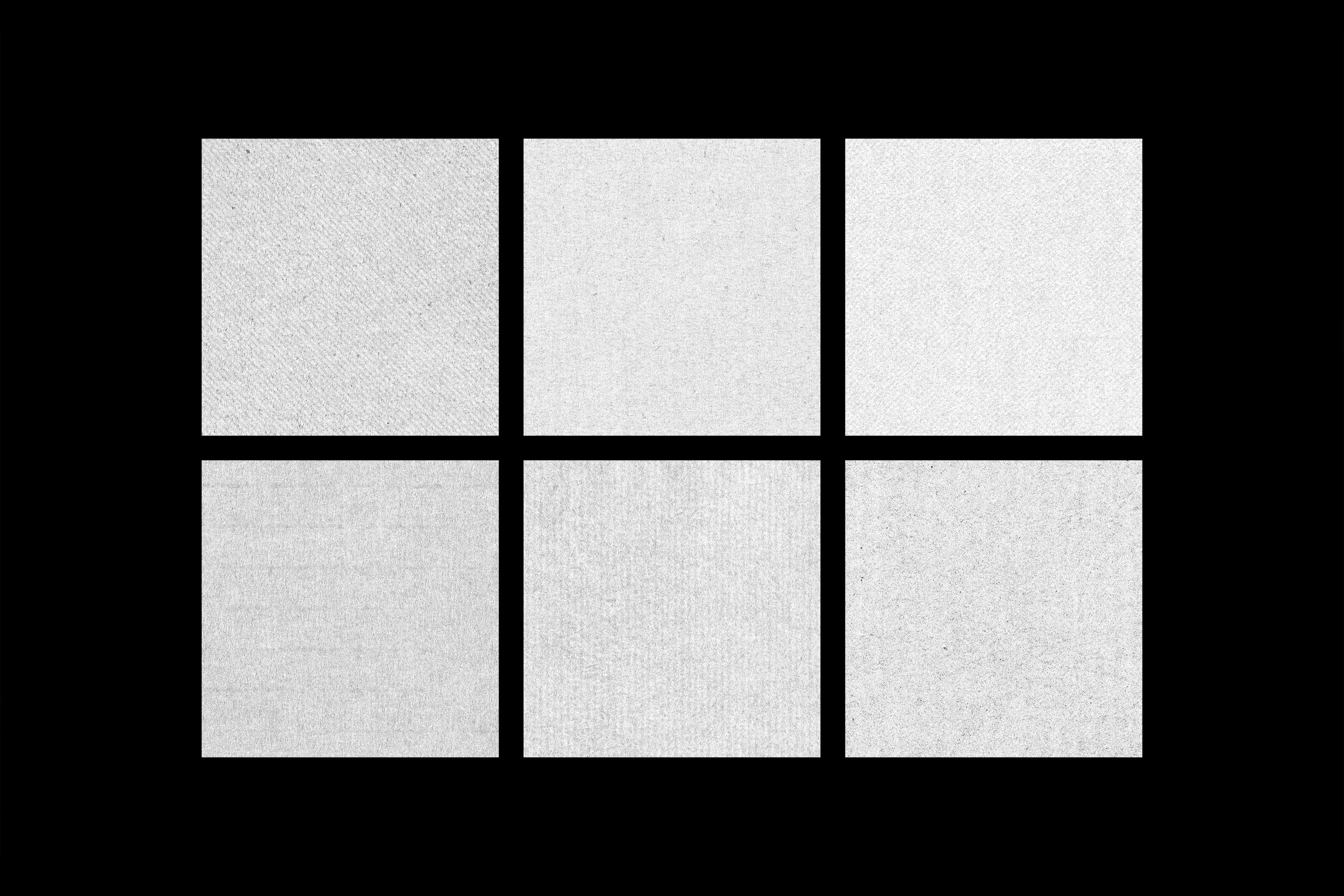
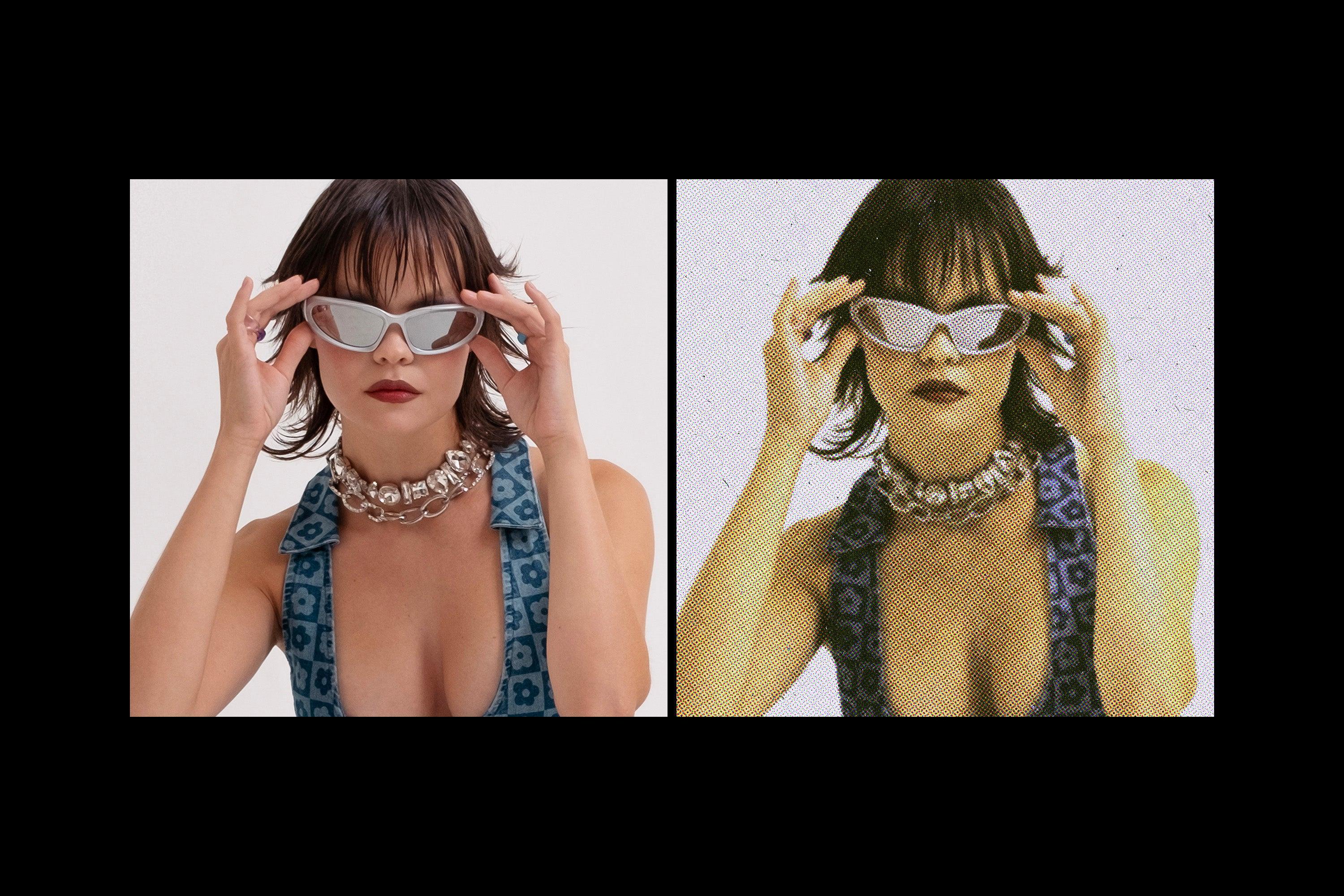
This print effect runs a photo through a jammed office photocopier, blowing the image out to stark black and white. The heavy toner grain, dust, and a dark cast bleed into the paper stock. A Smart Object takes the picture, and the contrast, grain, and paper texture rebuild around whatever drops in. The image, finally, looks pulled straight off a copier drum on its last legs, a page run one too many times.
Usage: gig posters, zine spreads, album and single covers, streetwear prints, band and merch graphics, editorial photo treatments, punk and DIY flyers, and art prints.
Details:
high-quality PSD file;
4500x3000 px, 300 dpi;
help file included.
This resource is created for Adobe Photoshop and works best with the latest Creative Cloud version for full Smart Object support.
Featured images are for presentation purposes and are not included in the item.
AI Overview
The Paper Copy Photo Effect is a high-quality PSD file designed for Adobe Photoshop, featuring a unique print effect that simulates a photo processed through a jammed photocopier, resulting in stark black and white imagery with heavy toner grain and dust. The file measures 4500x3000 px at 300 dpi and includes a help file for user guidance, optimized for the latest Creative Cloud version for full Smart Object support.
What's Included
Compatibility

File Size: 126.5MB
DPI: 300
Dimensions: 4500x3000px
Uploaded: August 13, 2026


Instant
Download

Premium
Quality

Lifetime
Support
 Frequently Asked Questions
We want you to be happy with your purchase! We do offer refunds for digital products if you experience a technical issue that our support team cannot resolve. Just reach out to us within 30 days of your purchase, and we'll be here to help.
After your purchase is complete, you'll receive a confirmation email with a link to download your files. You can also log into your account and access your downloads from the 'My Downloads' section.
Our products come with different licensing options that allow for many types of use cases. Our licenses page includes detailed information about the available licenses, so you can choose the one that fits your project. Click here to view licence details.