


Neo Blur Vintage Text & Logo Effect

Pixelbuddha
Description
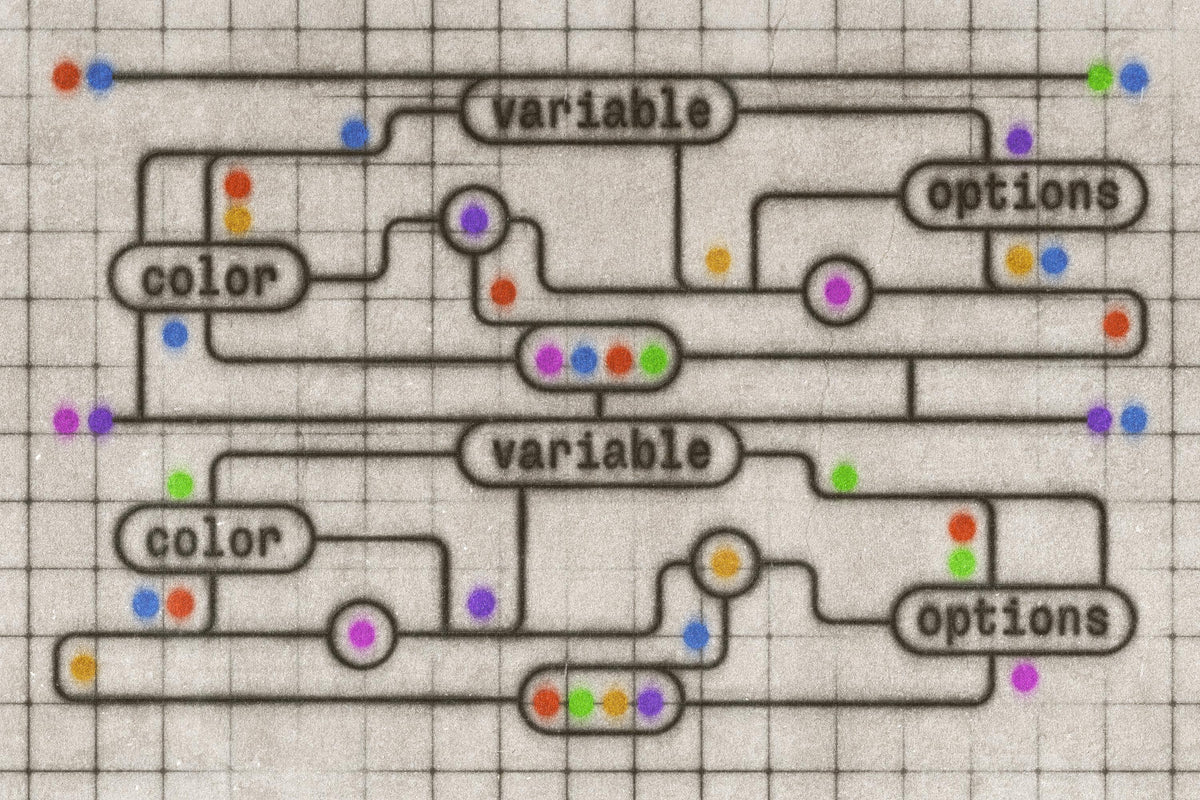
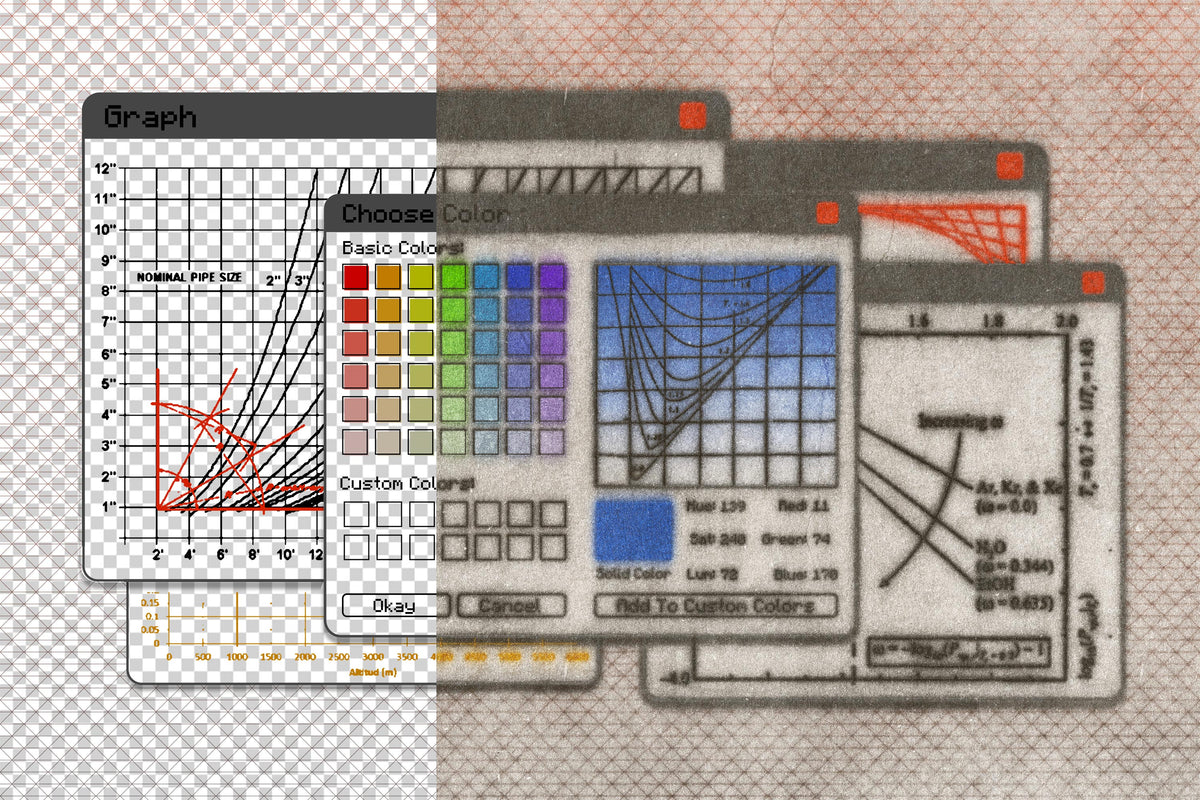
An effect for text, graphics, image, logo — seen it all? Well, now we've played the REAL innovators and invented an addon that'll seamlessly integrate with graphs and infographics. You can age and blur them, creating soft, photocopied diagrams from an old engineering lab, retro OS window, or dusty tech manual.
The formula is simpler than opening the old machine's console: thin, grainy paper and noise wrap around charts, node maps, dashboards, and UI mockups. The PSD is built on Smart Objects with adjustable dust, light, and shadow settings, so you can keep things almost clean for editorial layouts or produce full-on archive visuals for posters, slide decks, research zines, and promo graphics.
What’s inside?
high-quality PSD file;
4500x3000 px, 300 dpi;
help file.
AI Overview
The Neo Blur Vintage Text & Logo Effect is a Photoshop addon that allows users to age and blur text, graphics, images, and logos, creating a retro look reminiscent of old engineering diagrams and tech manuals. It includes a high-quality PSD file (4500x3000 px, 300 dpi) built on Smart Objects with adjustable dust, light, and shadow settings, along with a help file for easy integration.
What's Included
Compatibility

File Size: 257.2MB
DPI: 300
Dimensions: 4500x3000px
Uploaded: November 21, 2025


Instant
Download

Premium
Quality

Lifetime
Support
 Frequently Asked Questions
Our products come with guarantees under the Australian Consumer Law. If a file is faulty or isn't as described, you're entitled to a fix, a replacement or a refund. We don't refund a change of mind. Read our refund policy.
After your purchase is complete, you'll receive a confirmation email with a link to download your files. You can also log into your account and access your downloads from the 'My Downloads' section.
Our products come with different licensing options that allow for many types of use cases. Our licenses page includes detailed information about the available licenses, so you can choose the one that fits your project. Click here to view licence details.