


Multi-App Printing Press Brush Studio

Pixelbuddha
Description
How do you feel about establishing your own printing house? Sounds like a super grandiose plan, huh? But aren't we supposed to think big and do things nobody else is capable of? Let this be our next challenge: set up a full-stack retro printing house inside your desktop. Not much is needed, only the all-new, all-app Printing Press studio.
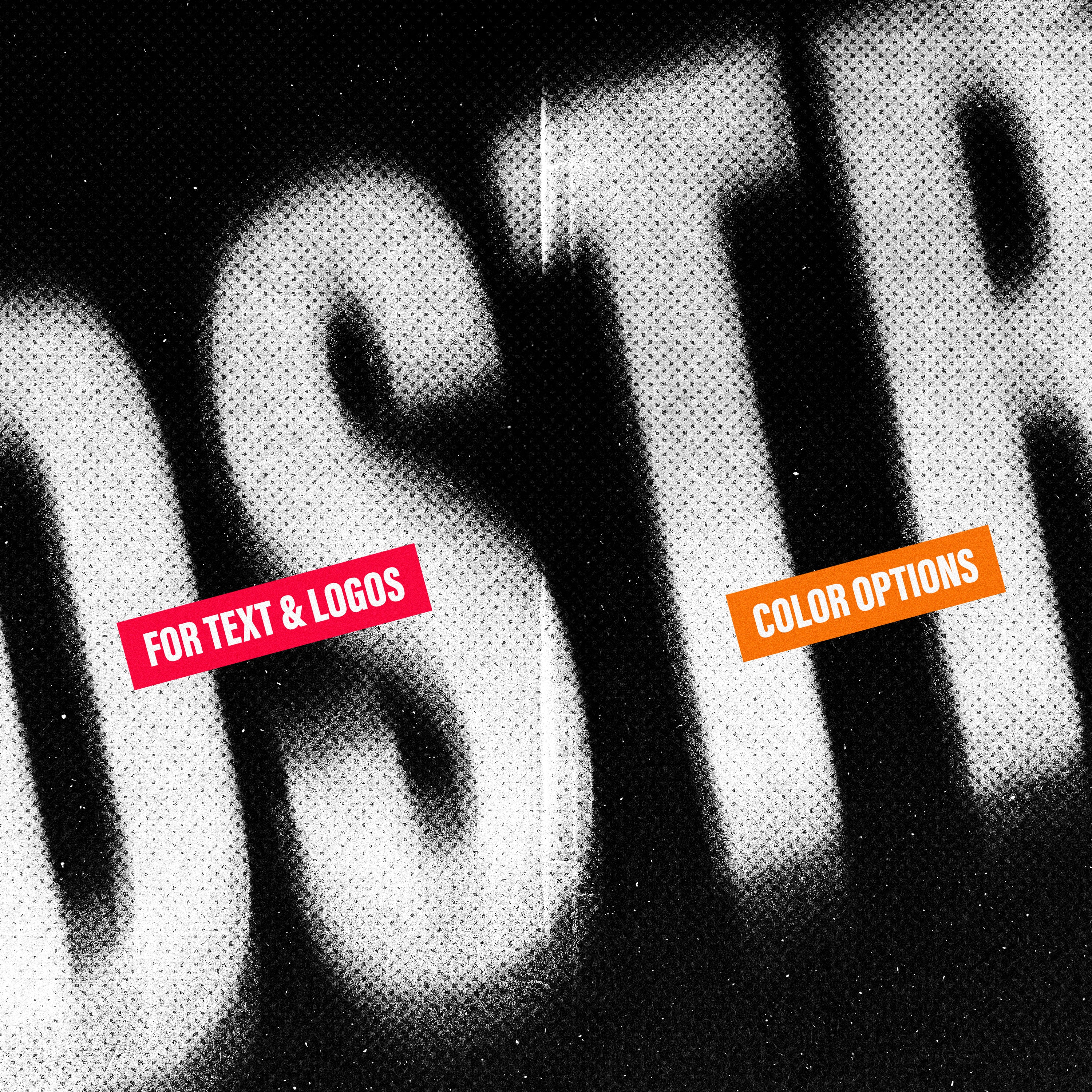
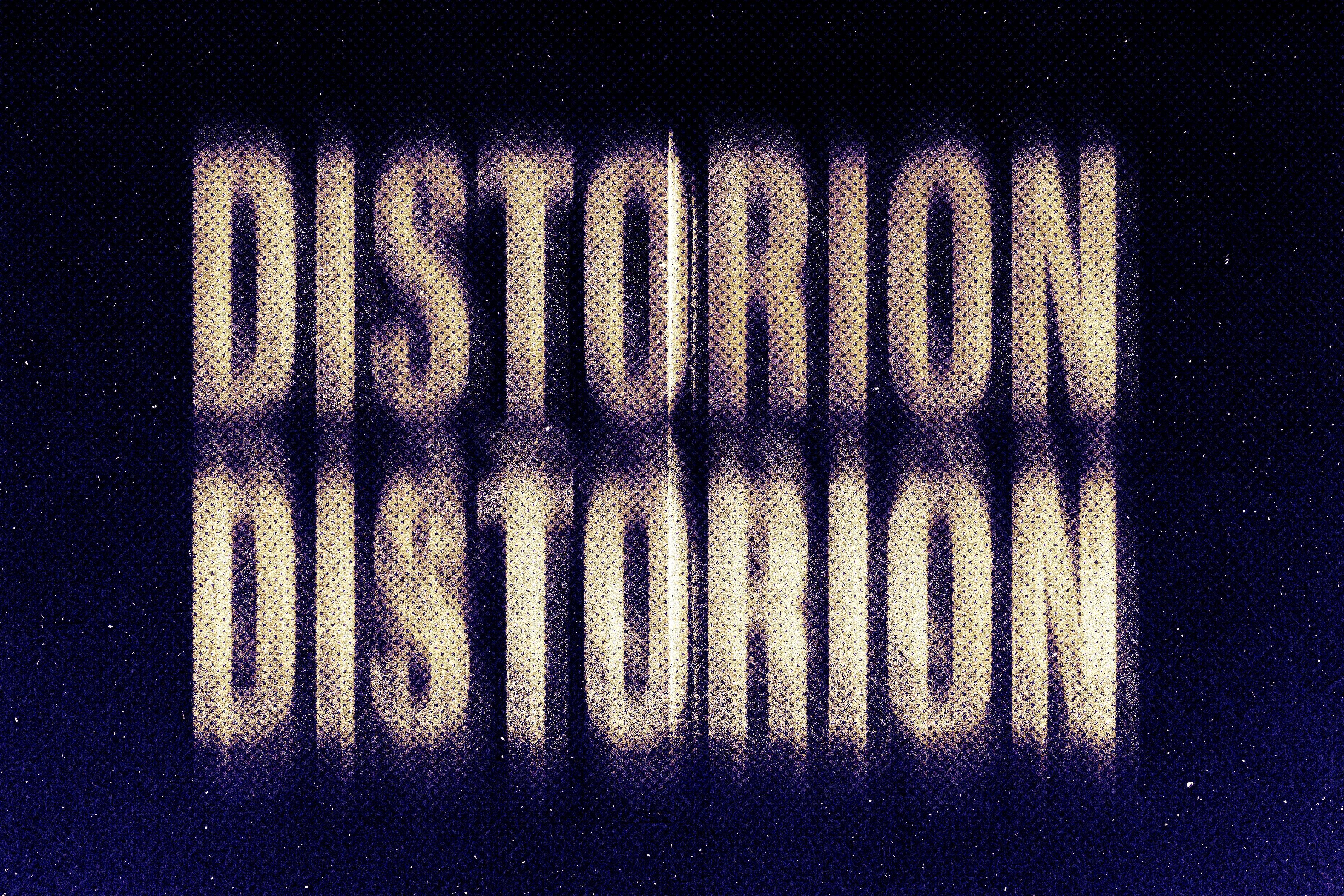
Let us show you around! First of all, you'll get 18 halftone patterns to convey retro ambiance with some obvious yet convincing means. Everything is realizable with them: from the 60s-themed newspapers to 70s posters and 80s children's books. Next, there are stroke and grain brushes to emulate volume and motion. Finally, you will have some fancy paper — just the right thing to start with illustrations, prints, labels, and collages.
What’s inside?
6 paper brushes (come as texture JPGs for Illustrator);
6 stroke brushes;
6 grain brushes;
18 halftone brushes;
help file.
Compatible with:
Adobe Photoshop;
Adobe Illustrator;
Procreate.
AI Overview
The Multi-App Printing Press Brush Studio includes 18 halftone patterns, 6 paper brushes, 6 stroke brushes, and 6 grain brushes, designed for use in Adobe Photoshop, Adobe Illustrator, and Procreate. This comprehensive brush set allows users to create retro-style illustrations, prints, labels, and collages with a variety of textures and effects.
What's Included
Compatibility


File Size: 1.6GB
Uploaded: February 05, 2026


Instant
Download

Premium
Quality

Lifetime
Support
 Frequently Asked Questions
We want you to be happy with your purchase! We do offer refunds for digital products if you experience a technical issue that our support team cannot resolve. Just reach out to us within 30 days of your purchase, and we'll be here to help.
After your purchase is complete, you'll receive a confirmation email with a link to download your files. You can also log into your account and access your downloads from the 'My Downloads' section.
Our products come with different licensing options that allow for many types of use cases. Our licenses page includes detailed information about the available licenses, so you can choose the one that fits your project. Click here to view licence details.