grain-shading-procreate-kit-digi-life-1.png
grain-shading-procreate-kit-digi-life-2.png
grain-shading-procreate-kit-digi-life-3.png
grain-shading-procreate-kit-digi-life-4.png
grain-shading-procreate-kit-digi-life-5.png
grain-shading-procreate-kit-digi-life-6.png
grain-shading-procreate-kit-digi-life-7.png
grain-shading-procreate-kit-digi-life-8.png
grain-shading-procreate-kit-digi-life-9.png
grain-shading-procreate-kit-digi-life-10.png
grain-shading-procreate-kit-digi-life-11.png
grain-shading-procreate-kit-digi-life-12.png
Sale price$22

Grain & Shading Procreate Kit

Digi Life

Digi Life

$22

Description

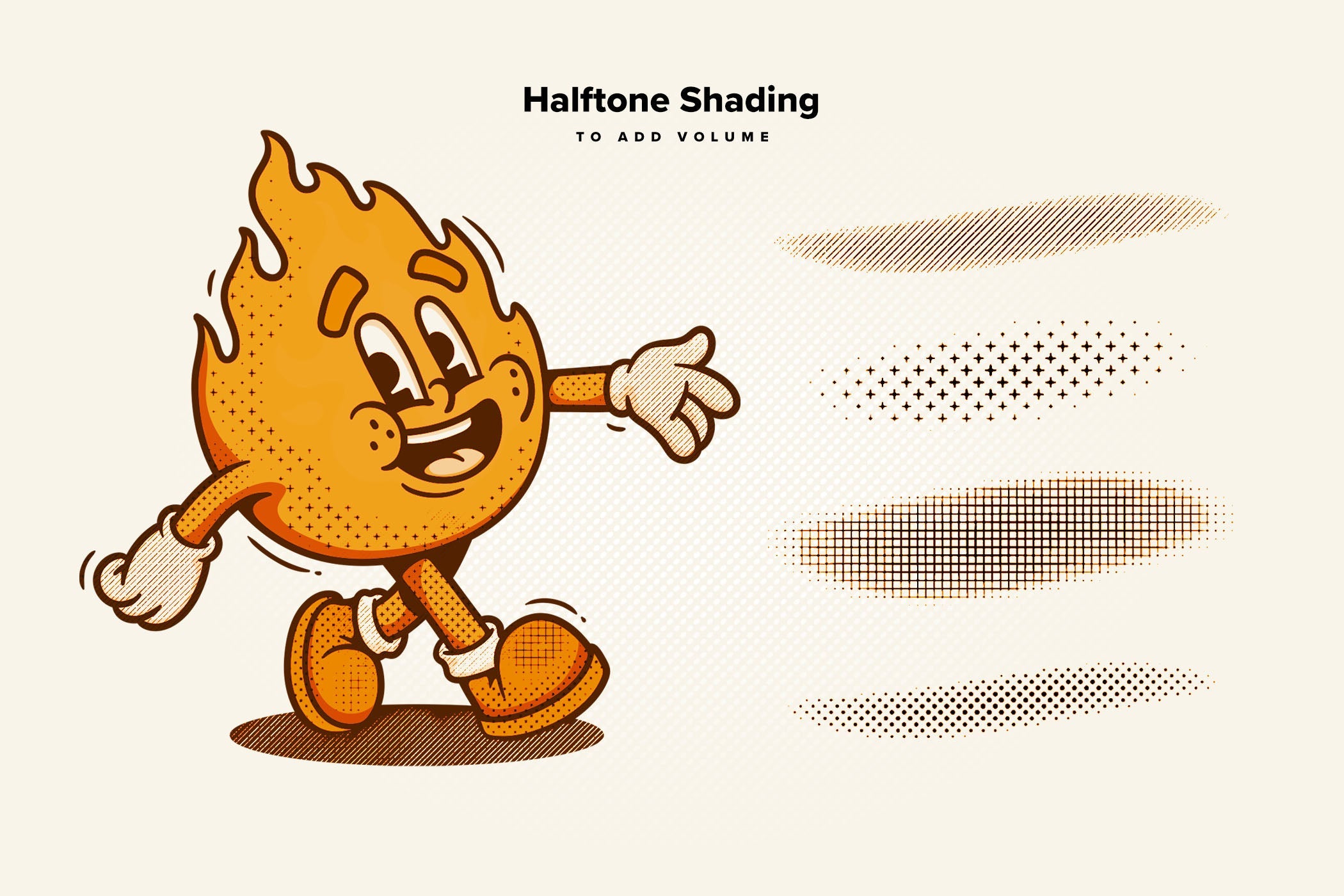
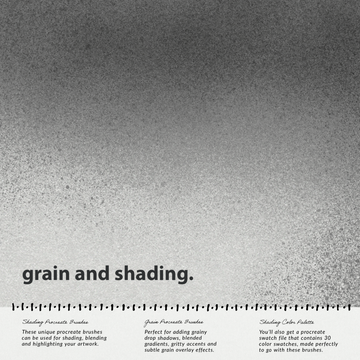
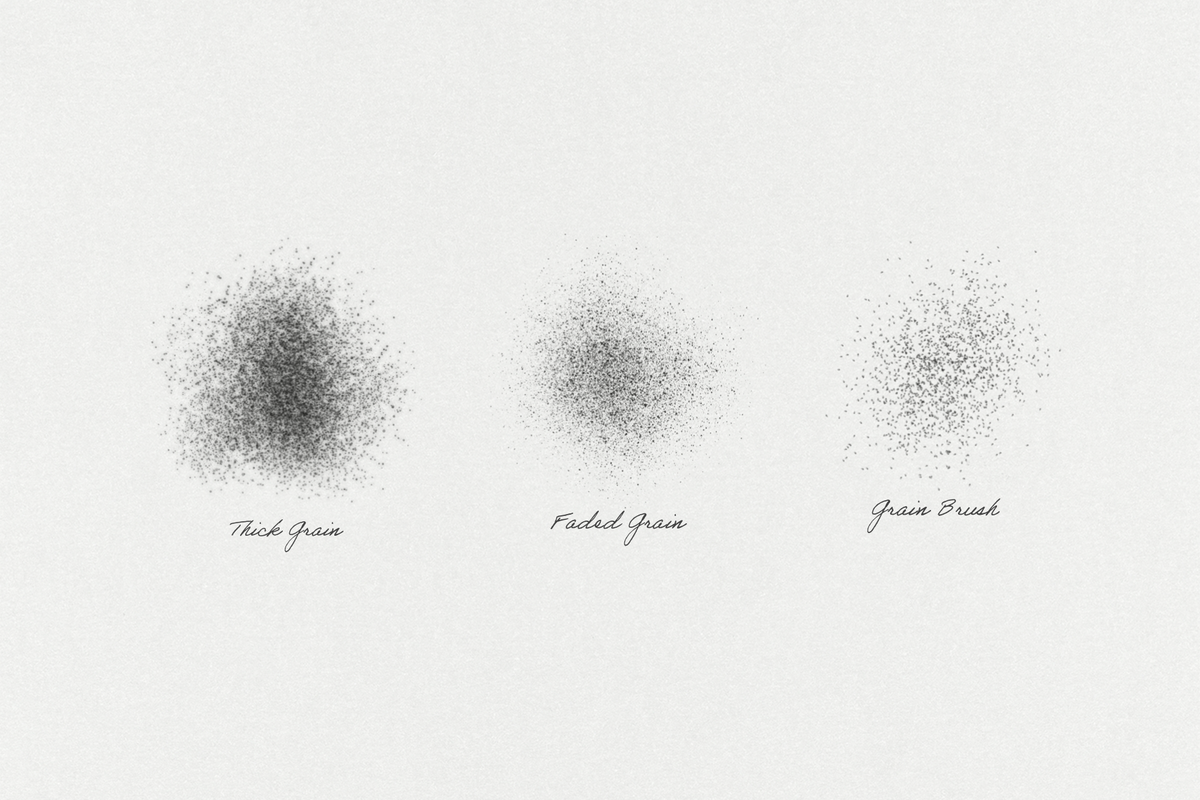
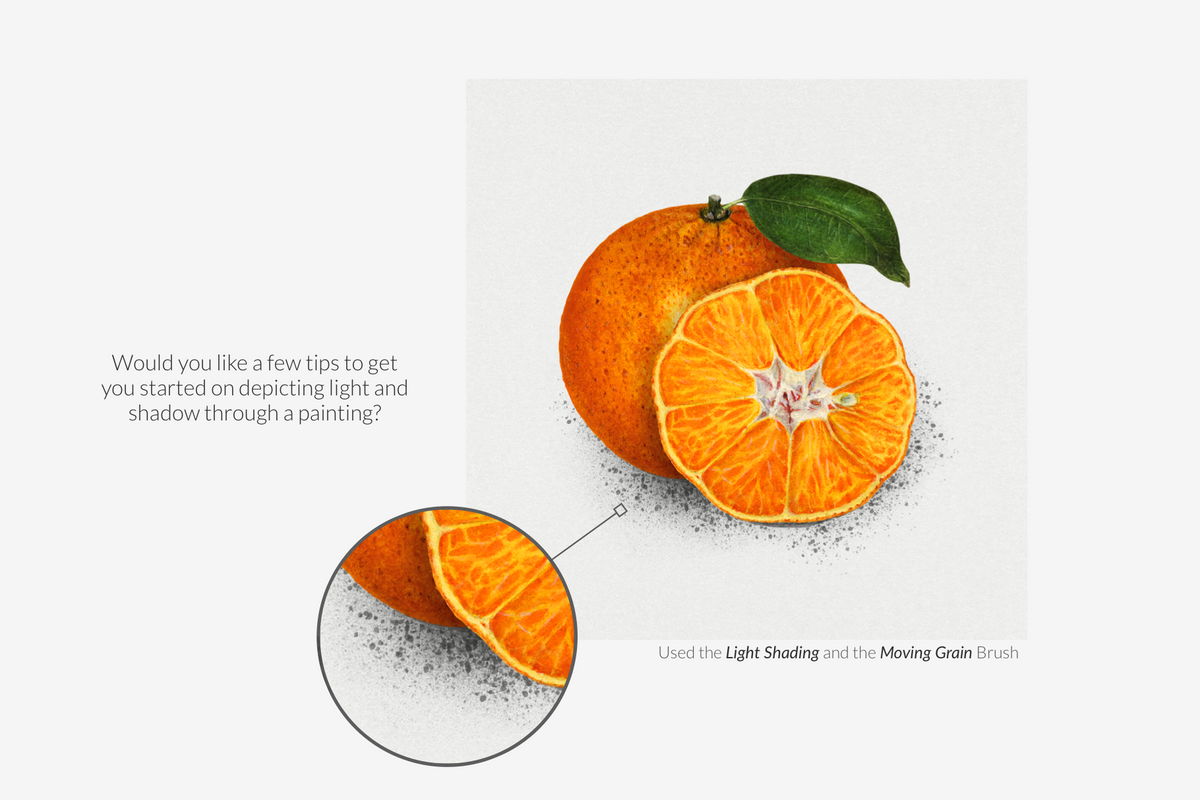
Grain and Shading Procreate Brushes are specially designed for Illustrators and Graphic Designers.


INCLUDES:

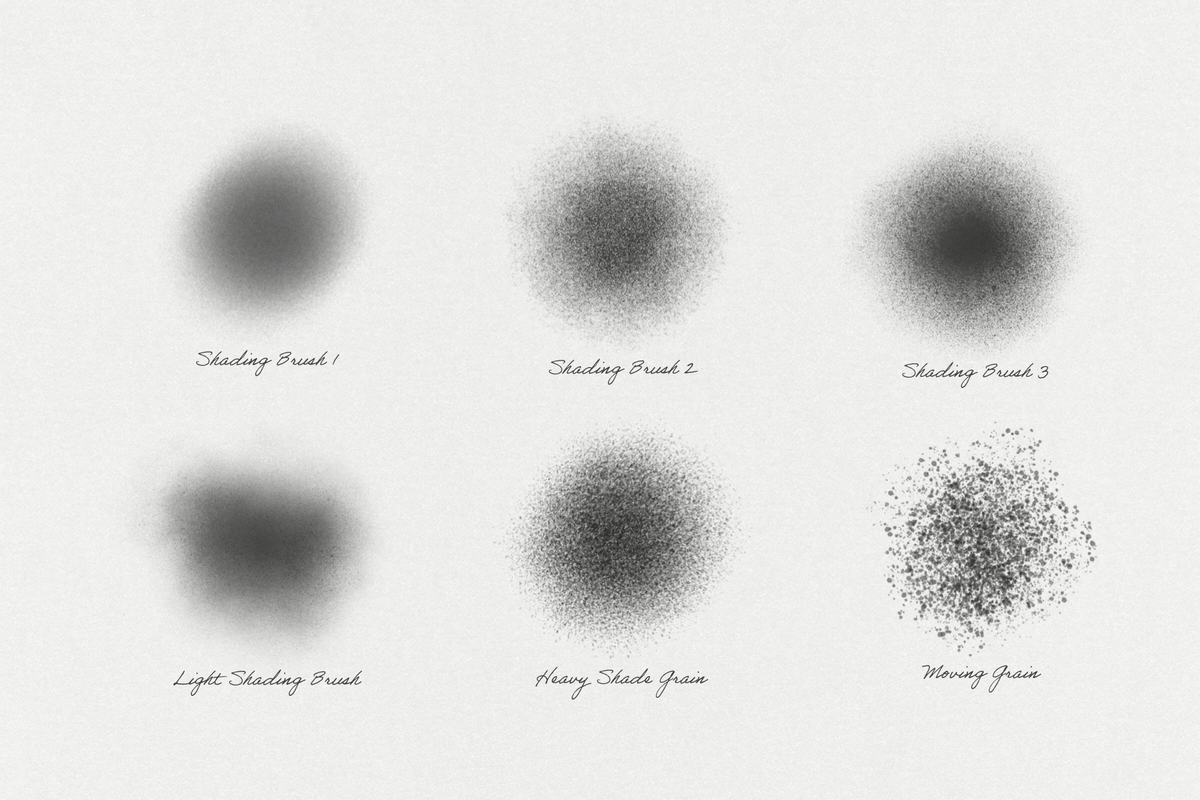
  • 9 Grain and Shading Procreate Brushes (.brush & .brushset file)

  • 30 Shades of Shadow Color Swatches


Watch the Grain and Shading Procreate Brushes in action on the Digi Life Testing Videos.

https://youtu.be/U8LYzBLSlGQ

https://youtu.be/NVZH8MPYzTo

https://youtu.be/wRuQPZeINX8

https://youtu.be/I12EMhX0yPQ


Requirements:

  • Apple Ipad

  • Apple Pencil

  • Procreate App for iPad


To use these brushes you will need the IPad app Procreate (Latest version recommended) and the Apple Pencil (Ipad Stylus).

IMPORTANT: These brushes are compatible only with Procreate for iPad. They won't work in Photoshop or other painting programs.

© 2021 Digi Life

AI Overview

? Note: AI Overview is currently in BETA. This information may be inaccurate. Check the full product description above for more information.

The Grain & Shading Procreate Kit includes 9 specialized brushes for grain and shading, along with 30 shades of shadow color swatches, designed for use with the Procreate app on iPad. Compatible with Apple Pencil, these brushes are specifically tailored for illustrators and graphic designers.

What's Included

    Compatibility

    • Procreate

    File Size: 35.3MB

    Uploaded: March 05, 2026

    Tags

    ★ ★ ★ ★ ★
    Trusted by over 150,000+ creatives, and rated 4.7★ from 850+ verified reviews. Explore why we're a top choice with designers worldwide! → See full reviews
    Instant Download Icon

    Instant
    Download

    Premium Quality Icon

    Premium
    Quality

    Lifetime Support Icon

    Lifetime
    Support

    FAQs Icon Frequently Asked Questions

    What is your refund policy? ▾

    Our products come with guarantees under the Australian Consumer Law. If a file is faulty or isn't as described, you're entitled to a fix, a replacement or a refund. We don't refund a change of mind. Bought a bigger size than you need, or Extended when Standard would do? Within 14 days, we'll swap it and refund the difference. Read our refund policy.

    How do I access my downloads? ▾

    After your purchase is complete, you'll receive a confirmation email with a link to download your files. You can also log into your account and access your downloads from the 'My Downloads' section.

    Which license do I need? ▾

    Every product comes with the Studio 2am License. Choose Standard or Extended, and the size of your business. Which license do I need?

    → Visit our support hub

    Must-Have Graphic Resources for Designers, Illustrators and Artists.

    Free
    the-inktober-challenge-2026-procreate-kit-free-download-digi-life-1.jpg the-inktober-challenge-2026-procreate-kit-free-download-digi-life-2.jpg
    Free
    the-samurai-procreate-kit-free-download-digi-life-1.jpg the-samurai-procreate-kit-free-download-digi-life-2.jpg
    Free
    the-halloween-2026-procreate-kit-free-download-digi-life-1.jpg the-halloween-2026-procreate-kit-free-download-digi-life-2.jpg
    Free New
    The Manga Studio Procreate Kit (Free Download) by Digi Life, preview 1 The Manga Studio Procreate Kit (Free Download) by Digi Life, preview 2
    Modulate

    Make louder visuals.

    A real-time effects editor.
    Layer, animate, and export in your browser.

    Open the editor