


Distort Machine Photoshop Effects Collection

Pixelbuddha
Description
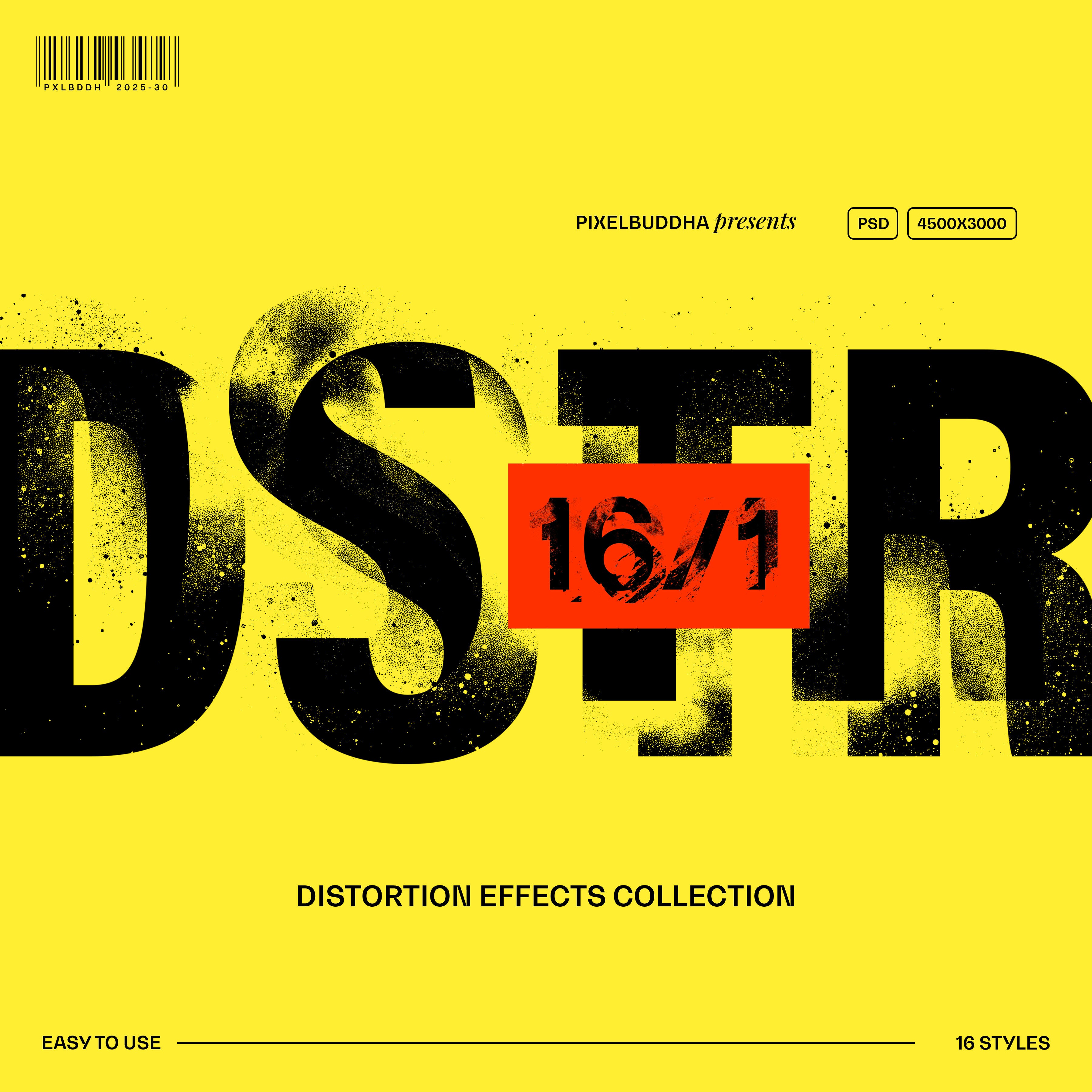
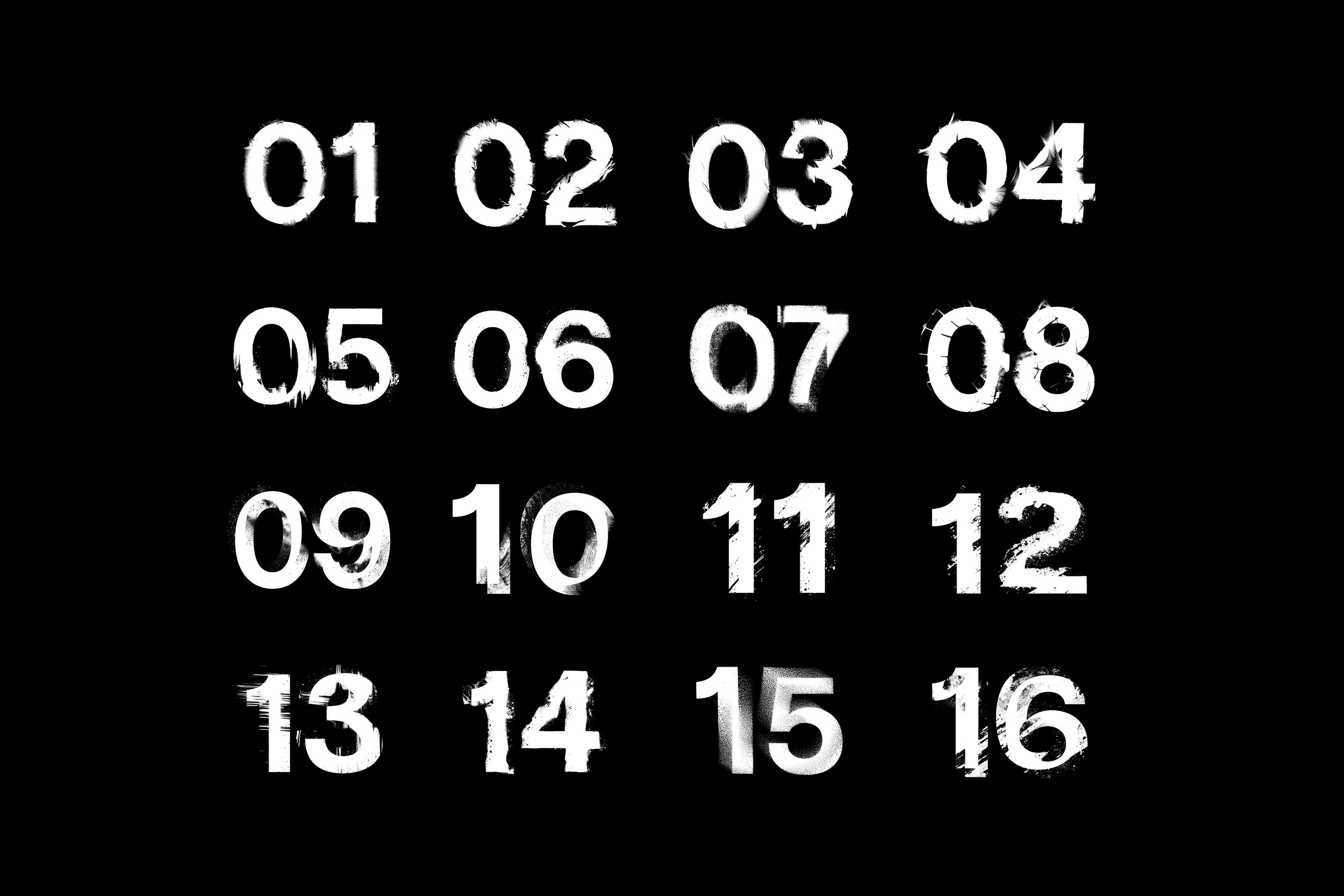
Distort Machine is a collection of 16 displacement map styles built for designers who crave controlled destruction. Its distortion is built on the edge of total chaos — one step, and it's a visual meltdown. The effects are layered with gritty textures and fully customizable color options. Each PSD file comes packed with Smart Objects for effortless editing, letting you twist, warp, and disrupt your text or imagery in seconds.
Best uses:
- Posters & Album Covers – Add a lo-fi, underground aesthetic with glitchy, smeared typography.
- Editorial & Branding – Create bold statements with fractured type that defies clean design norms.
- Social Media & Ads – Make stand-out visuals for printed advertising, outdoor & website banners, and business Instagram accounts.
- Experimental Artwork – Merge traditional design with digital destruction, design collages, music album covers that roar grunge and matching apparel.
What’s inside?
- high-quality PSD file;
- 4500x3000px, 300 dpi;
- 16 distortion styles using displacement maps
- gritty overlay texture;
- fully customisable colors;
- help file.
AI Overview
The Distort Machine Photoshop Effects Collection includes 16 displacement map styles designed for creating controlled distortion effects. Each high-quality PSD file features customizable color options, gritty textures, and Smart Objects for easy editing, with a resolution of 4500x3000px at 300 dpi.
What's Included
Compatibility

File Size: 221.7MB
DPI: 300
Dimensions: 4500x3000px
Uploaded: February 11, 2025


Instant
Download

Premium
Quality

Lifetime
Support
 Frequently Asked Questions
We want you to be happy with your purchase! We do offer refunds for digital products if you experience a technical issue that our support team cannot resolve. Just reach out to us within 30 days of your purchase, and we'll be here to help.
After your purchase is complete, you'll receive a confirmation email with a link to download your files. You can also log into your account and access your downloads from the 'My Downloads' section.
Our products come with different licensing options that allow for many types of use cases. Our licenses page includes detailed information about the available licenses, so you can choose the one that fits your project. Click here to view licence details.