



Distort Machine Photoshop Effect

Pixelbuddha
Description
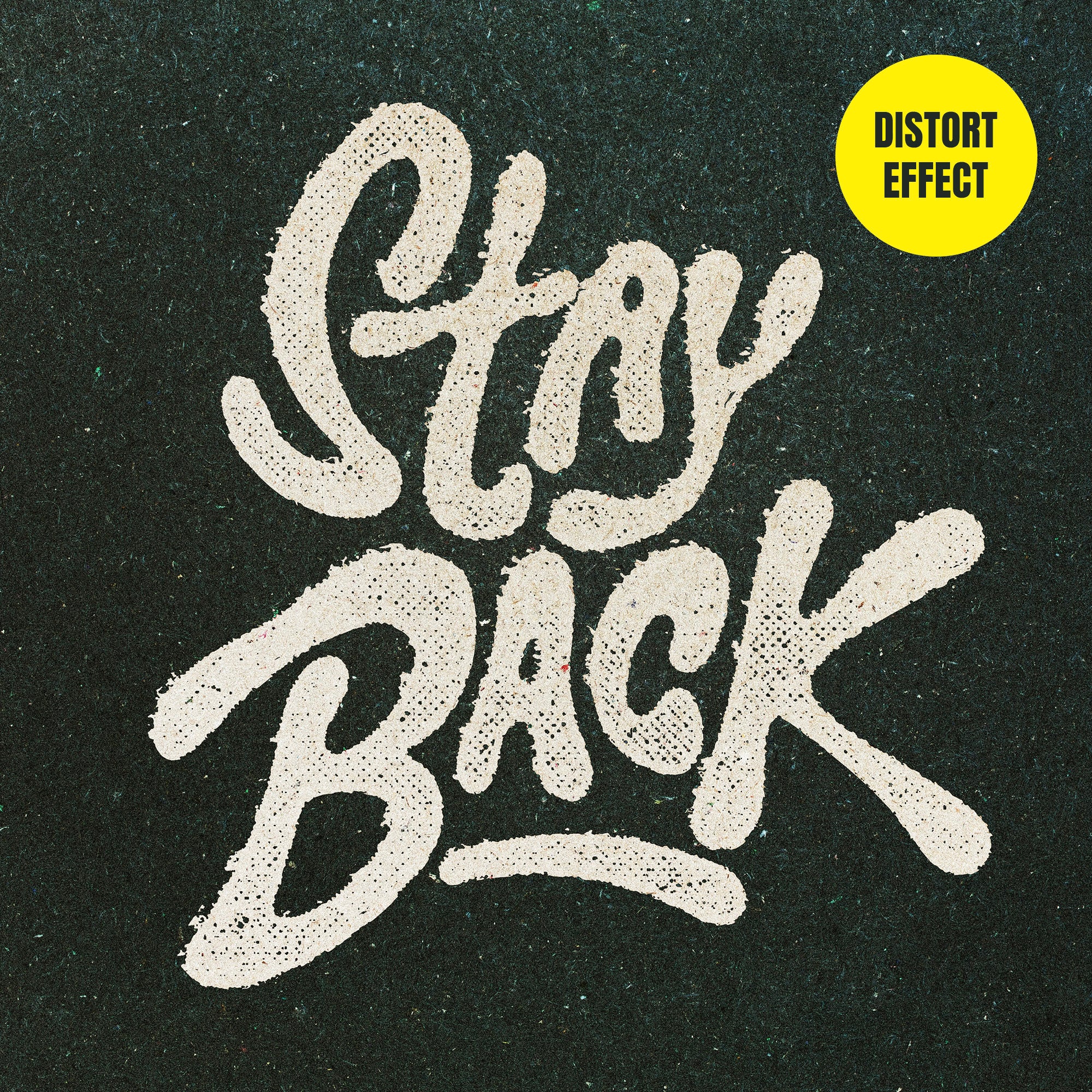
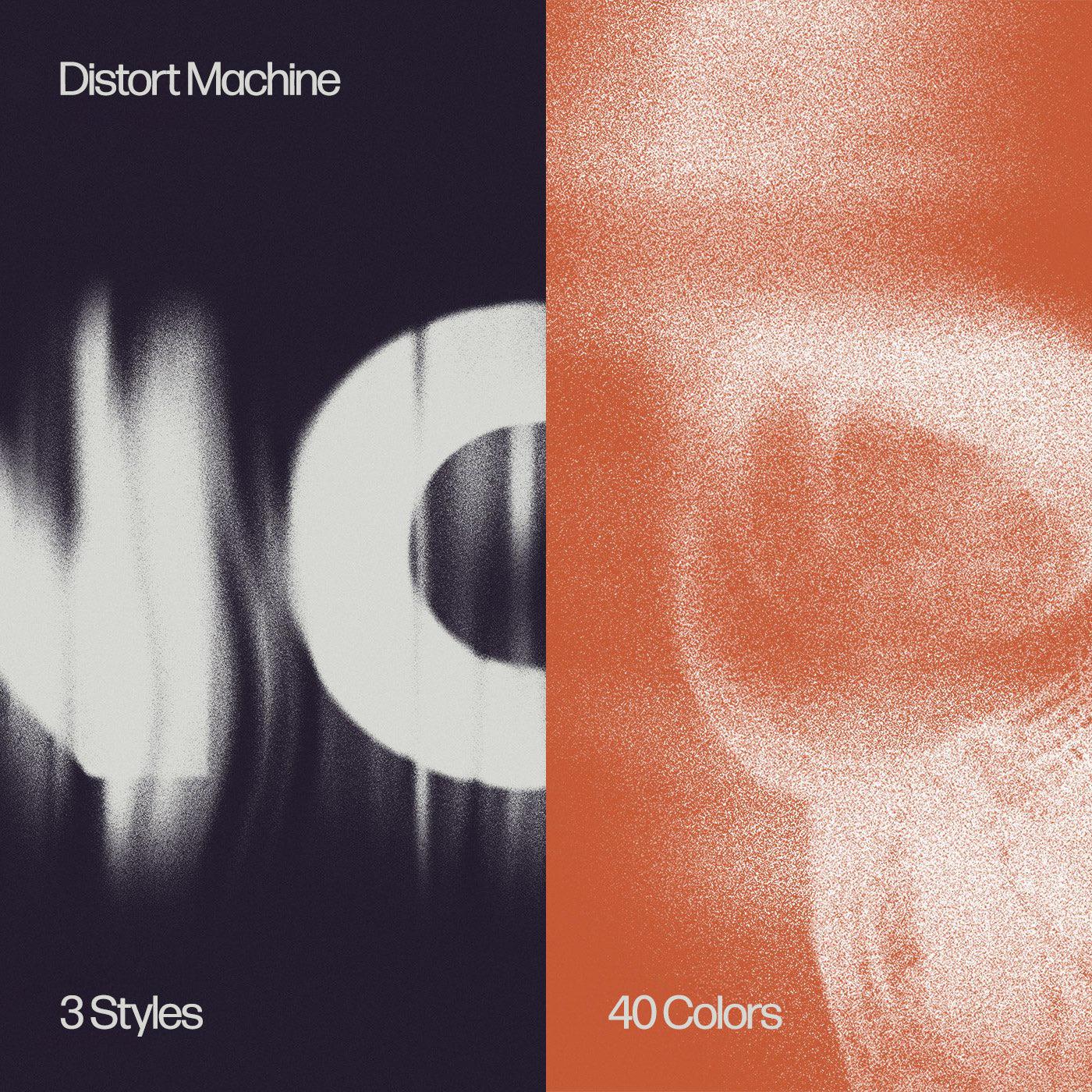
Do you know why altering graphics into twisted versions of themselves demands even more expertise and a sense of beauty than fixing a bad design or composition? There are neither "before" and "after" assets nor examples to stick to when doing it. Only the genuine inspiration-driven pulse, taste in design, and visual experience to lead through the process. But how about a valid workaround? We've generated three styles of "sandy" distressed effects, working a way to produce faultless text and image deformities.
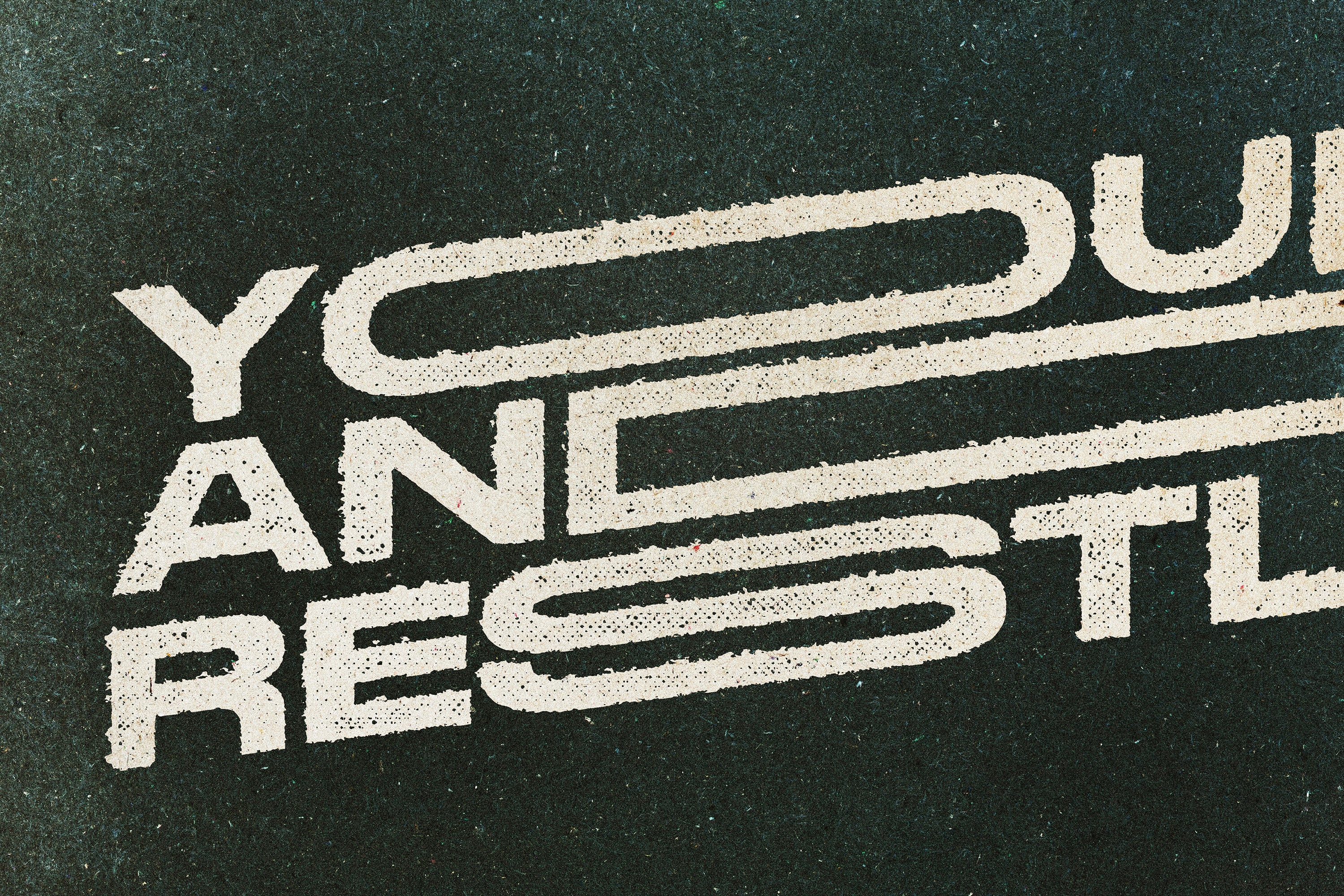
No optical illusions, only the actual graphics distortion operations, lying as the basis of each effect. Watch the given preview shots and visualize how chosen lettering, logos or icons would look like. There'll be tons of time to decide on the effect to implement!
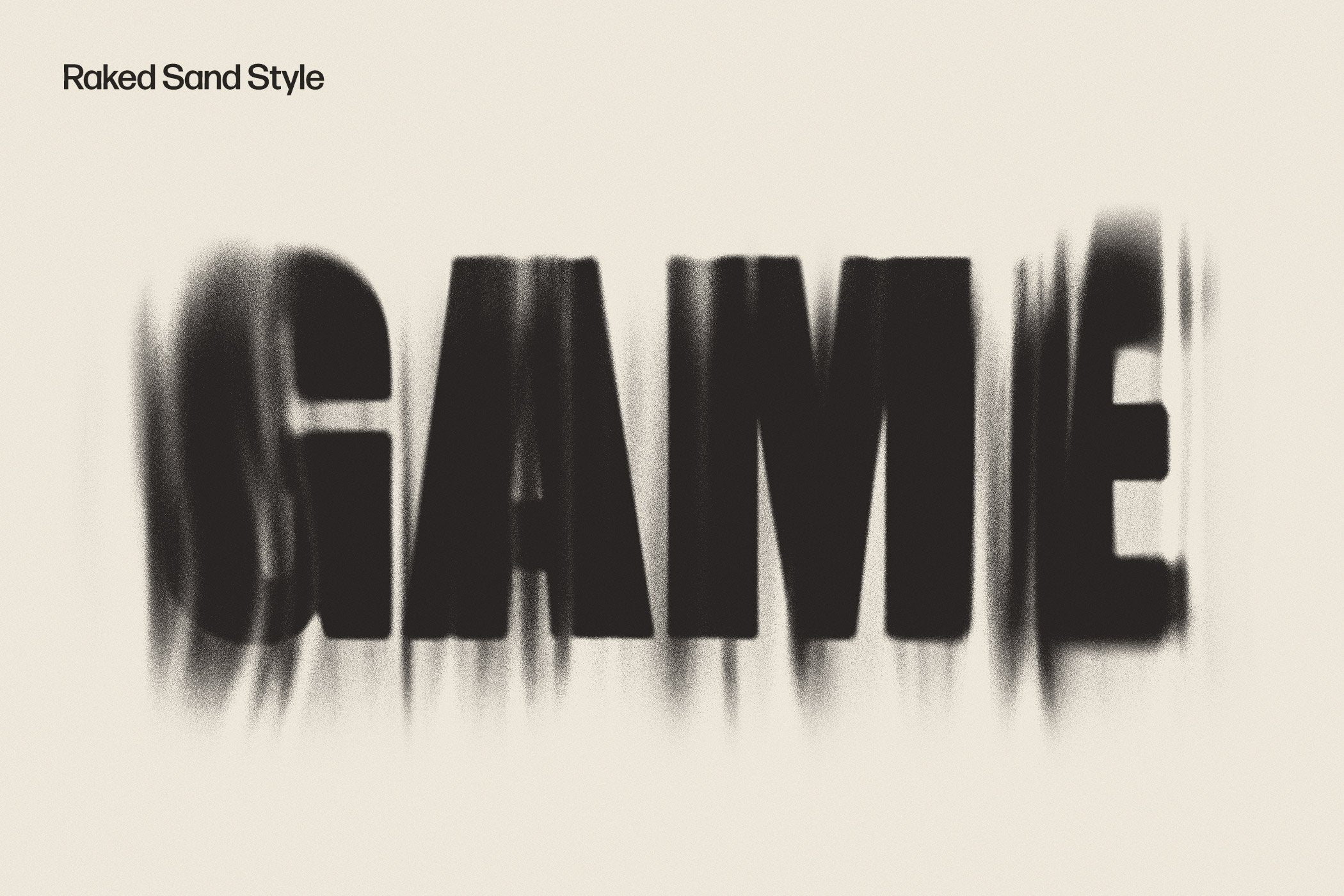
1. Raked Sand Style
Named for its resemblance with a Japanese landscape garden, the raked sand style brings the same serenity and peacefulness to your process, although it's a distortion. Grainy areas range from very dark and distinct to barely visible ones. Was it a fresh light breeze who swept them away?
2. Faint Print Style
You won't find any handy tips on fixing low ink or toner levels in your printer here but an appreciation of it. Although these flaws are exactly why typographic masters have improved the process by inventing up-to-date printing techniques and devices, the vintage halftone hasn't gone anywhere. Send images and texts into the time travel journey!
3. Sandpaper Style
Grind the assets with a sandpaper style effect to polish their appearance and perfect them! It might seem the graphics is disappearing in front of your eyes, making you appreciate the fleeting moments of beauty. Catch and cherish it so the value of artwork skyrockets!
Authentic classic distortion grunge is usually in black, white and gray colors but if you opt for something hip, find 40 color filters added in the package to kindle the expression. Highlighting the complex details by placing them on a craft paper texture background with a buzzing feel (at least one of 10 paper textures would surely fit a given artwork). Just in case the degree of roughness is not enough, a noise overlay also comes as a worthy addition. Altogether, there's a myriad of tools to try and take care of an impeccable outcome to present any product, idea, design or concept in its limelight!
What's inside?
- high-quality PSD file;
- 3 distortion style effects;
- 10 craft paper textures;
- 40 color filters included;
- noise overlay option;
- 4500x3000 px, 300 dpi;
- help file.
AI Overview
The Distort Machine Photoshop Effect is a tool that offers three styles of 'sandy' distressed effects for text and image deformities. It includes a high-quality PSD file, three distortion style effects, ten craft paper textures, forty color filters, a noise overlay option, and a help file. The product is compatible with Photoshop and is designed for creating authentic classic distortion grunge in black, white, and gray colors.
What's Included
Compatibility

File Size: 768.9MB
Uploaded: June 03, 2024


Instant
Download

Premium
Quality

Lifetime
Support
 Frequently Asked Questions
We want you to be happy with your purchase! We do offer refunds for digital products if you experience a technical issue that our support team cannot resolve. Just reach out to us within 30 days of your purchase, and we'll be here to help.
After your purchase is complete, you'll receive a confirmation email with a link to download your files. You can also log into your account and access your downloads from the 'My Downloads' section.
Our products come with different licensing options that allow for many types of use cases. Our licenses page includes detailed information about the available licenses, so you can choose the one that fits your project. Click here to view licence details.