

Custom Shape Patch Mockup

mockstar
Description
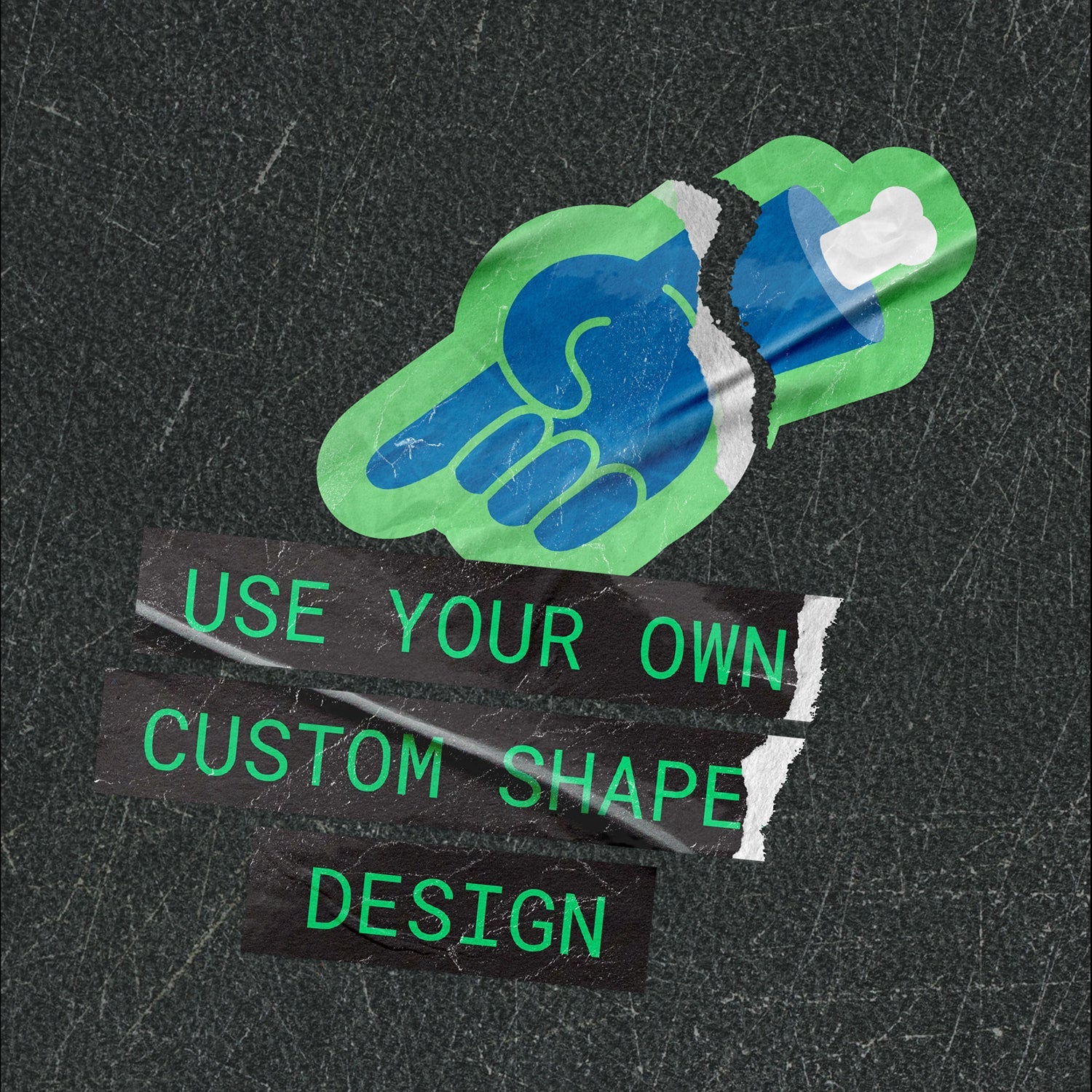
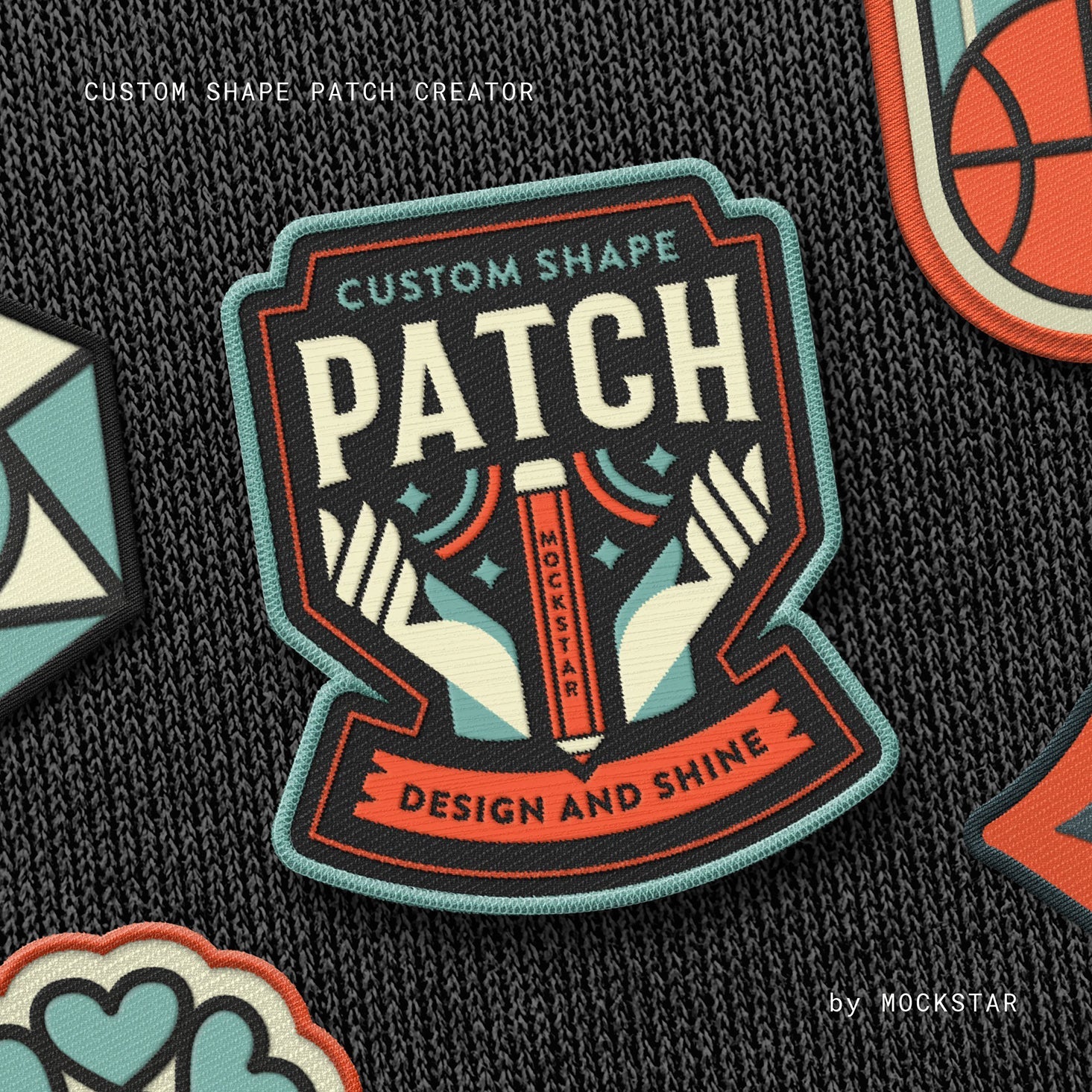
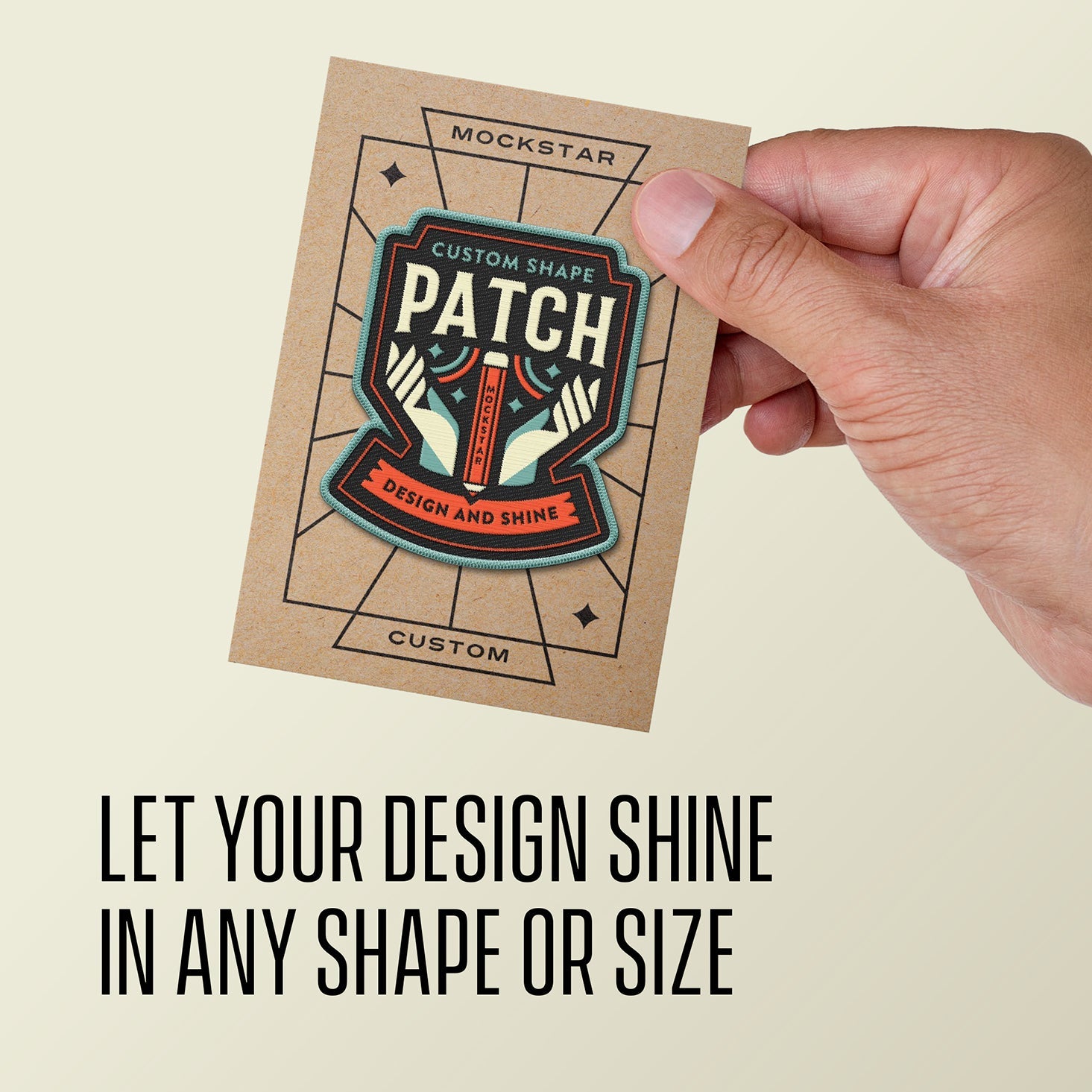
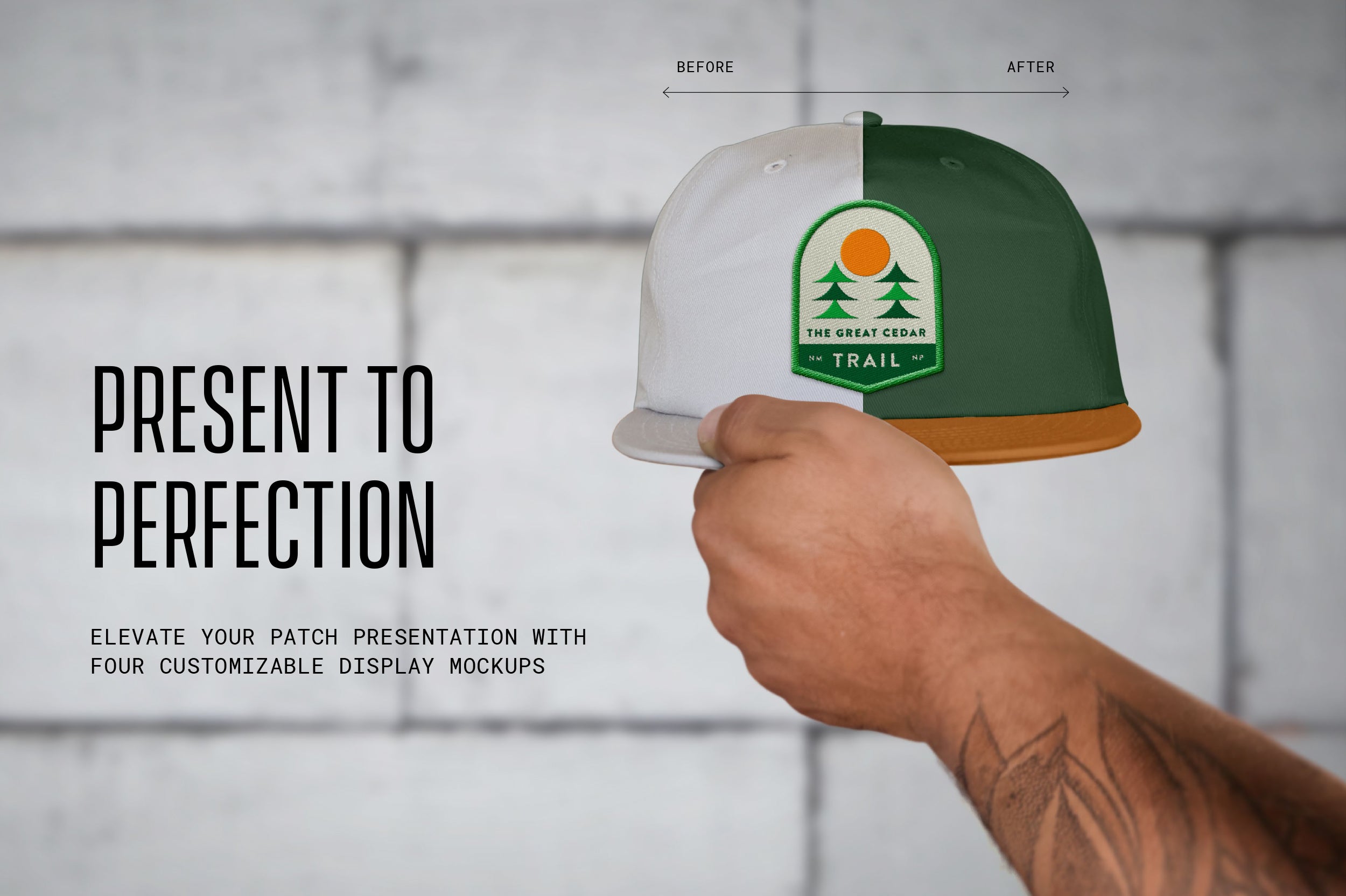
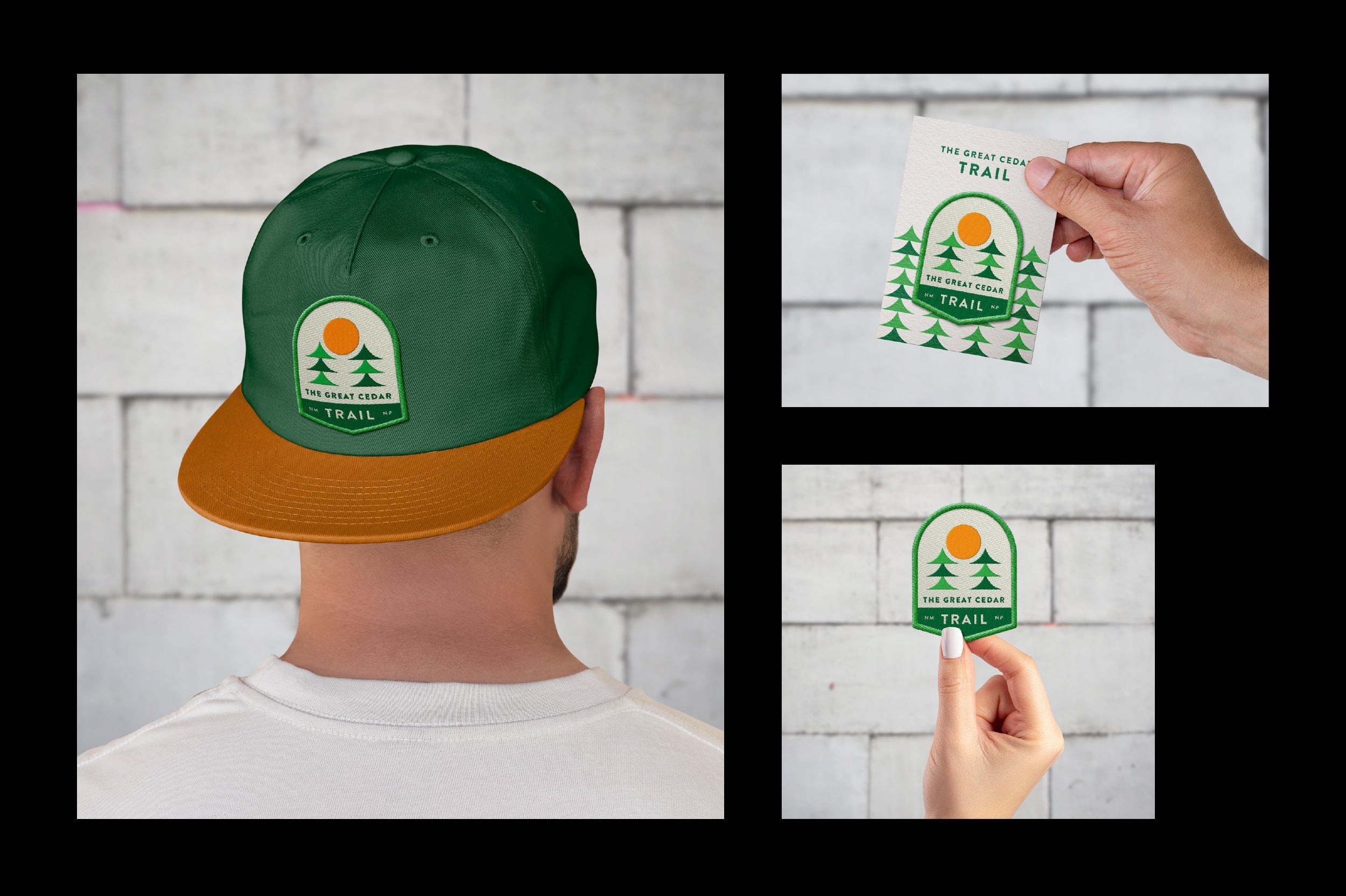
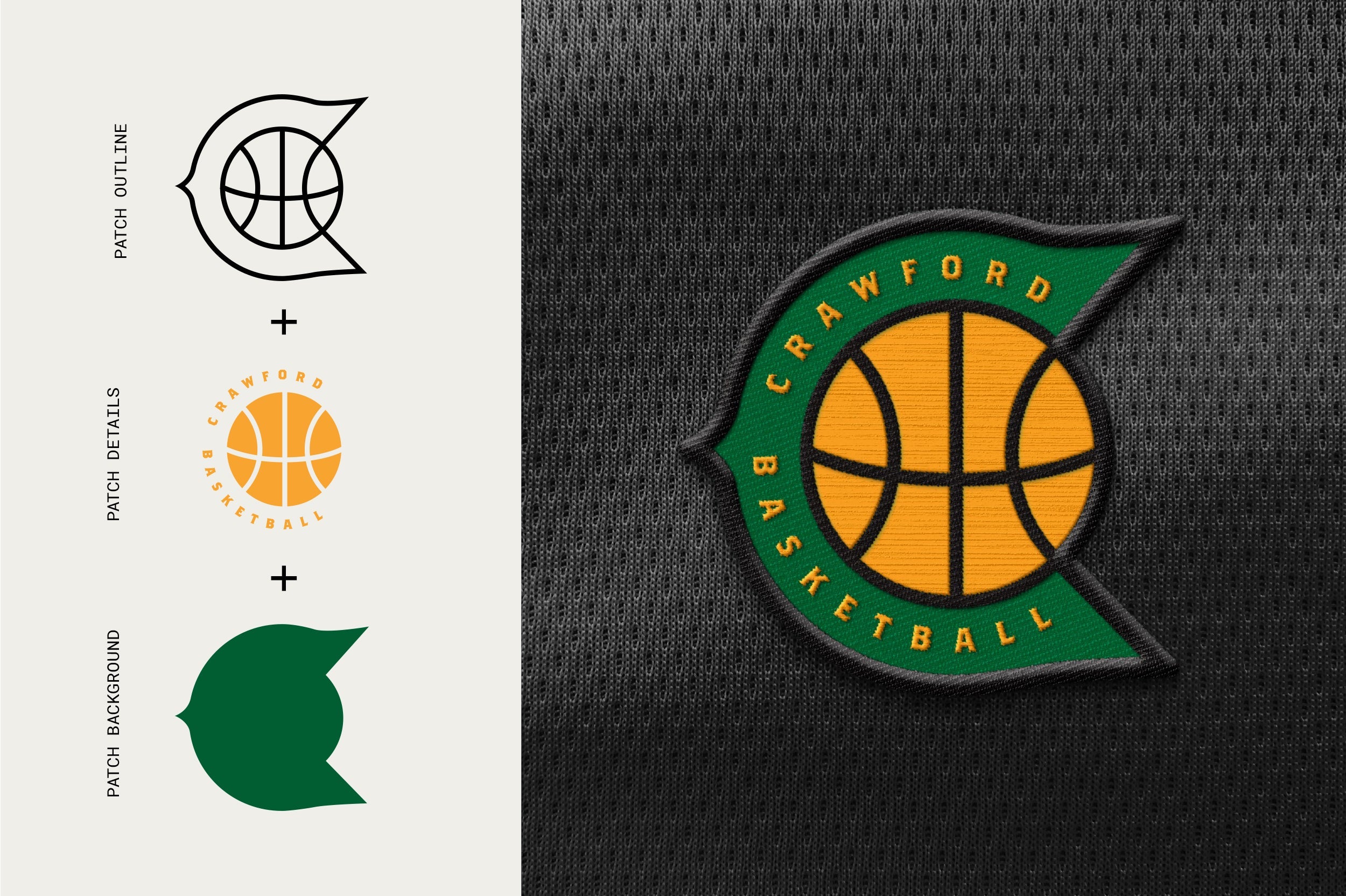
Don't be limited by the usual standard patch shapes and sizes, with this Adobe Photoshop mockup you can easily create your own realistic custom shaped patch. With generated pre-set settings and stitch effect options, just choose the style that works best with your artwork, hit save and present your design like a true pro!
What's included in this mockup?
- One 4000x3500 pixel / 300 dpi customizable template for Adobe Photoshop
- 3 Stitch Options
- PDF Help Guide
- Video Demonstration Guide
- Simple to use.*
- Just add your design elements in to the smart object layers and hit save!
- Easily become a master by watching the demonstration video for a quick overview of the features, or see the detailed PDF guide which covers each step of the process in to making your patch design look amazing.
- Customize with ease.*
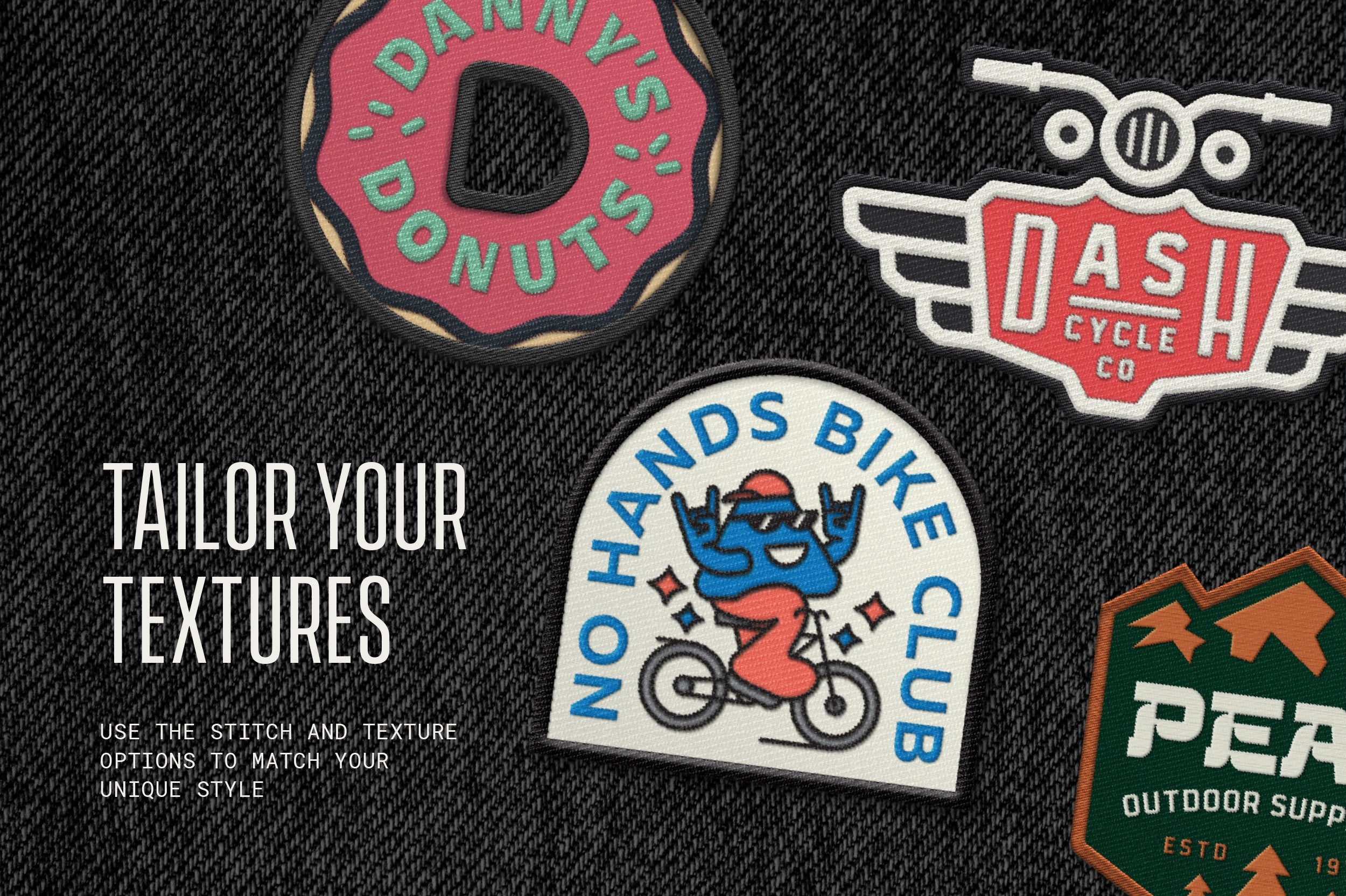
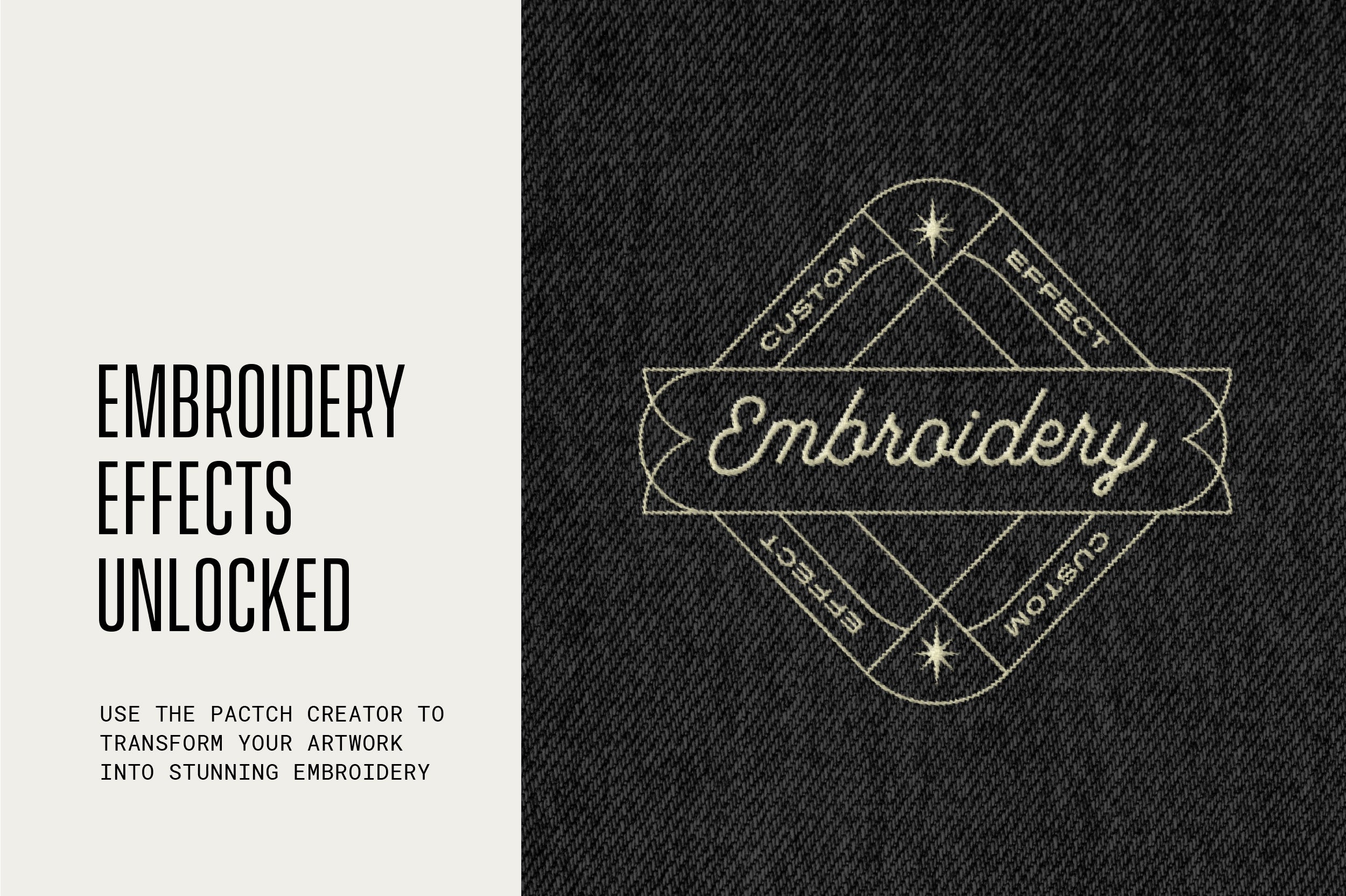
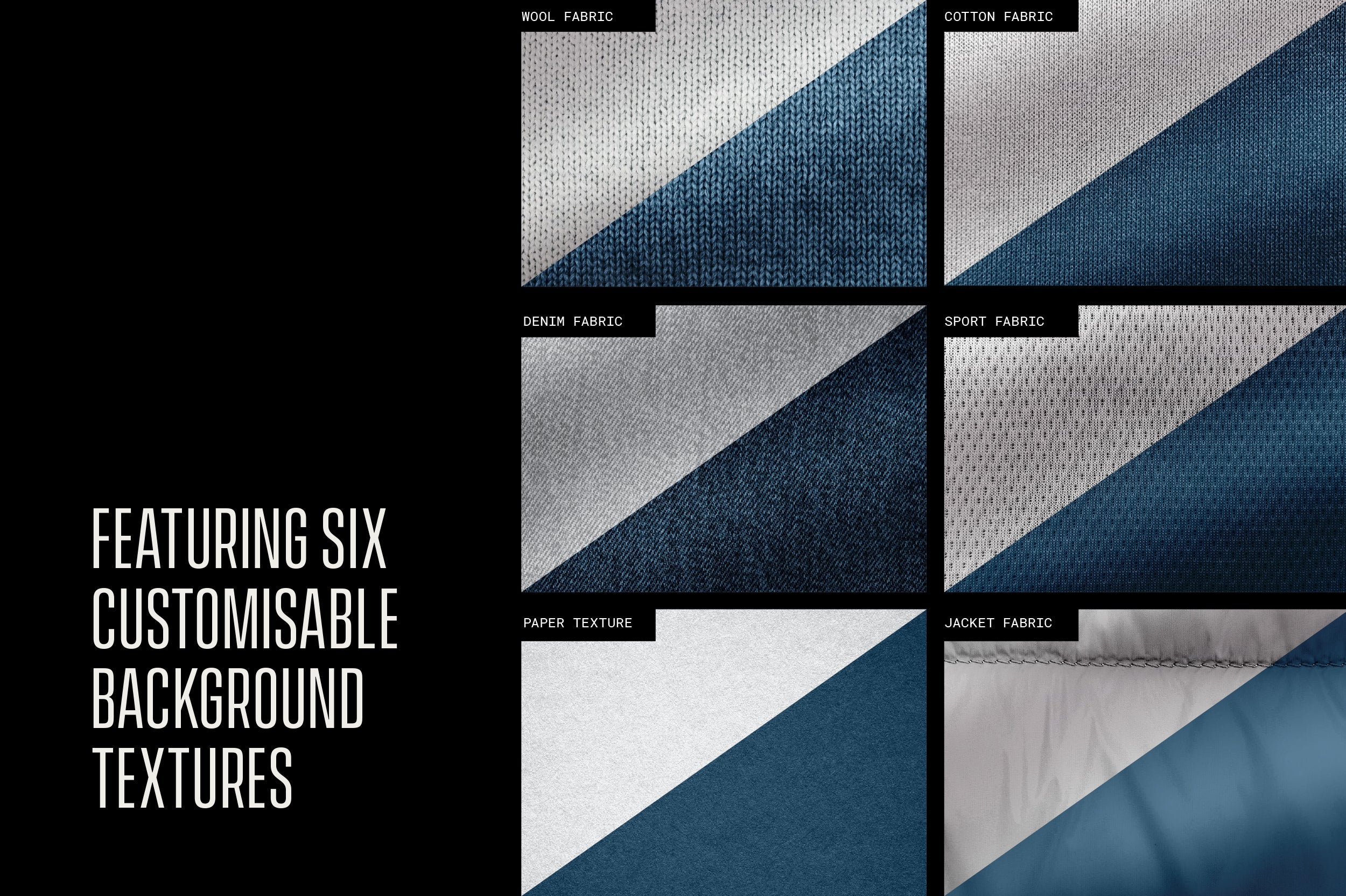
- This mockup features three outer border options, three patch texture options and three embroidery stitch effects for that last little detail.
- Fully layered with editable effects in-case you want to go even deeper in customising your patch!
This mockup is super-useful for a range of purposes, such as branding, logos, illustrations or text compositions. Add this mockup to your bag of tricks today!
AI Overview
The Custom Shape Patch Mockup is a customizable Adobe Photoshop template that allows users to create their own patch designs. It includes a 4000x3500 pixel / 300 dpi template, three stitch options, a PDF Help Guide, and a Video Demonstration Guide. The mockup provides various customization features such as three outer border options, patch texture options, and embroidery stitch effects. It is fully layered with editable effects for further customization.
What's Included
Compatibility

File Size: 772.1MB
Uploaded: December 08, 2023


Instant
Download

Premium
Quality

Lifetime
Support
 Frequently Asked Questions
Our products come with guarantees under the Australian Consumer Law. If a file is faulty or isn't as described, you're entitled to a fix, a replacement or a refund. We don't refund a change of mind. Bought a bigger size than you need, or Extended when Standard would do? Within 14 days, we'll swap it and refund the difference. Read our refund policy.
After your purchase is complete, you'll receive a confirmation email with a link to download your files. You can also log into your account and access your downloads from the 'My Downloads' section.
Every product comes with the Studio 2am License. Choose Standard or Extended, and the size of your business. Which license do I need?