

Copier Textures Photo Effect

Pixelbuddha
Description
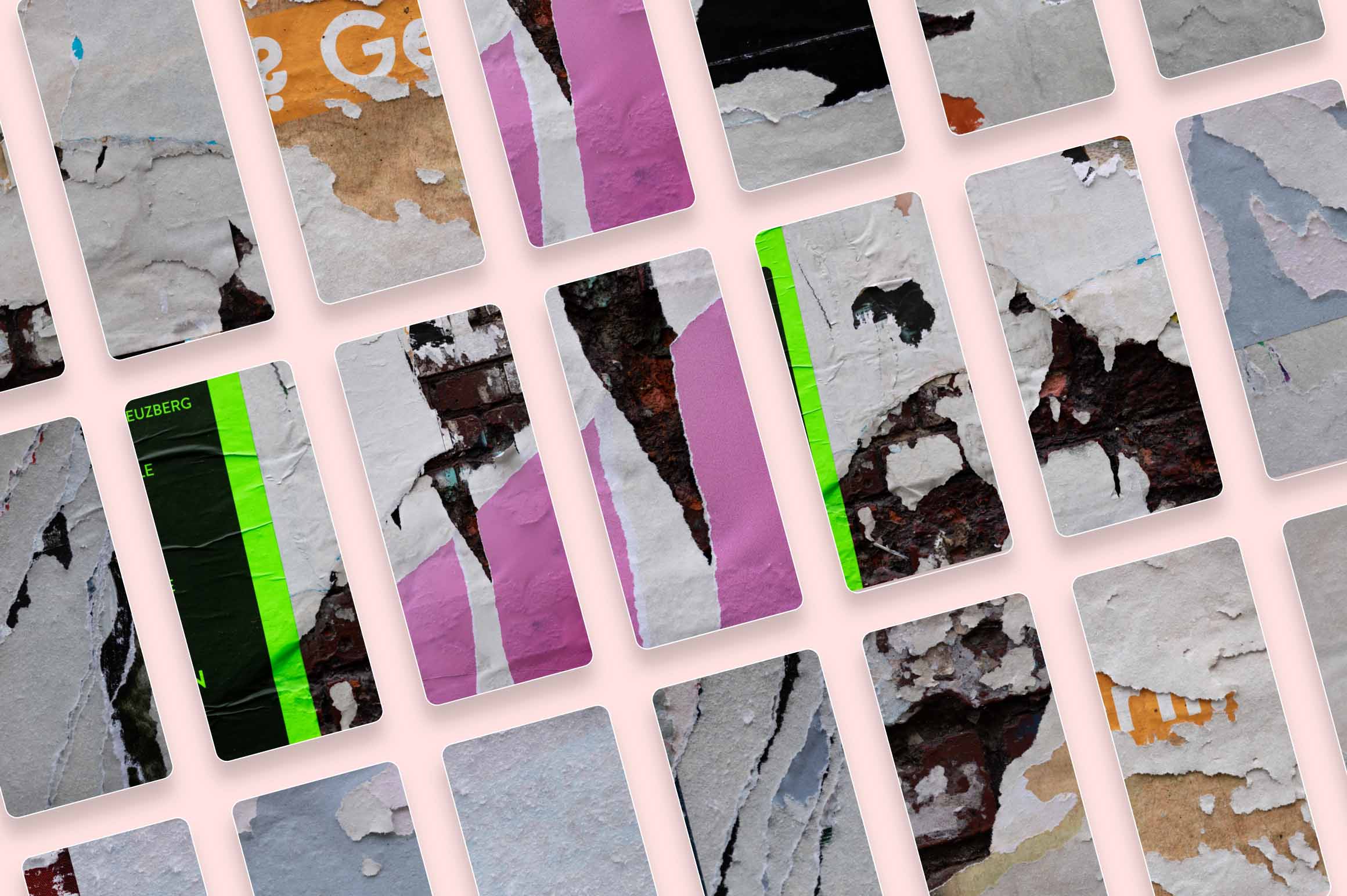
It’s high time to put old photocopier to good use: dried ink doesn’t make toner bad, but unveils some refreshing printing techniques. Having found a pile of our long-forgotten scanned and printed illustrations, used for the experimental purposes, we thought of turning all these treasures into a reference for the next photo effect. Some were withered and vague, others pretty inky and fresh-looking, but all of them had that distinguishing grunge aesthetics, indispensable for many visual projects!
The ready-made collection of files comprises 3 PSD formats: square, vertical and horizontal — no more puzzling over editing an artboard the way it both fits and image and doesn’t disguise the applied effect. Inside each PSD there are options for leaving a vague, medium or intense printing effect, all depends on the used imagery and the end-result you're aiming at. Having it all black and white would be too boring, right? That's what we thought of and added a color overlay feature to have it changed into any required shade.
What’s inside?
- 3 high-quality PSD files;
- square, horizontal, vertical files;
- 4500x3000 px, 300 dpi;
- 4000x4000 px, 300 dpi;
- 3000x4500 px, 300 dpi;
- color overlay option;
- 3 print tracing degrees;
- help file.
AI Overview
The Copier Textures Photo Effect is a Photoshop-compatible product that provides three high-quality PSD files in square, vertical, and horizontal formats. It offers options for varying printing effects and includes a color overlay feature. The files are available in different sizes and resolutions, and a help file is included for assistance.
What's Included
Compatibility

File Size: 232.9MB
DPI: 300
Uploaded: July 09, 2024


Instant
Download

Premium
Quality

Lifetime
Support
 Frequently Asked Questions
Our products come with guarantees under the Australian Consumer Law. If a file is faulty or isn't as described, you're entitled to a fix, a replacement or a refund. We don't refund a change of mind. Bought a bigger size than you need, or Extended when Standard would do? Within 14 days, we'll swap it and refund the difference. Read our refund policy.
After your purchase is complete, you'll receive a confirmation email with a link to download your files. You can also log into your account and access your downloads from the 'My Downloads' section.
Every product comes with the Studio 2am License. Choose Standard or Extended, and the size of your business. Which license do I need?