

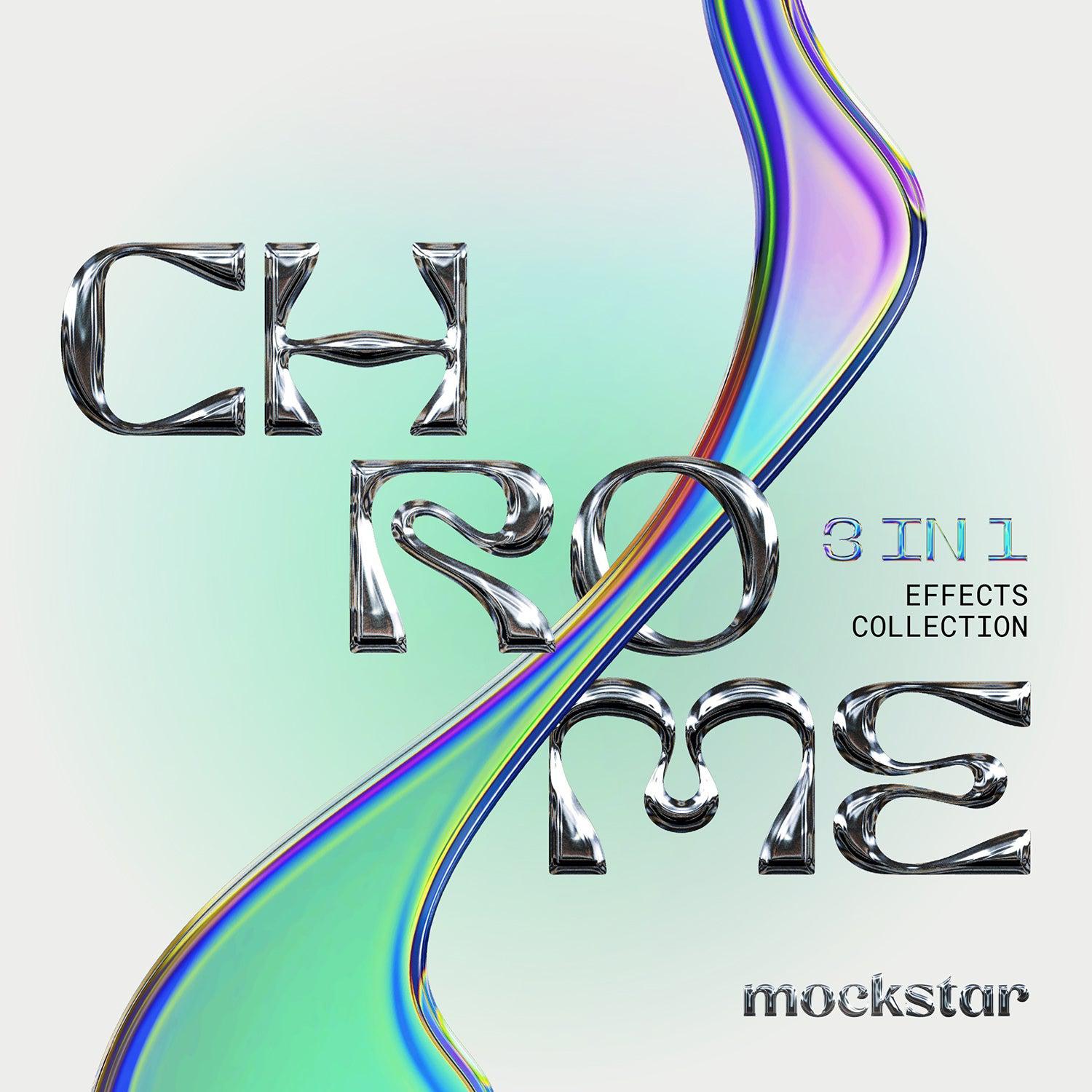
Chrome 3 in 1 Effects Collection

mockstar
Description
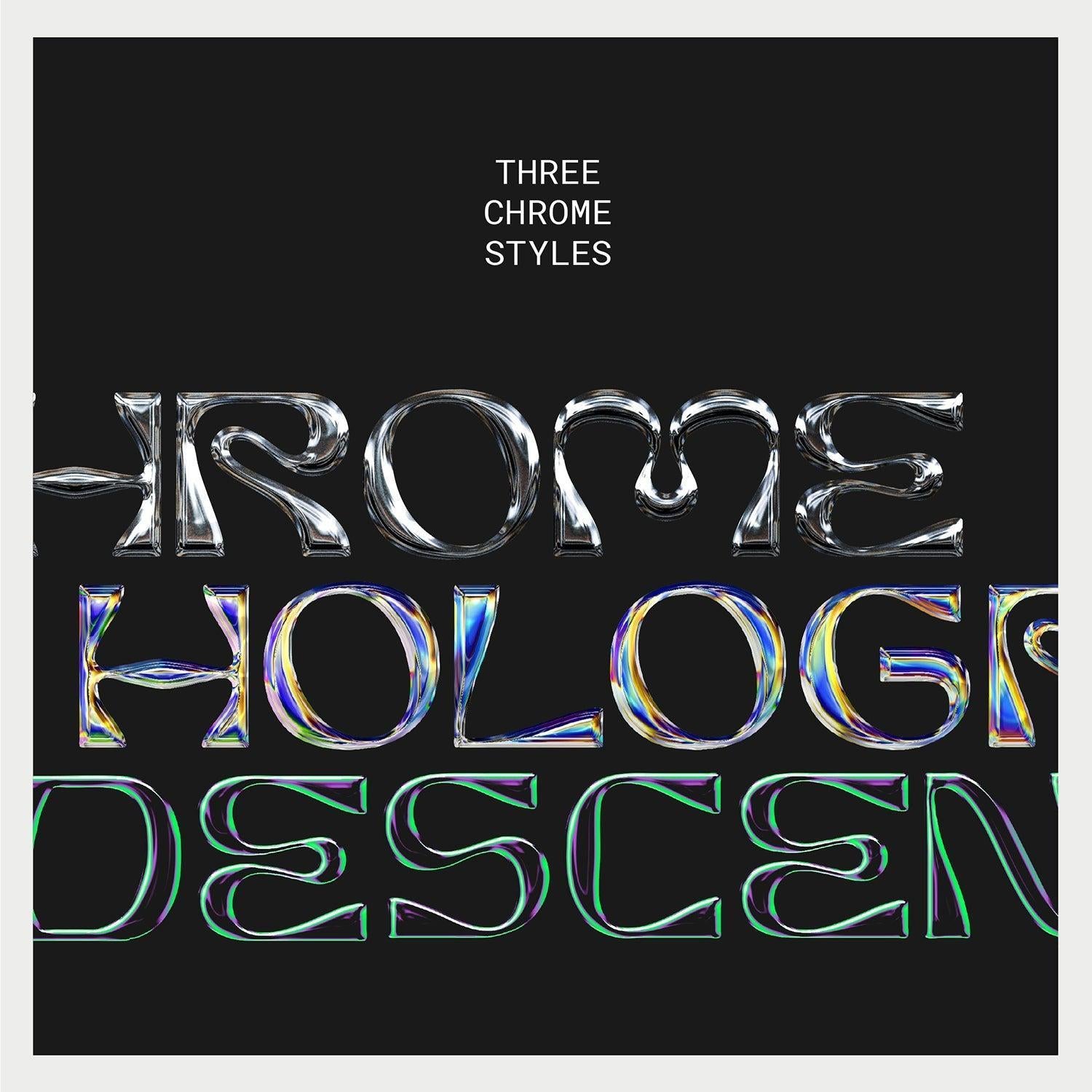
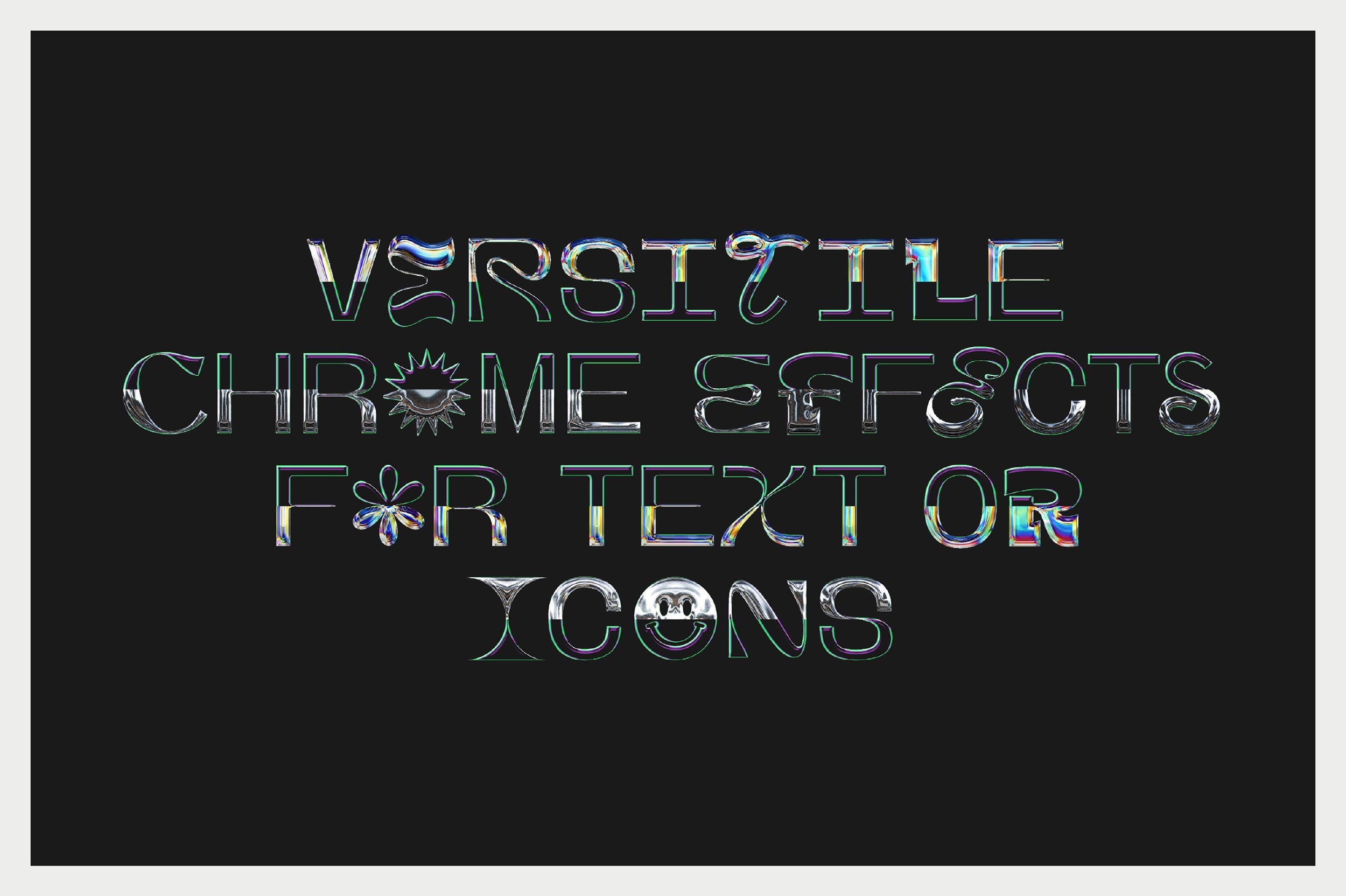
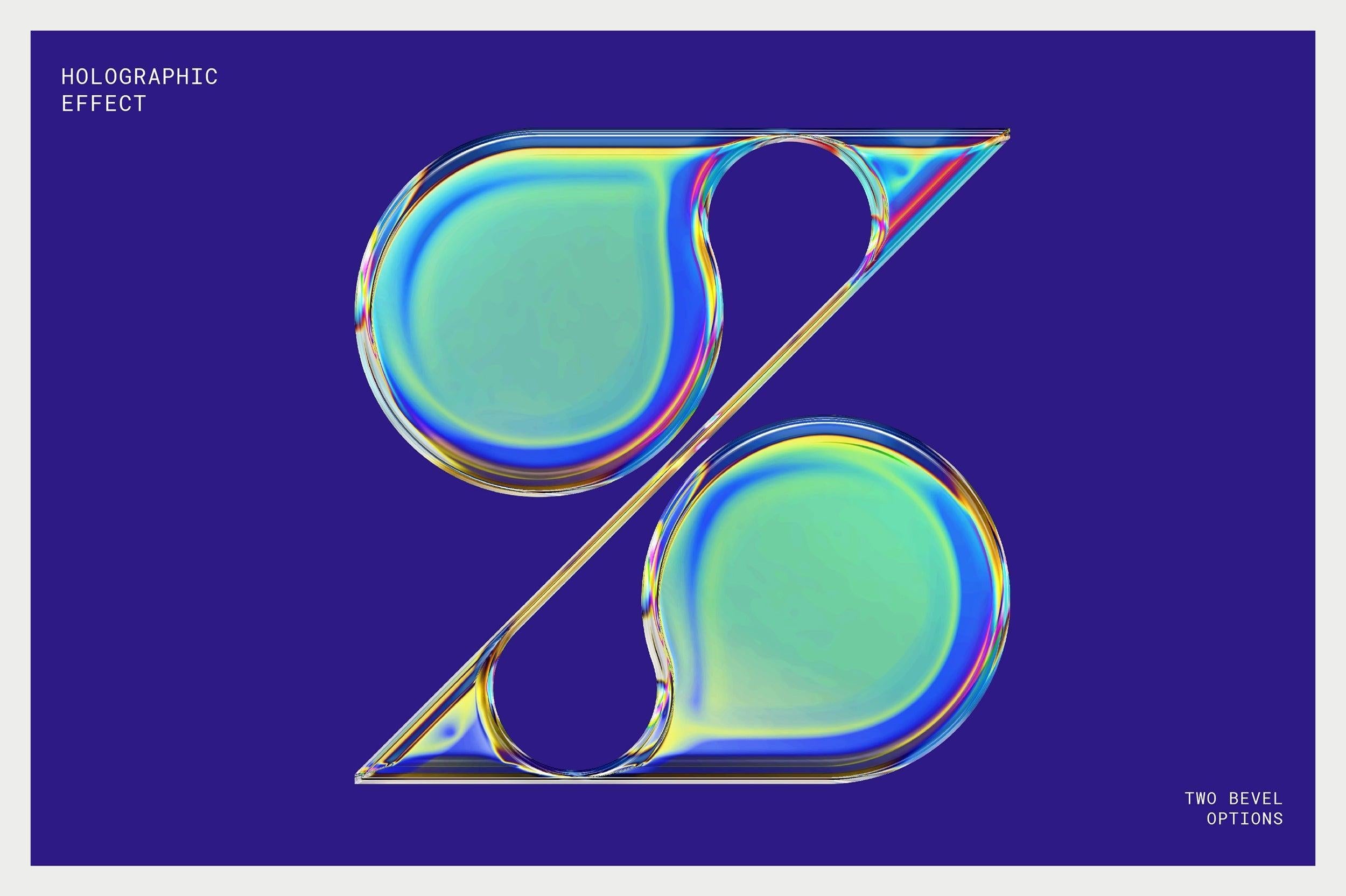
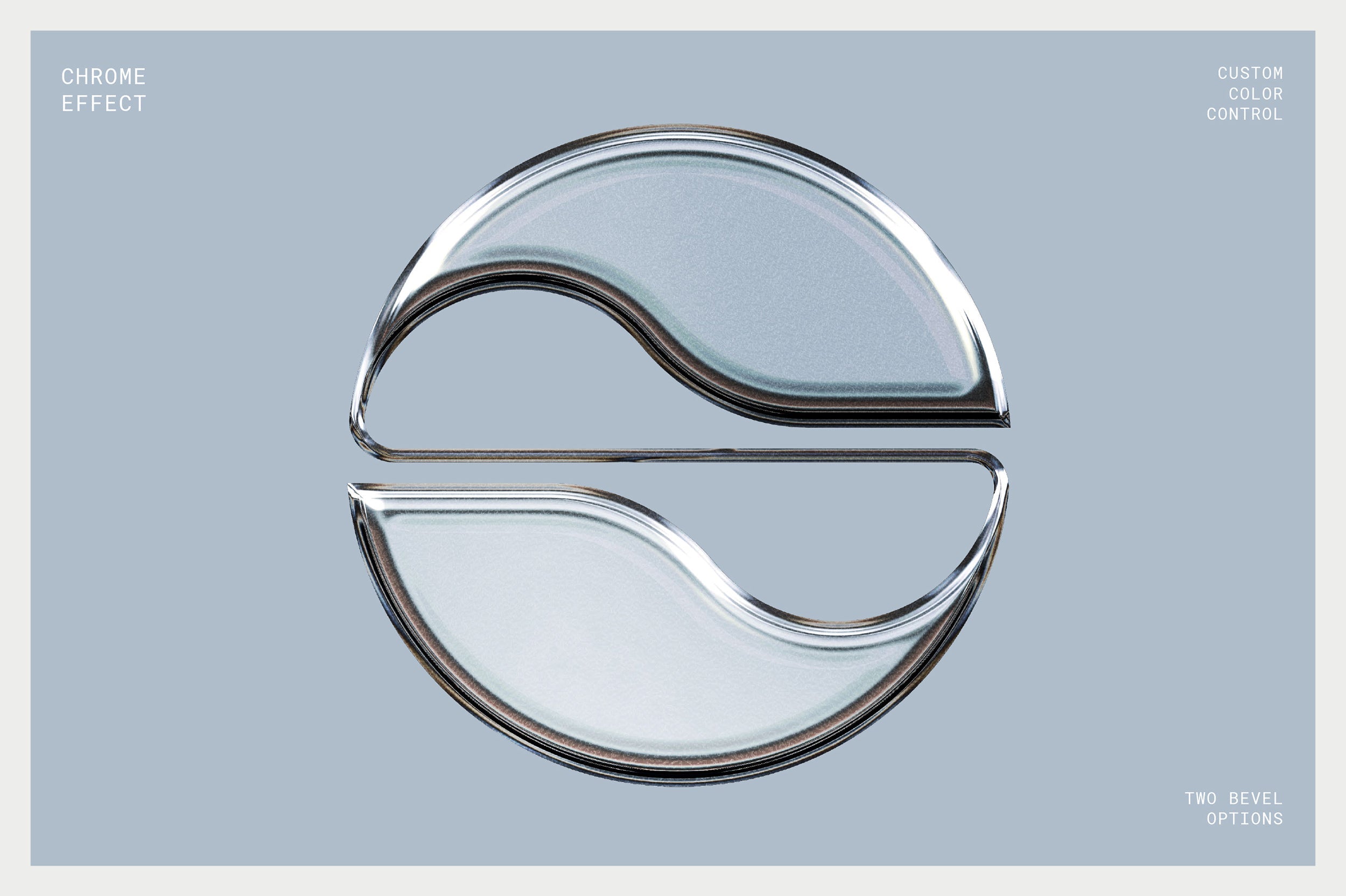
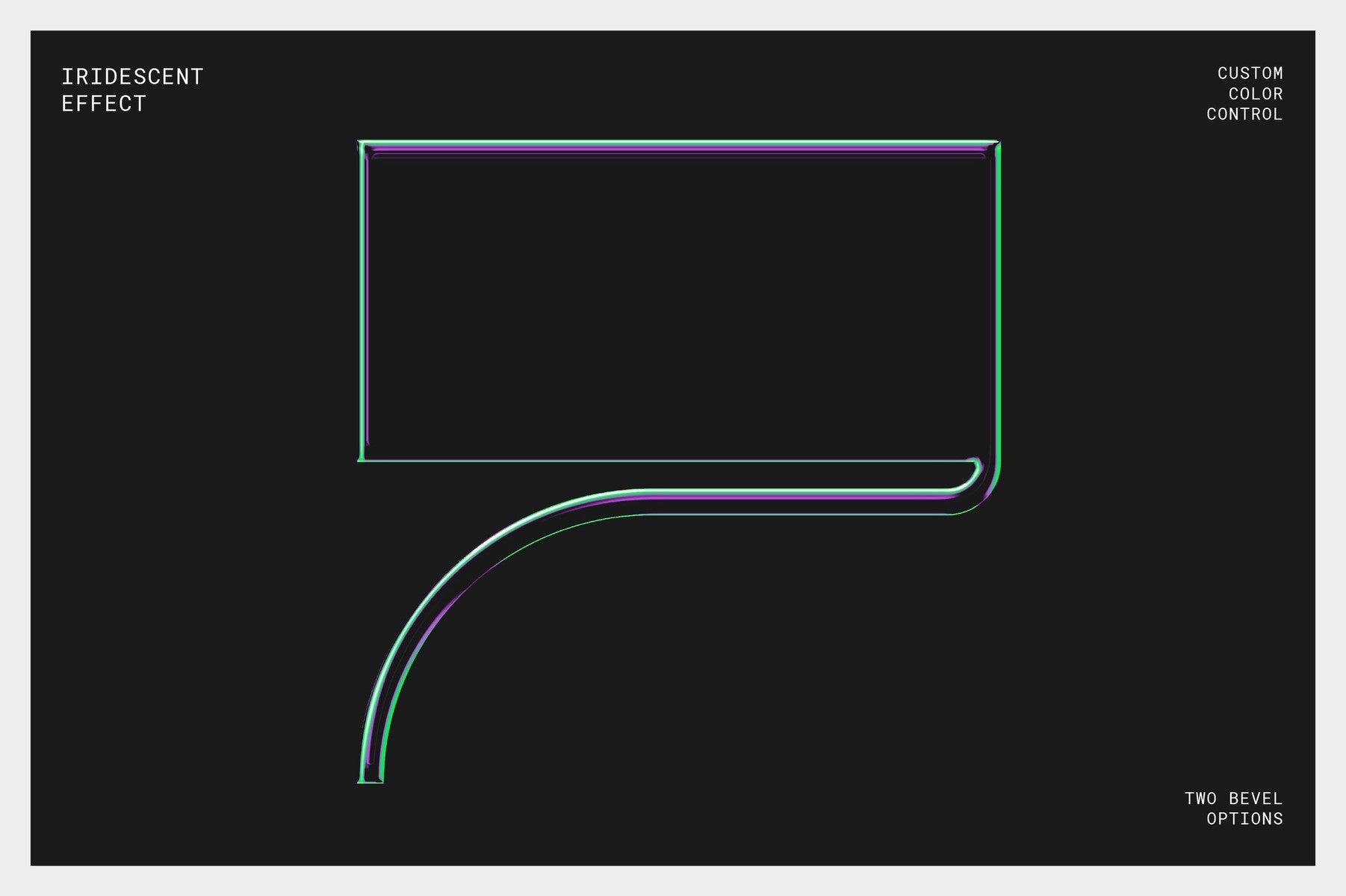
With the Chrome Effects Collection you can quickly bring to life your one-color text, logo or icon with the click of a button. The mockup features three effect settings (Chrome, Iridescent and Holographic) that generate automatically when you import your design. Just choose the effect you want and hit save!
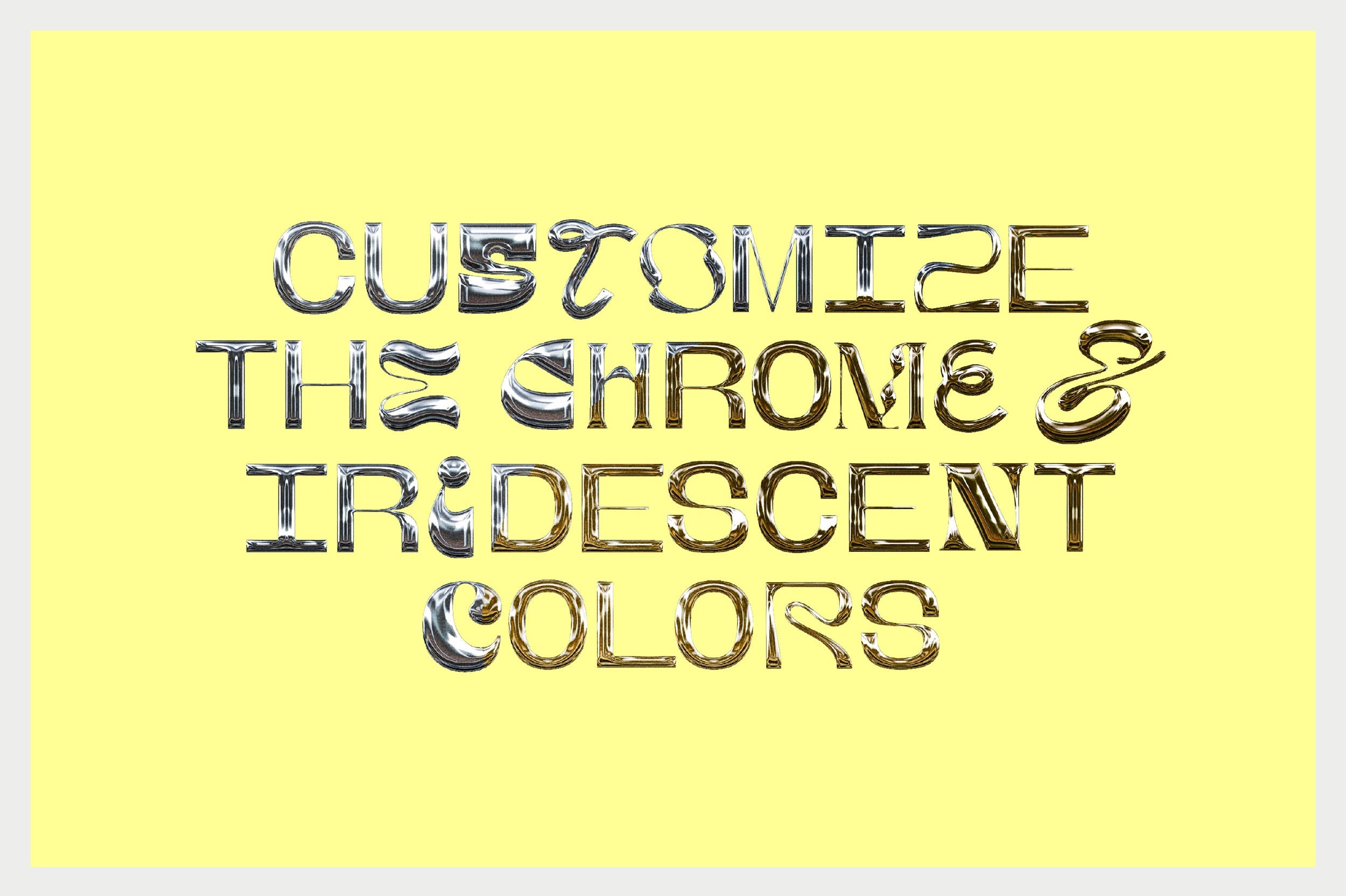
If you do want to customize the results even further, you can change the chrome effect color, adjust the brightness and contrast of the chrome and iridescent effects and even customise the color tones of the iridescent effect.
Tip: These effects work best with thick lines or solid shapes. Some of the detail gets lost in objects that are very fine/narrow.
What's included with this mockup?
- One high resolution (4500 x 4500px @ 300DPI) mockup for Photoshop
- Fully named and organized layers
- 3 chromatic effect settings (Standard chrome, Iridescent and Holographic)
- PDF user guide with visual instructions
Save hours of time applying chromatic effects to your designs. This mockup does it all in a few clicks!
AI Overview
The Chrome 3 in 1 Effects Collection is a Photoshop compatible mockup that allows users to apply three different effect settings - Chrome, Iridescent, and Holographic - to their text, logo, or icon. The product includes a high-resolution mockup, fully named and organized layers, and a PDF user guide with visual instructions. Customization options for chrome effect color, brightness, contrast, and iridescent color tones are also available.
What's Included
Compatibility

File Size: 189.3MB
Uploaded: April 16, 2024


Instant
Download

Premium
Quality

Lifetime
Support
 Frequently Asked Questions
We want you to be happy with your purchase! We do offer refunds for digital products if you experience a technical issue that our support team cannot resolve. Just reach out to us within 30 days of your purchase, and we'll be here to help.
After your purchase is complete, you'll receive a confirmation email with a link to download your files. You can also log into your account and access your downloads from the 'My Downloads' section.
Our products come with different licensing options that allow for many types of use cases. Our licenses page includes detailed information about the available licenses, so you can choose the one that fits your project. Click here to view licence details.