

Channel Distortion Photo Effect

Pixelbuddha
Description
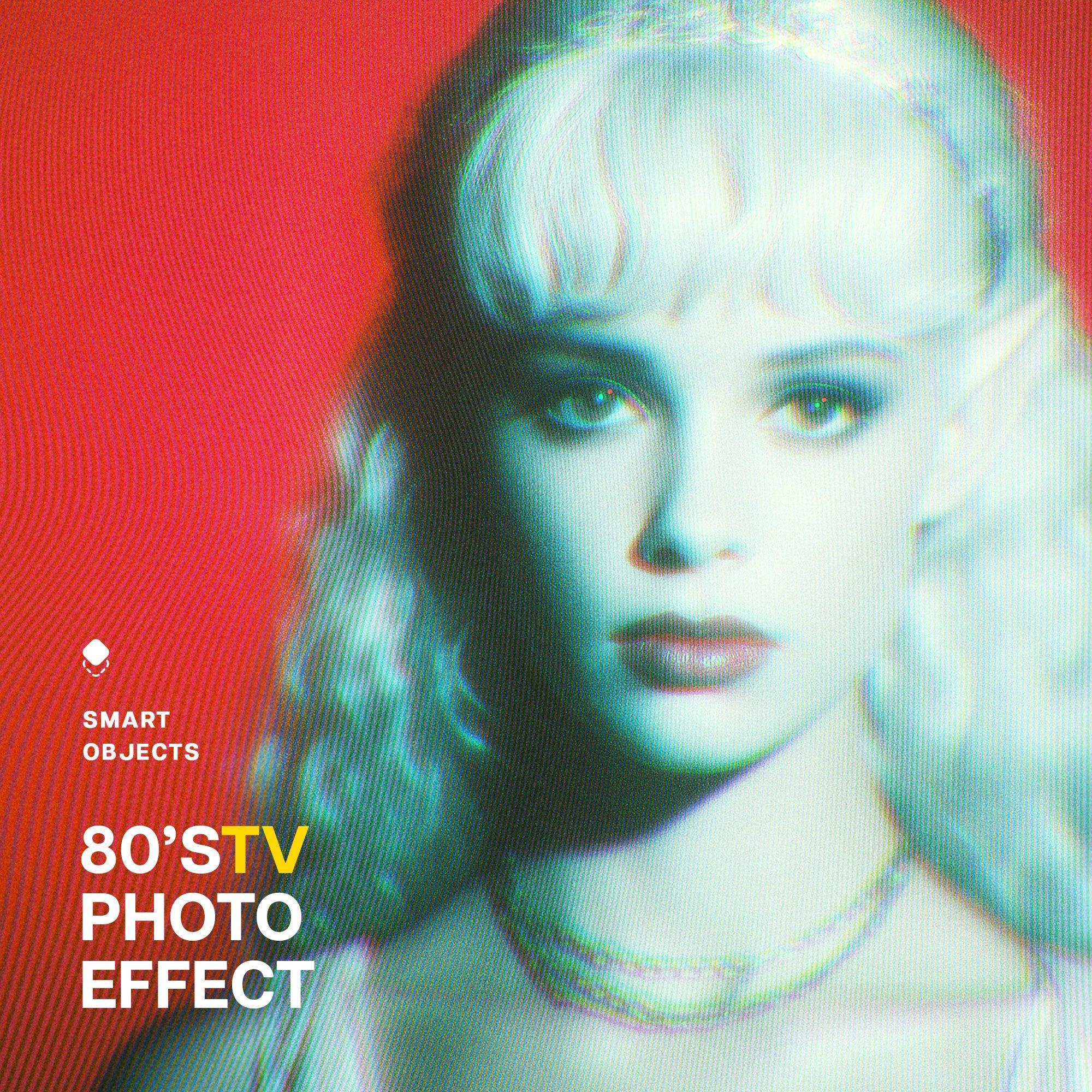
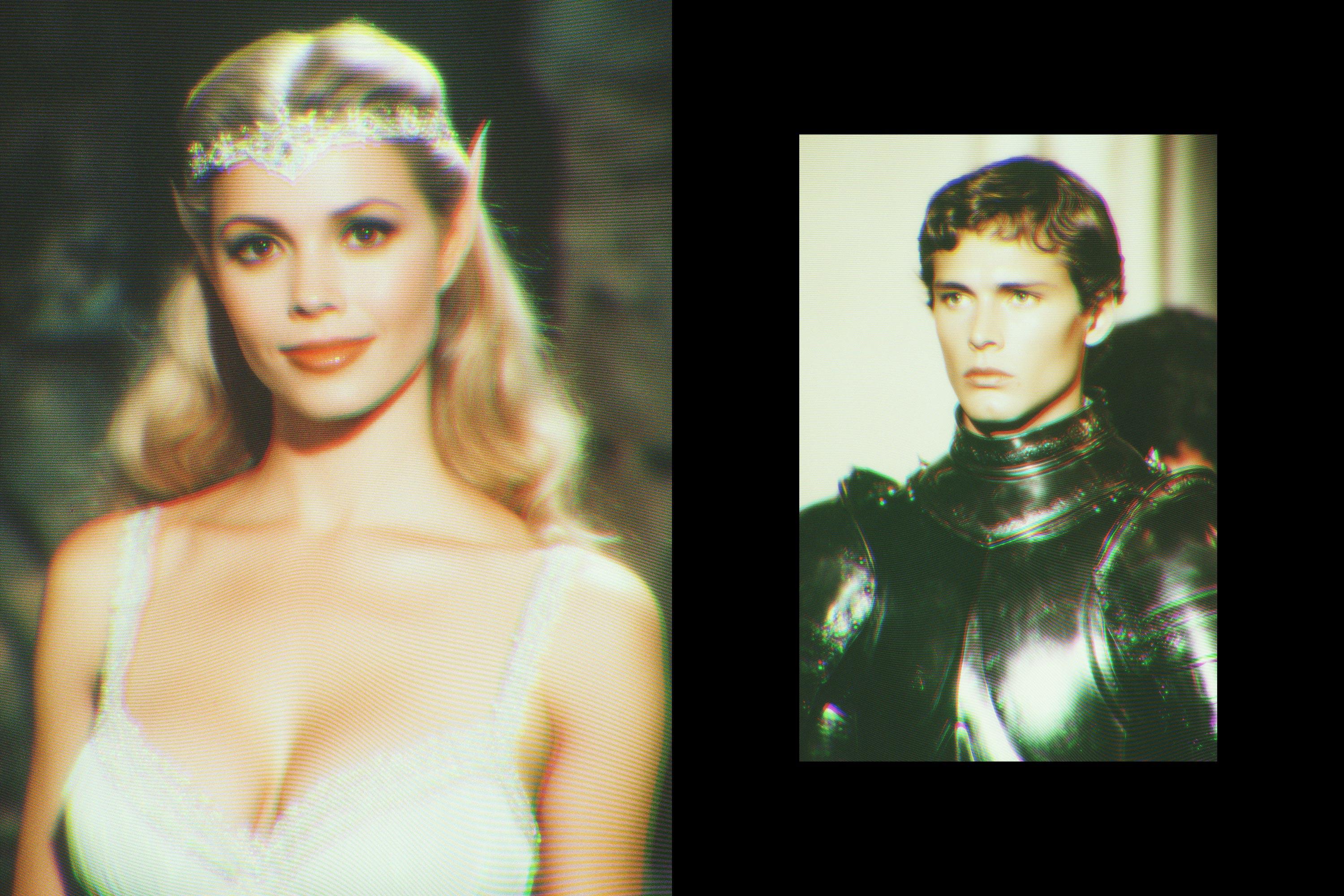
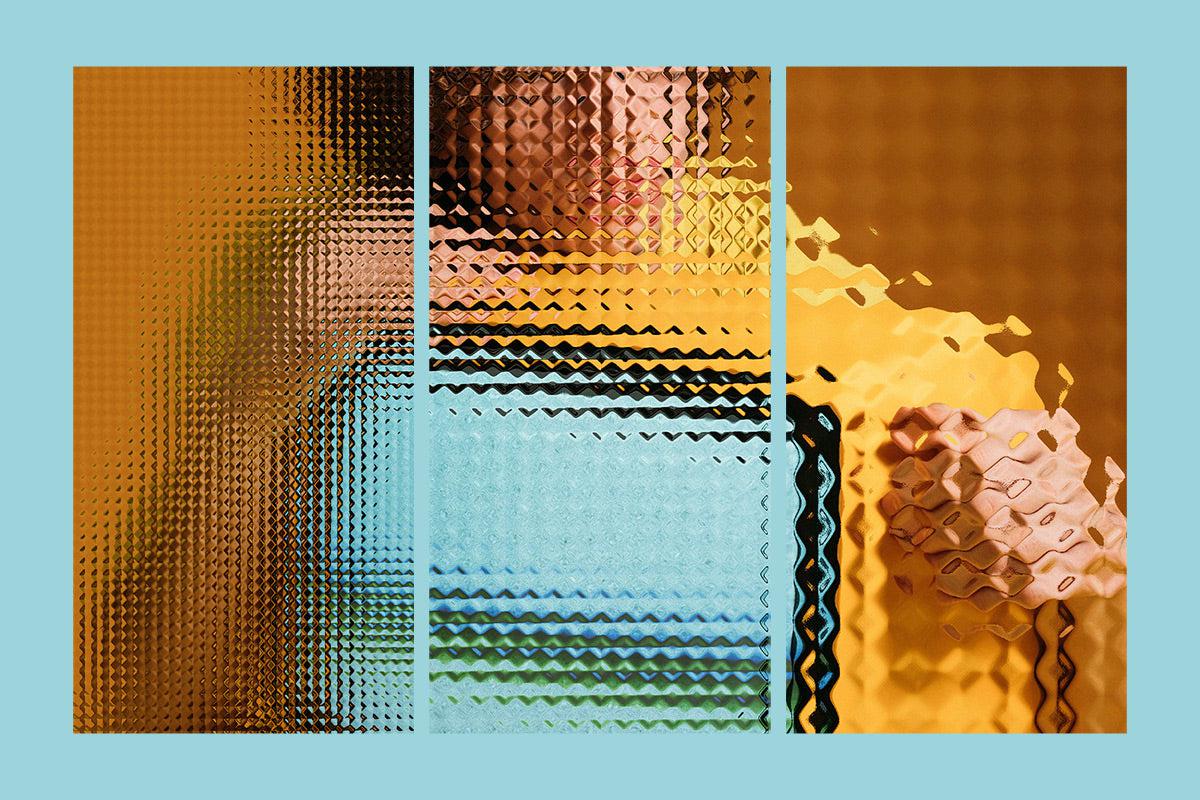
This effect splits images into offset RGB layers: red, green, and blue, where each drift in a different direction, with color halos bleeding at the edges. The offset is controlled, and the grain holds the frame together. It’s designed for album covers, artist portraits, fashion editorials, music video stills, concert photography, zine spreads, poster art, streetwear lookbooks and dark campaign visuals.
Details: high-quality PSD file; 4500x3000 px, 300 dpi.
This resource is created for Adobe Photoshop and works best with the latest Creative Cloud version for full Smart Object support.
AI Overview
The Channel Distortion Photo Effect is a high-quality PSD file (4500x3000 px, 300 dpi) for Adobe Photoshop that splits images into offset RGB layers, creating color halos at the edges. It is compatible with the latest Creative Cloud version and includes controlled offset and grain to maintain frame integrity.
What's Included
Compatibility

File Size: 103.8MB
DPI: 300
Dimensions: 4500x3000px
Uploaded: May 29, 2026


Instant
Download

Premium
Quality

Lifetime
Support
 Frequently Asked Questions
Our products come with guarantees under the Australian Consumer Law. If a file is faulty or isn't as described, you're entitled to a fix, a replacement or a refund. We don't refund a change of mind. Bought a bigger size than you need, or Extended when Standard would do? Within 14 days, we'll swap it and refund the difference. Read our refund policy.
After your purchase is complete, you'll receive a confirmation email with a link to download your files. You can also log into your account and access your downloads from the 'My Downloads' section.
Every product comes with the Studio 2am License. Choose Standard or Extended, and the size of your business. Which license do I need?