

Glitch Print Text Effect

Pixelbuddha
Description
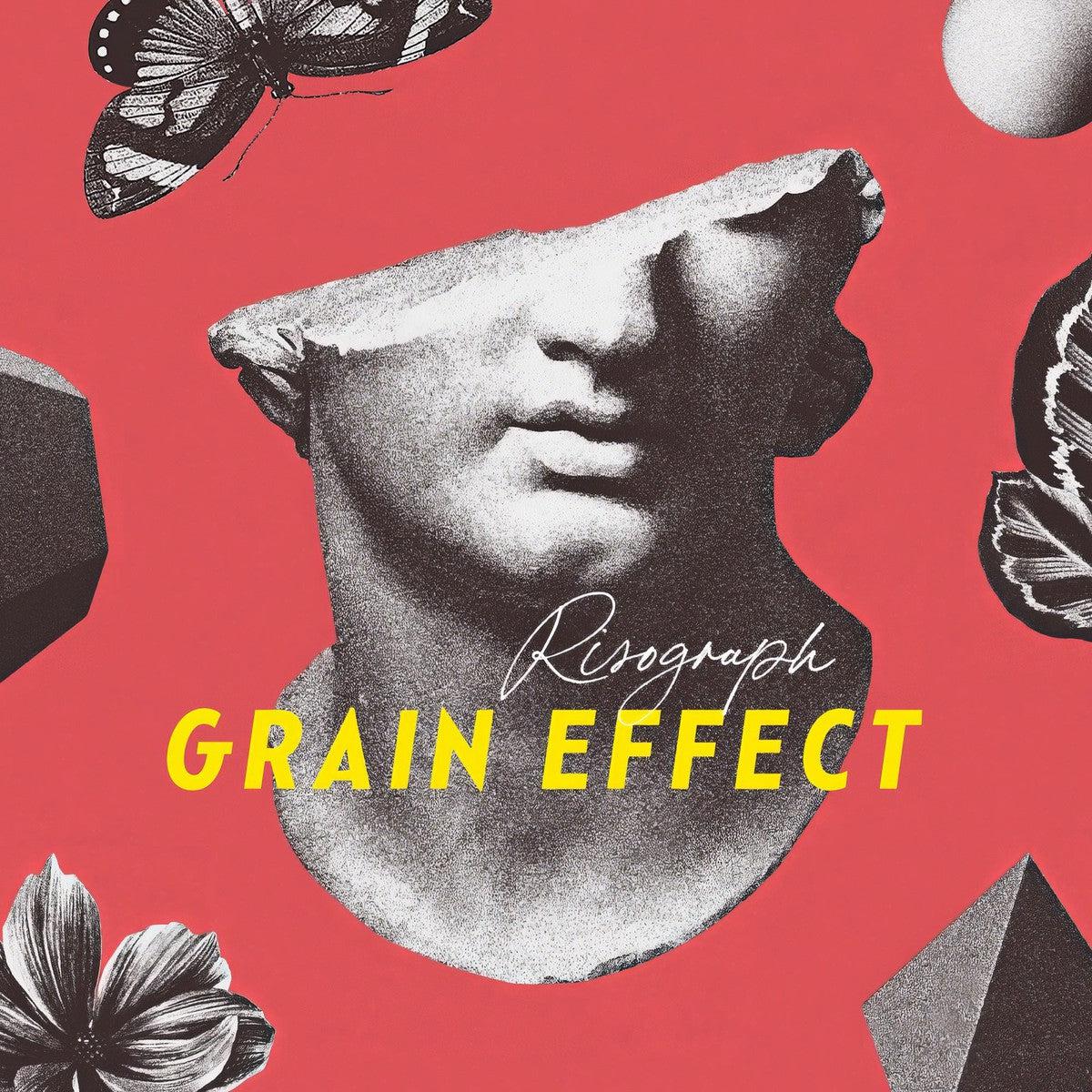
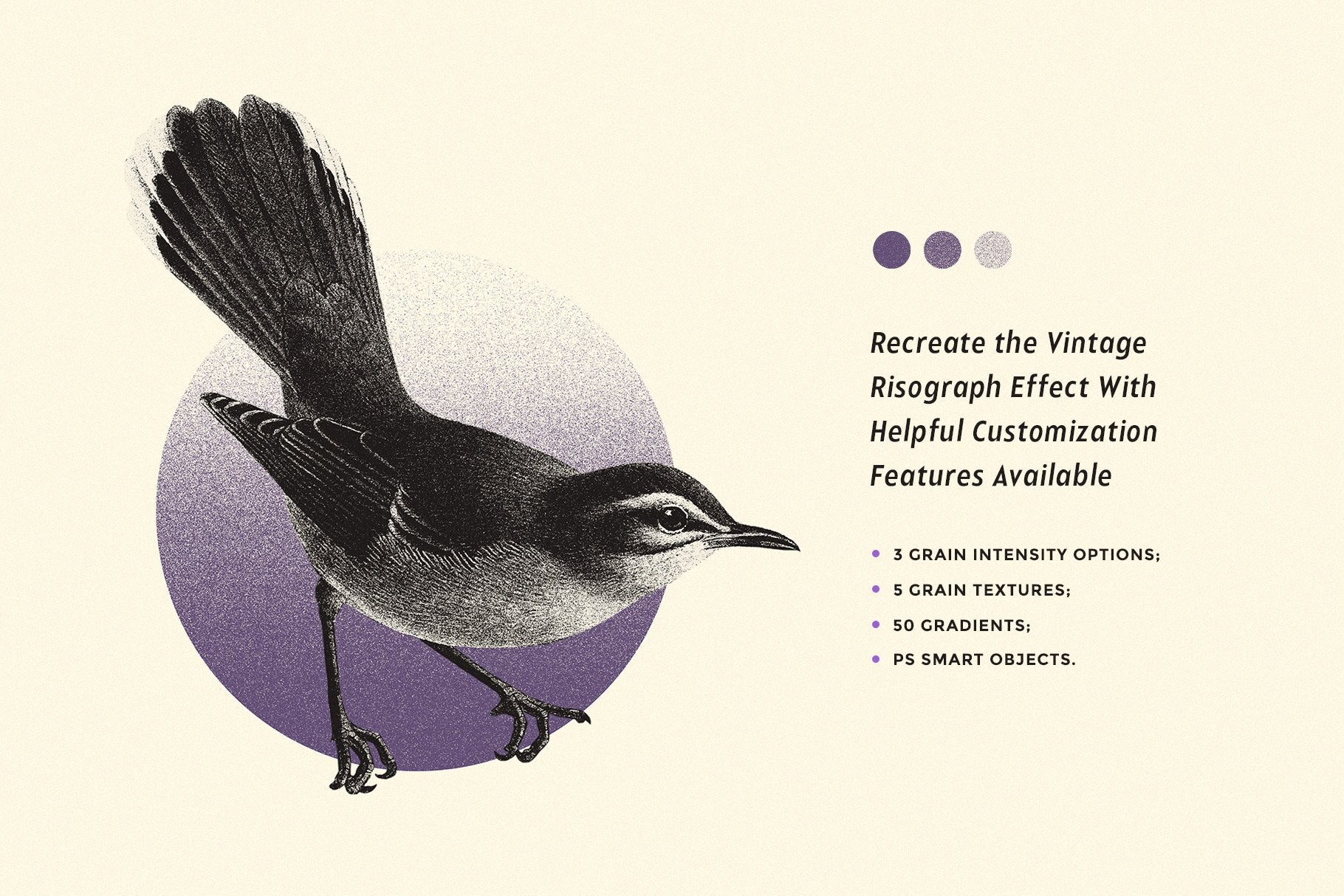
This effect gives shapes and texts a rough printed edge with visible grain, slight ink bleed, and colored misregistration hugging the contours in thin neon halos. The result feels sharp but imperfect, with the kind of off-register noise and paper texture that gives simple forms a louder presence. You can use it for logo presentations, poster graphics, packaging marks, album artwork, editorial layouts, merch visuals, sticker designs and brand systems.
Details: high-quality PSD file; 4500x3000 px, 300 dpi.
This resource is created for Adobe Photoshop and works best with Adobe Photoshop CC 2023 and higher.
AI Overview
The Glitch Print Text Effect is a high-quality PSD file (4500x3000 px, 300 dpi) designed for Adobe Photoshop CC 2023 and higher. It provides shapes and text with a rough printed edge, visible grain, slight ink bleed, and colored misregistration, resulting in a sharp yet imperfect appearance.
What's Included
Compatibility

File Size: 157.1MB
DPI: 300
Dimensions: 4500x3000px
Uploaded: April 16, 2026


Instant
Download

Premium
Quality

Lifetime
Support
 Frequently Asked Questions
Our products come with guarantees under the Australian Consumer Law. If a file is faulty or isn't as described, you're entitled to a fix, a replacement or a refund. We don't refund a change of mind. Read our refund policy.
After your purchase is complete, you'll receive a confirmation email with a link to download your files. You can also log into your account and access your downloads from the 'My Downloads' section.
Our products come with different licensing options that allow for many types of use cases. Our licenses page includes detailed information about the available licenses, so you can choose the one that fits your project. Click here to view licence details.