

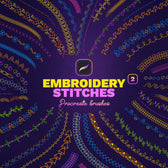



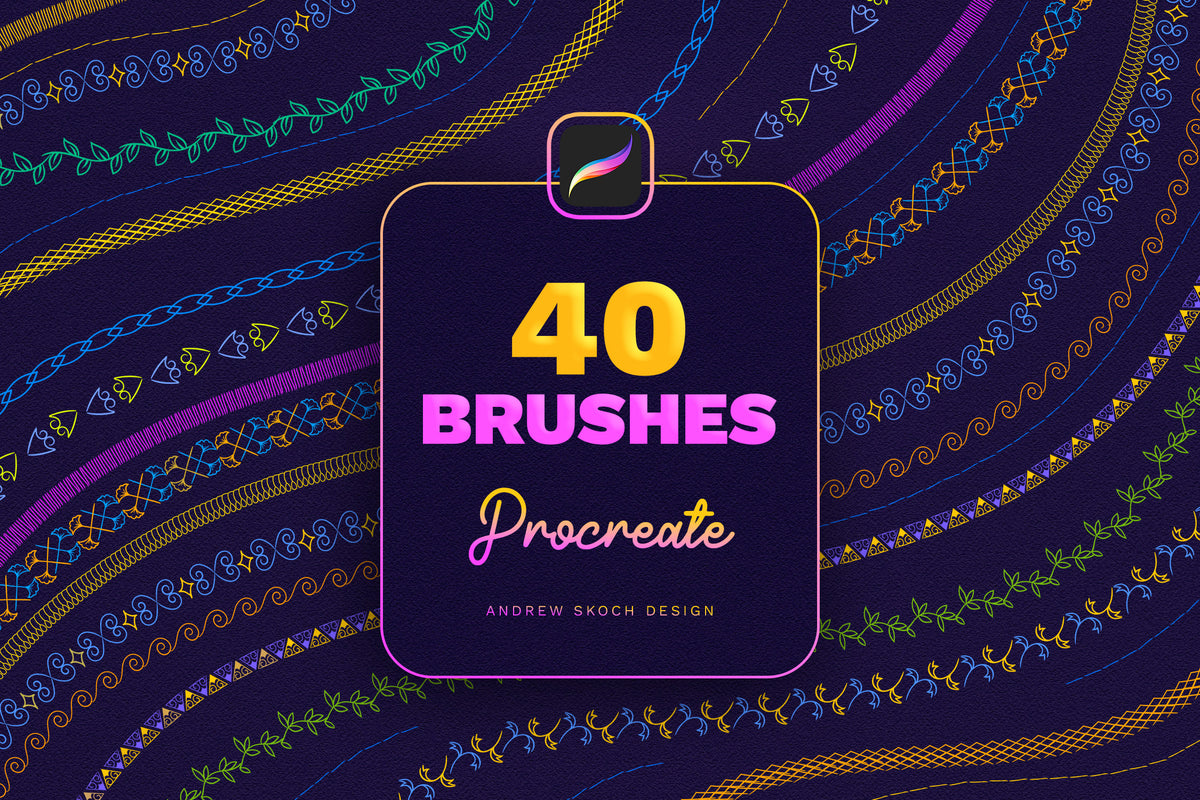
Embroidery Stitches Procreate Brushes

Sko4
Description
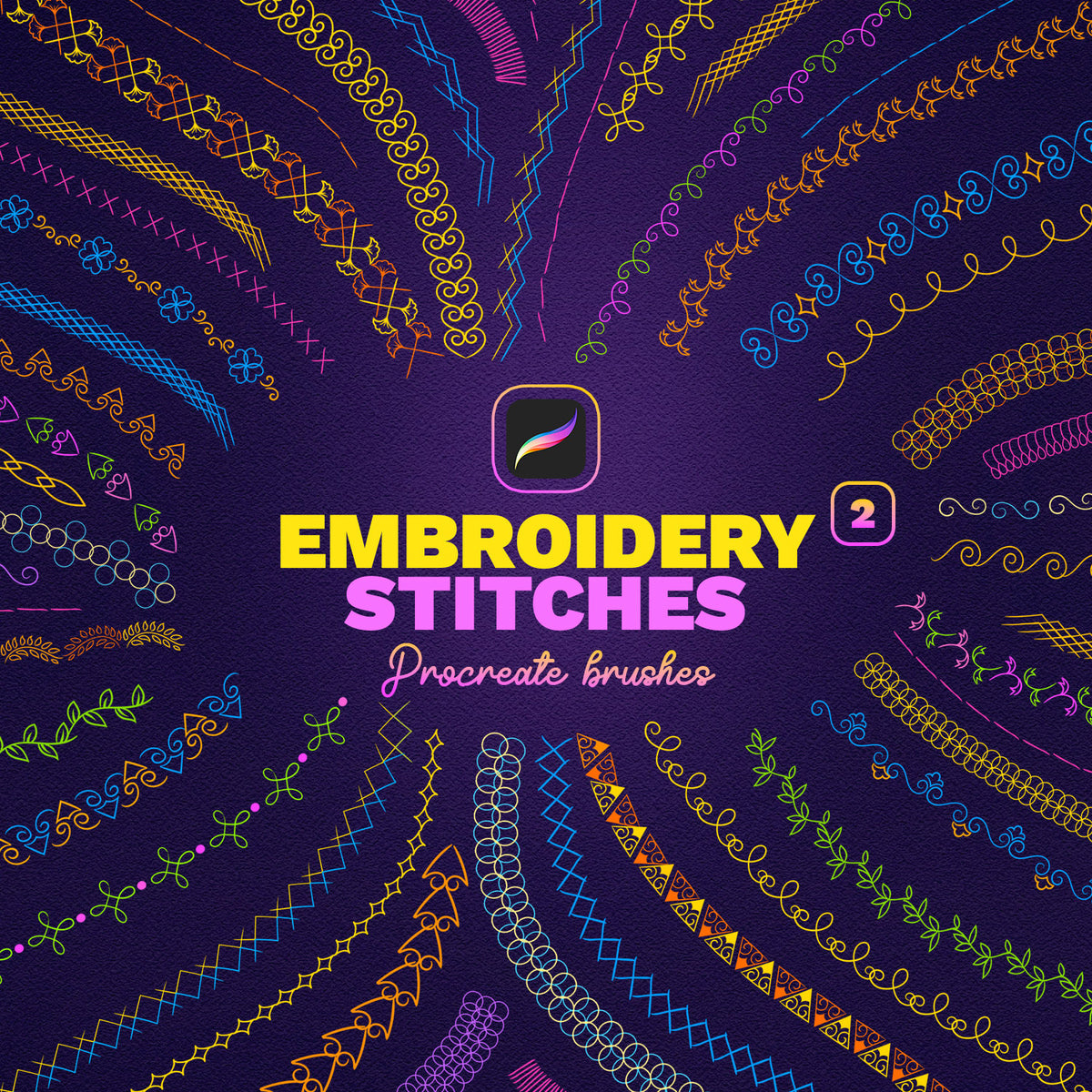
If you have an iPad and PROCREATE app, you'll be happy to add embroidery stitches to your collection!
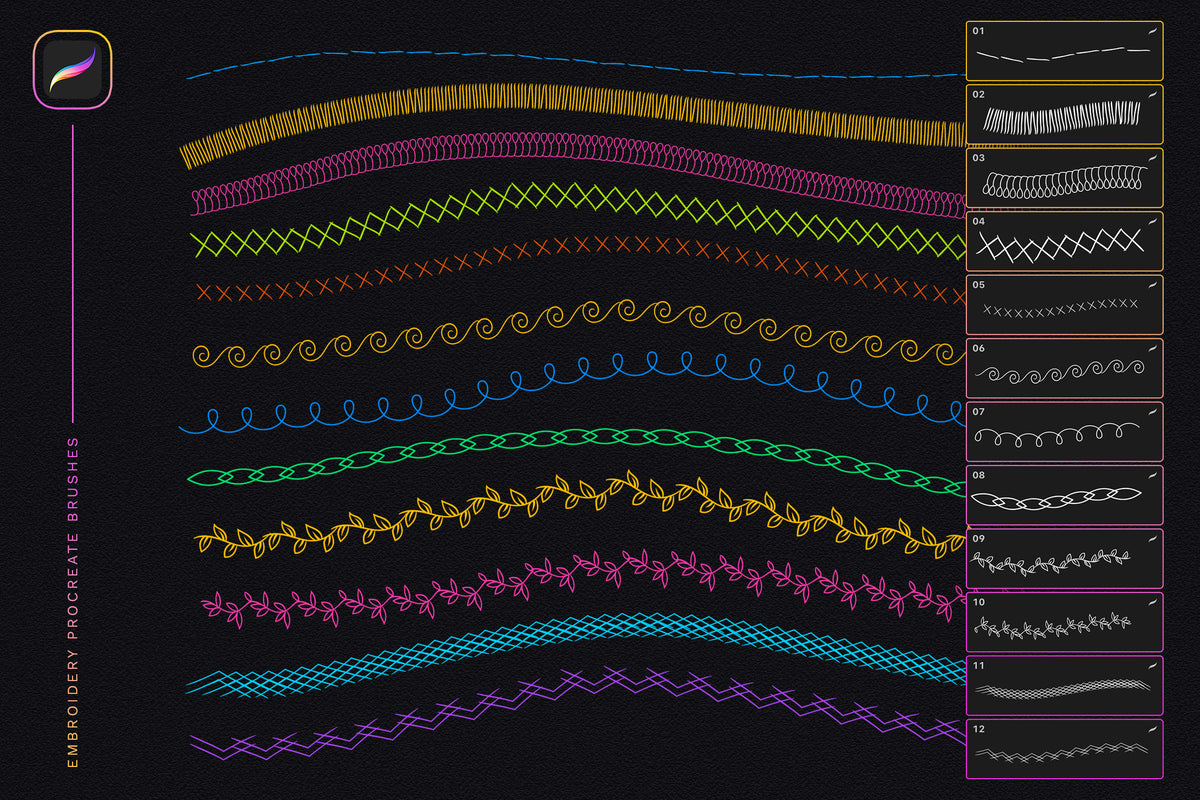
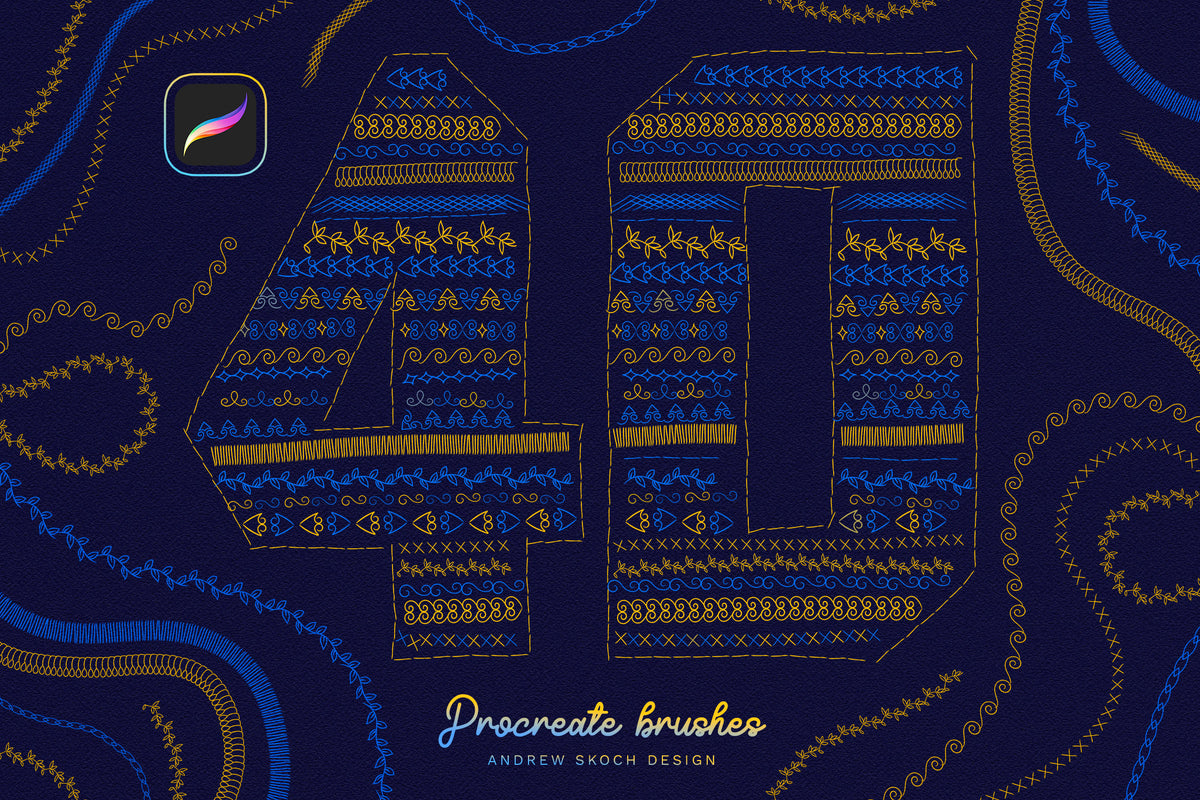
Realistic embroidery stitches for iPad drawing. 40 different brushes for Procreate. Great for drawing authentic ornaments, embroidery ornaments, embroidery patches and more.
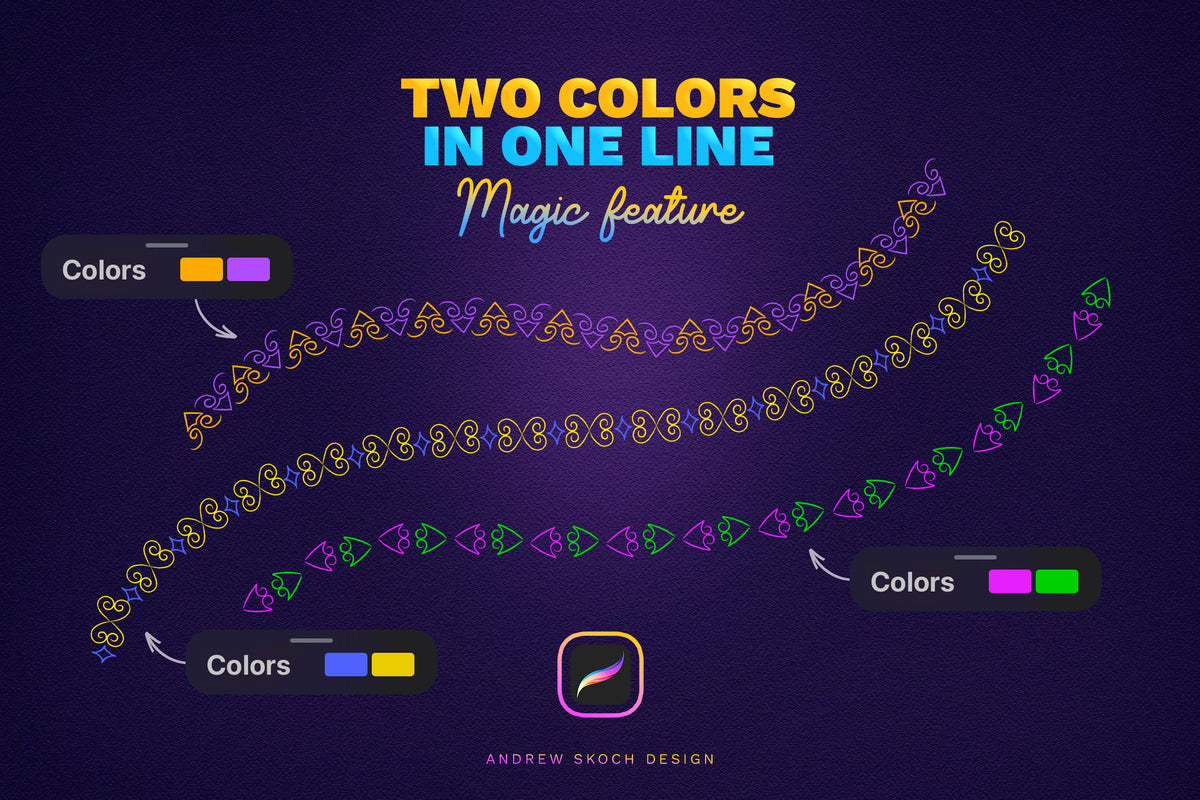
18 Duo-Color Brushes: Create stunning two-color stitch designs effortlessly by selecting a main and secondary color, resulting in intricate two-tone ornaments in a single line.
Features:
• 40 Procreate brushes
• 40 different stitch effects
• Easy to draw
• Duo Color feature
How To Use:
1. Download the files on your iPad
2. Click on .brushset files
3. Procreate will automatically install all the brushes and they will appear at the top of your brush list
Perfect for adding realistic embroidered details to your digital artwork, whether you're creating logos, patterns, or decorative designs. Unlock your creativity and enjoy the art of embroidery right on your iPad!
AI Overview
This Procreate brush set includes 40 brushes that replicate embroidery stitch effects, including 18 duo-color brushes for two-tone designs. Compatible with the Procreate app on iPad, the brushes install automatically via .brushset files.
What's Included
Compatibility

File Size: 47MB
Uploaded: September 28, 2026


Instant
Download

Premium
Quality

Lifetime
Support
 Frequently Asked Questions
We want you to be happy with your purchase! We do offer refunds for digital products if you experience a technical issue that our support team cannot resolve. Just reach out to us within 30 days of your purchase, and we'll be here to help.
After your purchase is complete, you'll receive a confirmation email with a link to download your files. You can also log into your account and access your downloads from the 'My Downloads' section.
Our products come with different licensing options that allow for many types of use cases. Our licenses page includes detailed information about the available licenses, so you can choose the one that fits your project. Click here to view licence details.

High quality Graphic Assets for Photoshop and Procreate. Please feel free to contact via email andrewsko490@gmail.com