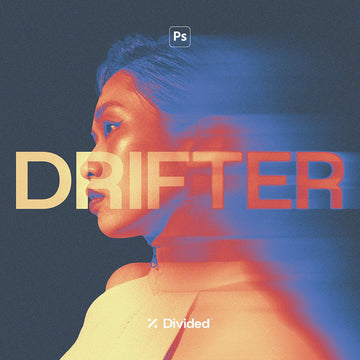

Drifter Motion Blur Effect

Divided.co
Description
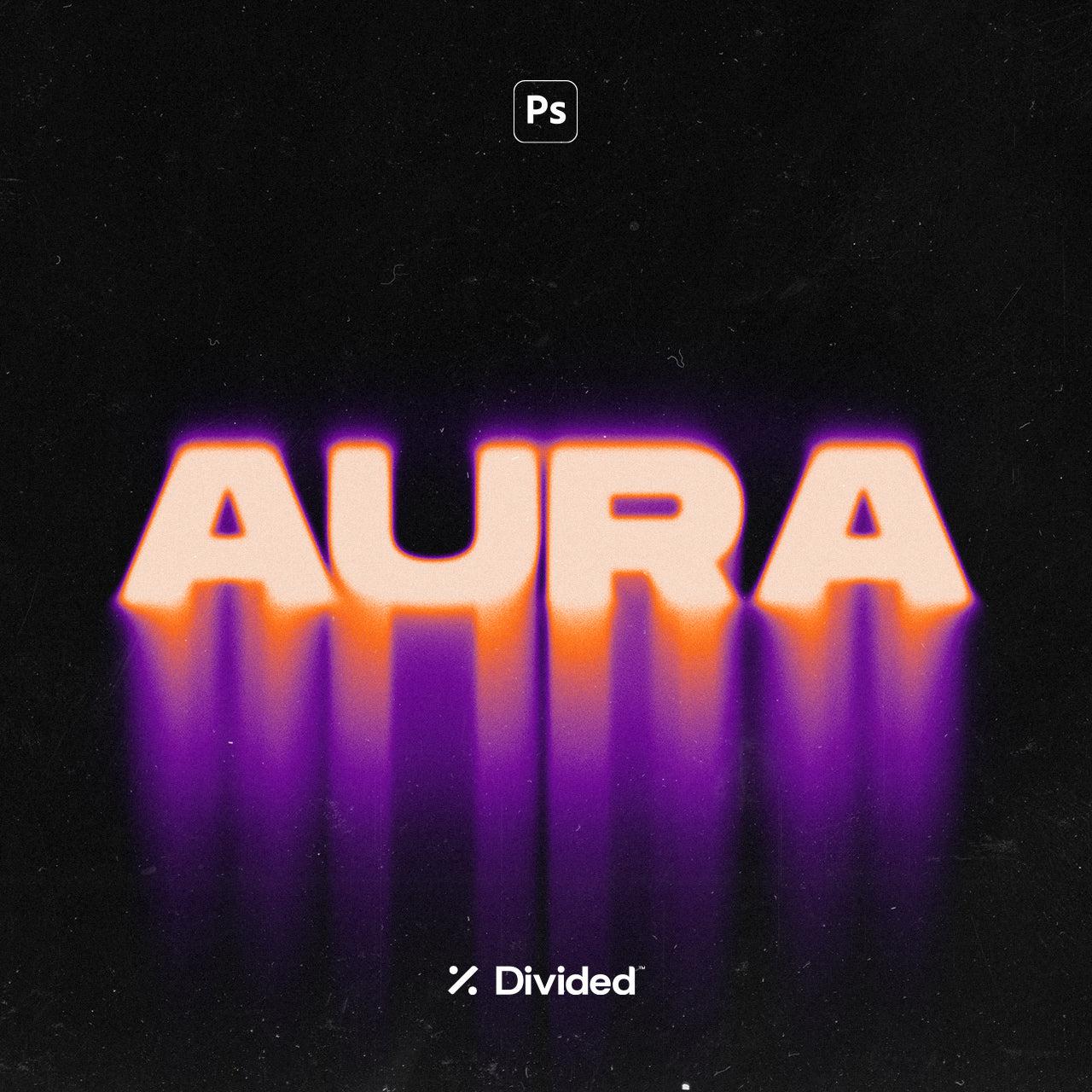
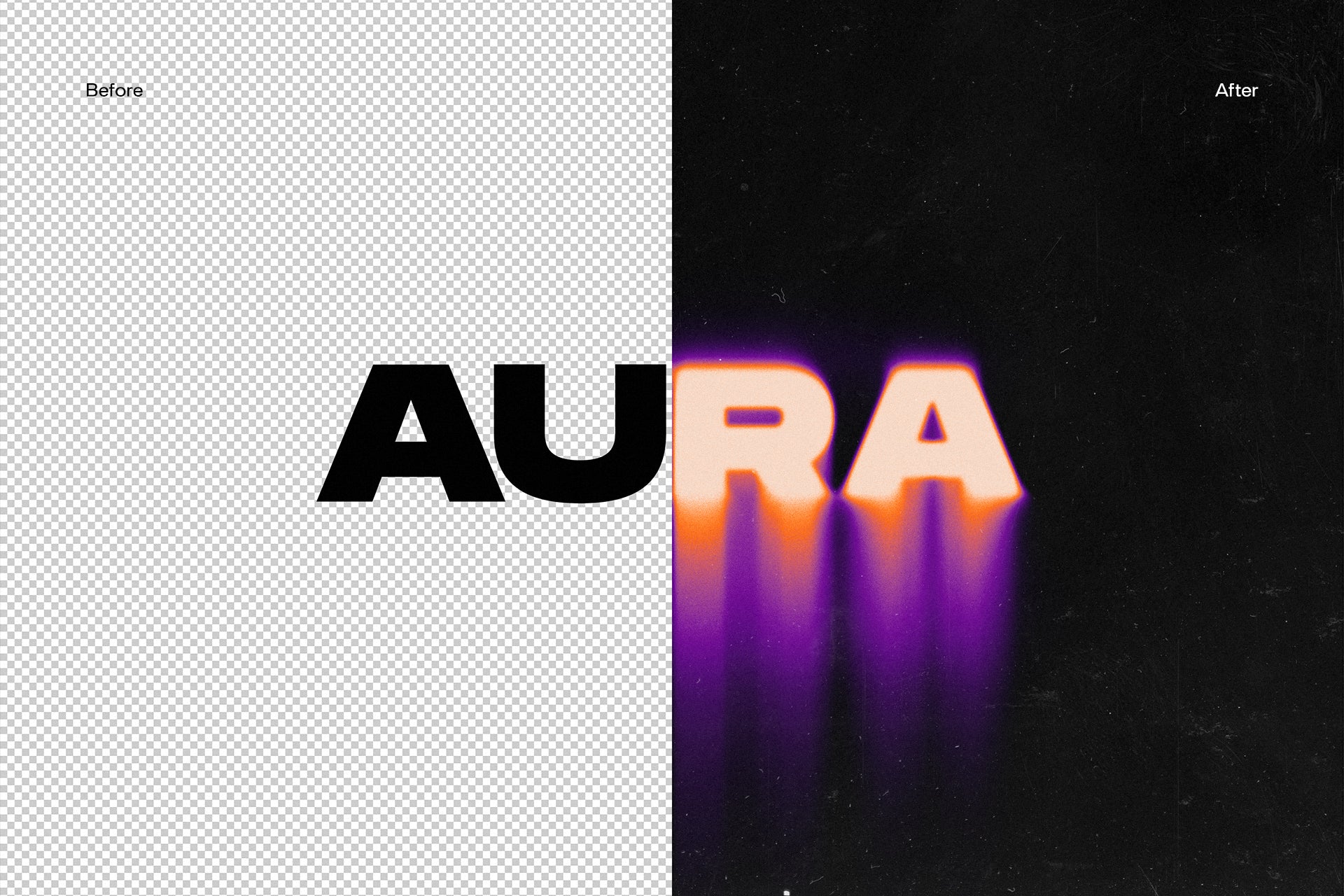
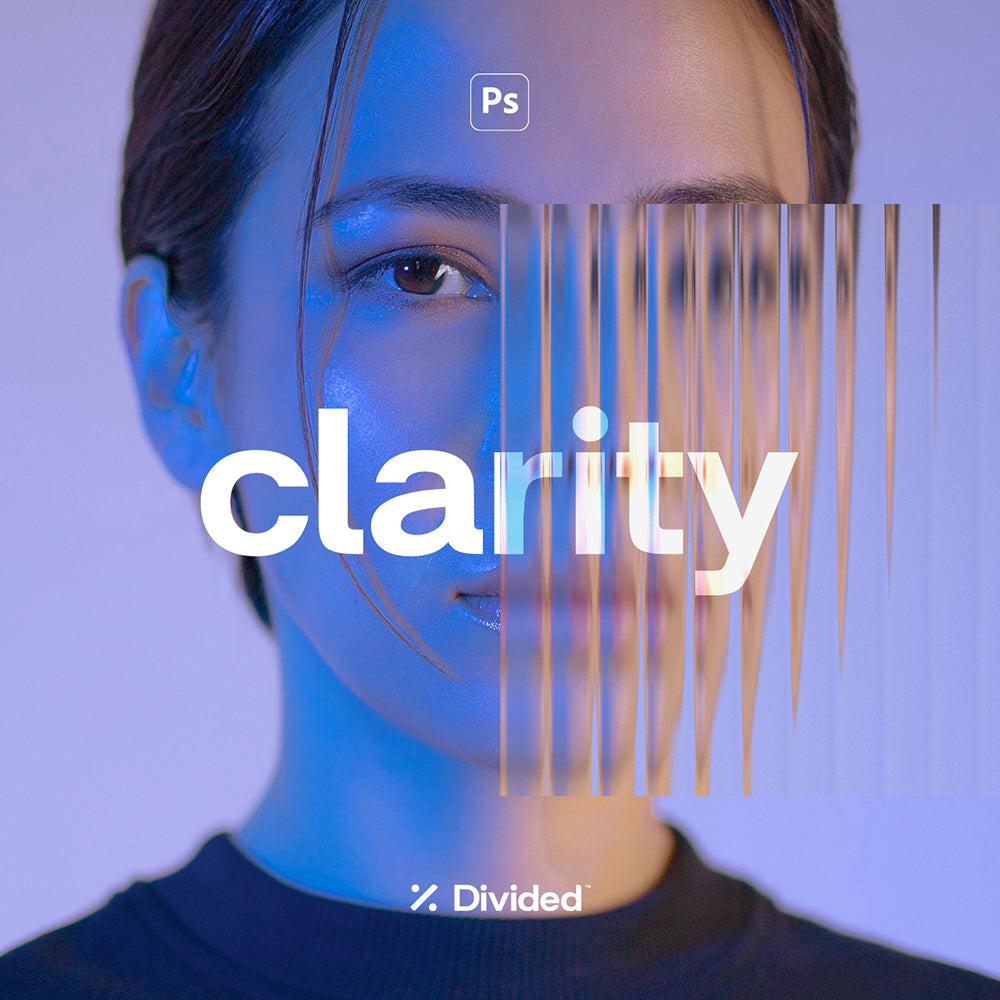
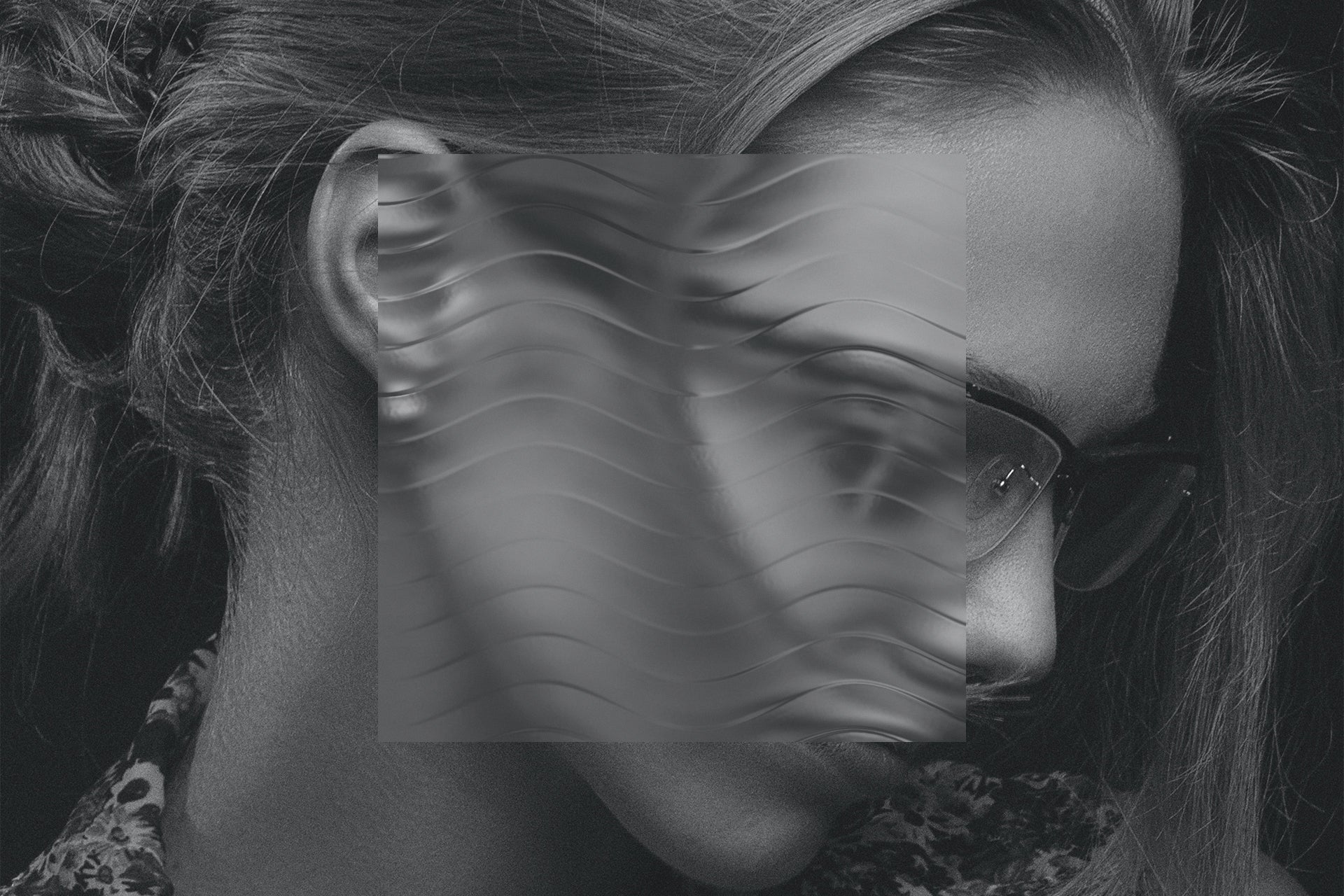
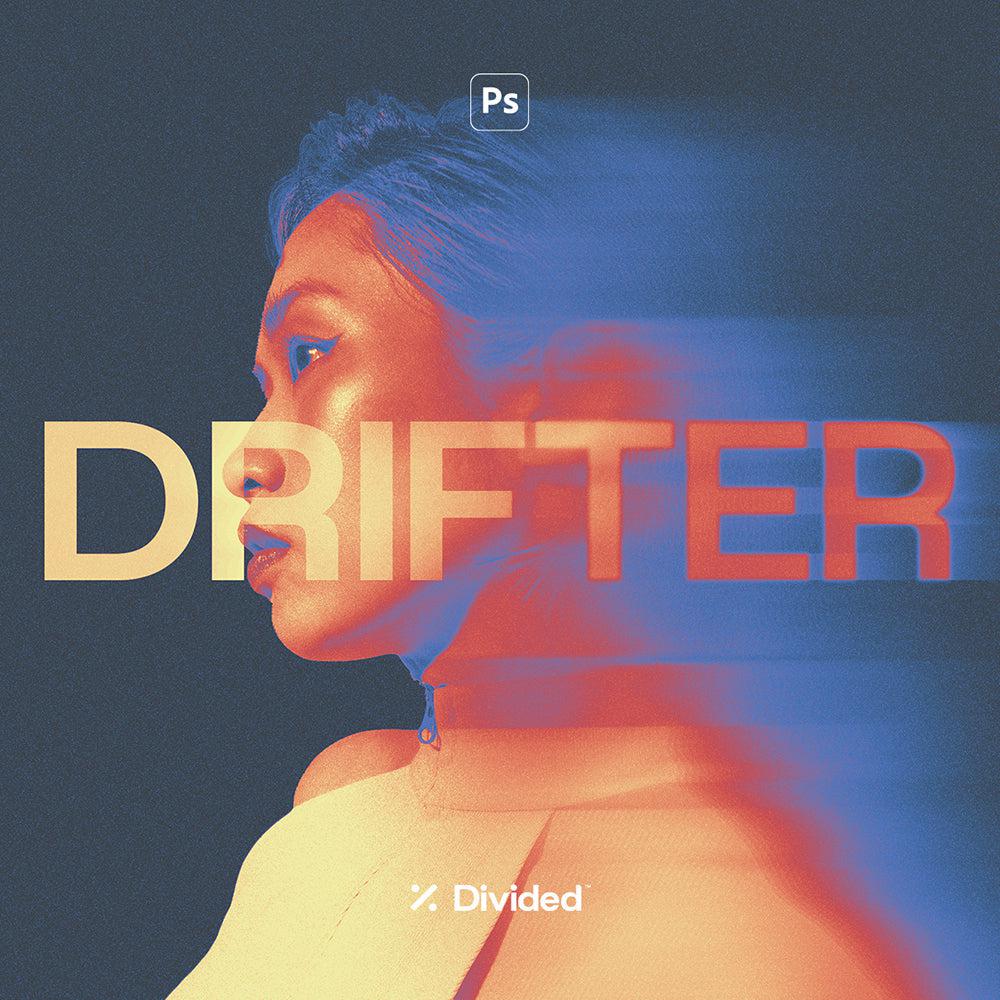
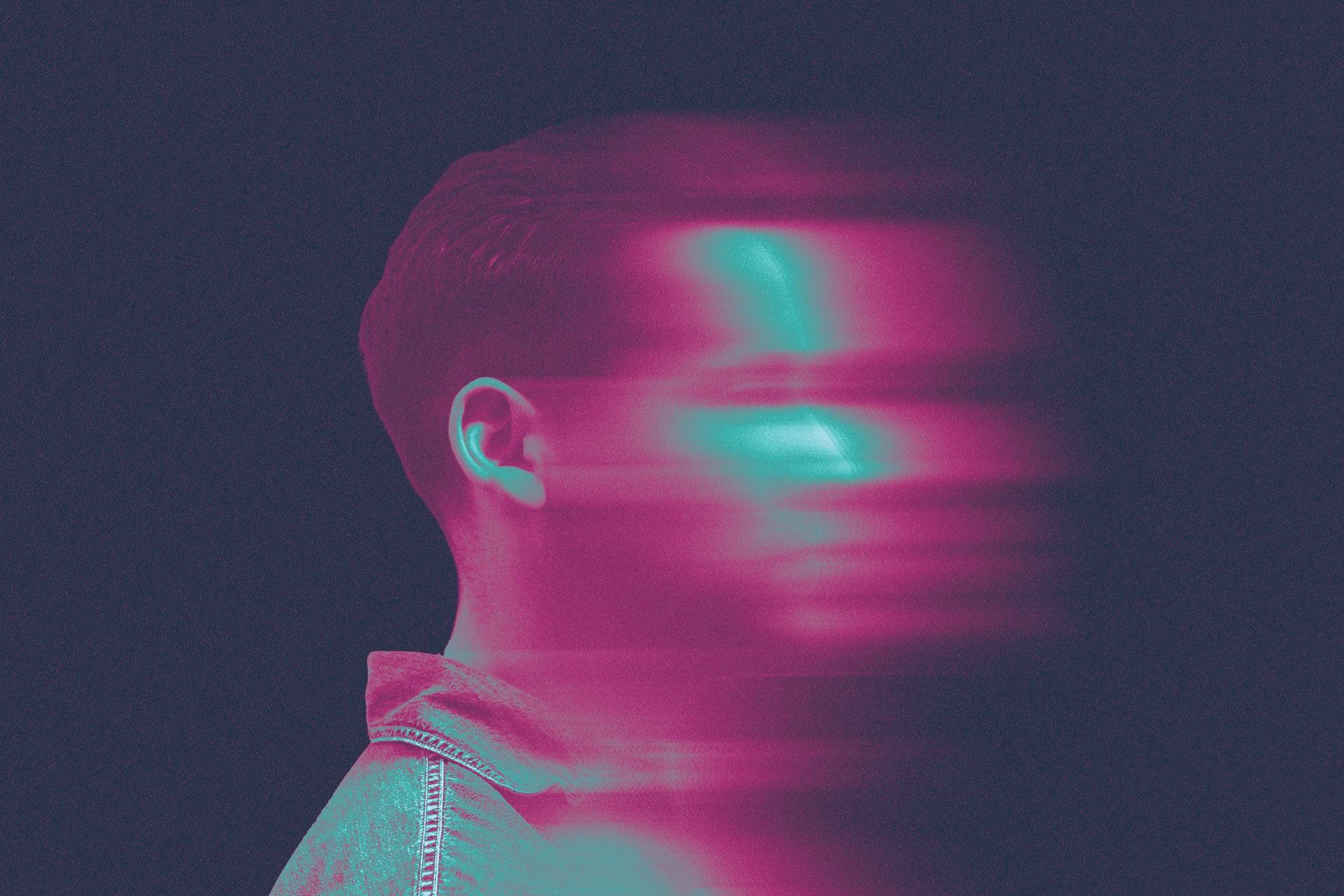
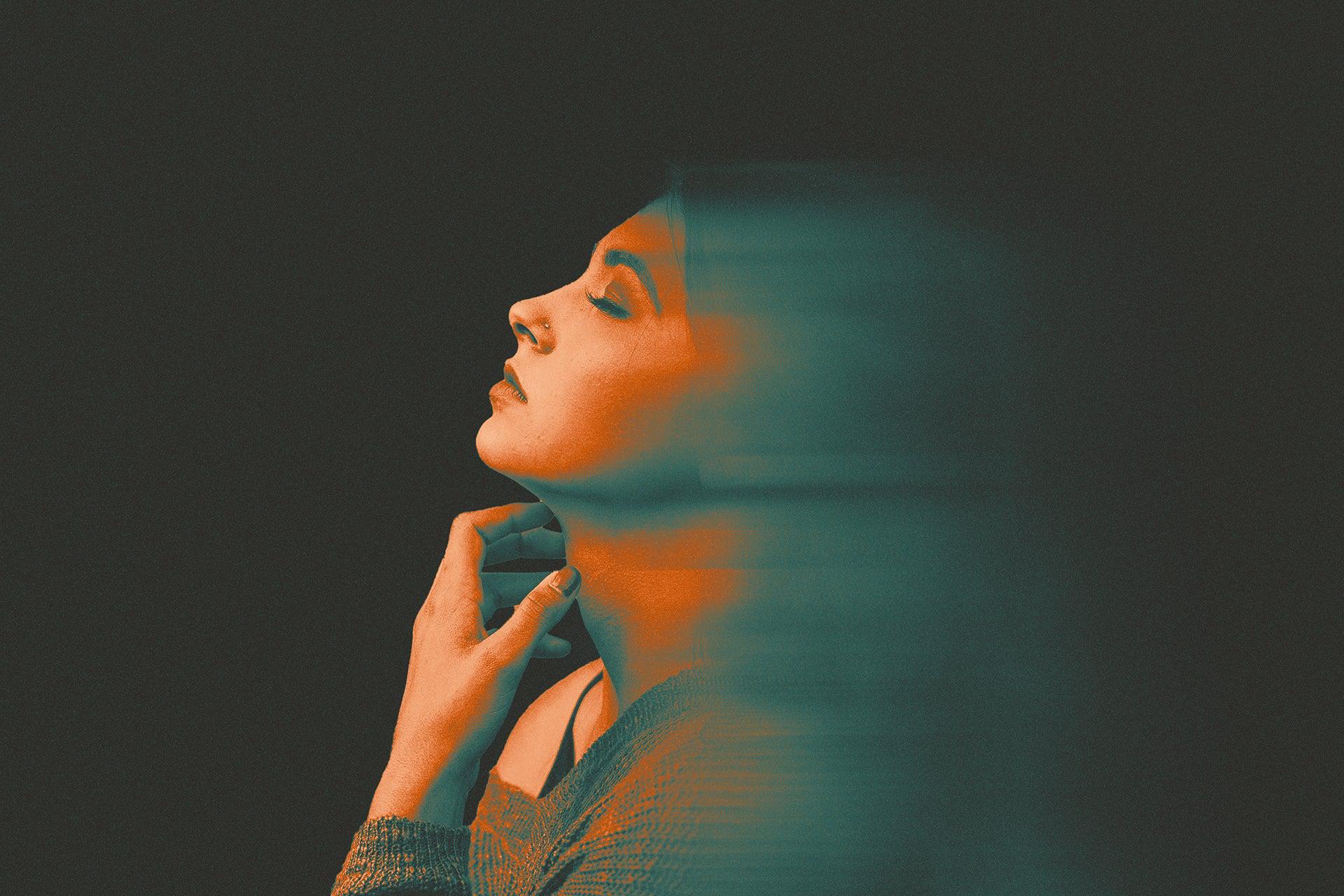
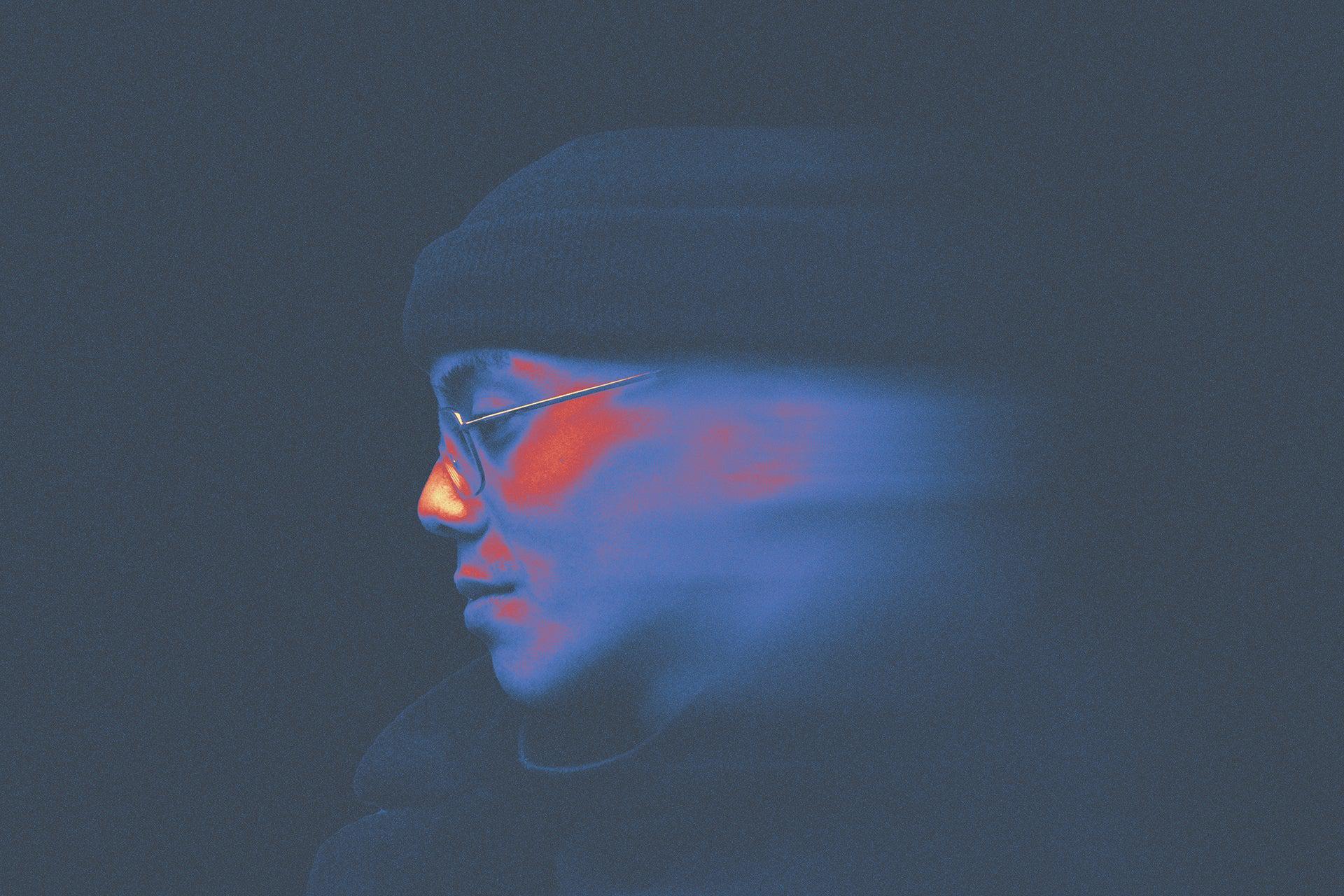
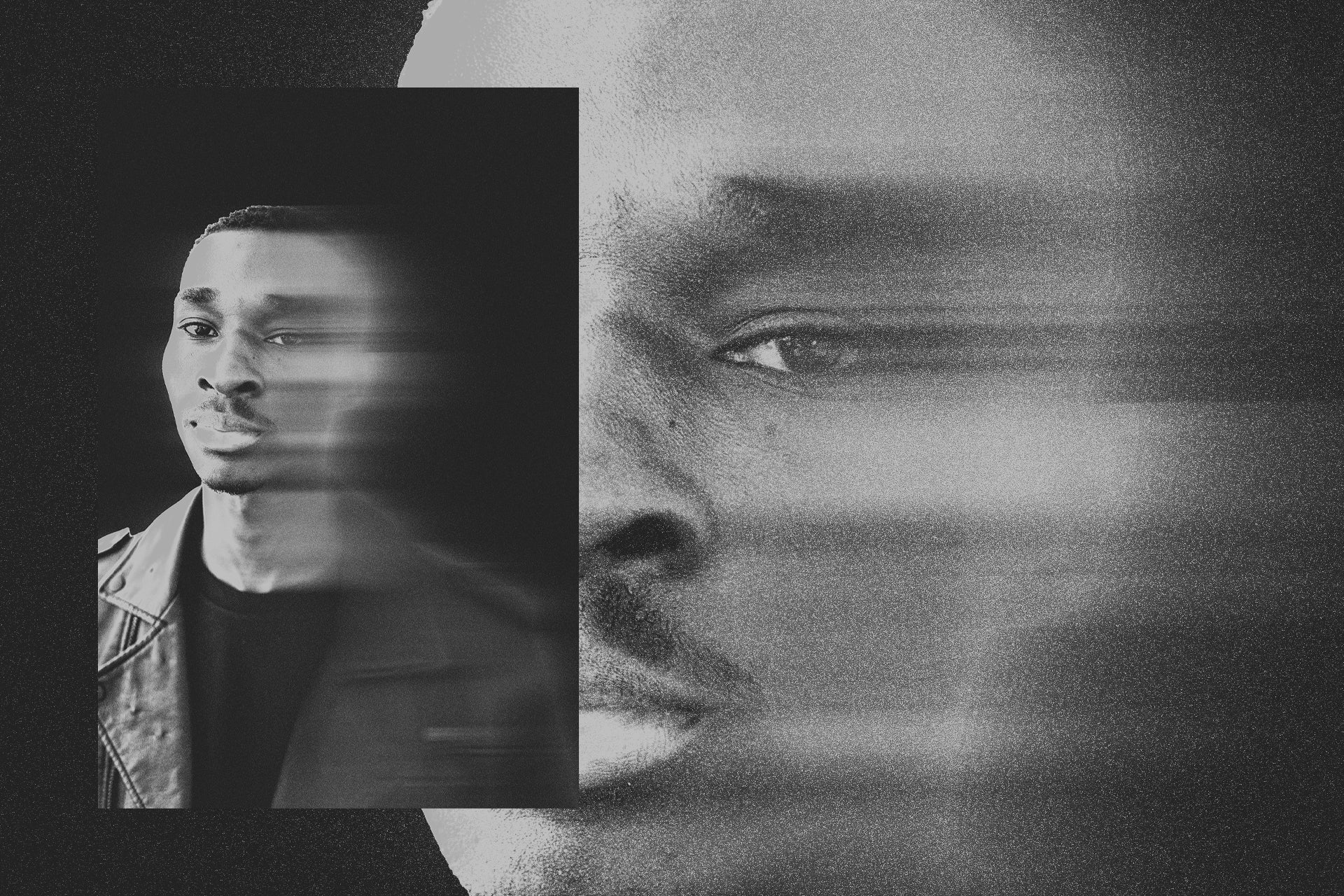
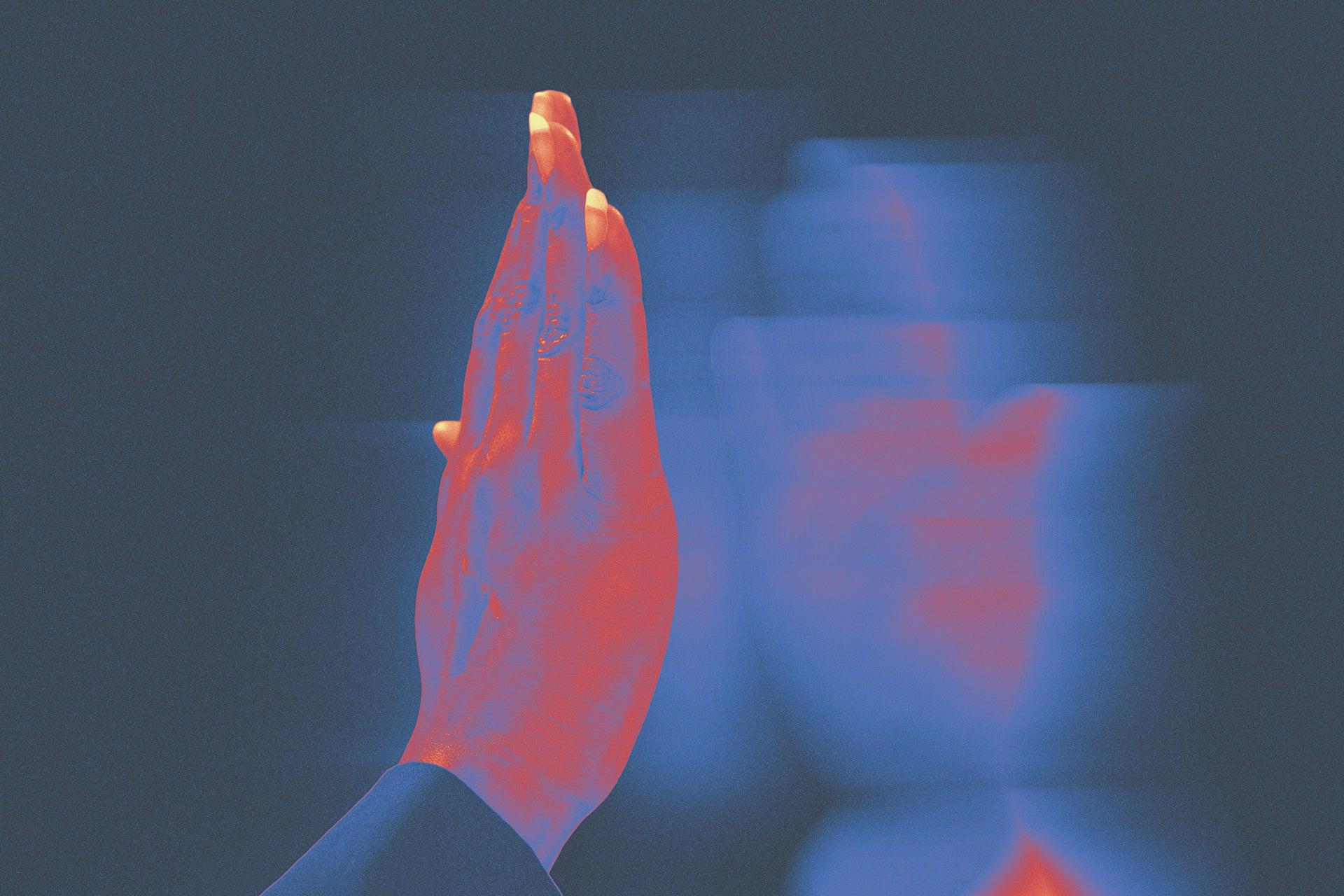
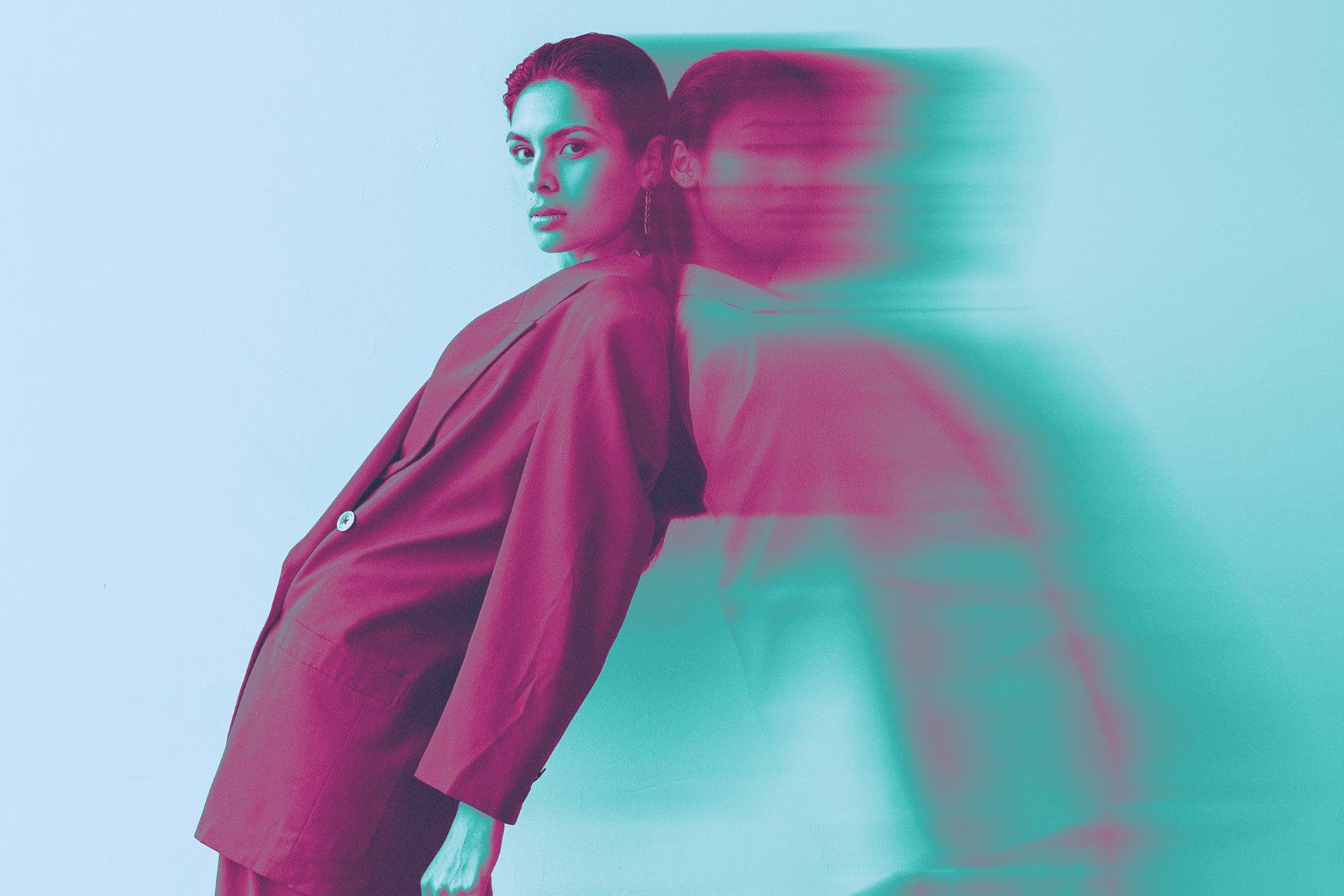
Introducing 'Drifter', add a captivating motion blur distortion to your images effortlessly. Perfect for press shots, album art, and posters, Drifter creates a dynamic and engaging visual experience with 6 dynamic colour options to choose from. Simply drop your image into our Photoshop files Smart Object and let our effect take hold.
Features:
- Photoshop .PSD File
- 6 Colour Options
- Smart Object Replacement
- Easily Editable
- High Resolution
- RGB Colour Mode
- 4000×4000 Pixel Dimension
- Help File
AI Overview
The Drifter Motion Blur Effect is a Photoshop-compatible tool that allows users to apply a motion blur distortion to their images. It includes a Photoshop .PSD file with 6 colour options, Smart Object replacement, and a high-resolution output of 4000x4000 pixels.
What's Included
Compatibility

File Size: 108.1MB
Uploaded: May 24, 2024


Instant
Download

Premium
Quality

Lifetime
Support
 Frequently Asked Questions
We want you to be happy with your purchase! We do offer refunds for digital products if you experience a technical issue that our support team cannot resolve. Just reach out to us within 30 days of your purchase, and we'll be here to help.
After your purchase is complete, you'll receive a confirmation email with a link to download your files. You can also log into your account and access your downloads from the 'My Downloads' section.
Our products come with different licensing options that allow for many types of use cases. Our licenses page includes detailed information about the available licenses, so you can choose the one that fits your project. Click here to view licence details.