



Dithering Automator

MiksKS
Description
Introducing Dithering Automator - a tool for achieving a retro bitmap aesthetic with ease.
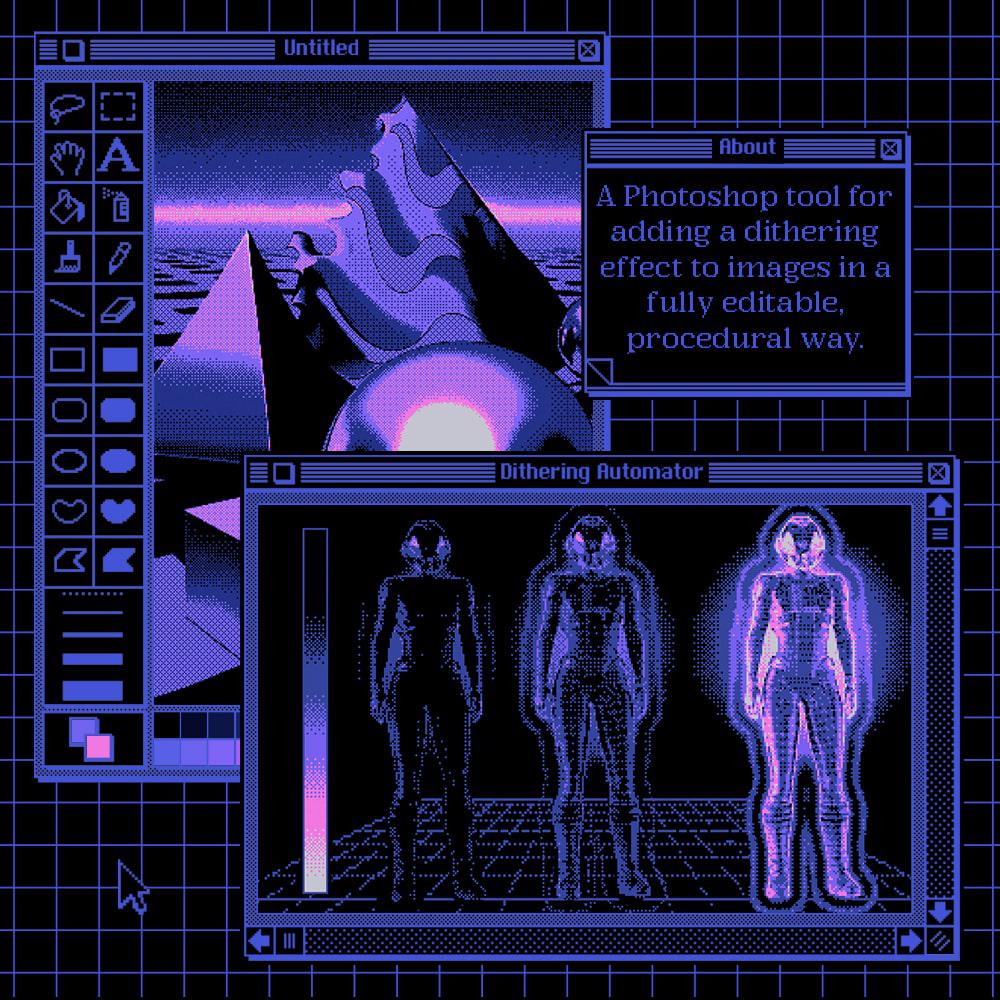
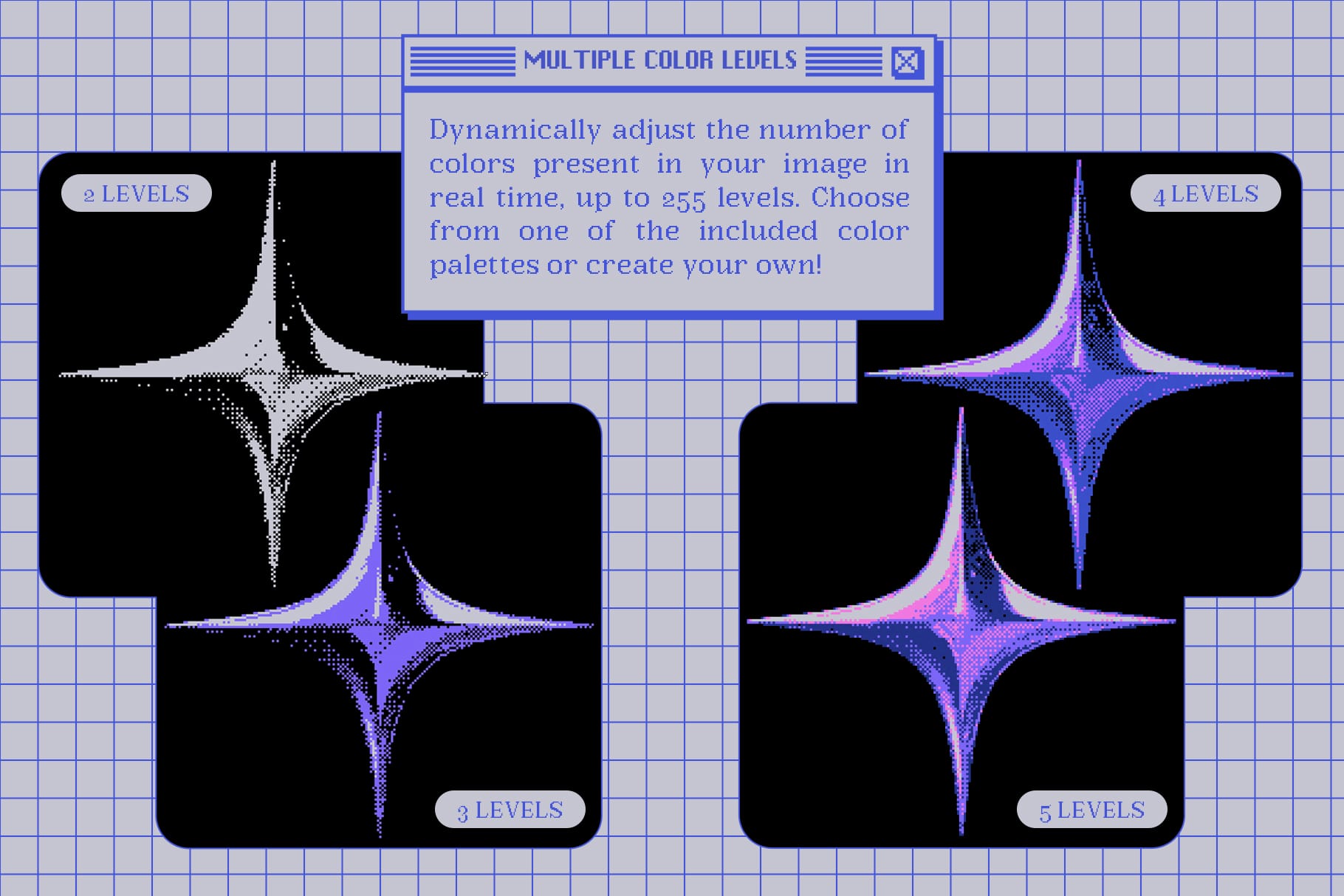
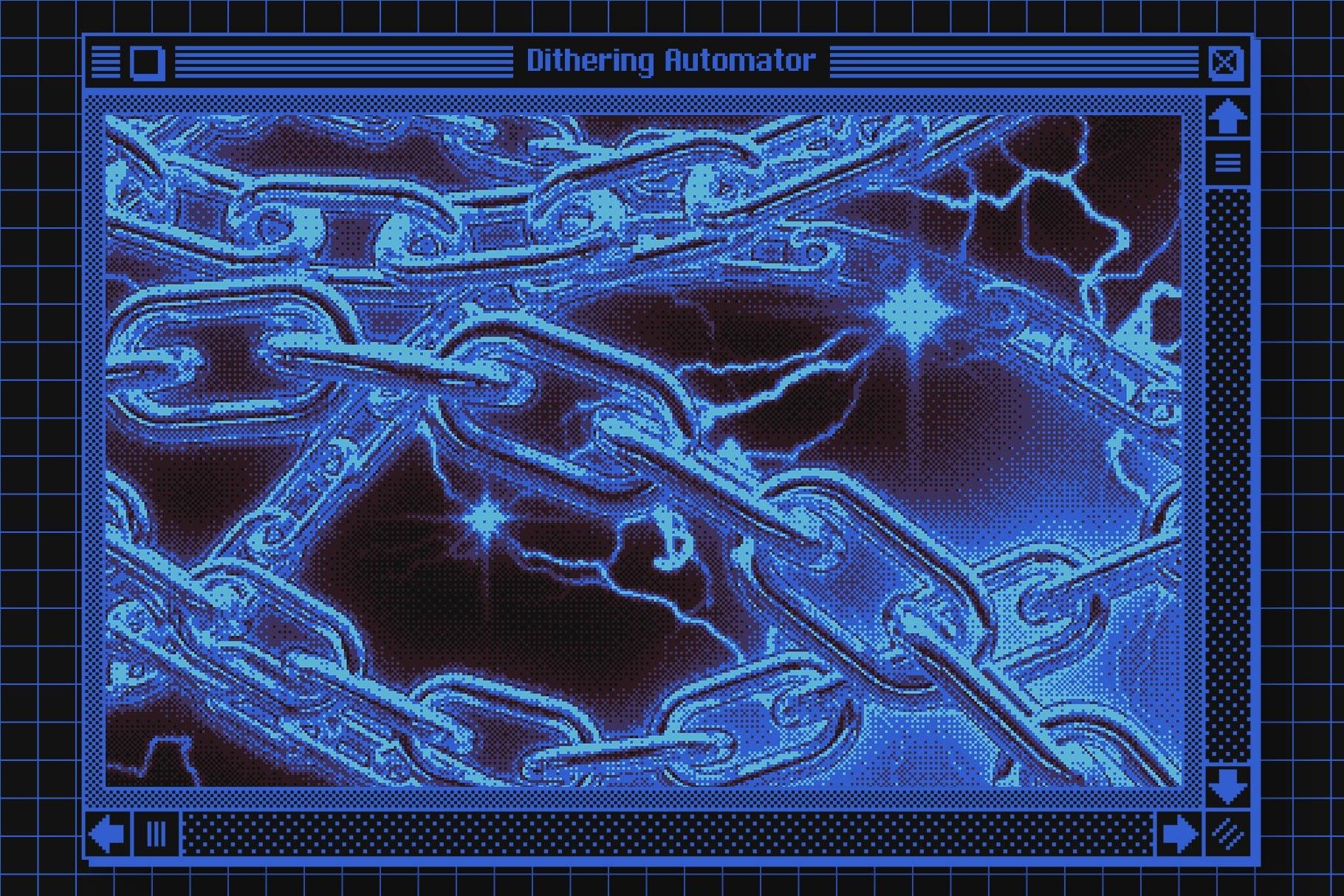
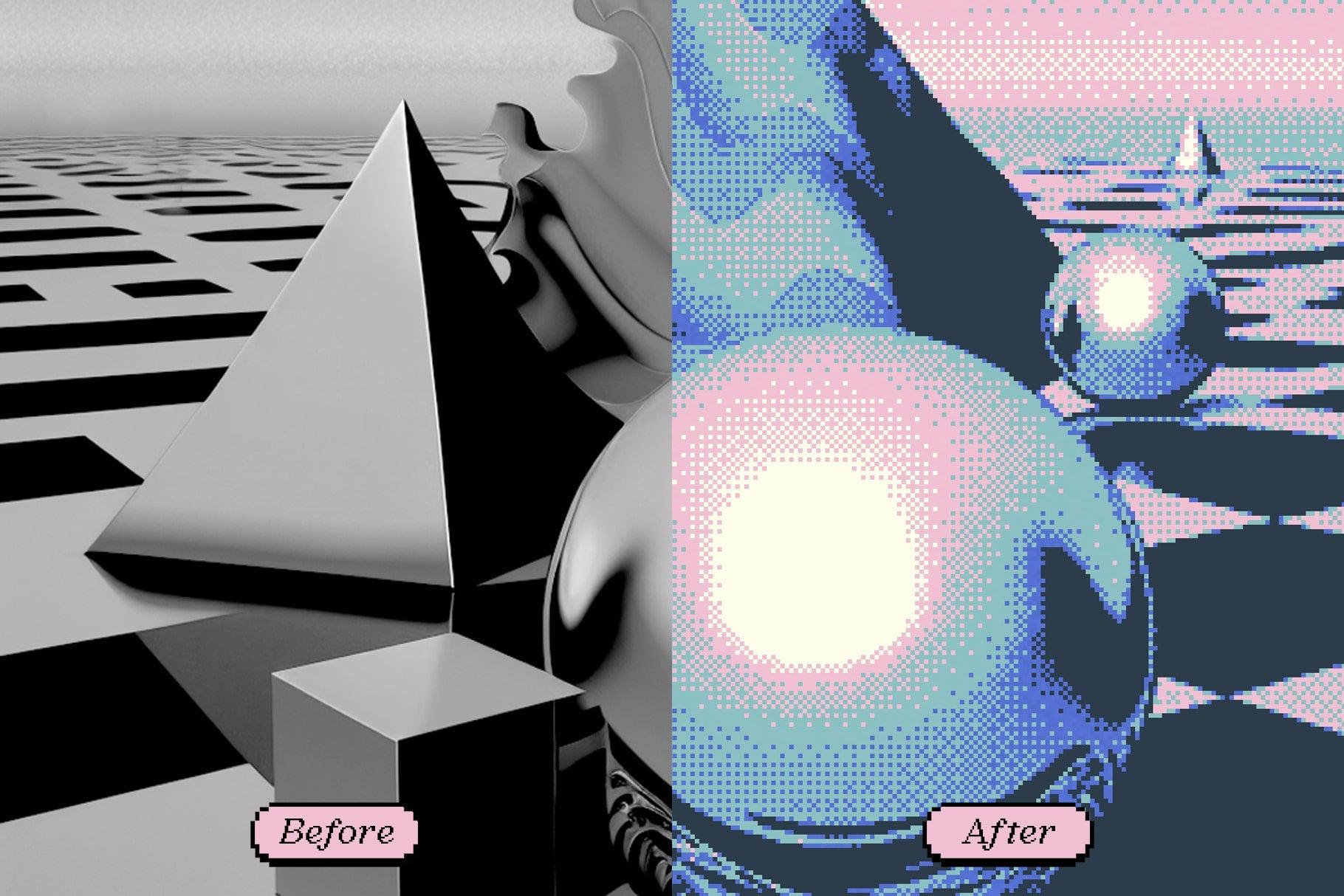
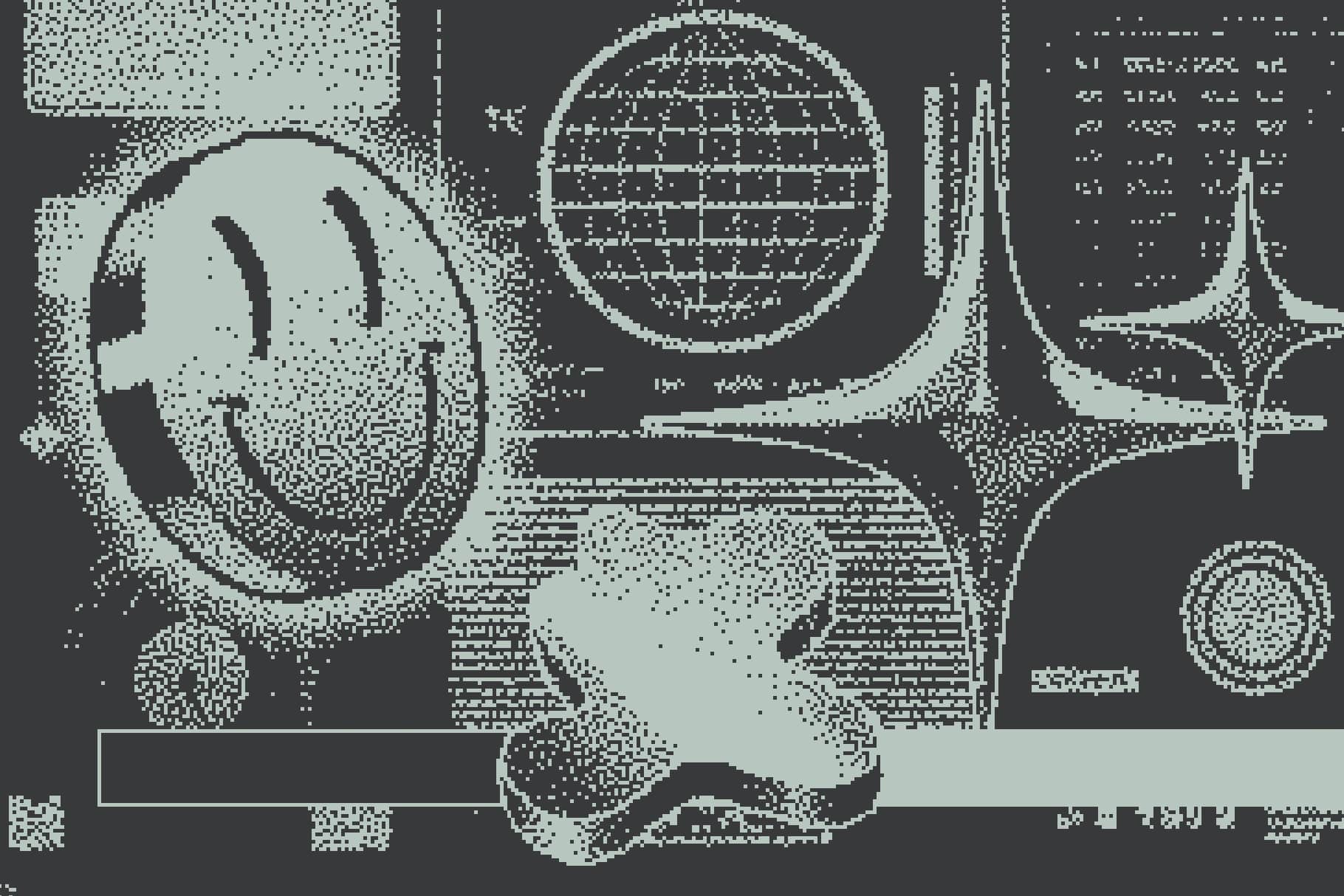
This Photoshop tool allows you to add a dithering effect to your images - whether you are looking for a lo-fi 1-bit aesthetic, or a wider color range.
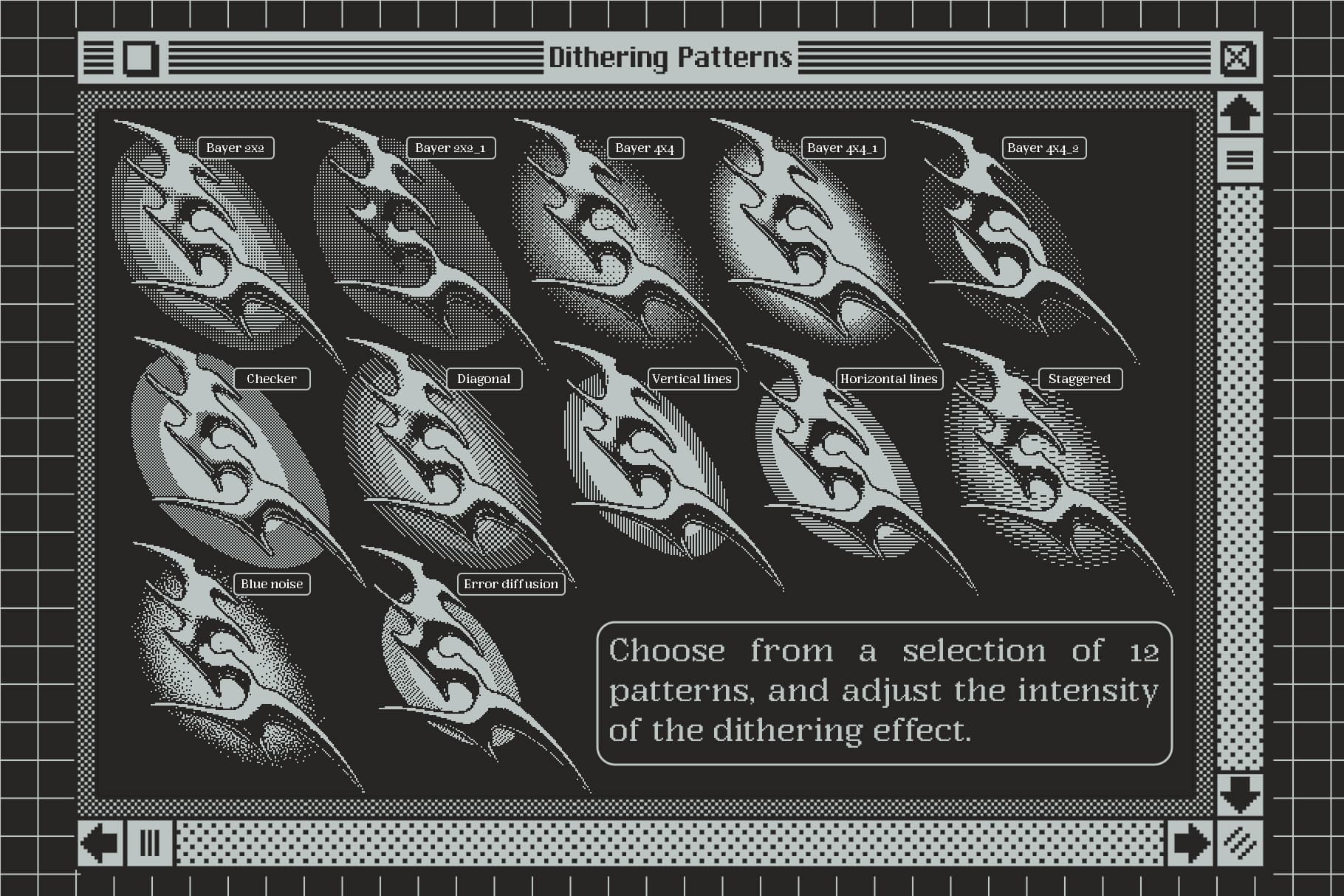
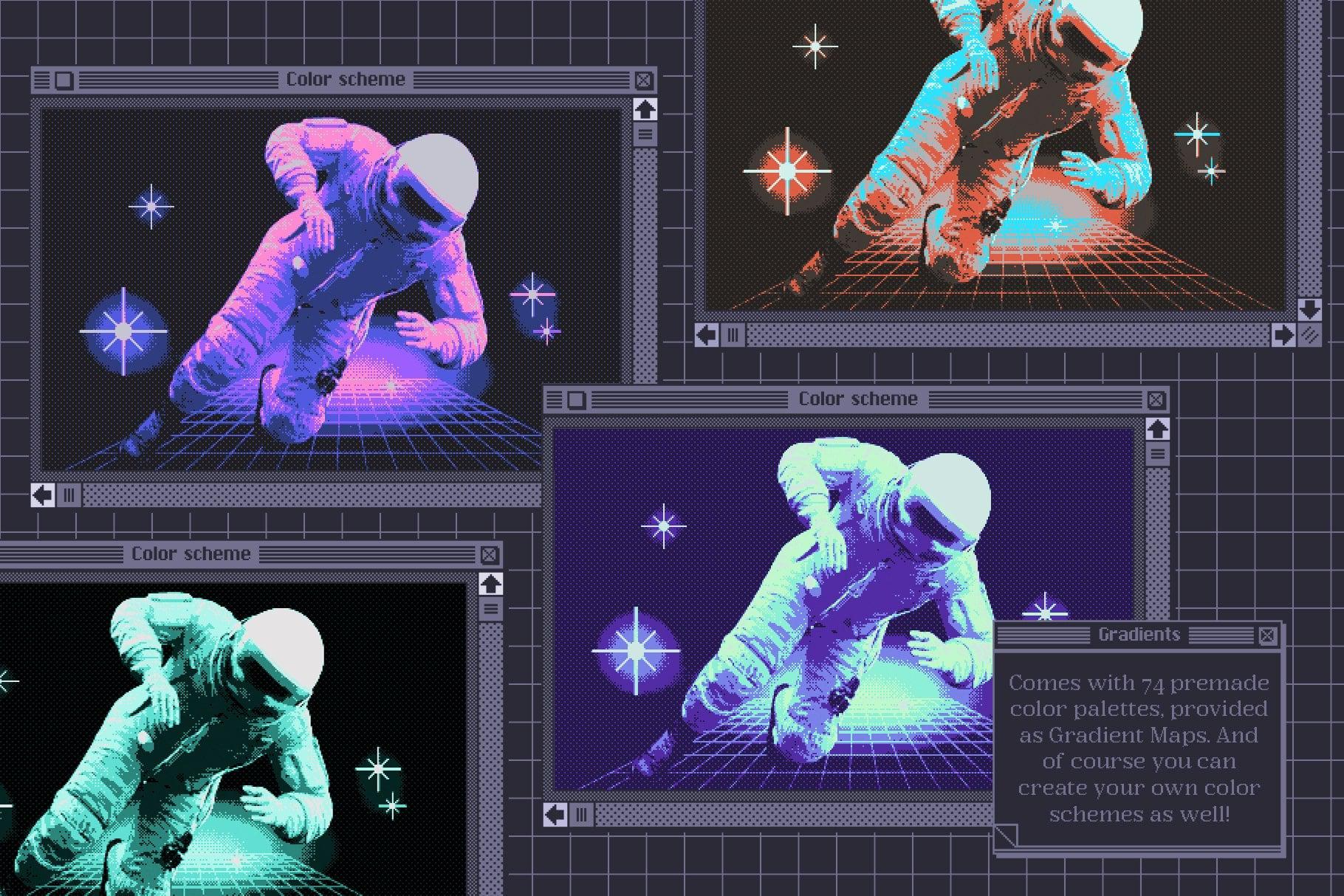
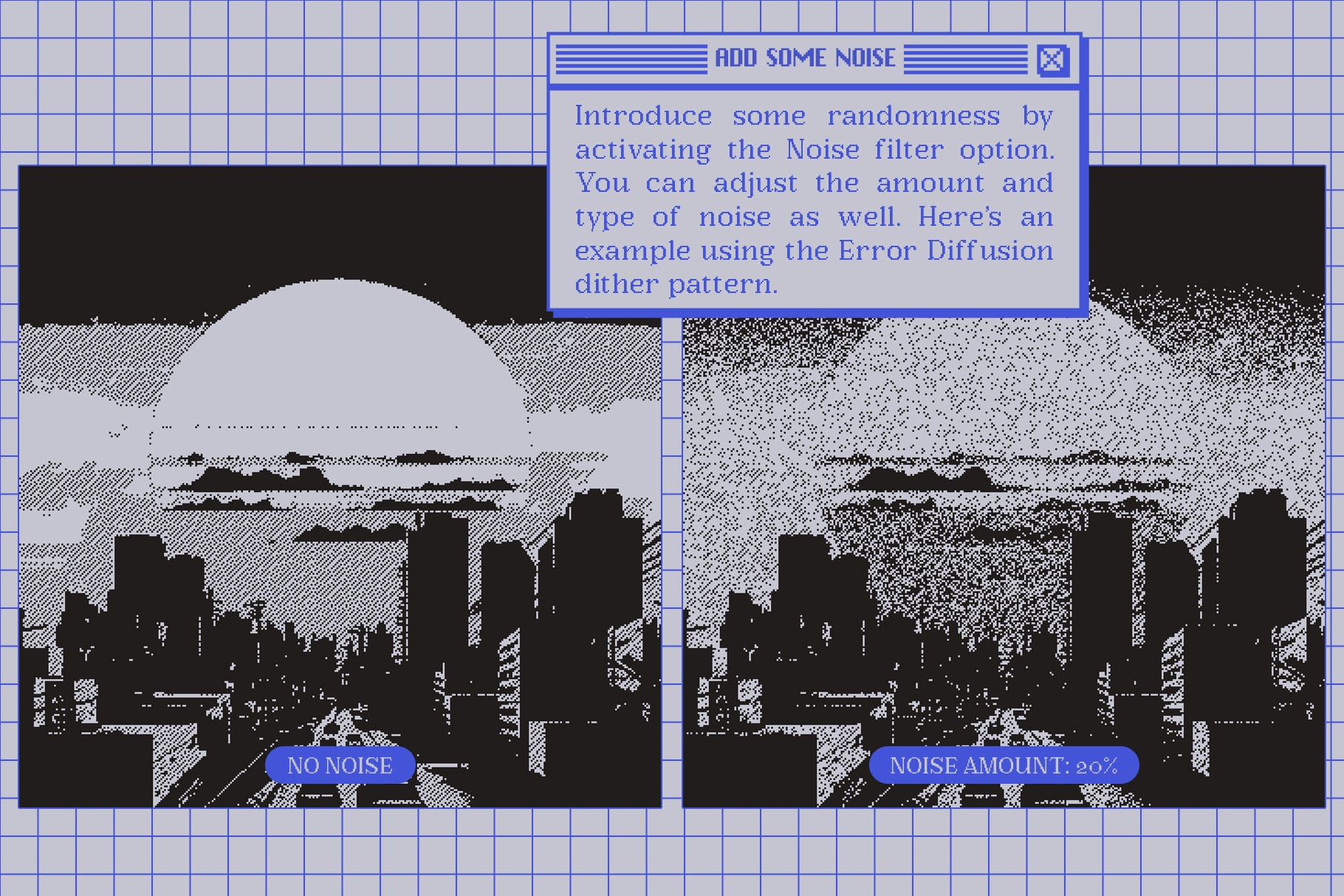
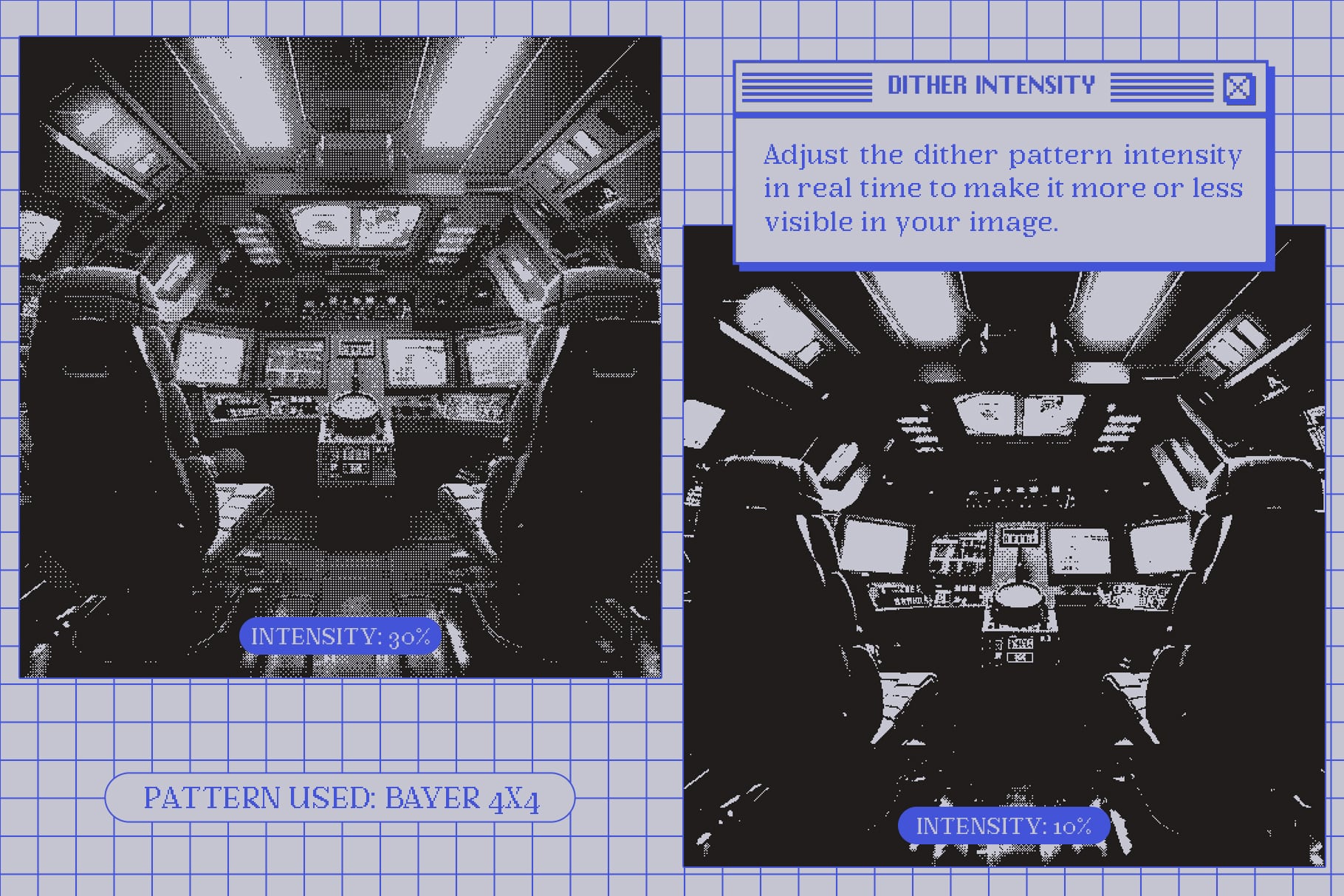
With 12 dithering patterns and 74 color palettes included, this tool offers almost endless possibilities for creating unique and visually interesting designs. Plus, you can see the results in real-time, making it easy to experiment and fine-tune your designs in a procedural way until you achieve the desired effect.
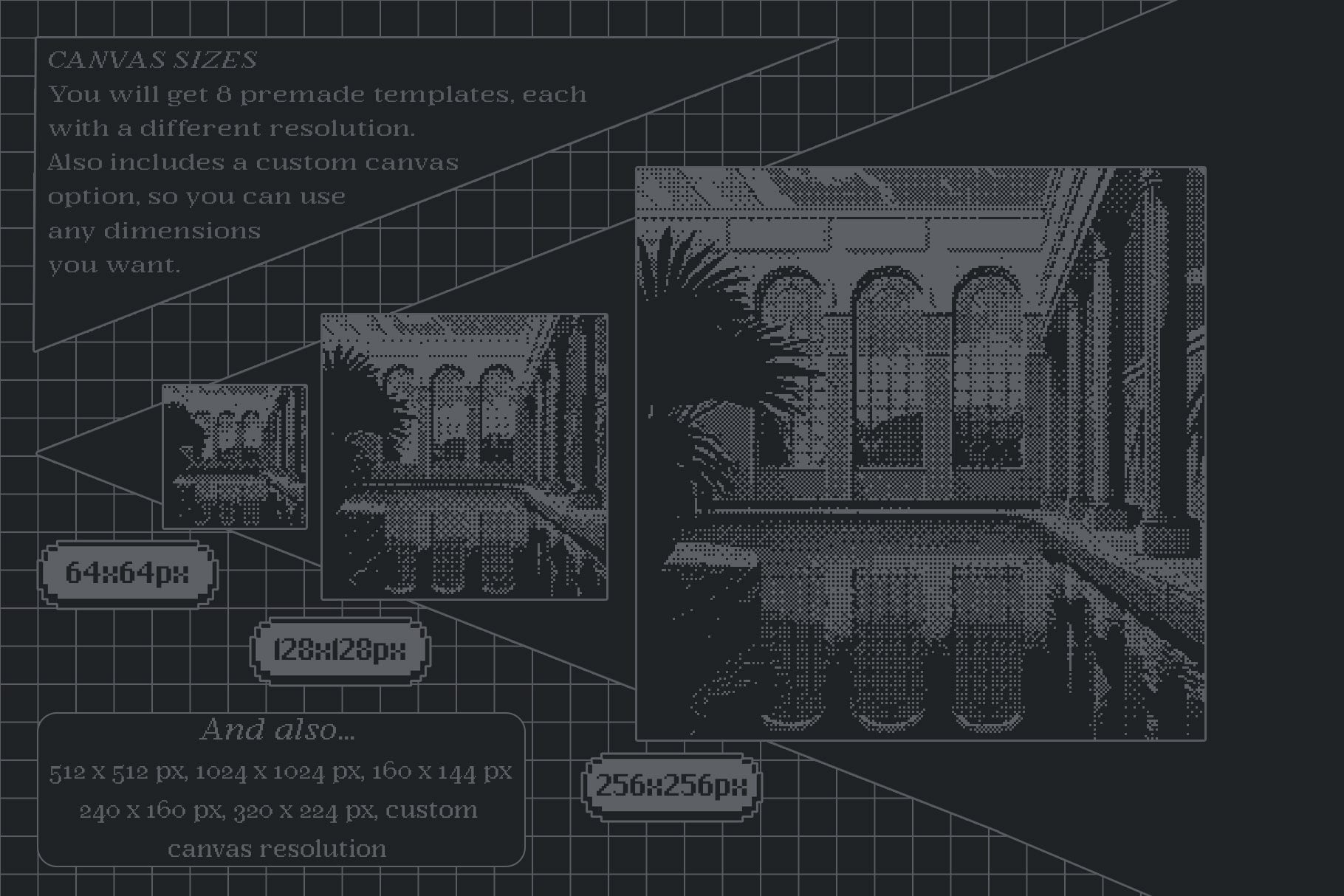
The Dithering Automator is also versatile and adaptable, with multiple template sizes available to suit any project; from a super low-res 64x64px to more a detailed 1024x1024px. You also have the option to set up your own canvas with custom dimensions if you prefer.
The included action allows you to upscale your images without loss of resolution, in just a few clicks.
And for those who want to get the most out of this tool, a user guide is included with detailed instructions and helpful tips for using the various features.
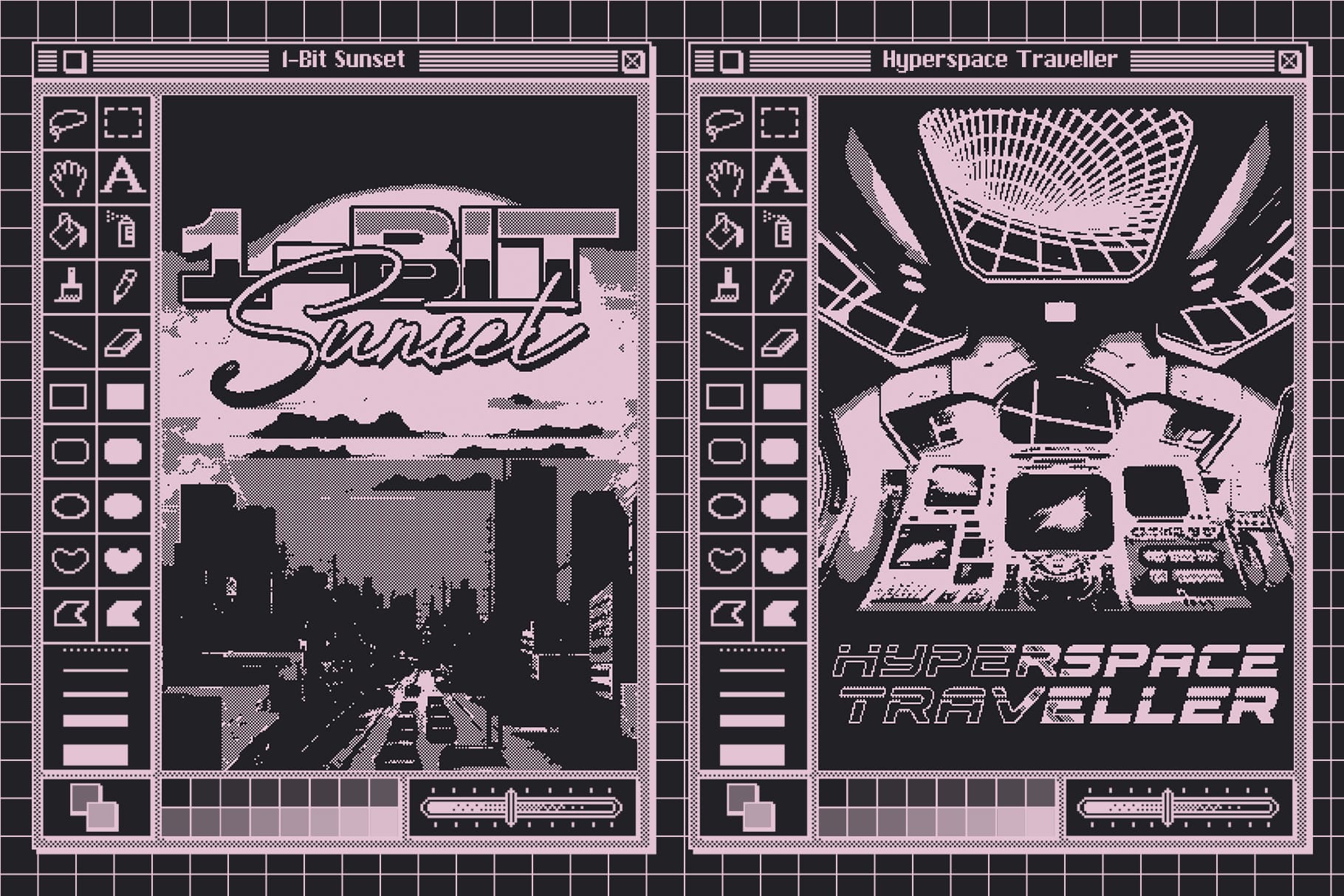
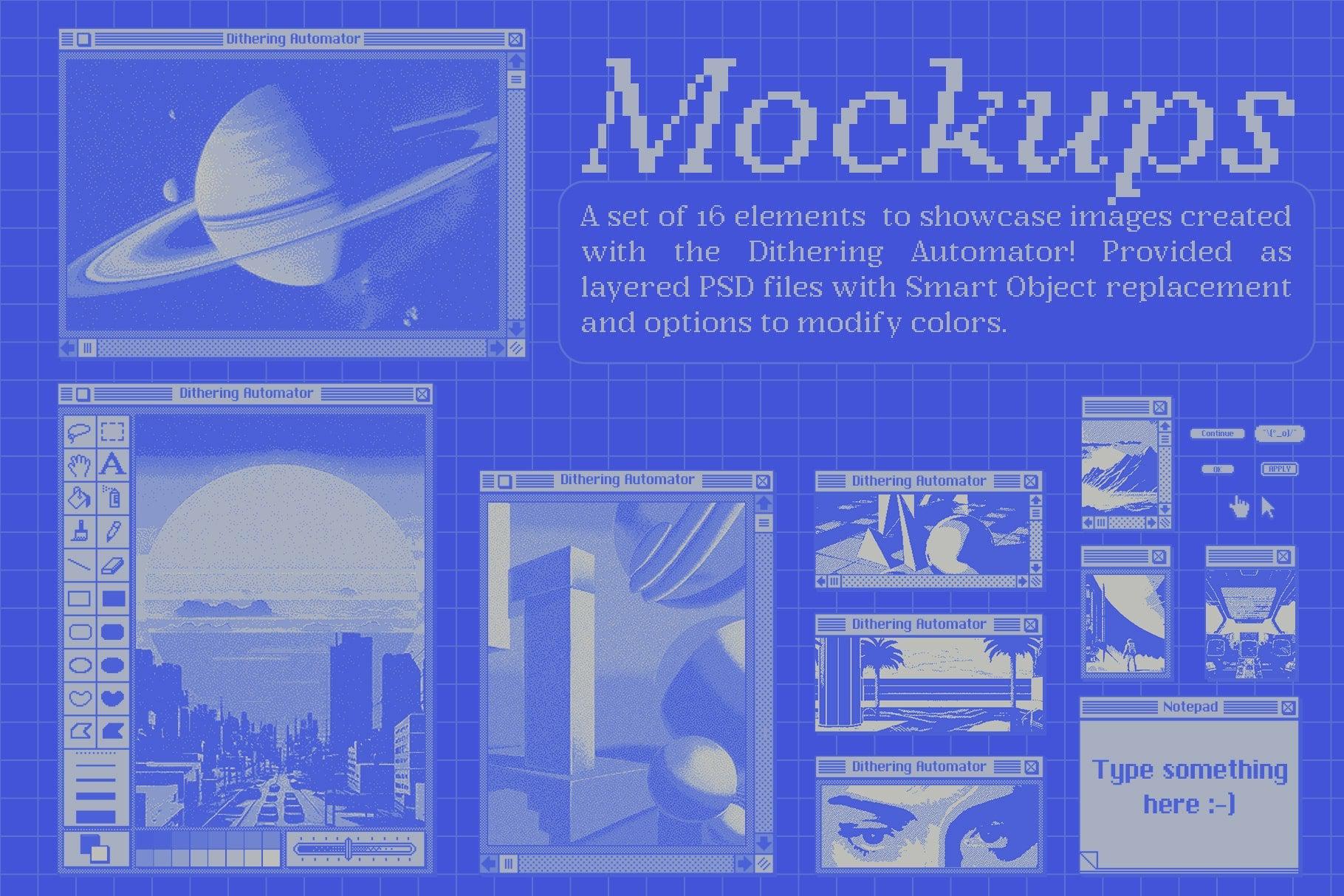
And to showcase your work, you will also find a series of mockups inspired by old Mac OS interfaces.
Specs & features:
- Templates size presets: 64x64px, 128x128px, 256x256px, 512x512px, 1024x1024px, 160x144px, 240x160px, 320x224px, custom dimensions.
- Detailed user guide with pictures
- 300ppi PSD mockups with editable elements
What's included:
- 9 PSD templates (Dithering Automator)
- 4 PSD mockup files
- 1 ATN file (Upscale image action)
- 1 GRD file (Gradient presets)
- 1 PAT file (Dithering patterns)
- 1 PDF user guide
Compatibility:
Photoshop CC
AI Overview
The Dithering Automator is a Photoshop tool designed to add a dithering effect to images, offering a retro bitmap aesthetic. It includes 12 dithering patterns, 74 color palettes, and various template sizes, with the ability to see results in real-time. The package contains 9 PSD templates, 4 PSD mockup files, and additional files for gradient presets, dithering patterns, and image upscaling. A detailed user guide is also included.
What's Included
Compatibility

File Size: 268.5MB
Uploaded: June 19, 2024


Instant
Download

Premium
Quality

Lifetime
Support
 Frequently Asked Questions
We want you to be happy with your purchase! We do offer refunds for digital products if you experience a technical issue that our support team cannot resolve. Just reach out to us within 30 days of your purchase, and we'll be here to help.
After your purchase is complete, you'll receive a confirmation email with a link to download your files. You can also log into your account and access your downloads from the 'My Downloads' section.
Our products come with different licensing options that allow for many types of use cases. Our licenses page includes detailed information about the available licenses, so you can choose the one that fits your project. Click here to view licence details.