
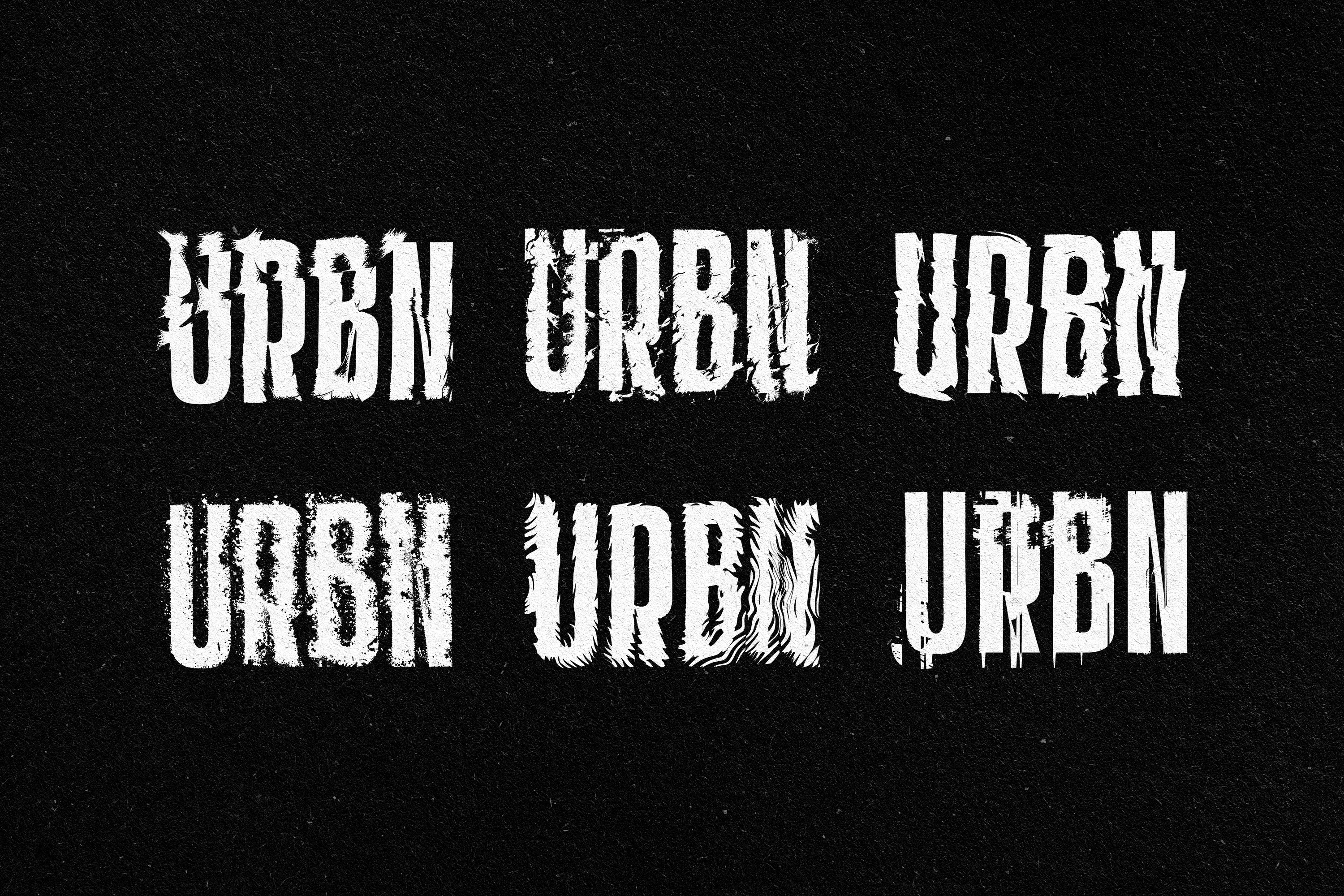


Distortion Effects Collection

Pixelbuddha
Description
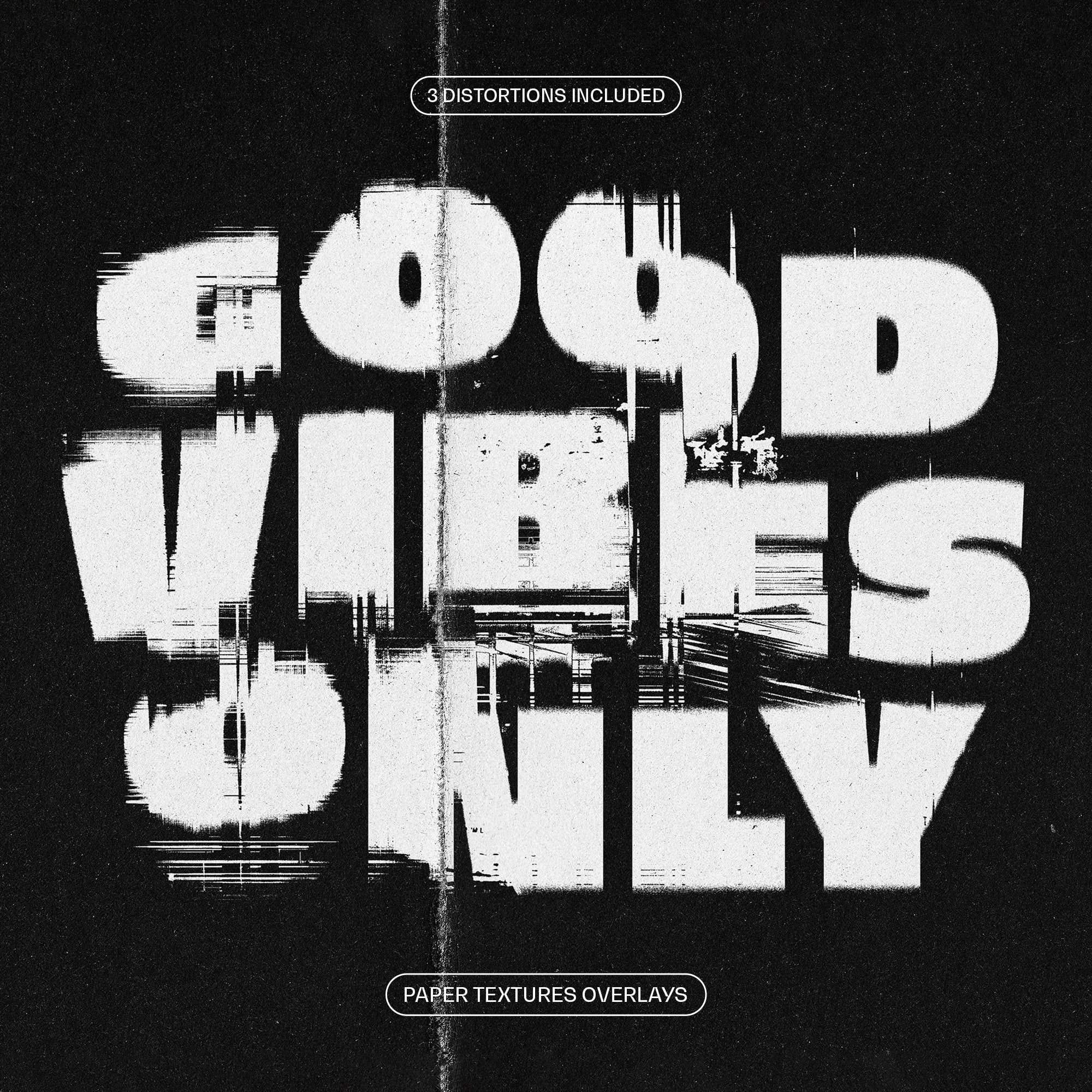
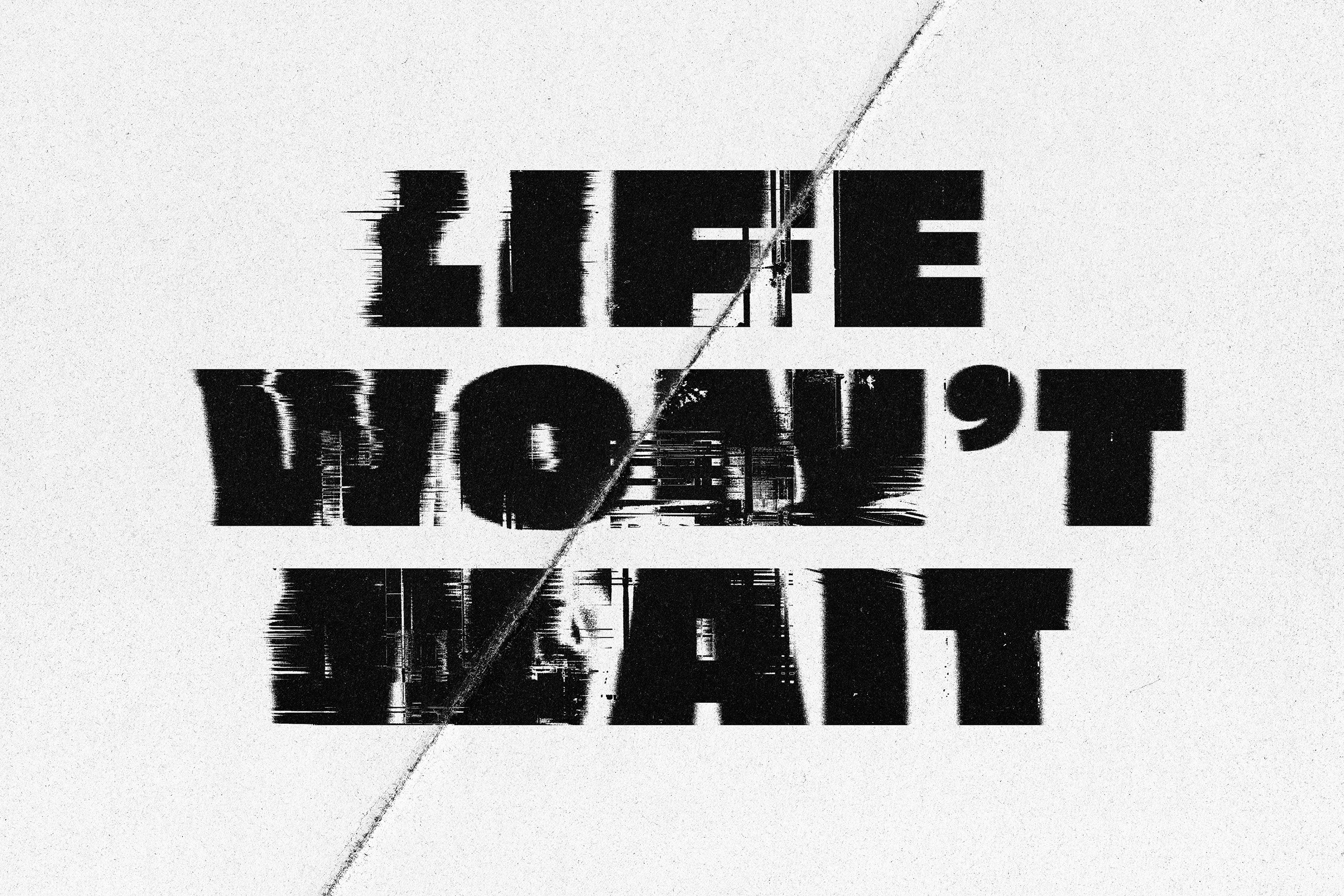
Remember when the jammed printer was the main reason why paper and ink were wasted? These crooked texts running off the edges used to make you frustrated in the first place, but later you would find a peculiarity about the leaky stains. That’s how to accept faded prints as they are, grunge, natural, and unique. There’s something special in smears in the text jumbled down the middle — they never repeat each other, making any illustration one of a kind. Here’s the other side of errors: instead of settling for classical options, let distortion add more individuality in form and shape. The Distortion Effects Collection sits just right with this purpose.
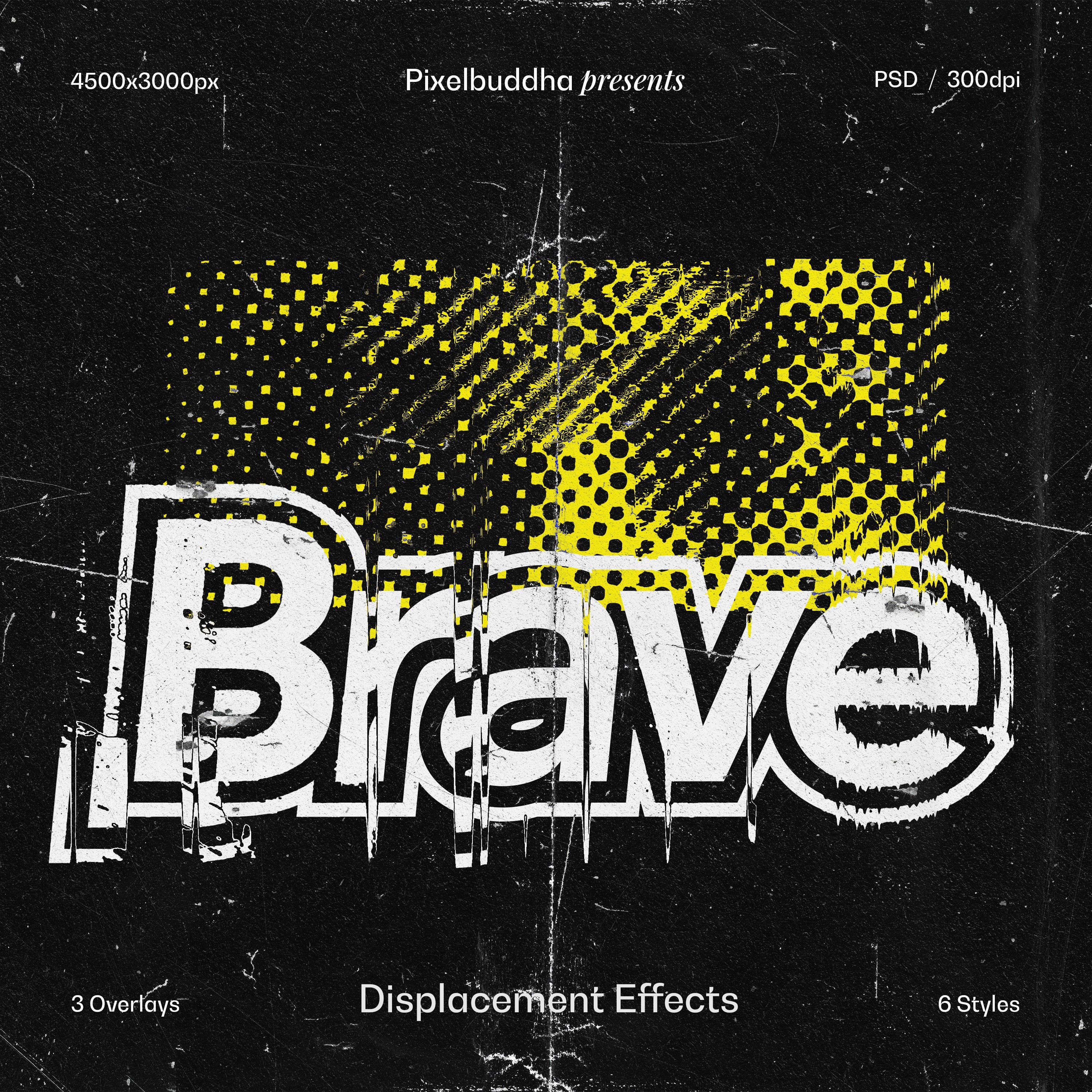
The add-on offers 6 distortion styles in only one PSD file, perfectly mimicking leaky and faulty ink. To get a more ragged presentation, you will find 3 shabby overlays inside the item. These are ideal to combine and adjust to get the desired look. Now, where to use it? Plenty of gritty projects are awaiting you! Printed (obviously) or digital, the effects will look drop-dead gorgeous in many posters, ads, merches, album covers, and so on.
What’s inside?
- high-quality PSD file;
- 4500x3500px, 300dpi;
- 6 distortion styles;
- 3 overlays;
- help file.
AI Overview
The Distortion Effects Collection is a Photoshop add-on that includes a high-quality PSD file with six unique distortion styles and three overlays. This collection, designed to mimic leaky and faulty ink effects, is offered in a 4500x3500px, 300dpi format and comes with a help file for user assistance.
What's Included
Compatibility

File Size: 252.7MB
DPI: 300
Dimensions: 4500x3000px
Uploaded: August 08, 2024


Instant
Download

Premium
Quality

Lifetime
Support
 Frequently Asked Questions
We want you to be happy with your purchase! We do offer refunds for digital products if you experience a technical issue that our support team cannot resolve. Just reach out to us within 30 days of your purchase, and we'll be here to help.
After your purchase is complete, you'll receive a confirmation email with a link to download your files. You can also log into your account and access your downloads from the 'My Downloads' section.
Our products come with different licensing options that allow for many types of use cases. Our licenses page includes detailed information about the available licenses, so you can choose the one that fits your project. Click here to view licence details.