
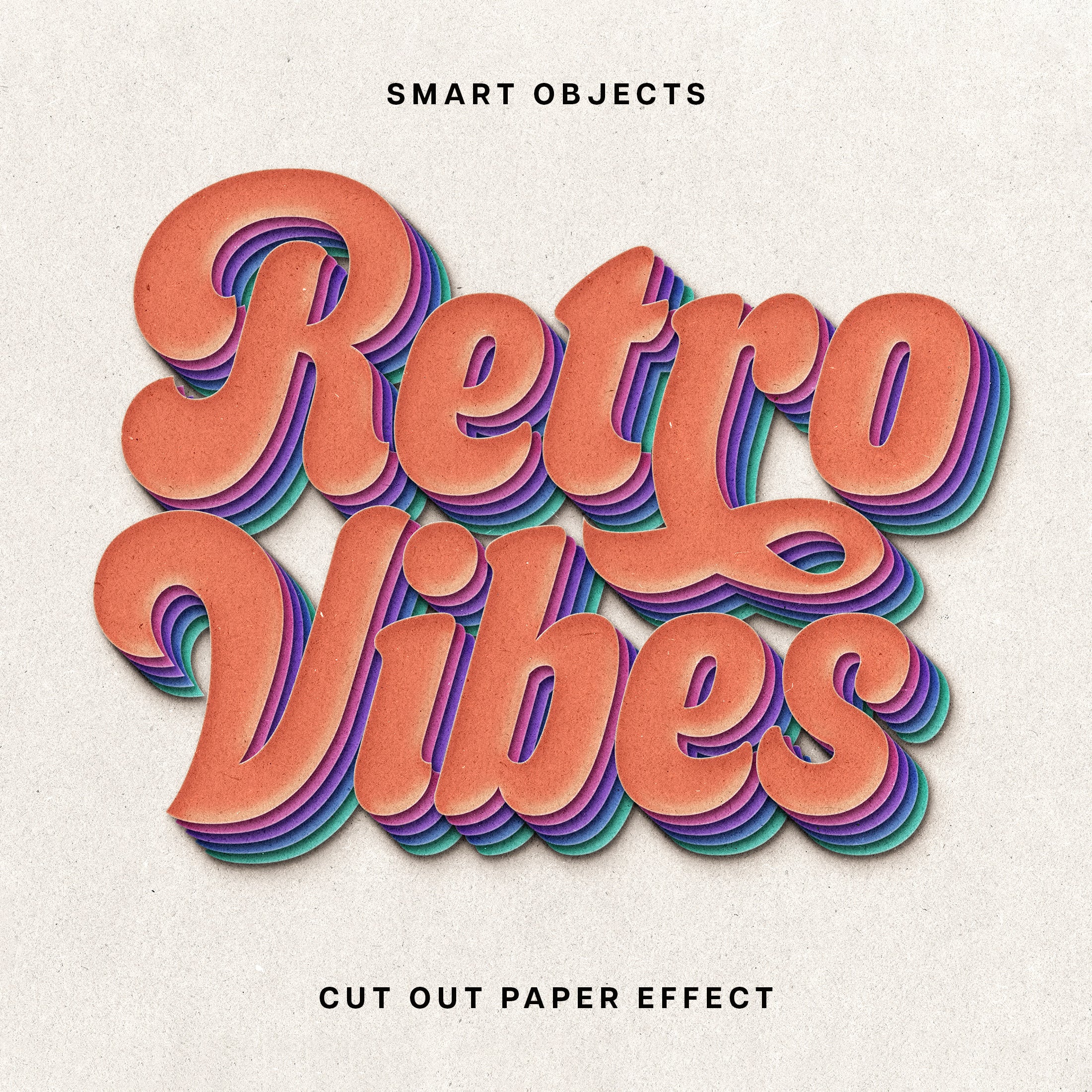
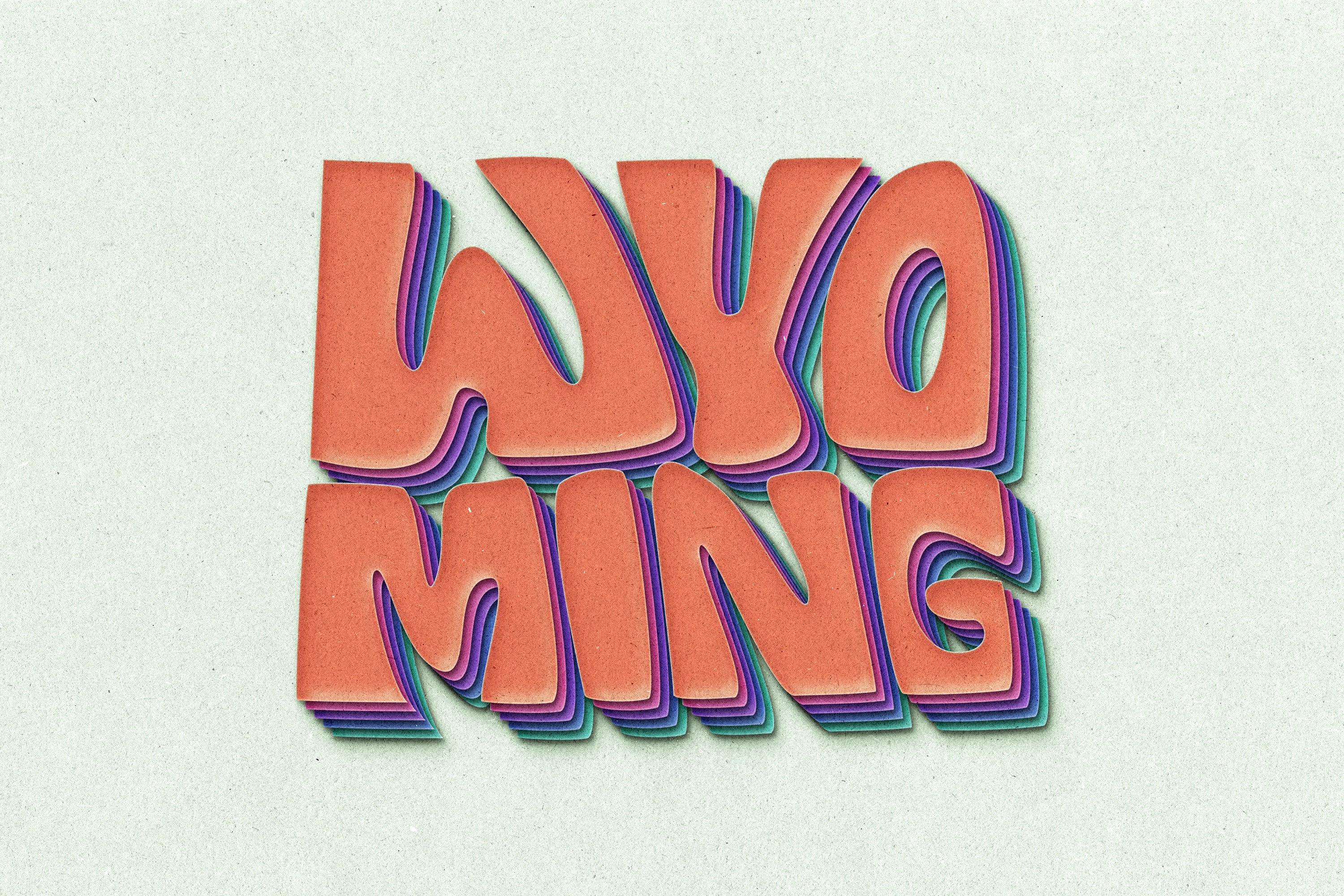

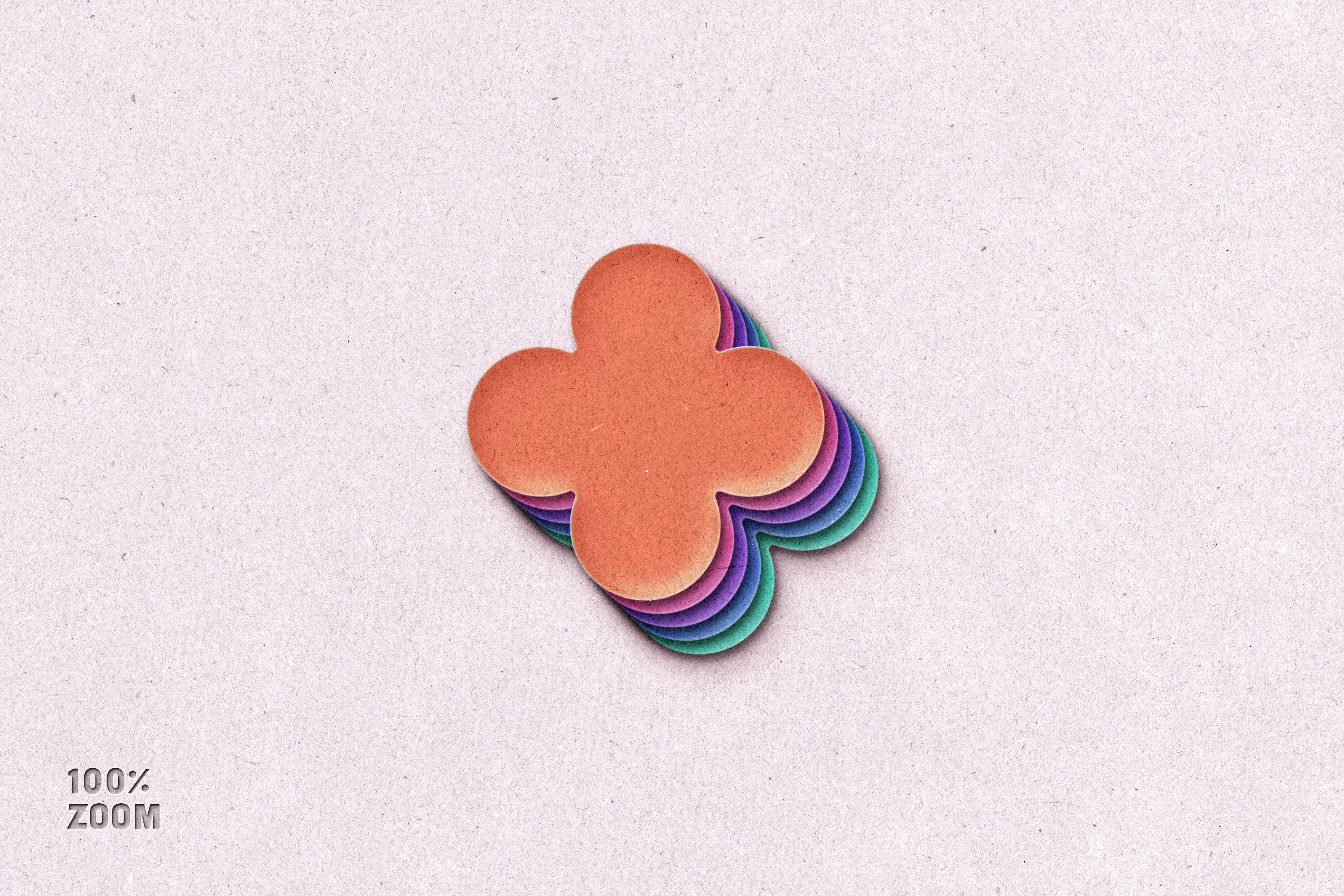
Cut Out Paper Text & Logo Effect

Pixelbuddha
Description
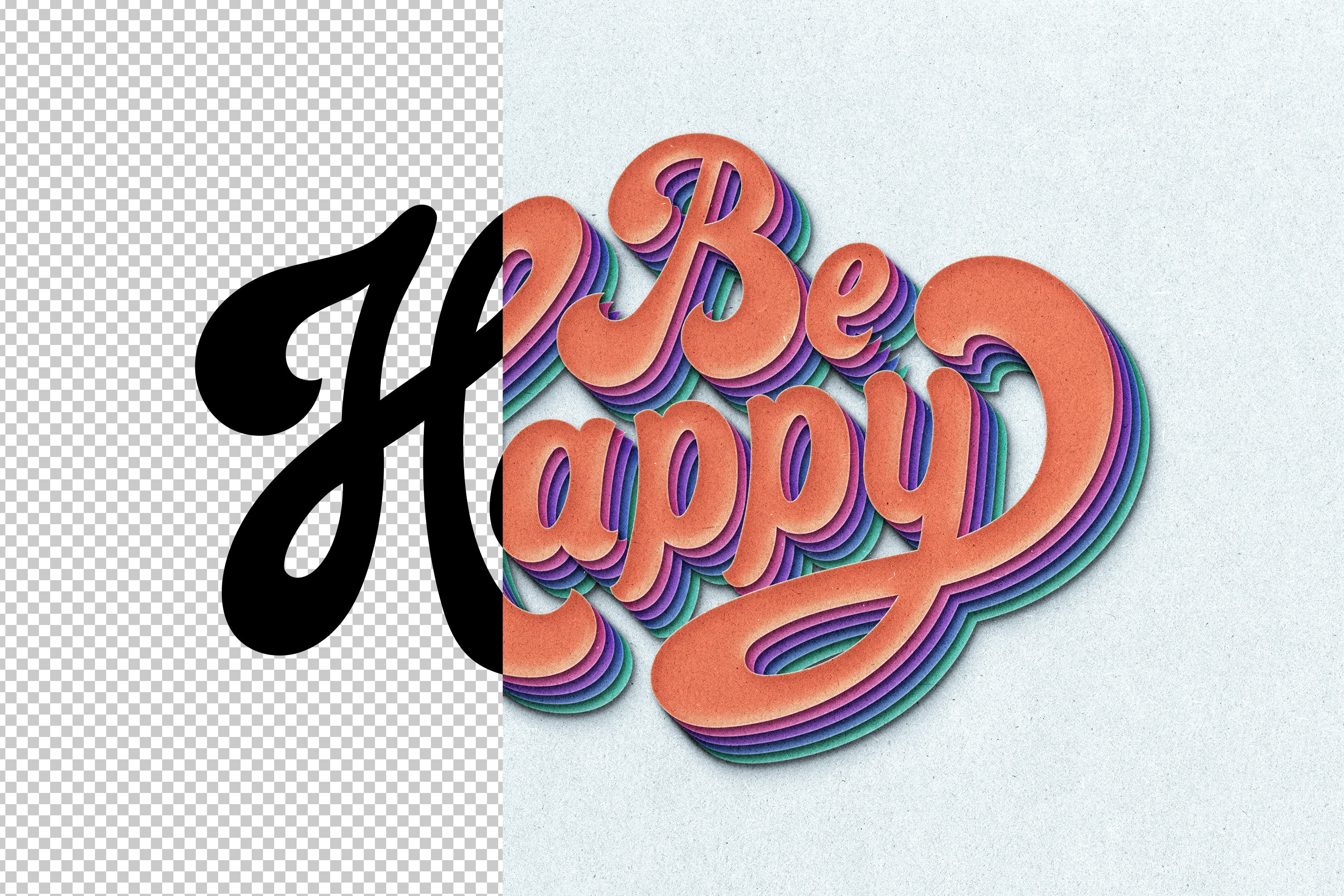
Sometimes visuals tell a better story than words themselves, so make sure you’ve pulled out all the stops to deliver the awe-provoking showcase. Branding logotypes or presentation elements, the asset can deal with anything your project’s about. This text effect will pave the way to a desirable result, because of the Smart Object Layers. These allow you to add creatives inside the indicated layer: double-click the thumbnail, delete the default placeholder, then type any text and save it!
The asset includes Adobe library’s fonts, but you can use any typefaces you need — the effect perfectly adjusts to them.
What’s inside?
- high-quality PSD file;
- 4500x3000 px, 300 dpi;
- changeable background color;
- help file.
AI Overview
The Cut Out Paper Text & Logo Effect is a high-quality PSD file (4500x3000 px, 300 dpi) compatible with Photoshop, featuring Smart Object Layers for easy customization of text and logos. It includes Adobe library fonts, a changeable background color, and a help file for user guidance.
What's Included
Compatibility

File Size: 83.1MB
DPI: 300
Dimensions: 4500x3000px
Uploaded: July 24, 2025


Instant
Download

Premium
Quality

Lifetime
Support
 Frequently Asked Questions
Our products come with guarantees under the Australian Consumer Law. If a file is faulty or isn't as described, you're entitled to a fix, a replacement or a refund. We don't refund a change of mind. Bought a bigger size than you need, or Extended when Standard would do? Within 14 days, we'll swap it and refund the difference. Read our refund policy.
After your purchase is complete, you'll receive a confirmation email with a link to download your files. You can also log into your account and access your downloads from the 'My Downloads' section.
Every product comes with the Studio 2am License. Choose Standard or Extended, and the size of your business. Which license do I need?