CircuLab – Vector Circle Kit

Softulka
Description
*Video guide: *https://youtu.be/kii5p2jH9bg
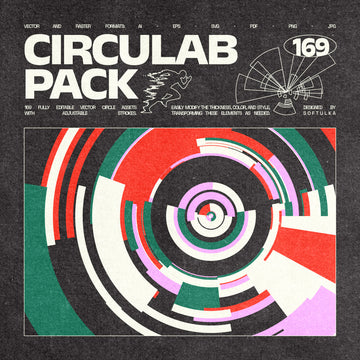
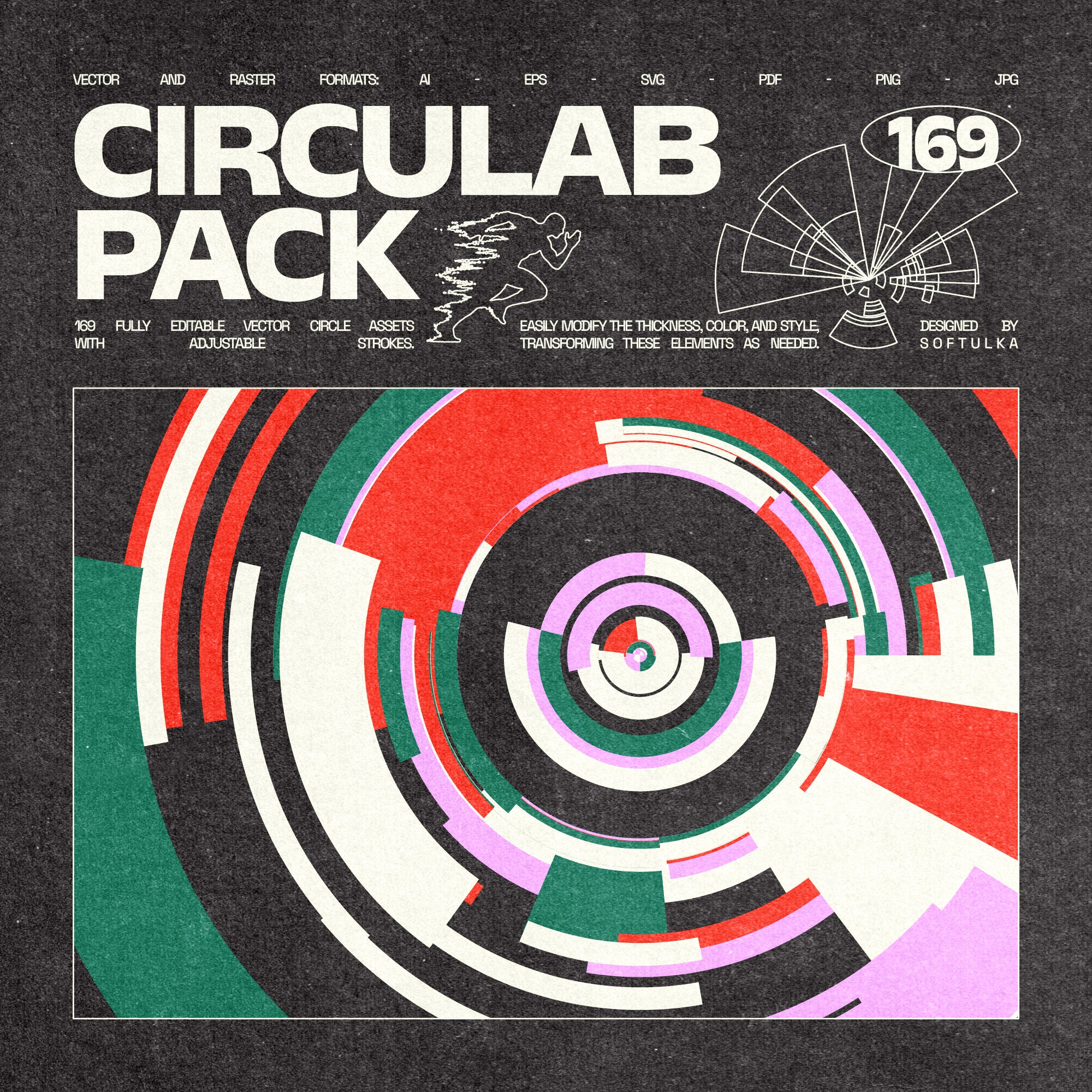
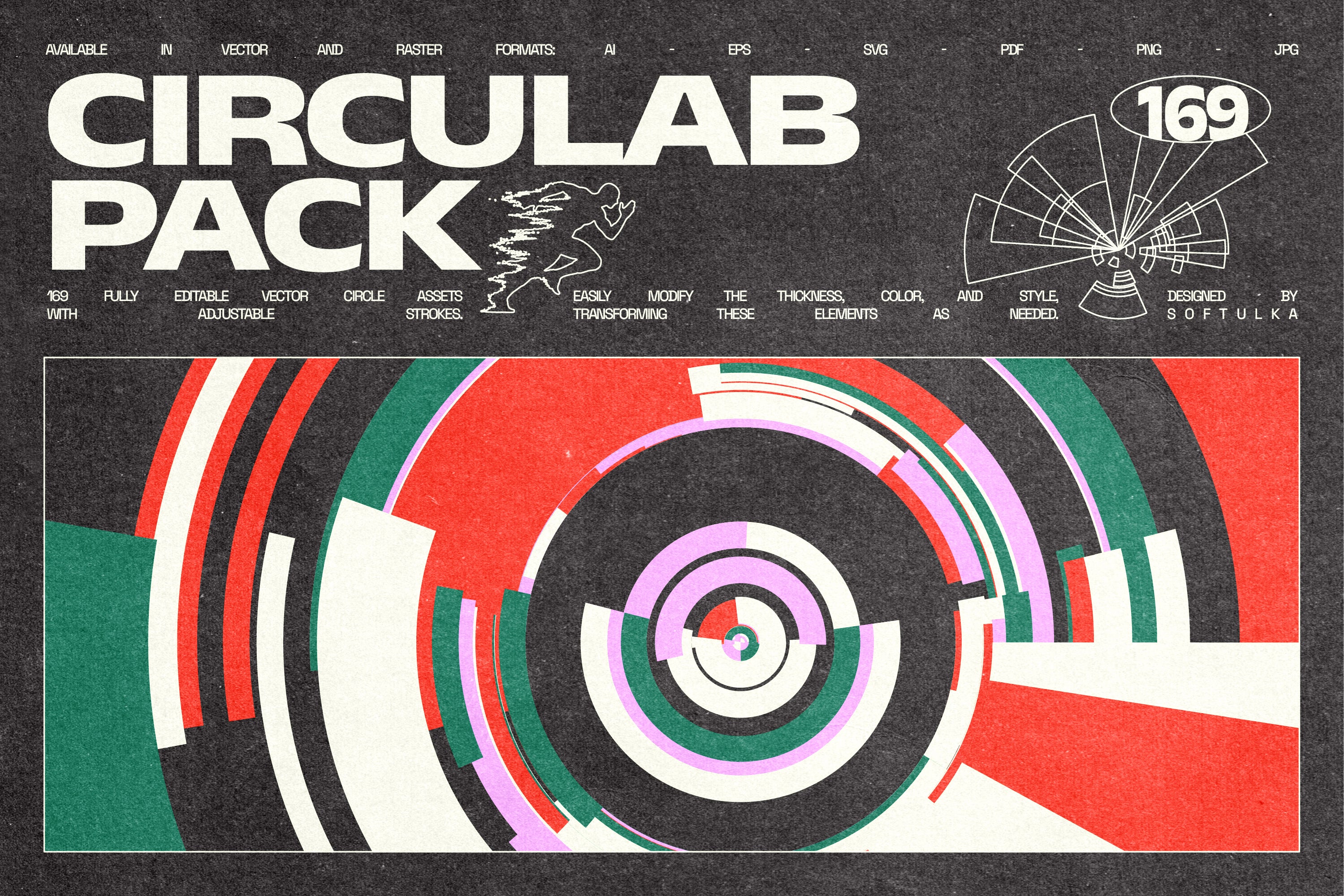
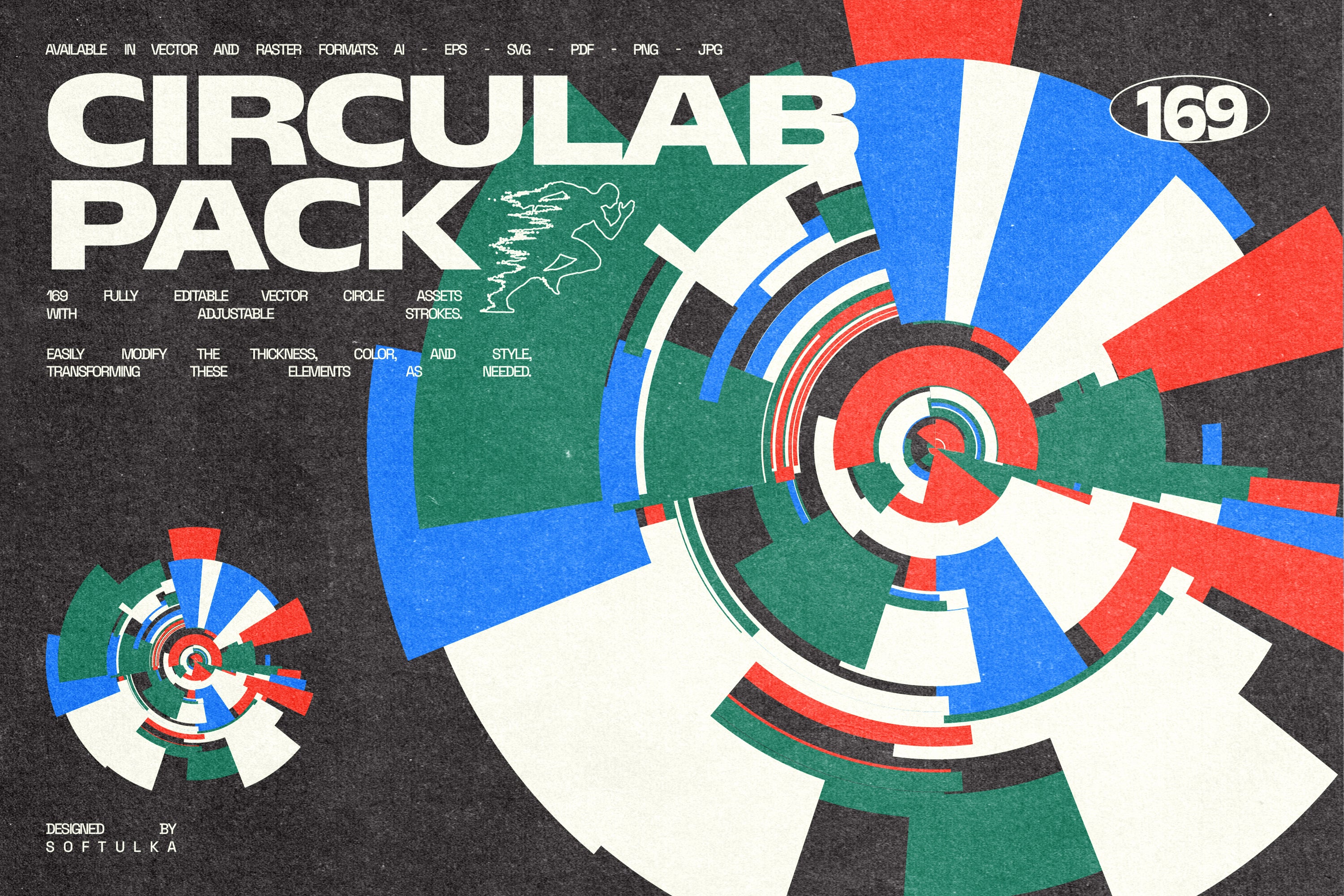
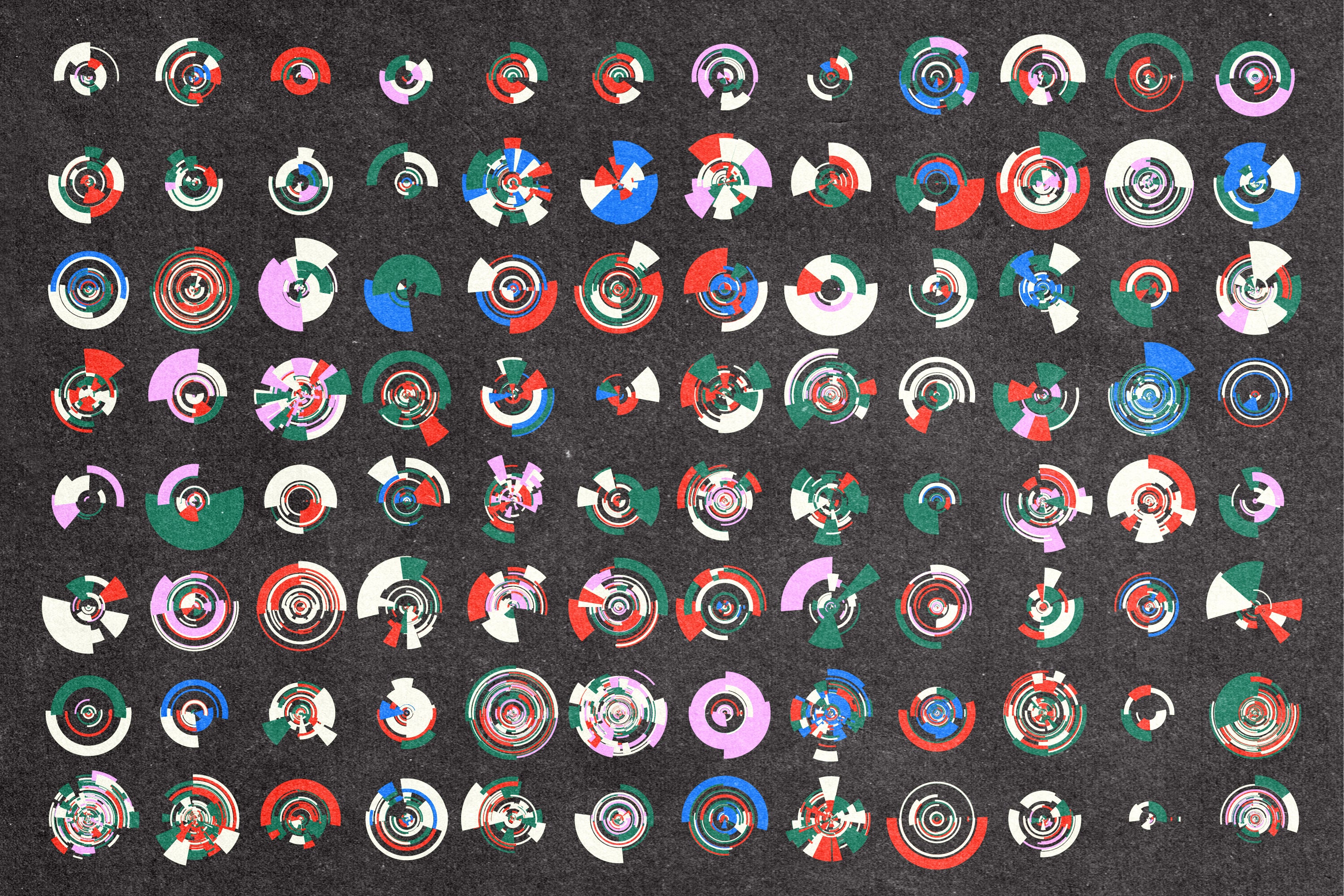
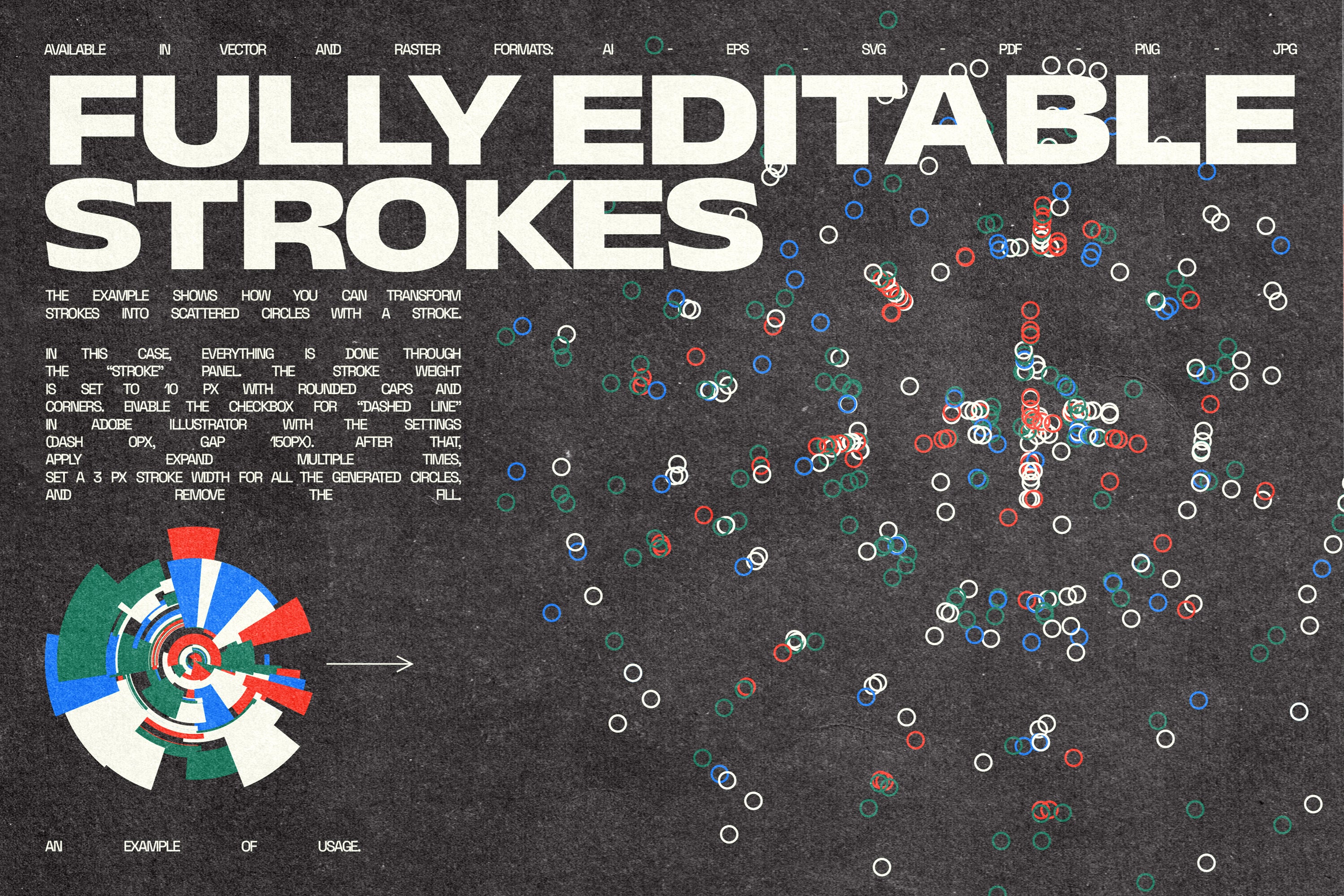
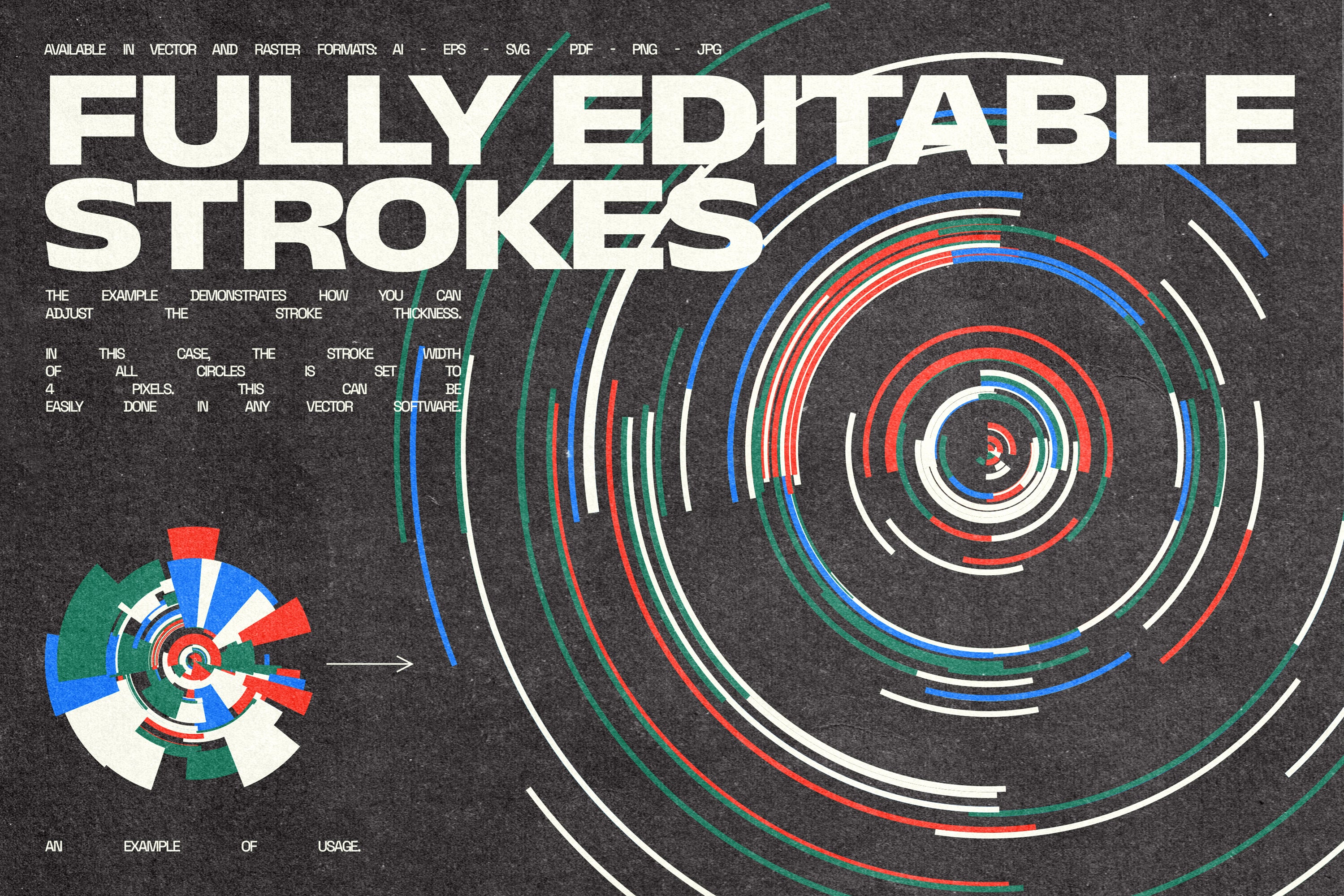
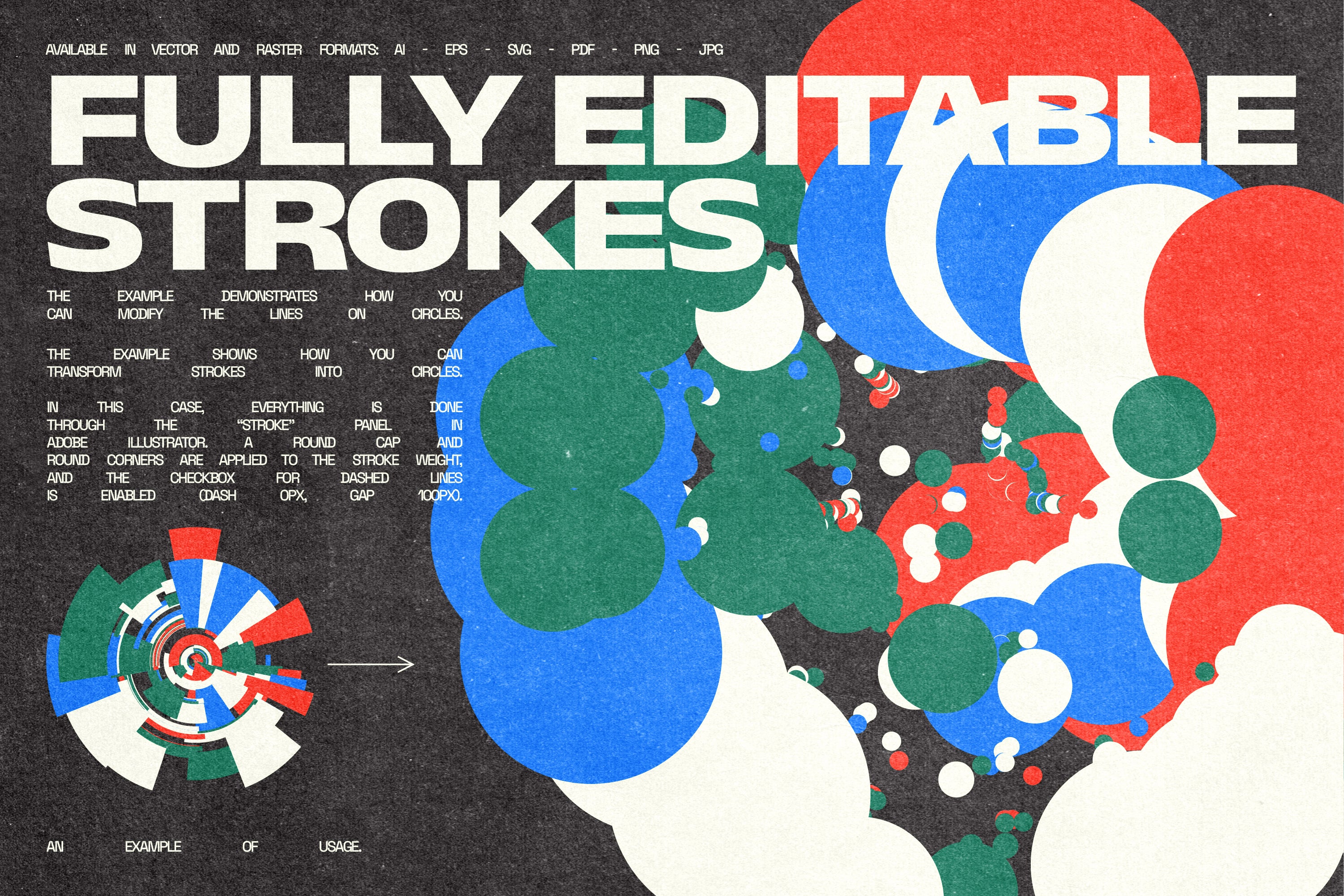
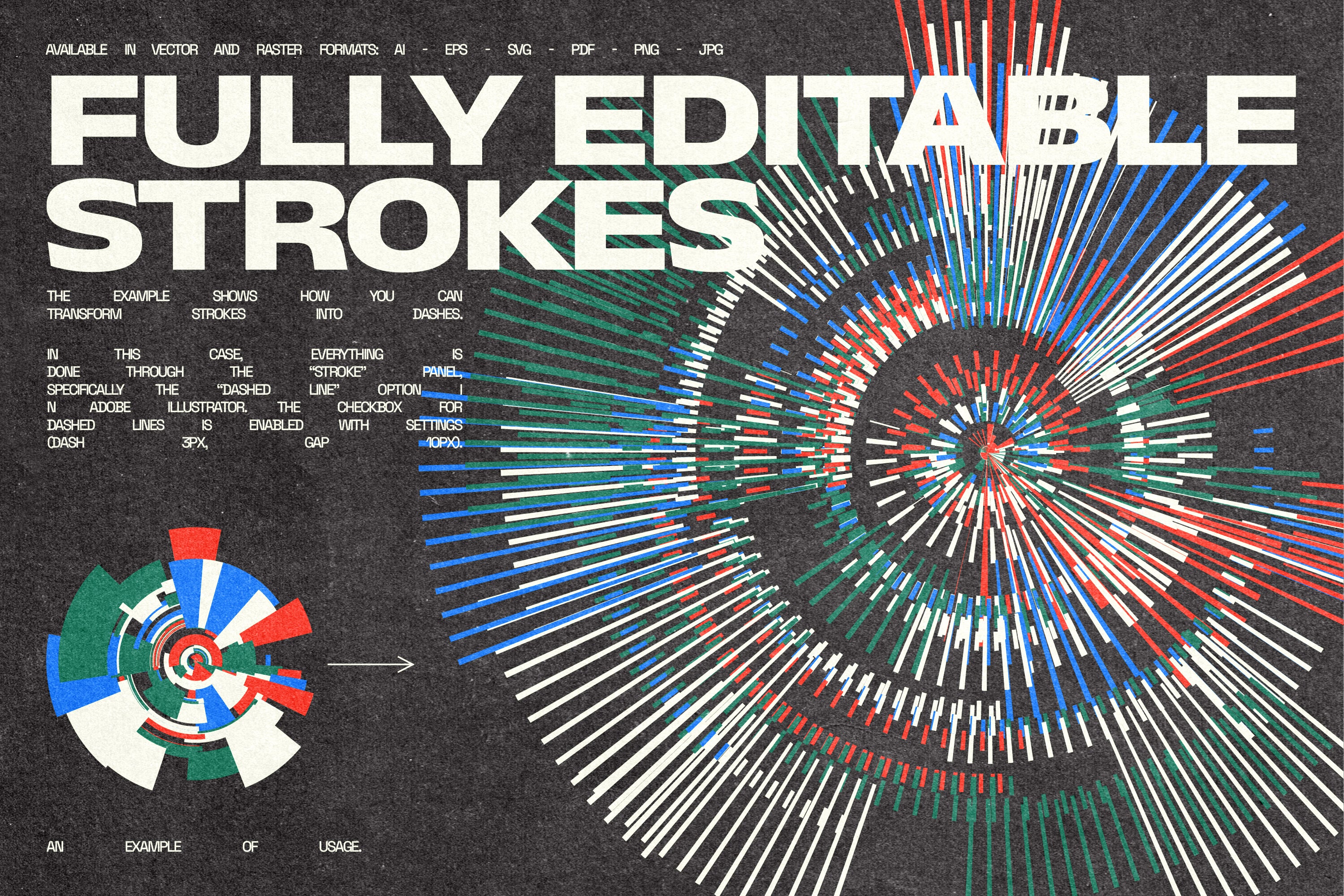
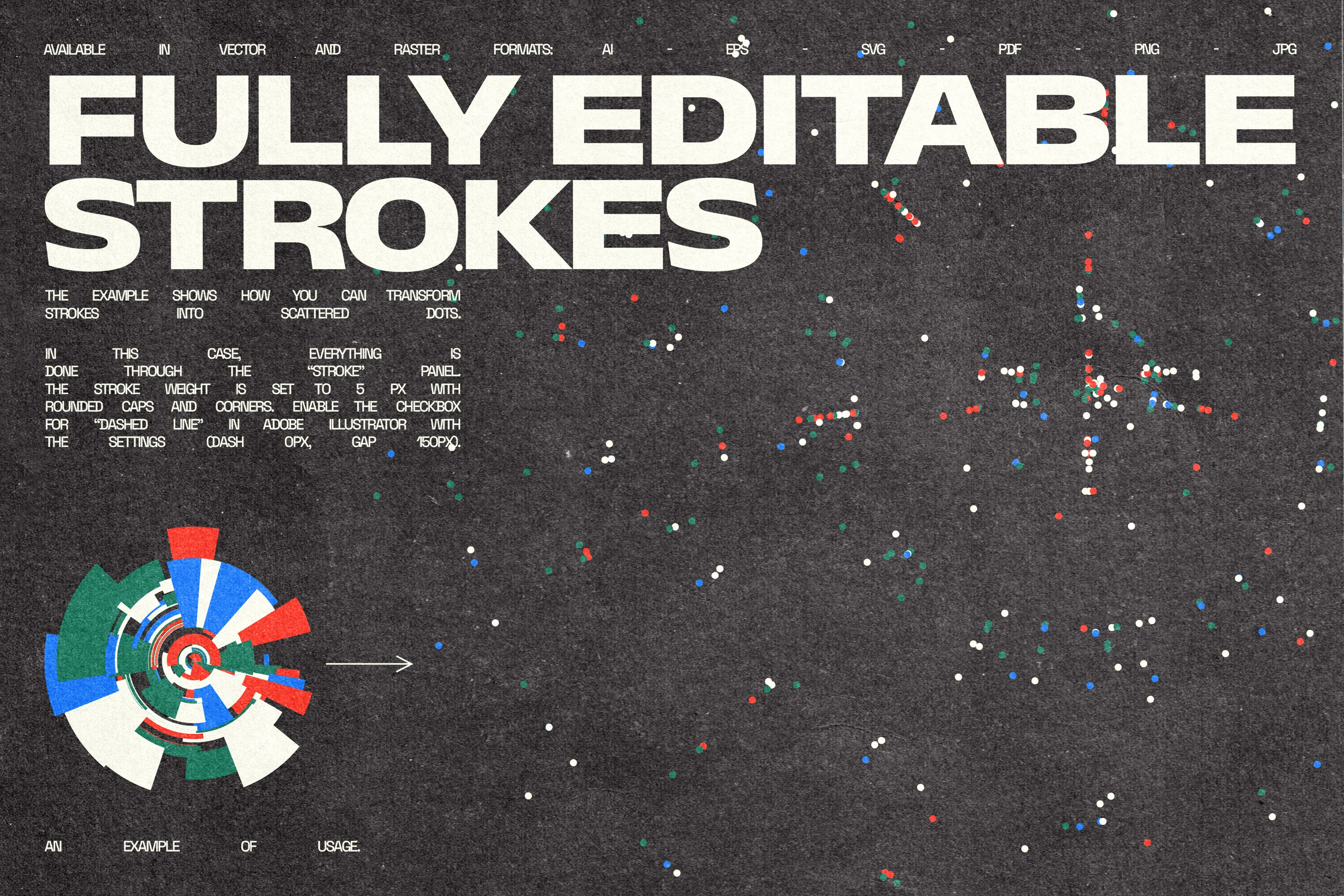
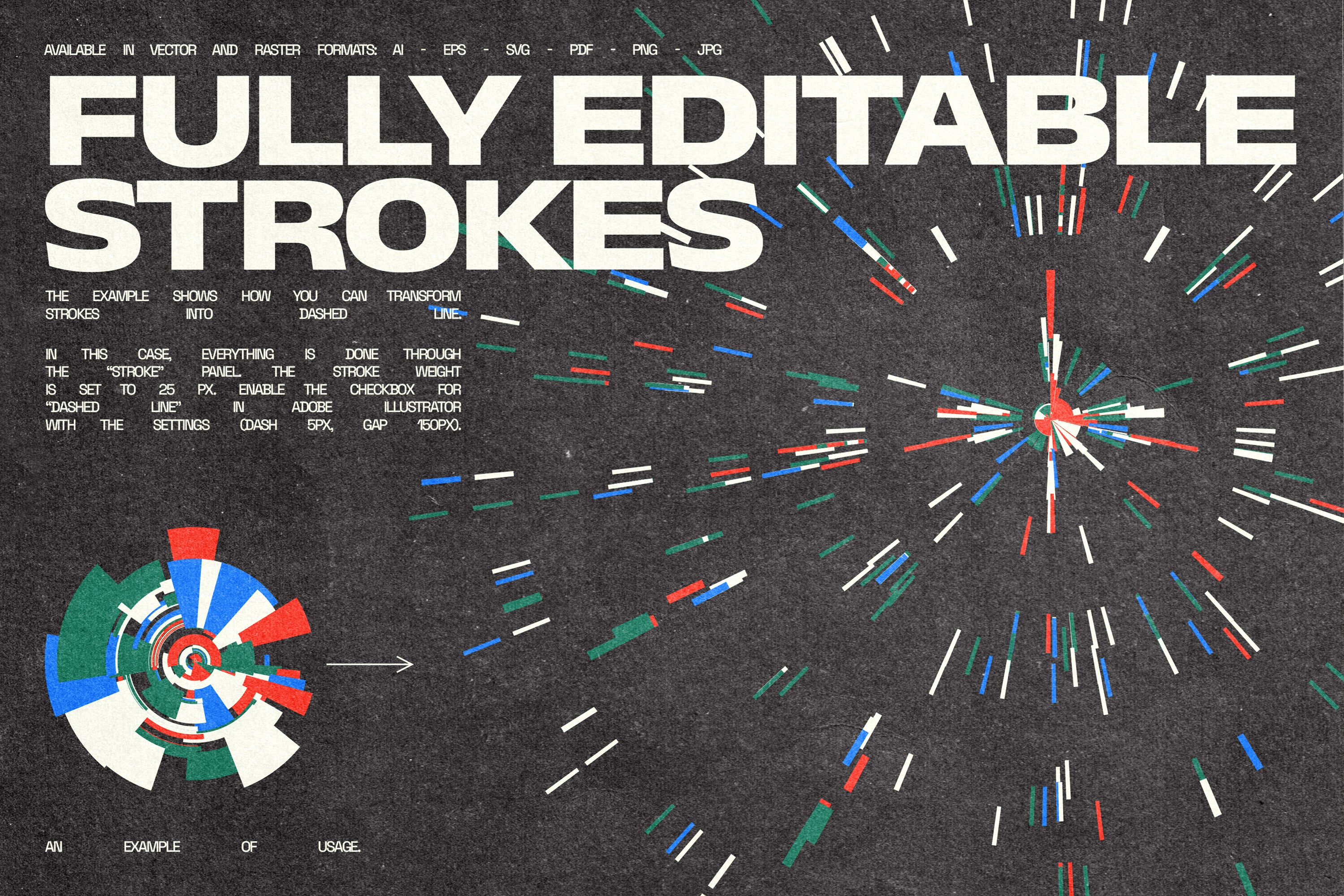
CircuLab is a versatile set of 169 fully editable vector circle assets. With adjustable strokes, you can easily modify thickness, color, and style, transforming these elements into dotted circles, halftone effects, smooth transitions, dynamic rings, or bold geometric accents. Whether you're crafting a website layout, motion graphics, futuristic posters, branding, or digital artwork, CircuLab gives you the flexibility to create with ease. From minimalist designs to bold, experimental compositions, this collection is perfect for designers, motion artists, and creatives who love precision and customization.
⚠️ Please note: The preview showcases various ways these circles with editable strokes can be used. However, the product itself includes circles in one base style, as seen in the main preview. You can fully customize and transform them according to your needs. For a more detailed guide on how to adjust these elements, please refer to the CircuLab tutorial video.
✦ What You'll Get: ✦
- 1 AI Master file with all shapes (source vector format)
- 1 EPS Master file with all shapes (source vector format)
- 1 SVG Master file with all shapes (source vector format)
- 1 PDF Master file with all shapes (source vector format)
- 169 EPS vector files
- 169 SVG vector files (best for recoloring in CANVA)
- 169 PNG files, 5000×5000px, 300ppi, on transparent background
- 169 JPG files, 5000×5000px, 300ppi, on black background
- 1 PDF with previews
COMPATIBILITY:
- PNG and JPG files can be used with any graphics editing software.
- AI vector files are compatible with Adobe Illustrator CS6 or later.
- SVG files are compatible with any vector editing software, including Canva, Figma, Inkscape, and more.
- EPS files are compatible with most vector editing software, such as Affinity Designer, Corel Draw, Vectornator, and more.
- PDF files can be opened with any vector editing software you have available.
Keywords:
Vector, Circles, Editable, Strokes, Dotted, Rings, Geometric, Abstract, Customizable, Design, Graphics, Digital, Motion, UI, UX, Poster, Video, Branding, Web, Futuristic, Minimalist, Creative, Toolkit, Art, Layout, Animation, Shapes, Composition, Elements, Icons, Transition, Halftone, Gradients, Effects, Graphic Asset, Element.
AI Overview
The CircuLab – Vector Circle Kit includes 169 fully editable vector circle assets with adjustable strokes for modifying thickness, color, and style. It comes in multiple formats (AI, EPS, SVG, PDF, PNG, JPG) compatible with various graphic design software, providing a versatile toolkit for precise and customizable design elements.
What's Included
Compatibility


File Size: 432.7MB
DPI: 300
Dimensions: 5000x5000px
Uploaded: March 20, 2025


Instant
Download

Premium
Quality

Lifetime
Support
 Frequently Asked Questions
We want you to be happy with your purchase! We do offer refunds for digital products if you experience a technical issue that our support team cannot resolve. Just reach out to us within 30 days of your purchase, and we'll be here to help.
After your purchase is complete, you'll receive a confirmation email with a link to download your files. You can also log into your account and access your downloads from the 'My Downloads' section.
Our products come with different licensing options that allow for many types of use cases. Our licenses page includes detailed information about the available licenses, so you can choose the one that fits your project. Click here to view licence details.