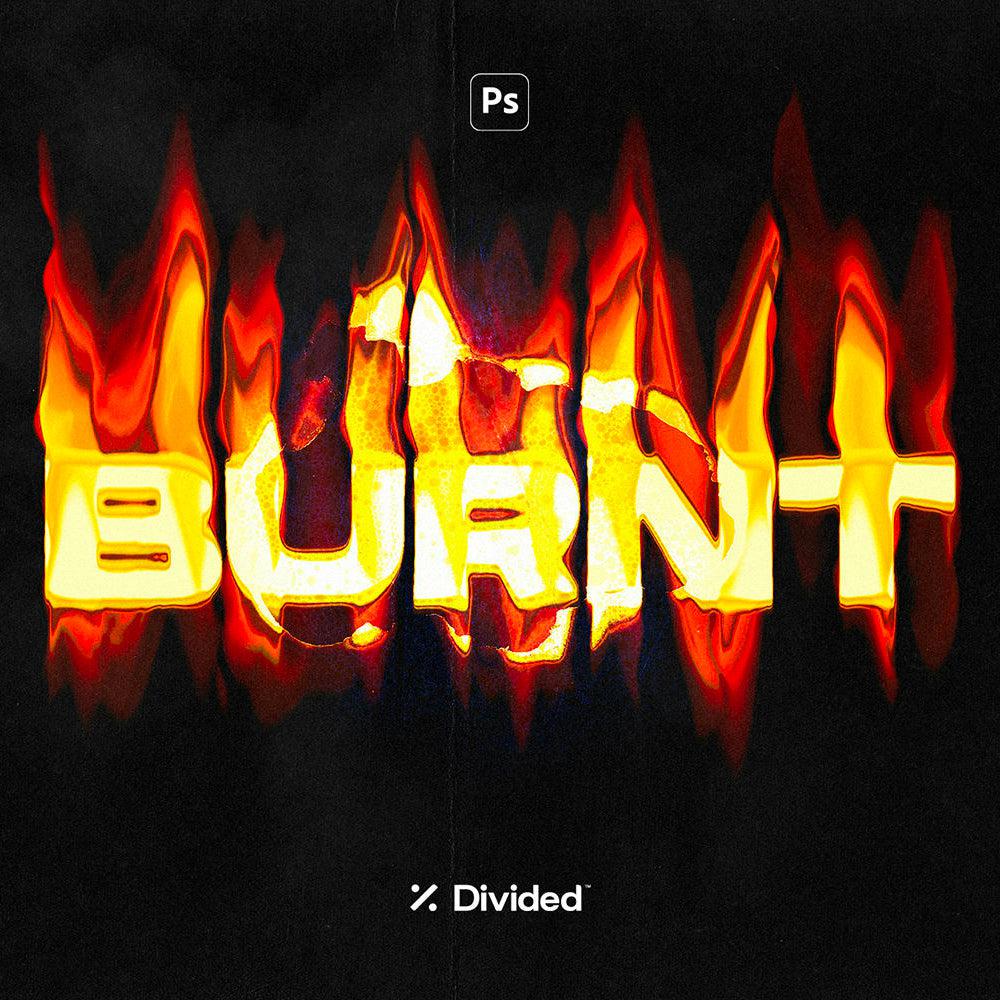
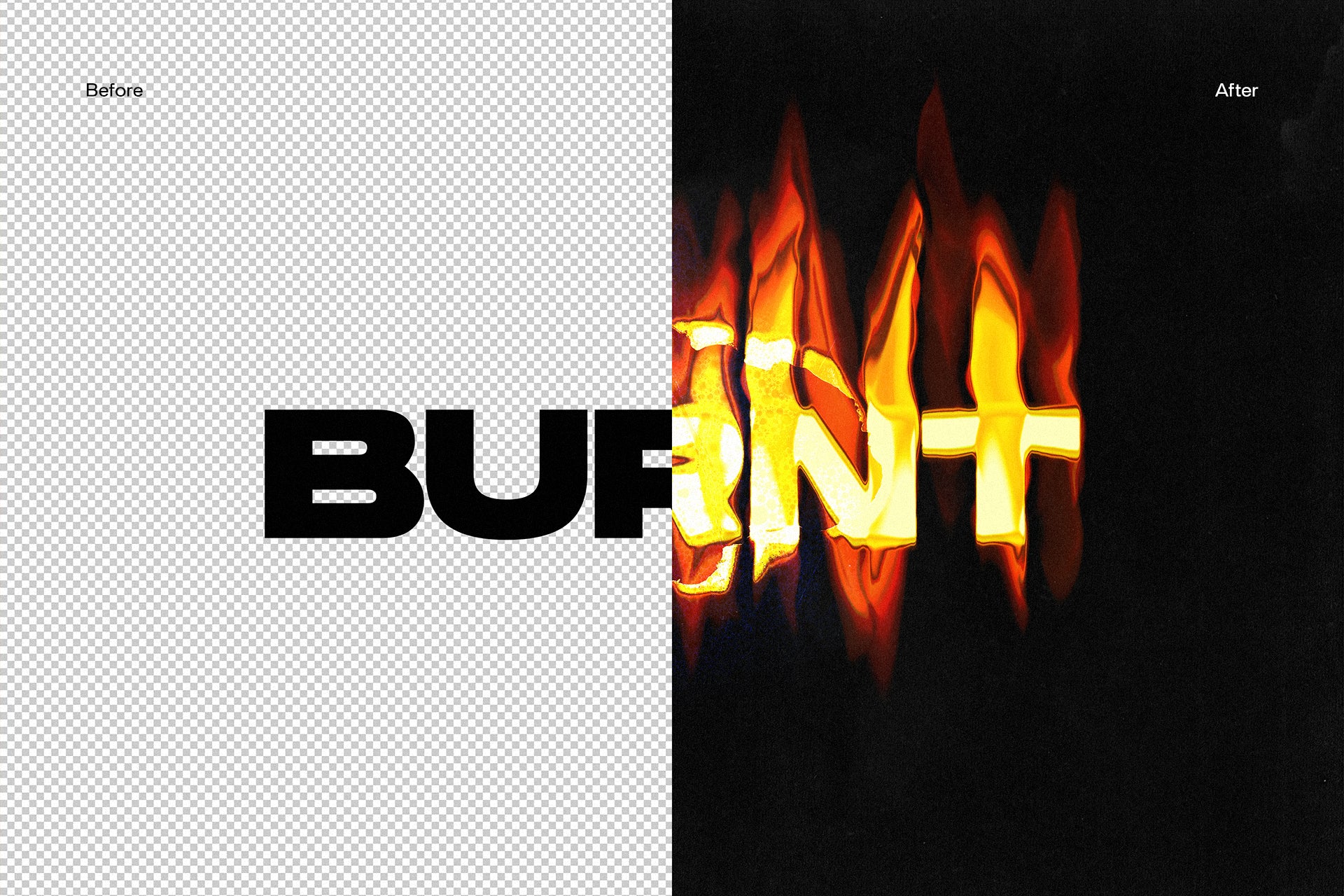
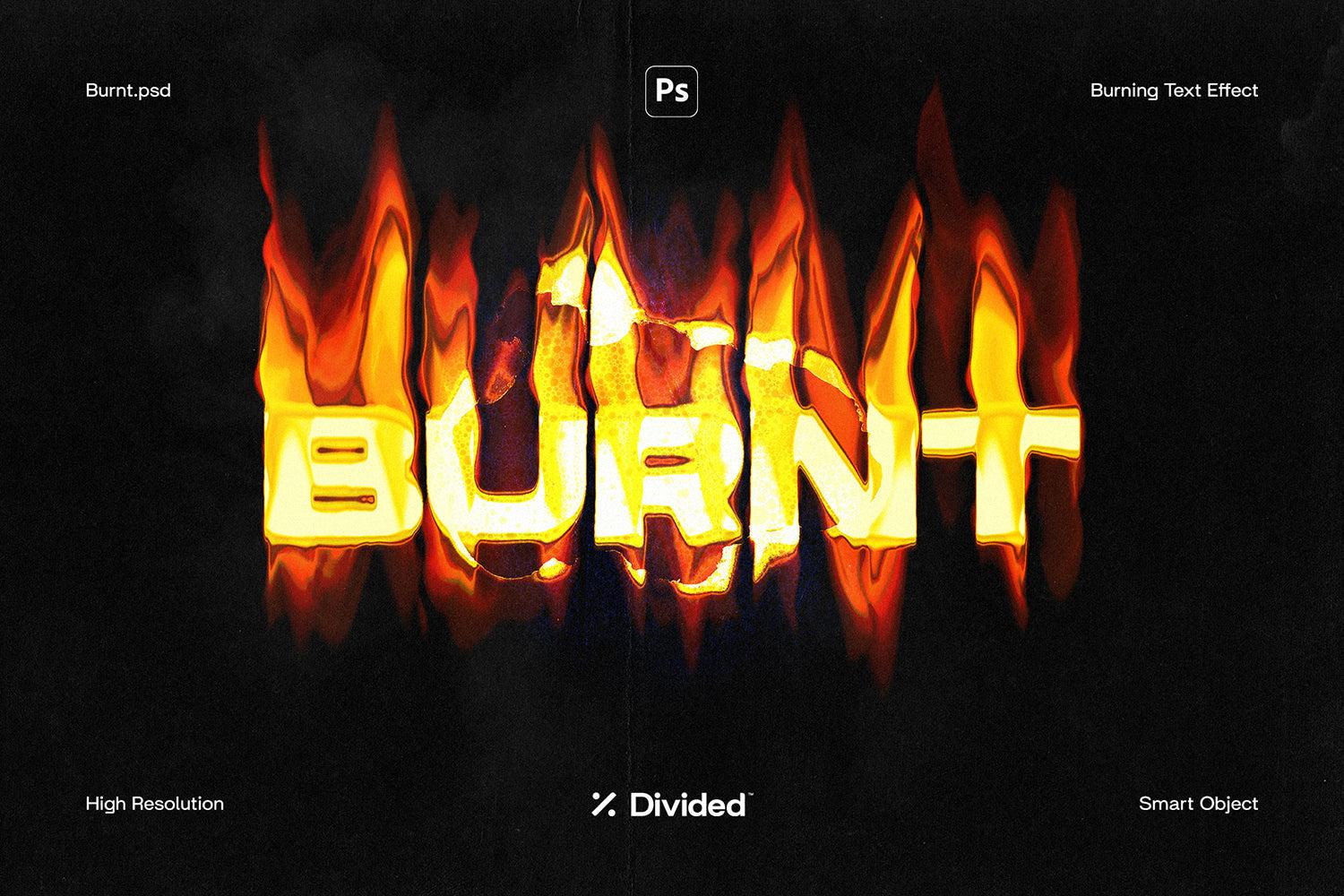
Burnt Flaming Text Effect
Burnt Flaming Text Effect

Divided.co
Description
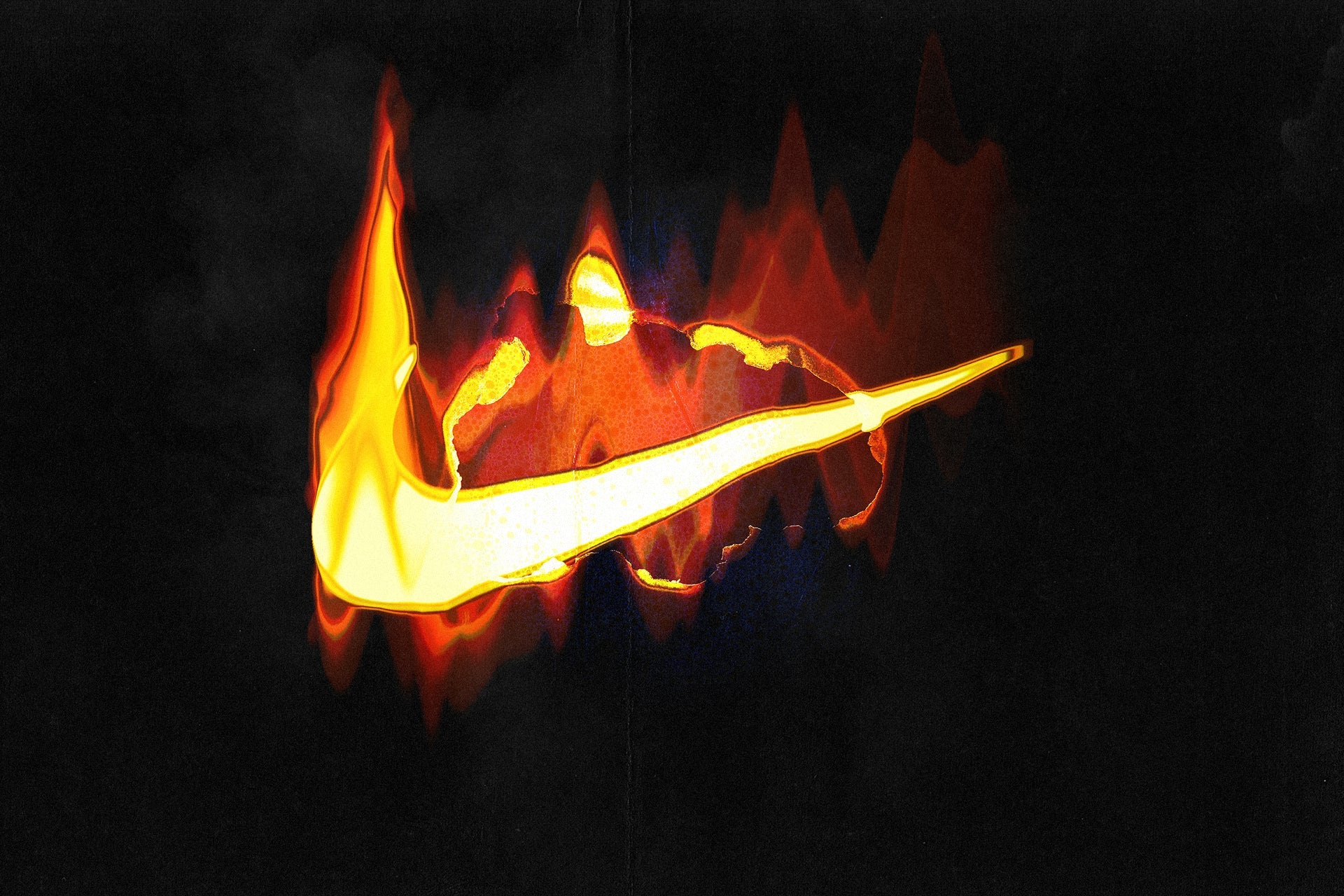
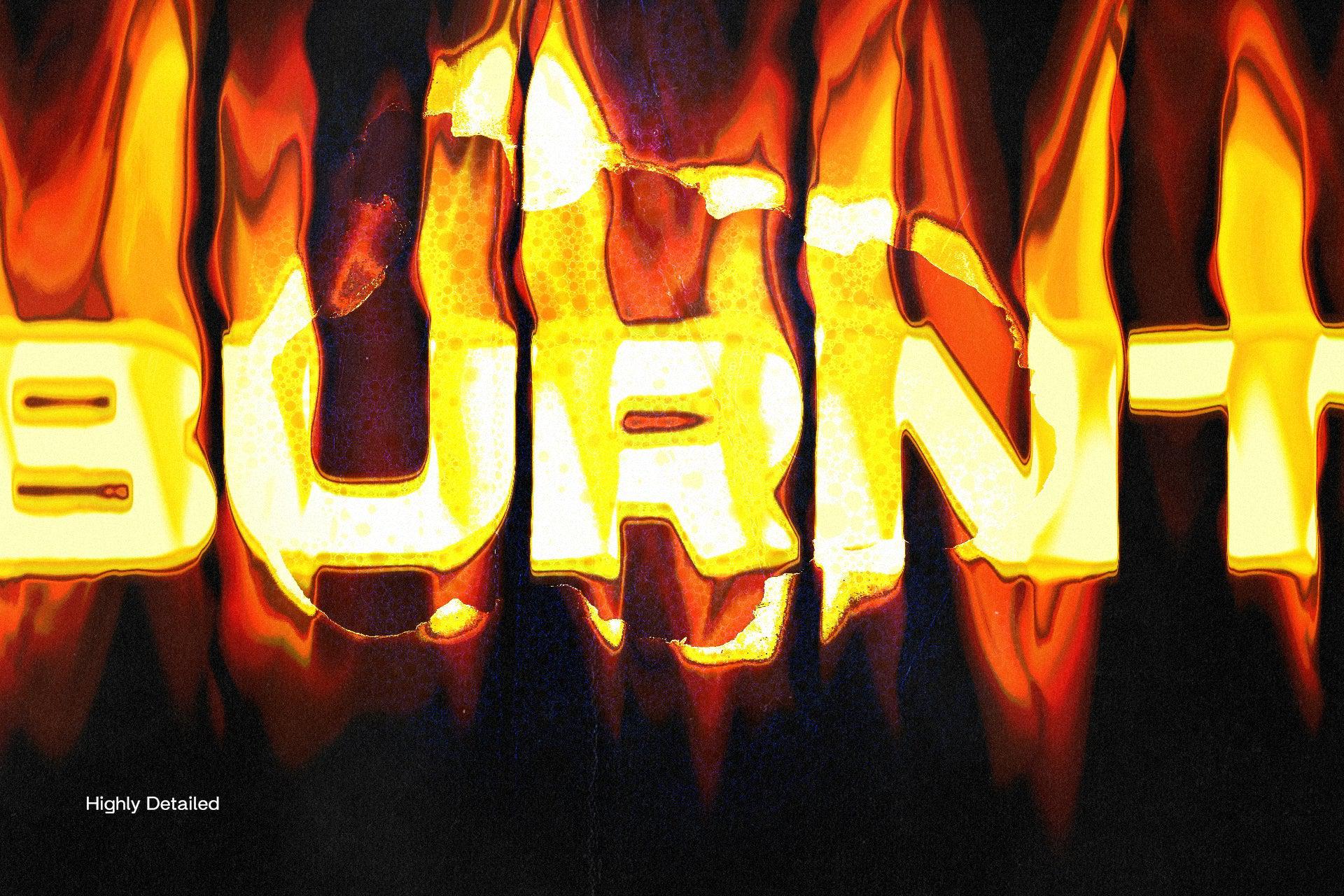
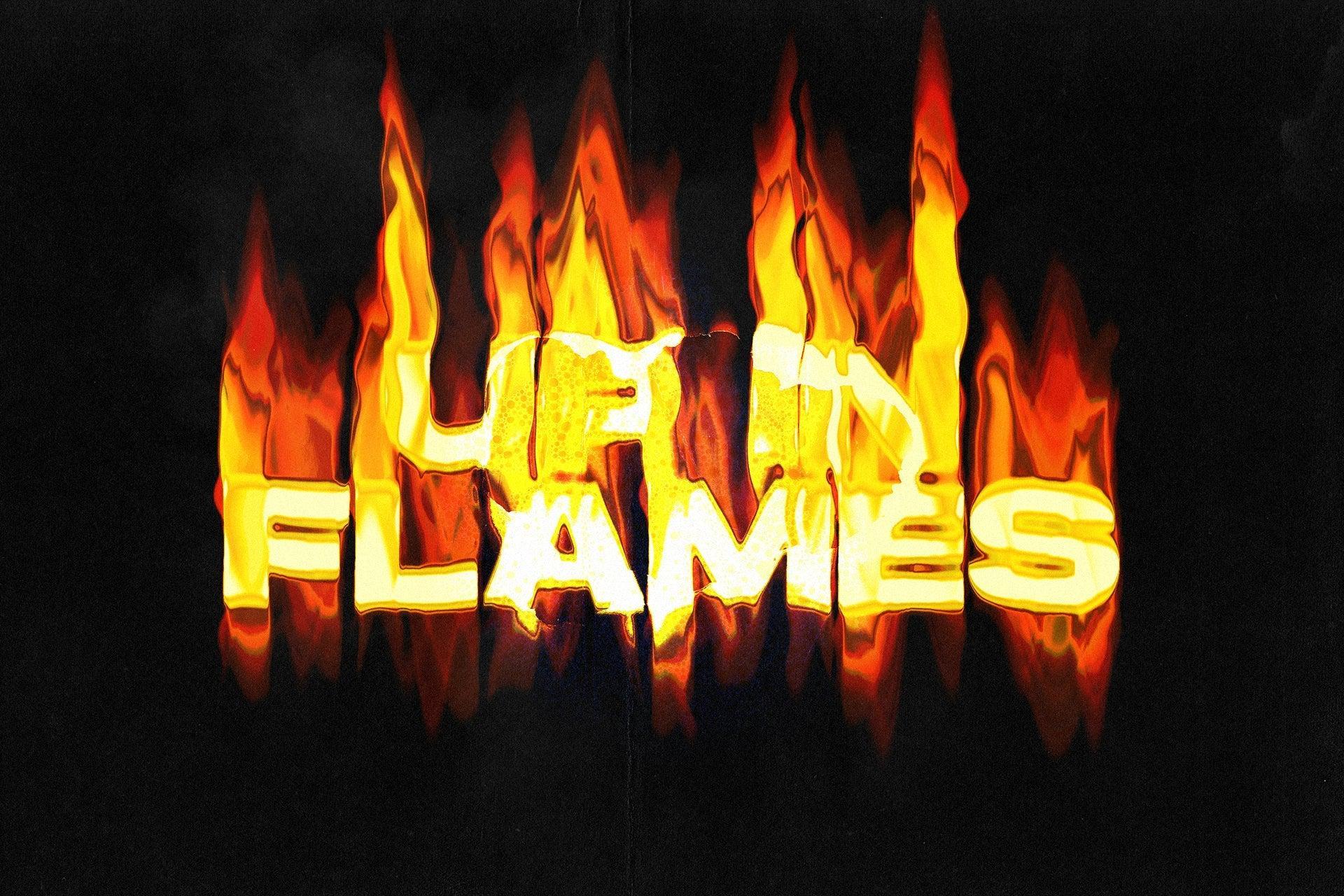
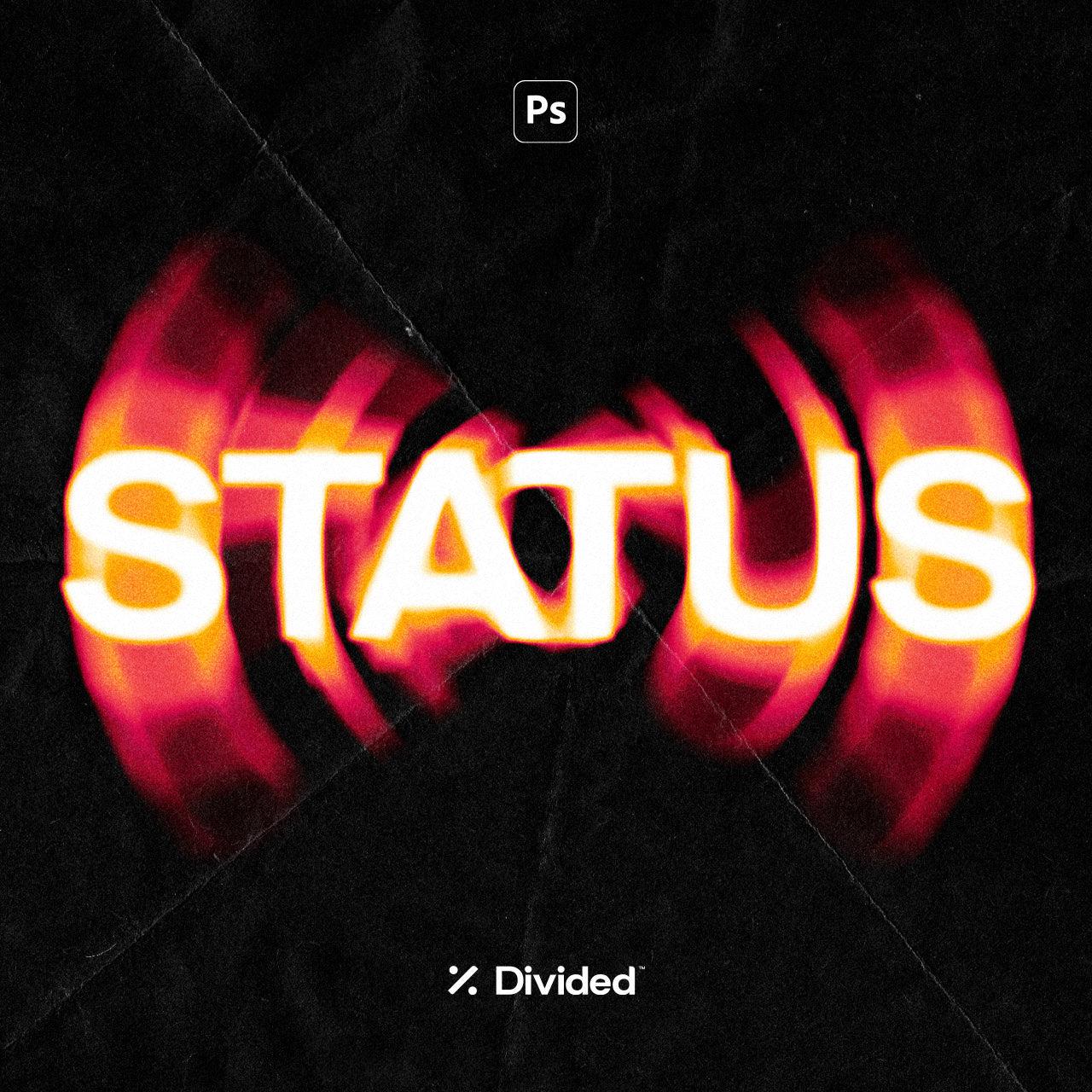
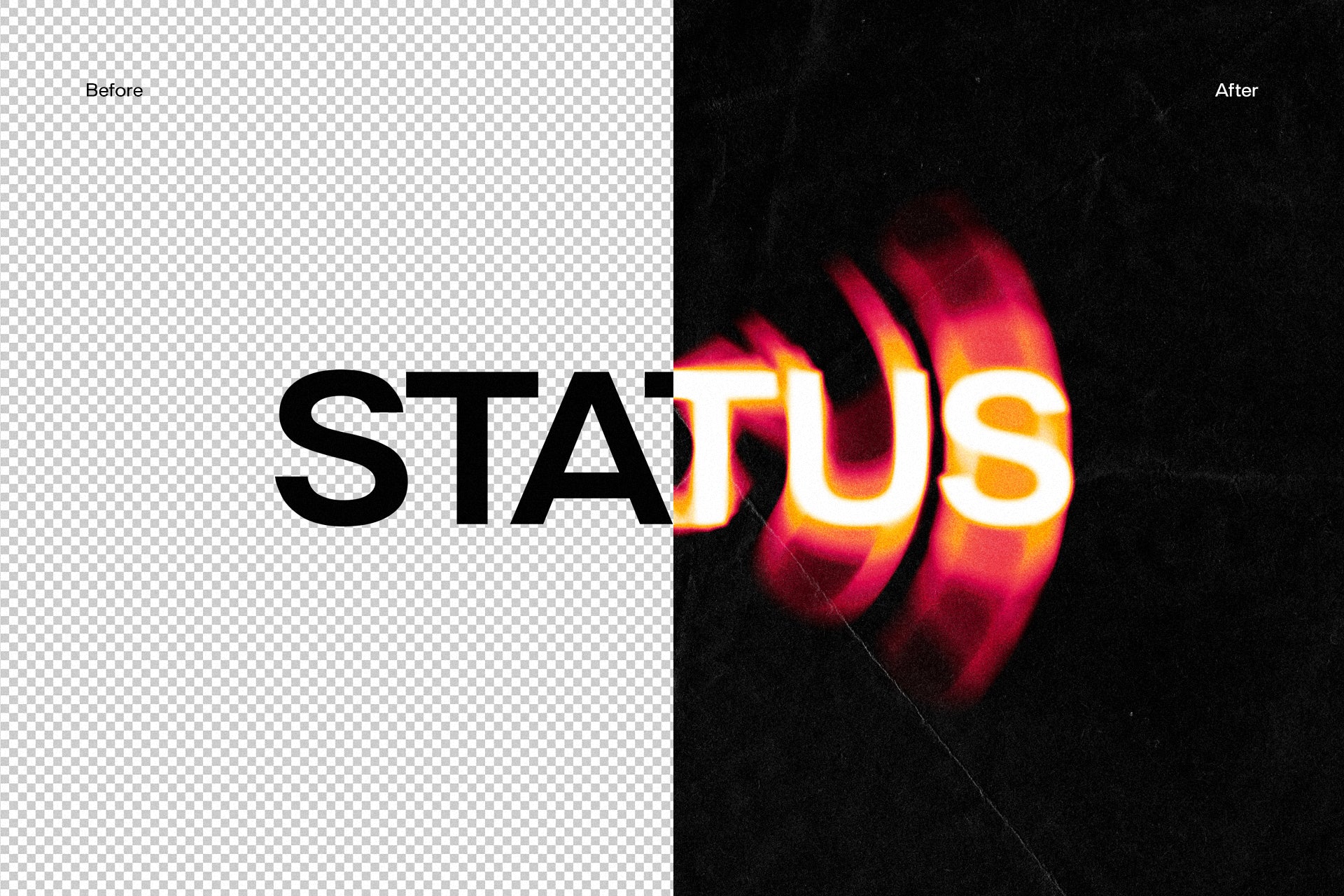
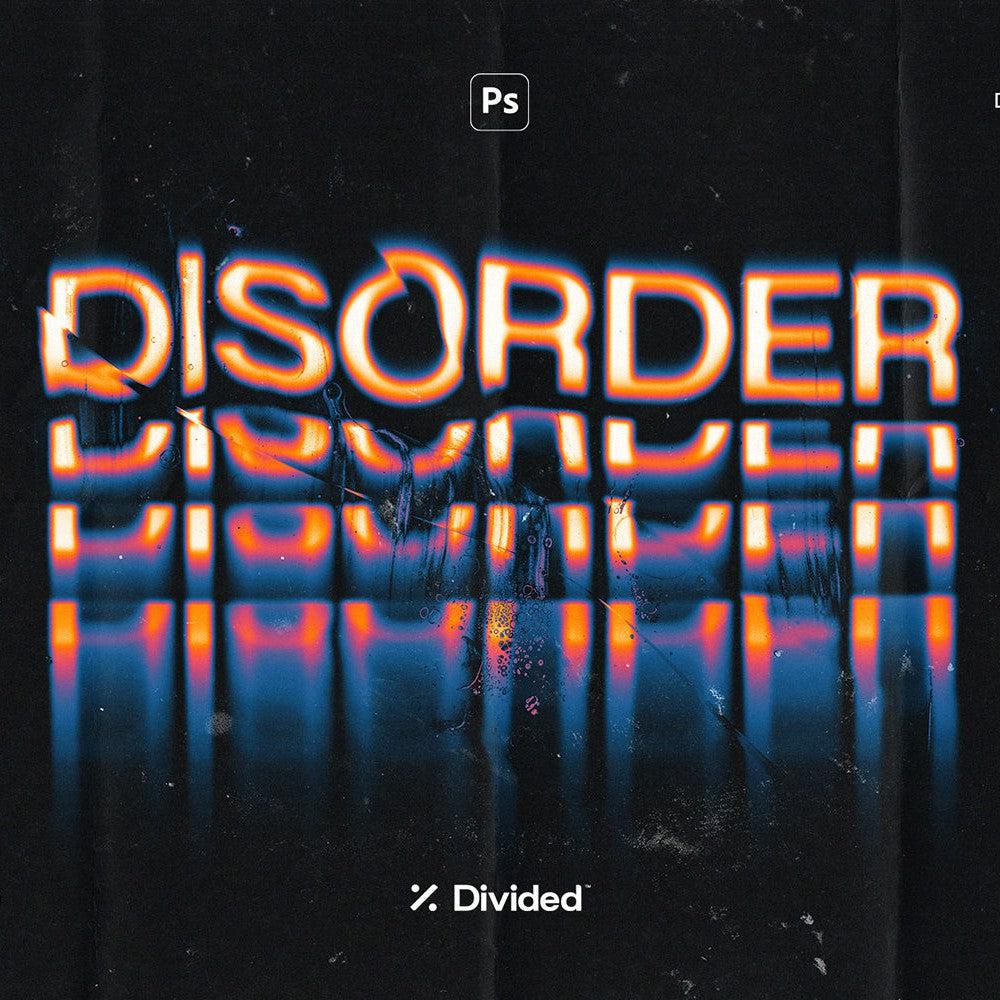
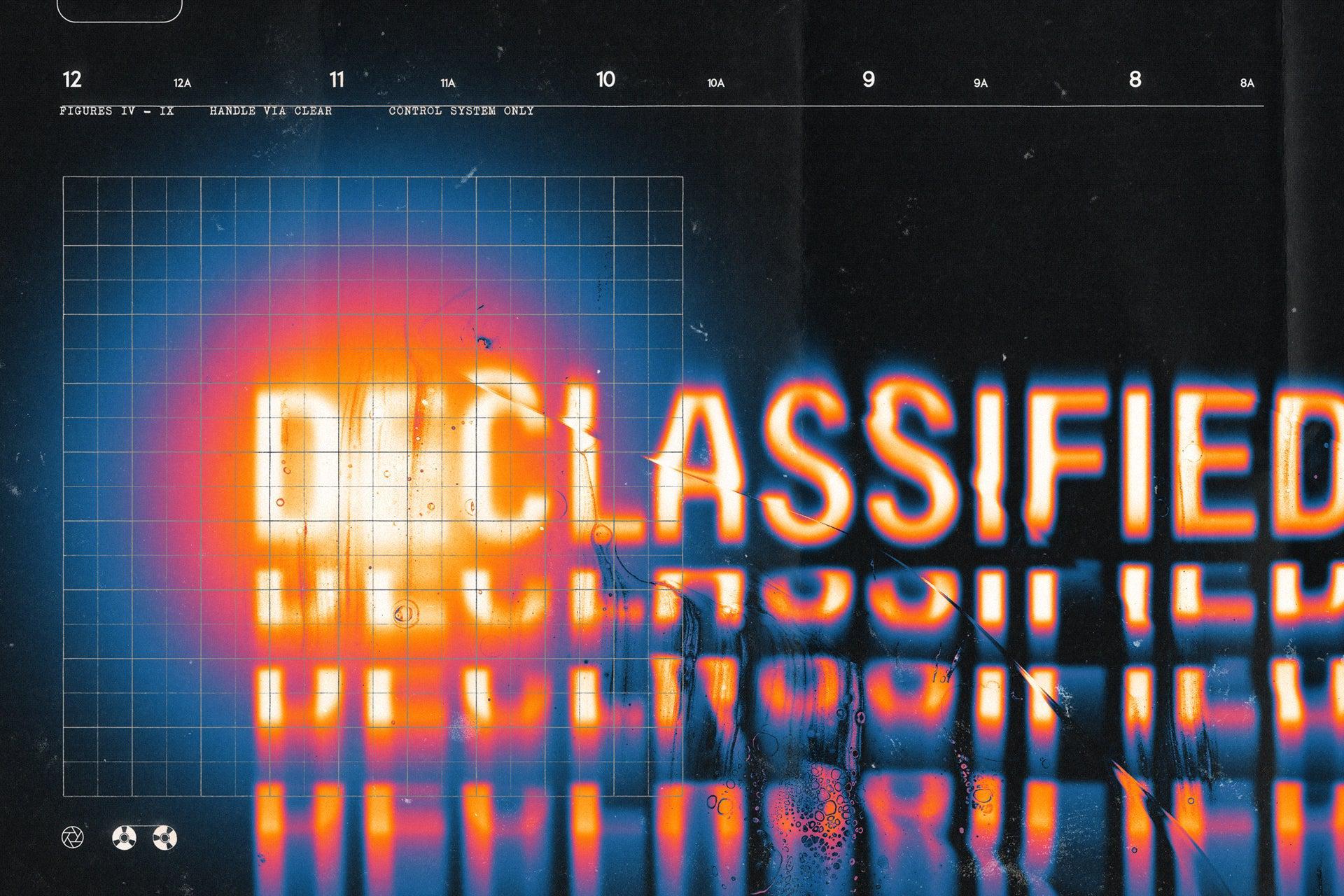
Your design will go up in flames with our burning text effect ‘Burnt’. This effect will burn and destroy your logo or typography adding an authentic and highly detailed flaming distortion. Simply drop your logo or typography into the Smart Object and let our pre-defined custom effects do the rest.
Features:
- Adobe Photoshop .PSD File
- Smart Object Replacement
- Easily Editable
- High Resolution 300 Dpi
- RGB Colour Mode
AI Overview
The Burnt Flaming Text Effect is a Photoshop-compatible .PSD file that applies a detailed flaming distortion to your logo or typography. It features Smart Object replacement, easy editability, high resolution at 300 Dpi, and operates in RGB Colour Mode.
Skill Level
Intermediate — Some experience recommended for best results.
Use Cases
Ideal for dynamic and impactful graphic design projects. Perfect for branding, posters, and album covers, ensuring a striking visual effect that captures attention with realistic flame distortions.
Compatibility

Uploaded: February 27, 2024


Instant
Download

Premium
Quality

Lifetime
Support
 Frequently Asked Questions
We want you to be happy with your purchase! We do offer refunds for digital products if you experience a technical issue that our support team cannot resolve. Just reach out to us within 30 days of your purchase, and we'll be here to help.
After your purchase is complete, you'll receive a confirmation email with a link to download your files. You can also log into your account and access your downloads from the 'My Downloads' section.
Our products come with different licensing options that allow for many types of use cases. Our licenses page includes detailed information about the available licenses, so you can choose the one that fits your project. Click here to view licence details.

Divided.co
High-quality creative assets crafted to enhance your design project.
⚲ Australia
View profileMore from Divided.co


Discover Your Designer Archetype
Swipe through designs you love (or don't) and we'll reveal your designer archetype.
Start Swiping