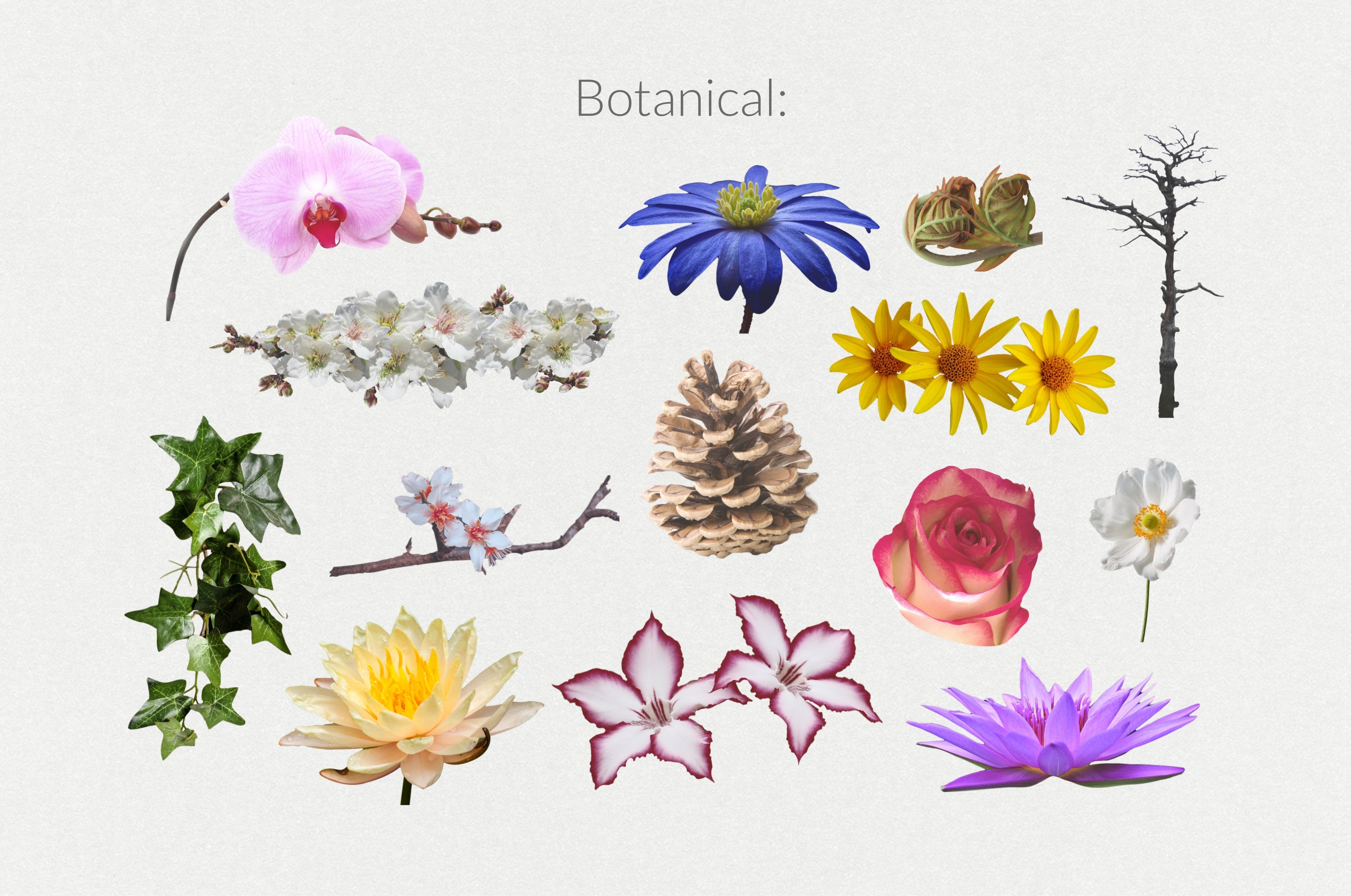
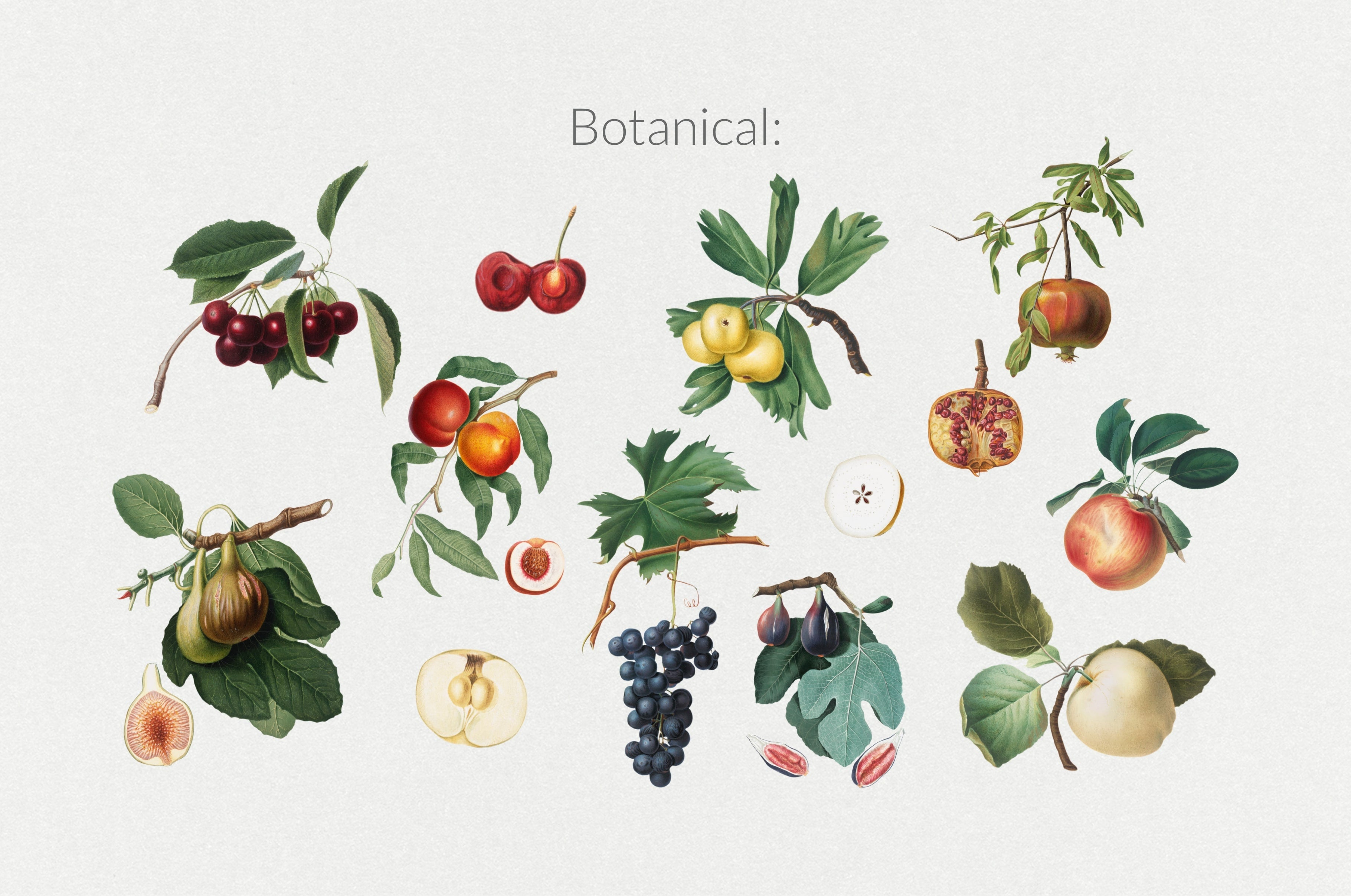
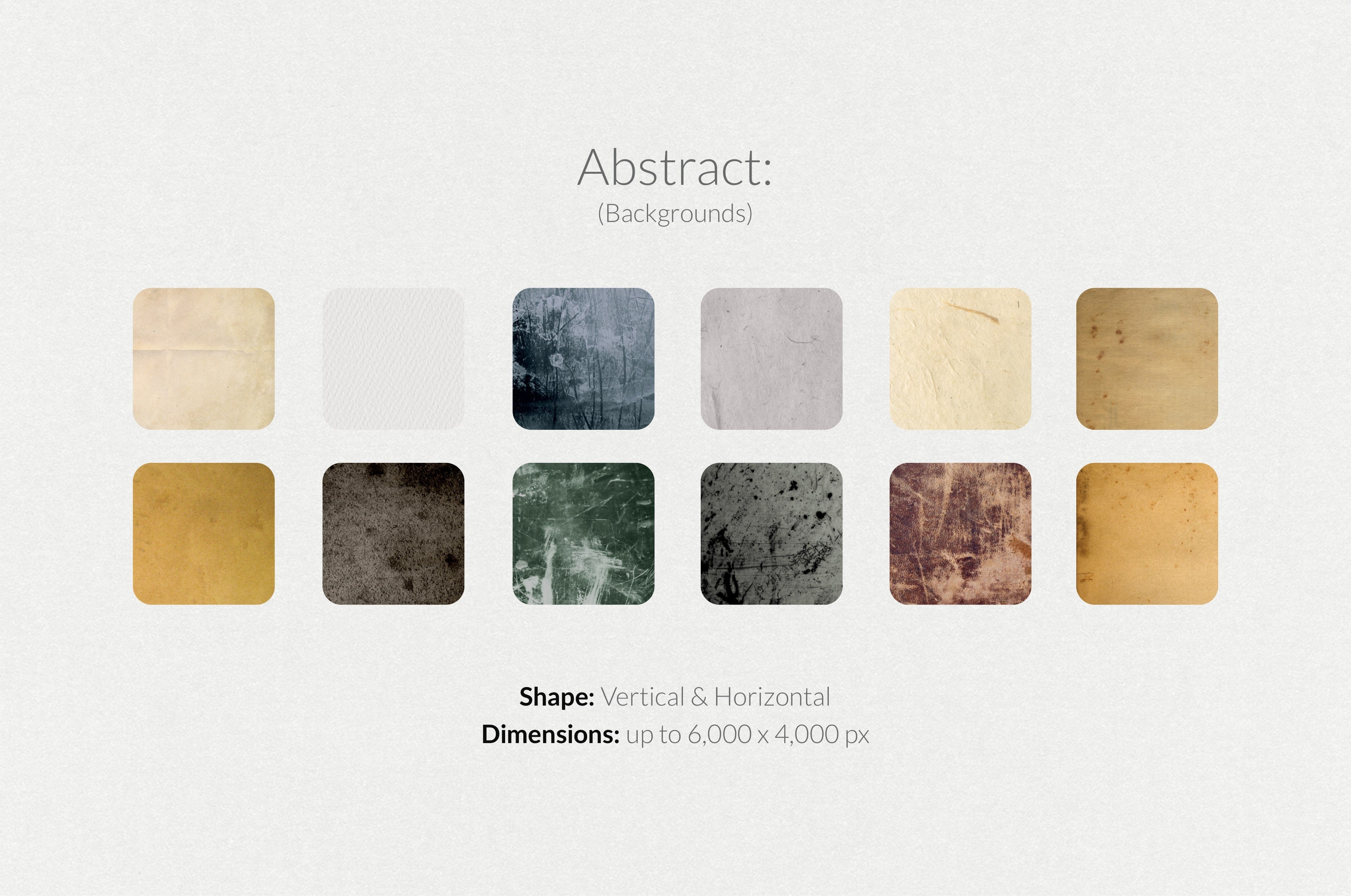
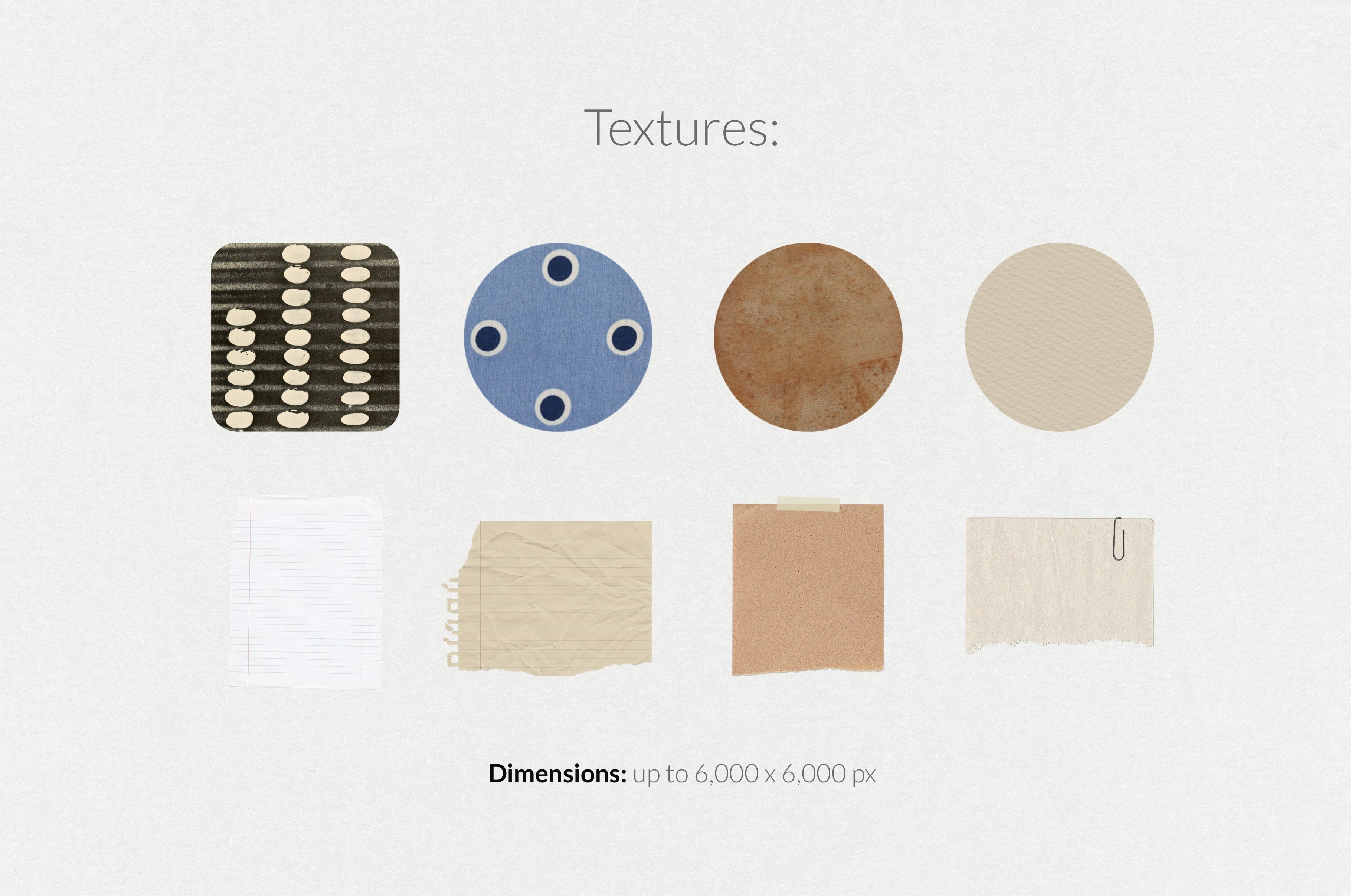
250+ Elements - Collage Creator Pack
250+ Elements - Collage Creator Pack

Digi Life
Description
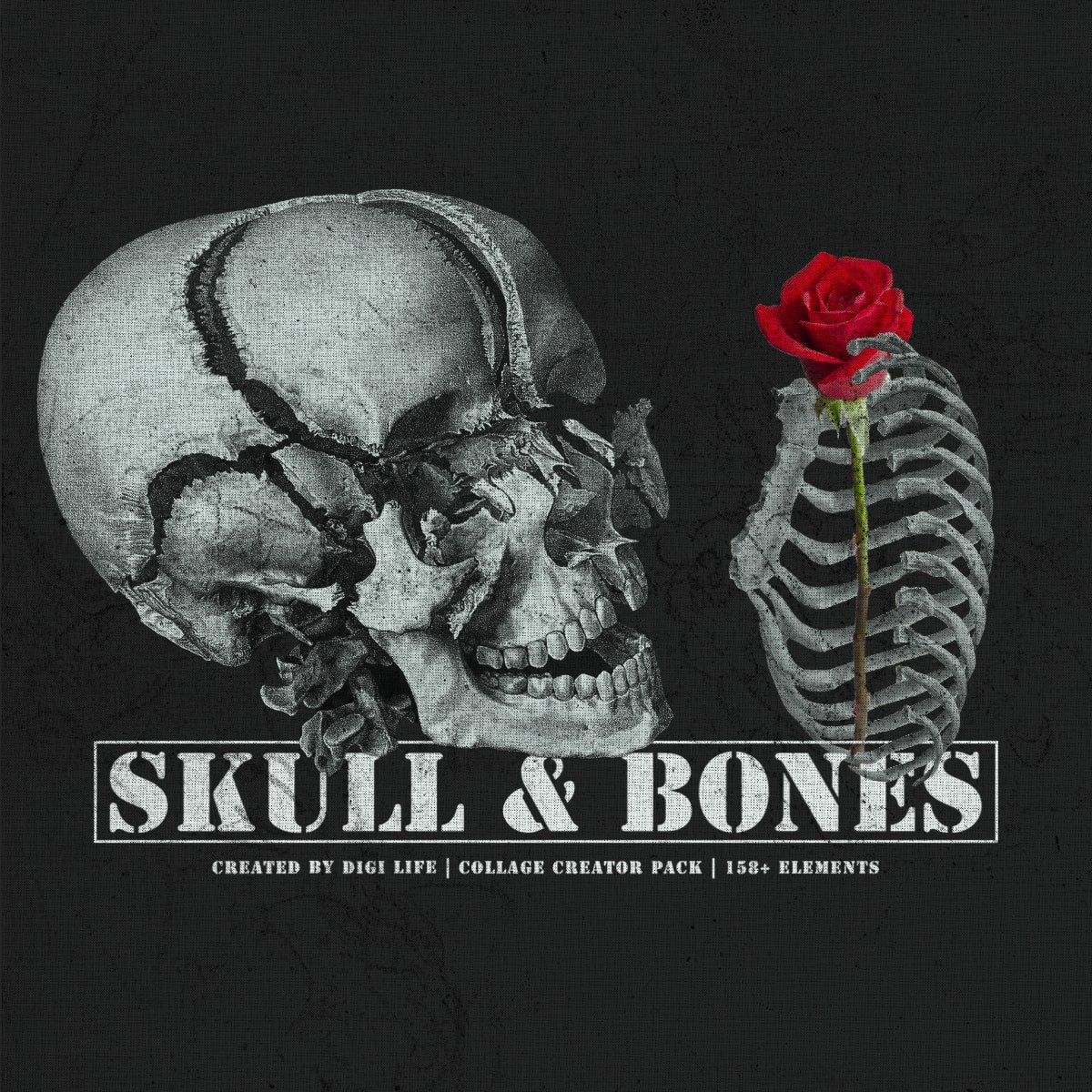
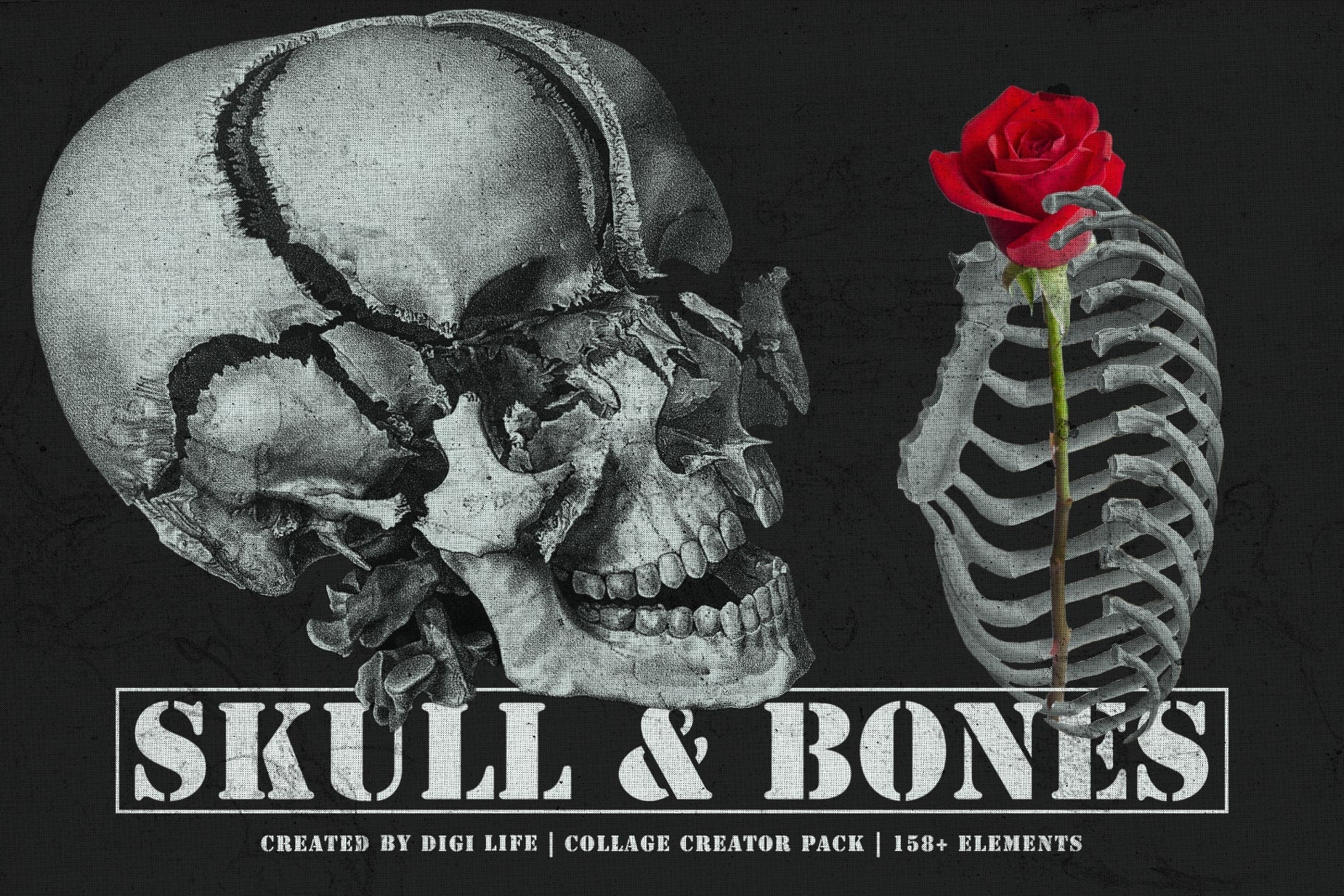
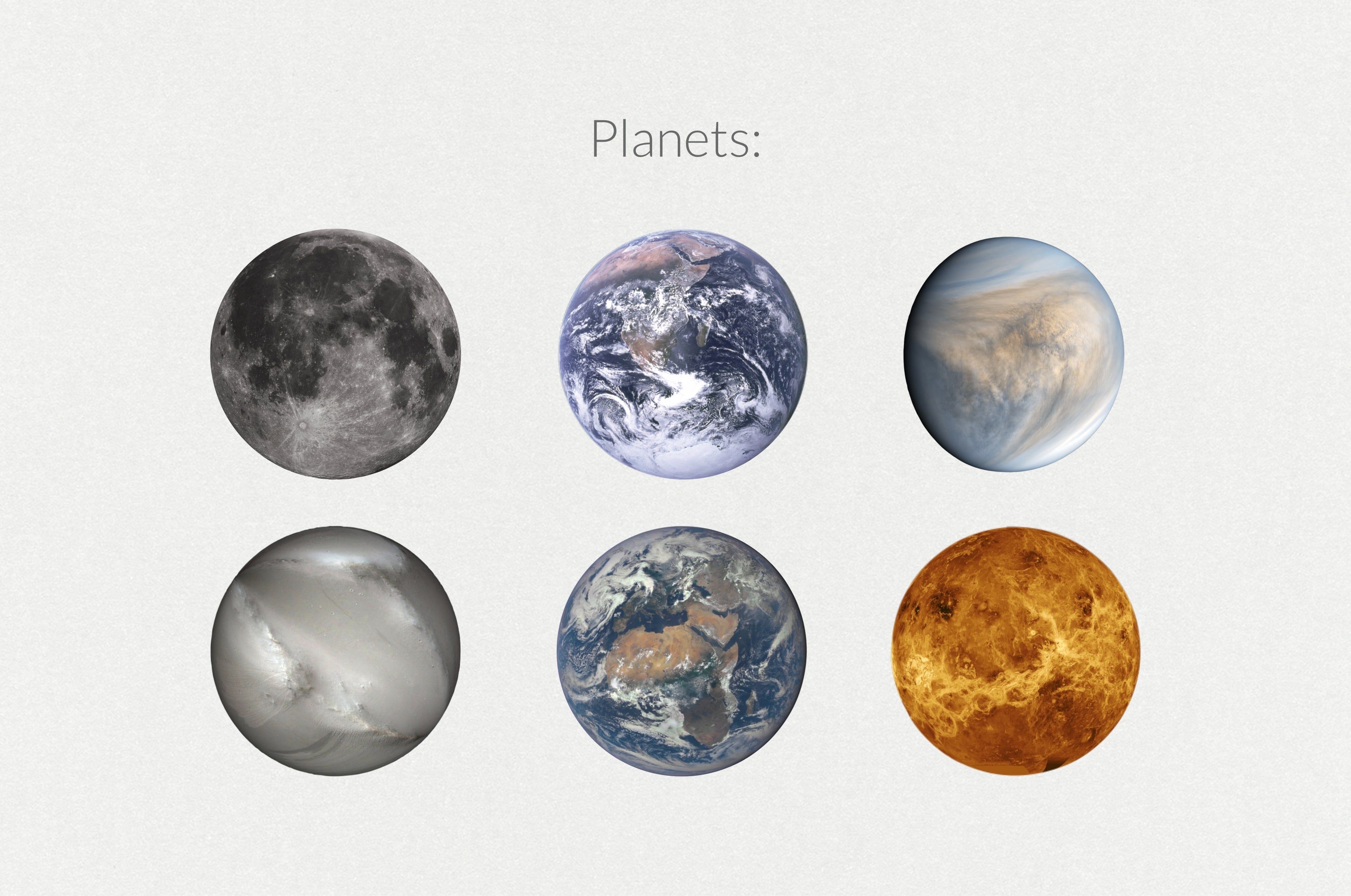
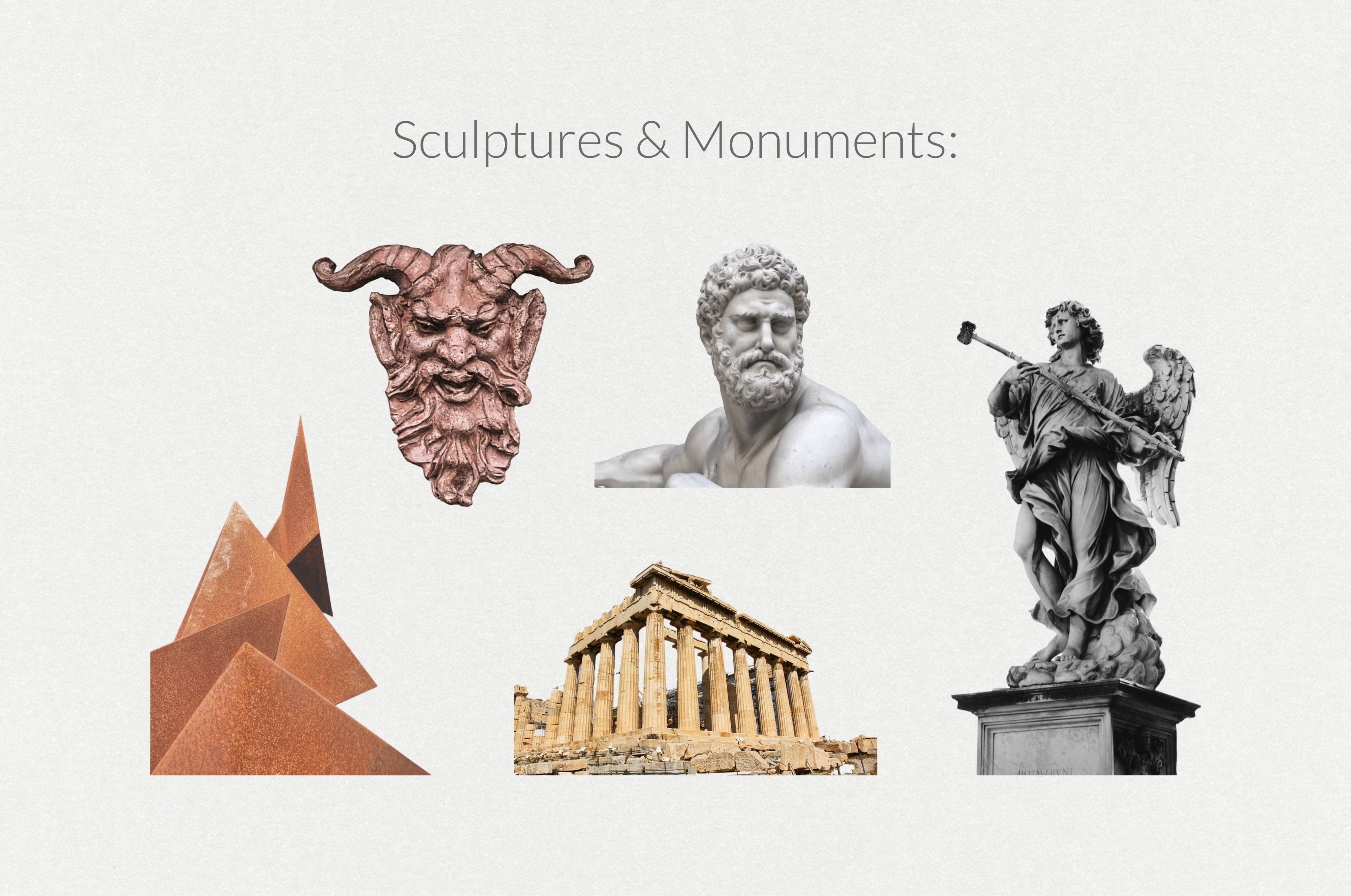
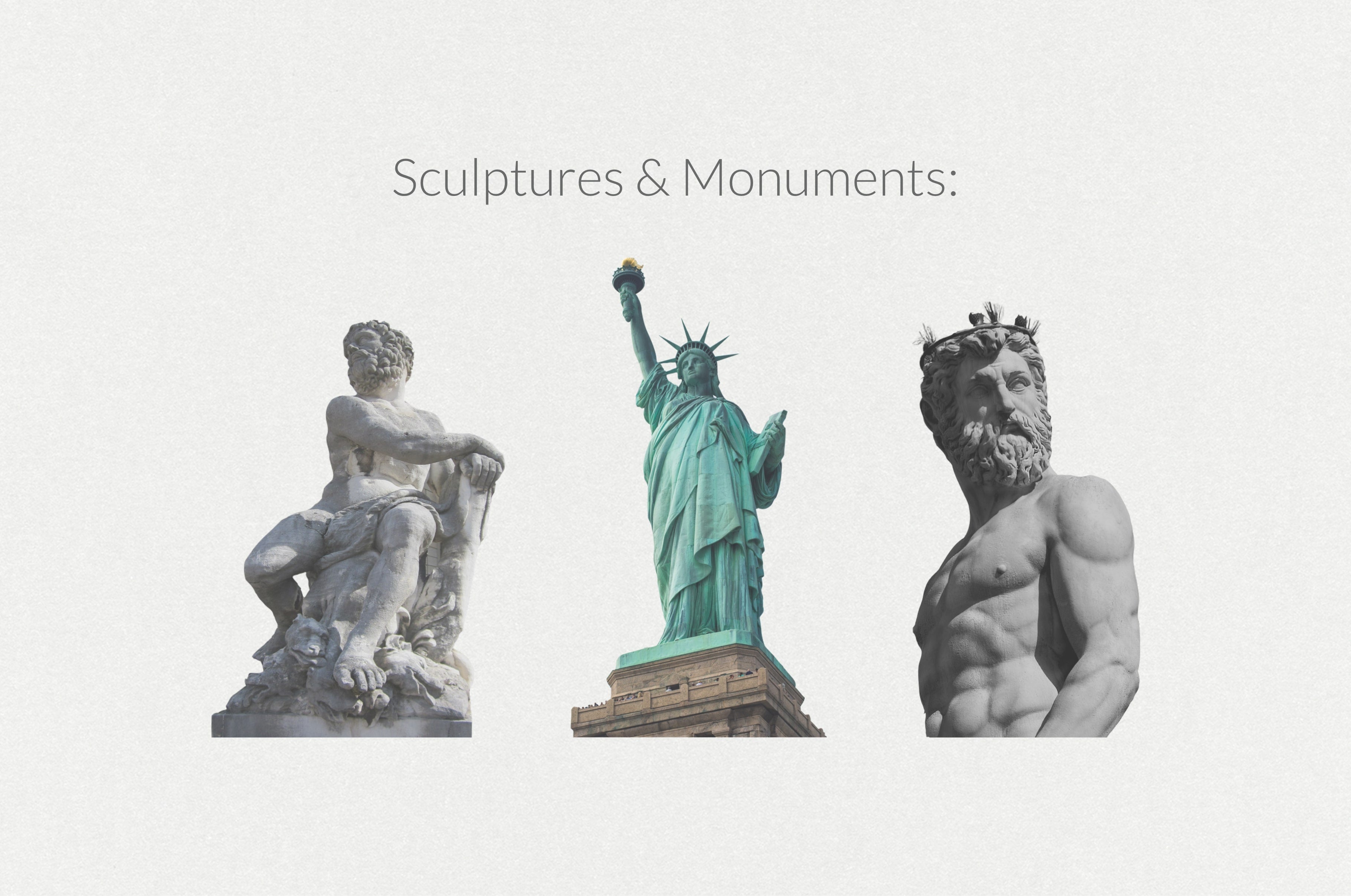
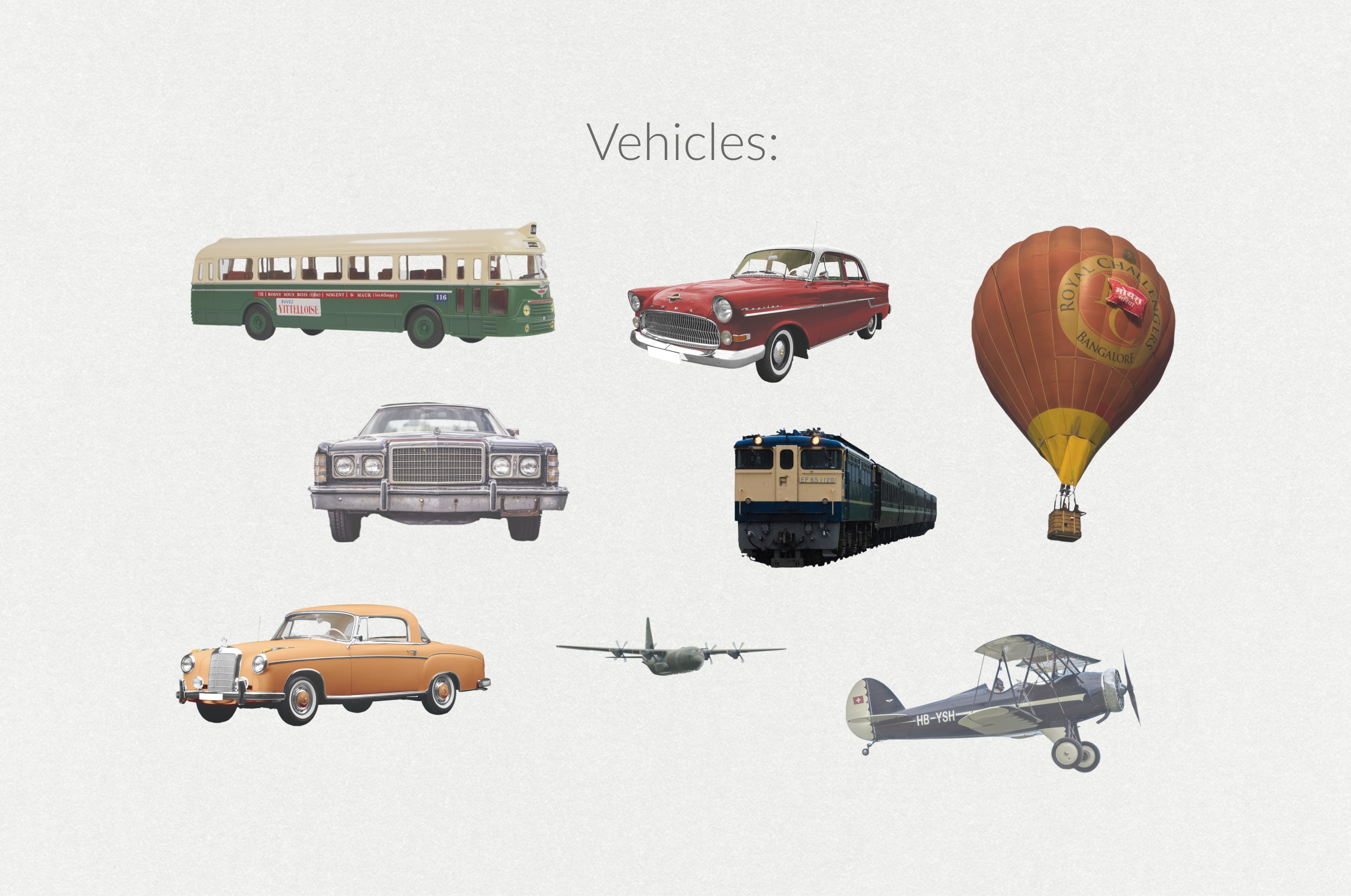
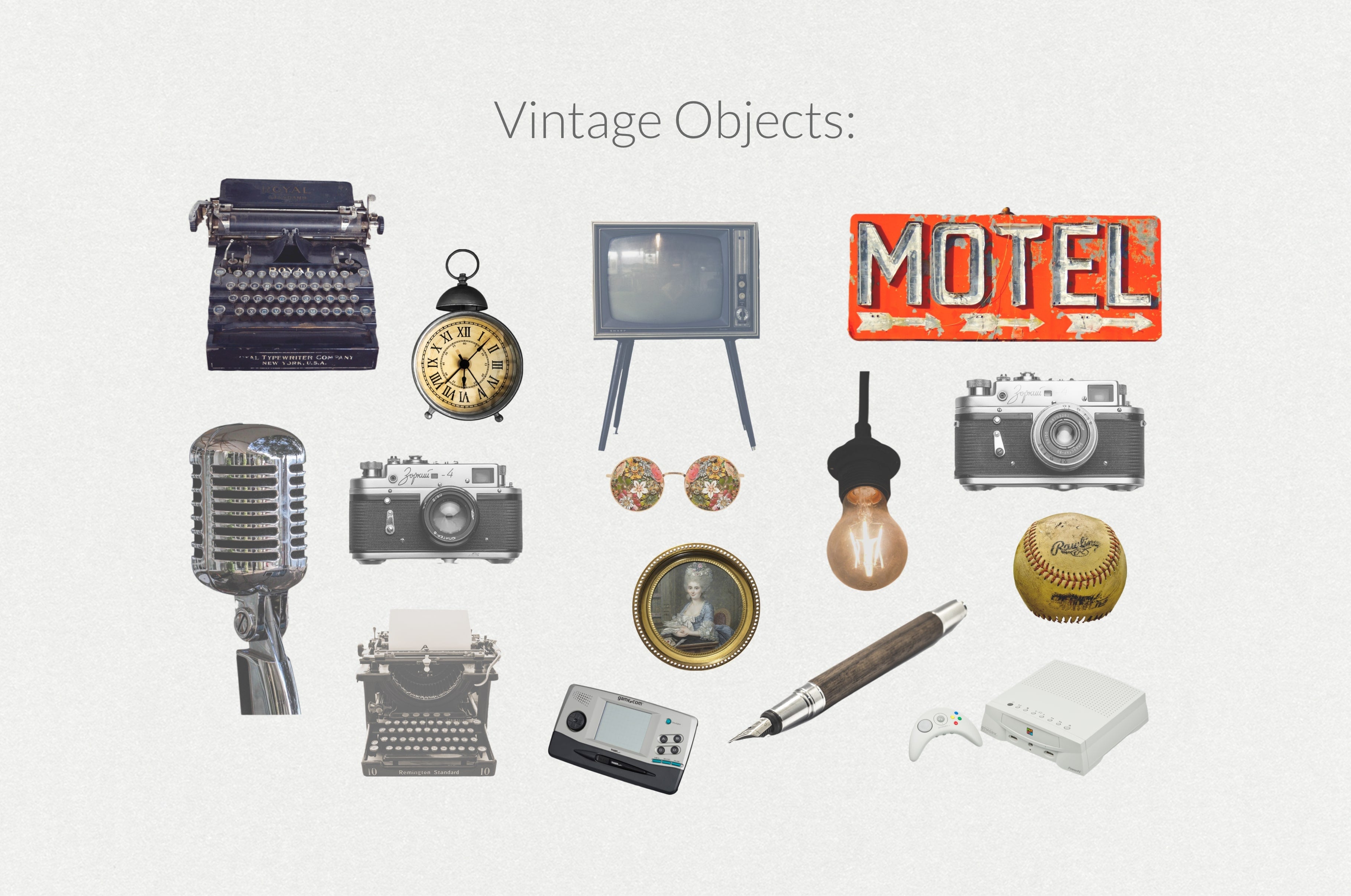
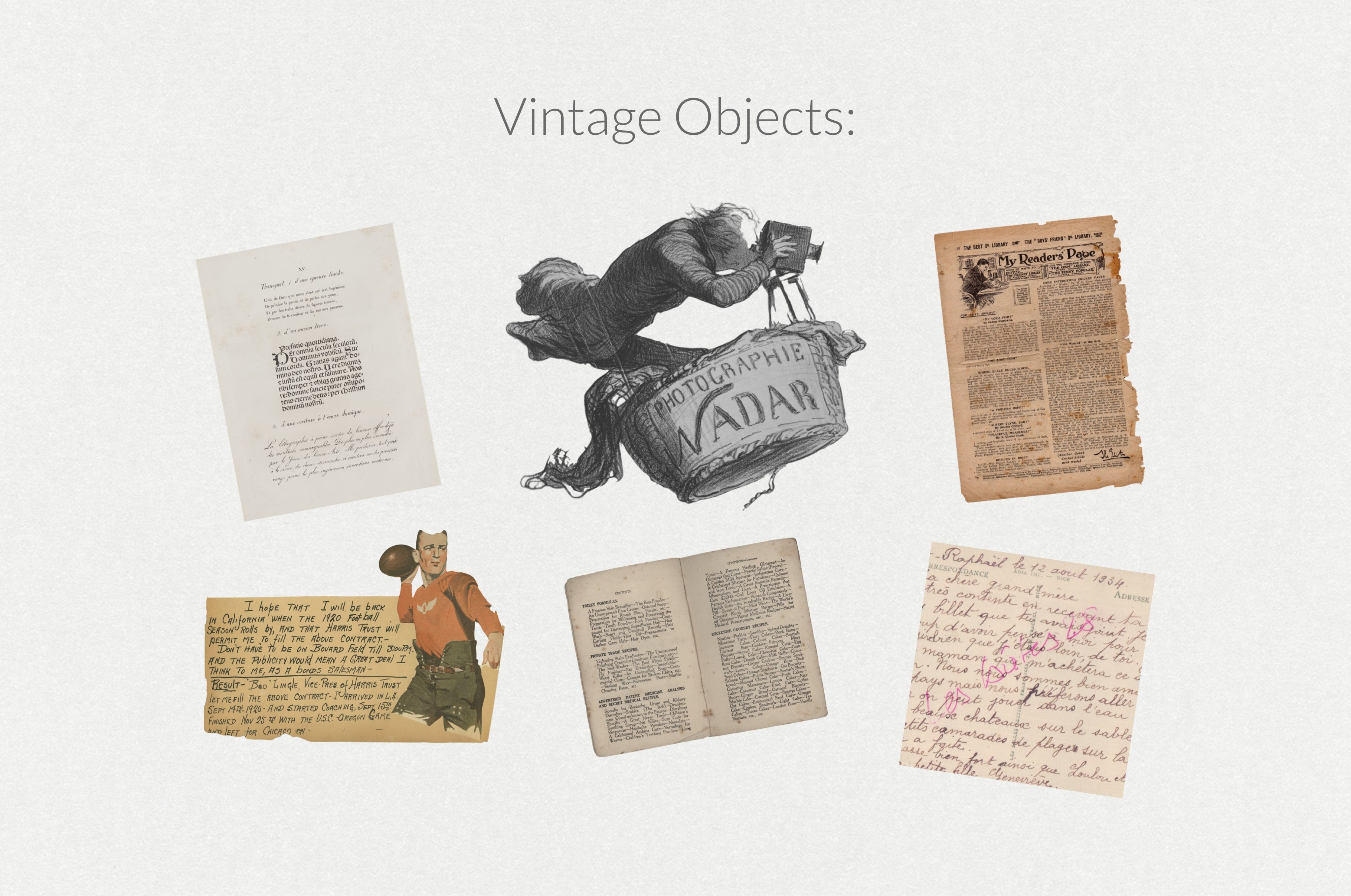
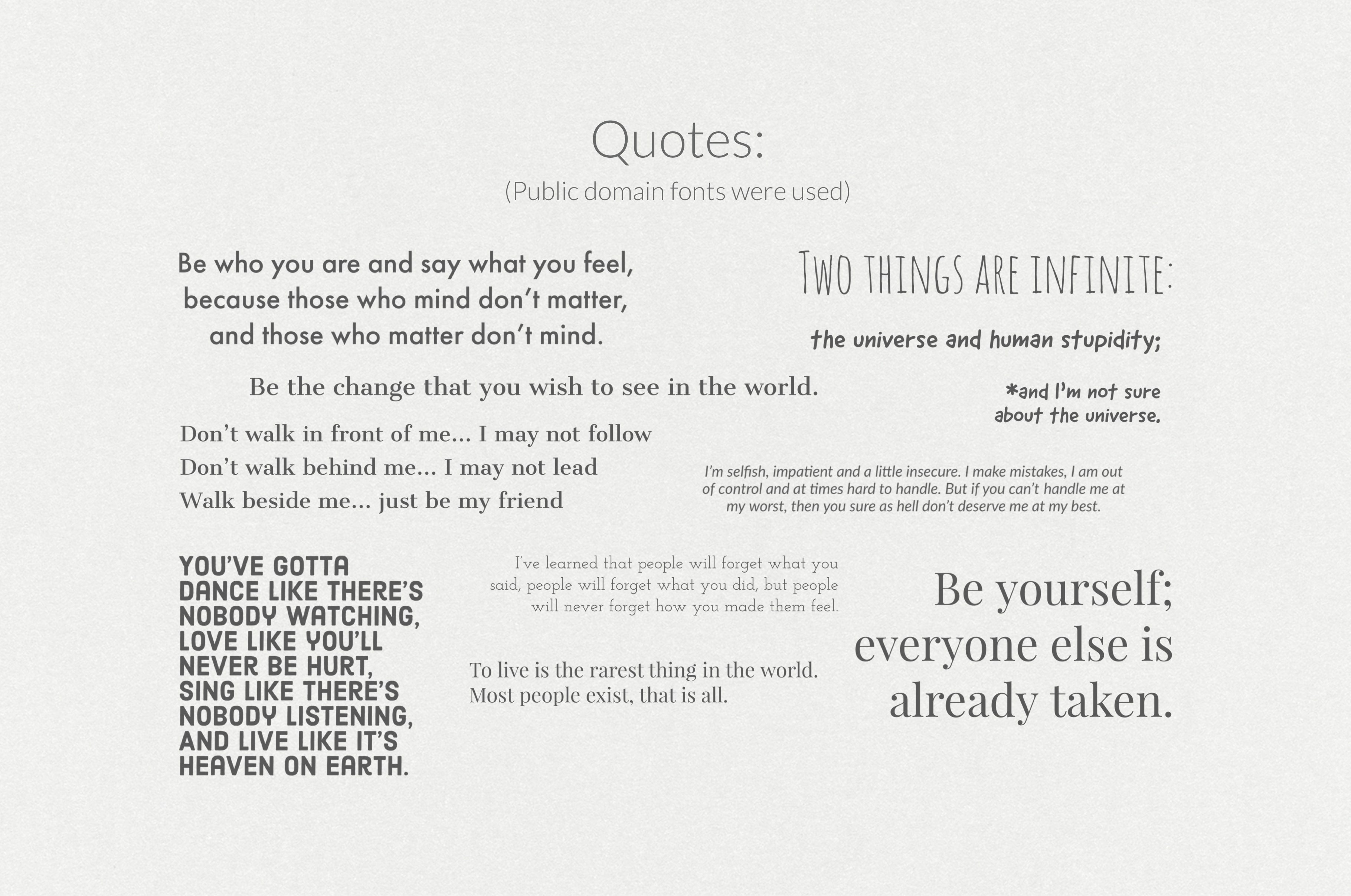
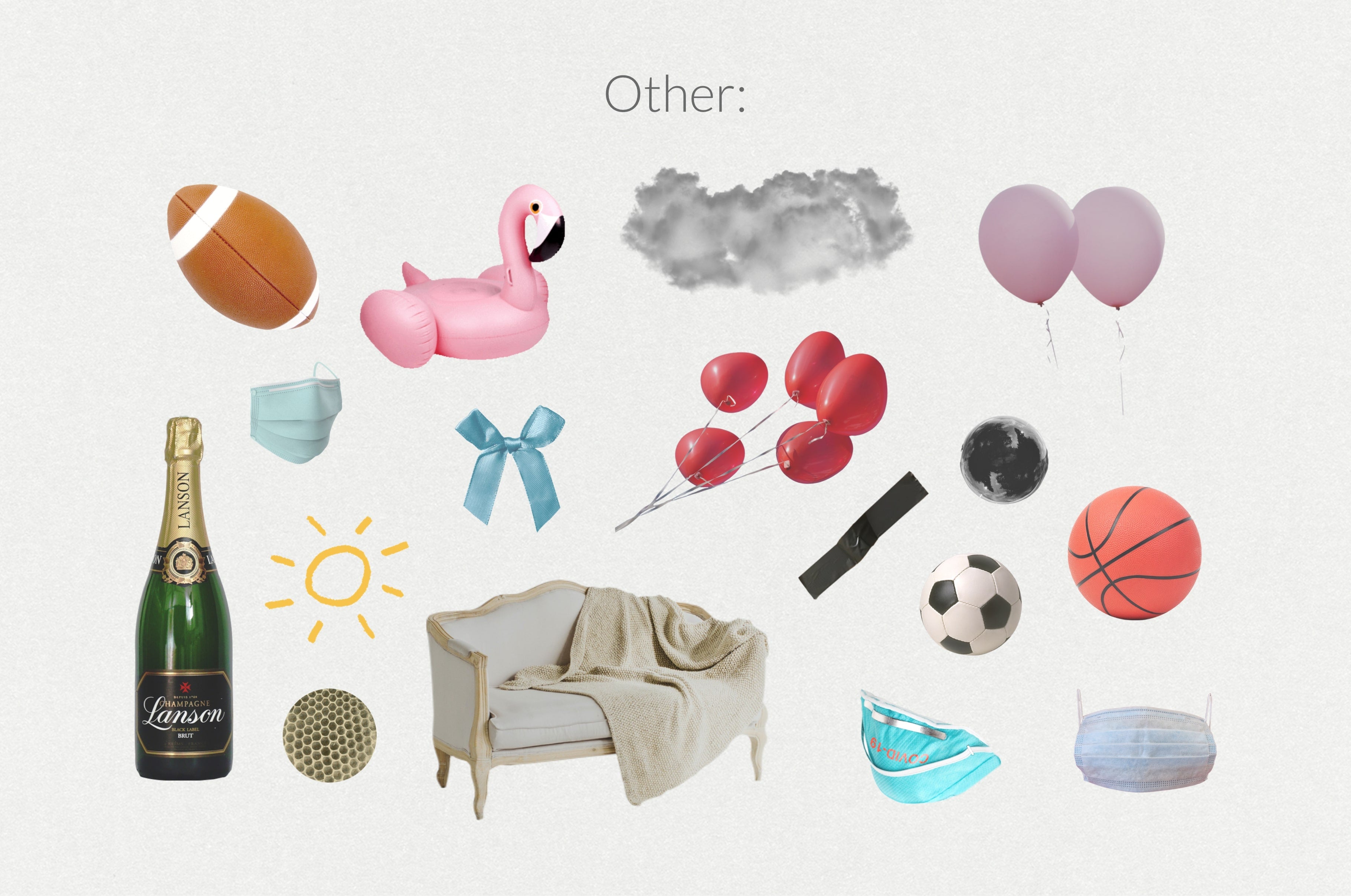
This product empowers you to easily create breathtaking photo collages.
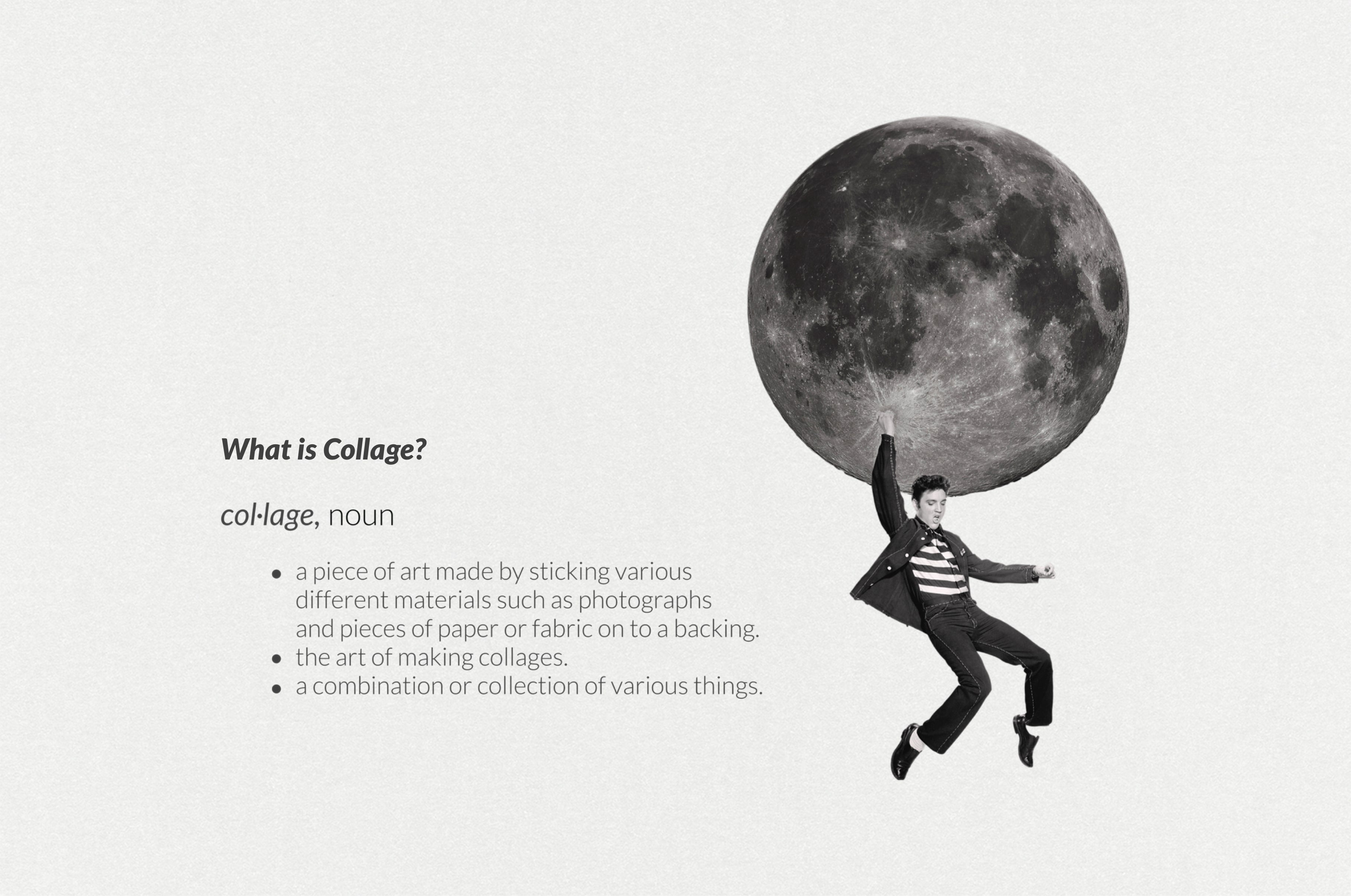
What is Collage?
col·lage, noun
- a piece of art made by sticking various different materials such as photographs and pieces of paper or fabric on to a backing.
- the art of making collages.
- a combination or collection of various things.
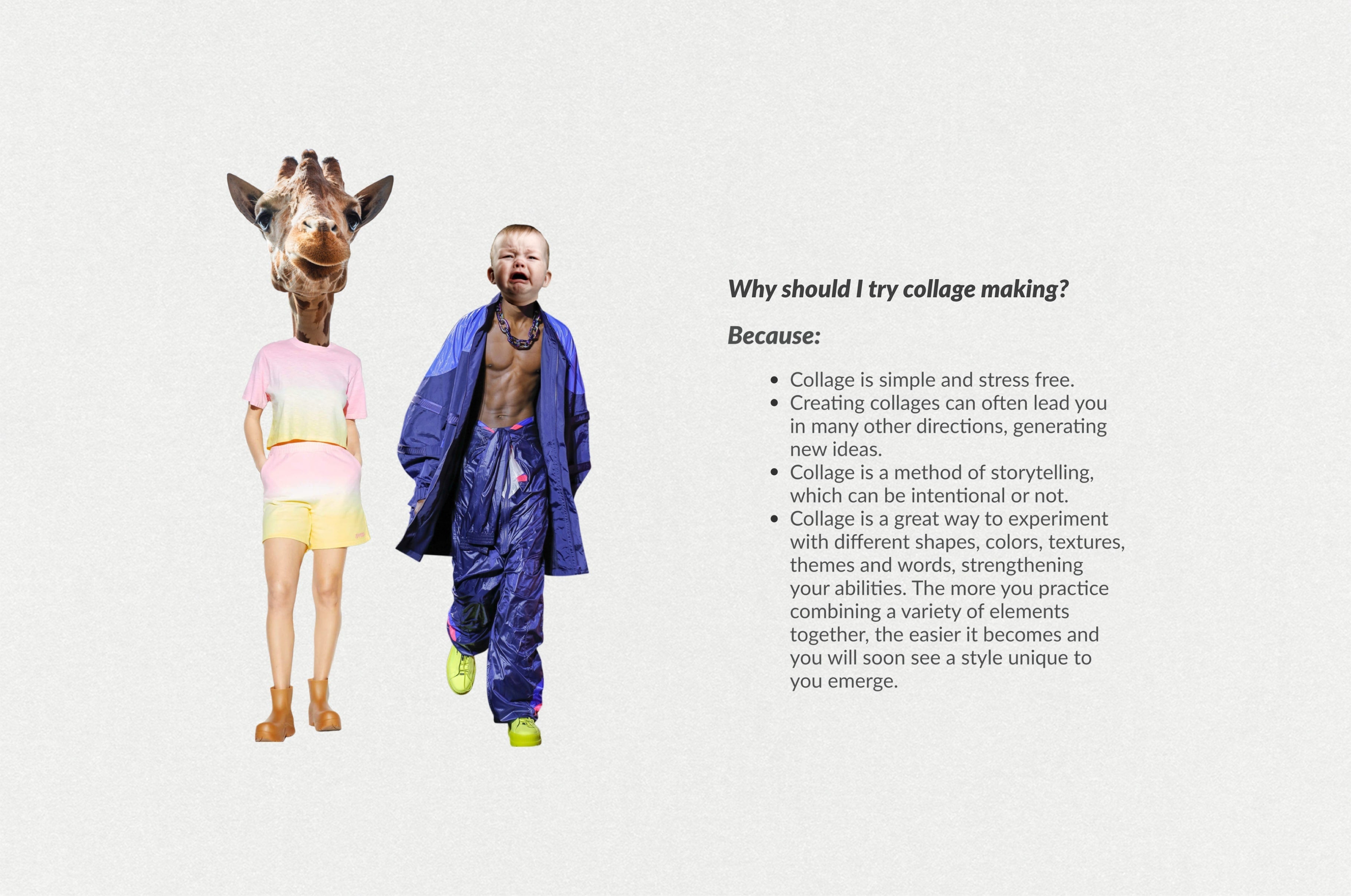
Why should I try Collage Making?
Because:
- Collage is simple and stress free.
- Creating collages can often lead you in many other directions, generating new ideas.
- Collage is a method of storytelling, which can be intentional or not.
- Collage is a great way to experiment with different shapes, colors, textures, themes and words, strengthening your abilities. The more you practice combining a variety of elements together, the easier it becomes and you will soon see a style unique to you emerge.
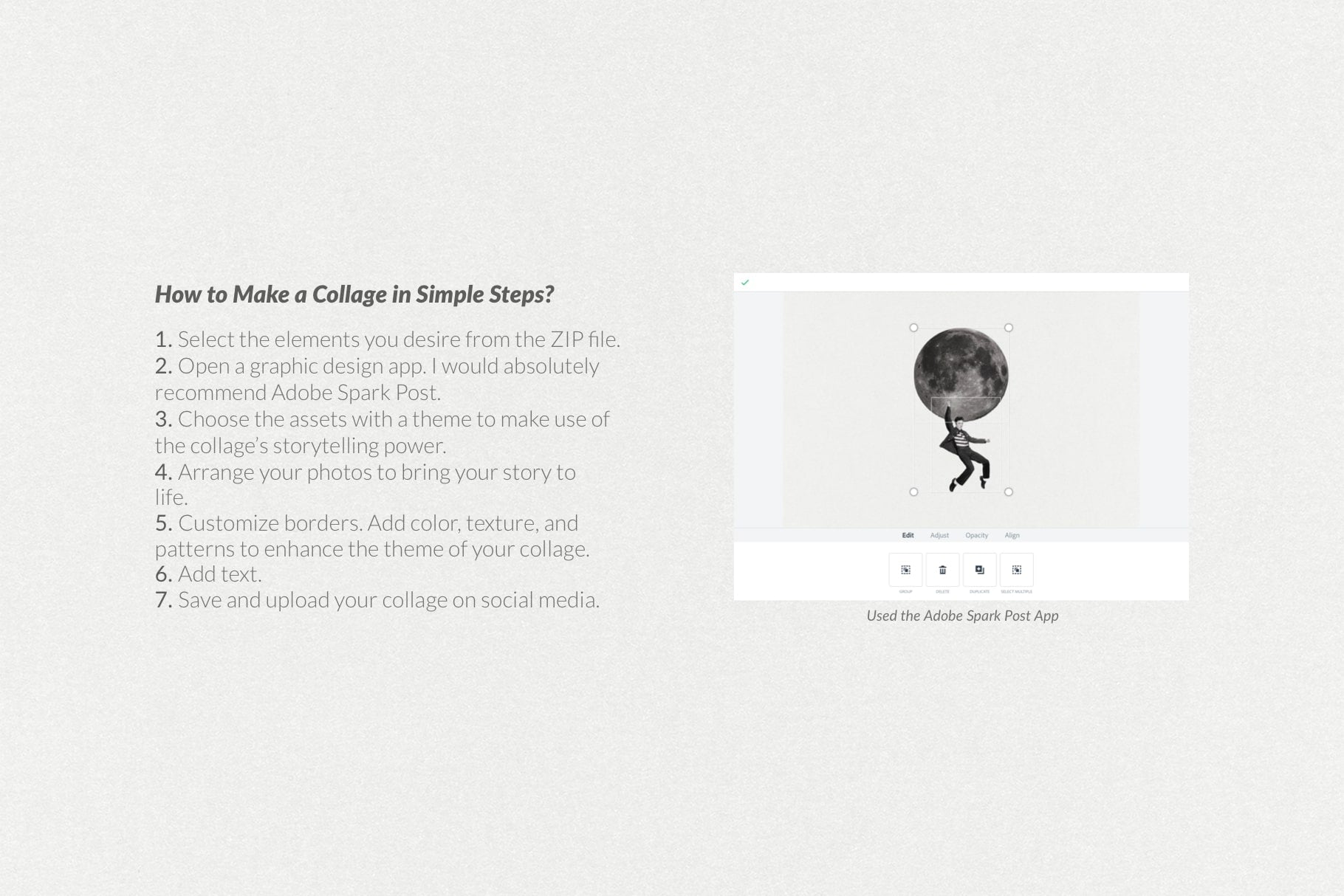
How to Make a Collage in Simple Steps?
- Select the elements you desire from the ZIP file.
- Open a graphic design app. I would absolutely recommend Adobe Spark Post.
- Choose the assets with a theme to make use of the collage's storytelling power.
- Arrange your photos to bring your story to life.
- Customize borders.
- Add color, texture, and patterns to enhance the theme of your collage.
- Add text.
- Save and upload your Collage on social media.
ABOUT THIS PRODUCT:
Includes:
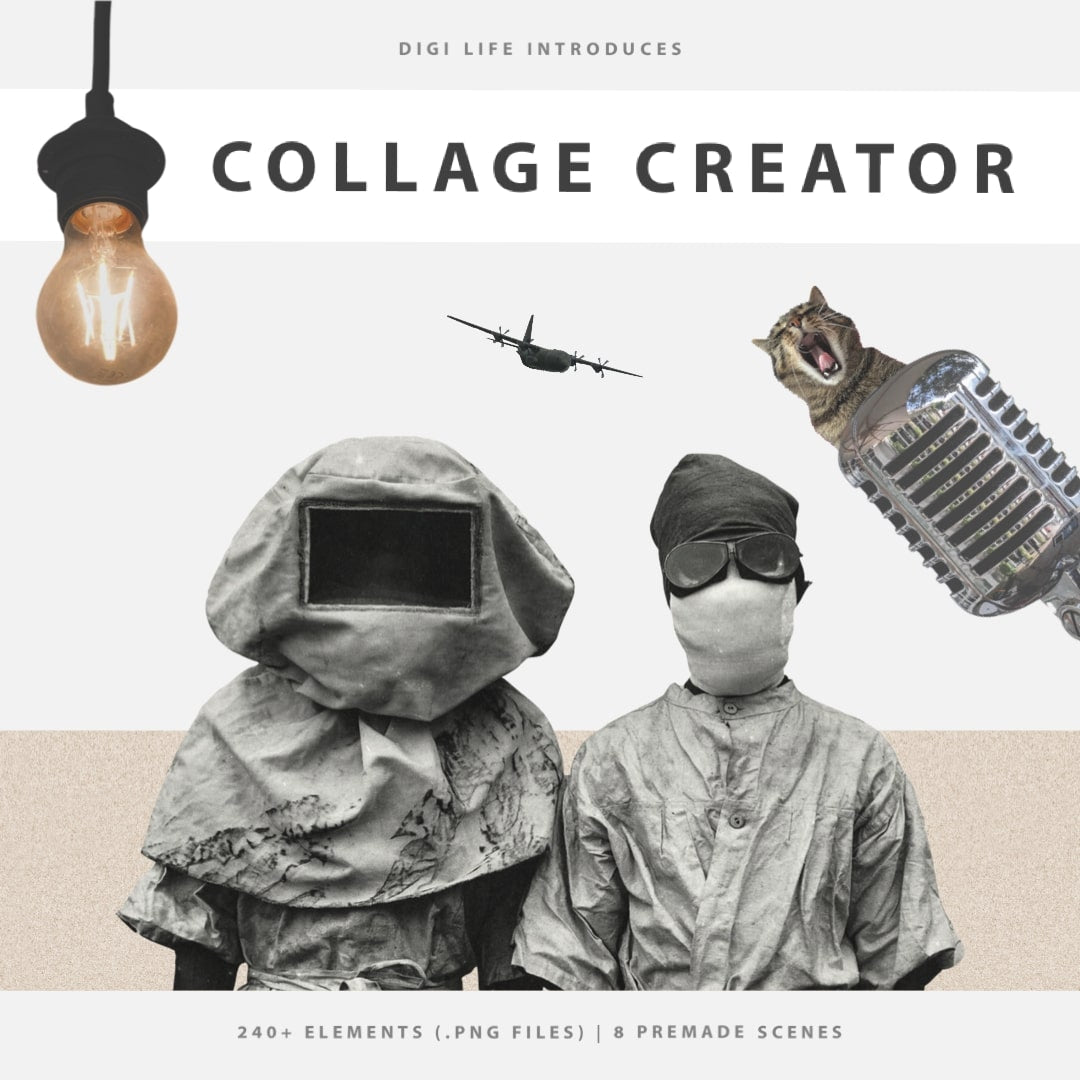
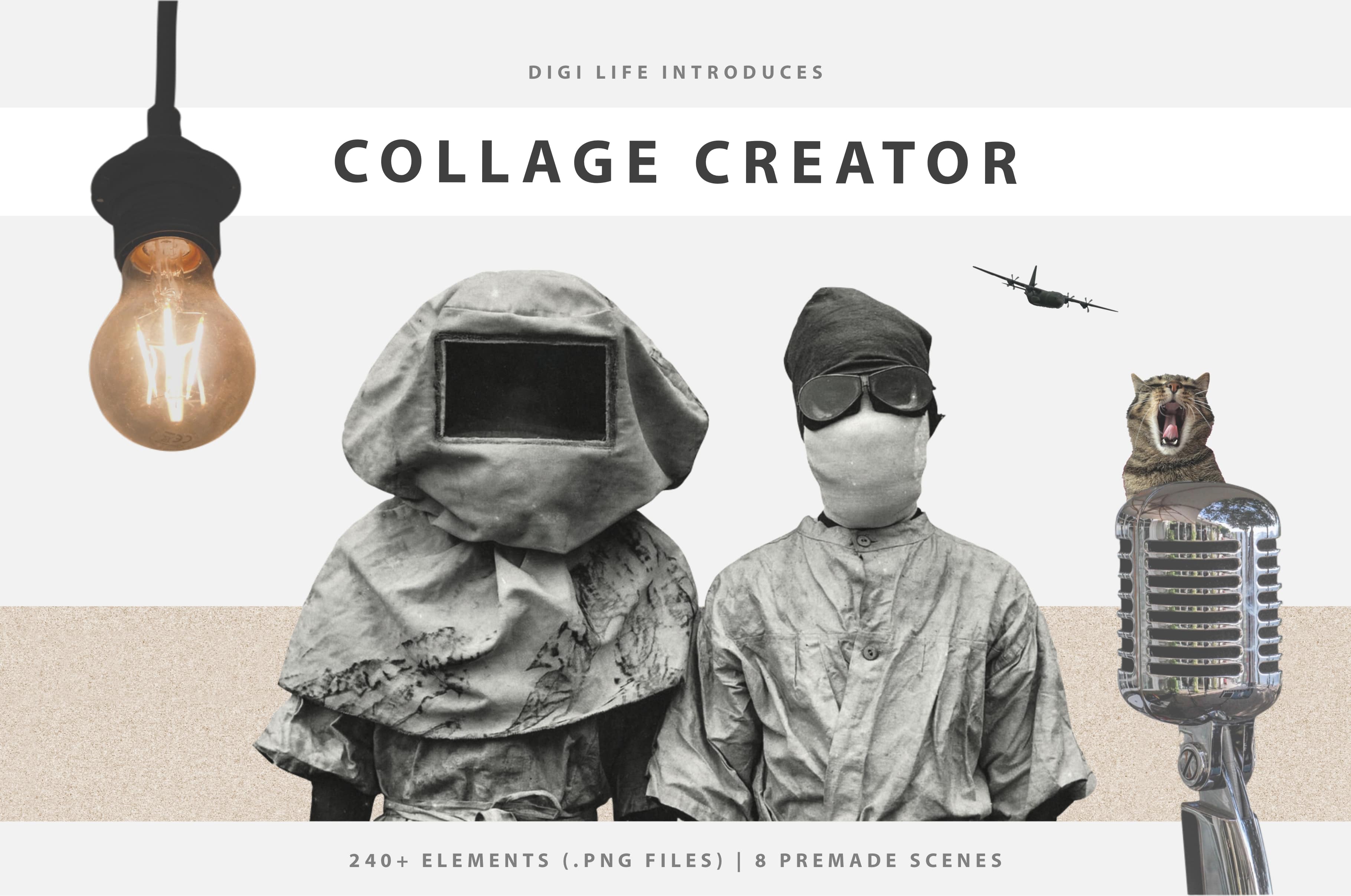
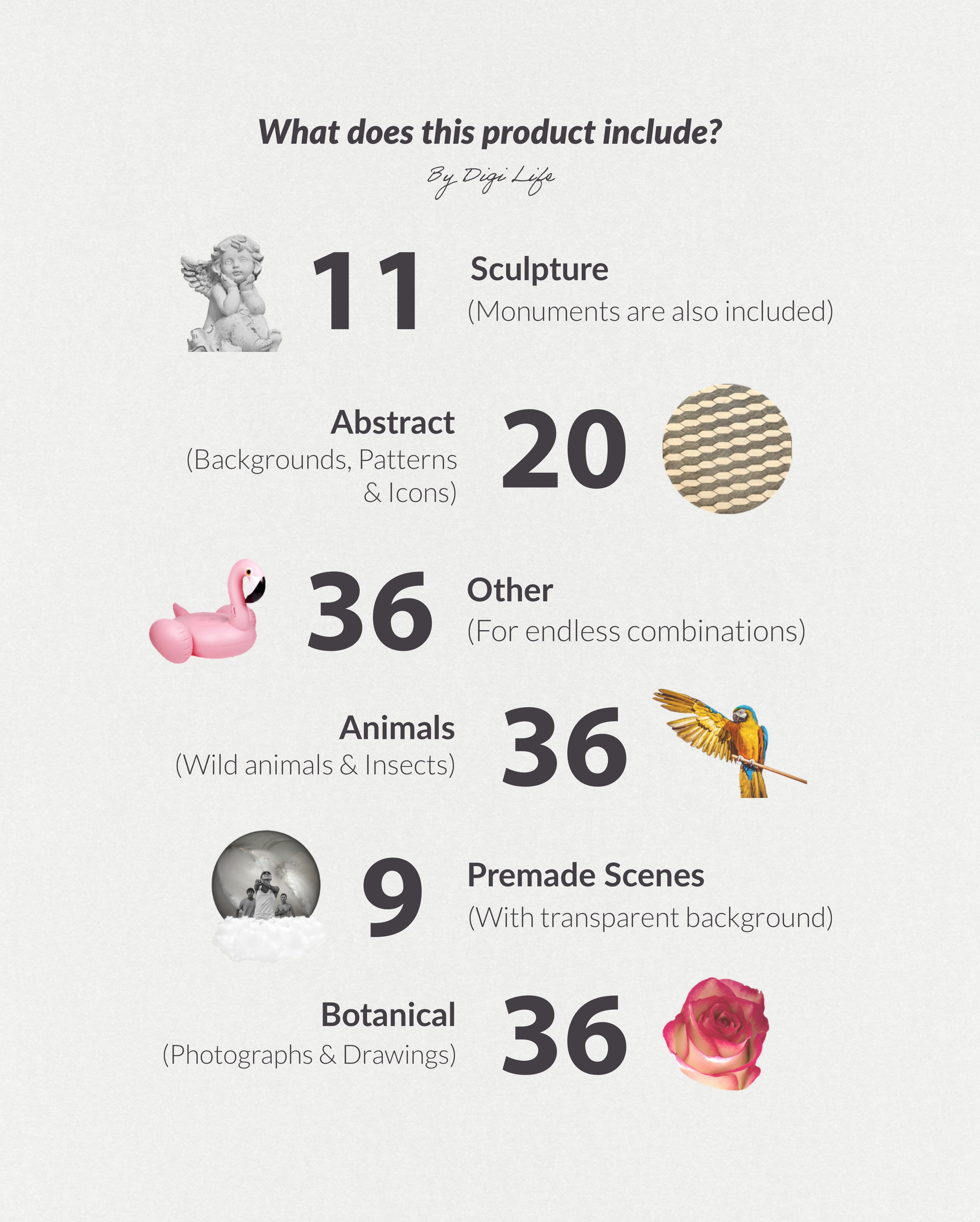
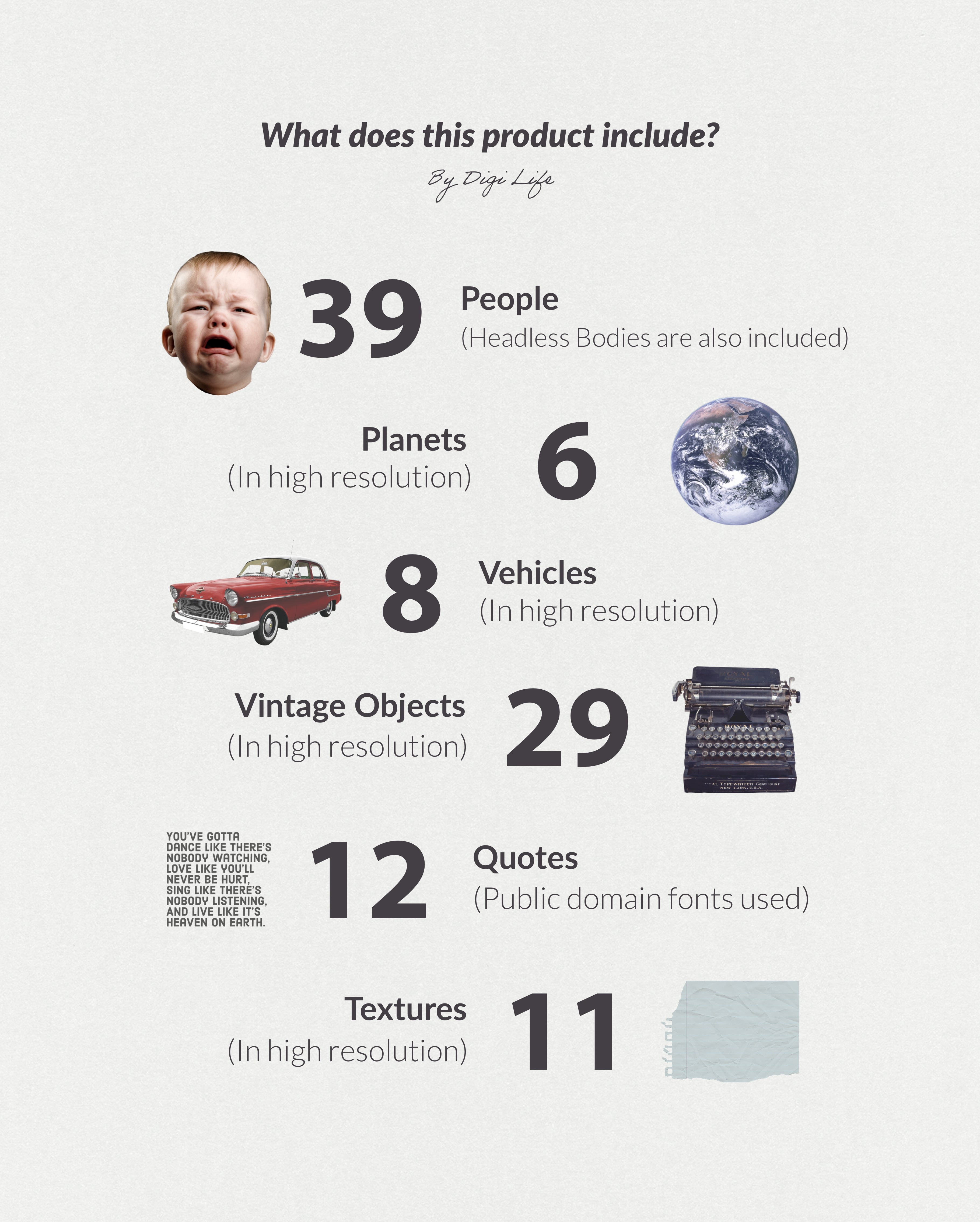
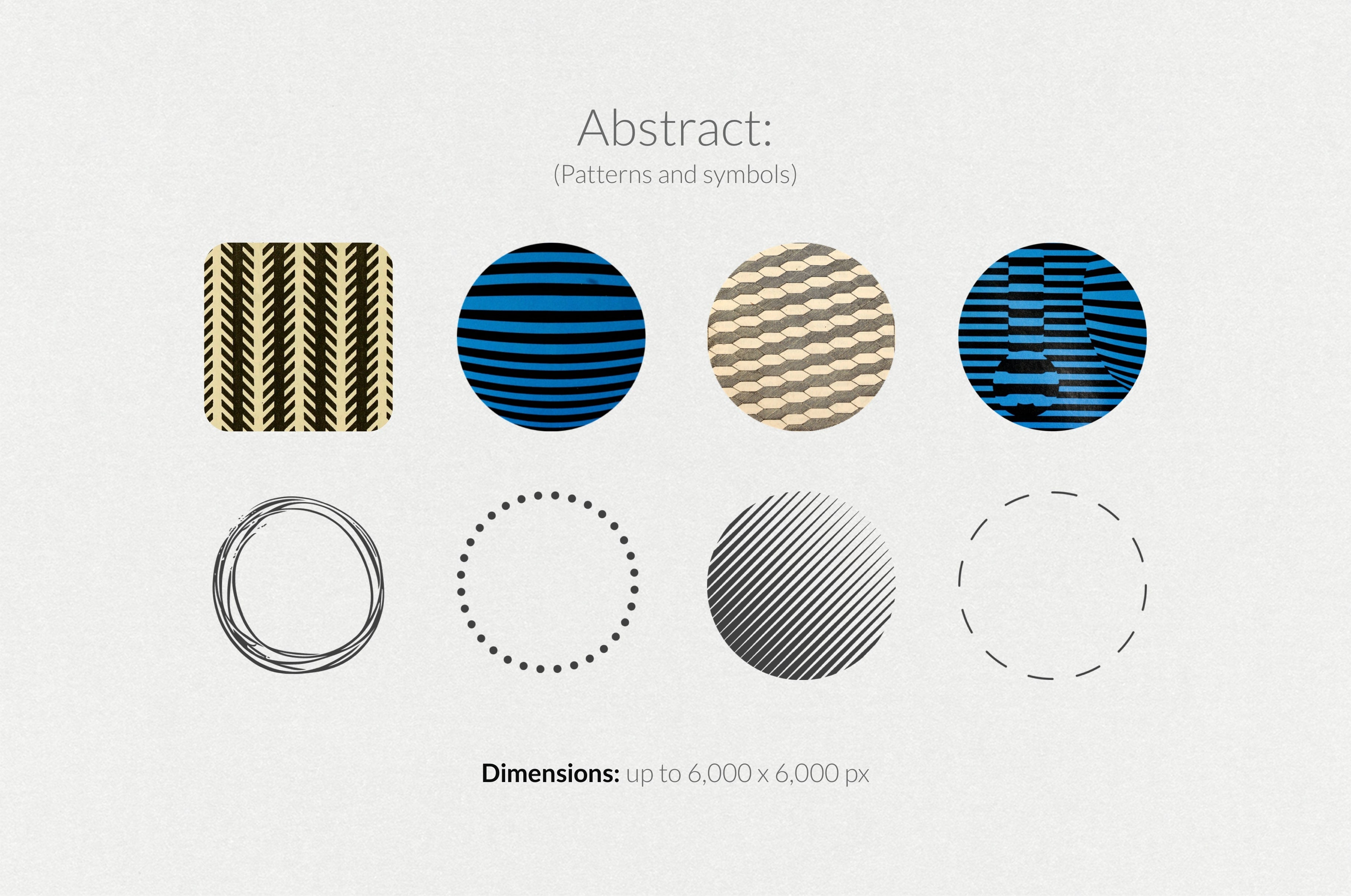
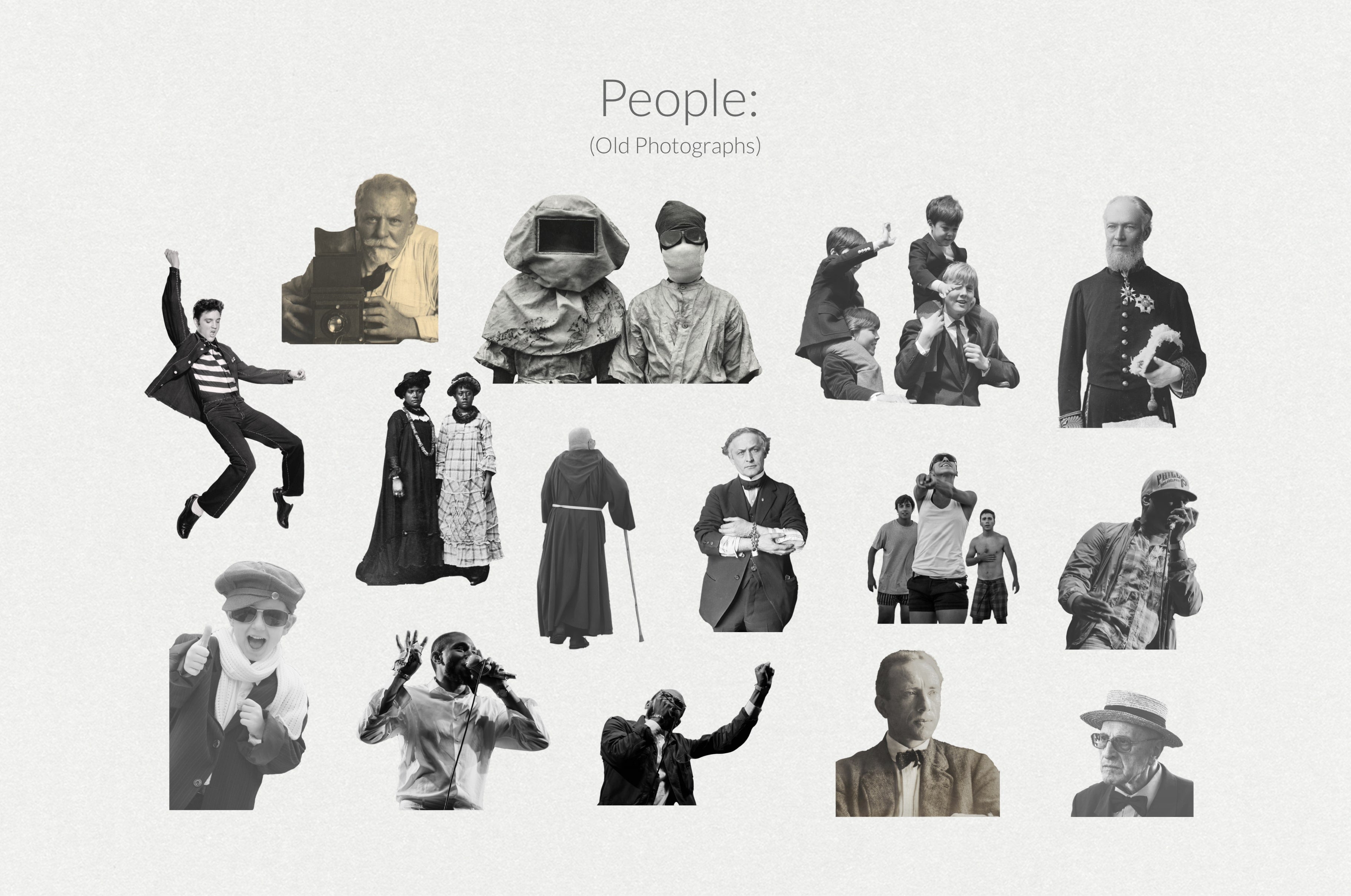
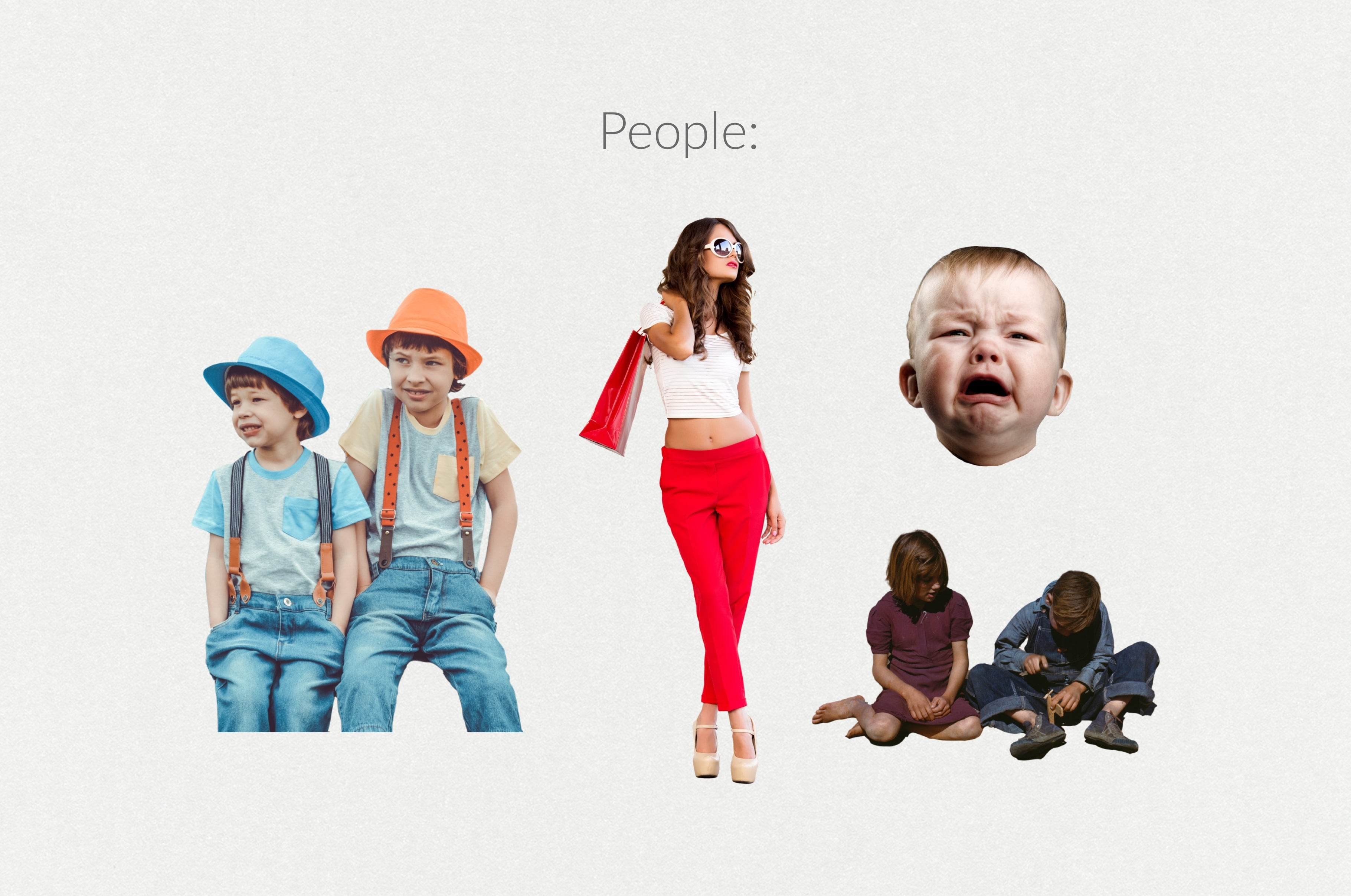
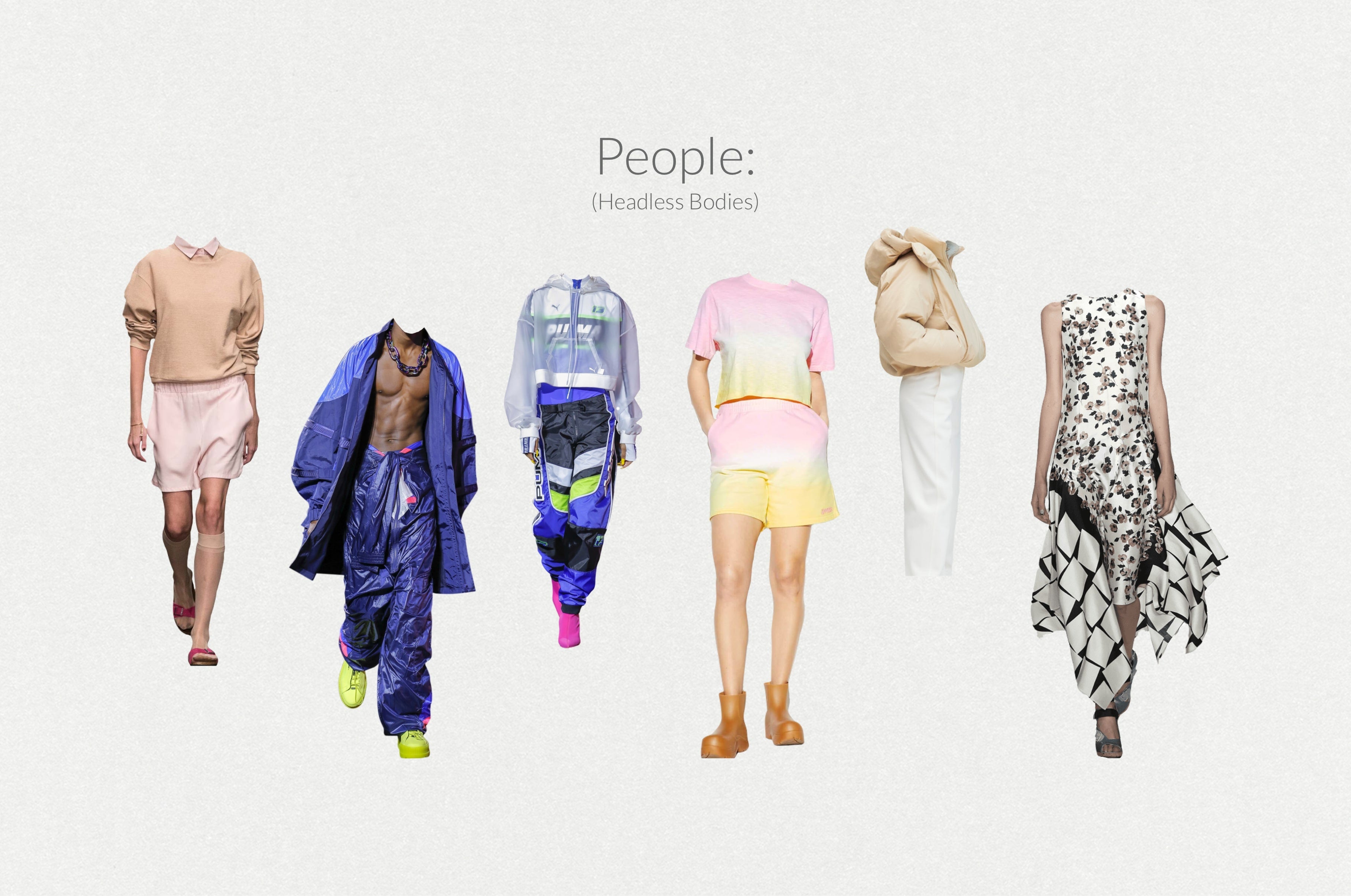
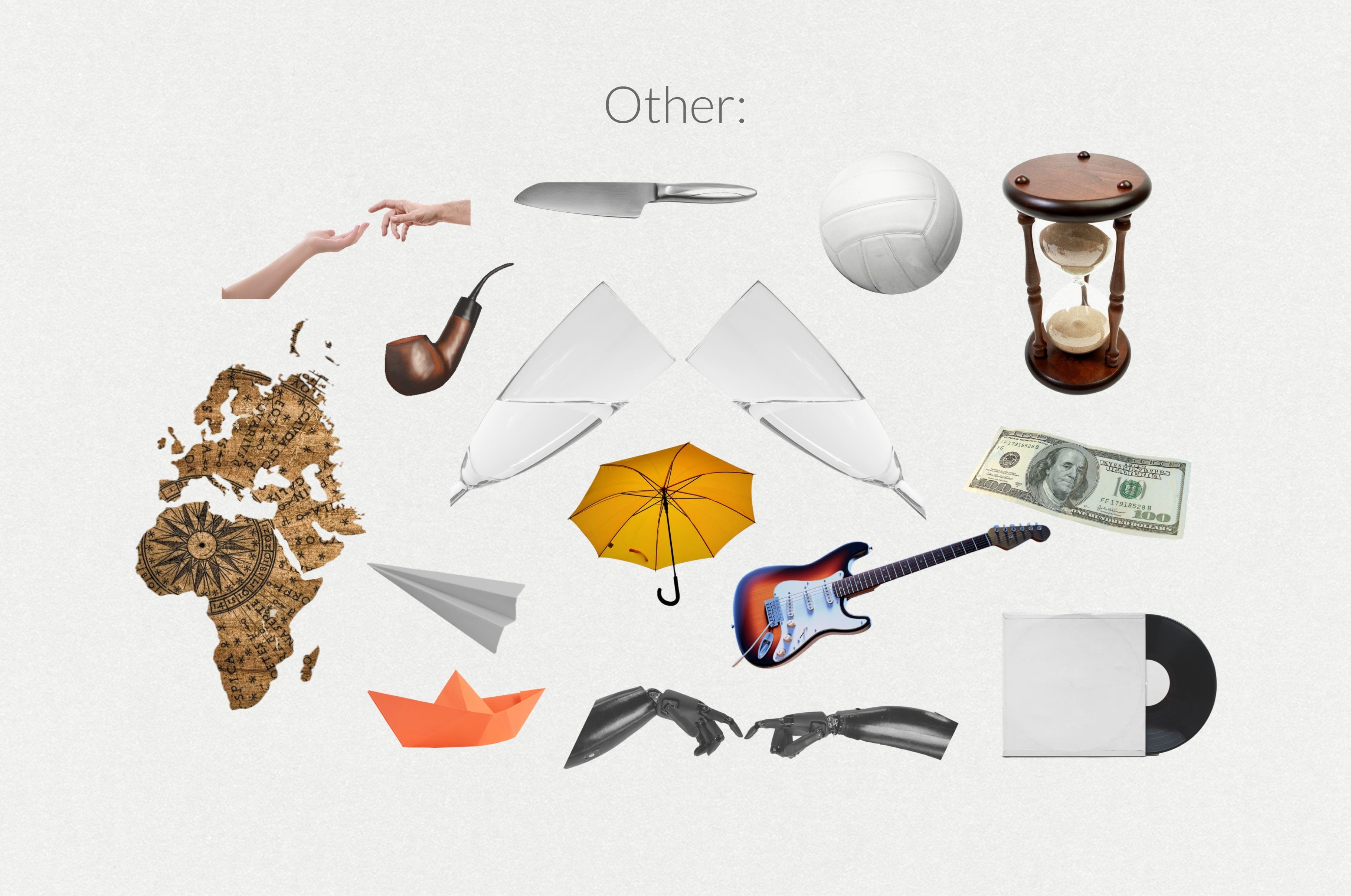
- 240+ Elements (.png files)
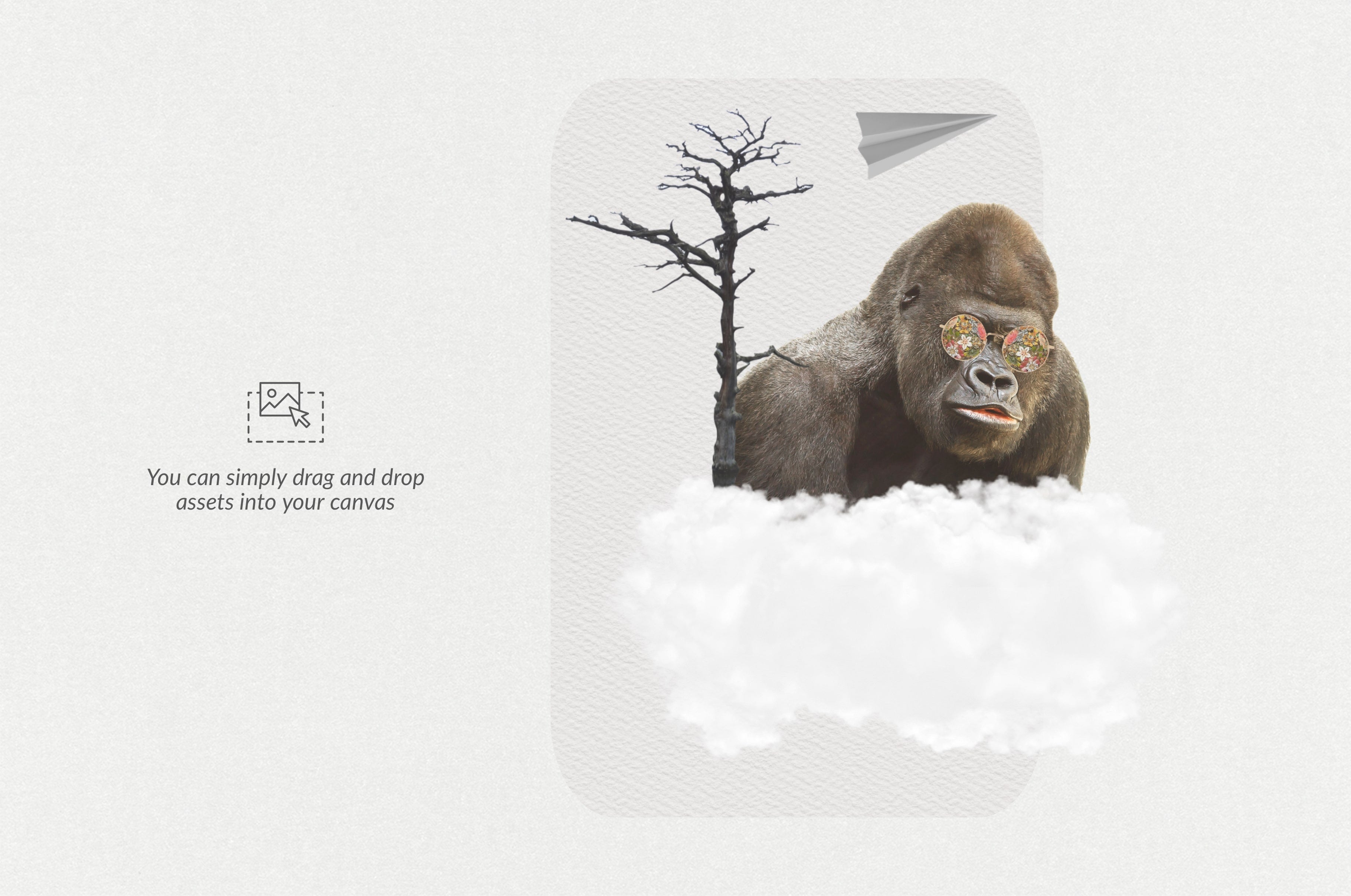
- 8 Premade Scenes (.png files)
- Free Support 24/7
Compatible to all graphic design apps, such as Adobe Photoshop, Illustrator, Procreate, Affinity Photo, Canva, Affinity Designer etc.
AI Overview
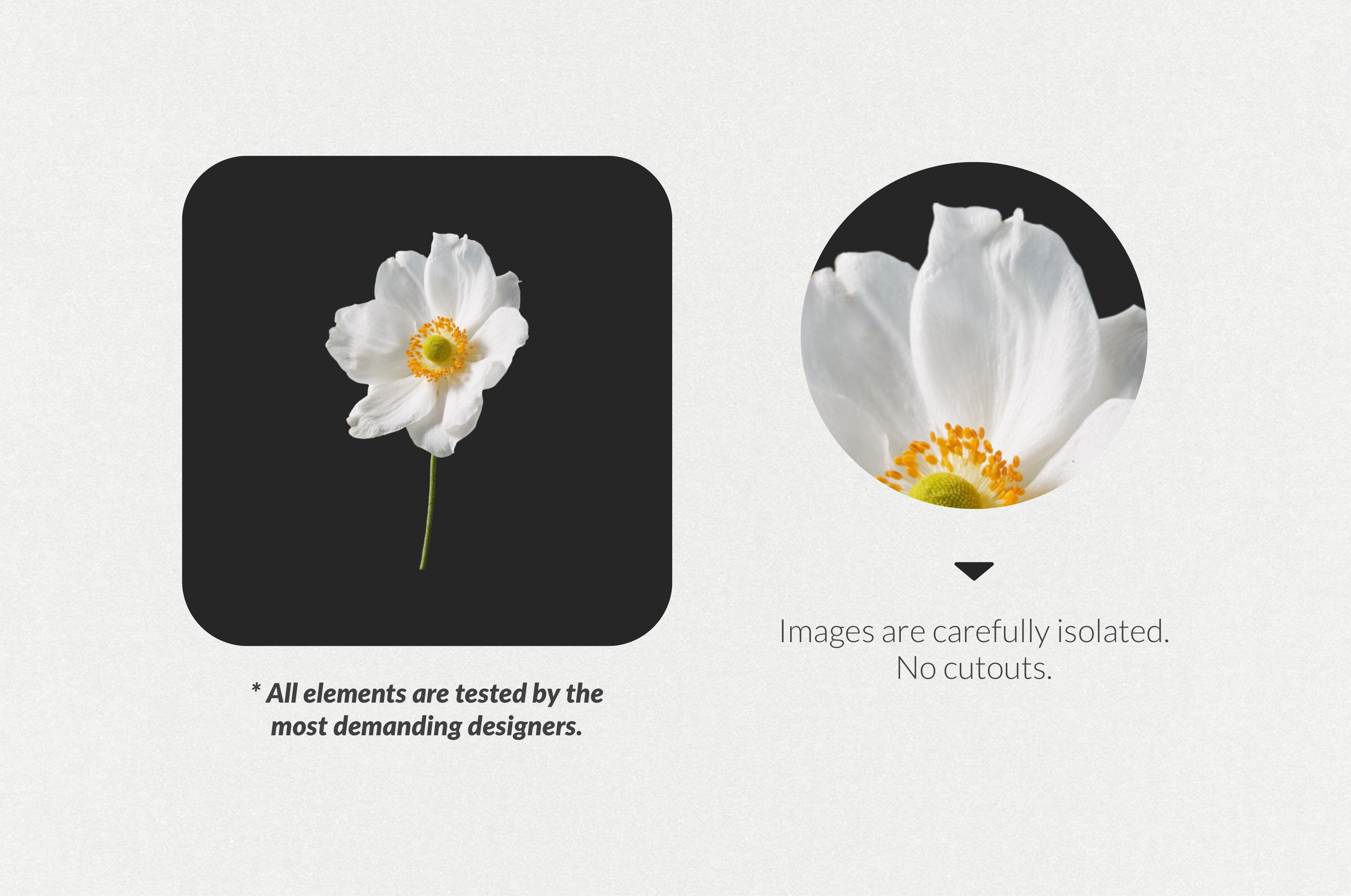
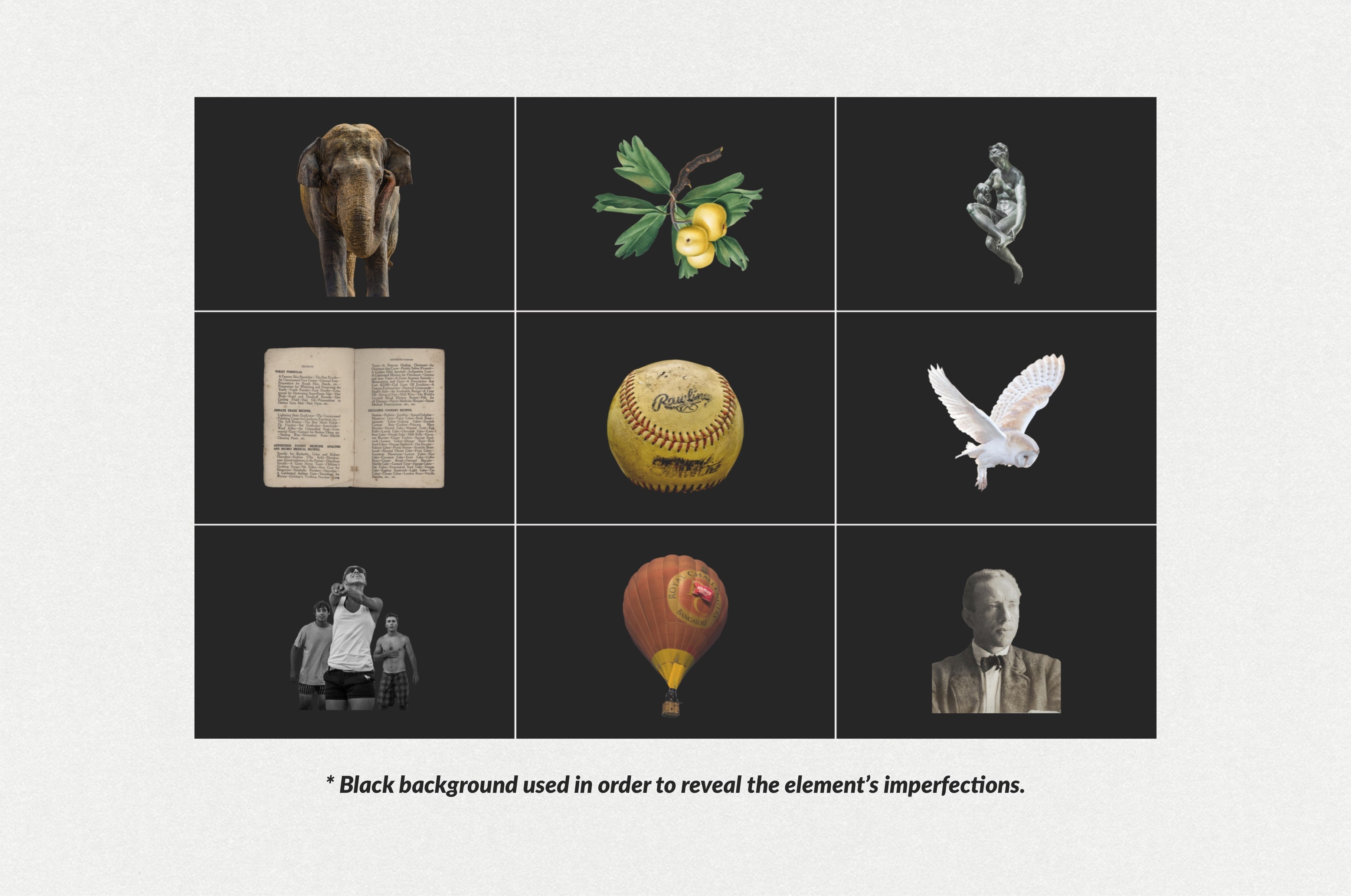
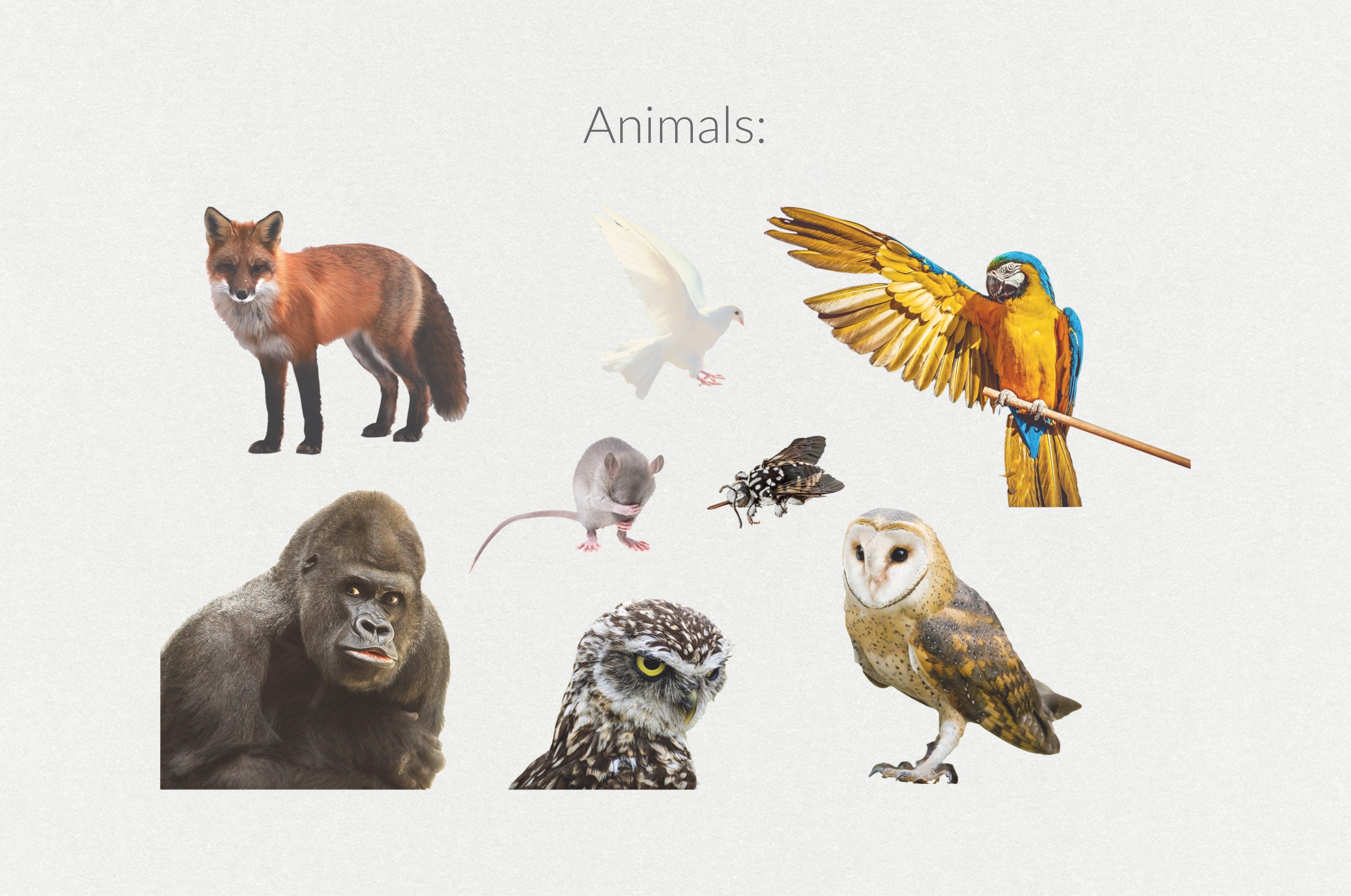
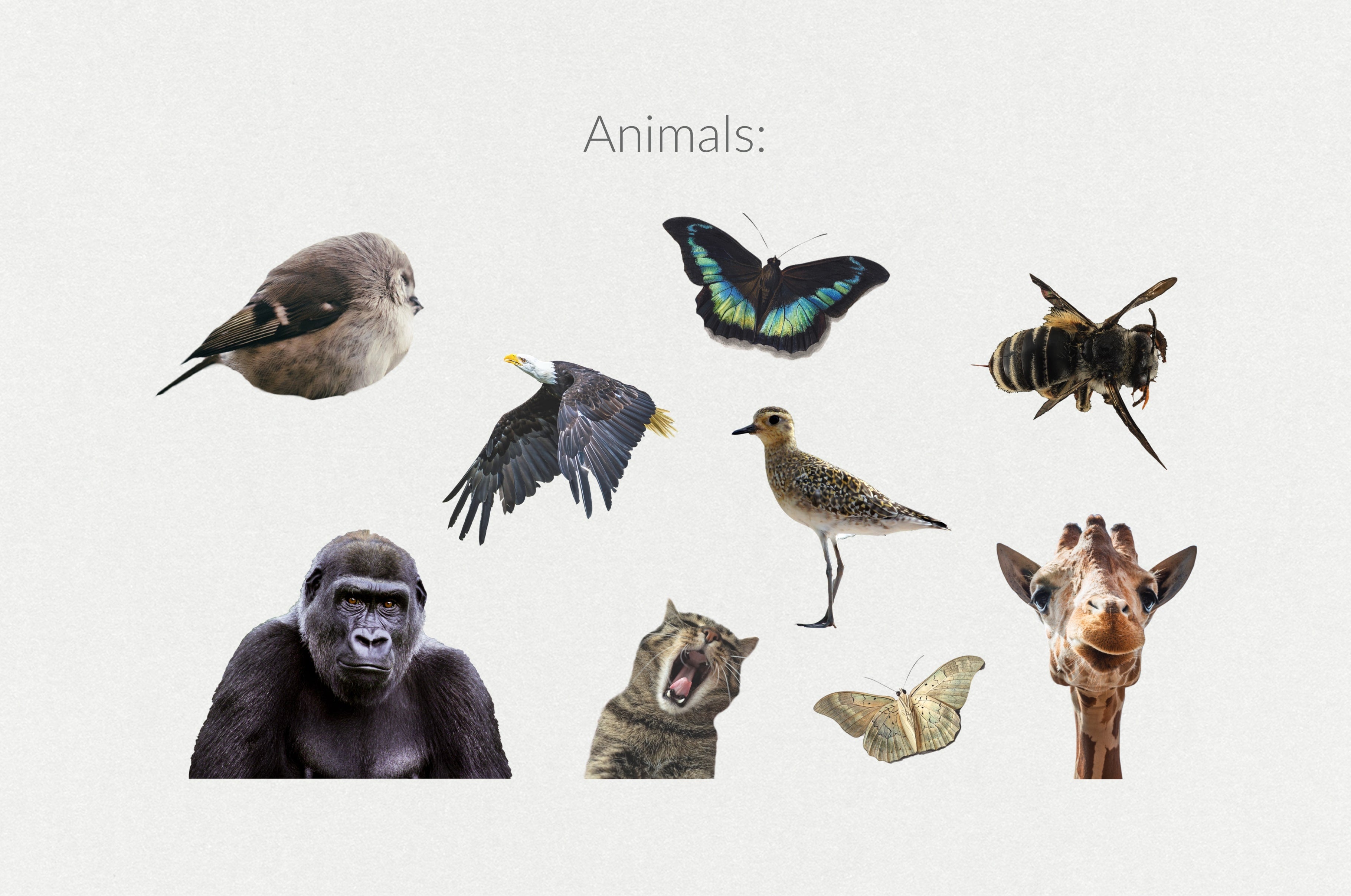
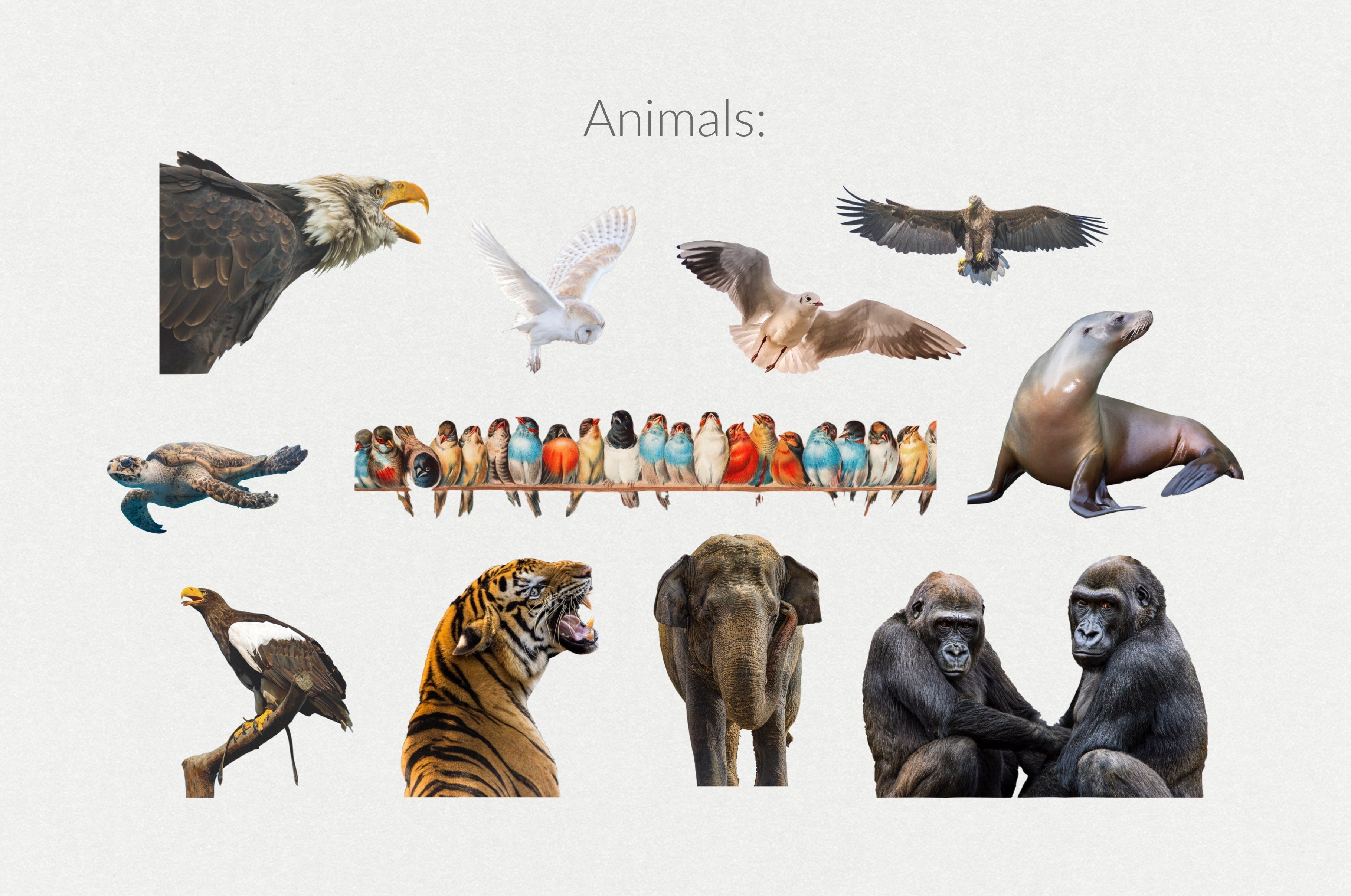
The 250+ Elements - Collage Creator Pack includes over 240 PNG elements and 8 premade scenes, designed for easy integration into various graphic design applications such as Adobe Photoshop, Illustrator, and Canva. This pack provides a comprehensive collection of graphics, including animals, people, vintage items, patterns, and textures, enabling users to create customized photo collages effortlessly.
Skill Level
Beginner to Intermediate — Easy to use with a slight learning curve; basic skills are sufficient, though some experience may enhance outcomes.
Use Cases
Ideal for modern digital collage creation and artistic storytelling. Perfect for social media posts, branding materials, and personal projects, ensuring a unique and visually engaging narrative through the combination of diverse elements and textures.
Compatibility


File Size: 3.12GB
DPI: 300
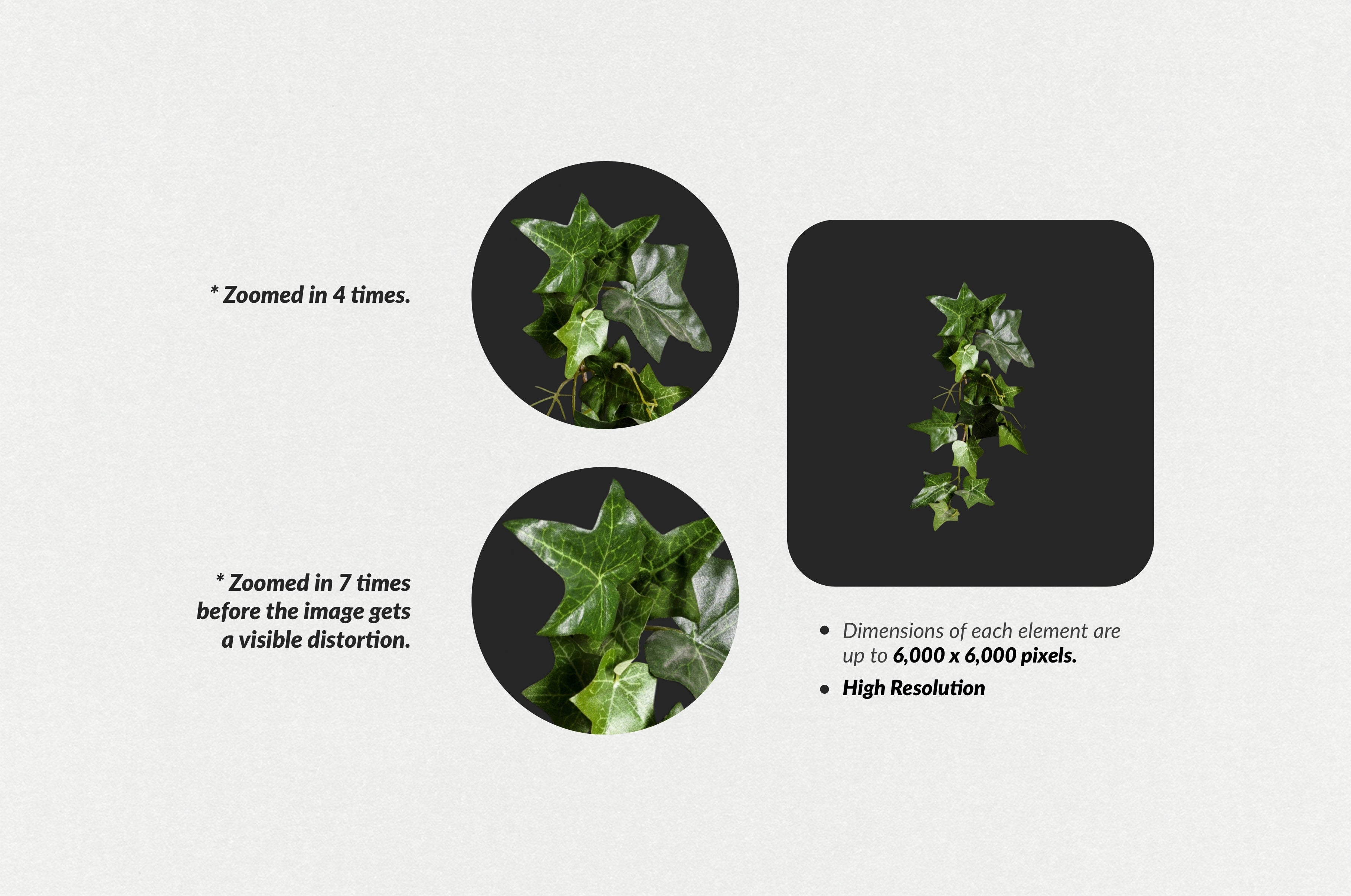
Dimensions: 6,000x6,000px
Uploaded: April 15, 2025


Instant
Download

Premium
Quality

Lifetime
Support
 Frequently Asked Questions
We want you to be happy with your purchase! We do offer refunds for digital products if you experience a technical issue that our support team cannot resolve. Just reach out to us within 30 days of your purchase, and we'll be here to help.
After your purchase is complete, you'll receive a confirmation email with a link to download your files. You can also log into your account and access your downloads from the 'My Downloads' section.
Our products come with different licensing options that allow for many types of use cases. Our licenses page includes detailed information about the available licenses, so you can choose the one that fits your project. Click here to view licence details.

Digi Life
Must-Have Graphic Resources for Designers, Illustrators and Artists.
⚲ Greece
View profile