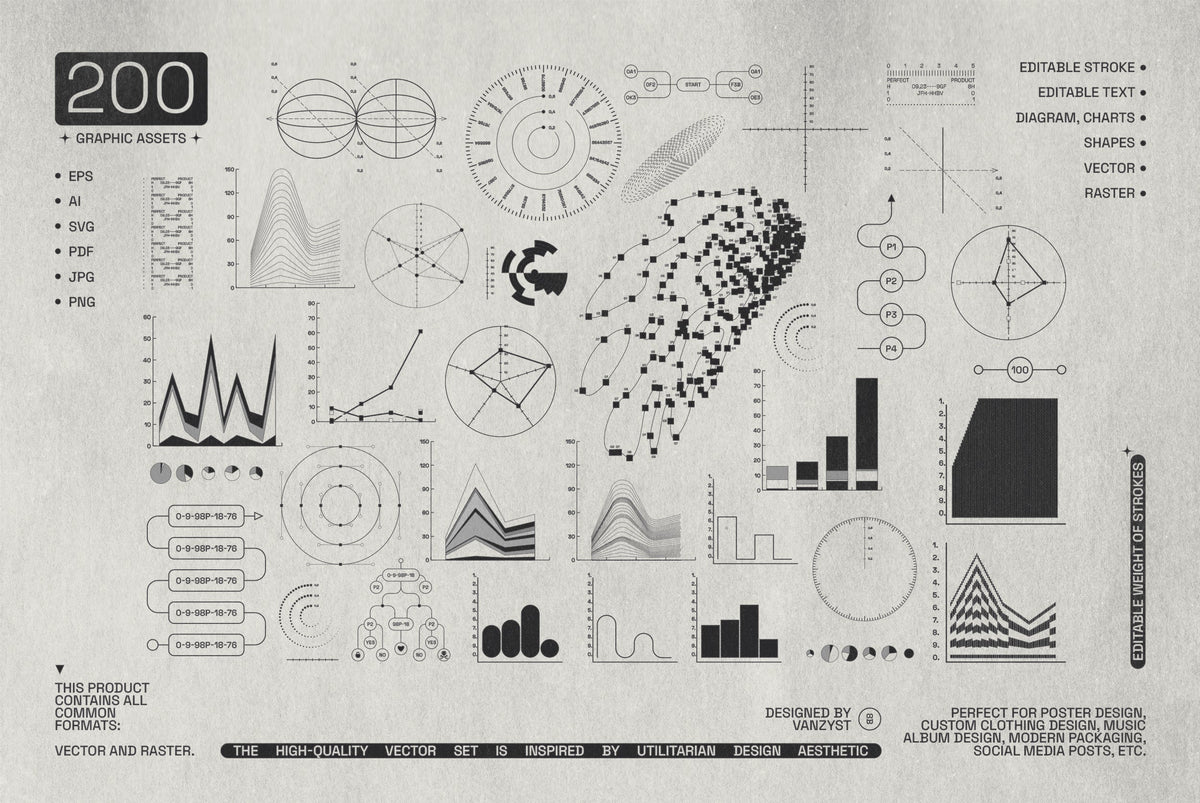

vcr-pixel-menu-graphics-pixelbuddha-1.jpg
vcr-pixel-menu-graphics-pixelbuddha-2.jpg
vcr-pixel-menu-graphics-pixelbuddha-3.jpg
vcr-pixel-menu-graphics-pixelbuddha-4.jpg
vcr-pixel-menu-graphics-pixelbuddha-5.jpg
vcr-pixel-menu-graphics-pixelbuddha-6.jpg
vcr-pixel-menu-graphics-pixelbuddha-7.jpg
vcr-pixel-menu-graphics-pixelbuddha-8.jpg
vcr-pixel-menu-graphics-pixelbuddha-9.jpg
vcr-pixel-menu-graphics-pixelbuddha-10.jpg
vcr-pixel-menu-graphics-pixelbuddha-11.jpg
vcr-pixel-menu-graphics-pixelbuddha-12.jpg
vcr-pixel-menu-graphics-pixelbuddha-13.jpg
vcr-pixel-menu-graphics-pixelbuddha-14.jpg
vcr-pixel-menu-graphics-pixelbuddha-15.jpg
vcr-pixel-menu-graphics-pixelbuddha-16.jpg
Sale price$20

VCR Pixel Menu Graphics

Pixelbuddha

Pixelbuddha

$20

Description

Every icon here is pulled straight off the on-screen menu of an old VCR, back when a tracking display meant chunky white pixels glowing on a dark CRT. We drew 255 pixel shapes with crisp stair-stepped edges: play and rewind triangles, folder and document marks, arrows, smileys, hearts, and pixel letters. Each one is compact enough to sit in a status bar.

The set runs across playback controls, patterns and grids, symbols and emojis, folders, arrows, and settings glyphs, so a whole retro interface comes together from one library. They work for lo-fi web layouts, game UI, zine and poster detailing, album art, streetwear prints, sticker sheets, and nostalgic menu screens.

Details:

  • 255 vector graphic elements;

  • components library with all 255 elements;

  • 1 PSD file;

  • AI, EPS, SVG, and PNG formats.

AI Overview

? Note: AI Overview is currently in BETA. This information may be inaccurate. Check the full product description above for more information.

VCR Pixel Menu Graphics is a set of 255 pixel-style vector icons based on old VCR on-screen menu displays, covering playback controls, patterns, symbols, folders, arrows, and settings glyphs. It includes a components library, 1 PSD file, and AI, EPS, SVG, and PNG formats.

What's Included

    Compatibility

    • Photoshop
    • Affinity Photo
    • Figma
    • Illustrator
    • InDesign
    • Canva
    • Procreate
    • After Effects
    • Affinity Designer
    • Sketch

    File Size: 2.8MB

    Uploaded: October 09, 2026

    Tags

    ★ ★ ★ ★ ★
    Trusted by over 150,000+ creatives, and rated 4.7★ from 850+ verified reviews. Explore why we're a top choice with designers worldwide! → See full reviews
    Instant Download Icon

    Instant
    Download

    Premium Quality Icon

    Premium
    Quality

    Lifetime Support Icon

    Lifetime
    Support

    FAQs Icon Frequently Asked Questions

    What is your refund policy? ▾

    Our products come with guarantees under the Australian Consumer Law. If a file is faulty or isn't as described, you're entitled to a fix, a replacement or a refund. We don't refund a change of mind. Bought a bigger size than you need, or Extended when Standard would do? Within 14 days, we'll swap it and refund the difference. Read our refund policy.

    How do I access my downloads? ▾

    After your purchase is complete, you'll receive a confirmation email with a link to download your files. You can also log into your account and access your downloads from the 'My Downloads' section.

    Which license do I need? ▾

    Every product comes with the Studio 2am License. Choose Standard or Extended, and the size of your business. Which license do I need?

    → Visit our support hub

    We're a creative team passionate about bringing the best free and premium resources to the professional community.

    United Arab Emirates Instagram pixelbuddha.net
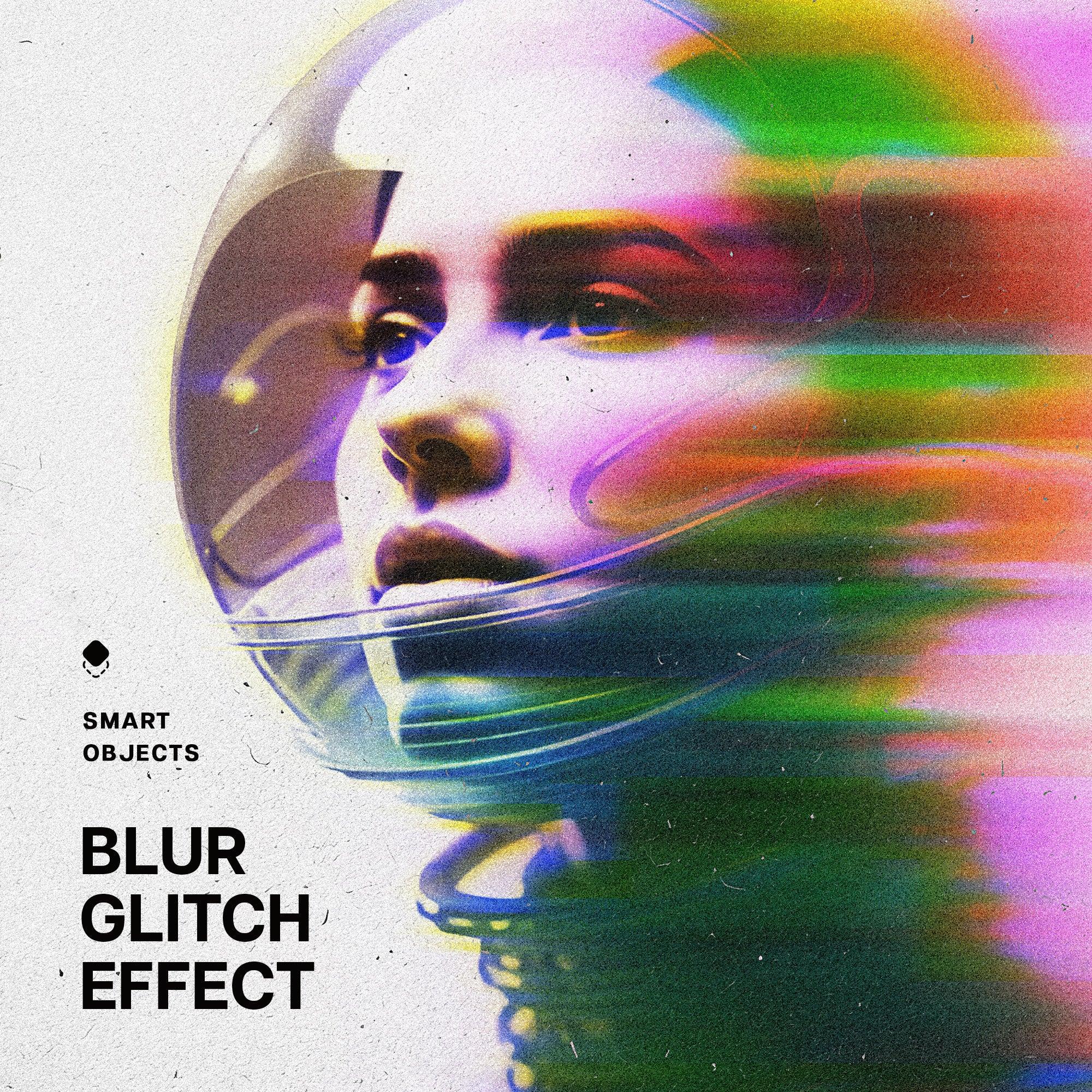
    Blur Glitch Photo Effect Blur Glitch Photo Effect
    Blurred Print Photo Effect - Pixelbuddha 1.jpg Blurred Print Photo Effect - Pixelbuddha 2.jpg
    Ransom Note Letters Collection Ransom Note Letters Collection
    folk-myth-vector-illustrations-pixelbuddha-1.jpg folk-myth-vector-illustrations-pixelbuddha-2.jpg
    Modulate

    Make louder visuals.

    A real-time effects editor.
    Layer, animate, and export in your browser.

    Open the editor