




Grunge Overlay Textures Pack

Pixelbuddha
Description
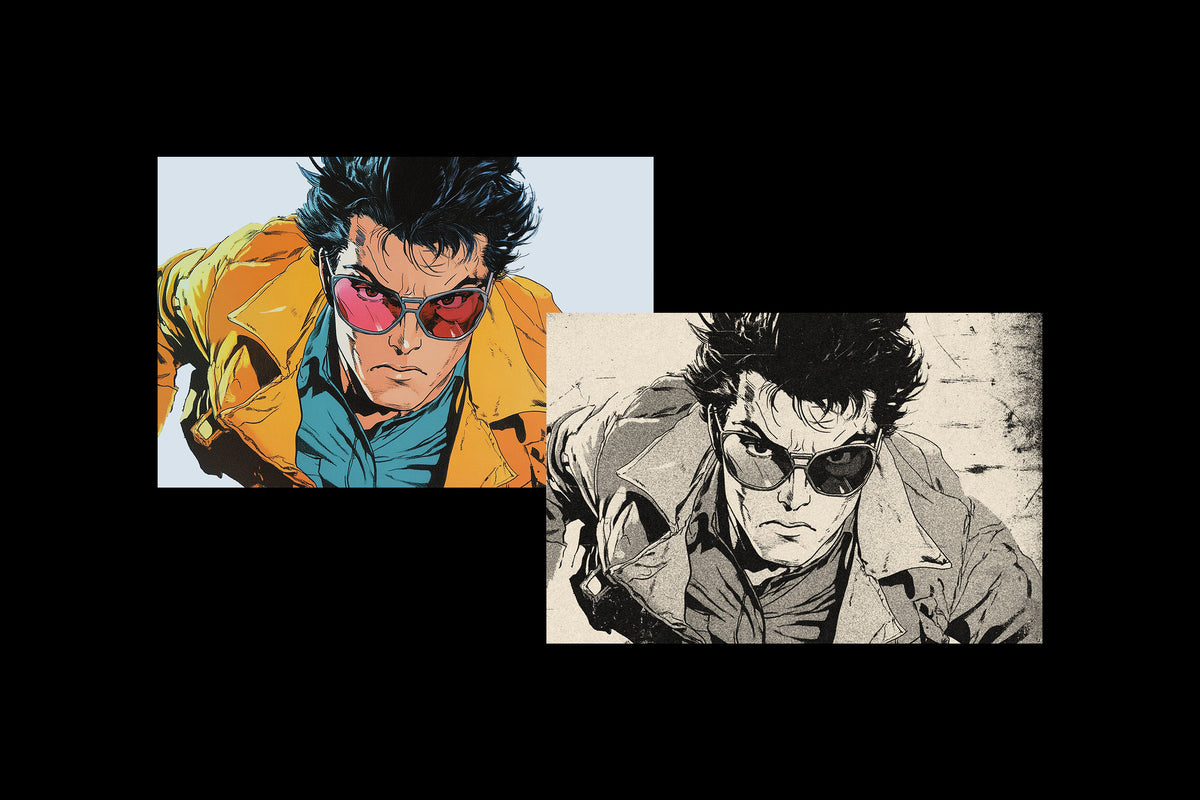
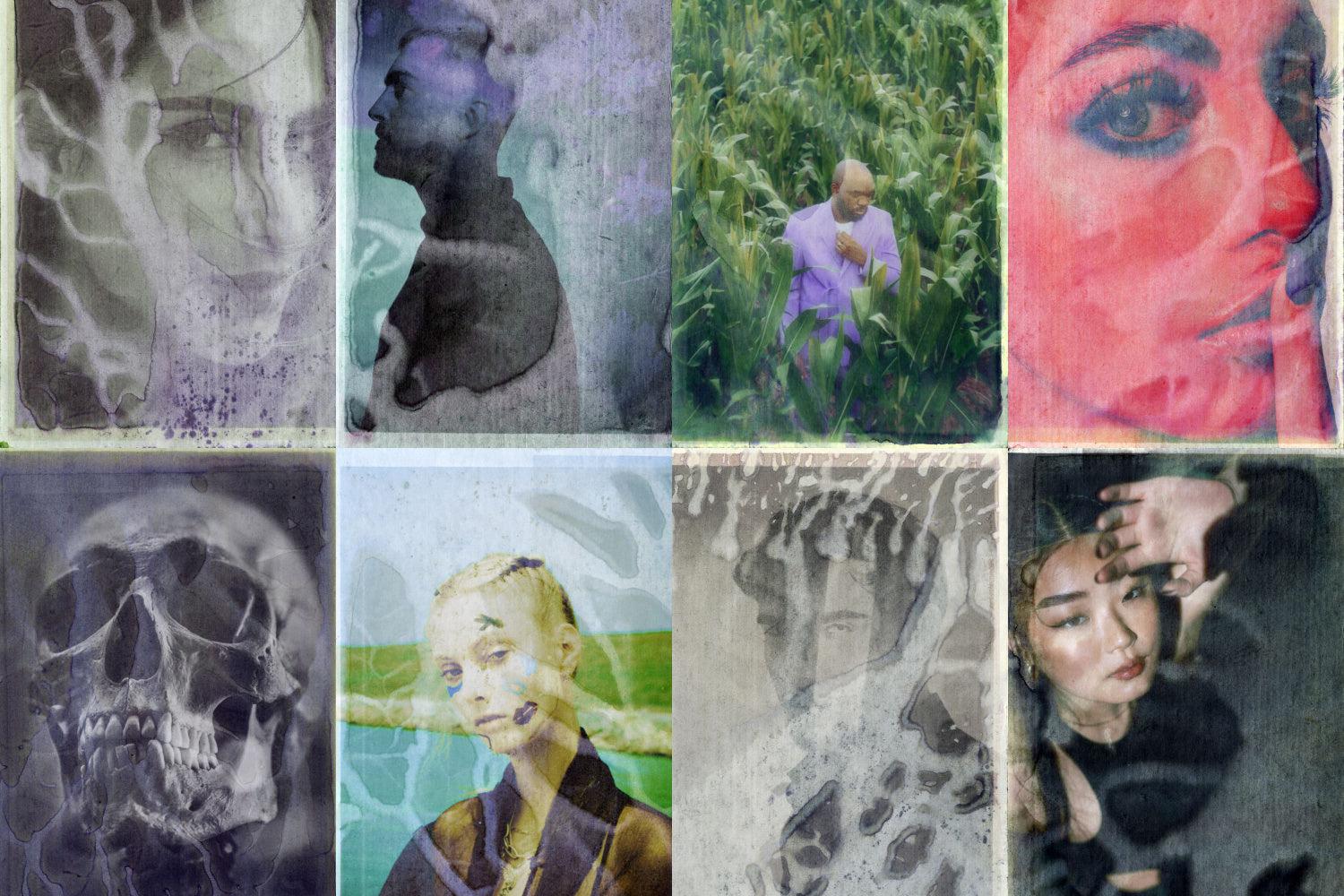
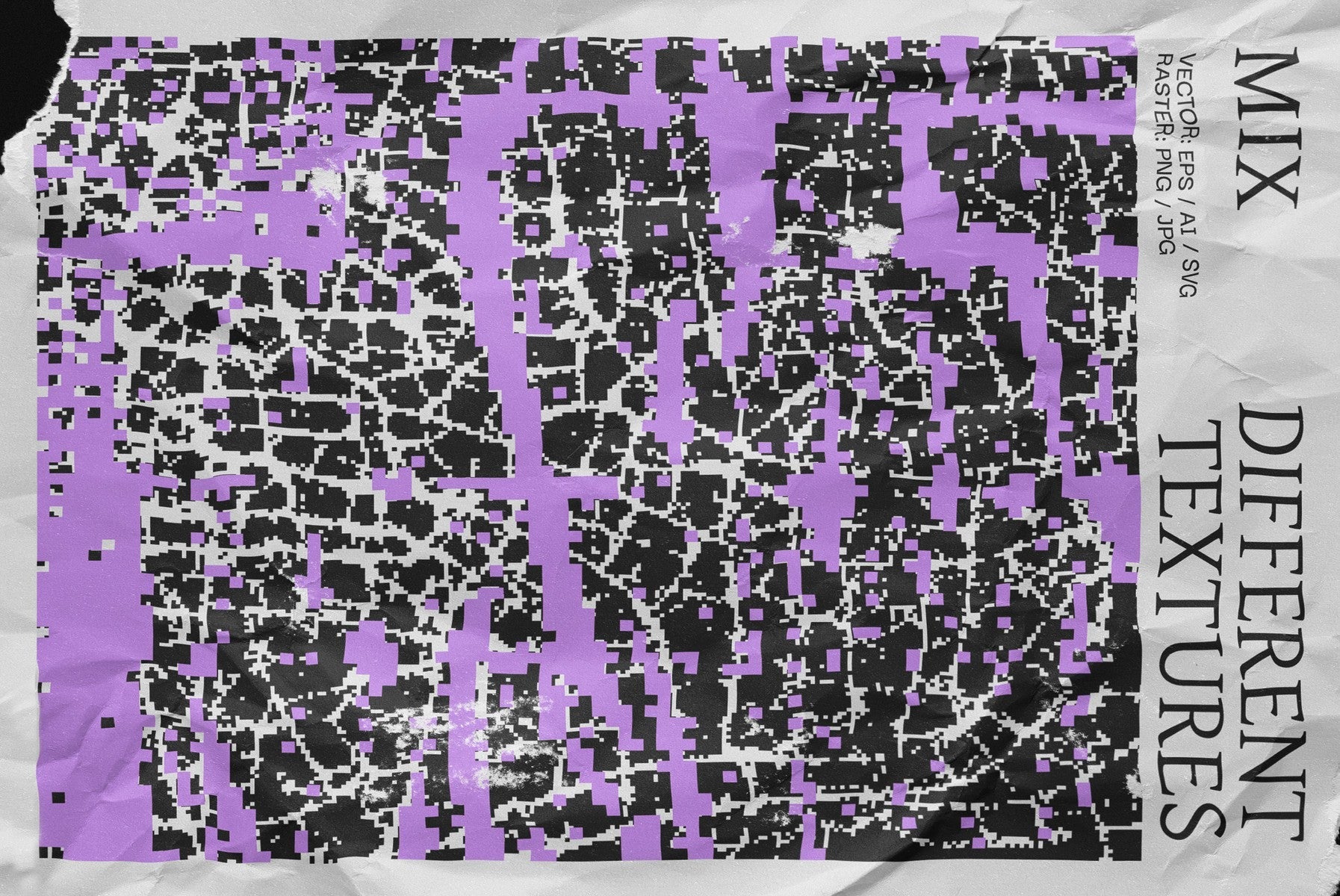
Nothing stays clean for long. Ink bleeds, toner clogs, and paper gets dragged across a dirty press and comes back scuffed. We’ve thoroughly followed this process while working on our new grunge overlay scans. They decay into eight high-contrast sheets of white dust, speckle, and scratch over solid black, running from a light dusting to heavy, blown-out grime.
Drop a sheet over a poster, photo, or wordmark, set it to Screen to lay the white grime straight onto the art, or invert it and run Multiply for dark, dirty grain, then pull the opacity back until the wear reads under the design.
Usage: gig posters, album art, streetwear graphics, zine spreads, packaging, editorial layouts, and skate-brand identities. We pulled the range from fine dust to broken, high-contrast blowouts to cover a faint scuff and a fully damaged surface.
Details:
8 high-quality JPG textures;
4500x3000 px, 300 dpi.
AI Overview
The Grunge Overlay Textures Pack includes 8 high-contrast JPG textures (4500x3000 px, 300 dpi) featuring dust, speckle, and scratch patterns ranging from light to heavy density. Files are compatible with Photoshop, Affinity Photo, Figma, Illustrator, InDesign, Canva, Lightroom, Procreate, After Effects, Affinity Designer, and Sketch.
What's Included
Compatibility


File Size: 47.4MB
DPI: 300
Dimensions: 4500x3000px
Uploaded: September 22, 2026


Instant
Download

Premium
Quality

Lifetime
Support
 Frequently Asked Questions
Our products come with guarantees under the Australian Consumer Law. If a file is faulty or isn't as described, you're entitled to a fix, a replacement or a refund. We don't refund a change of mind. Bought a bigger size than you need, or Extended when Standard would do? Within 14 days, we'll swap it and refund the difference. Read our refund policy.
After your purchase is complete, you'll receive a confirmation email with a link to download your files. You can also log into your account and access your downloads from the 'My Downloads' section.
Every product comes with the Studio 2am License. Choose Standard or Extended, and the size of your business. Which license do I need?