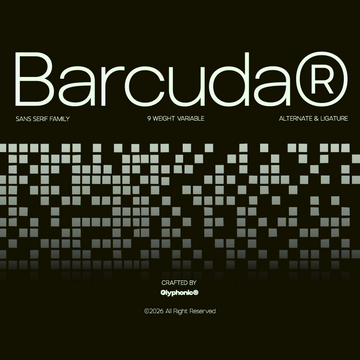
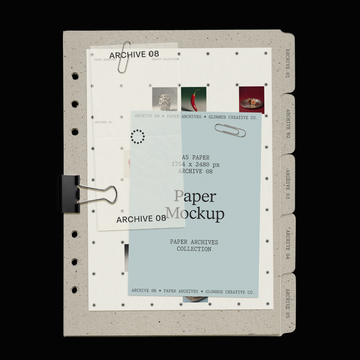


Cream Ink on Black Paper Effect

Pixelbuddha
Description
Sometimes visuals tell a better story than words, so make sure you’ve pulled out all the stops to deliver the awe-provoking showcase. This effect sets the tone instantly, turning simple type into a graphic focal point — ideal for logos, posters, presentation elements, and cover design. Open the Smart Object, delete the default text, add your own, and save. The layout handles the styling — so you can focus on the words.
The asset includes Adobe library’s fonts, but you can use any typefaces you need — the effect perfectly adjusts to them.
What’s inside?
high-quality PSD file;
4500x3000 px, 300 dpi;
help file.
AI Overview
Cream Ink on Black Paper Effect is a Photoshop PSD file (4500x3000 px, 300 dpi) that applies a cream ink on black paper effect to text via a Smart Object, which can be edited by replacing the default text with custom type. The file includes Adobe library fonts, supports any typeface, and comes with a help file.
What's Included
Compatibility

File Size: 99.9MB
DPI: 300
Dimensions: 4500x3000px
Uploaded: November 13, 2026


Instant
Download

Premium
Quality

Lifetime
Support
 Frequently Asked Questions
Our products come with guarantees under the Australian Consumer Law. If a file is faulty or isn't as described, you're entitled to a fix, a replacement or a refund. We don't refund a change of mind. Read our refund policy.
After your purchase is complete, you'll receive a confirmation email with a link to download your files. You can also log into your account and access your downloads from the 'My Downloads' section.
Our products come with different licensing options that allow for many types of use cases. Our licenses page includes detailed information about the available licenses, so you can choose the one that fits your project. Click here to view licence details.