Blurry Analog Effect

Pixelbuddha
Description
Your image does the storytelling. Our effect sharpens the mood — with a structure designed for quick edits, layered control, and natural visual flow. Drop your image into the Smart Object, replace the placeholder, and save. Then fine-tune with built-in adjustment layers — everything’s set up for quick, focused editing right inside the Photoshop file.
What’s inside?
2 high-quality PSD files;
4500x3000 px, 300 dpi;
3000x4500 px, 300 dpi;
help file.
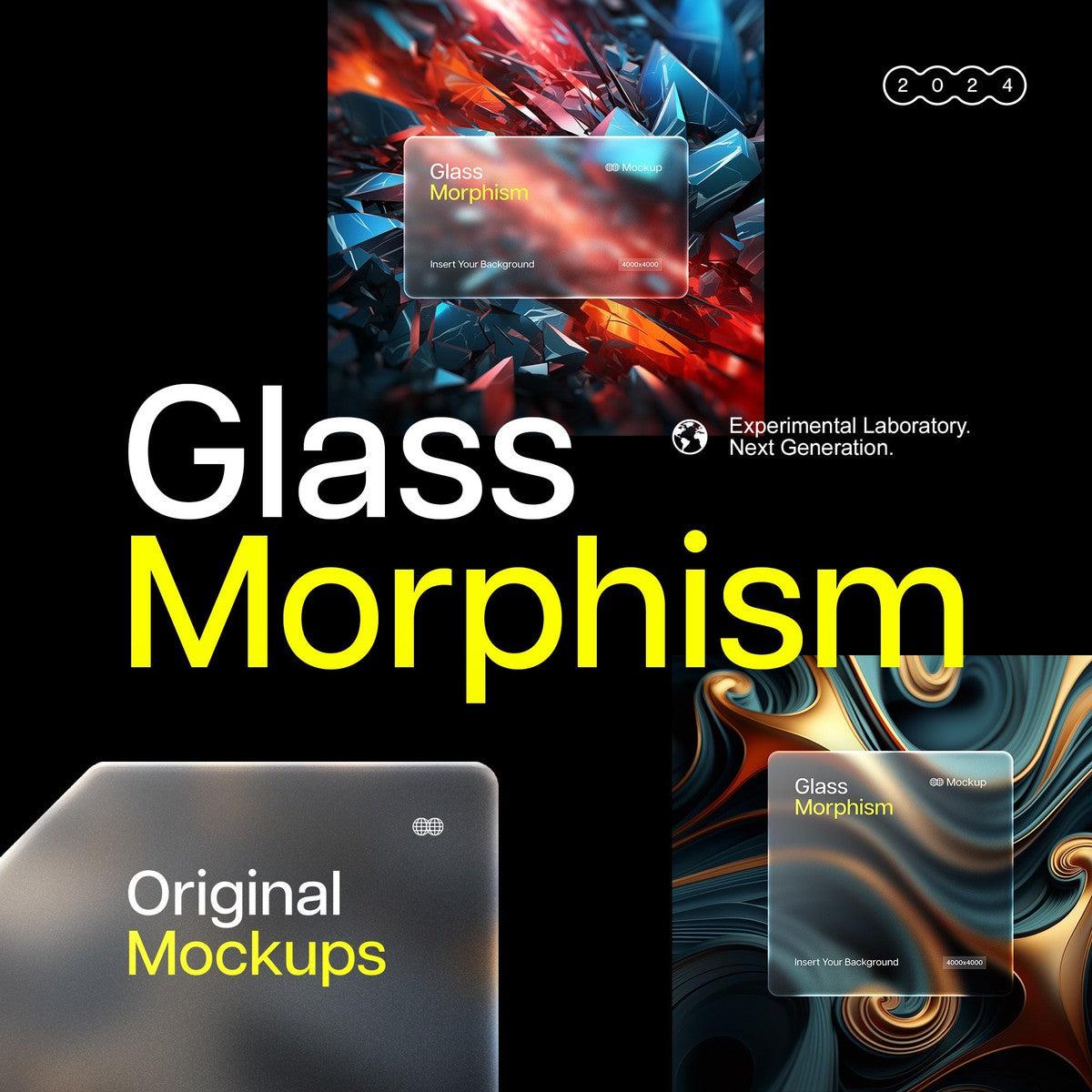
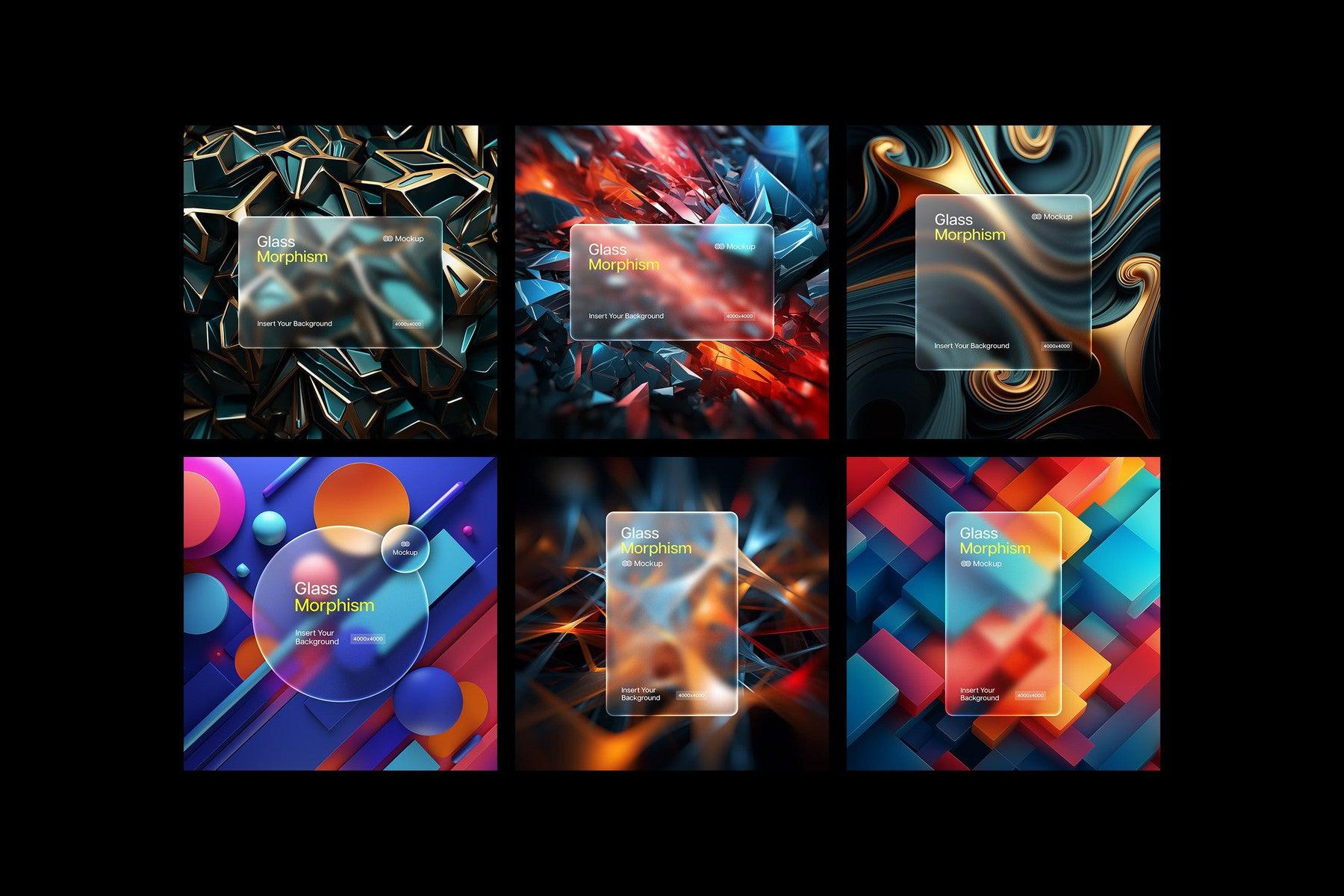
Featured images are for presentation purposes and are not included in the item.
AI Overview
Blurry Analog Effect is a Photoshop PSD template compatible with Smart Object editing, including 2 PSD files at 4500x3000 px and 3000x4500 px (300 dpi), built-in adjustment layers, and a help file. Featured images are for presentation purposes only and are not included.
What's Included
Compatibility

File Size: 246.7MB
DPI: 300
Uploaded: November 13, 2026


Instant
Download

Premium
Quality

Lifetime
Support
 Frequently Asked Questions
Our products come with guarantees under the Australian Consumer Law. If a file is faulty or isn't as described, you're entitled to a fix, a replacement or a refund. We don't refund a change of mind. Read our refund policy.
After your purchase is complete, you'll receive a confirmation email with a link to download your files. You can also log into your account and access your downloads from the 'My Downloads' section.
Our products come with different licensing options that allow for many types of use cases. Our licenses page includes detailed information about the available licenses, so you can choose the one that fits your project. Click here to view licence details.