





Acid Pixel Art Effect

Pixelbuddha
Description
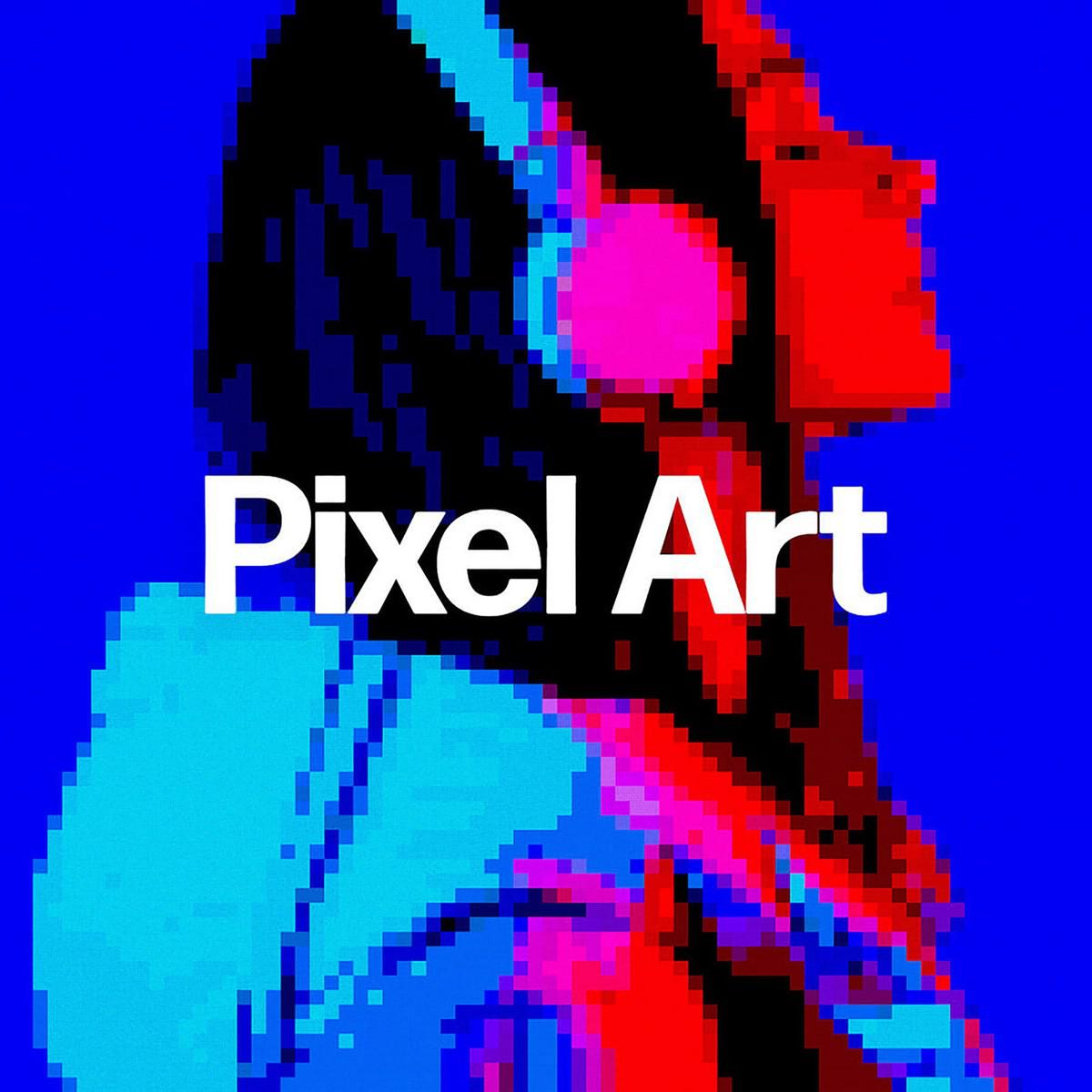
Even with a great abundance of video games these days, more and more developers opt for indie pixel arcades and adventures as they’re relatively easy to create with means at hand. The only thing that’s surely much easier is crafting a pixelated version of yourself with this photo effect for Photoshop. We’ve made sure to add a little pickle to the idea by applying colorful trippy gradients.
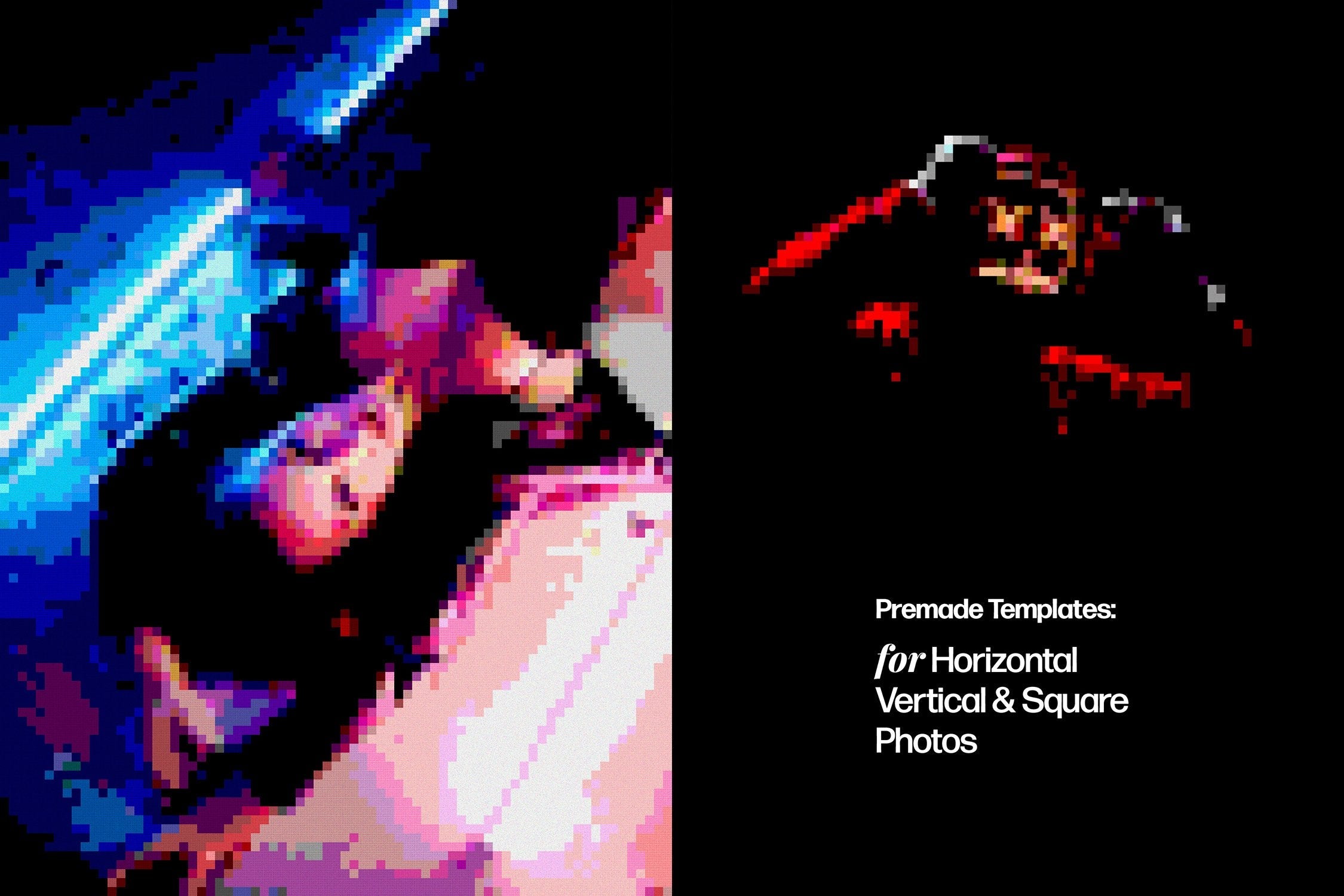
Stardew Valley, Undertale, Terraria, what other epic pixel games pop up in your mind? For this photo effect, we got inspired by the classic ones, having the minimum of shadows, lighting, and details, but wait before you make any assumptions! The added old RGB screen ripples erase the doubt about the asset being vintage to the core. And now about the technical characteristics. The downloaded file comes with 3 PSD canvases of different orientations: horizontal, vertical & square. Before stating your pixelated journey, add 5 patterns and 12 gradients to Photoshop, following the attached Installation file. Feel free to set the pixel size you like — small, medium, or large ones, playing around with the detailization. Now you’re all set for introducing a brand new branding presentation, gaming poster design, social media avatar, Insta story and more!
What’s inside?
- 3 high-quality PSD files;
- horizontal, vertical & square;
- 5 patterns & 12 gradients;
- 3 pixel sizes included;
- 4500x3000 px, 300 dpi;
- 3000x4500 px, 300 dpi;
- 4000x4000 px, 300 dpi;
- help file.
AI Overview
The Acid Pixel Art Effect is a Photoshop compatible tool that allows users to create pixelated versions of images. It comes with 3 PSD canvases in horizontal, vertical, and square orientations, 5 patterns, 12 gradients, and 3 pixel sizes. The tool also includes high-quality files with resolutions of 4500x3000 px, 3000x4500 px, and 4000x4000 px, all at 300 dpi, along with a help file.
What's Included
Compatibility

File Size: 2.3MB
Uploaded: May 17, 2024


Instant
Download

Premium
Quality

Lifetime
Support
 Frequently Asked Questions
We want you to be happy with your purchase! We do offer refunds for digital products if you experience a technical issue that our support team cannot resolve. Just reach out to us within 30 days of your purchase, and we'll be here to help.
After your purchase is complete, you'll receive a confirmation email with a link to download your files. You can also log into your account and access your downloads from the 'My Downloads' section.
Our products come with different licensing options that allow for many types of use cases. Our licenses page includes detailed information about the available licenses, so you can choose the one that fits your project. Click here to view licence details.